- Shopping, made easy.
- /
- Get the app!
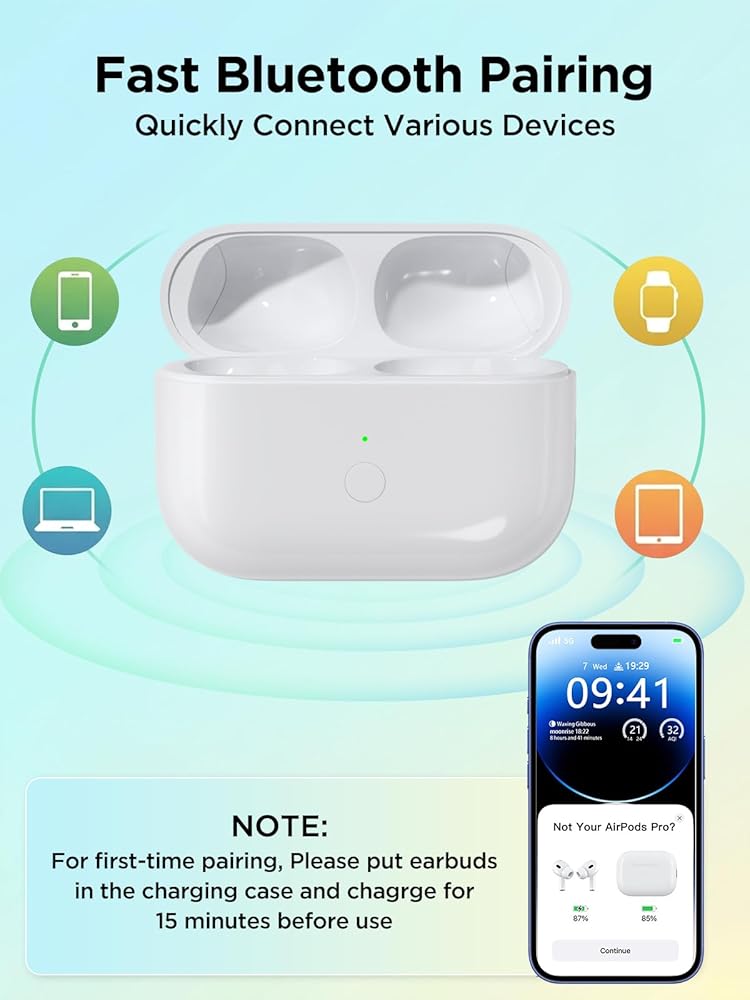
Bluetooth Pairing Instructions ⚠️ Note: Do not connect the charger during pairing.
Initial Charging: Place the earbuds into the charging case and charge for at least 15 minutes before first use.
Enable Bluetooth: Go to Settings → Bluetooth → On on your device.
Enter Pairing Mode: Open the lid, then press and hold the sync button until the white light flashes.
Connect Device: When the pop-up window appears, tap “Connect”.
Complete Pairing: Close the lid and reopen it after 2 seconds. The earbuds will connect automatically.
LED Indicator StatusOrange Light ( Indicates the charging case battery is below 10%.
Green Light (>10% Battery): Indicates the battery level is above 10%.
White Breathing Light (Pairing Mode): Flashing white light means the device is ready to pair.
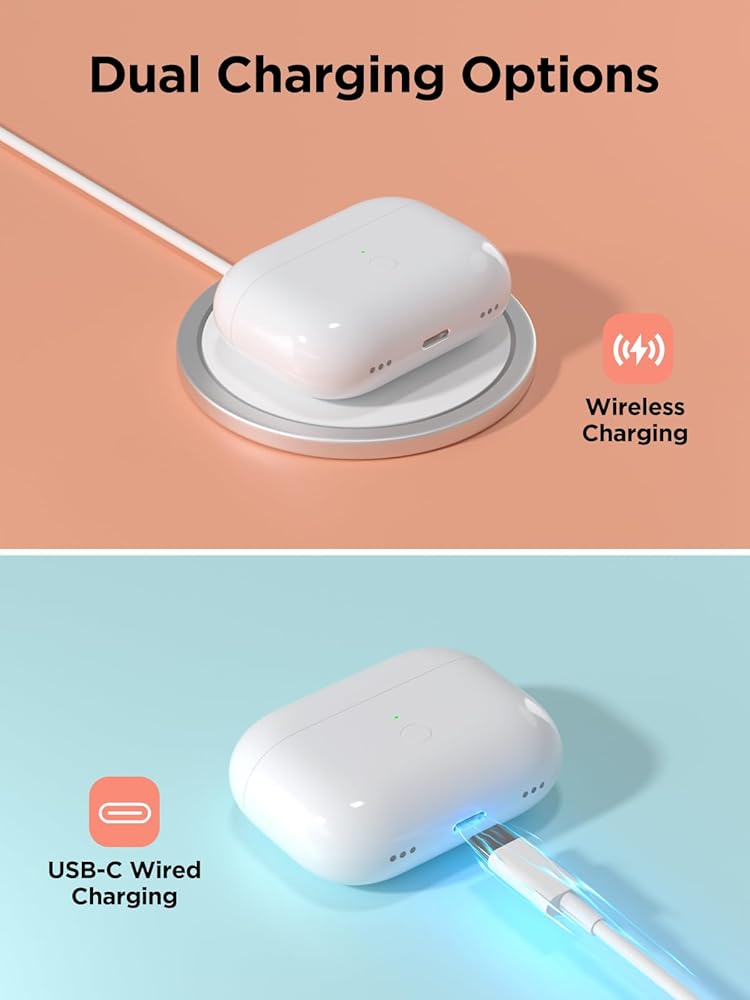
Charging Status: When plugged in, the orange light stays on for 10 seconds, then turns off automatically.
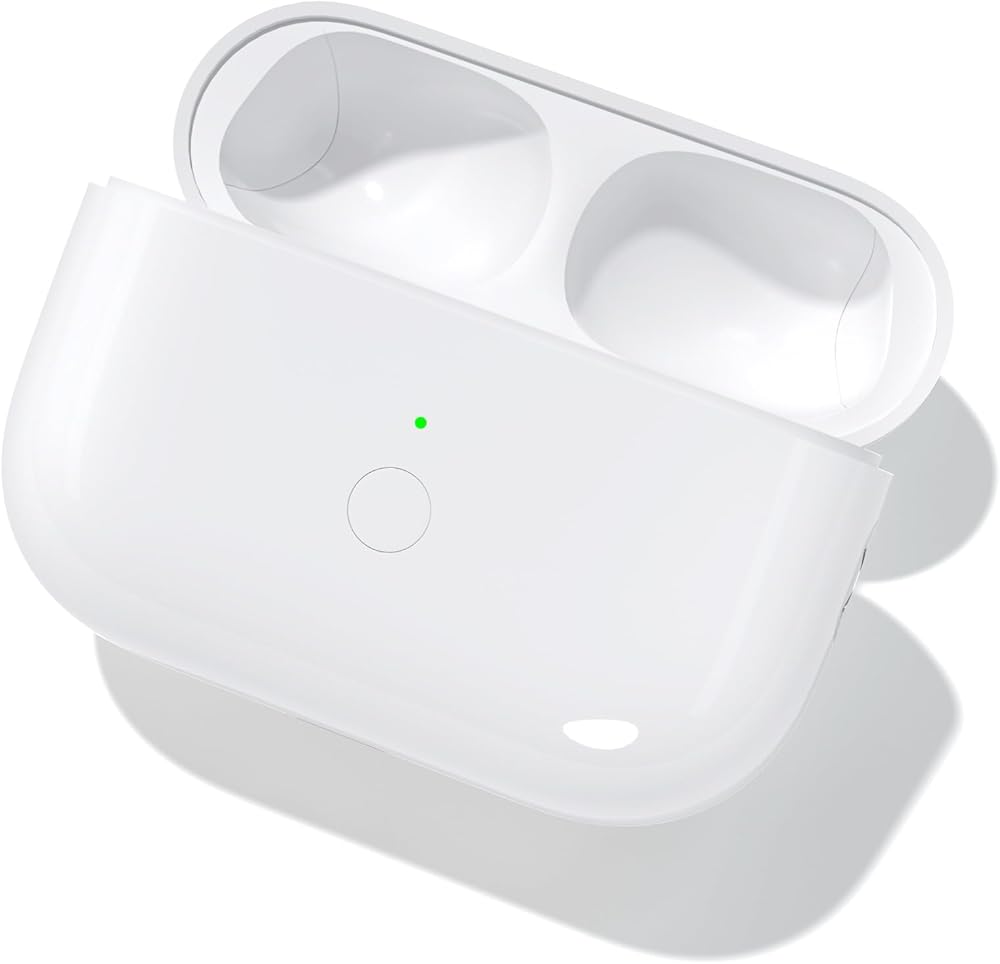
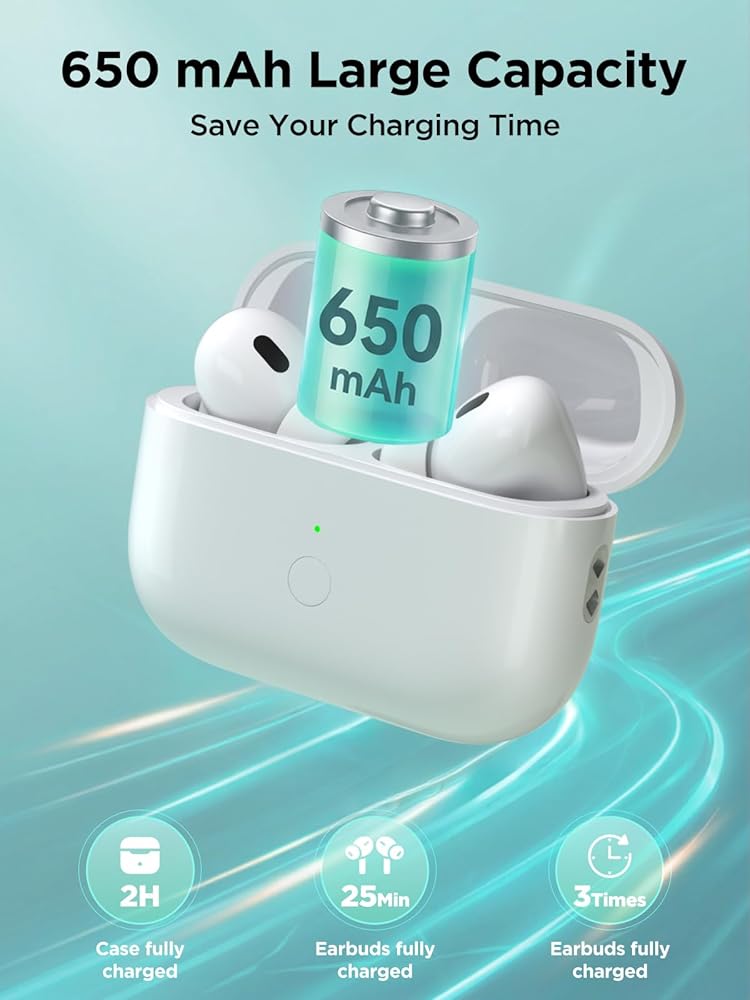
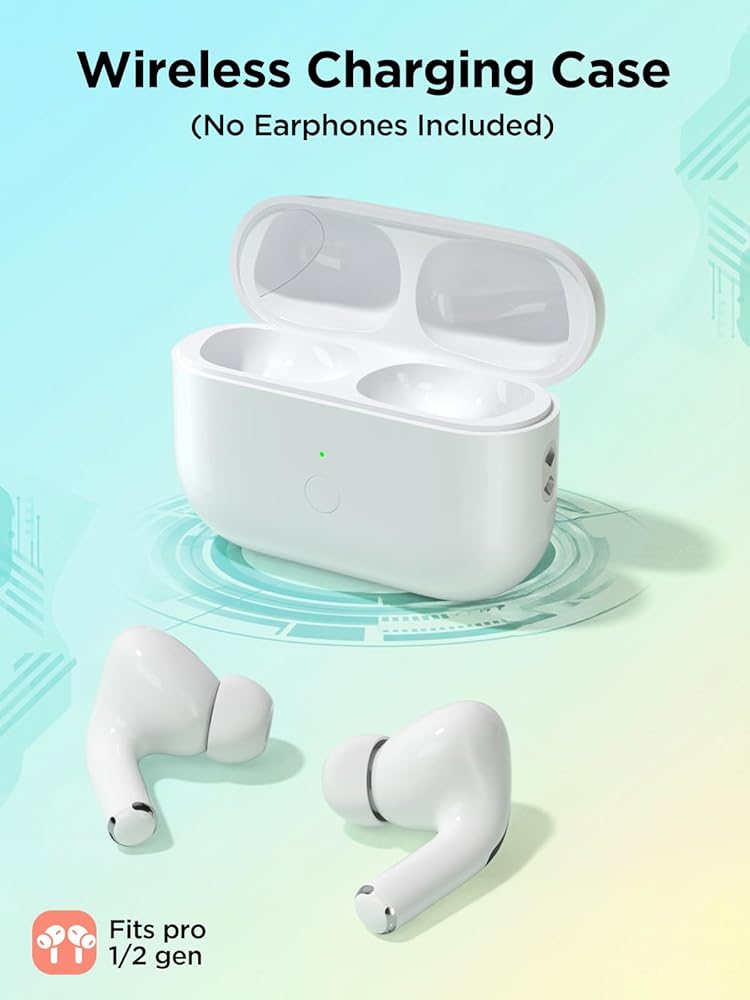
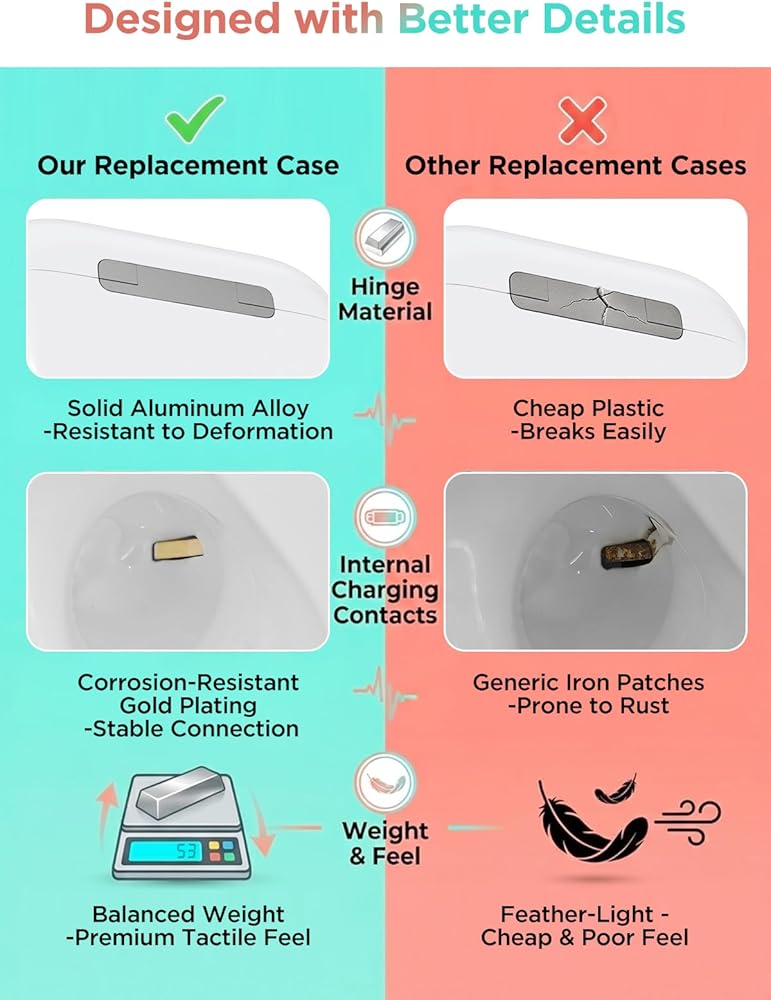
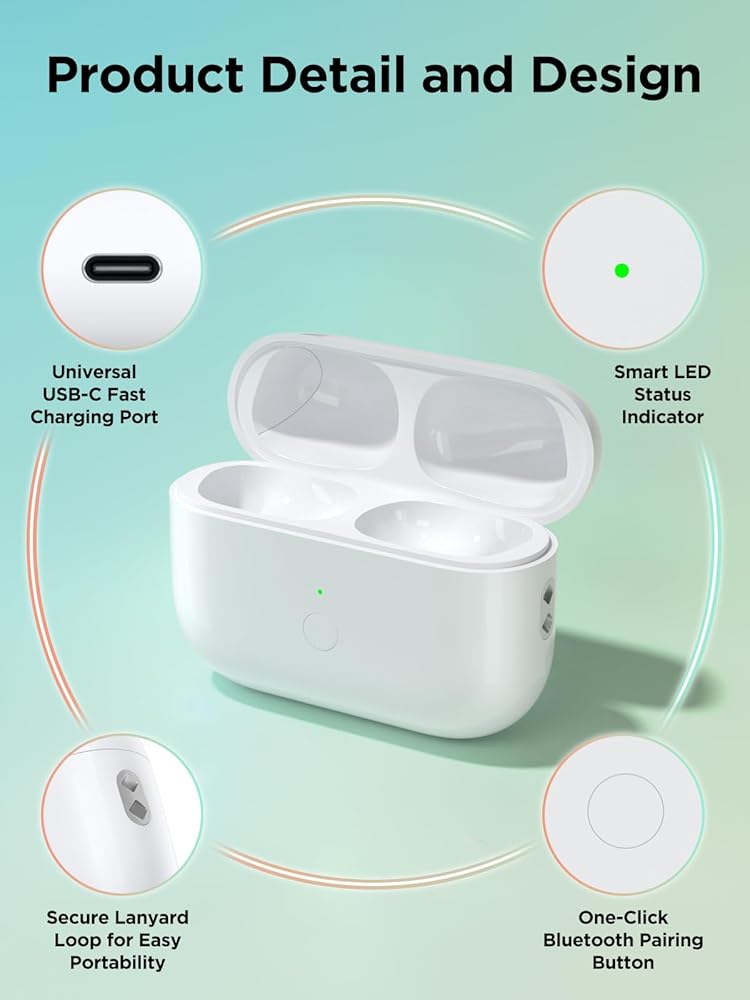
 Wireless Charging Case with AirPods 3rd Generation, Replacement Case for AirPod 3rd Gen with Bluetooth Pairing Sync Button (Not for Pro Mmodels), Earbuds Not Included (L-Port)
KWD 12.500
Wireless Charging Case with AirPods 3rd Generation, Replacement Case for AirPod 3rd Gen with Bluetooth Pairing Sync Button (Not for Pro Mmodels), Earbuds Not Included (L-Port)
KWD 12.500
 Cartoon Case Compatible with AirPods Pro 3 with Keychain Lanyard Cleaning Pen,Cute Funny Shark Pattern,Soft Silicone Anti-Fall Cover Men Women
KWD 4.500
Cartoon Case Compatible with AirPods Pro 3 with Keychain Lanyard Cleaning Pen,Cute Funny Shark Pattern,Soft Silicone Anti-Fall Cover Men Women
KWD 4.500
 CASETiFY Impact Airpods (4th Gen) Case with Ring - Clear Polka Daub Hearts - Frost
KWD 13.500
CASETiFY Impact Airpods (4th Gen) Case with Ring - Clear Polka Daub Hearts - Frost
KWD 13.500
 Wireless Charging Case Replacement Compatible with AirPods 4th Generation, AirPods 4 Charger Replacement Case with Bluetooth Pairing Sync Button, No Earbuds(Only USB -C Port)
KWD 12.500
Wireless Charging Case Replacement Compatible with AirPods 4th Generation, AirPods 4 Charger Replacement Case with Bluetooth Pairing Sync Button, No Earbuds(Only USB -C Port)
KWD 12.500