- التسوق ، اصبح سهلا.
- /
- احصل على التطبيق!
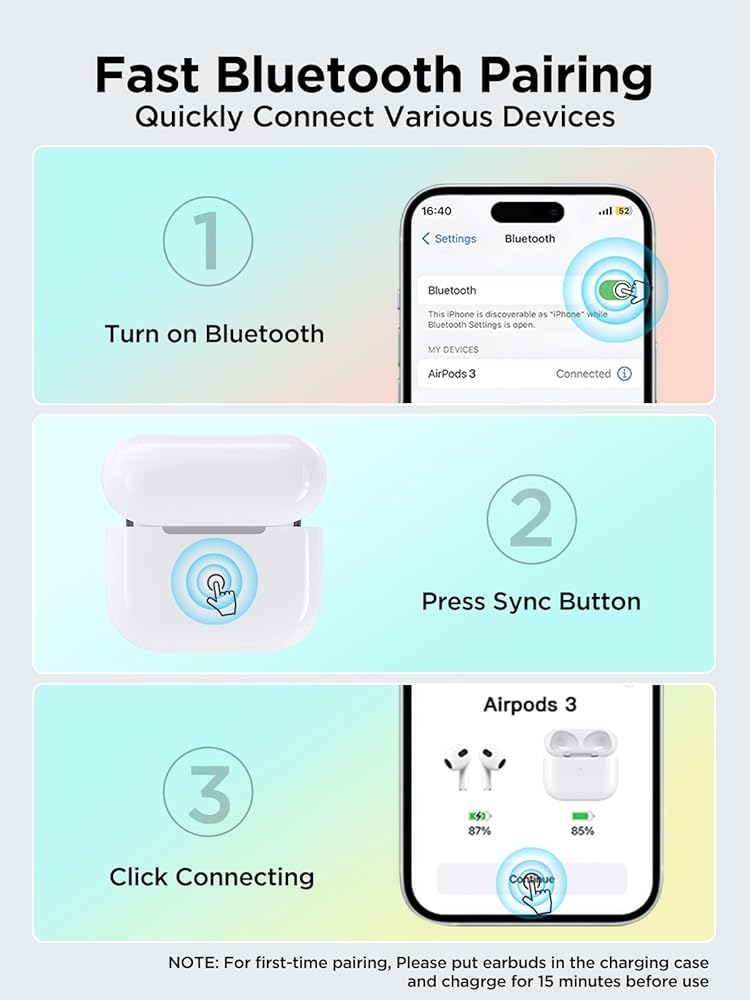
Bluetooth Pairing Instructions ⚠️ Note: Do not connect the charger during pairing.
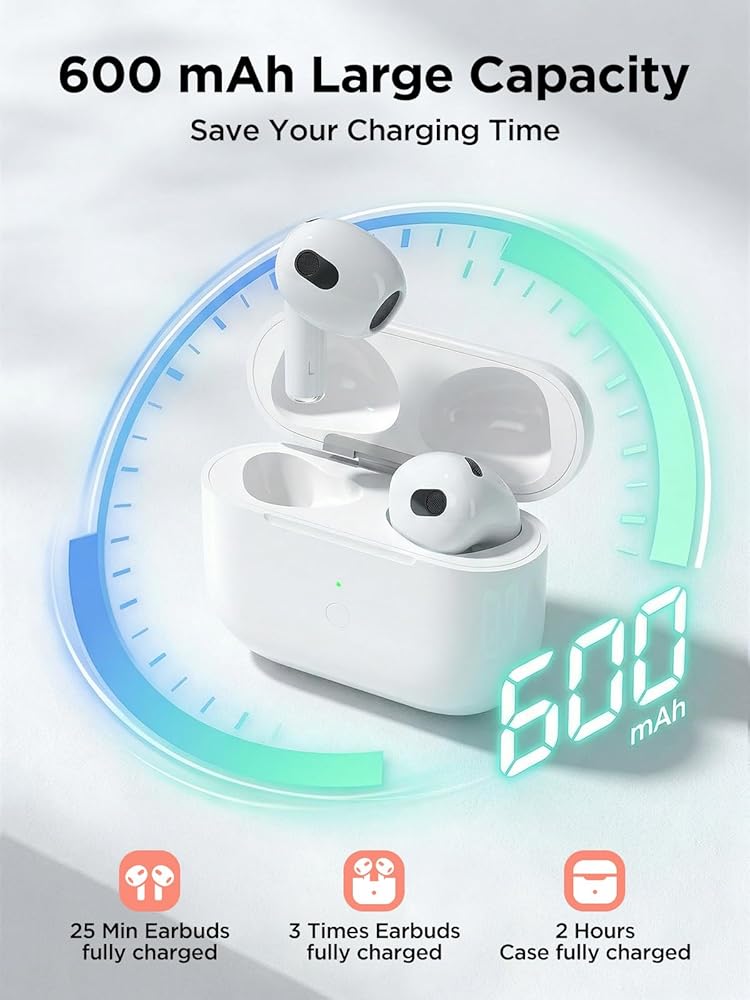
Initial Charging: Place the earbuds into the charging case and charge for at least 15 minutes before first use.
Enable Bluetooth: Go to Settings → Bluetooth → On on your device.
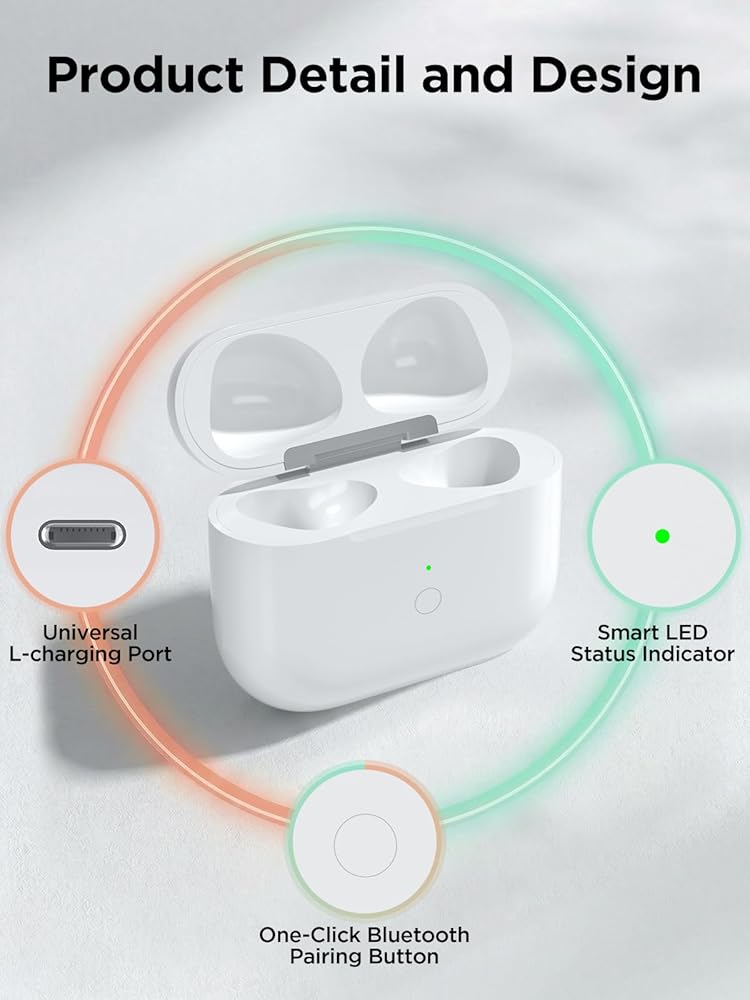
Enter Pairing Mode: Open the lid, then press and hold the sync button until the white light flashes.
Connect Device: When the pop-up window appears, tap “Connect”.
Complete Pairing: Close the lid and reopen it after 2 seconds. The earbuds will connect automatically.
LED Indicator StatusOrange Light ( Indicates the charging case battery is below 10%.
Green Light (>10% Battery): Indicates the battery level is above 10%.
White Breathing Light (Pairing Mode): Flashing white light means the device is ready to pair.
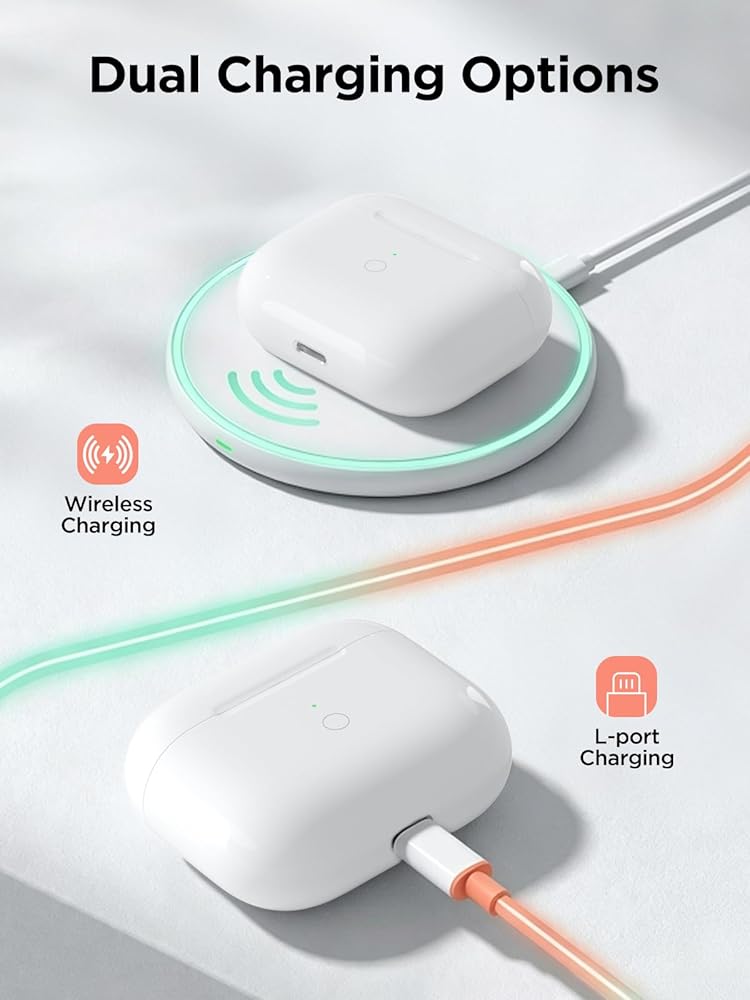
Charging Status: When plugged in, the orange light stays on for 10 seconds, then turns off automatically.
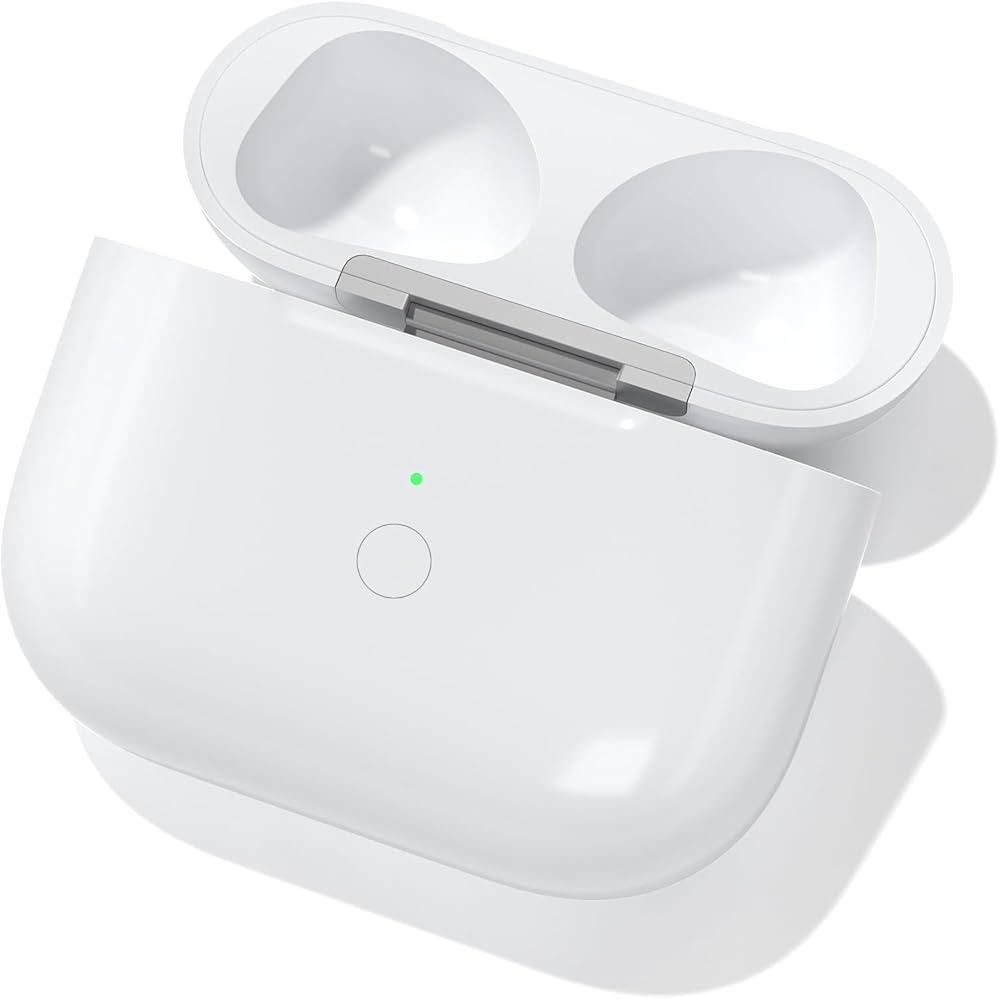
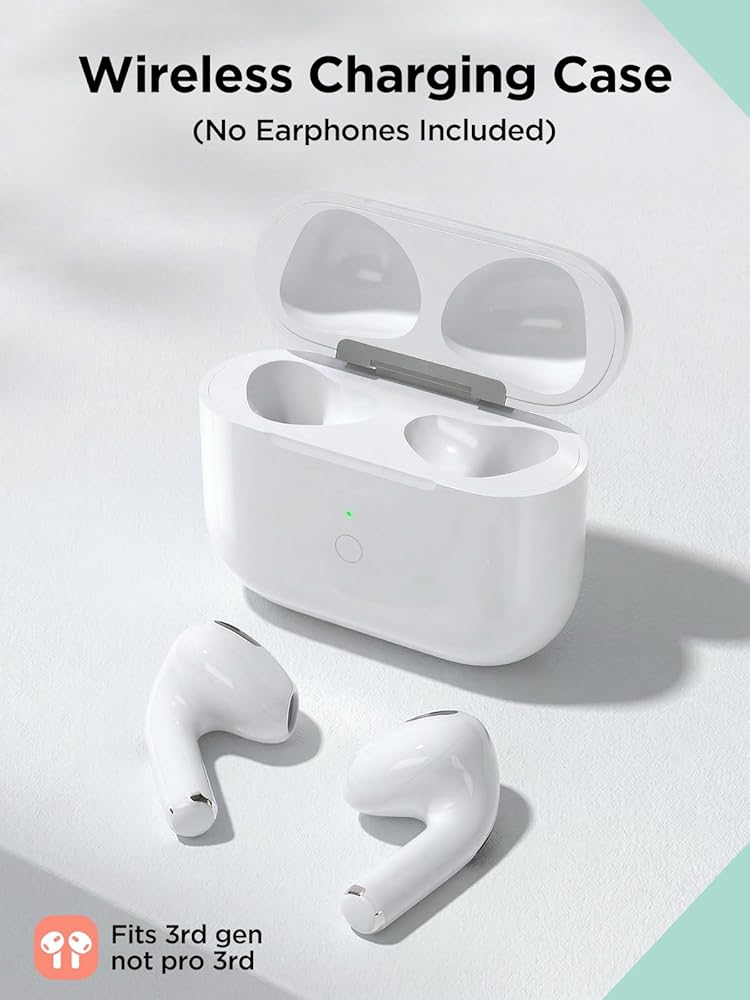
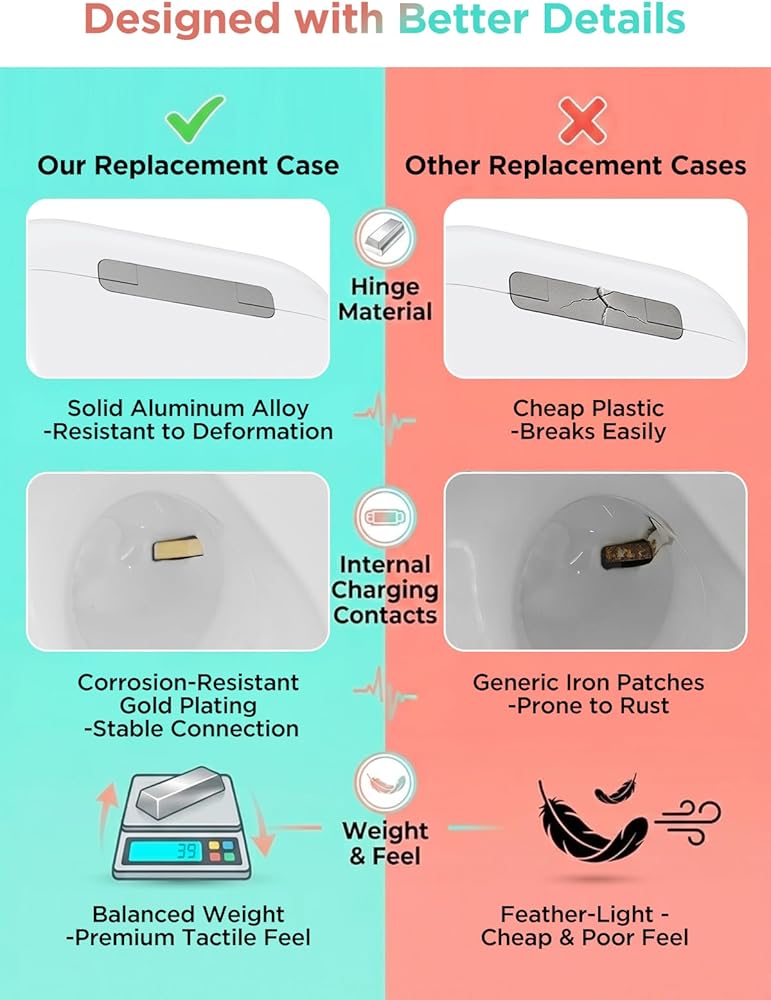
 حافظة شحن لاسلكية لجيل AirPods Pro 1/2 مع نوع C، حافظة بديلة لـ AirPods Pro 1st/2nd مع زر مزامنة بلوتوث، سماعات الأذن غير متضمنة (منفذ من النوع C)
KWD 12
حافظة شحن لاسلكية لجيل AirPods Pro 1/2 مع نوع C، حافظة بديلة لـ AirPods Pro 1st/2nd مع زر مزامنة بلوتوث، سماعات الأذن غير متضمنة (منفذ من النوع C)
KWD 12
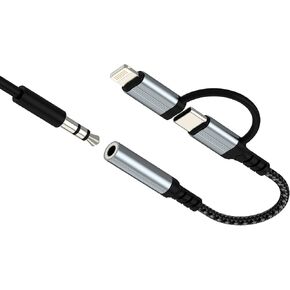 محول صوت USB C Lightning إلى 3.5 مم (2 في 1) لهاتف iPhone 16 15 14 13 Pro Max AUX كابل مقبس سماعة الرأس لـ Apple Dongle Car ميكروفون موصل أنثى متوافق مع محول سماعة الرأس Samsung Adaptador
KWD 3
محول صوت USB C Lightning إلى 3.5 مم (2 في 1) لهاتف iPhone 16 15 14 13 Pro Max AUX كابل مقبس سماعة الرأس لـ Apple Dongle Car ميكروفون موصل أنثى متوافق مع محول سماعة الرأس Samsung Adaptador
KWD 3
 -48%
WC Stealthz Cloud - FPS TOVERSEDS لـ Hyperx Cloud Alpha ، Cloud 2 ، Cloud Stinger & More by GadgetryTech & Wicked Cushions | تعزيز الدقة الصوتية وراحة التنفس | أسود
KWD 6.500
-48%
WC Stealthz Cloud - FPS TOVERSEDS لـ Hyperx Cloud Alpha ، Cloud 2 ، Cloud Stinger & More by GadgetryTech & Wicked Cushions | تعزيز الدقة الصوتية وراحة التنفس | أسود
KWD 6.500
 مجموعة محولات سماعات الرأس المكونة من 4 قطع (مطلية بالذهب)، 1/8 (3.5 ملم) و1/4 (6.35 ملم) محول ستيريو (TRS)، محول مقبس الصوت للجيتار، أمبير، الاستوديو، بدون فقدان الإشارة
KWD 2.500
مجموعة محولات سماعات الرأس المكونة من 4 قطع (مطلية بالذهب)، 1/8 (3.5 ملم) و1/4 (6.35 ملم) محول ستيريو (TRS)، محول مقبس الصوت للجيتار، أمبير، الاستوديو، بدون فقدان الإشارة
KWD 2.500