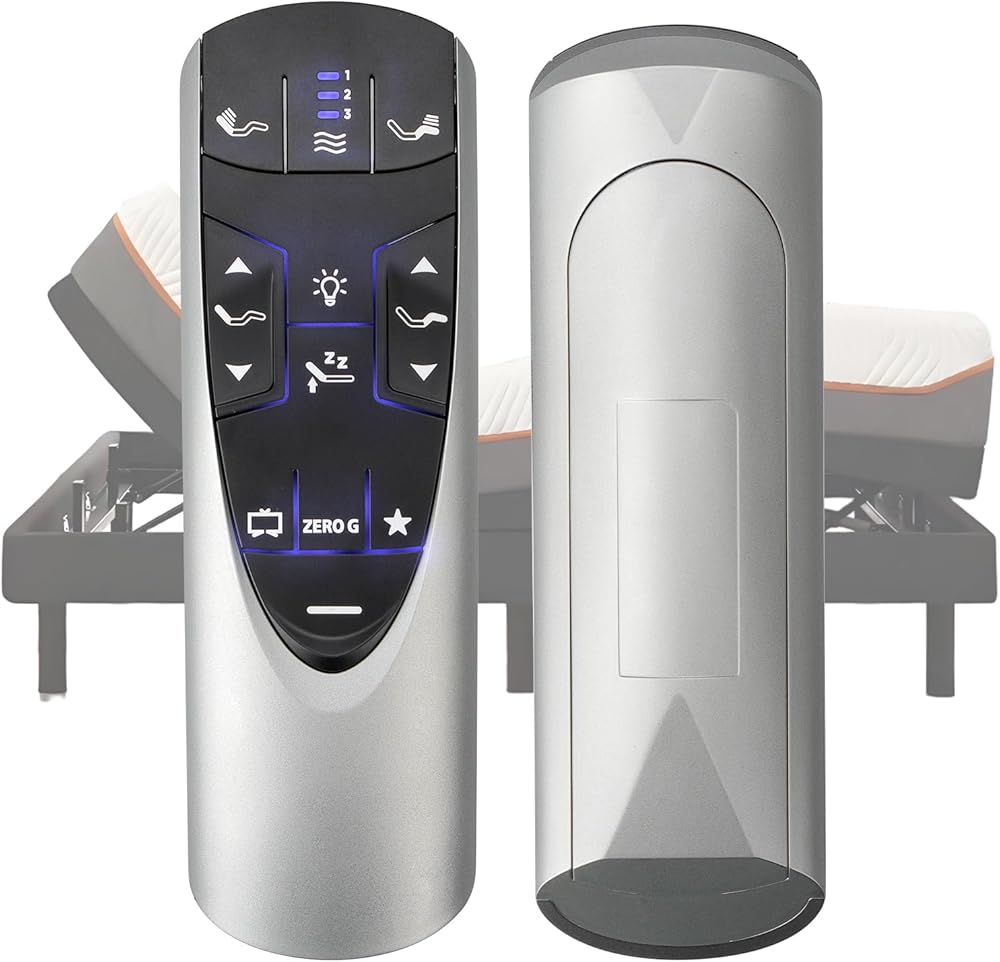
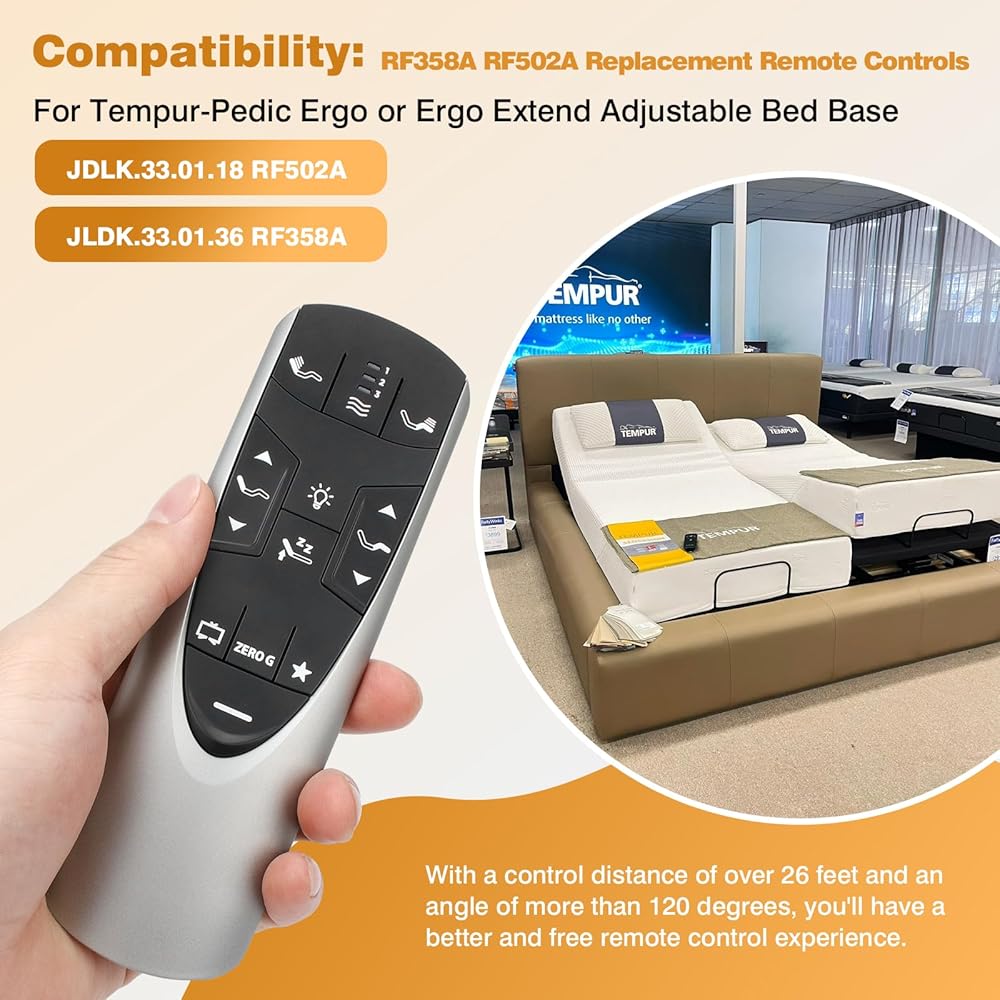
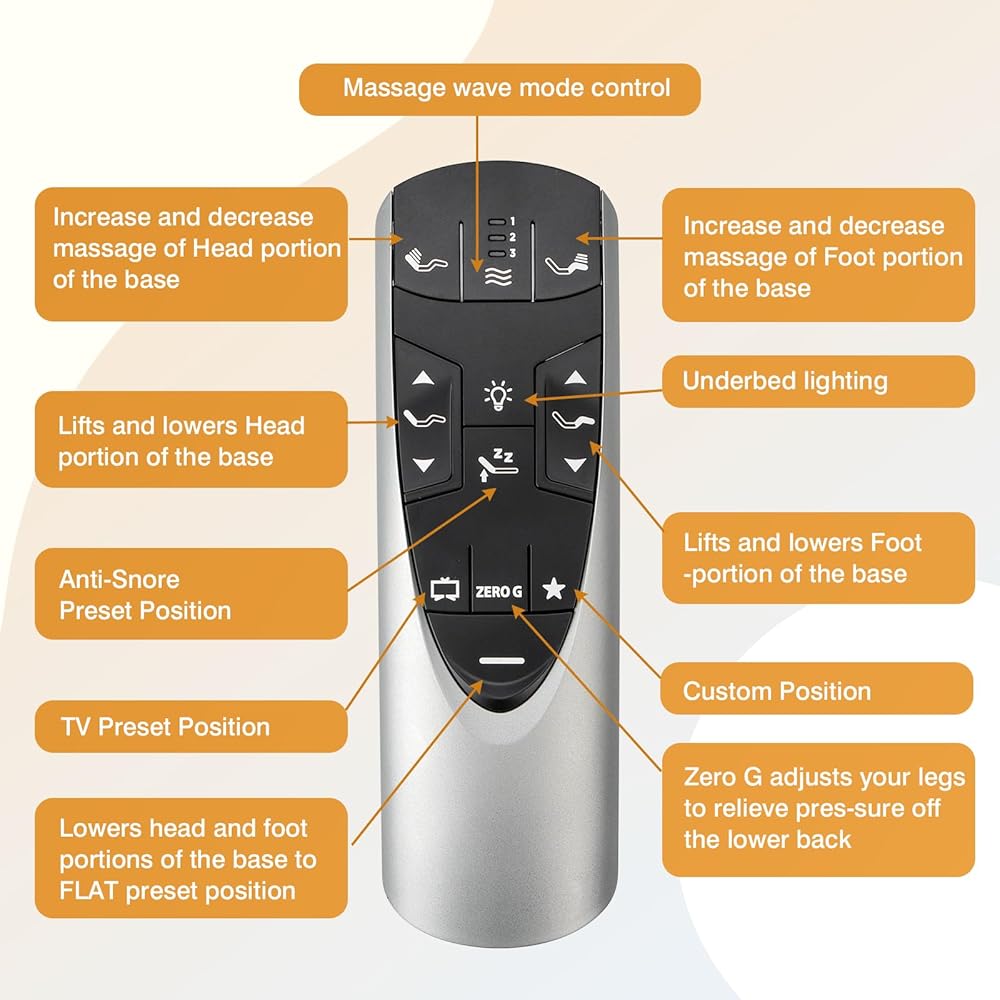
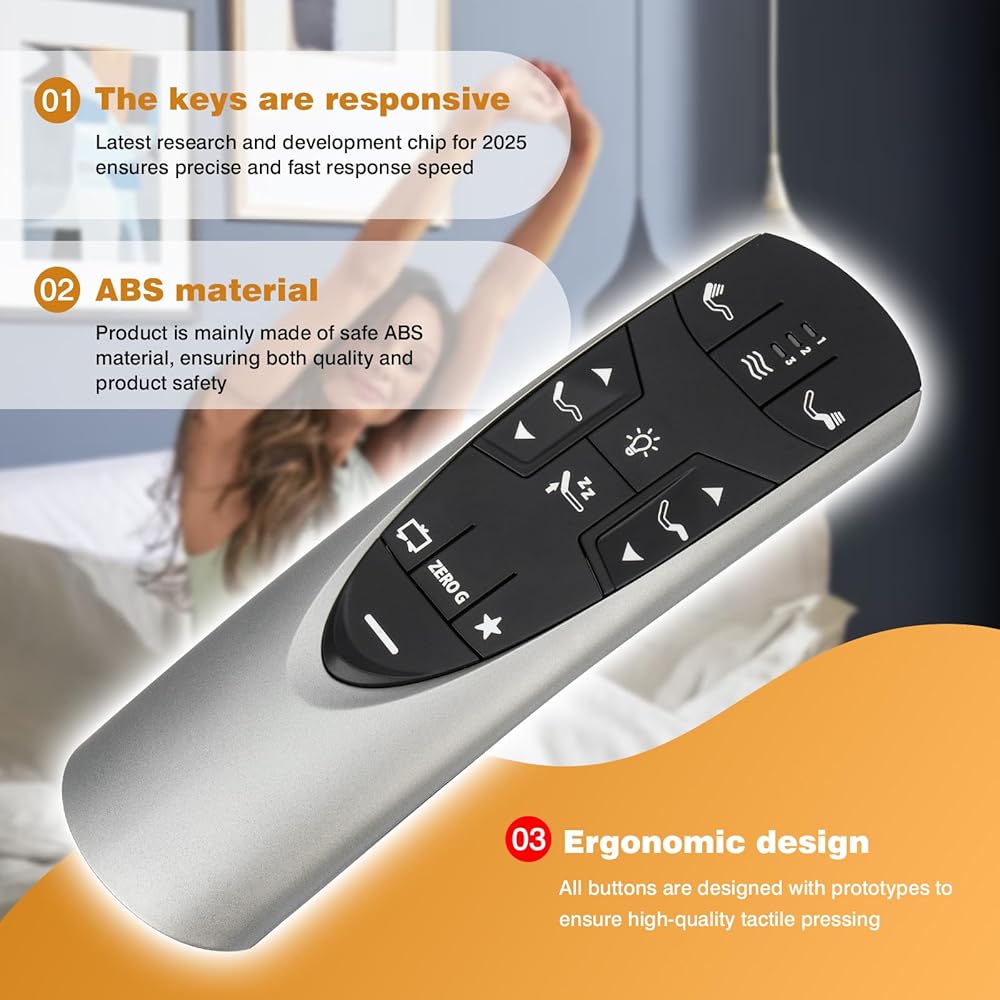
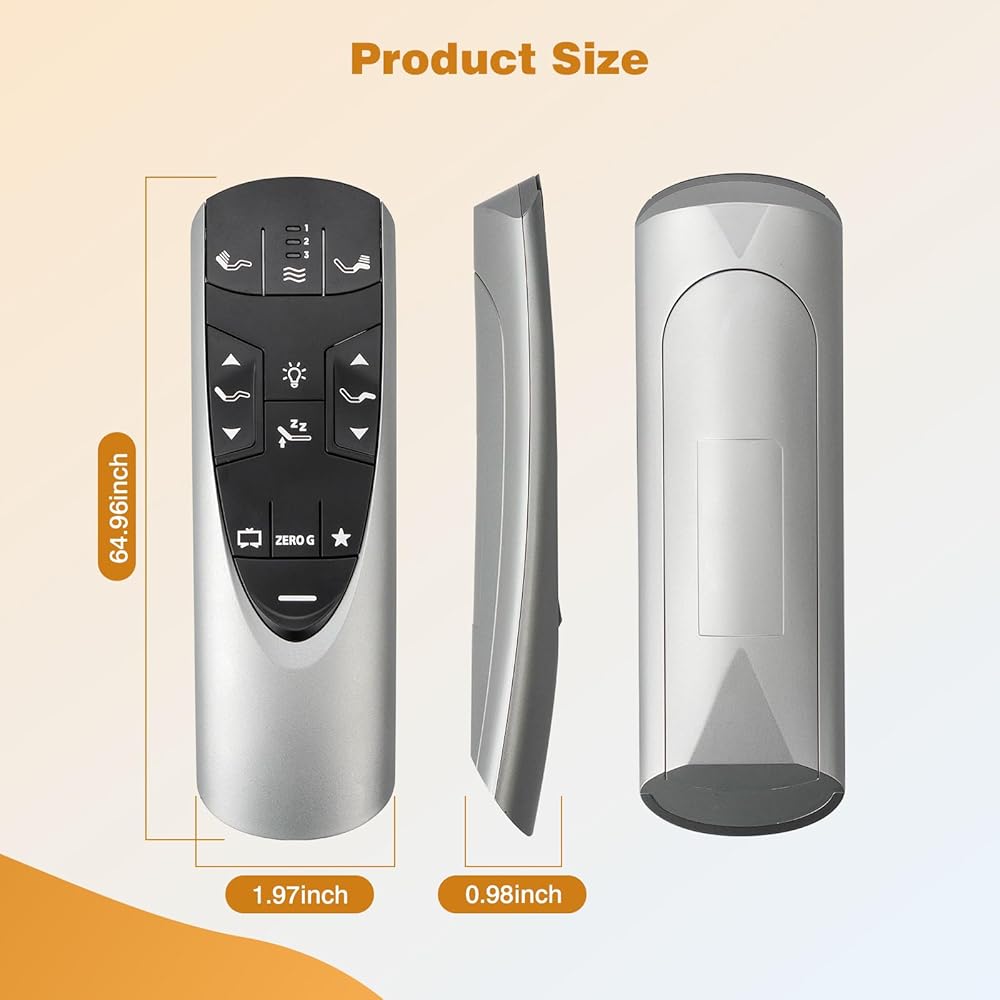
Perfect Replacement Solution: RF358A RF502A replacement remote control for Tempur-Pedic Ergo or Ergo Extend adjustable bed base JDLK.33.01.18,Perfect compatibility and optimal performance.
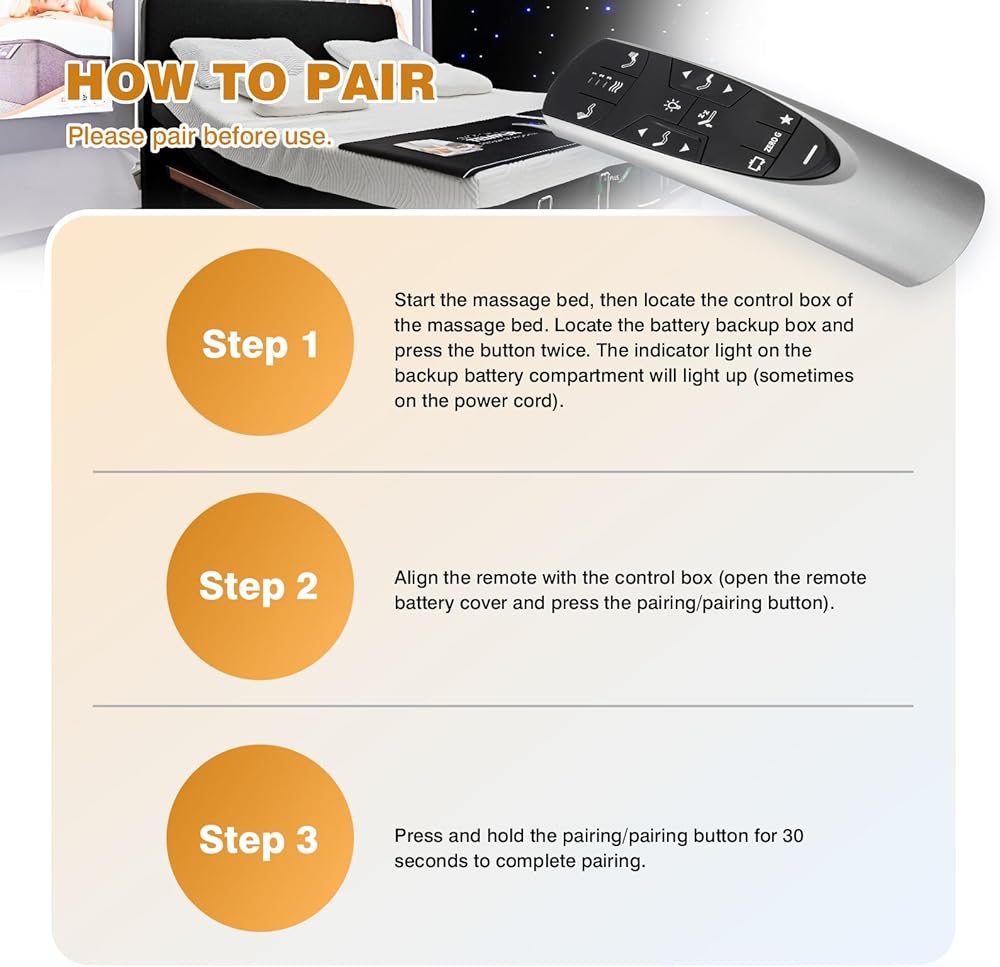
How to Pair: Please pair before use. 1) Start the massage bed, then find the control box of the massage bed. Locate the Battery Backup Box and press the button TWICE. A light on the Battery Back Up Box will illuminate (Sometimes on the power cord). 2) Point the remote control at the control box (open the remote control battery cover and press the Pair/Paire button). 3) Press and hold the Pair/Paire button for 30 seconds to complete the pairing
Upgraded Material Design: Replacement Remote Control is made of brand new ABS material, exquisite workmanship, can be used for many years, not easy to be damaged, ergonomic curved design ensures easy to hold, comfortable hand feeling, stylish and beautiful design.
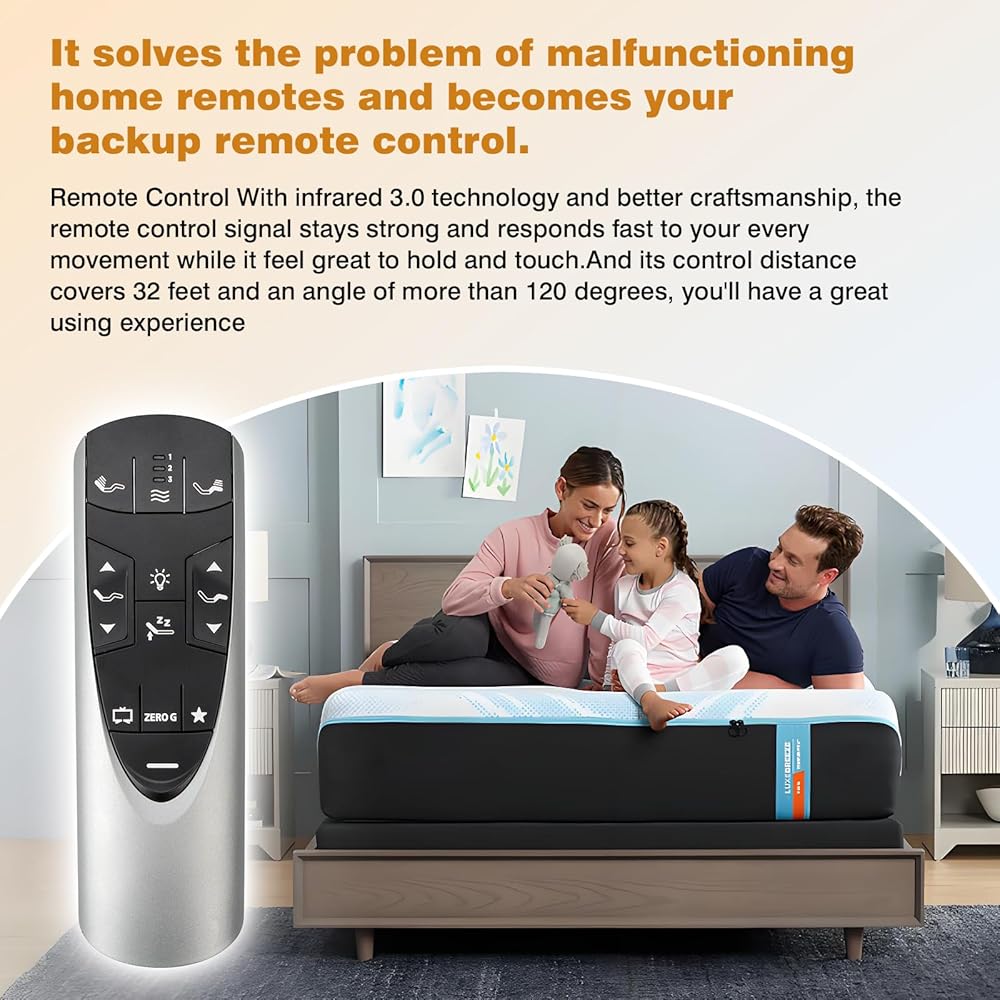
Responsive Controls :Enjoy excellent button response and tactile feedback with each press, Easy Adjustment,With a control distance of over 26 feet, you can easily operate your adjustable bed without needing to be right next to it, enhancing your convenience.
Versatile Angle Flexibility: The remote allows for operation at angles exceeding 120 degrees, providing you with greater freedom to adjust your bed from various positions in the room,Package Included: 1 x IR remote control (Batteries and Instructions are Not Included). It can solve the problem when your home remote control doesn't work and becomes your backup remote control.
Description
RF358A RF502A Replacement Remote Control for Tempurpedic Ergo/Ergo Extend Adjustable Bed Base JDLK.33.01.18, control distance of over 26 feet
 Tuscan Silver 75" Premiere Deco TV Frame - Compatible ONLY with Samsung The Frame TV and Pro TVs (Fits 2021-2025, LS03A, LS03B,LS03C,LS03D,LS03FA,LS03FW)
KWD 1.500
Tuscan Silver 75" Premiere Deco TV Frame - Compatible ONLY with Samsung The Frame TV and Pro TVs (Fits 2021-2025, LS03A, LS03B,LS03C,LS03D,LS03FA,LS03FW)
KWD 1.500
 Panasonic DVD-S700P-K HDMI 1080P Up-Converting All Multi Region Code Zone Free PAL/NTSC DVD Player
KWD 28.500
Panasonic DVD-S700P-K HDMI 1080P Up-Converting All Multi Region Code Zone Free PAL/NTSC DVD Player
KWD 28.500
 Wireless HDMI G9R Pro- One Transmitter and Two Receivers, Wirelessly Simultaneous Expansion of Multiple TVs- 165FT/50M 5.8G/2.4G @60Hz, Plug and Play Extender Kit- Streaming from Laptop/PC to Multi-TV
KWD 53.500
Wireless HDMI G9R Pro- One Transmitter and Two Receivers, Wirelessly Simultaneous Expansion of Multiple TVs- 165FT/50M 5.8G/2.4G @60Hz, Plug and Play Extender Kit- Streaming from Laptop/PC to Multi-TV
KWD 53.500
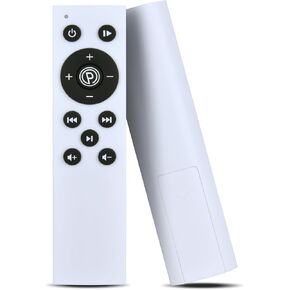 PZL Universal Replacement Remote Control for Vibration Plate Exercise Machine (Make Sure Your Old Remote is Same with Pic)
KWD 6.500
PZL Universal Replacement Remote Control for Vibration Plate Exercise Machine (Make Sure Your Old Remote is Same with Pic)
KWD 6.500