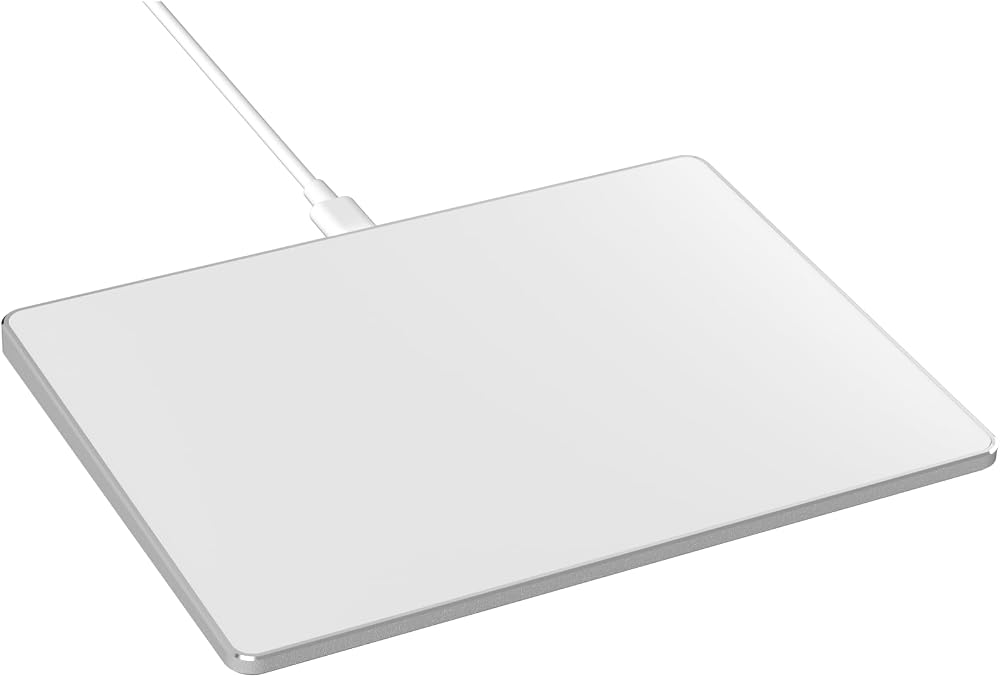
لوحة تتبع بلوتوث لاسلكية لنظام التشغيل Windows 10 و11، أوضاع اتصال 3 في 1، تحكم عالي الدقة، لوحة لمس محمولة متعددة اللمس للكمبيوتر الشخصي والكمبيوتر المحمول (فضي)
Wide Compatibility: Designed for seamless integration with Windows 10/11, PCs, laptops, and desktops. Note: Not compatible with Mac, Chrome OS, or Linux devices. The touchpad DO NOT HAVE built-in left and right physical mouse buttons.
Plug & Play with Stable Type-C Connection: Enjoy effortless setup—just plug the USB cable into your computer for instant use. The driver-free design ensures a stable connection without the need for batteries or additional software.
High-Precision Multi-Touch Control: Experience smoother navigation than a standard laptop touchpad, featuring four-finger gesture support. Easily click, scroll, zoom, and access advanced functions with intuitive multi-touch responsiveness.
Sleek & Portable Travel Companion: Crafted with a durable surface and sleek metal back, this ultra-thin touchpad is perfect for on-the-go productivity. Its compact design saves space while reducing wrist strain, offering a healthier alternative to traditional mice.
Efficient Design: Customize cursor speed and scrolling direction for a personalized experience.
How to Drag Files & Select Text: Double Click with One Finger+Hold/Slide to drag files or select text. Please try quickly double-tapping the trackpad with one finger, then keep holding and sliding to drag files or select a paragraph of text or a row of cells.
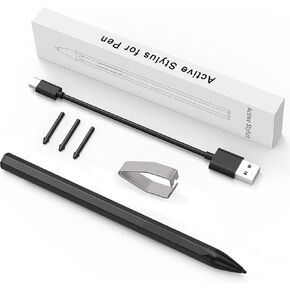 قابلة لإعادة الشحن MPP 2.0 PEN TILT PEN 3J122AA#ABB 3J123AA#ABB لـ HP PAVILION X360 ENVY X360 SPECTER X360 for Surface Pro4/5/6/8/10/10/11/BOOK/GO (Black)
KWD 6
قابلة لإعادة الشحن MPP 2.0 PEN TILT PEN 3J122AA#ABB 3J123AA#ABB لـ HP PAVILION X360 ENVY X360 SPECTER X360 for Surface Pro4/5/6/8/10/10/11/BOOK/GO (Black)
KWD 6
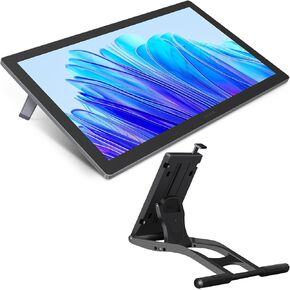 -25%
Huion Kamvas Pro 19 4K UHD Drawing Tablet مع شاشة تعمل باللمس ، و 96 ٪ شاشة رسم Adobe RGB مع 1.07 مليار ألوان ، و Pentech 4.0 القلم ، وضغط القلم 16384 ، والقلم النحيف ، و Meydial Mini ، وقصة قابلة للتعديل
KWD 315
-25%
Huion Kamvas Pro 19 4K UHD Drawing Tablet مع شاشة تعمل باللمس ، و 96 ٪ شاشة رسم Adobe RGB مع 1.07 مليار ألوان ، و Pentech 4.0 القلم ، وضغط القلم 16384 ، والقلم النحيف ، و Meydial Mini ، وقصة قابلة للتعديل
KWD 315
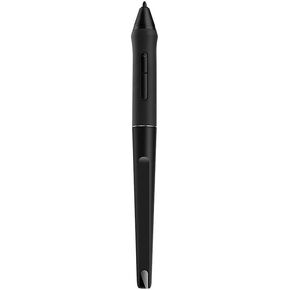 PW500 قلم القلم الخالي من البطارية من أجل Huion Kamvas Pro 22 Inspiroy Q11K V2 Q620M GT-221 GT2201 الرسوم اللوحي رسم الشاشة الرقمية اللمس الشاشة.
KWD 12.500
PW500 قلم القلم الخالي من البطارية من أجل Huion Kamvas Pro 22 Inspiroy Q11K V2 Q620M GT-221 GT2201 الرسوم اللوحي رسم الشاشة الرقمية اللمس الشاشة.
KWD 12.500
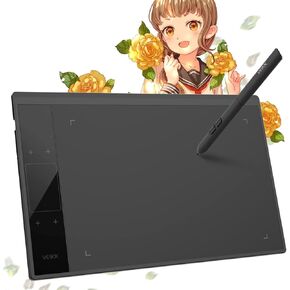 -10%
جهاز لوحي فيكك A30 ، قرص رسومات 10 × 6 بوصة مع 8192 مستويات قلم خالٍ من البطارية ، 4 مفاتيح لمسة ، وسادة تعمل باللمس ، متوافقة مع Mac/Windows/Android/Linux ، مثالية للفن الرقمي
KWD 14
-10%
جهاز لوحي فيكك A30 ، قرص رسومات 10 × 6 بوصة مع 8192 مستويات قلم خالٍ من البطارية ، 4 مفاتيح لمسة ، وسادة تعمل باللمس ، متوافقة مع Mac/Windows/Android/Linux ، مثالية للفن الرقمي
KWD 14

