- التسوق ، اصبح سهلا.
- /
- احصل على التطبيق!
Q:The headset microphone is not working?
A:It may be an upgrade of the computer equipment system used.
Corresponding setting operation:
Step 1:Click Control Panel on the desktop.
Step 2:Find the hardware and click on the sound.
Step 3:Find Device Manager and click on it.
Step 4:Find the Sound,Video and Game Controllers click on.
Step 5:Find the headset pairing name GEVO E-PCO1 and right click.
Step 6:Find Uninstall Device and click on it.
Step 7:After completing the above steps,unplug the USB headset and plug it in again.
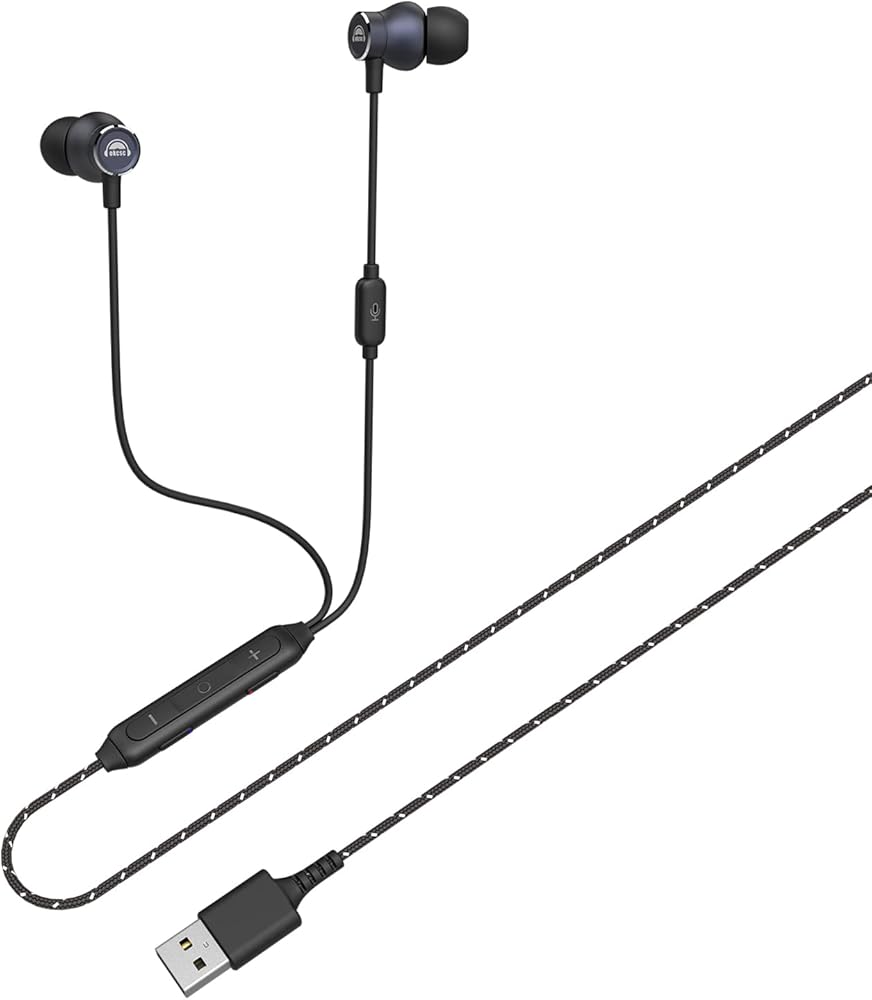
Experience the best of both worlds with this innovative dual-mode headset cable. Switch seamlessly between Gaming Mode, featuring ultra-low latency for competitive gaming, and Music Mode, delivering pristine audio quality for your favorite tunes. The intuitive LED indicator glows blue when Gaming Mode is active, making it easy to know which mode you're in. The braided cable design adds durability while reducing tangles, and the ergonomic control module puts mode switching and volume adjustment right at your fingertips. Perfect for gamers who demand split-second audio response during intense gameplay but also appreciate high-fidelity sound while listening to music. The versatile design ensures compatibility with various gaming setups and audio devices, making it an essential accessory for any gaming and music enthusiast.
 -22%
Neat Skyline - ميكروفون مؤتمرات بمكثف سطح المكتب USB قلبي الاتجاه للمؤتمرات والبودكاست والبث - أسود
KWD 14.500
-22%
Neat Skyline - ميكروفون مؤتمرات بمكثف سطح المكتب USB قلبي الاتجاه للمؤتمرات والبودكاست والبث - أسود
KWD 14.500
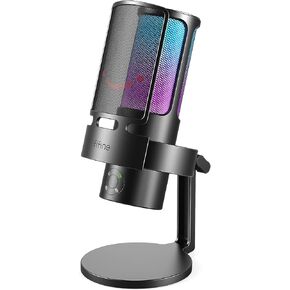 ميكروفون ألعاب FIFINE USB Streaming، ميكروفون سطح المكتب مكثف للكمبيوتر الشخصي للفيديو والاستخدام المنزلي واليوتيوب، مع تحكم RGB، ومقبض كسب، ومقبس سماعة رأس 3.5 مم، وحامل للصدمات، على الكمبيوتر/PS4/PS5-AmpliGame A8 وردي
KWD 23.500
ميكروفون ألعاب FIFINE USB Streaming، ميكروفون سطح المكتب مكثف للكمبيوتر الشخصي للفيديو والاستخدام المنزلي واليوتيوب، مع تحكم RGB، ومقبض كسب، ومقبس سماعة رأس 3.5 مم، وحامل للصدمات، على الكمبيوتر/PS4/PS5-AmpliGame A8 وردي
KWD 23.500
 ميكروفون USB للبث من فيفين لتسجيل الجري على جهاز الكمبيوتر الشخصي وماك، ميكروفون ألعاب كمبيوتر مكثف لجهاز PS4.مخرج سماعة الراس وتحكم في مستوى الصوت والتحكم في مستوى الصوت وزر كتم الصوت ويوتيوب (K678)
KWD 16.500
ميكروفون USB للبث من فيفين لتسجيل الجري على جهاز الكمبيوتر الشخصي وماك، ميكروفون ألعاب كمبيوتر مكثف لجهاز PS4.مخرج سماعة الراس وتحكم في مستوى الصوت والتحكم في مستوى الصوت وزر كتم الصوت ويوتيوب (K678)
KWD 16.500
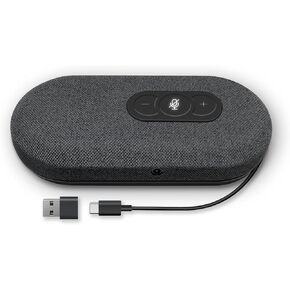 رابيت مكبر صوت USB، مكبرات صوت للكمبيوتر للمؤتمرات مع ميكروفون لمكالمات المكتب والمنزل، التقاط صوت محسن 360 درجة، تقليل الضوضاء، الغاء الصدى، متوافق مع زووم، تيمز، سكايب
KWD 24.500
رابيت مكبر صوت USB، مكبرات صوت للكمبيوتر للمؤتمرات مع ميكروفون لمكالمات المكتب والمنزل، التقاط صوت محسن 360 درجة، تقليل الضوضاء، الغاء الصدى، متوافق مع زووم، تيمز، سكايب
KWD 24.500