- Shopping, made easy.
- /
- Get the app!
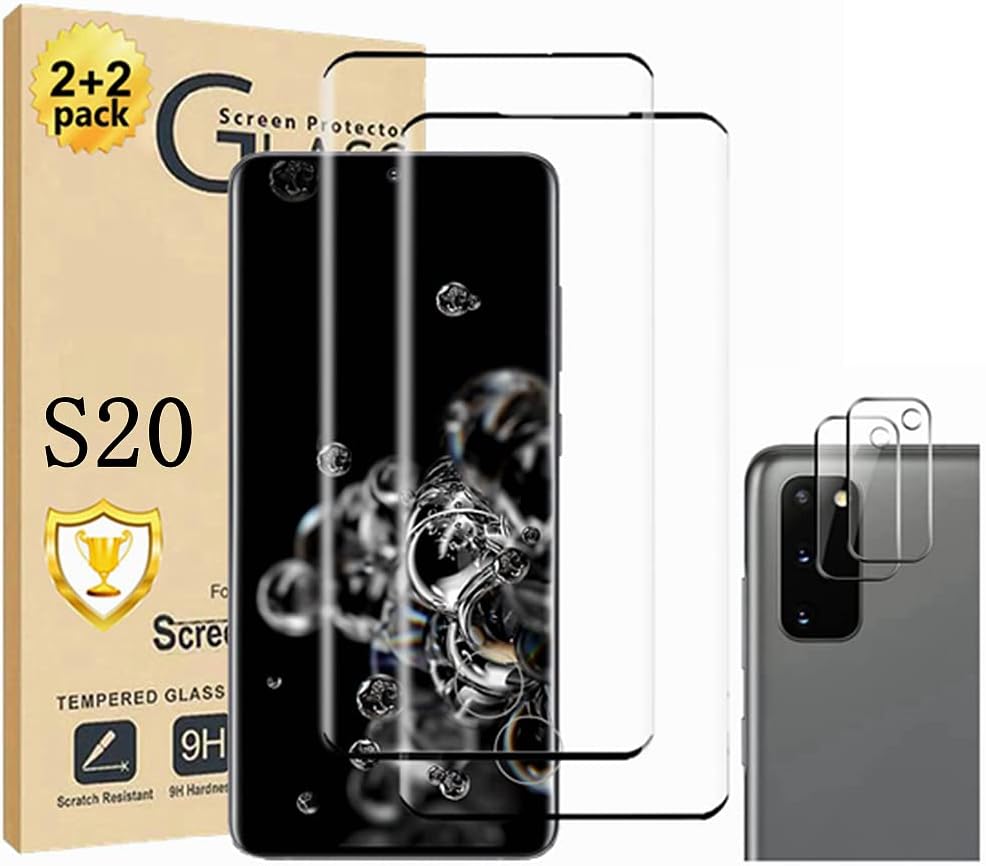
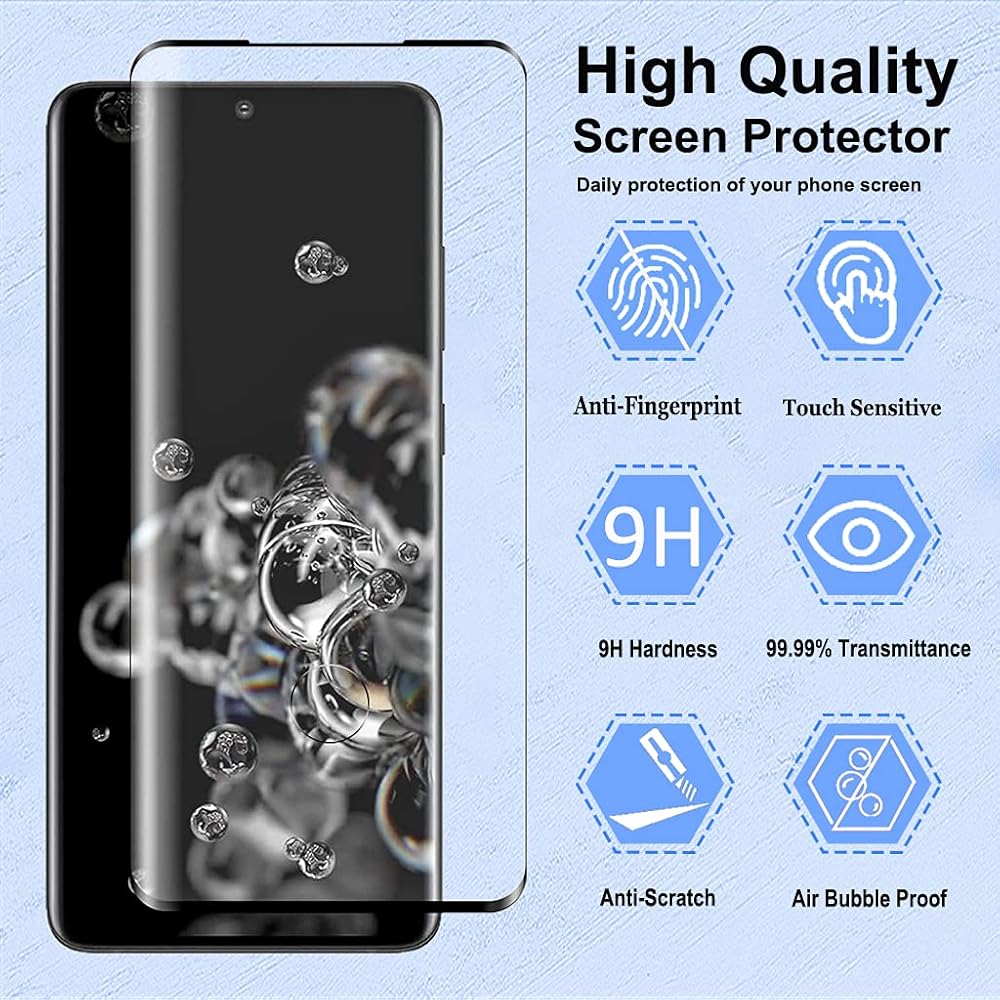
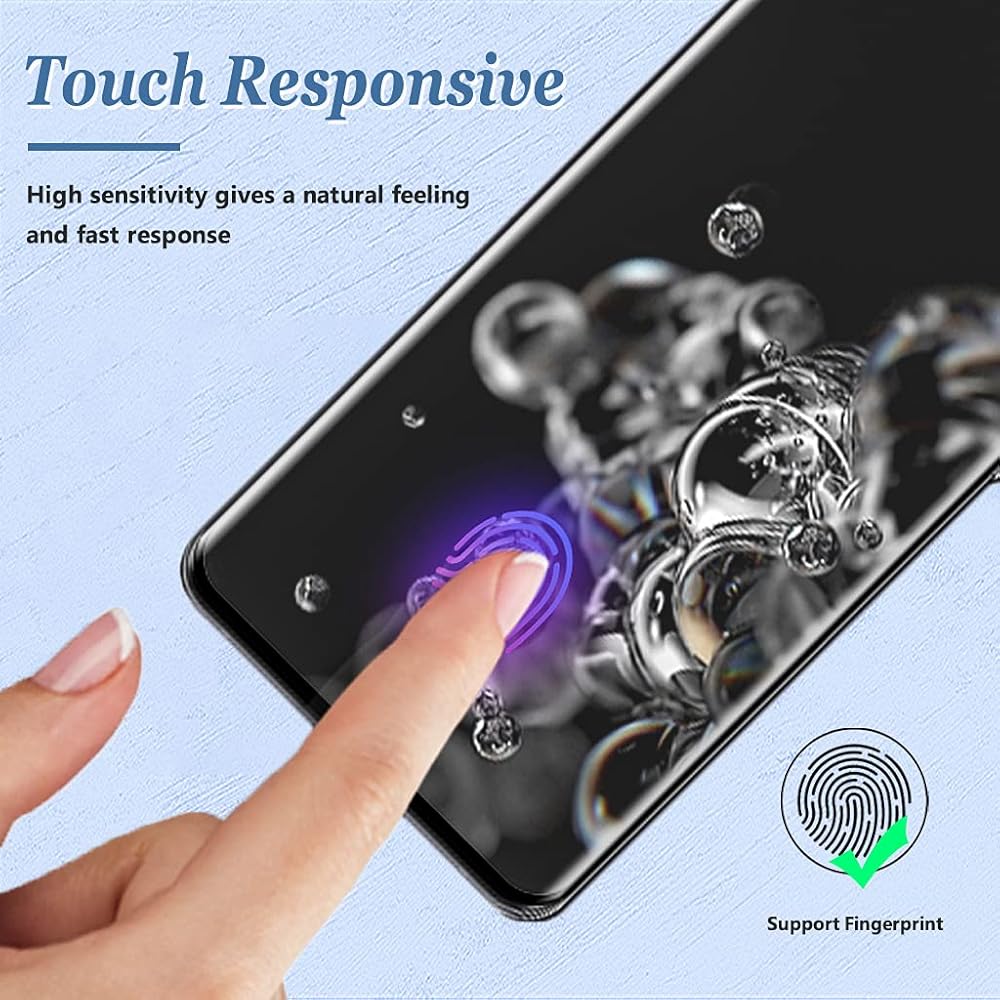
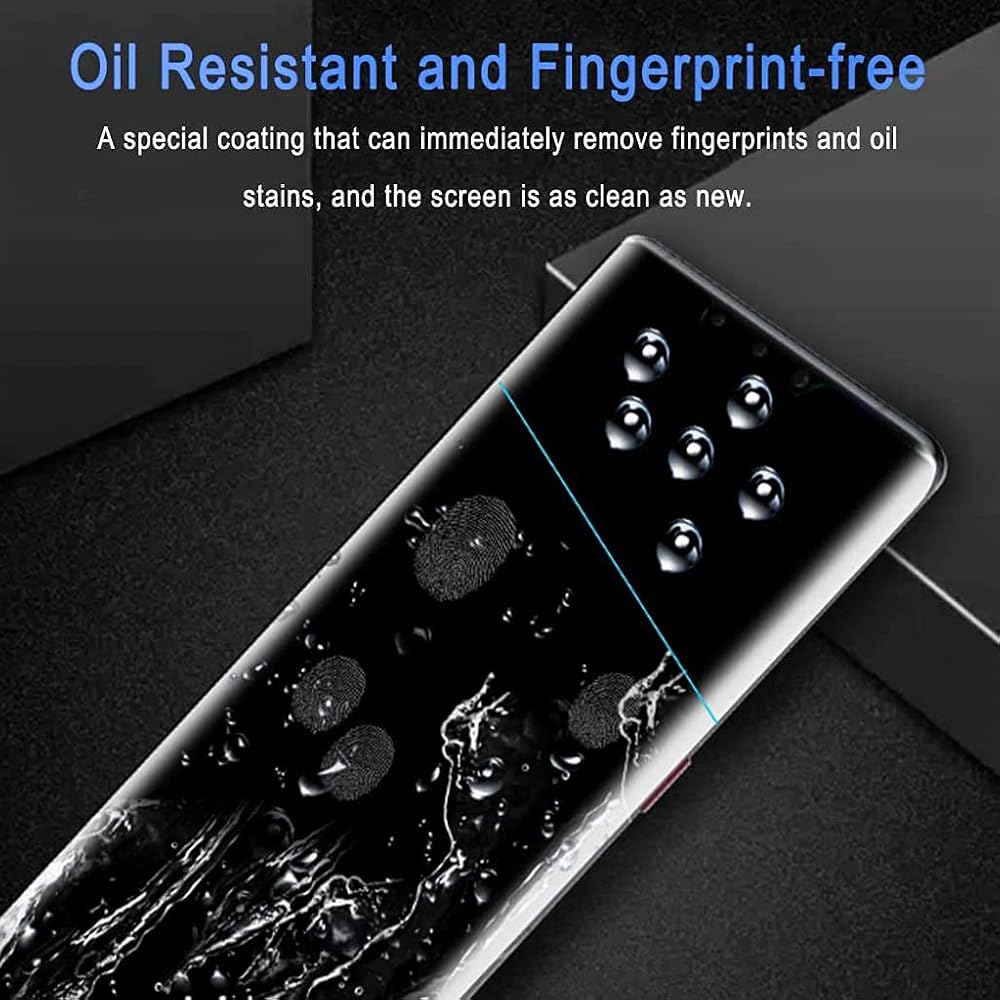
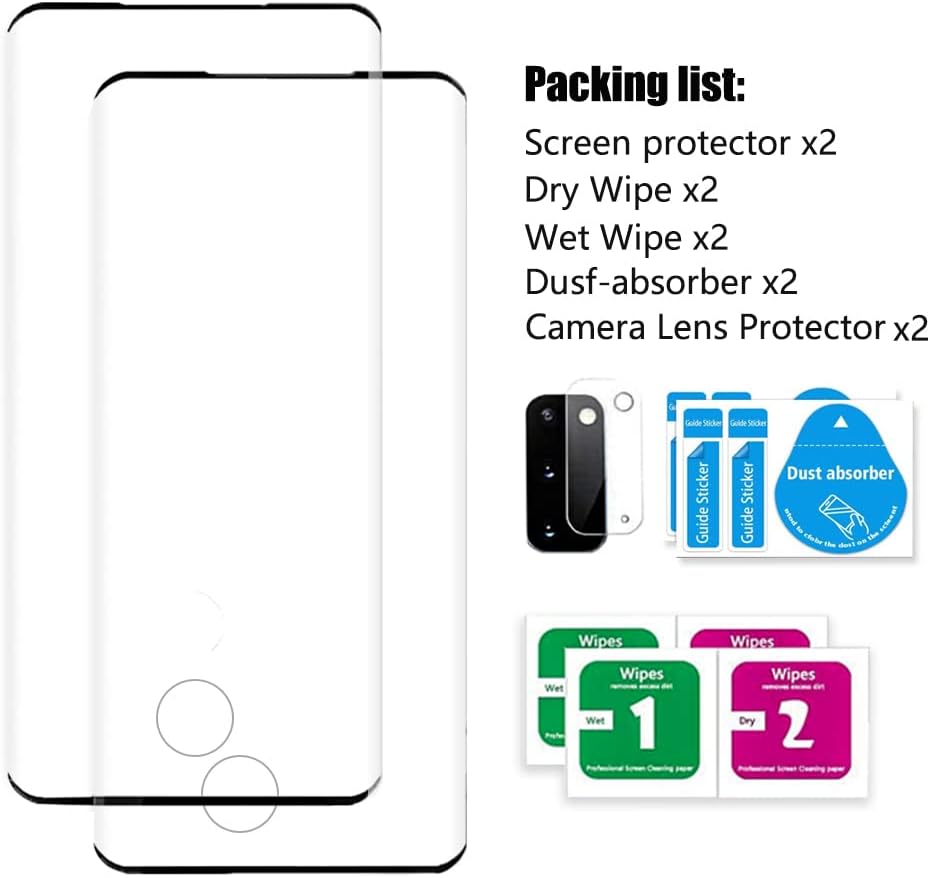
▲Fit for: Galaxy S20 Screen Protector 2+2 Pack ▲Why can't I use my fingerprint? Use an incorrect installation method and fail to follow our instructions or video prompts. ② When installing the protector, the fingerprint position is not tight. ③The mask was dusty after being removed, and it was not cleaned or installed in time. ▲Choose 2 places, the touch will be more sensitive step Ⅰ : SettingsAccessibilityInteraction and dexterityTouch and hold delay (open--0.5 seconds) Step Ⅱ: SettingsDisplayTouch Sensitivity (on) ▲* Note * Fast and easy installation - no bubbles. The product packaging has our professional installation video. ② Please watch the installation video before installation, because it requires some simple skills to install perfectly. ③ Please install the screen protector in a windless and dust-free environment. ④ Use the provided damp cloth and dry cloth to clean and dry the screen. ⑤ Tightly squeeze the edge of the film for about 30-40s to prevent the edge from lifting. (IMPORTANTLY) ⑥ After installation, please delete the original fingerprint of the phone and record the fingerprint again. ⑦ If you have any questions, please contact Micger after-sales service in time, and you will get a quick answer. ▲Package includes: Screen protector x2 Camera lens protective film x2 ❸Dry Wipe x2 Wet Wipe x2 ❺Dusf-absorber x2
 eTECH Collection Tempered Glass Screen Protector Compatible with/for Apple iPhone 11 / XR 6.1 inch 2018 2019 – Bubble Free, Case Friendly, HD Crystal Clear
KWD 2
eTECH Collection Tempered Glass Screen Protector Compatible with/for Apple iPhone 11 / XR 6.1 inch 2018 2019 – Bubble Free, Case Friendly, HD Crystal Clear
KWD 2
 Replacement Battery S2 Compatible with for Ring Video Doorbell 2nd Generation 5UM5E5–2020 Release
KWD 16.500
Replacement Battery S2 Compatible with for Ring Video Doorbell 2nd Generation 5UM5E5–2020 Release
KWD 16.500
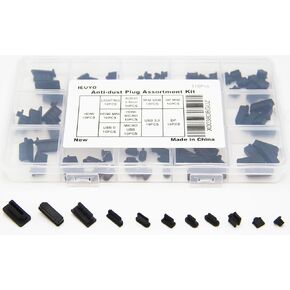 Silicone Universal Anti Dust Cover Plug Kit Stopper Cap for USB C/A Micro USB Lightning Ethernet RJ45 HDMI DP SFP Computer PC Laptops Phones Audio Devices Electronics Black 10Sizes 100Pcs
KWD 4
Silicone Universal Anti Dust Cover Plug Kit Stopper Cap for USB C/A Micro USB Lightning Ethernet RJ45 HDMI DP SFP Computer PC Laptops Phones Audio Devices Electronics Black 10Sizes 100Pcs
KWD 4
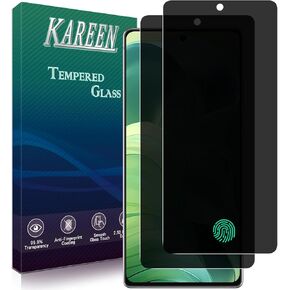 KAREEN 2 Pack Privacy Screen Protector for Samsung Galaxy Note 20 (6.7 Inch) Anti Spy Private Tempered Glass, Support Fingerprint Unlock, Anti Scratch, Bubble Free
KWD 3
KAREEN 2 Pack Privacy Screen Protector for Samsung Galaxy Note 20 (6.7 Inch) Anti Spy Private Tempered Glass, Support Fingerprint Unlock, Anti Scratch, Bubble Free
KWD 3