- التسوق ، اصبح سهلا.
- /
- احصل على التطبيق!
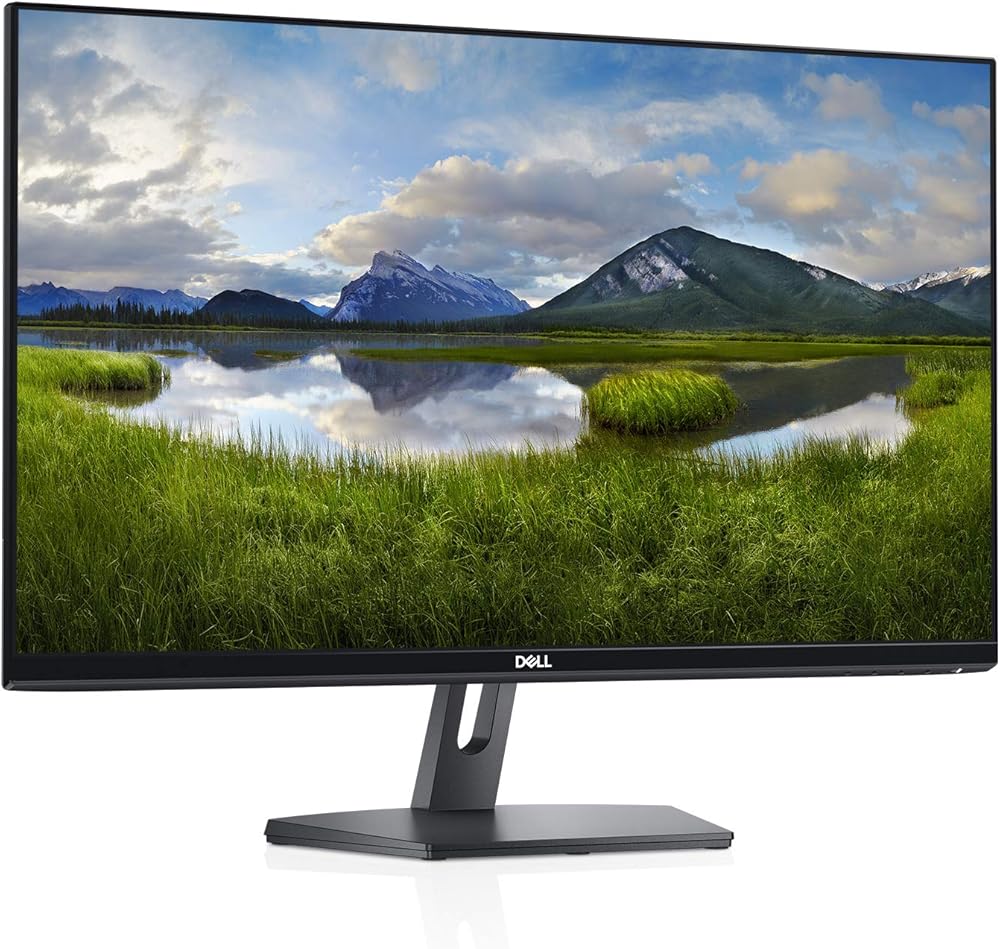
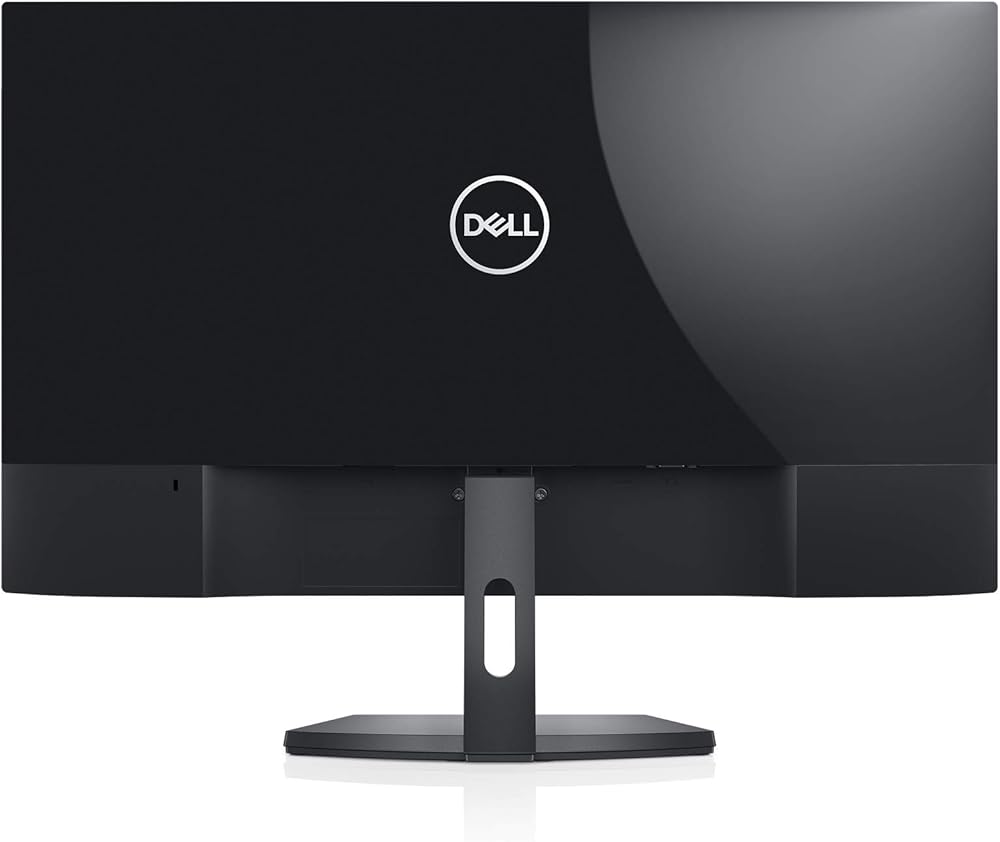
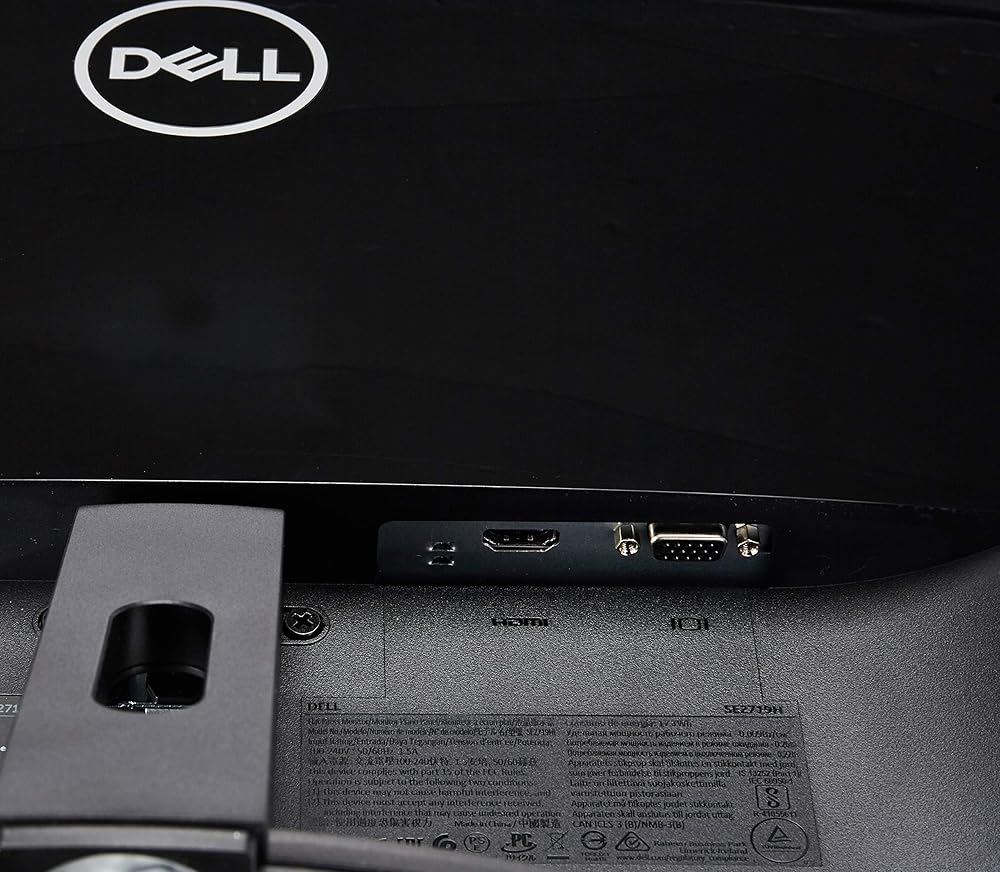
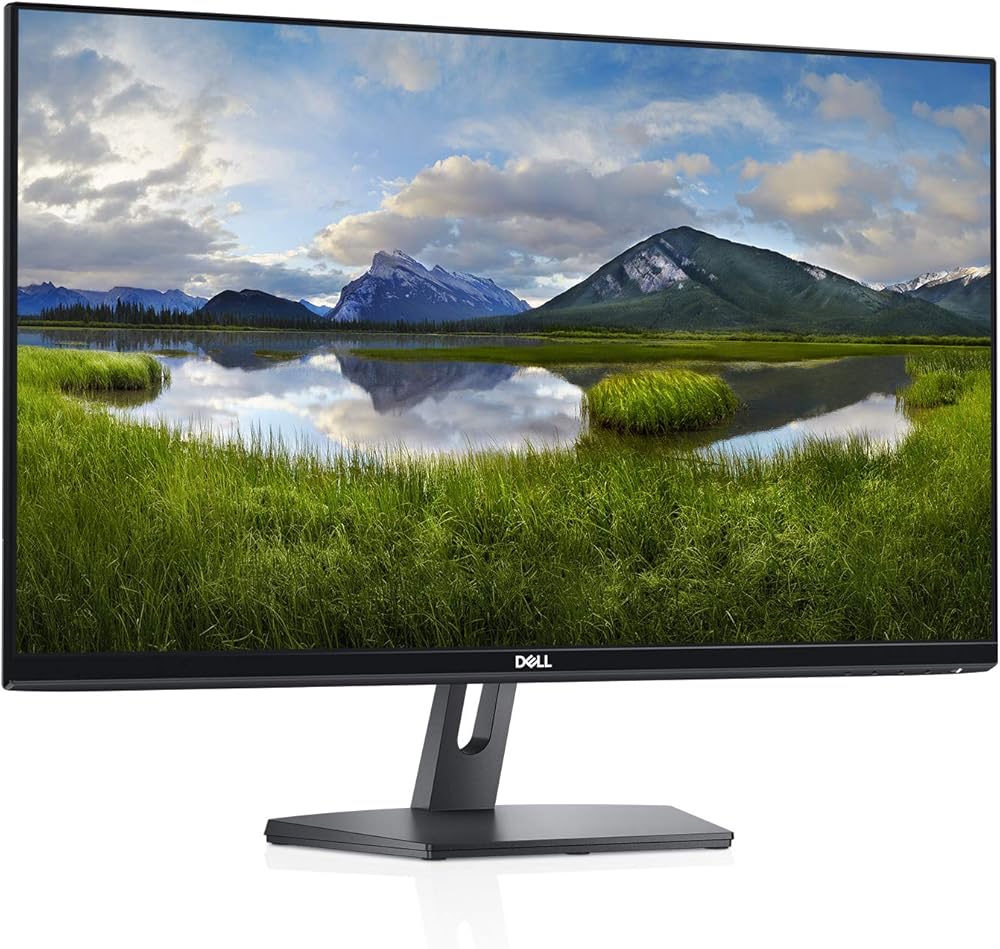
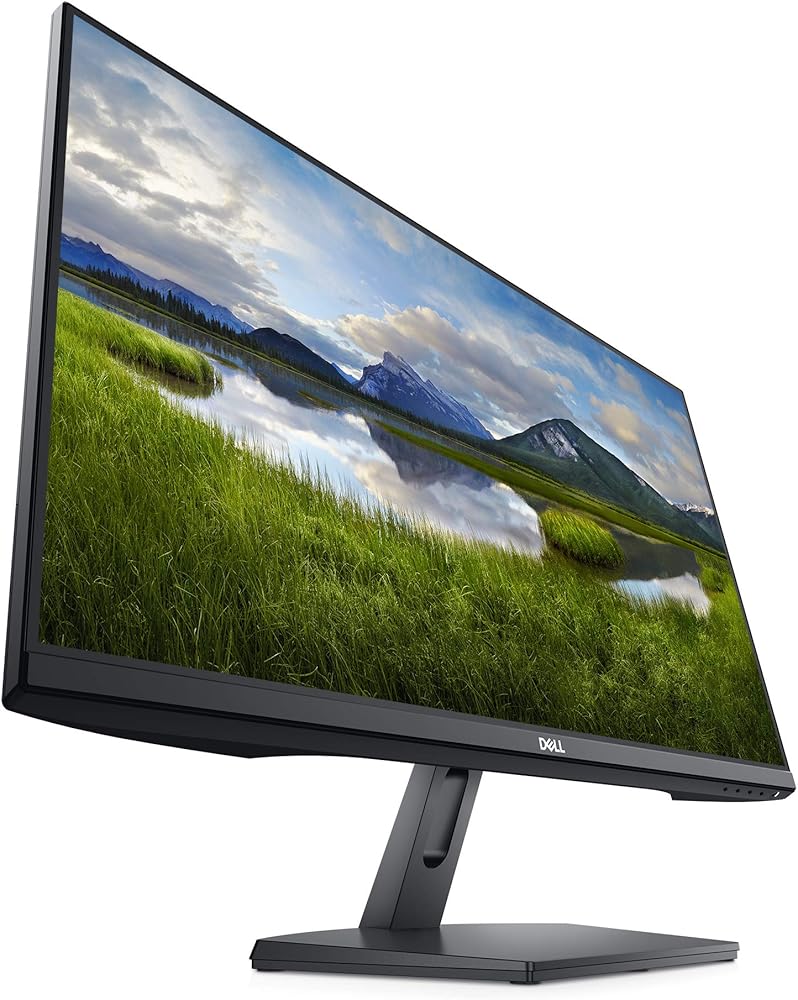
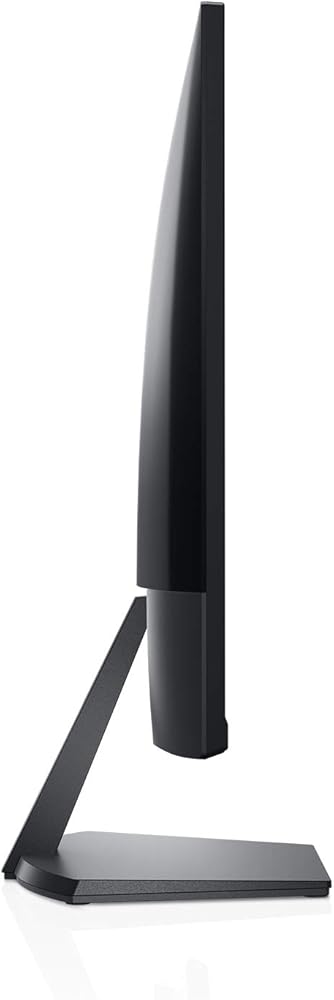
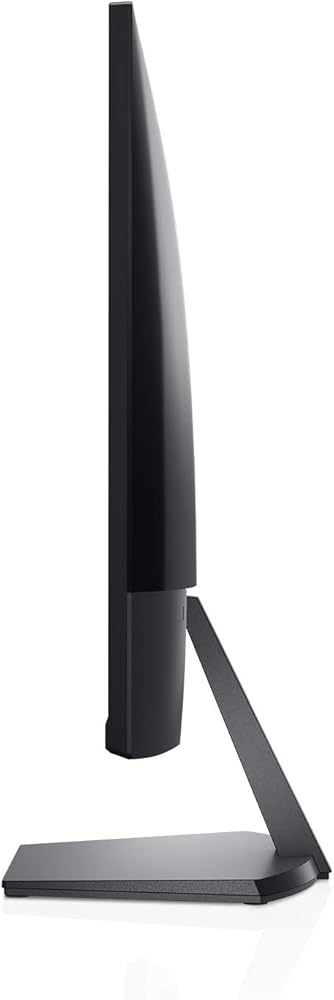
شاشة رفيعة بطول 60.48 سم مع قاعدة مدمجة تزيد من مساحة المكتب. رائعة من كل زاوية مع تصميم يلمع. من أجل استكشاف الخطوط الأفقية أو العمودية على الشاشة، يوصى بالخطوات التالية: أعد ضبط الشاشة إلى إعدادات المصنع (إعادة ضبط المصنع). 2. قم بإجراء ميزة الاختبار الذاتي للشاشة وتحدد مما إذا كانت هذه الخطوط تلاحظت أيضًا في وضع الاختبار الذاتي. 3. تحقق من وجود دبابيس مثنية أو مكسورة في موصل كابل الفيديو. إذا وجدت، اختبر المنتج بكابل فيديو آخر وحدد ما إذا كانت المشكلة لا تزال موجودة. 4. وأخيراً، قومي بتشغيل التشخيص المدمج. 5. إذا لوحظ الخطوط بعد كل هذه الخطوات وخلال التشخيص المدمج.
 شاشة ديل 27 - P2722HE - فل اتش دي 1080 بكسل ، تقنية اي بي اس ، شاشة موزع يو اس بي سي
KWD 117
شاشة ديل 27 - P2722HE - فل اتش دي 1080 بكسل ، تقنية اي بي اس ، شاشة موزع يو اس بي سي
KWD 117
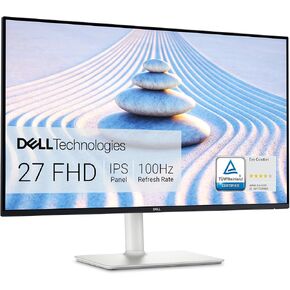 شاشة ديل S2421HS 23 بوصة عالية الدقة 1920 × 1080 75 هرتز، 4 إم إس من وقت الاستجابة من اللون الرمادي إلى الرمادي (الوضع الفائق)، 16.7 مليون لون، فضي بلاتيني
KWD 73.500
شاشة ديل S2421HS 23 بوصة عالية الدقة 1920 × 1080 75 هرتز، 4 إم إس من وقت الاستجابة من اللون الرمادي إلى الرمادي (الوضع الفائق)، 16.7 مليون لون، فضي بلاتيني
KWD 73.500
 شاشة ديل ال سي دي 2422H 23 بوصة
KWD 49.500
شاشة ديل ال سي دي 2422H 23 بوصة
KWD 49.500
 ديل P2719HC - شاشة ال اي دي - فل اتش دي (1080P) - 27 انش
KWD 0
ديل P2719HC - شاشة ال اي دي - فل اتش دي (1080P) - 27 انش
KWD 0