- التسوق ، اصبح سهلا.
- /
- احصل على التطبيق!
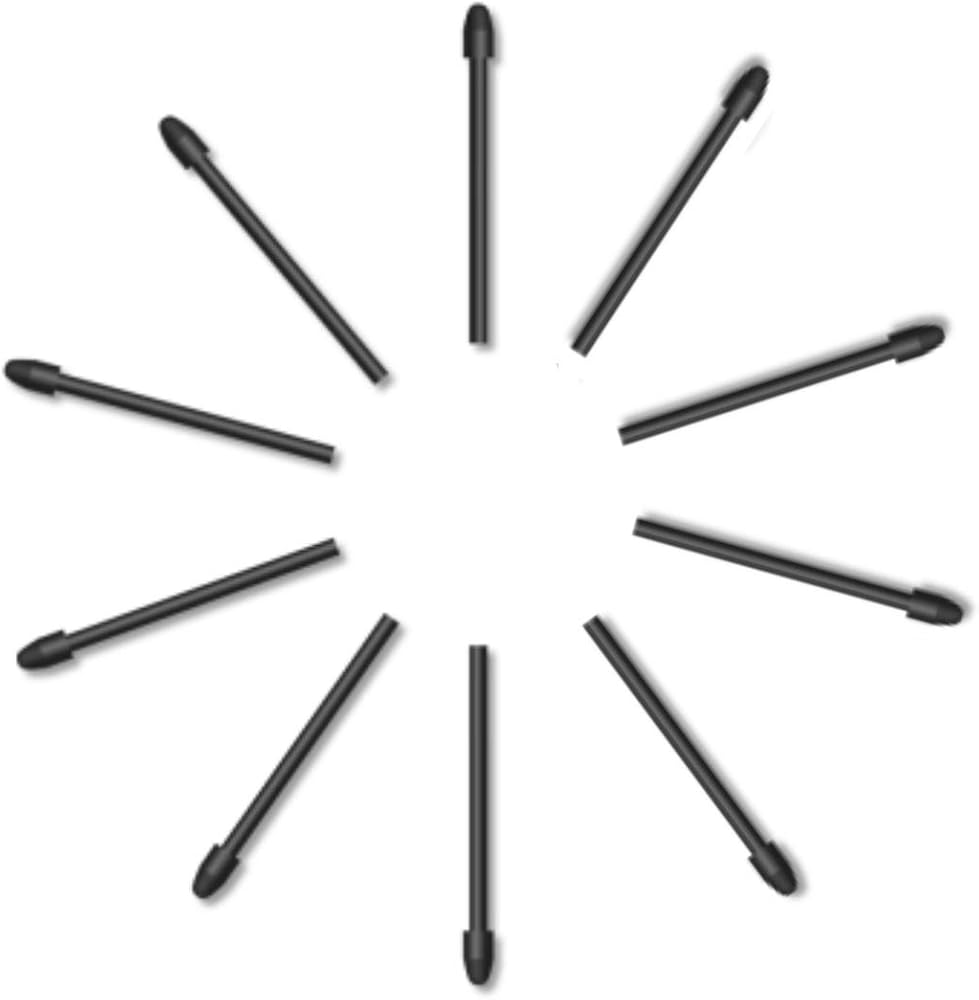
PW517 Replacement Pen Nibs
Suitable for Kamvas 13, Kamvas Pro 24, Kamvas 22, Kamvas 22 Plus, Kamvas 24, Kamvas 24 Plus, Kamvas Pro 24(4K), Kamvas 12, Kamvas 16 (2021), Kamvas Pro 13 2.5K, Kamvas Pro 16 2.5K, Kamvas Pro 16 4K, Kamvas Pro 16 Plus 4K, KD200, Inspiroy Dial 2, Inspiroy Giano
What's in the box
Pen Nibs PN05A ×10
Steps to Replace a Pen Nib
Step 1. Use a removal tool(included in the original box when you buy a Huion tablet) to take the old nib out of your stylus.
Step 2. Put a new nib in your stylus and push it until you hear a slight "click" sound.
 -30%
تابلت رسم جرافيك جديد 1060 بلس من هيون هويون مع بطاقة مايكرو اس دي مدمجة بسعة 8 جيجابايت و12 مفتاح اكسبرس
KWD 17.500
-30%
تابلت رسم جرافيك جديد 1060 بلس من هيون هويون مع بطاقة مايكرو اس دي مدمجة بسعة 8 جيجابايت و12 مفتاح اكسبرس
KWD 17.500
 -28%
شاشة رسم رسومية HUION KAMVAS Pro 13 مع حامل، شاشة مغلفة بالكامل مضادة للوهج، قلم ضغط 8192 خالي من البطارية - شاشة عرض تابلت على شكل قلم 13.3 بوصة لنظام التشغيل Linux وWindows وMac
KWD 68
-28%
شاشة رسم رسومية HUION KAMVAS Pro 13 مع حامل، شاشة مغلفة بالكامل مضادة للوهج، قلم ضغط 8192 خالي من البطارية - شاشة عرض تابلت على شكل قلم 13.3 بوصة لنظام التشغيل Linux وWindows وMac
KWD 68
 هيون تابلت رسم جرافيك H420X OSU مع 8192 مستوى ضغط بدون بطارية، تابلت رقمي 4.2×2.6 انش متوافق مع ويندوز/ماك/لينكس/اندرويد لالعاب او اس يو والتعليم عبر الانترنت
KWD 10.500
هيون تابلت رسم جرافيك H420X OSU مع 8192 مستوى ضغط بدون بطارية، تابلت رقمي 4.2×2.6 انش متوافق مع ويندوز/ماك/لينكس/اندرويد لالعاب او اس يو والتعليم عبر الانترنت
KWD 10.500
 -15%
هيون قلم PW507 بدون بطارية لشاشة الرسم الجرافيكي هيون كامفاس برو 12 وكامفاس برو 13 وكامفاس برو 16 وكامفاس 16 وكامفاس 20
KWD 17.500
-15%
هيون قلم PW507 بدون بطارية لشاشة الرسم الجرافيكي هيون كامفاس برو 12 وكامفاس برو 13 وكامفاس برو 16 وكامفاس 16 وكامفاس 20
KWD 17.500

