- التسوق ، اصبح سهلا.
- /
- احصل على التطبيق!
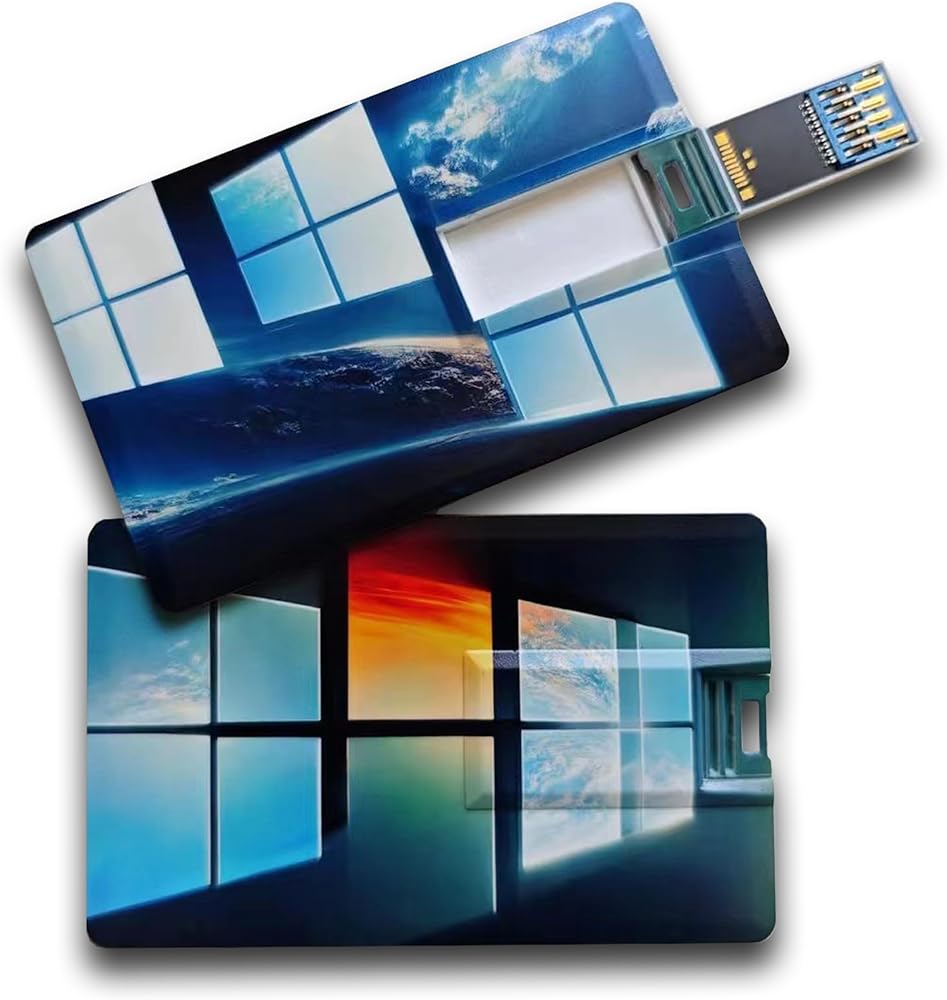
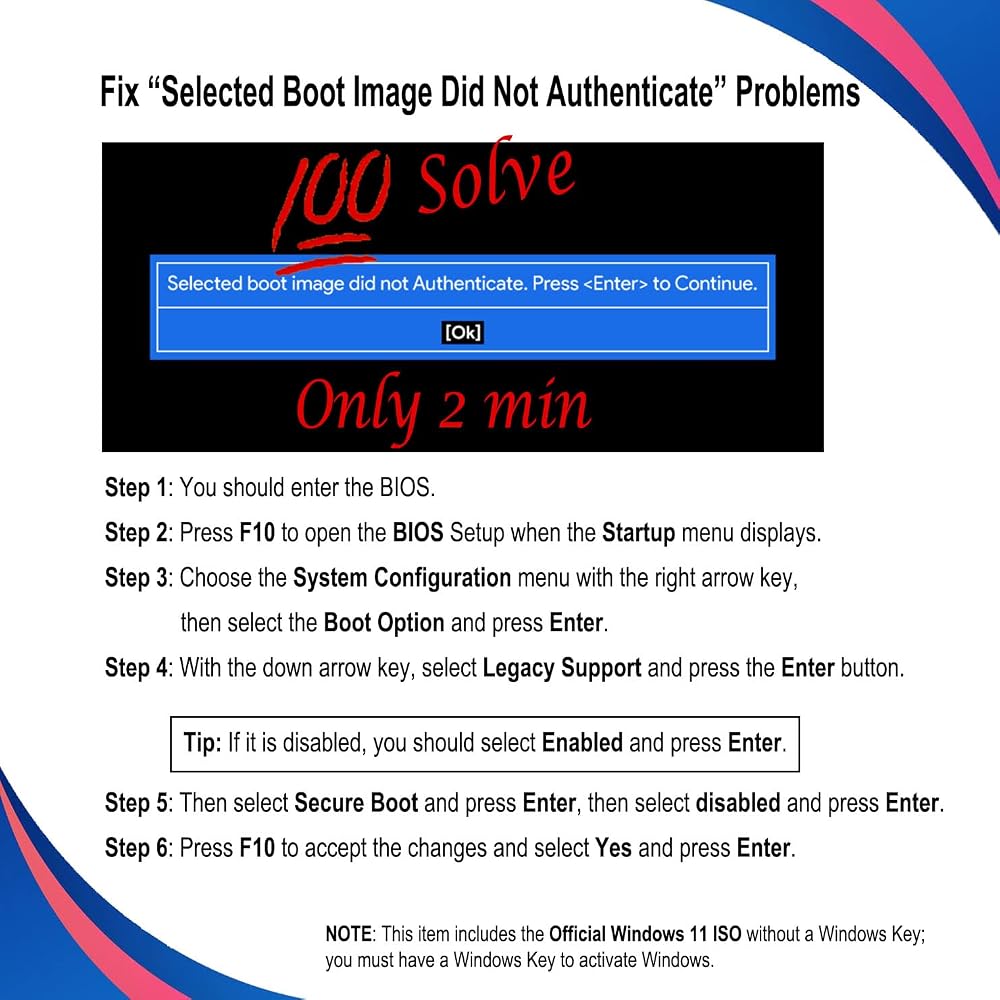
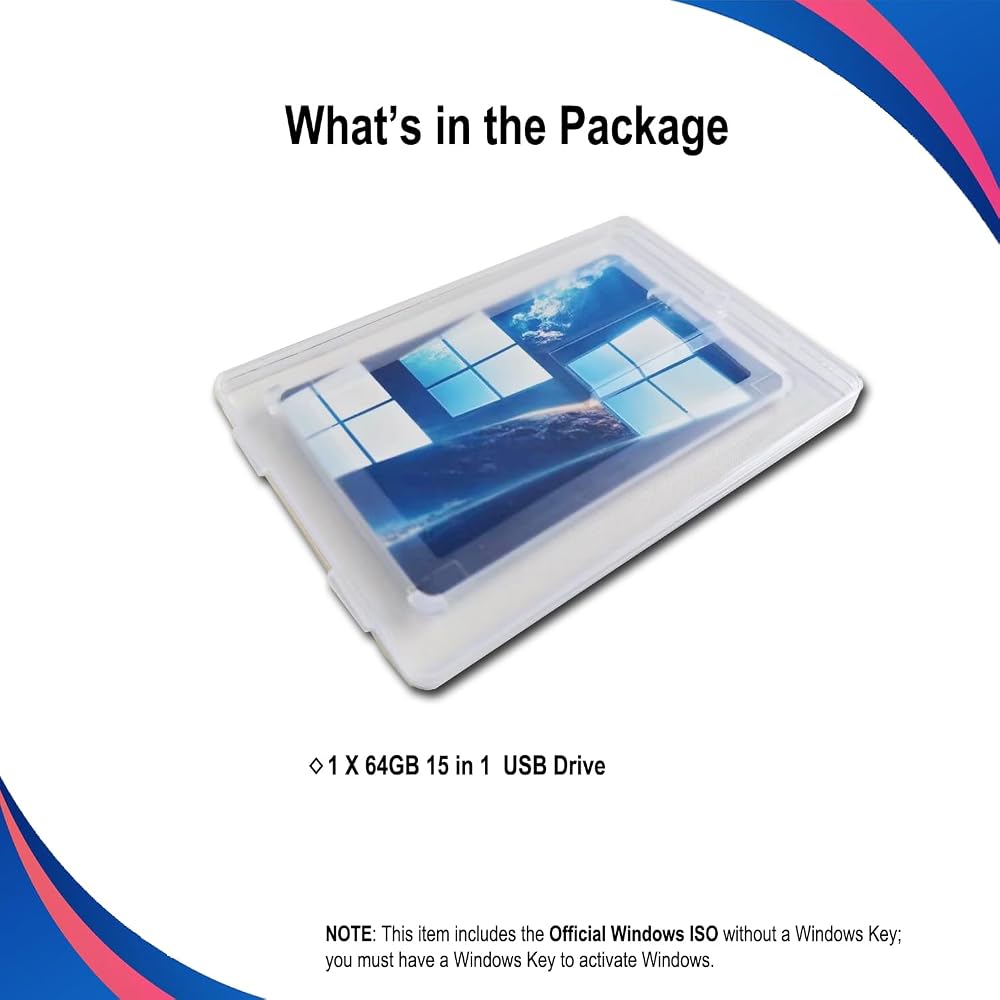
🗝 [Requirement] You must have your Product key. Locate it on a sticker attached to your system. No Key is included with the item. You must change your bios to boot from the USB.
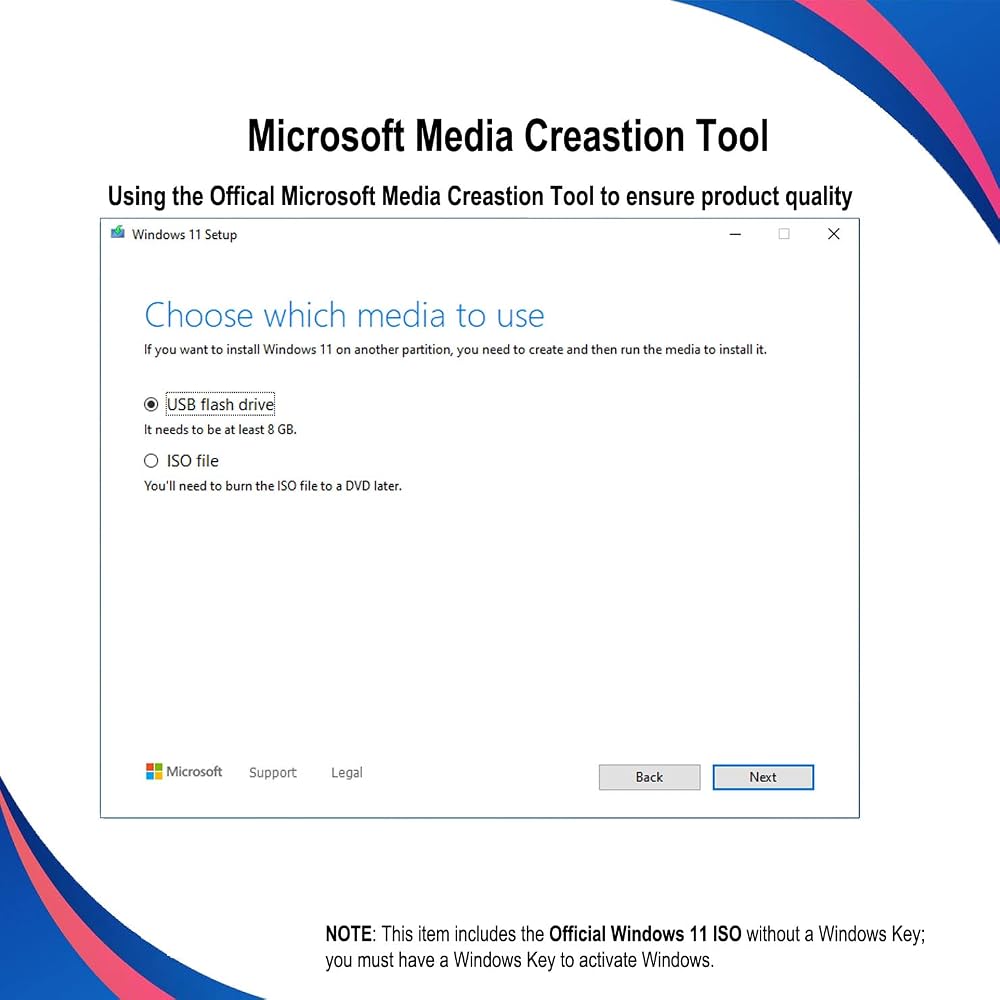
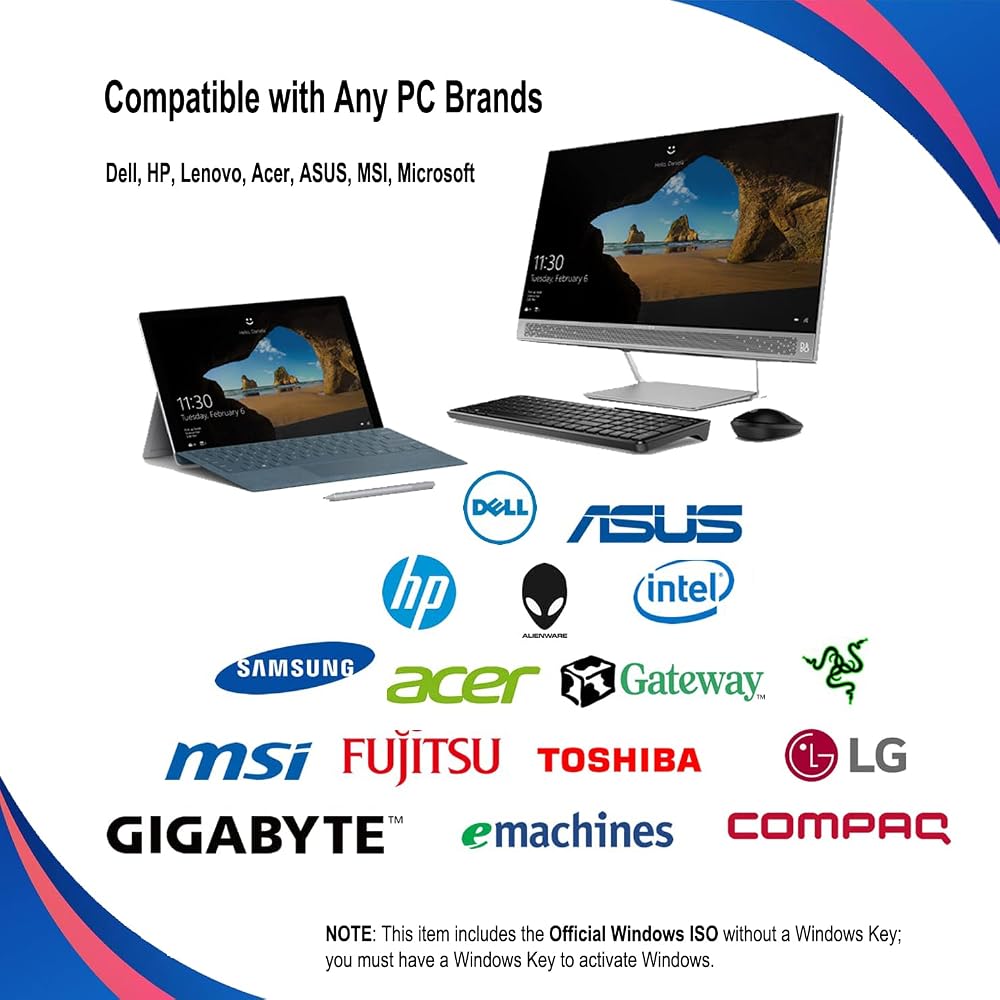
💻 [All in One] Repair, Recovery, Install. For All Versions of 32 & 64Bit, Desktop and Laptop computers.
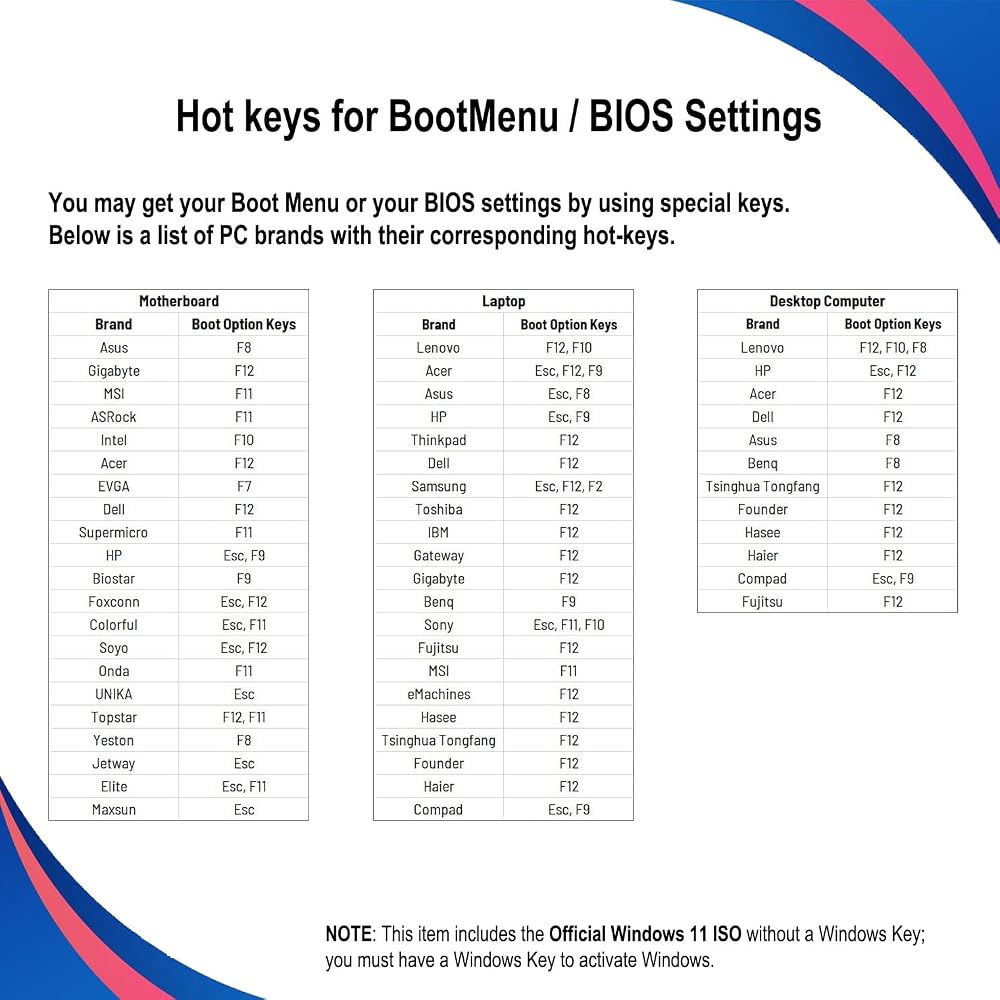
📁 [For All PC Brands] Have available for a friend with another PC brand, be the hero. You must change the boot order to ensure that the USB loads. If you don't change the boot order, the system will try to load the hard drive which may not be working. Change the boot order to the USB drive as the "1st boot device". Change the hard drive to "2nd boot device" then save the bios and restart the computer with the USB in. At this point, the USB drive should load when you insert it into the computer.
💿 [Easy to use] (1). Insert the USB Drive (2). Boot the PC (3). Set the bios to boot the USB drive first (4). Boot from the USB and repair/install/recover. You must change your boot order to have your computer load from the USB Drive. Once changed, restart the PC and the USB drive will load.
🚩 [Who needs] If your system is corrupted or has viruses/malware use the repair feature: If BOOTMGR is missing, NTLDR is missing, or Blue Screens of Death (BSOD). Use the install feature If the hard drive has failed. Use the recovery feature to restore back to a previously recovered version.
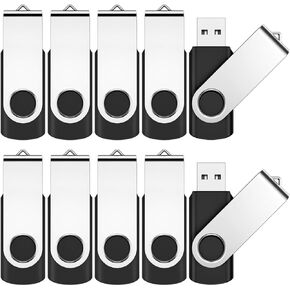 محرك أقراص فلاش 64 جيجابايت ، Jevdes 3 Pack دوارة تخزين USB محرك أقراص فلاش USB 2.0 محرك أقراص فلاش محرك أقراص مع مؤشر LED ، قفزة محرك أقراص محرك الأقراص (3 لون مختلط مع حبل)
KWD 5.500
محرك أقراص فلاش 64 جيجابايت ، Jevdes 3 Pack دوارة تخزين USB محرك أقراص فلاش USB 2.0 محرك أقراص فلاش محرك أقراص مع مؤشر LED ، قفزة محرك أقراص محرك الأقراص (3 لون مختلط مع حبل)
KWD 5.500
 -26%
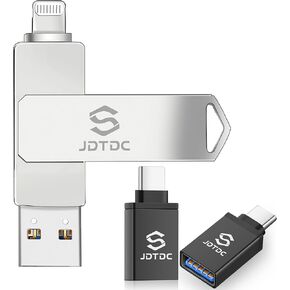
محرك أقراص فلاش فلاش USB المعتمد من Apple MFI - سعة حقيقية - لا توجد سعة تخزين مزيفة ، صاعقة أصلية ، عصا صور احتياطية مشفرة لصور/مقاطع الفيديو الخاصة بالآباد التلقائي - تجنب استنساخ MFI المزيف!
KWD 14
-26%
محرك أقراص فلاش فلاش USB المعتمد من Apple MFI - سعة حقيقية - لا توجد سعة تخزين مزيفة ، صاعقة أصلية ، عصا صور احتياطية مشفرة لصور/مقاطع الفيديو الخاصة بالآباد التلقائي - تجنب استنساخ MFI المزيف!
KWD 14
 -33%
محرك أقراص فلاش 128 جيجابايت مخصص لـ iPhone iPad Android وأجهزة الكمبيوتر ، 4 في 1 عصا صور لتخزين ذاكرة الهاتف بسهولة مقاطع فيديو للنسخ الاحتياطي ، المكونات والتشغيل ، لا يوجد تطبيق مطلوب (Violet Dark)
KWD 11
-33%
محرك أقراص فلاش 128 جيجابايت مخصص لـ iPhone iPad Android وأجهزة الكمبيوتر ، 4 في 1 عصا صور لتخزين ذاكرة الهاتف بسهولة مقاطع فيديو للنسخ الاحتياطي ، المكونات والتشغيل ، لا يوجد تطبيق مطلوب (Violet Dark)
KWD 11
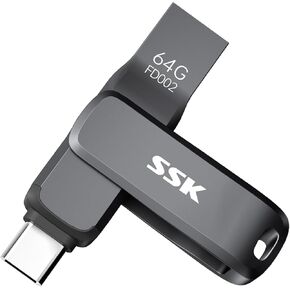 SSK USB C حزمة محرك Thumb Drive
KWD 37
SSK USB C حزمة محرك Thumb Drive
KWD 37