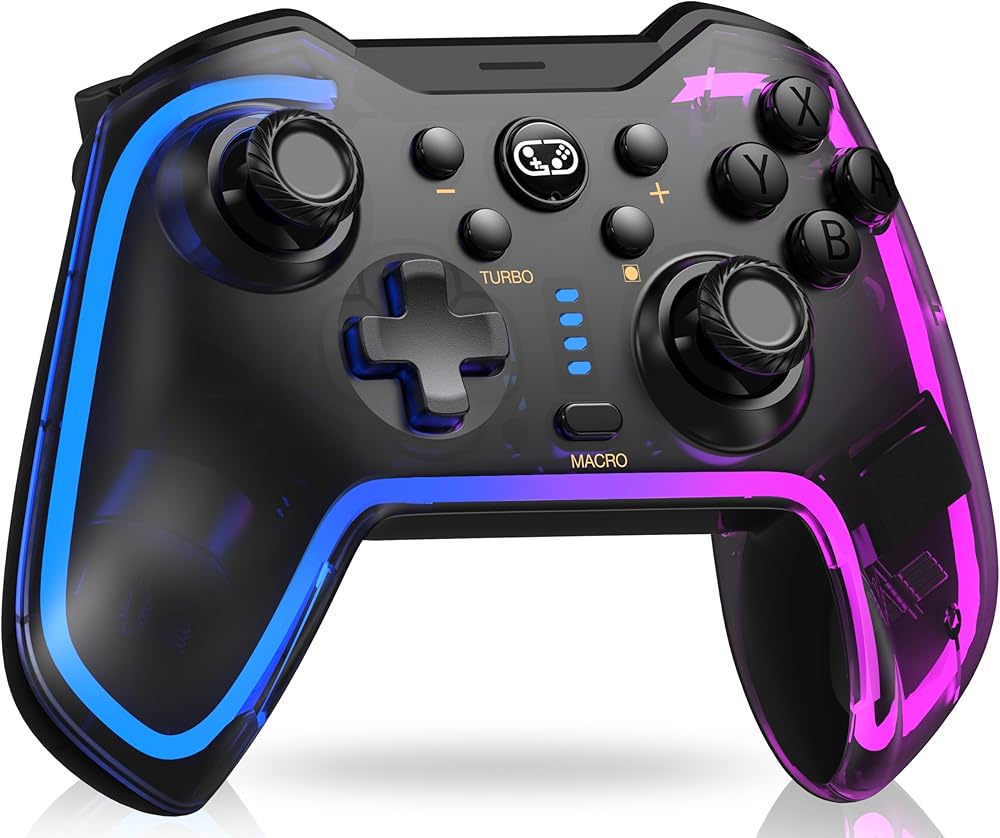
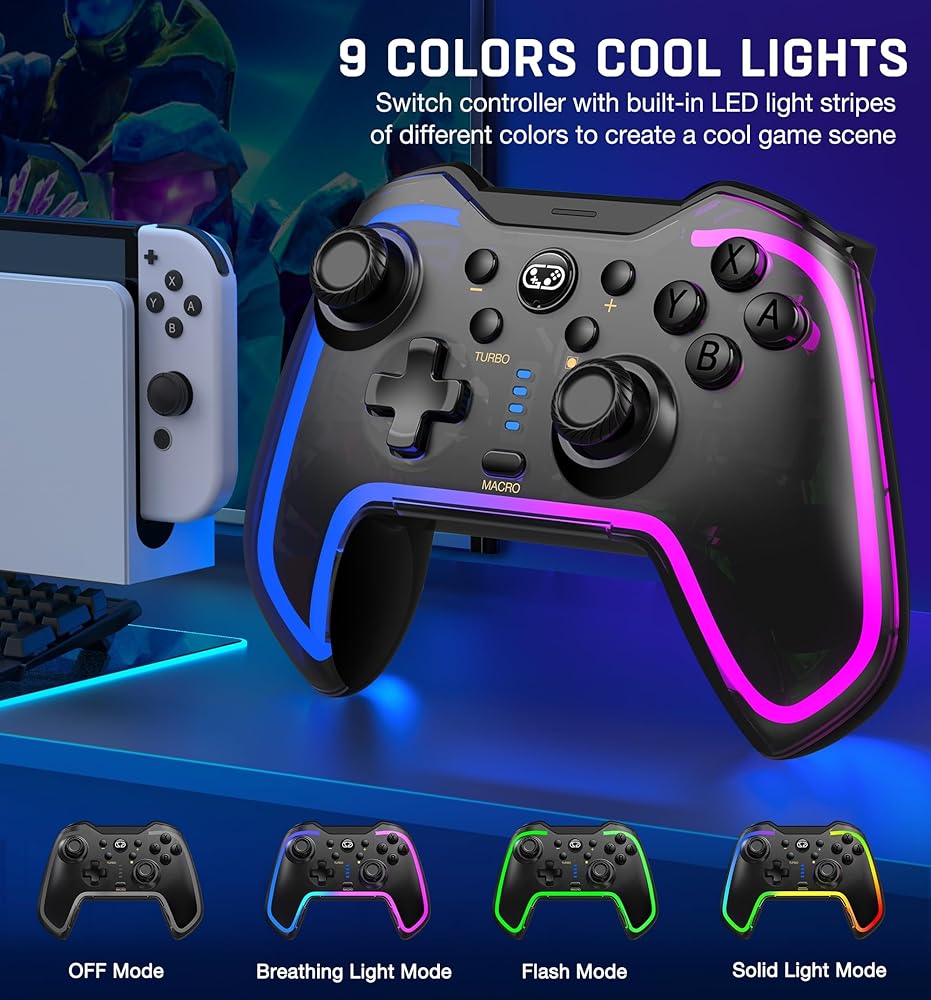
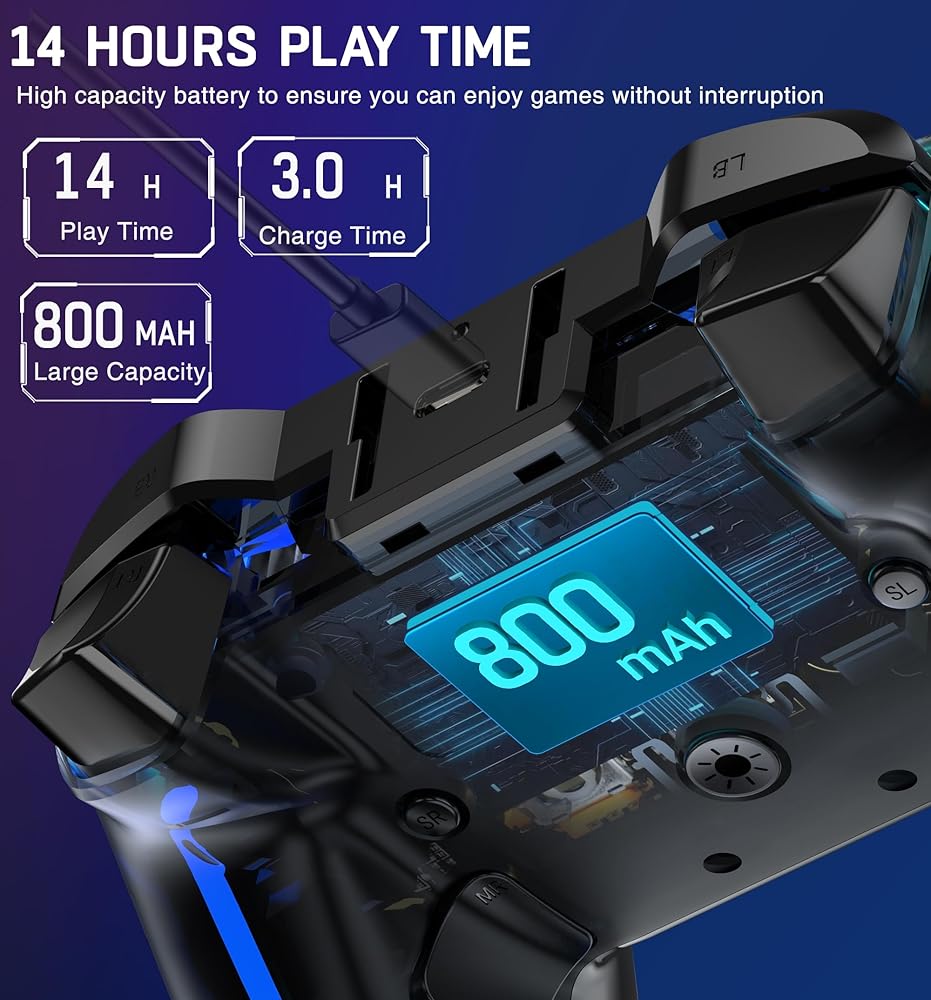
🎮10 COLORS LED LIGHT & 3 MODES: The switch controller is made of PC transparent material, RGB strip is embedded in switch controllers, 10 colors collide together to form a cool game lighting atmosphere, there are 3 different light models to choose with a additional button to control. You can switch the color according to different games to immerse yourself deeply in the game
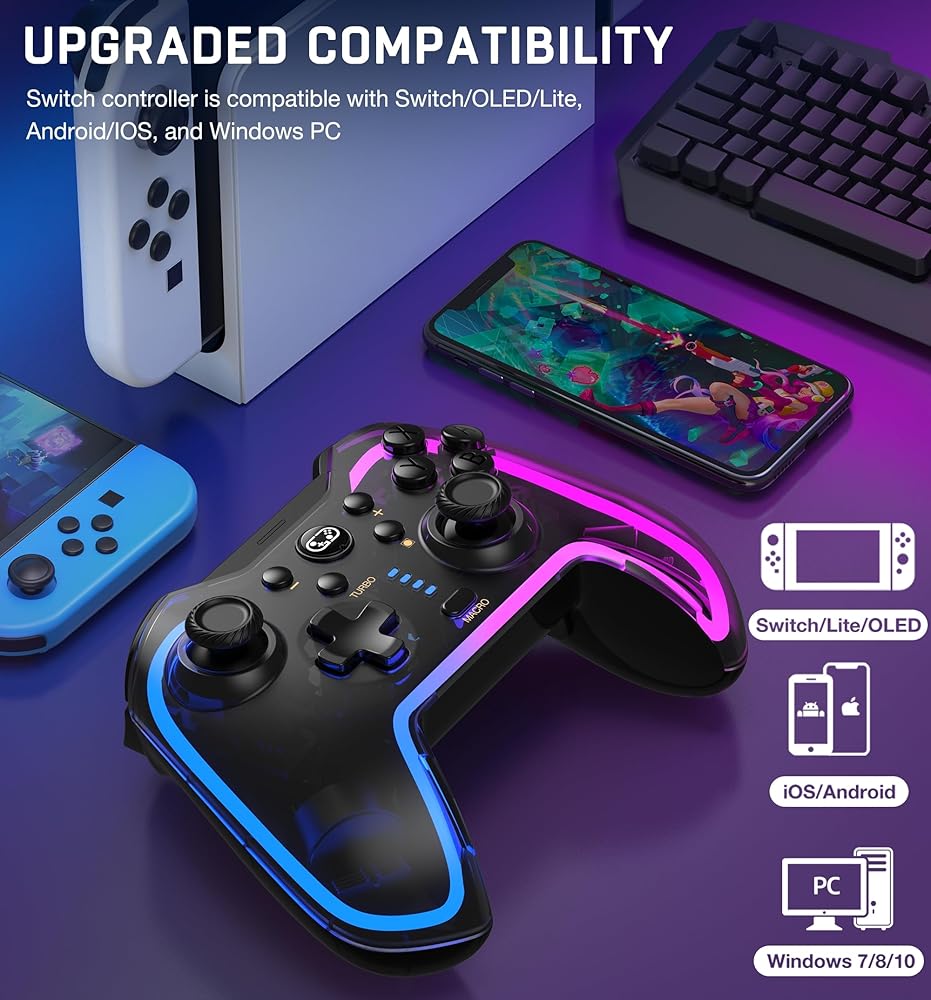
🎮STRONG COMPATIBILIT: Switch Controller is fully compatible with Switch/Lite/OLED Controller. What's more, the switch remote also supports iOS MFi Games, Android HID Model, and Windows 7/8/10, you can connect in stable Bluetooth or wired mode, more games you can play after owning this switch pro controller(NOTE: ONLY USB WIRED CONNECT TO PC)
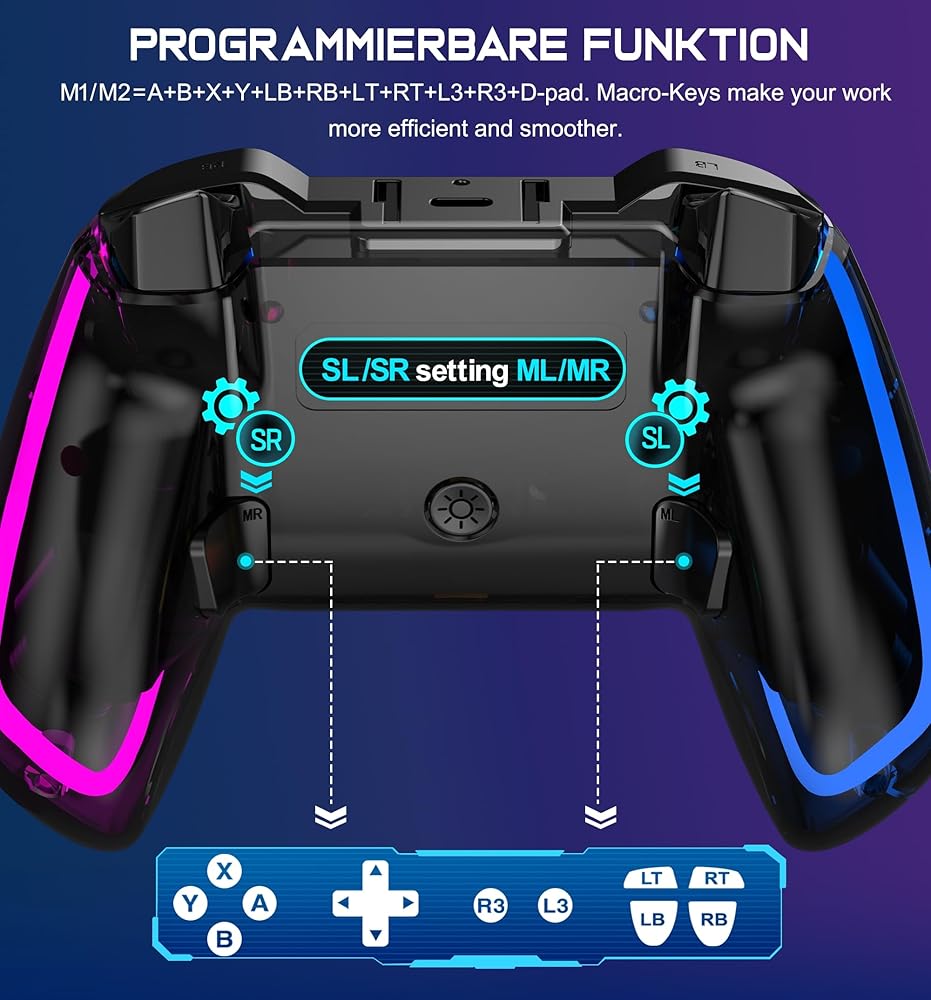
🎮Programming Function Of Switch Controller: The wireless switch controller has 2 back buttons "M1/M2", these two function buttons can be programmed as 1-16 basic buttons. When programming the buttons, the pro controller will record the time interval we press each button, we can assign a set of combo skills to these two buttons. Then release the combo skills with one button to defeat the boss easily and make the game operation more smooth.
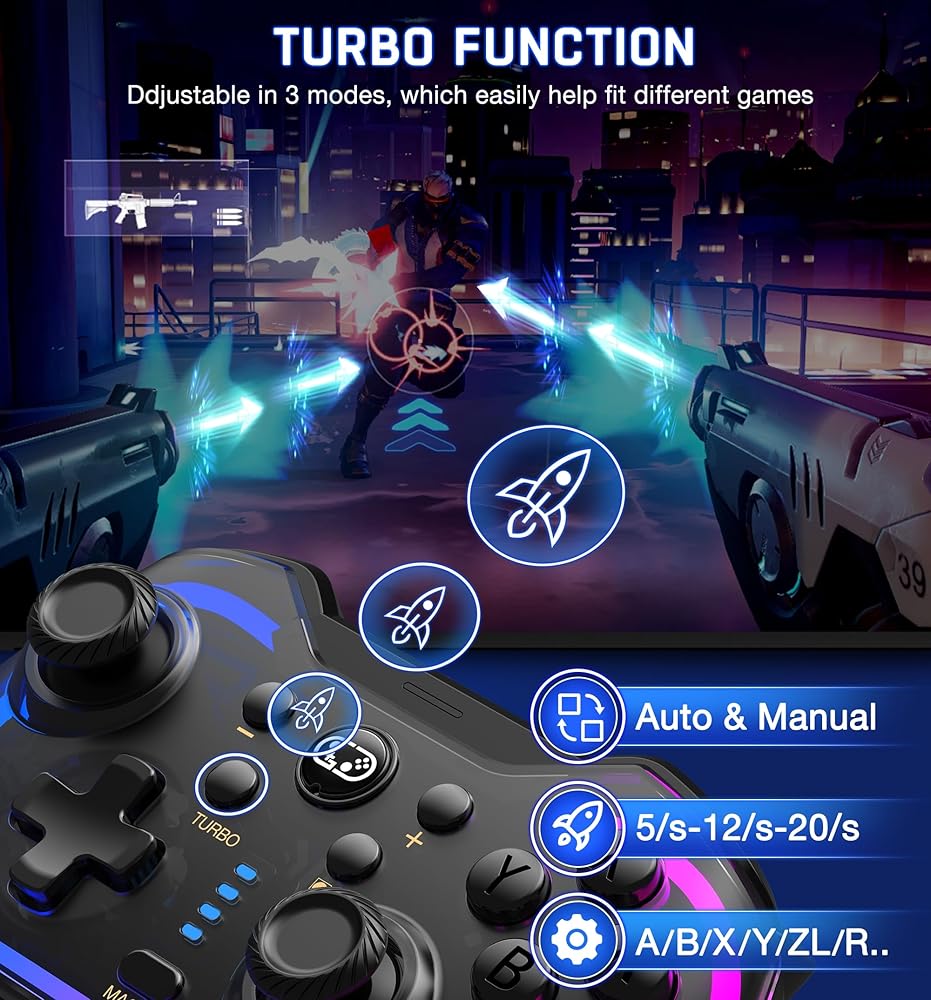
🎮3 Turbo Speeds & Auto Attack: The Switch pro controller supports auto/manual Turbo function, The Turbo function allows you to continuously output a base button without interruption. This feature is particularly useful in games that require uninterrupted clicking of a single button, such as intense gun battles or games with numerous dialog boxes. You can set Turbo to 5/12/20 shots per second depending on the needs of the game.
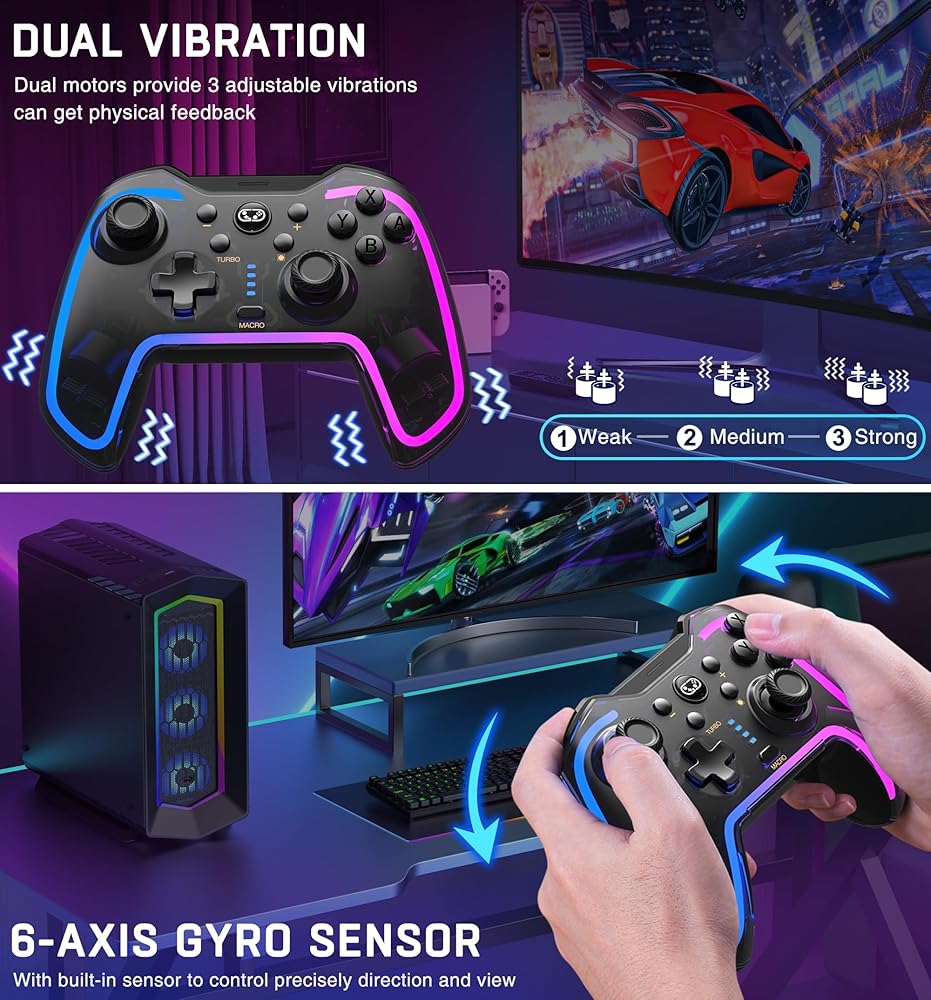
🎮Adjustable Vibration & Motion Control: This Switch controller with 4 levels of adjustable vibration, which can provide vibration for compatible games and provide you with a more realistic gaming experience. Sensitive motion control, fast response without delay, 6-axis gyro for gravity sensing, suitable for switch motion sensing games, such as Zelda, Mario Kart 8 Deluxe, etc. Provides a compelling and immersive gaming experience
🎮WAKE-UP SWITCH CONSOLE: Press "Y + HOME" button for the first connection. Then next time just simply press the "HOME" button of the switch controller to wake up and re-connect your device. Helping get rid of the distance limit of the wired switch controllers, which is free & convenient for you to start the game
 لوحة أكريليك TAPDRA وحافظة عصا التحكم DIY مجموعة أدوات استبدال لوحدة التحكم في خزانة ماكينة ألعاب الأركيد مجموعة DIY ج
KWD 12.500
لوحة أكريليك TAPDRA وحافظة عصا التحكم DIY مجموعة أدوات استبدال لوحدة التحكم في خزانة ماكينة ألعاب الأركيد مجموعة DIY ج
KWD 12.500
 KontrolFreek FPS Freek Galaxy Black للبلاي ستيشن 4 (PS4) وبلاي ستيشن 5 (PS5) | عصا التحكم للأداء | 1 شاهقة، 1 متوسطة الارتفاع | أسود (إصدار محدود)
KWD 7
KontrolFreek FPS Freek Galaxy Black للبلاي ستيشن 4 (PS4) وبلاي ستيشن 5 (PS5) | عصا التحكم للأداء | 1 شاهقة، 1 متوسطة الارتفاع | أسود (إصدار محدود)
KWD 7
 وحدة تحكم احترافية لاسلكية من ديسوي لنظام ألعاب نينتندو سويتش، مفتاح تحكم بالبلوتوث مع بطارية قابلة لإعادة الشحن، صدمات مزدوجة، جيروسكوب من 6 محاور، توربو لنظام ألعاب نينتندو سويتش
KWD 11.500
وحدة تحكم احترافية لاسلكية من ديسوي لنظام ألعاب نينتندو سويتش، مفتاح تحكم بالبلوتوث مع بطارية قابلة لإعادة الشحن، صدمات مزدوجة، جيروسكوب من 6 محاور، توربو لنظام ألعاب نينتندو سويتش
KWD 11.500
 SJJX صفر تأخير USB التشفير LED عصا التحكم عدة ممر لتقوم بها بنفسك تحكم للكمبيوتر ريتروبي التوت بي مامي
KWD 7
SJJX صفر تأخير USB التشفير LED عصا التحكم عدة ممر لتقوم بها بنفسك تحكم للكمبيوتر ريتروبي التوت بي مامي
KWD 7