- التسوق ، اصبح سهلا.
- /
- احصل على التطبيق!
دليل التشغيل
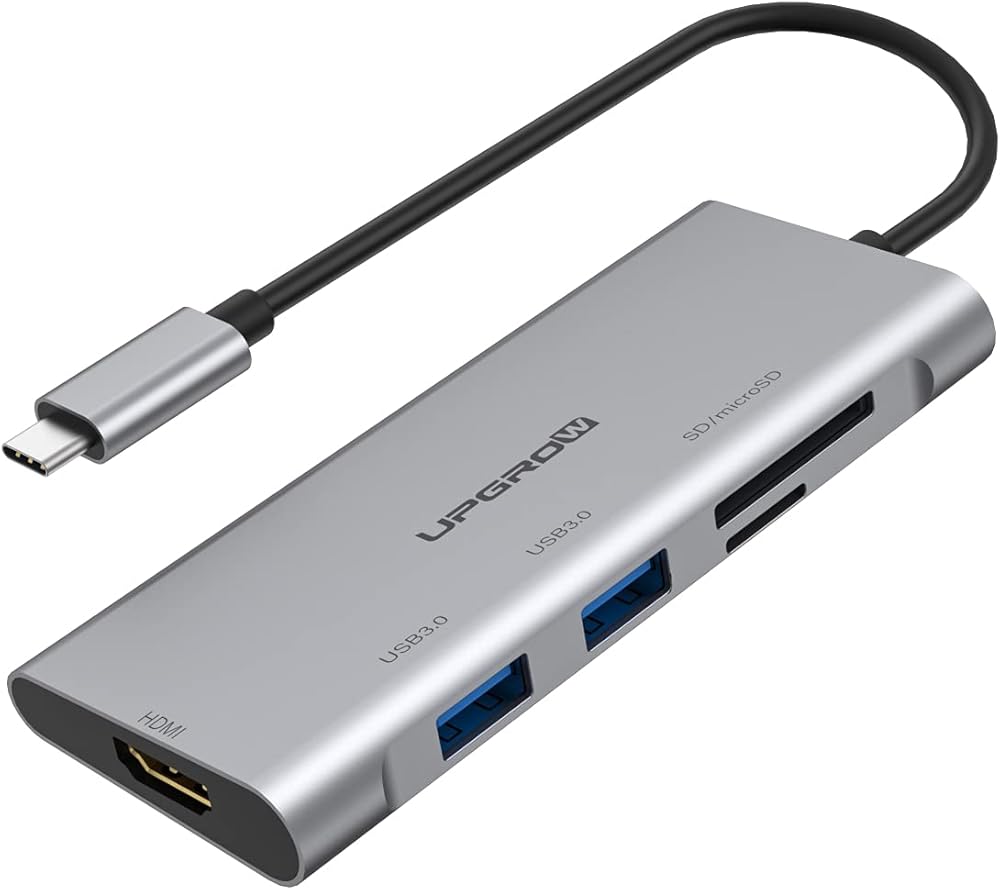
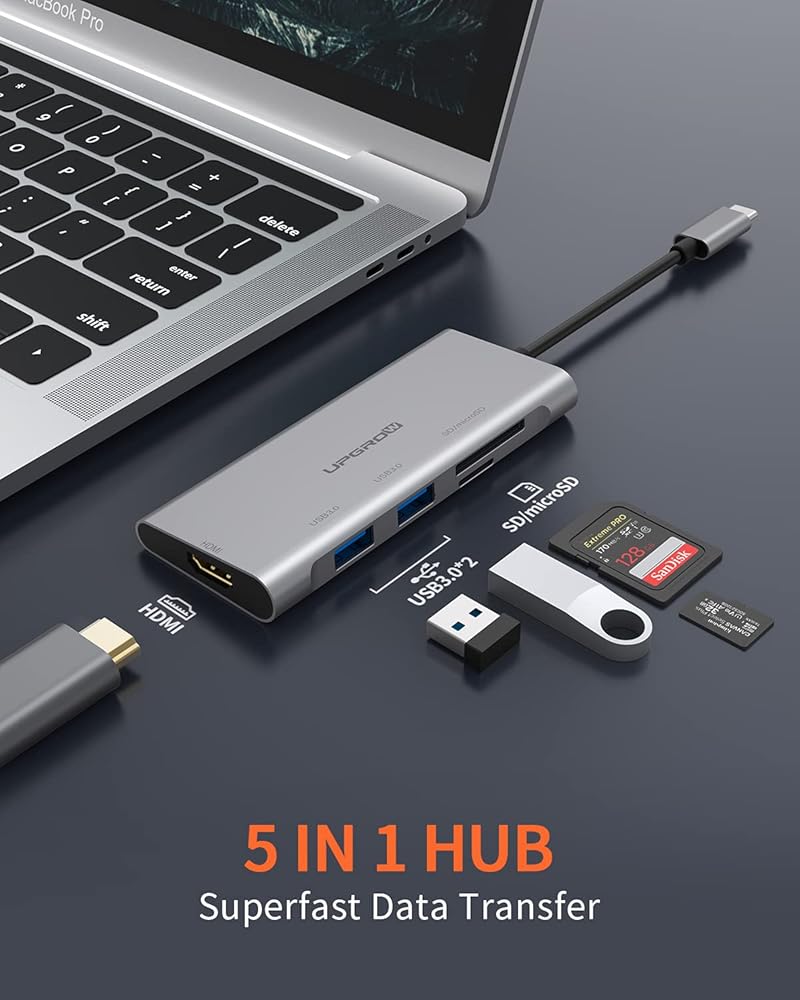
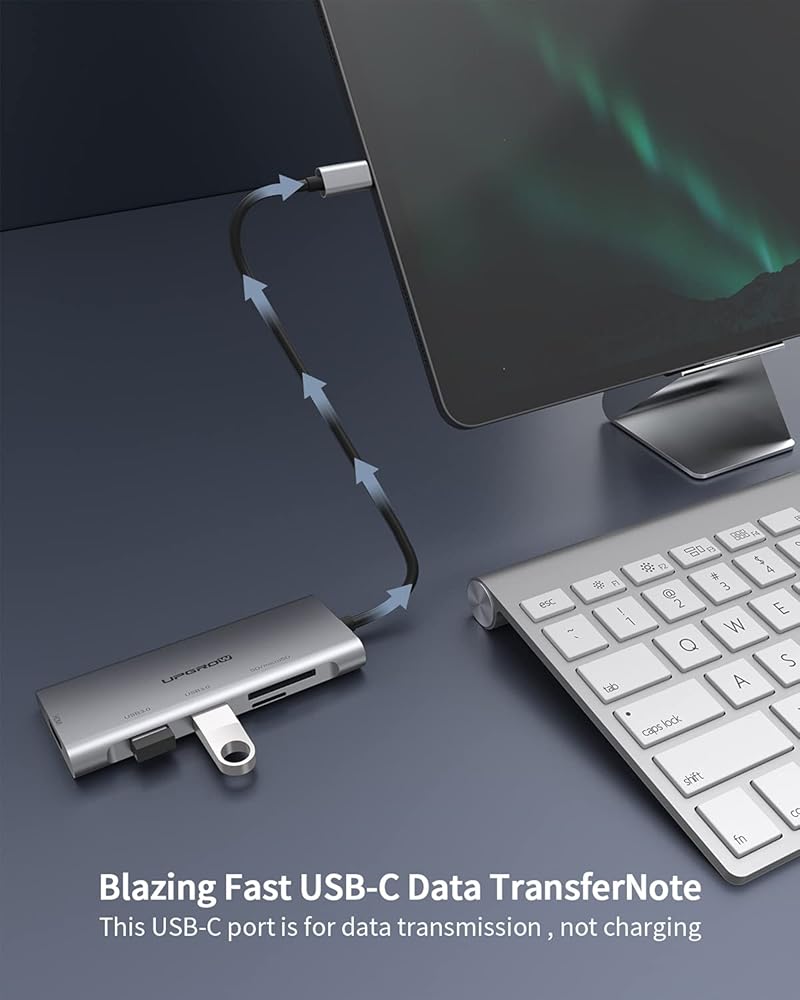
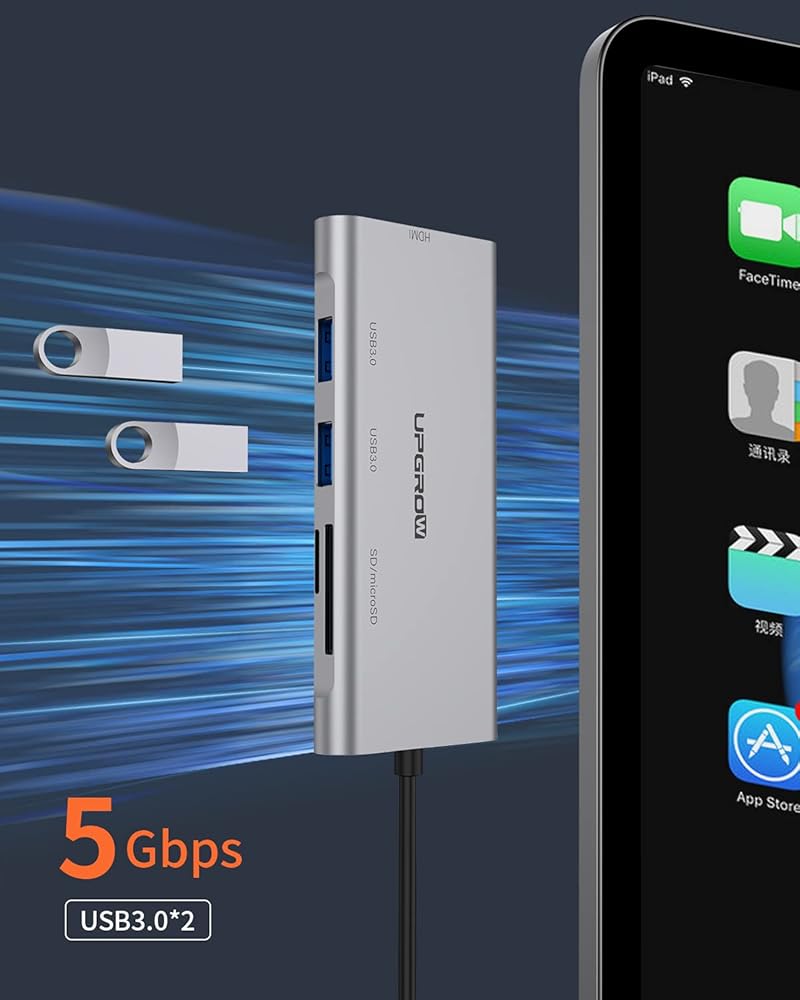
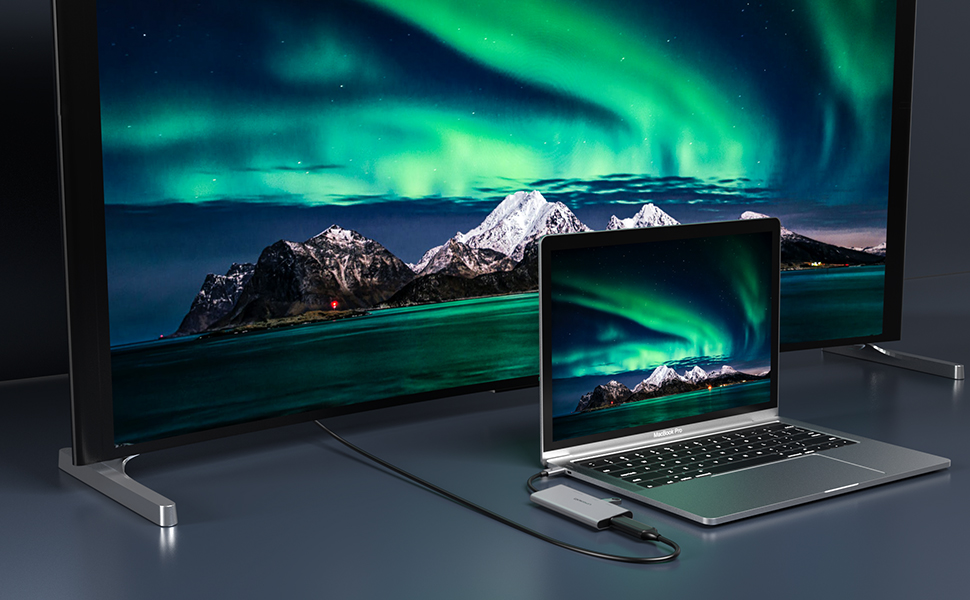
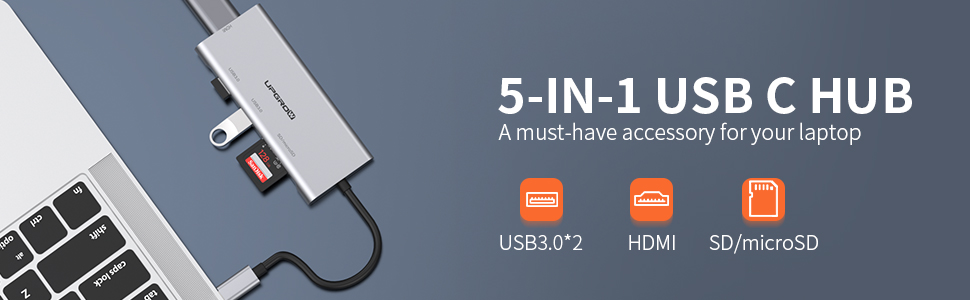
1) قم بتوصيل الكمبيوتر بمنفذ USB 3.1 من النوع سي للمنتج
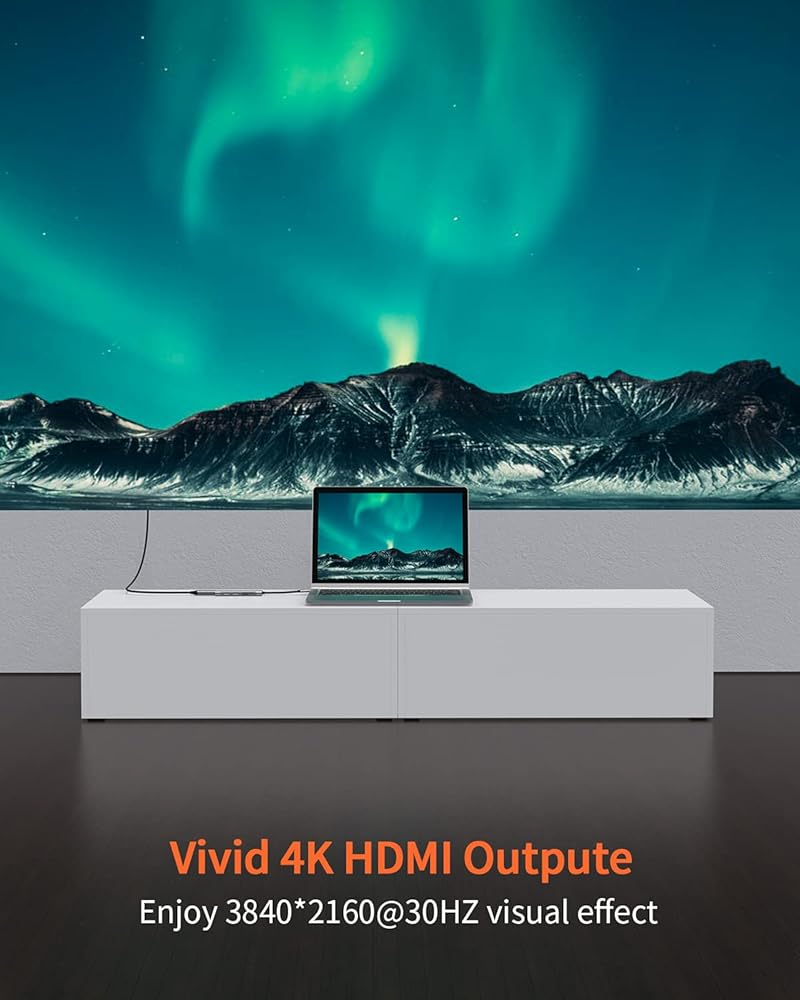
2) استخدم رأس HDMI لتوصيل كتلة HDMI الرئيسية للمنتج بجهاز العرض والتلفزيون والشاشة وما إلى ذلك.
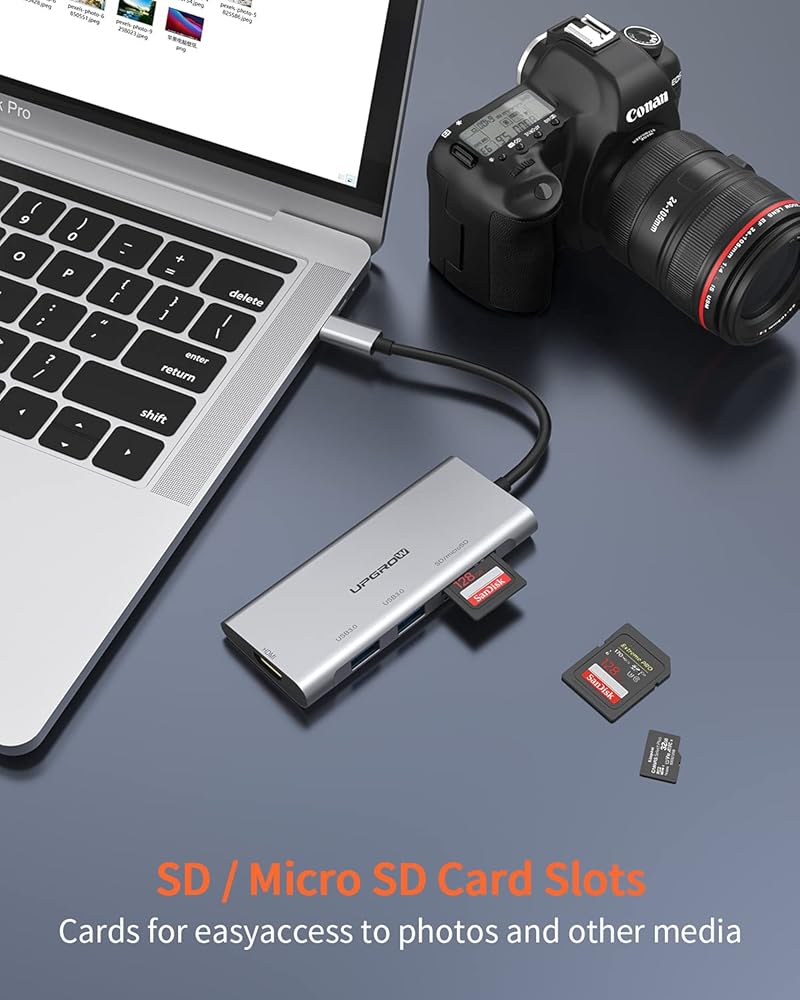
3) تستخدم لتوصيل بطاقة ذاكرة MicroSD/SD. أدخل واقرأ أولاً
القراءة المتزامنة غير مدعومة.
4) قم بتوصيل منفذ USB30 بأجهزة يو اس بي
المسائل التي تحتاج إلى الانتباه
نظرًا لأن الإخراج الحالي لجهاز ماك بوك الجديد يبلغ حوالي 1. 5 امبير، عندما يتجاوز الحمل 1.5 امبير، سيبدأ الكمبيوتر في وظيفة الحماية الذاتية. سيطالب: USB مستهلك للطاقة ويتم تعطيله، لذا افصل المحول (وأغلق رمز التعطيل أو أعد التشغيل) وأعد إدخاله.
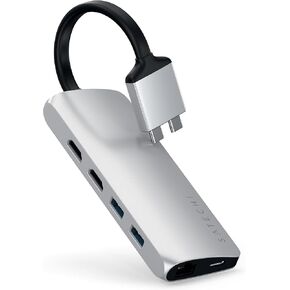 محول وسائط متعددة مزدوج من Satechi Type-C مع HDMI مزدوج 4K، USB-C PD، جيجابت إيثرنت، قارئ بطاقات Micro/SD، USB 3.0 - لجهاز M2/ M1 MacBook Pro/Max - فضي
KWD 14
محول وسائط متعددة مزدوج من Satechi Type-C مع HDMI مزدوج 4K، USB-C PD، جيجابت إيثرنت، قارئ بطاقات Micro/SD، USB 3.0 - لجهاز M2/ M1 MacBook Pro/Max - فضي
KWD 14
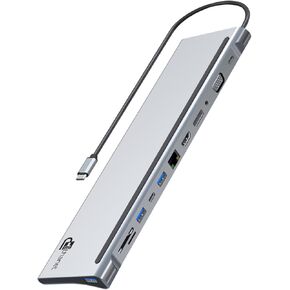 USB C HUB ، 12-in-1 محطة لرسو الكمبيوتر المحمول متعددة المنافذ مع 4K HDMI ، DP ، VGA ، تسليم الطاقة 100W ، بيانات USB C ، USB A ، Gigabit Ethernet ، SD ، MicroSD ، منفذ 3.5 مم لـ MacBook Pro ، Air والمزيد
KWD 21
USB C HUB ، 12-in-1 محطة لرسو الكمبيوتر المحمول متعددة المنافذ مع 4K HDMI ، DP ، VGA ، تسليم الطاقة 100W ، بيانات USB C ، USB A ، Gigabit Ethernet ، SD ، MicroSD ، منفذ 3.5 مم لـ MacBook Pro ، Air والمزيد
KWD 21
 7-in-1 USB C HUB ، 4K 60Hz HDMI ، شحن 100W PD ، بيانات 1 TYPE-C و 2 USB منافذ 3.0 5 جيجابت في الثانية ، قارئ بطاقة SD/TF ، قشرة ألومنيوم رمادي رمادي
KWD 12.500
7-in-1 USB C HUB ، 4K 60Hz HDMI ، شحن 100W PD ، بيانات 1 TYPE-C و 2 USB منافذ 3.0 5 جيجابت في الثانية ، قارئ بطاقة SD/TF ، قشرة ألومنيوم رمادي رمادي
KWD 12.500
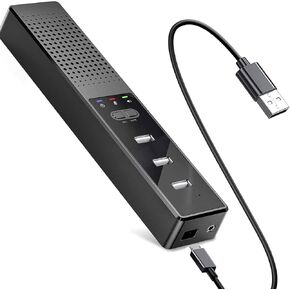 مكبر صوت USB للكمبيوتر ، محور USB ثلاثي المنفذ ، PC SPEARKER مع الميكروفون ، كتم مفتاح واحد ، سدادة ومشغل ، وسادة الماوس
KWD 7
مكبر صوت USB للكمبيوتر ، محور USB ثلاثي المنفذ ، PC SPEARKER مع الميكروفون ، كتم مفتاح واحد ، سدادة ومشغل ، وسادة الماوس
KWD 7

 الكويت