- Shopping, made easy.
- /
- Get the app!
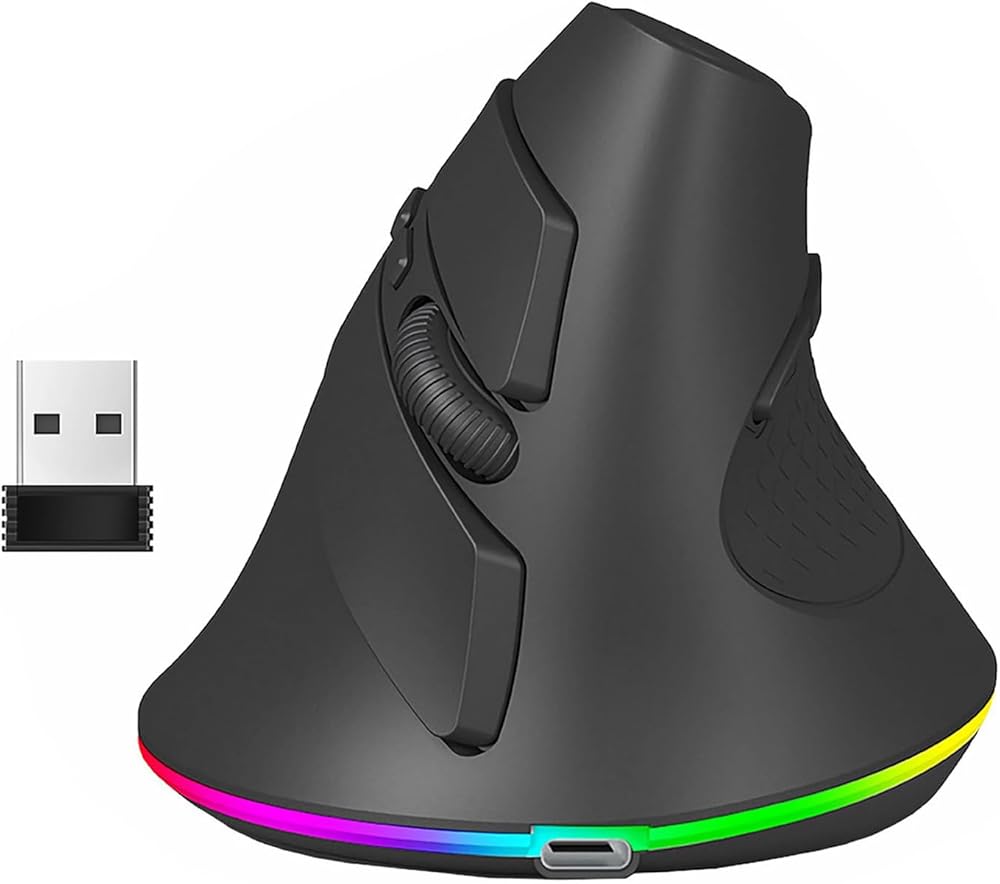
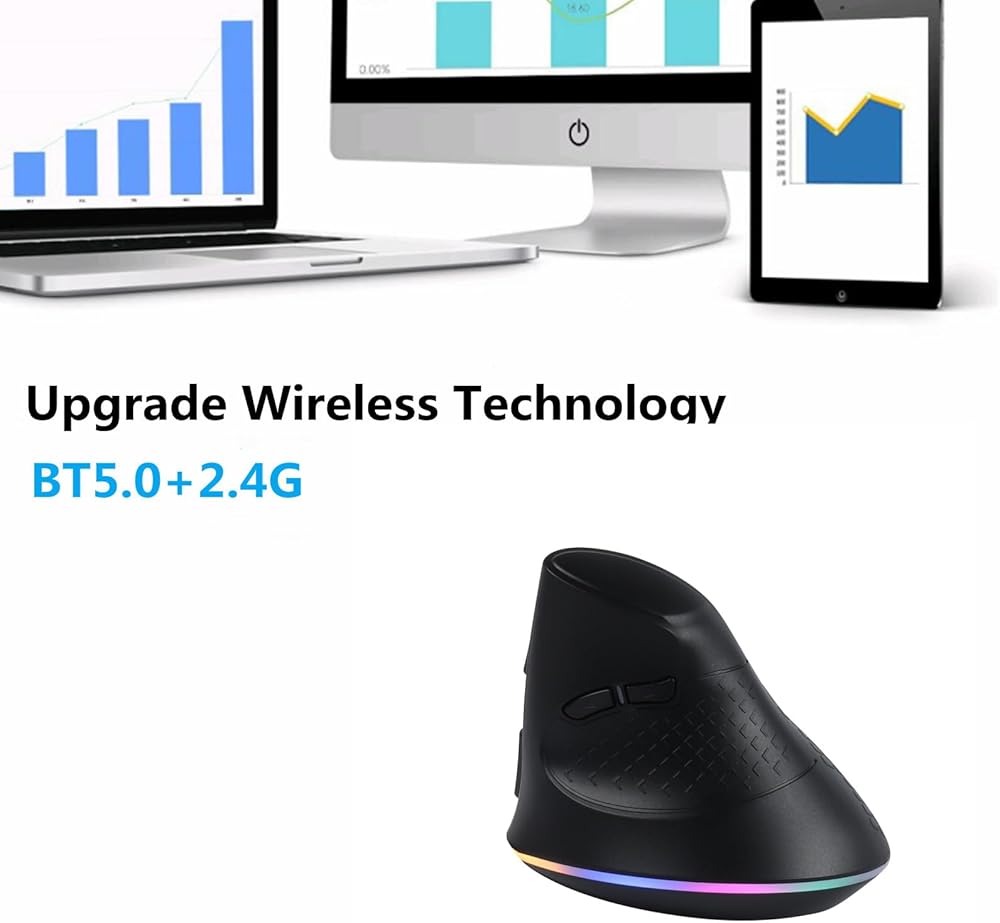
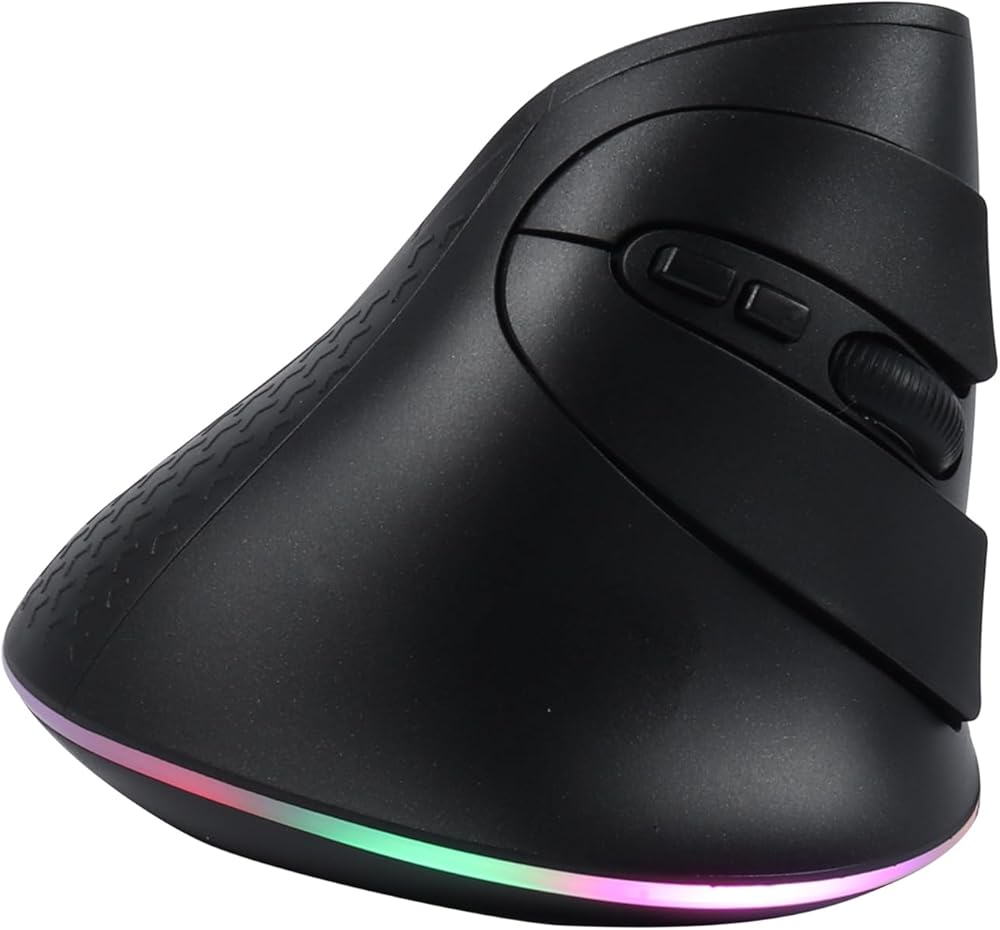
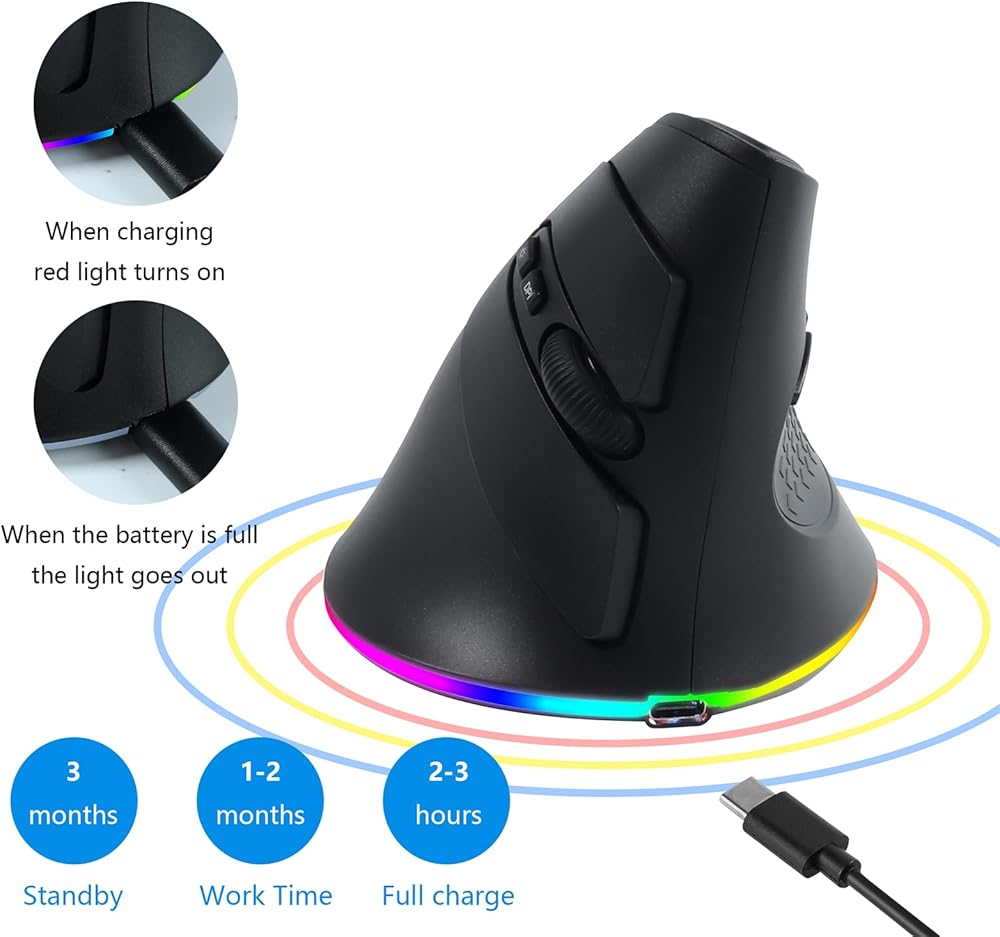
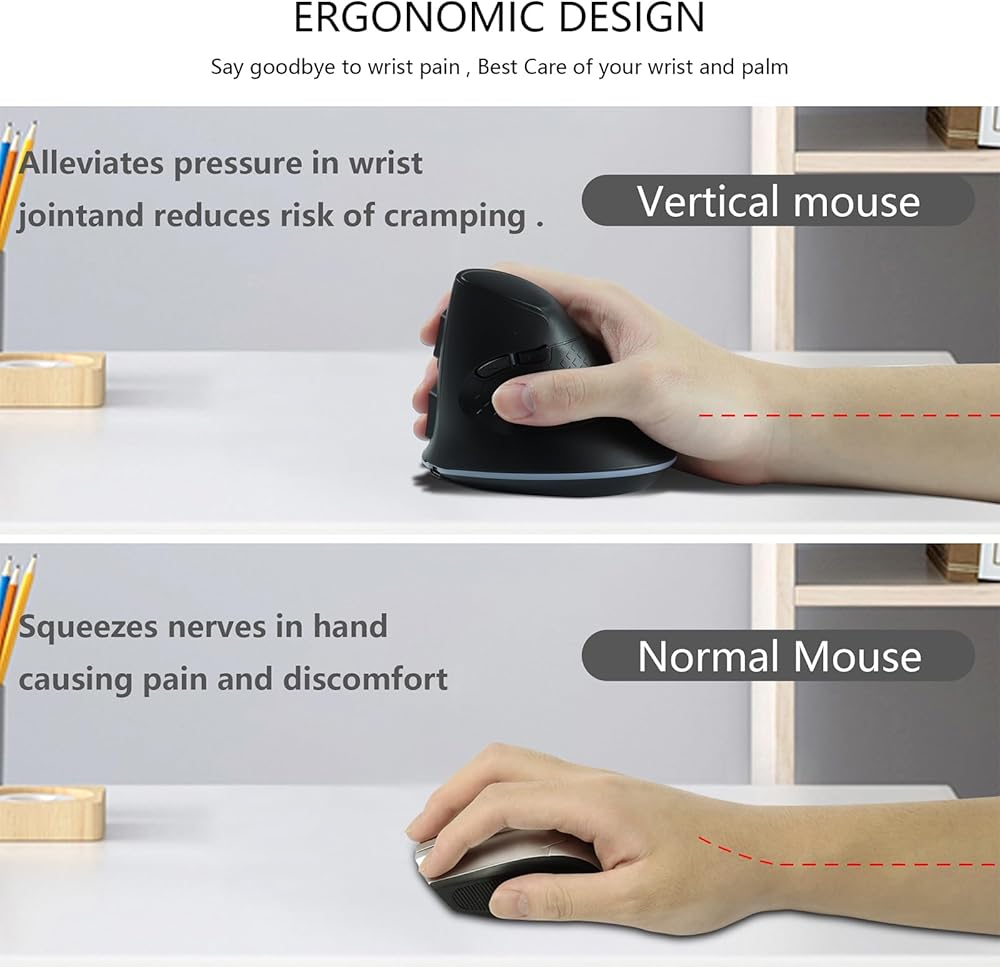
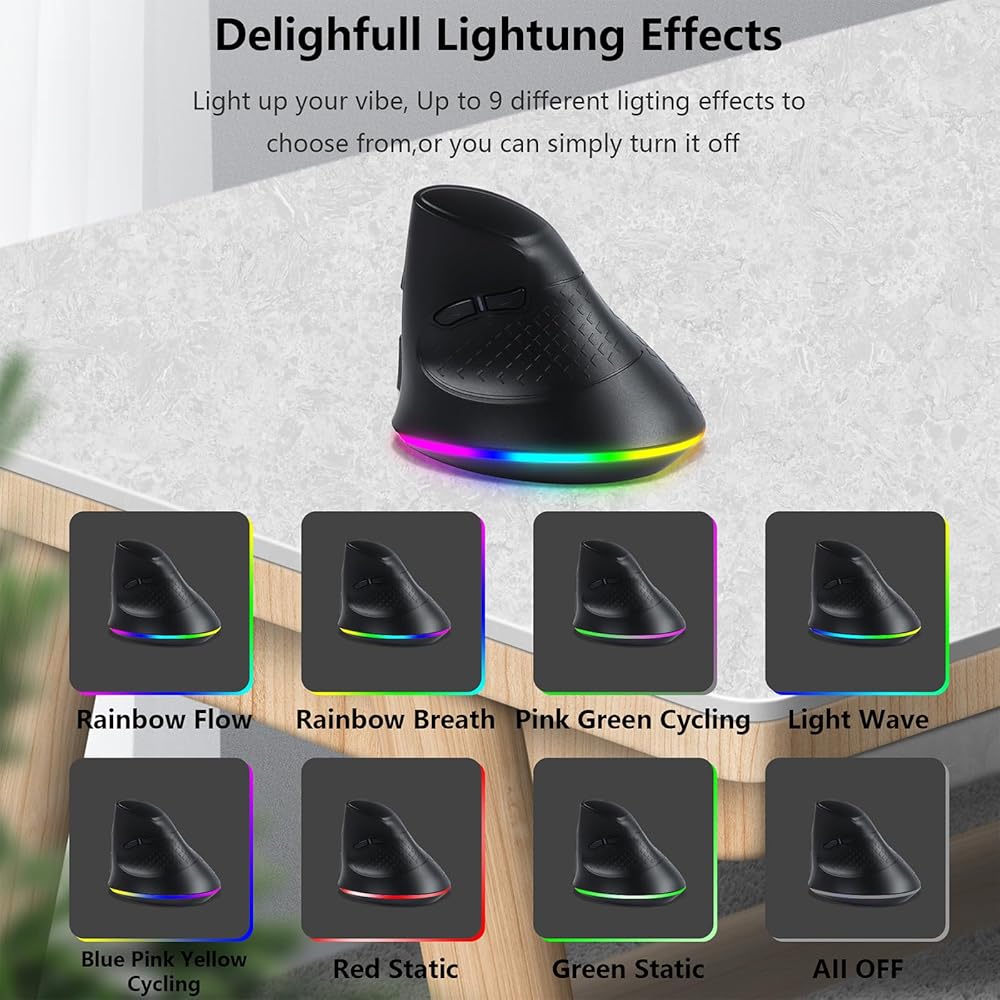
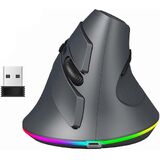
2.4G Wireless Bluetooth Vertical Ergonomic Optical Mouse, 1000 / 1600 /3200 DPI, 5 Buttons&LED Light for Laptop, Desktop, PC, Macbook
Mode switching:
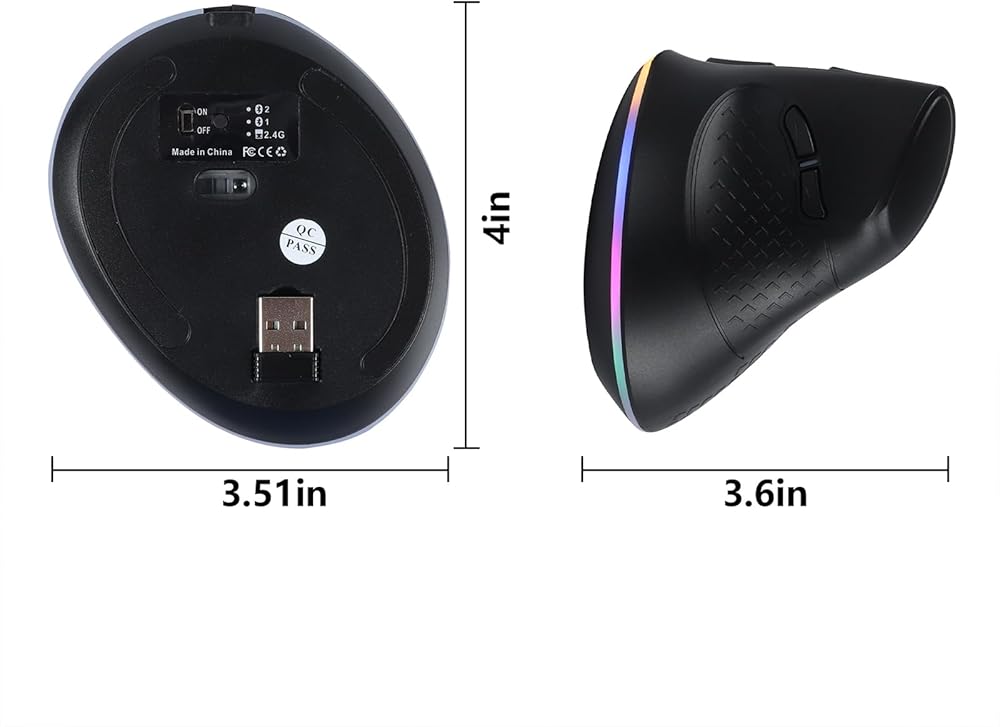
1. 2.4G Plug in the mouse receiver and press the switch button at the bottom of the mouse. When the corresponding light of 2.4G flashes, 2.4G is connected.
At the same time, you can open Bluetooth search on the second computer and press the switch again. When the Bluetooth 1 light flashes, you can connect to the second computer.
You can also connect to Bluetooth 2 on the third computer. Just switch the corresponding mode on different computers. When you need to connect Bluetooth to the fourth computer, Or when you delete Bluetooth on the original computer and need to re-Bluetooth, you need to press and hold to switch to the fourth computer to recognize it.
Compatibility:
Windows 10 / 8 / 7 / Vista / XP / 2000
Linux
Mac OS X (The previous/next page thumb buttons are not recognized on the Mac OS X.)
Package includes:
1. 1* Wireless&Bluetooth Vertical Breathing Mouse
2. 1*Using Manual
3. 1*USB Receiver
 -42%
XTRFY MZ1 - Superlight Gaming Mouse - Wired with State-of-The-Art Pixart 3389 Sensor - Optimal Aim Through Unique Shape - Adjustable RGB Backlight - Zy’s Rail Edition
KWD 14.500
-42%
XTRFY MZ1 - Superlight Gaming Mouse - Wired with State-of-The-Art Pixart 3389 Sensor - Optimal Aim Through Unique Shape - Adjustable RGB Backlight - Zy’s Rail Edition
KWD 14.500
 BTL Mouse Grip Tape for Logitech G Pro X Superlight Non Slip Suck Sweat White Full 0.3mm
KWD 7
BTL Mouse Grip Tape for Logitech G Pro X Superlight Non Slip Suck Sweat White Full 0.3mm
KWD 7
 Logitech Design Collection Limited Edition Wireless Mouse
KWD 6.500
Logitech Design Collection Limited Edition Wireless Mouse
KWD 6.500
 YOCUNKER Wireless Mouse, 2.4G Rechargeable Silent Slim Computer Mouse with USB Receiver 3 DPI, Back to Desktop Button Cordless Mice for PC Laptop Computer Desktop Windows Mac OS Office (Blue)
KWD 10.500
YOCUNKER Wireless Mouse, 2.4G Rechargeable Silent Slim Computer Mouse with USB Receiver 3 DPI, Back to Desktop Button Cordless Mice for PC Laptop Computer Desktop Windows Mac OS Office (Blue)
KWD 10.500