- Shopping, made easy.
- /
- Get the app!
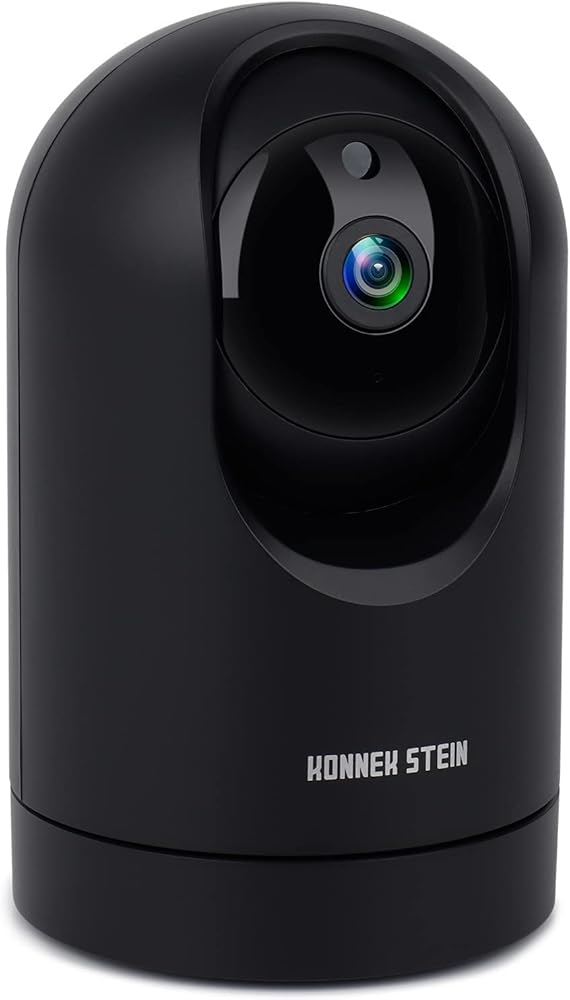
Konnek Stein Full HD 2K Indoor Security Camera
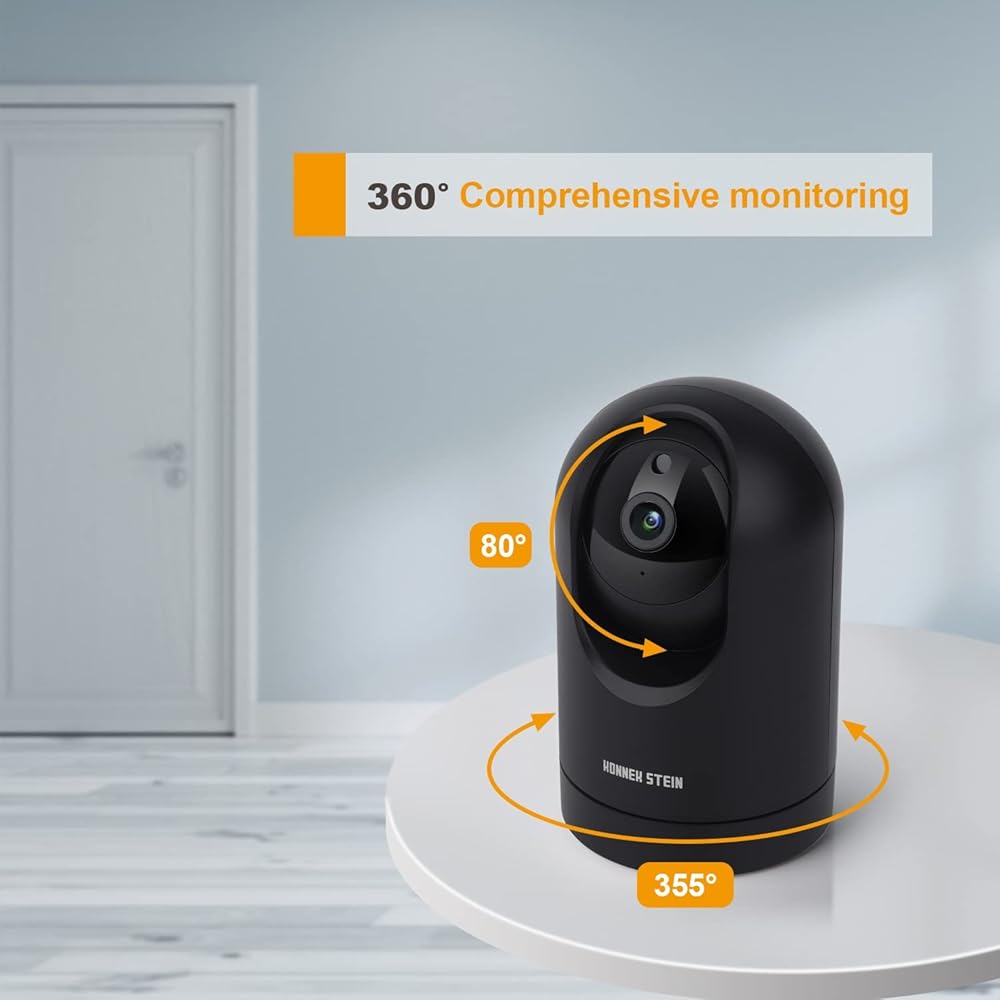
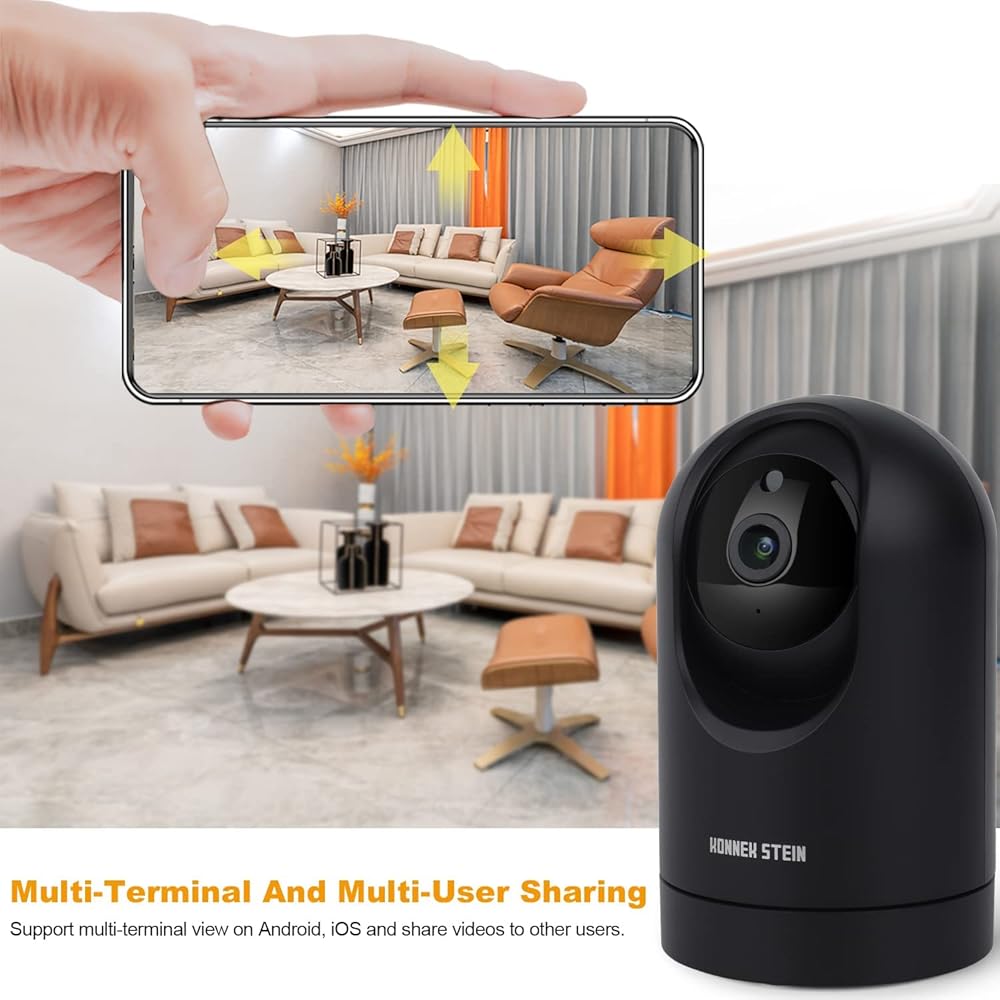
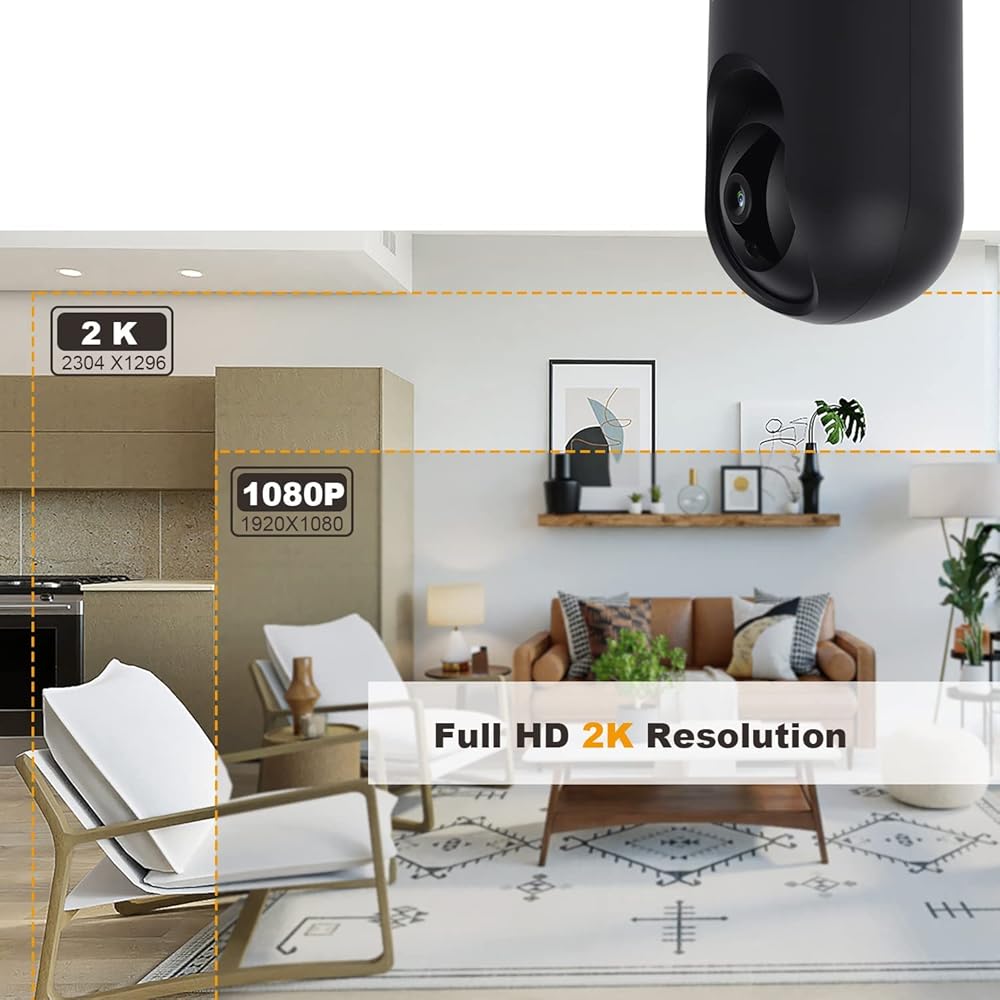
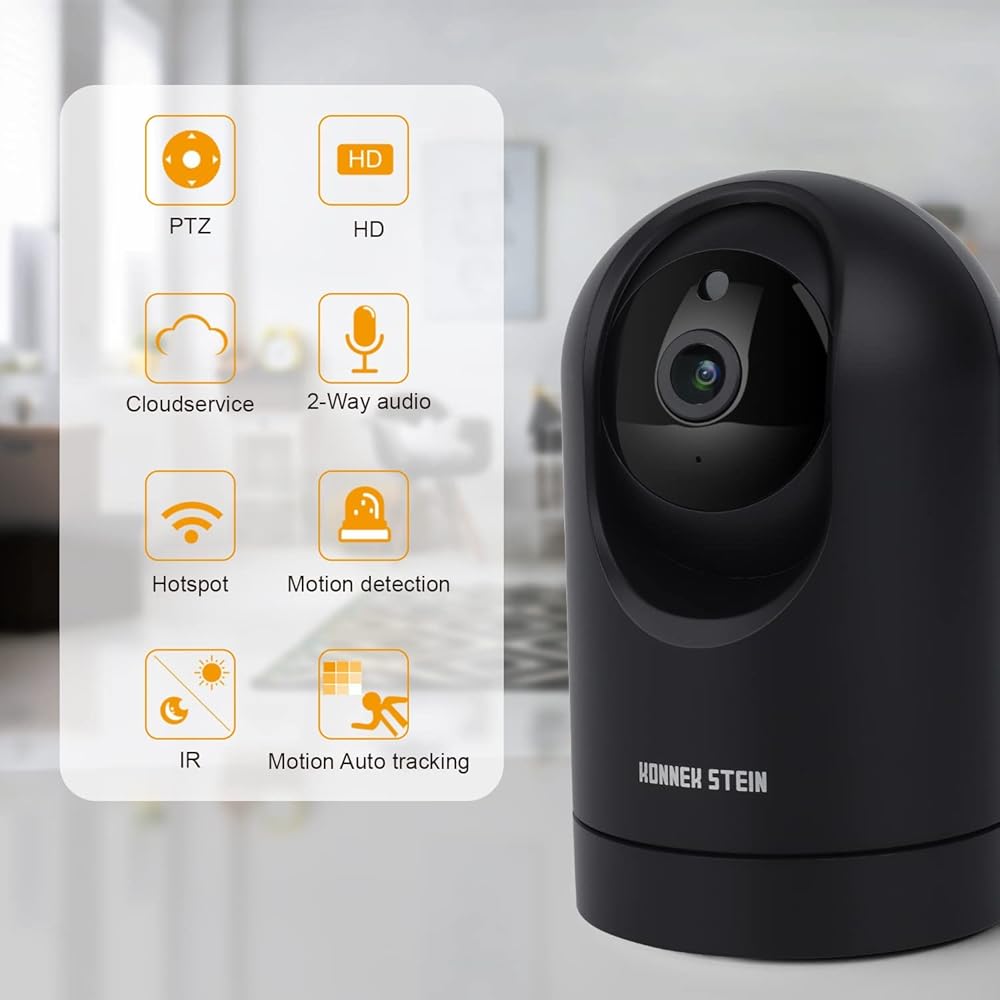
Live steam from anywhere with Pan/Tilt. Swipe up, down, left and right on your phone to rotate and set your camera's point of view in real-time. Sharp and clear 2K full HD provides high quality video right in the palm of your hand.
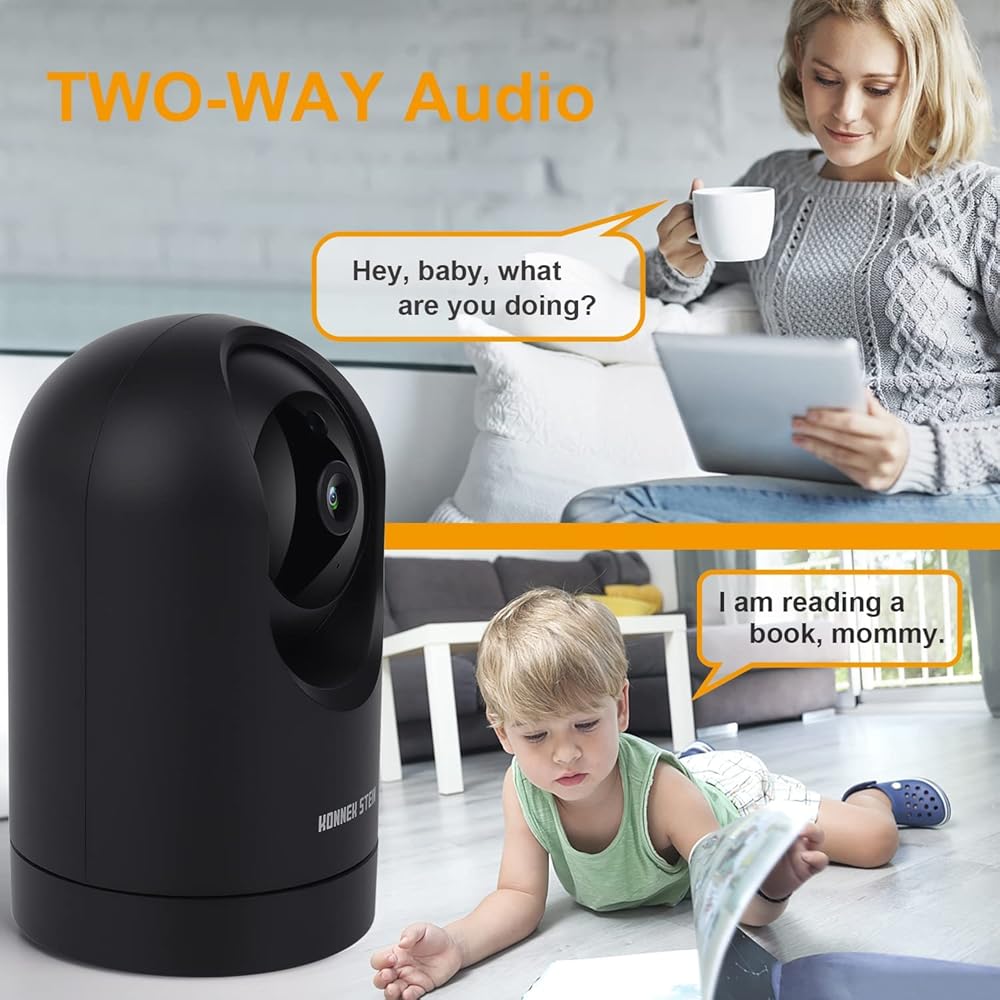
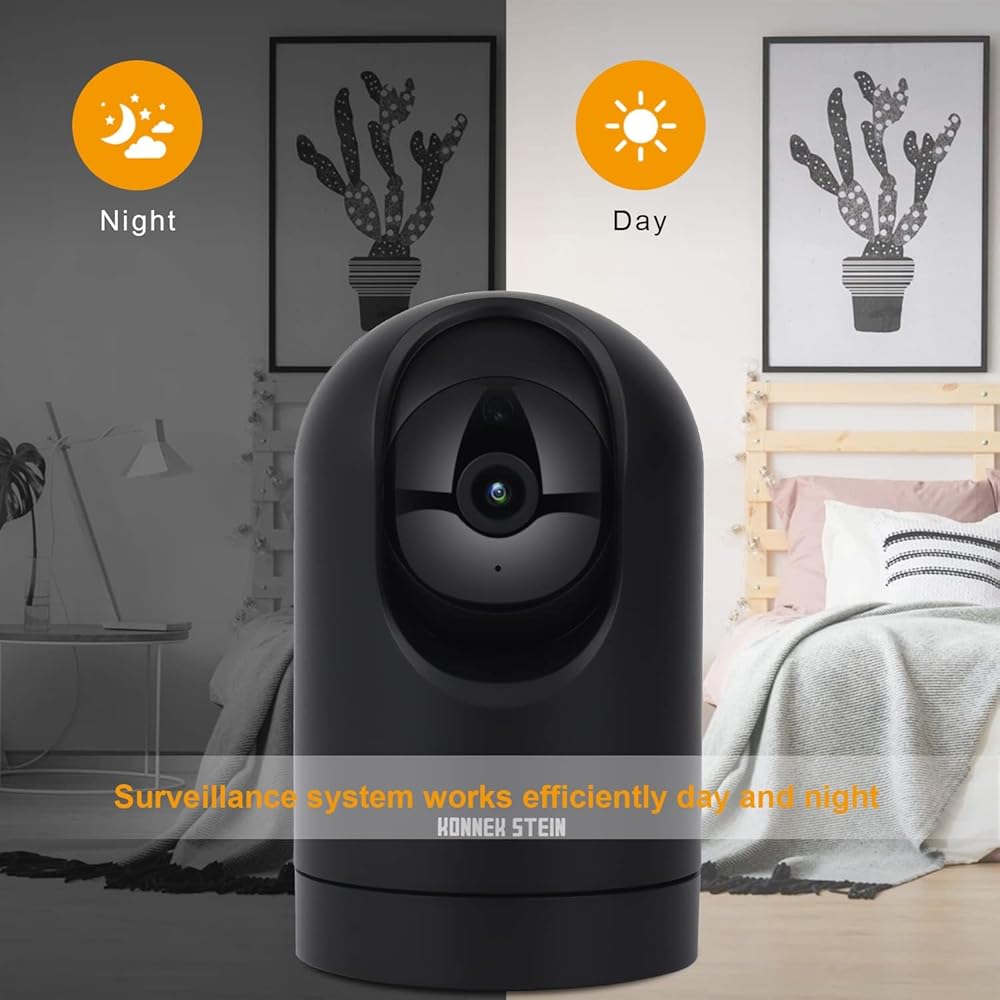
2K HD indoor camera, plug-in security camera with motion detection and two way audio that lets you monitor the inside of your home day and night.
IP camera automatically switches to night mode, supports 30ft long-distance night vision range.
Installation Steps:
1. Scan the QR Code or search the “Smart Life”APP in Google Play or App Store to download. Sign up and login smart life account.
2. Make sure your phone is connected to WI-FI and plug in the adaptor to power the camera.
3. Open“Smart Life”click add device and select smart camera(Dual Band).
4. Reset the camera(Long press the reset button for 8 seconds) on the back next to the micro USB-a jack, this device has no indicator light,you will hear prompt tone“Beep Beep Beep” when reset successfully.
5. After reset successfully you will hear “Beep Beep”in every 8 seconds,click NEXT to connect WI-FI to the device.
6. The APP will generate a QR code, use the camera to scan the QR code. A prompt tone“Beep Beep Beep”will be heard if scan successful, click the button of "I heard a prompt" to start adding device.
If you have any questions about connecting the device, please contact us, we are happy to provide any assistance.
 Maxx Air Fan Dome, 6" Fan, Black
KWD 46
Maxx Air Fan Dome, 6" Fan, Black
KWD 46
 Wireless Security Camera, WiFi Indoor Camera Pan and Tilt Monitoring, HD 1080P Motion Detection, Night Vision, Remote Control, Two-Way Audio, with TF Card Slot and Cloud (Black)
KWD 12.500
Wireless Security Camera, WiFi Indoor Camera Pan and Tilt Monitoring, HD 1080P Motion Detection, Night Vision, Remote Control, Two-Way Audio, with TF Card Slot and Cloud (Black)
KWD 12.500
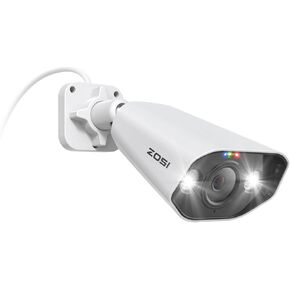 ZOSI 2PK 4K PoE IP Security Camera with Ethernet Cables,Person/Vehicle Detection,Night Vision,Sound & Light Alarm,2 Way Audio,8MP Weatherproof Outdoor Dome Camera Only Compatible 4K POE NVR
KWD 64.500
ZOSI 2PK 4K PoE IP Security Camera with Ethernet Cables,Person/Vehicle Detection,Night Vision,Sound & Light Alarm,2 Way Audio,8MP Weatherproof Outdoor Dome Camera Only Compatible 4K POE NVR
KWD 64.500
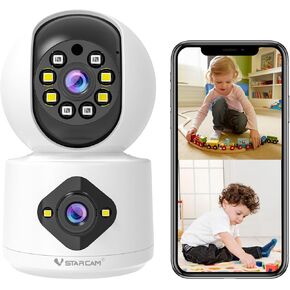 VSTARCAM Dual Lens Indoor Security Camera, 5MP Pan Tilt Zoom WiFi Camera, Dog Camera for Baby/Pet/Home with Color Night Vision,2-Way Audio,Human Auto Tracking, Indoor Camera Wireless with Phone App
KWD 10.500
VSTARCAM Dual Lens Indoor Security Camera, 5MP Pan Tilt Zoom WiFi Camera, Dog Camera for Baby/Pet/Home with Color Night Vision,2-Way Audio,Human Auto Tracking, Indoor Camera Wireless with Phone App
KWD 10.500