- Shopping, made easy.
- /
- Get the app!
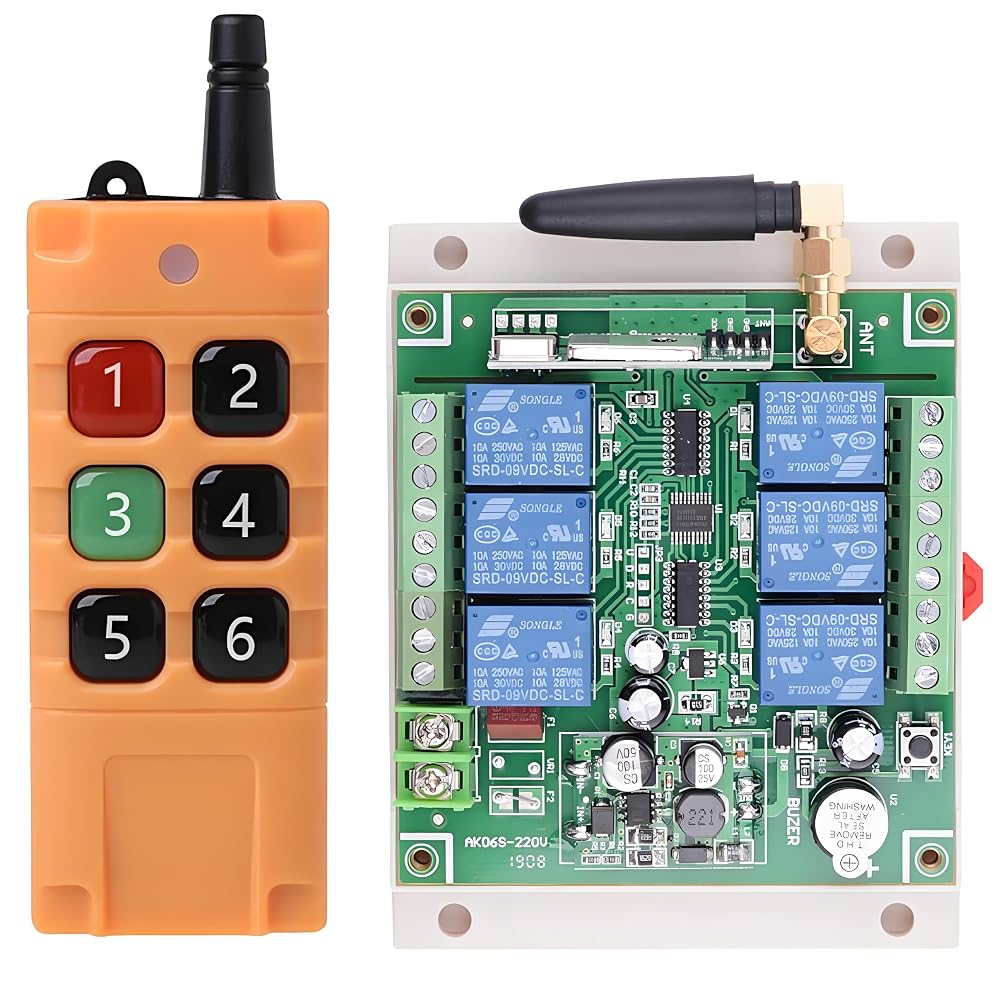
PACKAGE
1* Switch
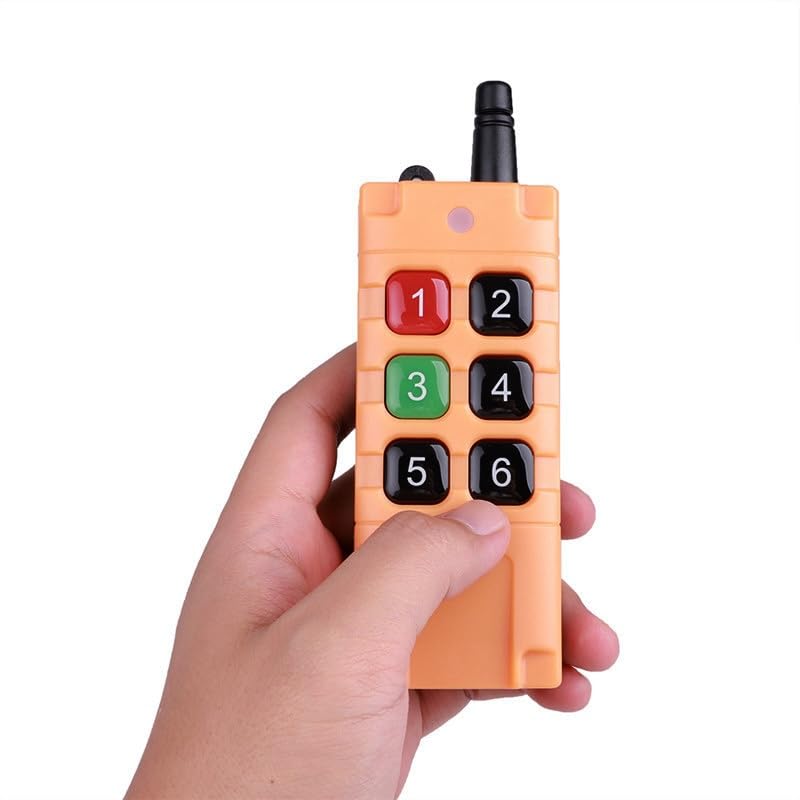
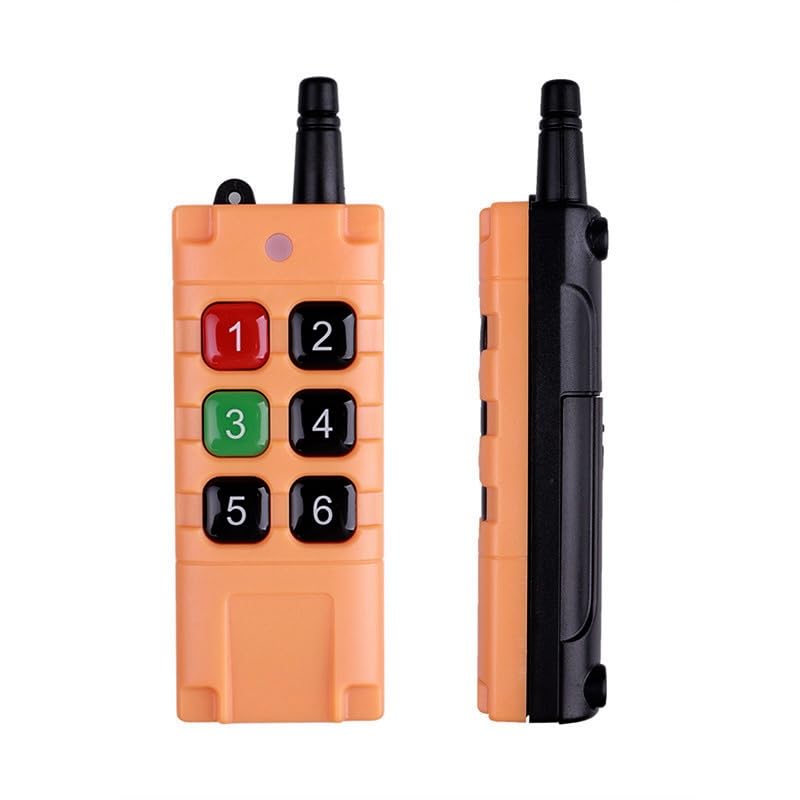
1* Remote
SPECIFICATION
-Operating Voltage: DC12V by default 12V --36V available upon request)
-Operating Temperature: -40°C to +80°C
-Receiving Sensitivity: ≥ -105dBm
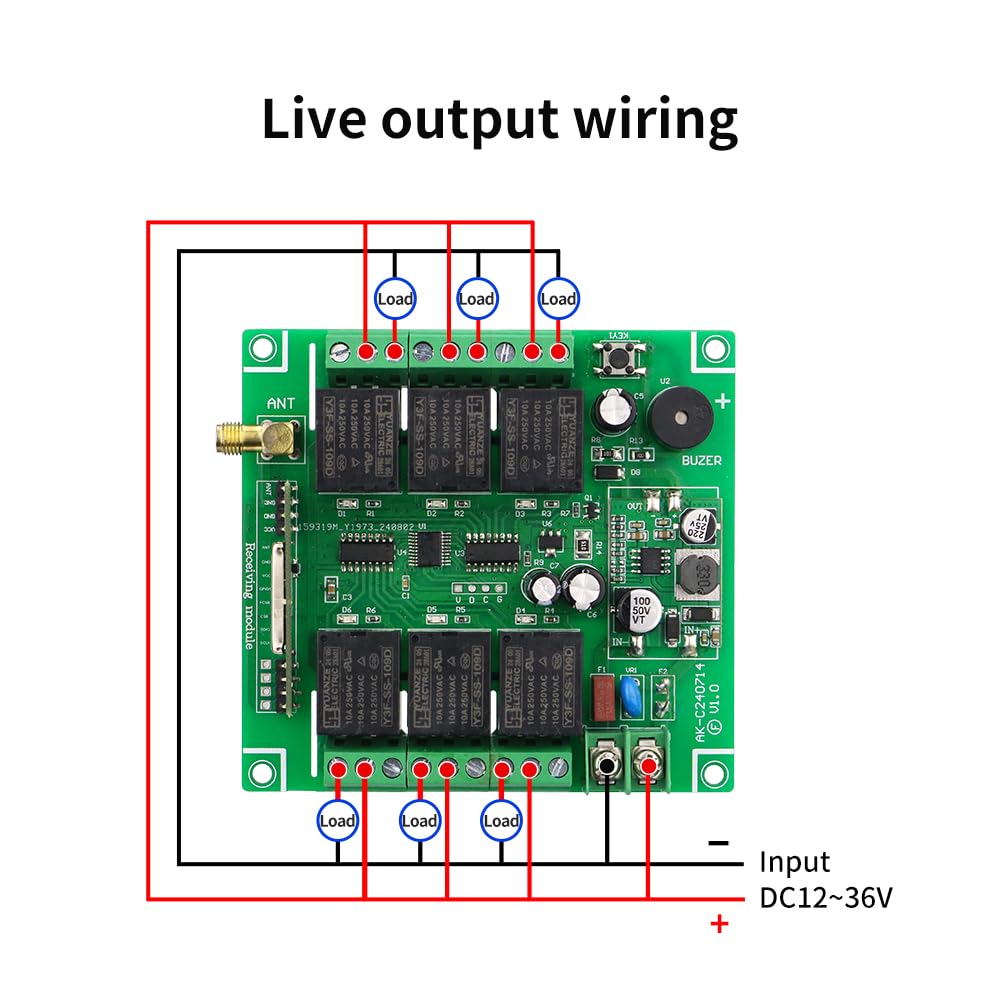
-Output Current: ≤ 3A
-Weight: 0.17 kg ≈ 0.37 lb
-Dimensions:
PCB: 87 × 92.6 × 16.4 mm ≈ 3.43 × 3.65 × 0.65 in
No need for traditional jumpers or DIP-switch coding; simply let the receiver controller pick up and store the radio signal sent by the transmitter, and the two are instantly matched.
If a successfully paired transmitter is ever lost, just clear the stored code in the receiver—the lost transmitter will no longer be able to operate it. Only the owner can regain control by pairing a new transmitter from scratch.
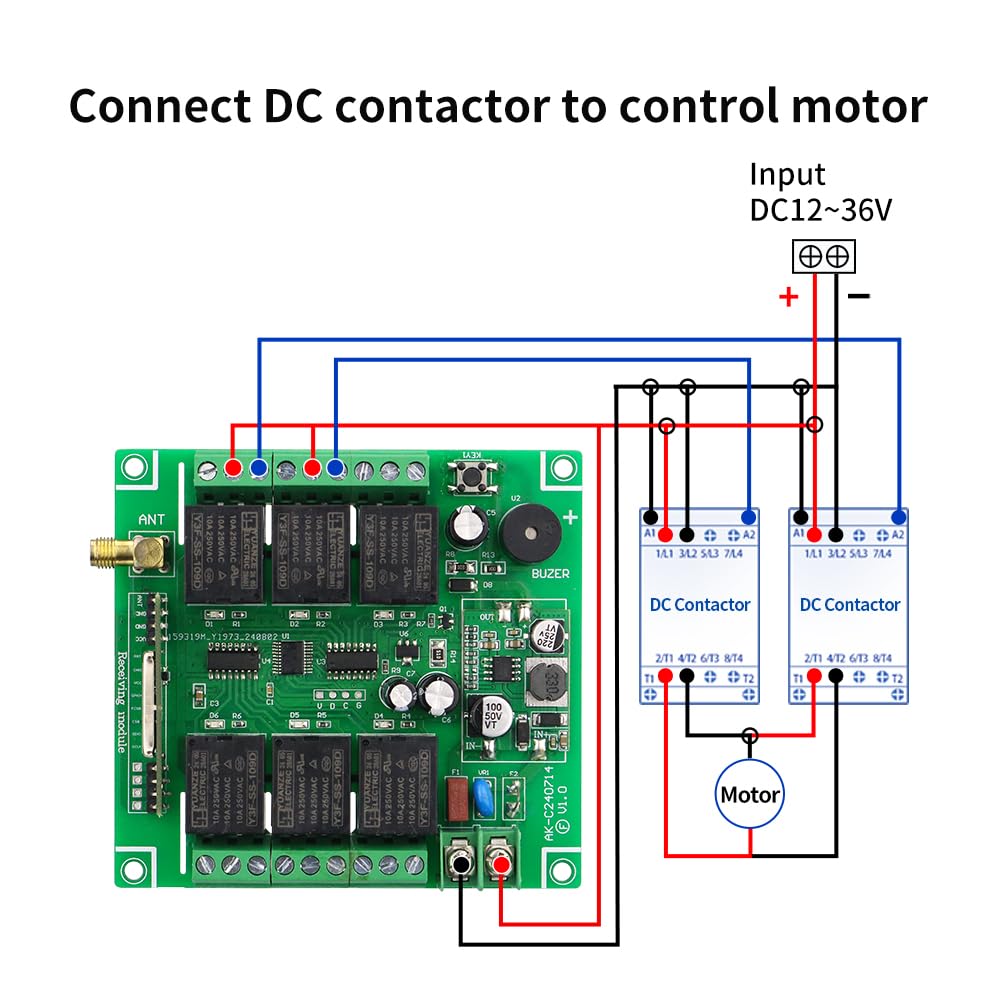
Typical uses include electric doors, windows, lifting equipment, barrier gates, elevators, industrial automation, security systems, and related fields.
Output Modes
- Momentary (Signal): Press remote button 1 to learn
- Interlocked (Signal): Press remote button 2 to learn
- Toggle (Signal): Press remote button 3 to learn
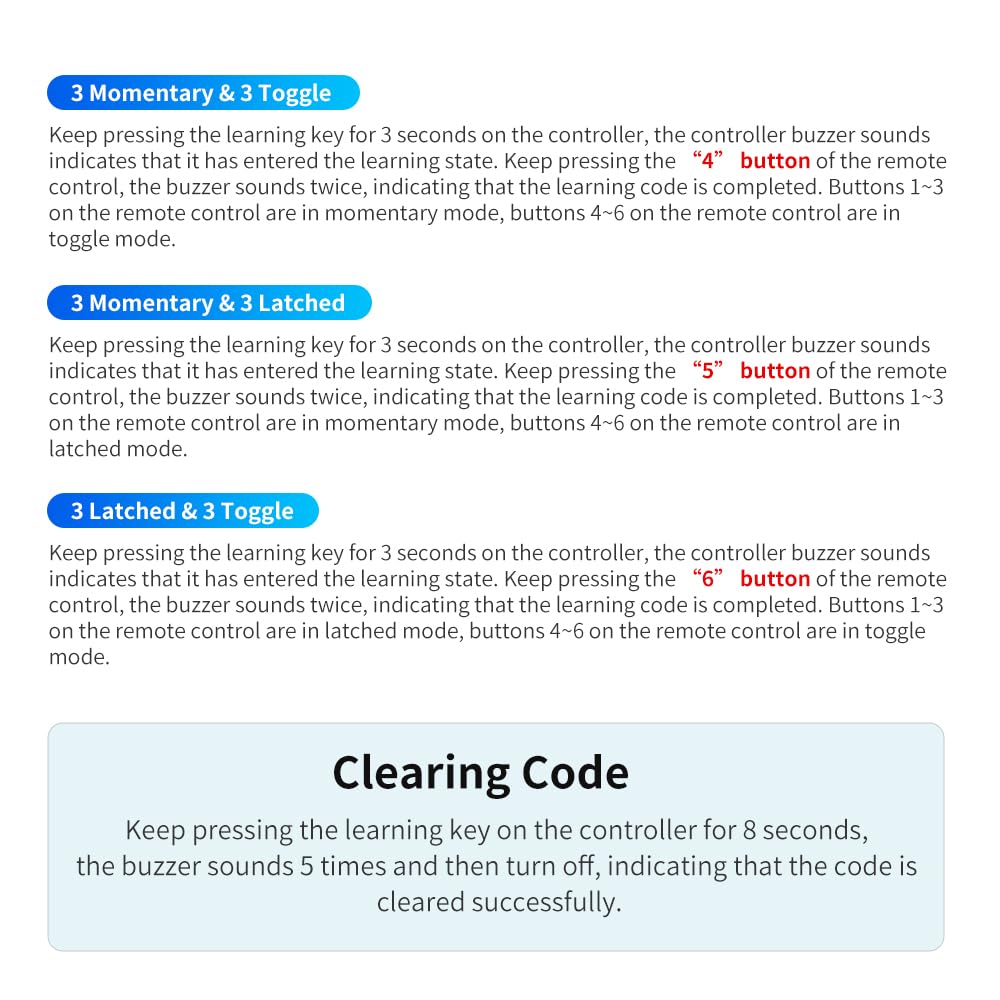
- Channels 1–3 Momentary, Channels 4–6 Toggle: Press remote button 4 to learn
- Channels 1–3 Momentary, Channels 4–6 Interlocked: Press remote button 5 to learn
- Channels 1–3 Interlocked, Channels 4–6 Toggle: Press remote button 6 to learn
Explanation of Toggle / Interlock / Momentary:
-Interlock: Press a remote button—the corresponding relay turns on. Press another button—the previous relay turns off.
-Momentary (Non-latch): Press and hold a remote button—the corresponding relay turns on. Release the button — the relay turns off.
-Toggle (Self-locking): Press a remote button once—the relay turns on. Press the same button again—the relay turns off.
Pairing Method
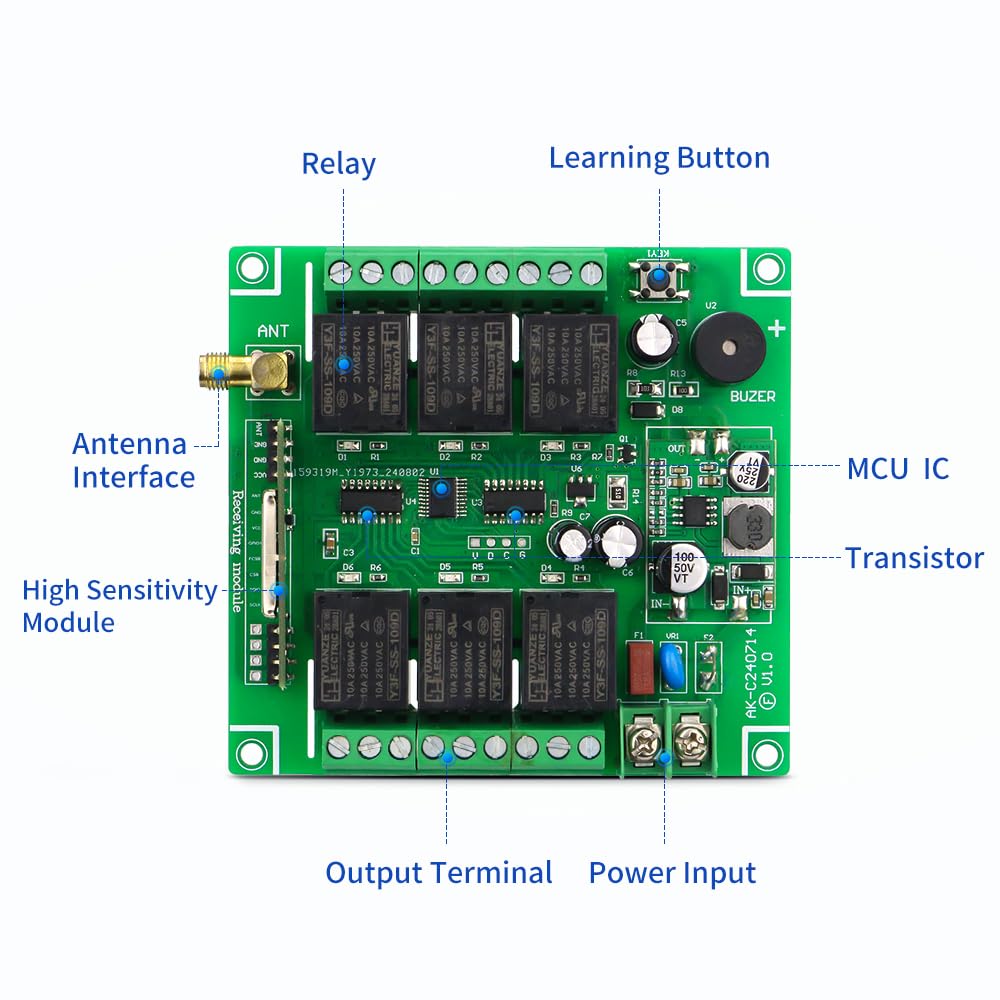
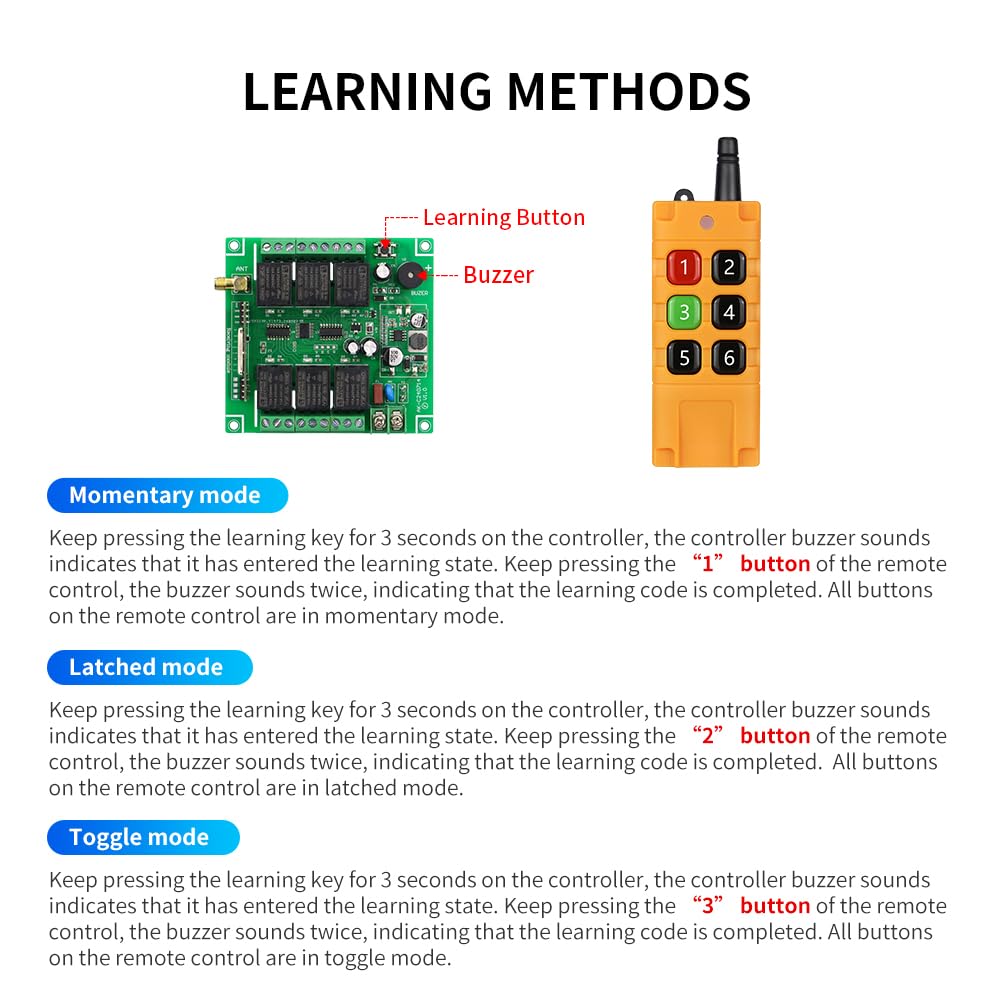
Press and hold the learning button on the control panel for 3 seconds. The buzzer will beep three times to indicate entry into learning mode. Then, press the corresponding button on the remote control that matches the desired operating mode. The buzzer will beep three times again to confirm successful learning.
Different buttons correspond to different operating modes:
- Button1: All momentary mode—Relays 1 to 6 all operate in momentary mode.
- Button2: All interlock mode—Relays 1 to 6 all operate in interlock mode.
- Button3: All self-locking mode—Relays 1 to 6 all operate in self-locking mode.
- Button4: 3 momentary, 3 self-locking—Relays 1–3 in momentary mode, relays 4–6 in self-locking mode.
- Button5: 3 momentary, 3 interlock—Relays 1–3 in momentary mode, relays 4–6 in interlock mode.
- Button6: 3 interlock, 3 self-locking—Relays 1–3 in interlock mode, relays 4–6 in self-locking mode.
Clearing Codes:
Press and hold the learning button for 3 seconds. The buzzer will beep three times and then emit a long beep. Once the buzzer beeps three times again, the code clearing is done.
 Cordless Cut-Off Tool, 20000RPM Angle Grinder & Circular Saw Fits Dewalt 20V Max Battery, Detachable Dust Shroud with Adjustable Metal Plate, 4x 3" Saw Blades for Wood Plastic Tile Metal (No Battery)
KWD 24
 Cellophane Shrink Wrap Machine, Manual Cellophane Heat Sealer Sealing Machine for BOPP Film Heat Shrink Wrap Cigarette Cosmetics Perfume Gift Packaging, Anti-Scald (LS12x20)
KWD 46.500
 Cordless Tile Vibration Tool, Adjustable 6 Speed Tile Vibration Machine, Tile Vibrating Leveling Tool Vibrator for Installation, Two Batteries, 12000RPM, 6 Gears
KWD 24.500
 Camera Leveler, Tri-Wheel Leveling Base for Macro Photography with +/-5 Degree Precision Adjustment, Aluminum Tripod Leveler with 3 Axis Head, for DSLR Camera Photography Tripod Panoramic Head
KWD 9.500

 Kuwait