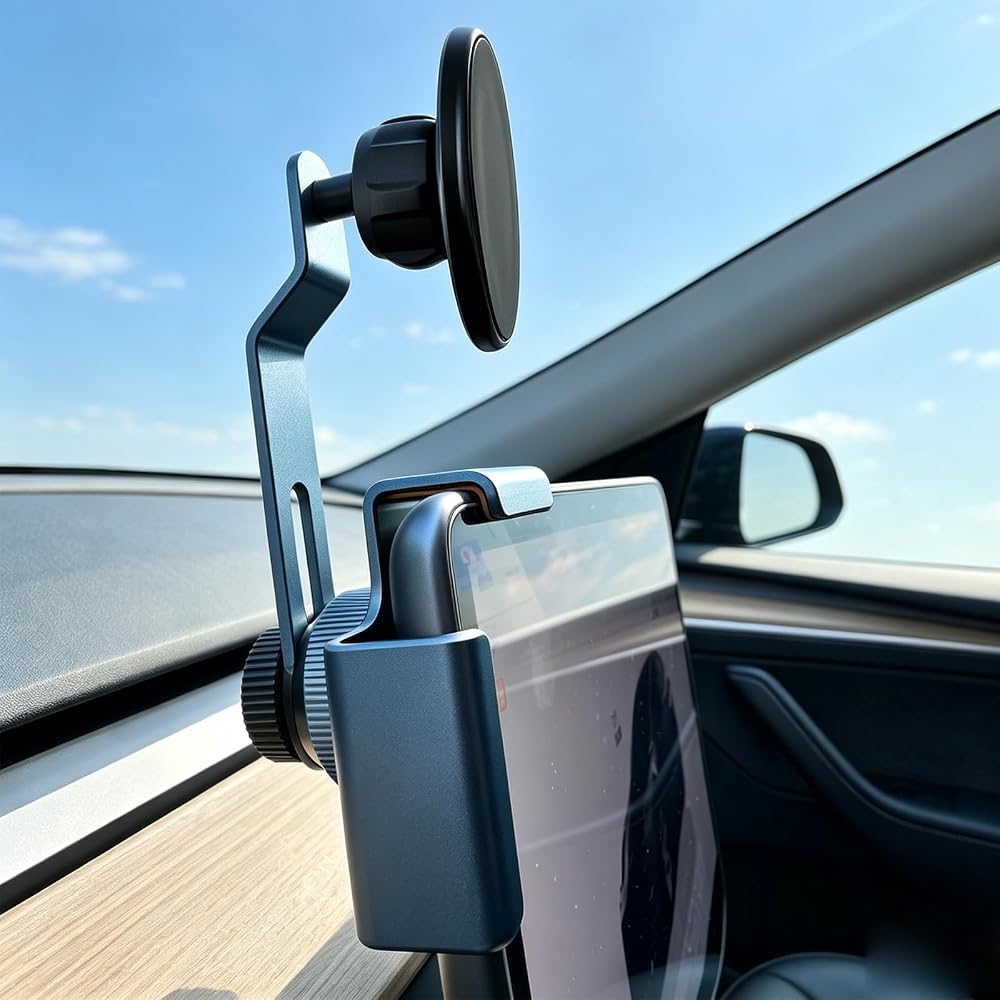
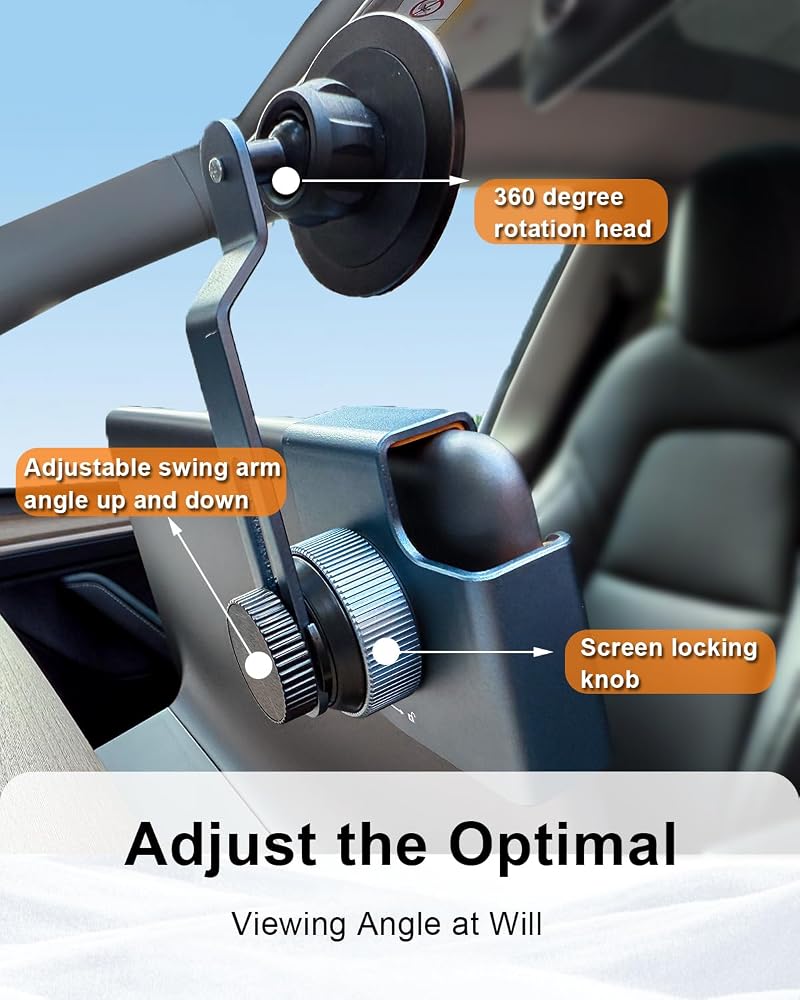
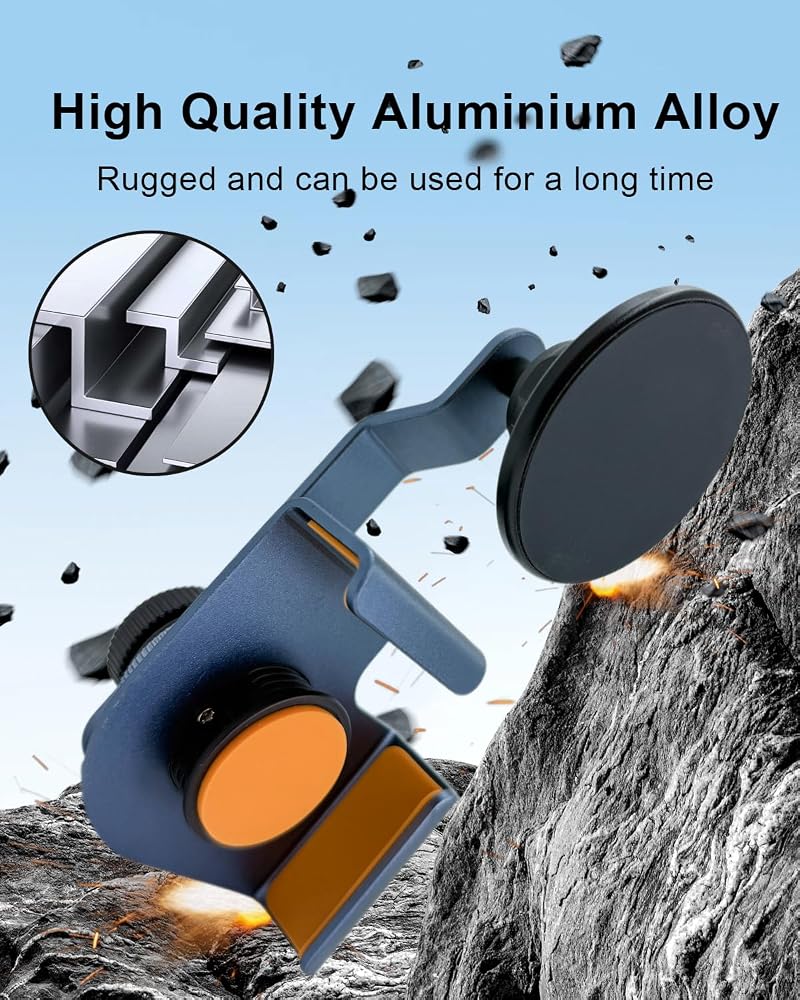
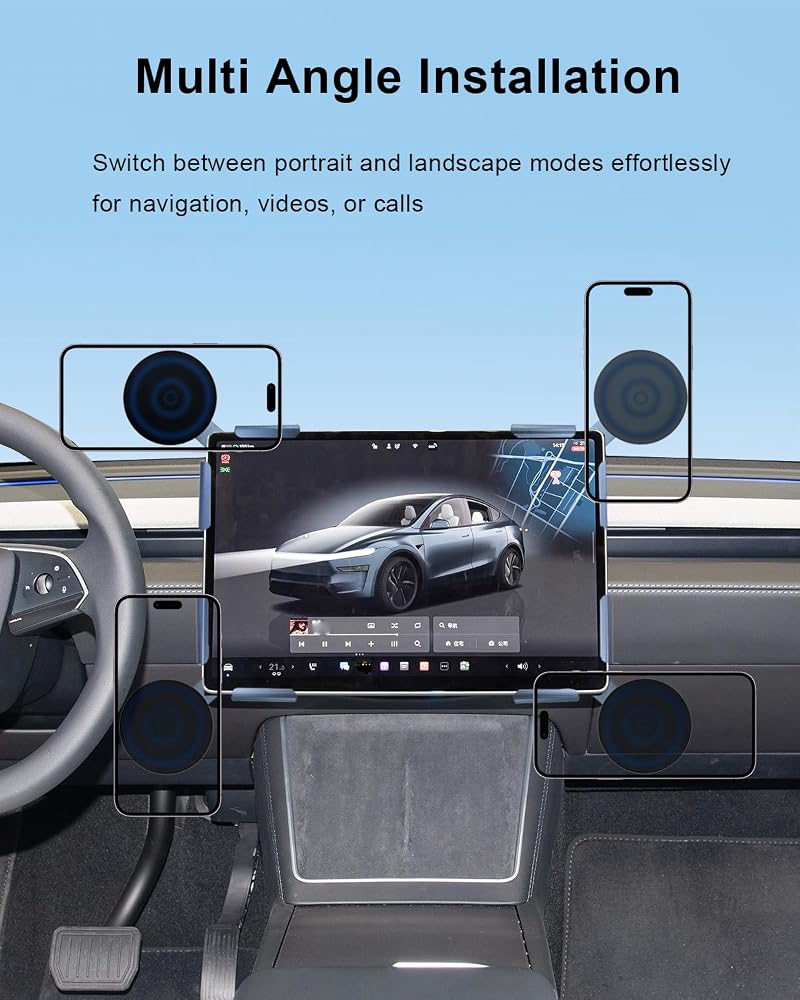
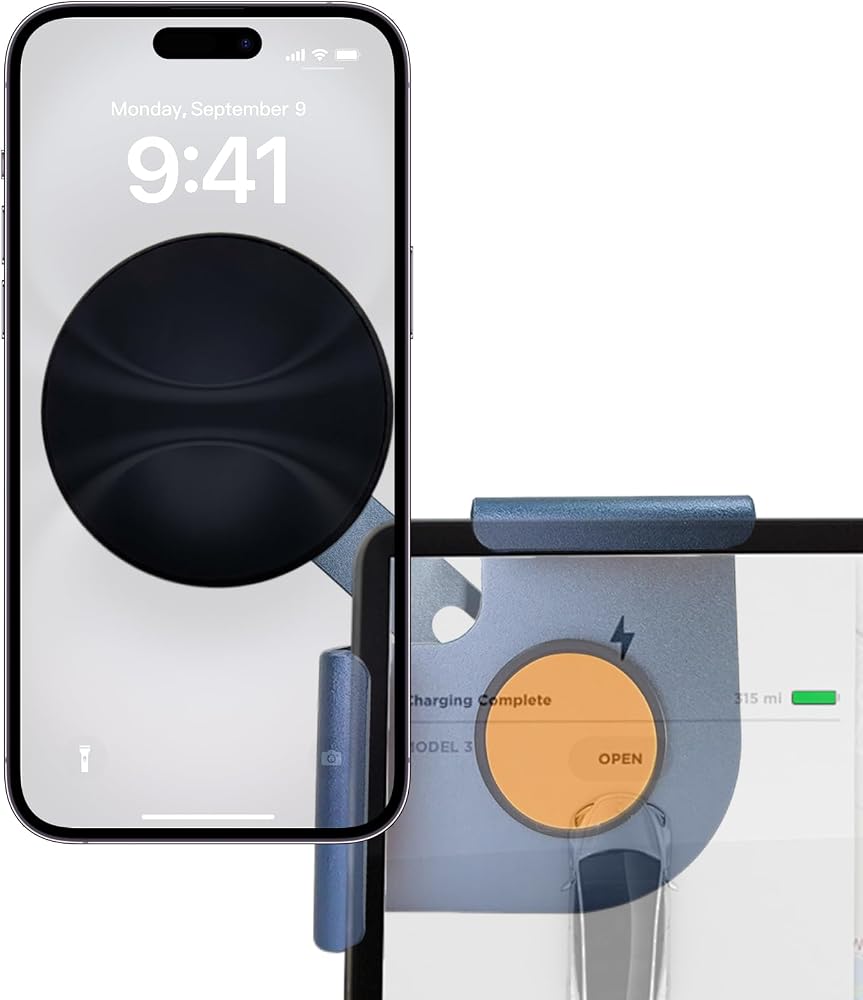
Vehicle dedicated mounting bracket: Constructed from aluminum alloy with embedded N55 magnets; customized for Tesla Model Y, Model 3, Model X and Model S; holds mobile phones steadily on rough roads and avoids abnormal vibration noise; hidden slim structure mounts behind central touchscreen quickly without obstructing sight or scratching vehicle interior; supports 360 degree angular adjustment for convenient single-hand operation
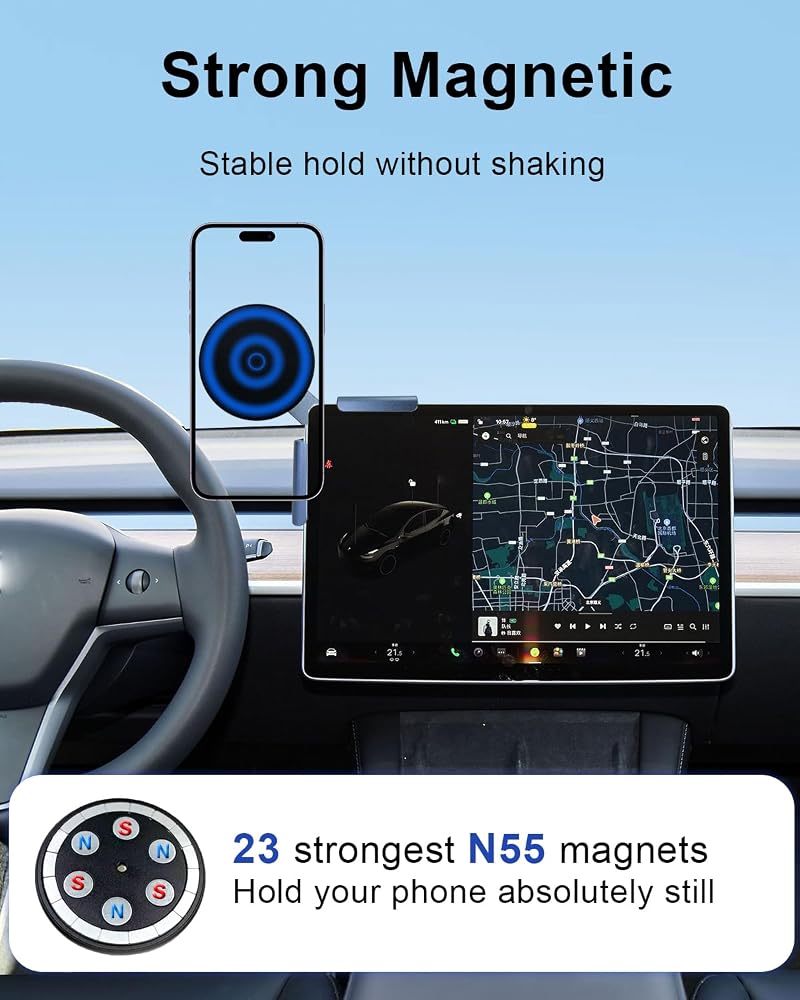
N55 magnetic suction structure: Built-in N55 magnets offer stable holding force during emergency braking and sharp turns; the magnetic mount does not interfere with GPS, wireless charging and mobile phone calls to maintain normal signal transmission; steady magnetic design fits daily driving use
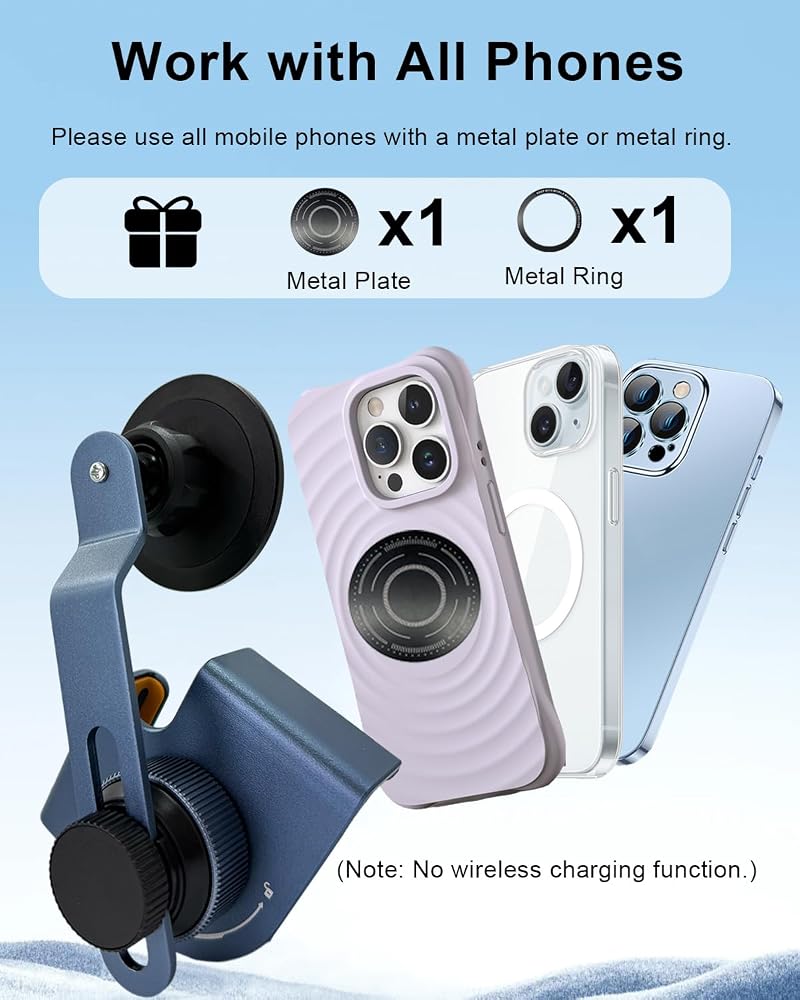
360 degree adjustable universal design: Matched connecting rods of different lengths support flexible position adjustment; allows vertical and horizontal screen switching for navigation, audio playback and hands-free calls; compatible with iPhone 17/16/15/14 series and mainstream Android phones; one metal ring and one metal sheet are included for assembly
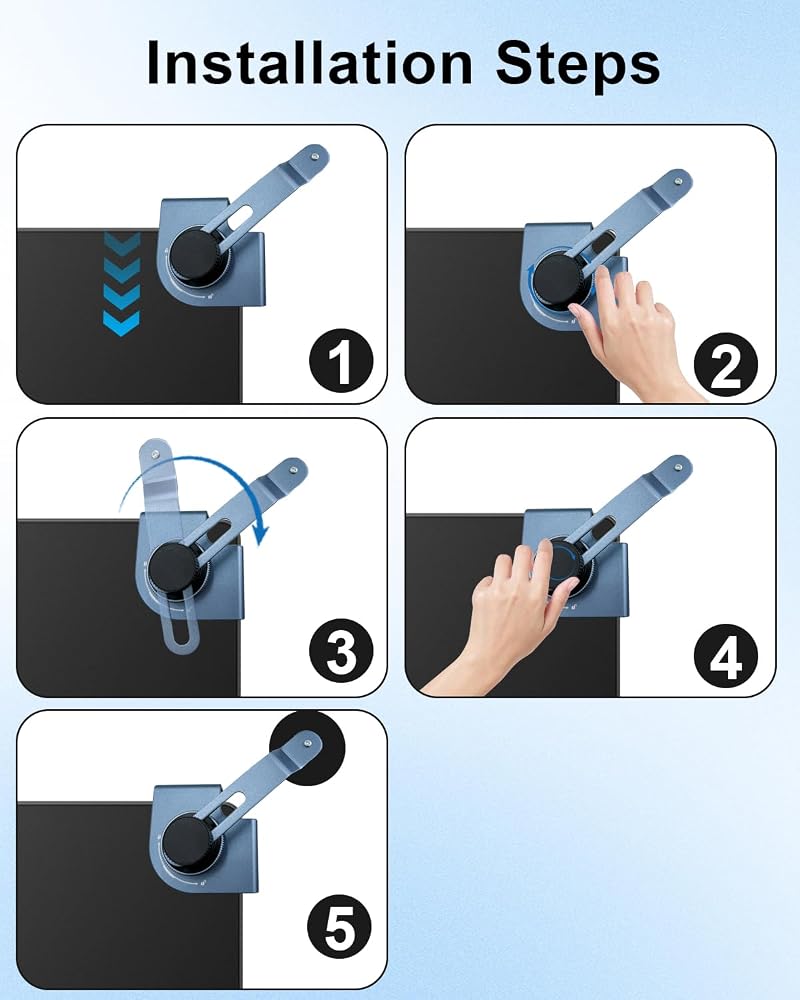
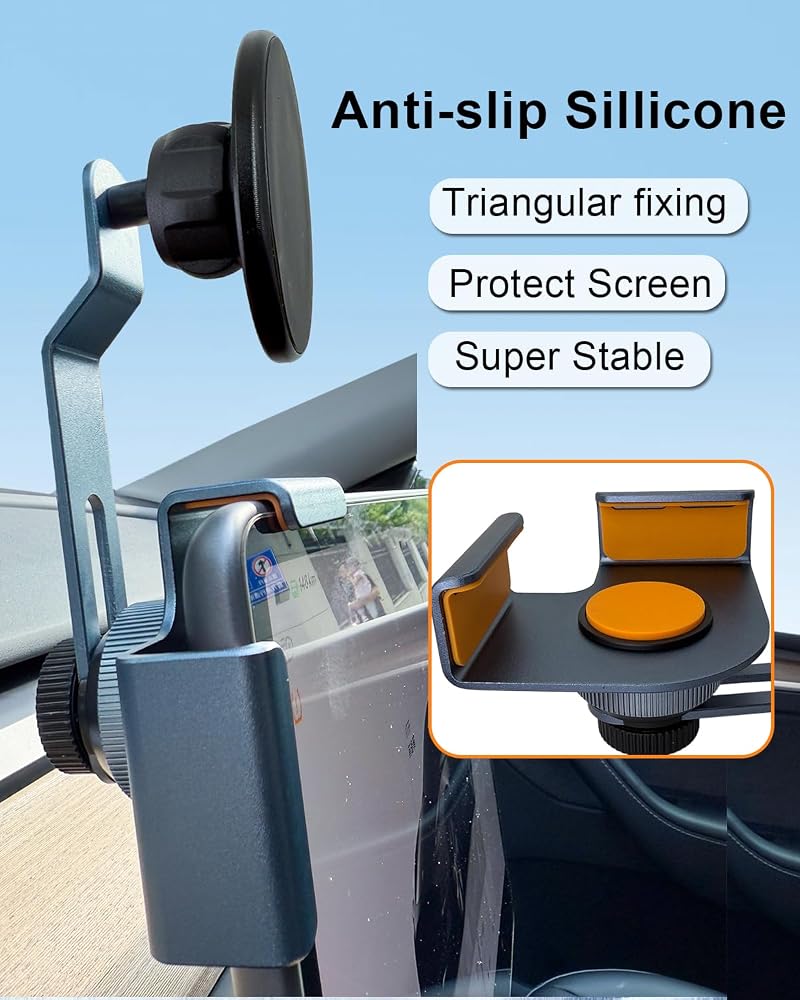
Tool-free non-destructive assembly: Uses tension clamping mechanism to attach to touchscreen without adhesive or screws; built-in soft silicone cushions prevent screen scratches and adapt to different screen thicknesses of Tesla models; installation can be completed in 30 seconds and leaves no permanent changes to vehicle interior
Reliable structural design: Manufactured with high-strength materials and tested under vibration and extreme temperature conditions; package includes illustrated installation guide for simple assembly and stable phone mounting inside vehicles
وصف
Quick & Damage-Free Installation
Ready in Under 60 Seconds - No Tools Required!
Step 1: Position the premium aluminum base behind your touchscreen
Step 2: Align the soft-grip clamp with your screen bezel and gently clip into place
Step 3: Hand-tighten the precision locking knob clockwise until secure (no over-tightening needed)
Step 4: Attach the magnetic mount head to the ball joint support arm
Step 5: Adjust to your perfect viewing angle without blocking screen information
Step 6: Lock the support arm knob clockwise for stability
Step 7: Place your phone and drive with confidence!
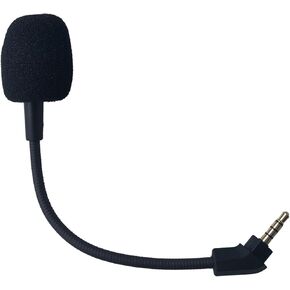 ميكروفون بديل مقاس 3.5 ملم لسماعات الألعاب HyperX Cloud Revolver S | لجهاز PS4 Pro PS5 Xbox One X PC، قابل للفصل، وإلغاء الضوضاء
KWD 2.500
ميكروفون بديل مقاس 3.5 ملم لسماعات الألعاب HyperX Cloud Revolver S | لجهاز PS4 Pro PS5 Xbox One X PC، قابل للفصل، وإلغاء الضوضاء
KWD 2.500
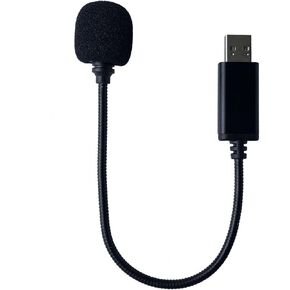 ميكروفون USB صغير متوافق مع أجهزة الكمبيوتر المحمول وأجهزة الكمبيوتر المكتبية وأجهزة Mac مع Gooseneck وبطاقة صوت USB عالمية، قابس وتشغيل عن بعد، ميكروفون إلغاء الضوضاء قابل للفصل، أسود
KWD 5
ميكروفون USB صغير متوافق مع أجهزة الكمبيوتر المحمول وأجهزة الكمبيوتر المكتبية وأجهزة Mac مع Gooseneck وبطاقة صوت USB عالمية، قابس وتشغيل عن بعد، ميكروفون إلغاء الضوضاء قابل للفصل، أسود
KWD 5
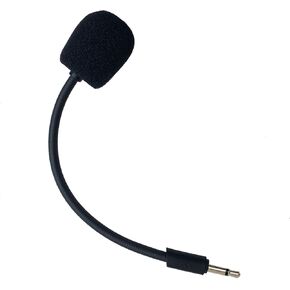 ميكروفون بديل متوافق مع سماعات الألعاب JBL Quantum Q100 Stereo Studio لأجهزة PS5 PS4 PC Xbox MAC Professional Clear Crystal Sound Isolation Mic، 2.5 مم أسود
KWD 3
ميكروفون بديل متوافق مع سماعات الألعاب JBL Quantum Q100 Stereo Studio لأجهزة PS5 PS4 PC Xbox MAC Professional Clear Crystal Sound Isolation Mic، 2.5 مم أسود
KWD 3
 ميكروفون سيارة عالمي 3.5 مم تجميع خارجي ميكروفون ستيريو راديو السيارة استبدال ميكروفون متوافق مع سوني لبايونير كينوود جبال الألب باناسونيك JVC Jensen مع محول 2.5 مم
KWD 3.500
ميكروفون سيارة عالمي 3.5 مم تجميع خارجي ميكروفون ستيريو راديو السيارة استبدال ميكروفون متوافق مع سوني لبايونير كينوود جبال الألب باناسونيك JVC Jensen مع محول 2.5 مم
KWD 3.500