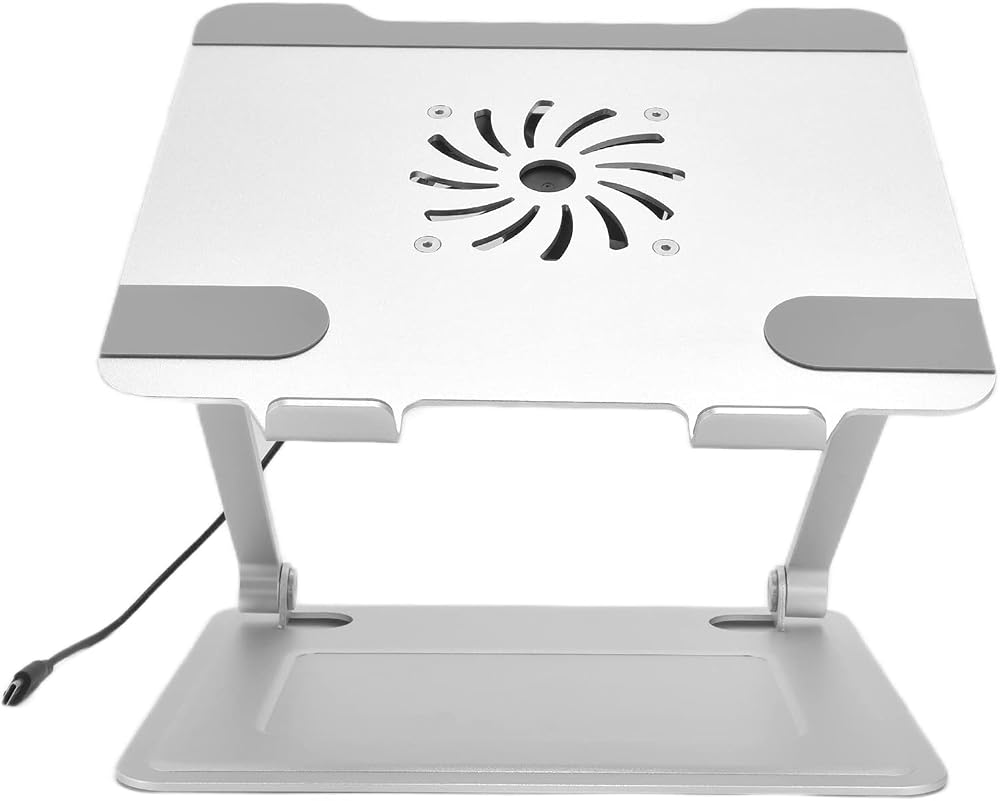
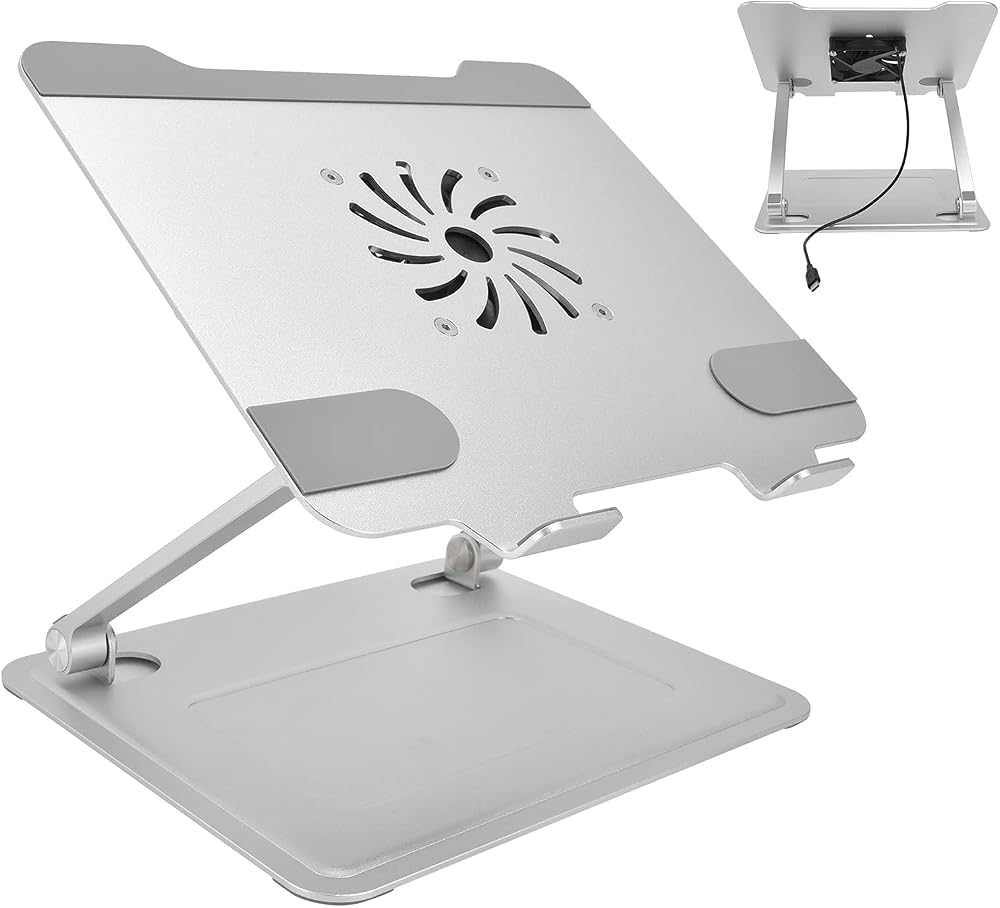
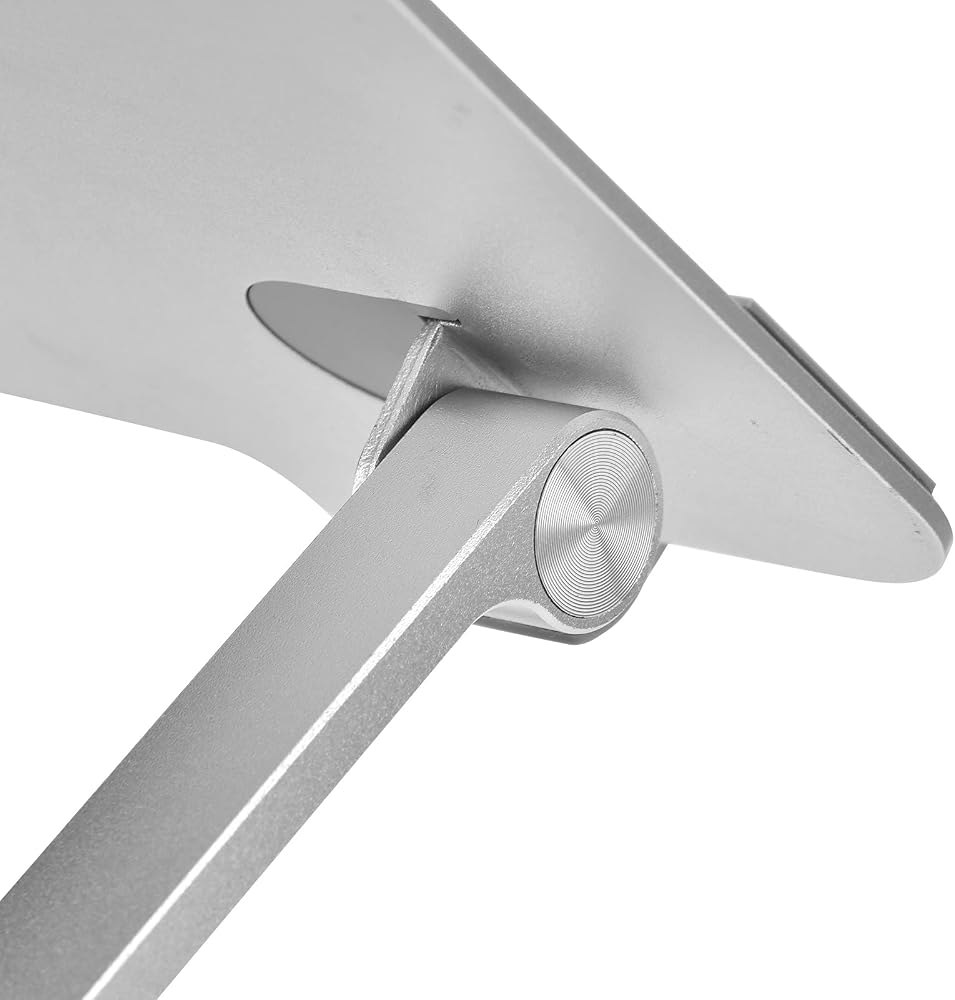
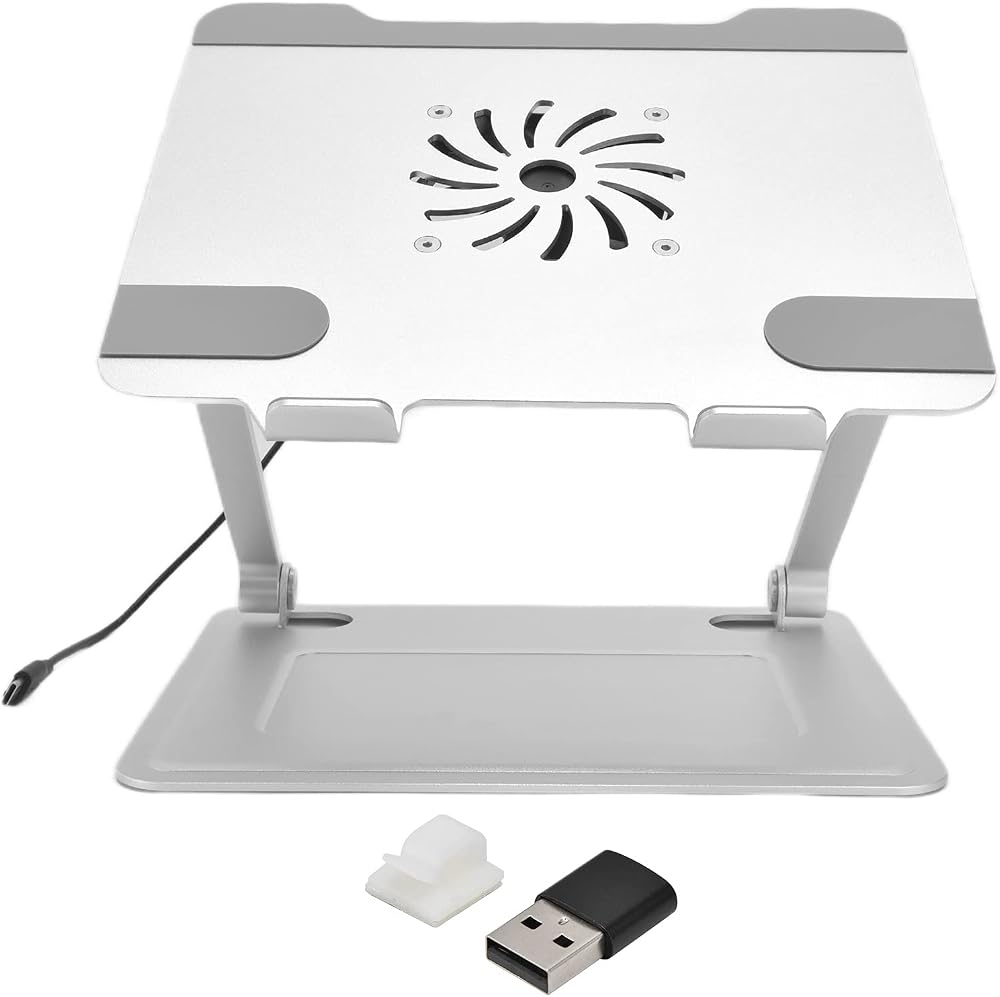
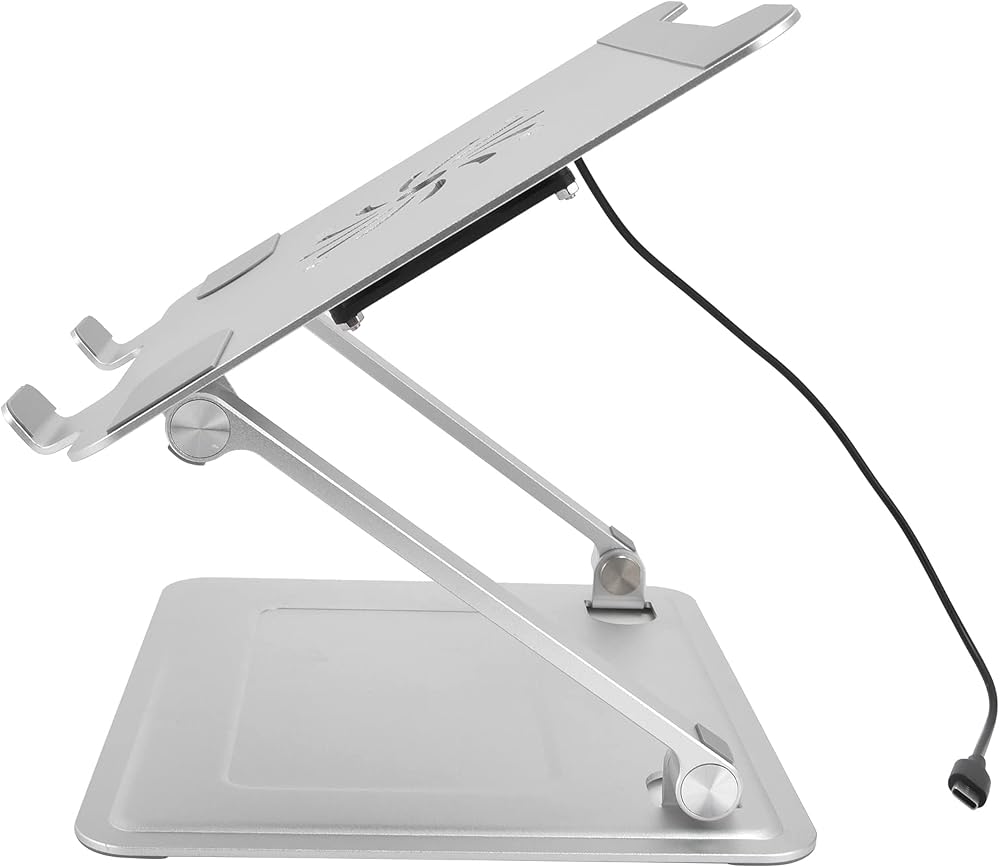
[ERGONOMIC Z SHAPED DESIGN] Our unique Z shaped structure allows effortless height adjustment to elevate your laptop to a comfortable viewing angle. This innovative design effectively improves your sitting posture, helping to reduce neck and back muscle pain during long working hours. Perfect for maintaining a healthier and more comfortable .
[WIDE COMPATIBILITY FOR ALL DEVICES] This versatile laptop stand is designed to work seamlessly with all 10 to 17.3 inch laptops including , Air, Pro, XPS, , and many more. Whether you are using a laptop, tablet, or even a projector, its universal tray accommodates a wide range of devices for flexibility.
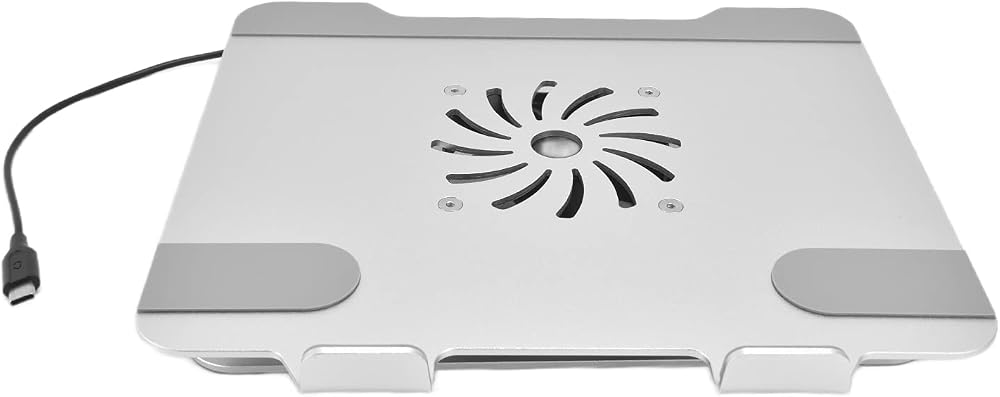
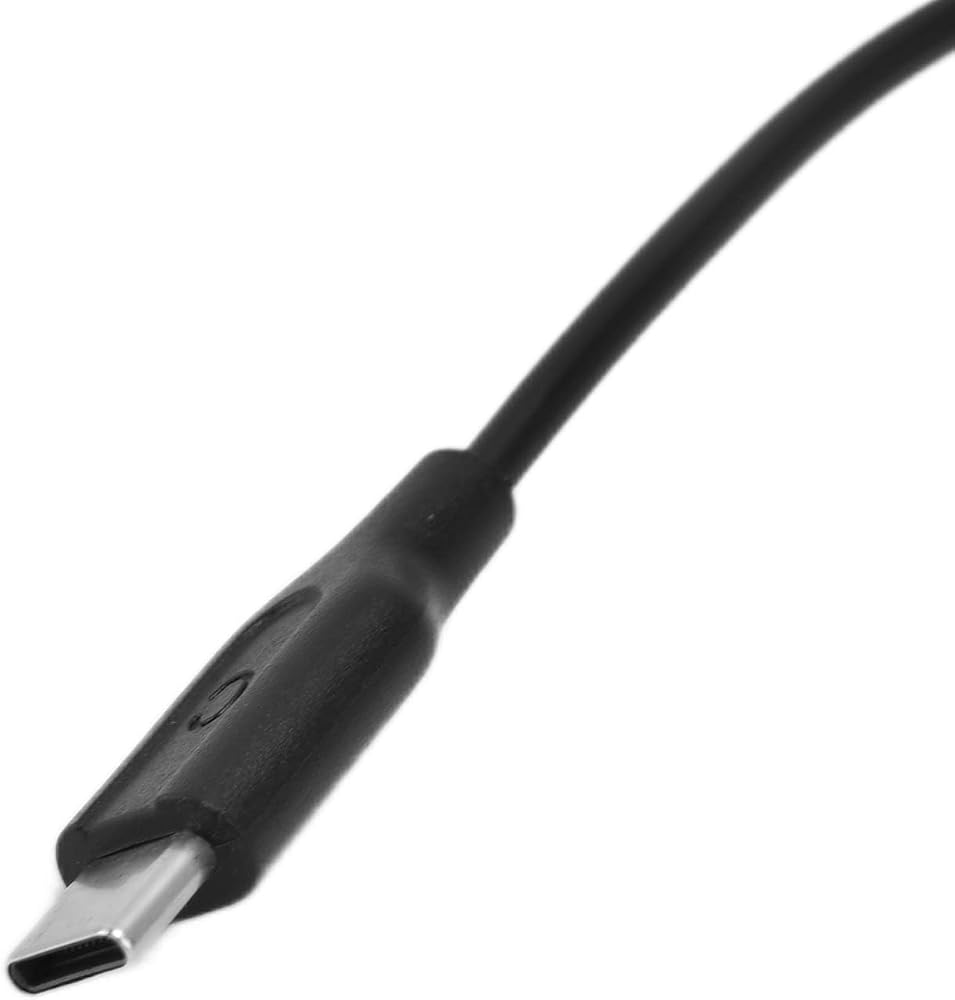
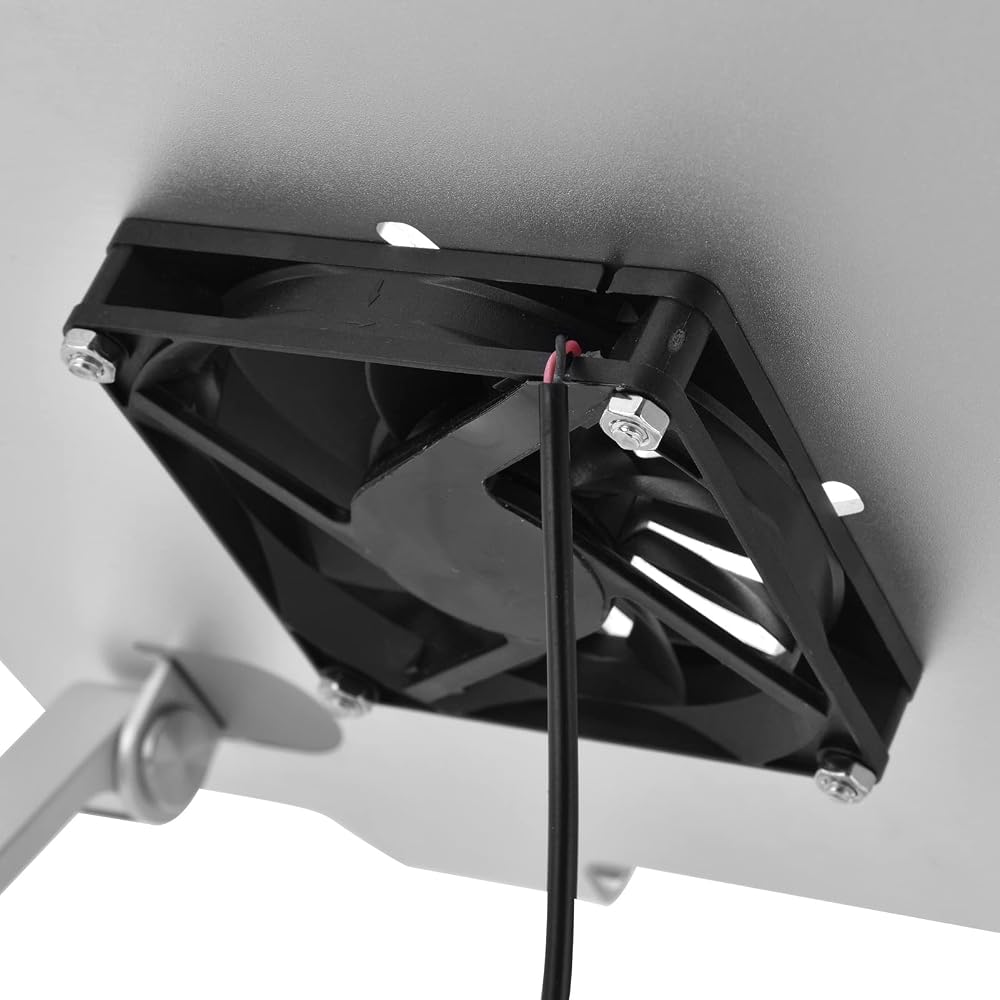
[BUILT IN COOLING FAN FOR HEAT DISSIPATION] Equipped with a powerful USB or Type C powered cooling fan and strategically placed heat dissipation holes, this stand provides superior airflow to cool your notebook computer. By effectively reducing operating temperatures, it helps extend the lifespan of your device and prevents overheating during intensive tasks.
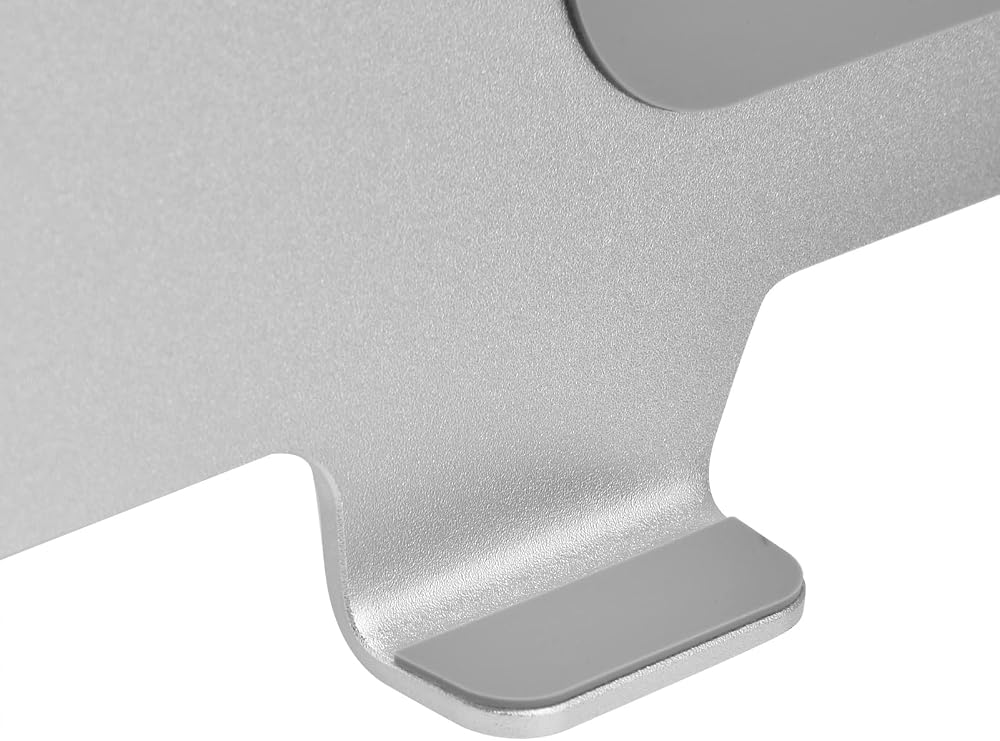
[STURDY ALUMINUM ALLOY CONSTRUCTION] Crafted from high strength aluminum alloy and featuring a silicone non slip surface, this stand offers exceptional durability, wear resistance, and a stable structure. With a weight capacity of up to 1000g, it provides reliable load bearing support for your laptop while maintaining a and modern silver appearance.
[VERSATILE FOR ANY SCENE] Widely used in offices, conference rooms, libraries, bedrooms, and kitchens, this portable and foldable laptop riser is perfect for both work and study. It can also hold tablets, menus, music books, and magazines, making it an essential accessory for improving your viewing experience in any environment.
وصف
Spec:
Item Type: Laptop Stand
Material: Aluminum Alloy+Silicone
Color: Silver
Weight: Approx. 1000g / 35.3oz
Tray Size: Approx. 25x23cm / 9.8x9.1in
Support Rod Length: Approx. 18cm / 7.1in
Base Size: Approx. 24x20cm / 9.4x7.9in
Fan Interface: USB/Type-C
Fan Voltage: 5V
Package List:
1 x Laptop Stand
1 x Line Buckle
1 x Type-C to USB Cable
How To Use:
1. Pull open the bracket forcefully and adjust it to a suitable angle and height
2. Plug the fan cable into the notebook
3. Fix the fan cable with a line buckle
Note:
1. Please allow 0‑1 inch error due to manual measurement. Thanks for your understanding.
2. Monitors are not calibrated same, item color displayed in photos may be showing slightly different from the real object. Please take the real one as standard.
 أداة مشبك زاوية متعددة الوظائف قابلة للتعديل لإطارات صور الأعمال الخشبية مع 4 مقبض لولبي
KWD 7
أداة مشبك زاوية متعددة الوظائف قابلة للتعديل لإطارات صور الأعمال الخشبية مع 4 مقبض لولبي
KWD 7
 غطاء إطاري للسجاد من OEBUAFI، تصميم من الفلانيل، مريح يحمي اليدين والإطار، مثالي للتطريز ومستخدمي الغرز المتقاطعة (بيج)
KWD 6.500
غطاء إطاري للسجاد من OEBUAFI، تصميم من الفلانيل، مريح يحمي اليدين والإطار، مثالي للتطريز ومستخدمي الغرز المتقاطعة (بيج)
KWD 6.500
 40 قطعة من إسفنجة الأصابع من OEBUAFI، مادة إسفنجية خاصة، مثالية للأطفال والمشروعات الفنية، سهلة الاستخدام للرسم ومزج الألوان (أخضر موكا)
KWD 7.500
40 قطعة من إسفنجة الأصابع من OEBUAFI، مادة إسفنجية خاصة، مثالية للأطفال والمشروعات الفنية، سهلة الاستخدام للرسم ومزج الألوان (أخضر موكا)
KWD 7.500
 مجموعة صانع شريط التحيز، أدوات بلاستيكية ومعدنية، اصنع أشرطة من 6 مم إلى 25 مم مثالية لمشاريع الخياطة واللحف اليدوية
KWD 4.500
مجموعة صانع شريط التحيز، أدوات بلاستيكية ومعدنية، اصنع أشرطة من 6 مم إلى 25 مم مثالية لمشاريع الخياطة واللحف اليدوية
KWD 4.500

 الكويت