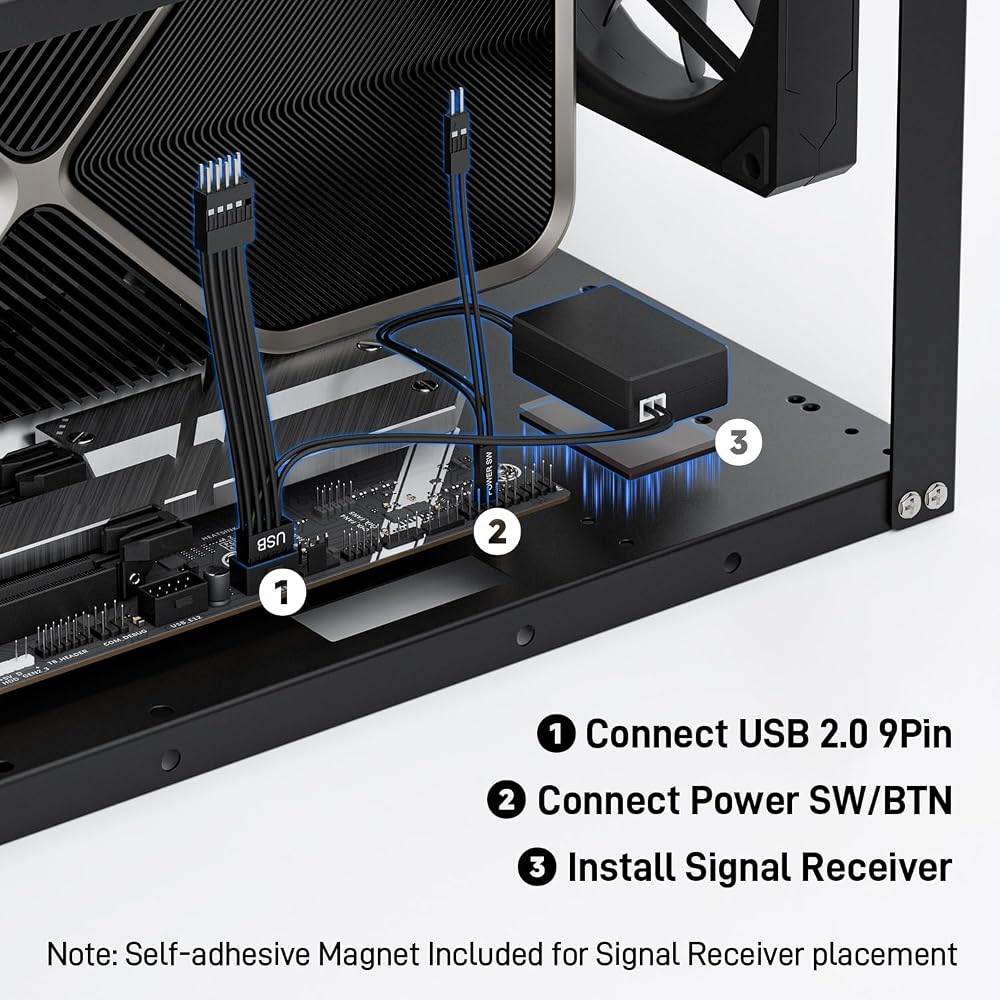
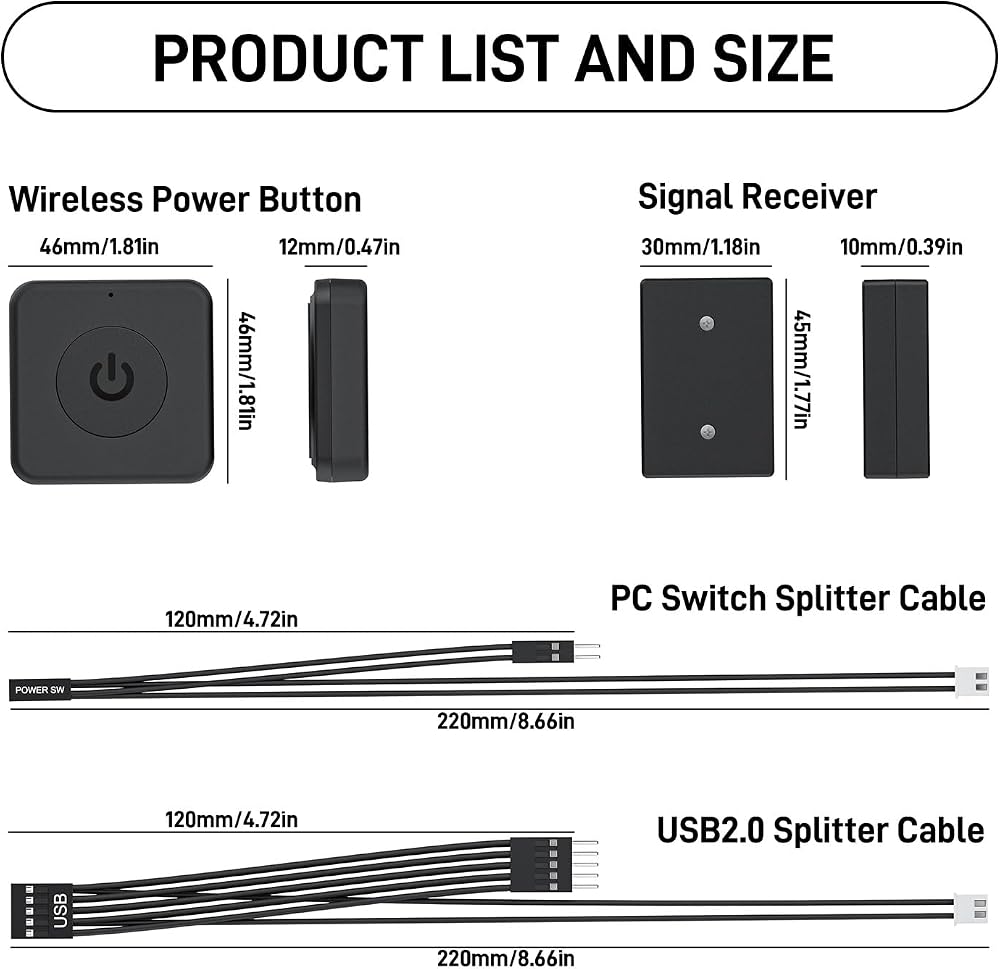
Simple USB 2.0 Connection – Plugs directly into your motherboard's internal USB 2.0 (9-pin) header. No PCIe slot or drivers needed.
BIOS Setup Check – Please Enable "Always-On USB Power" and Disable "ErP/EUP Ready" option in BIOS if this USB power button doesn't work properly even in correct connection.
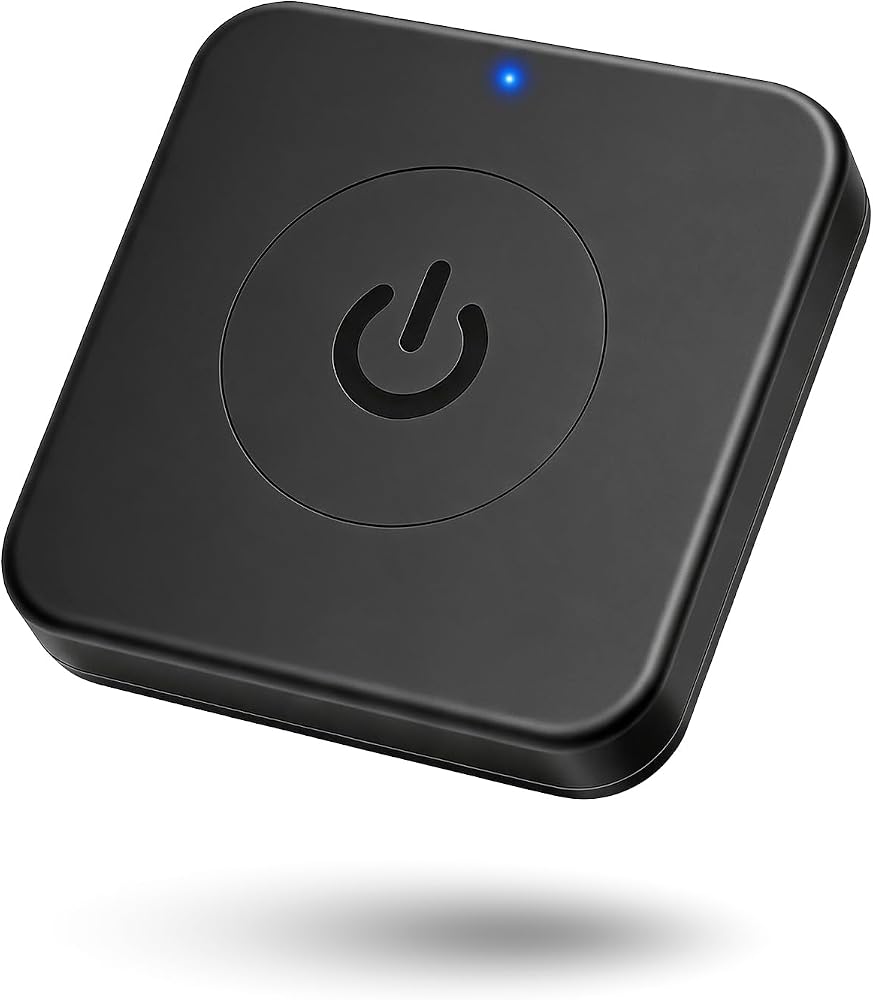
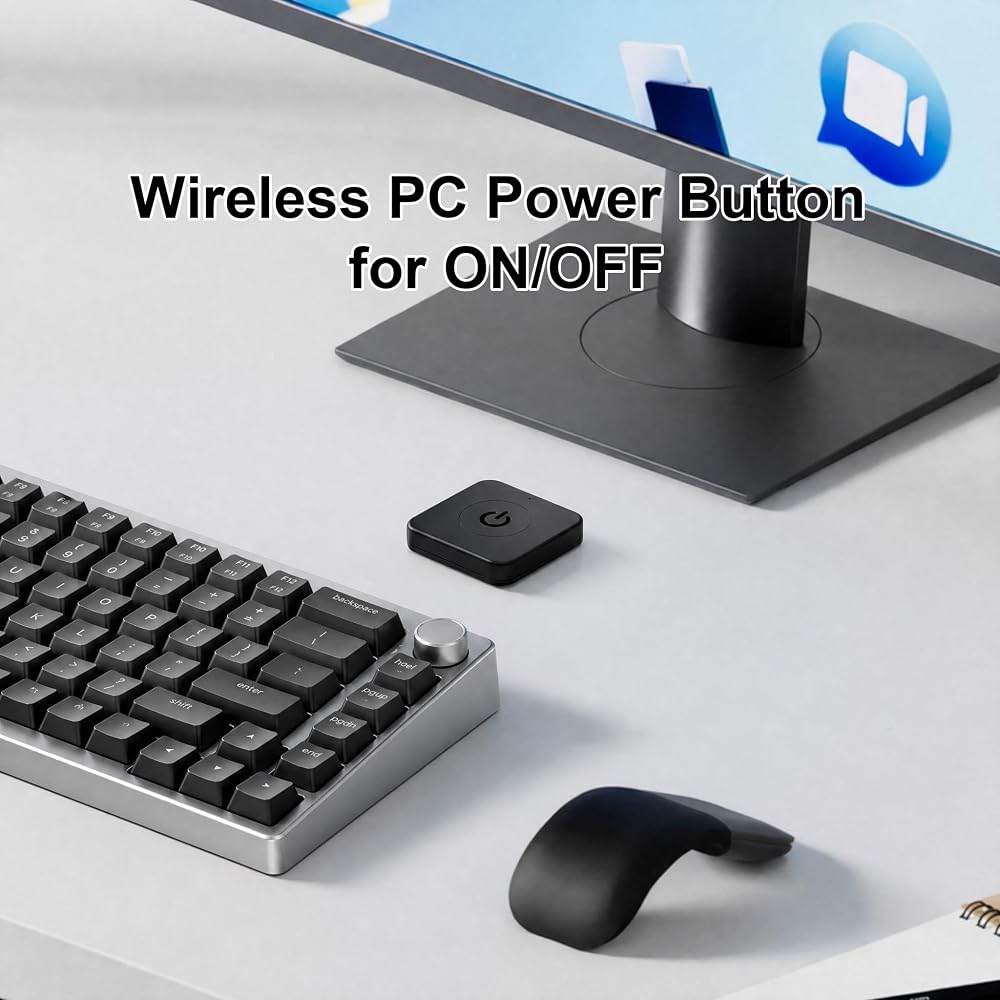
Easy ON/OFF Control – Just short press the sleek square power button to power you PC ON or OFF after connection.
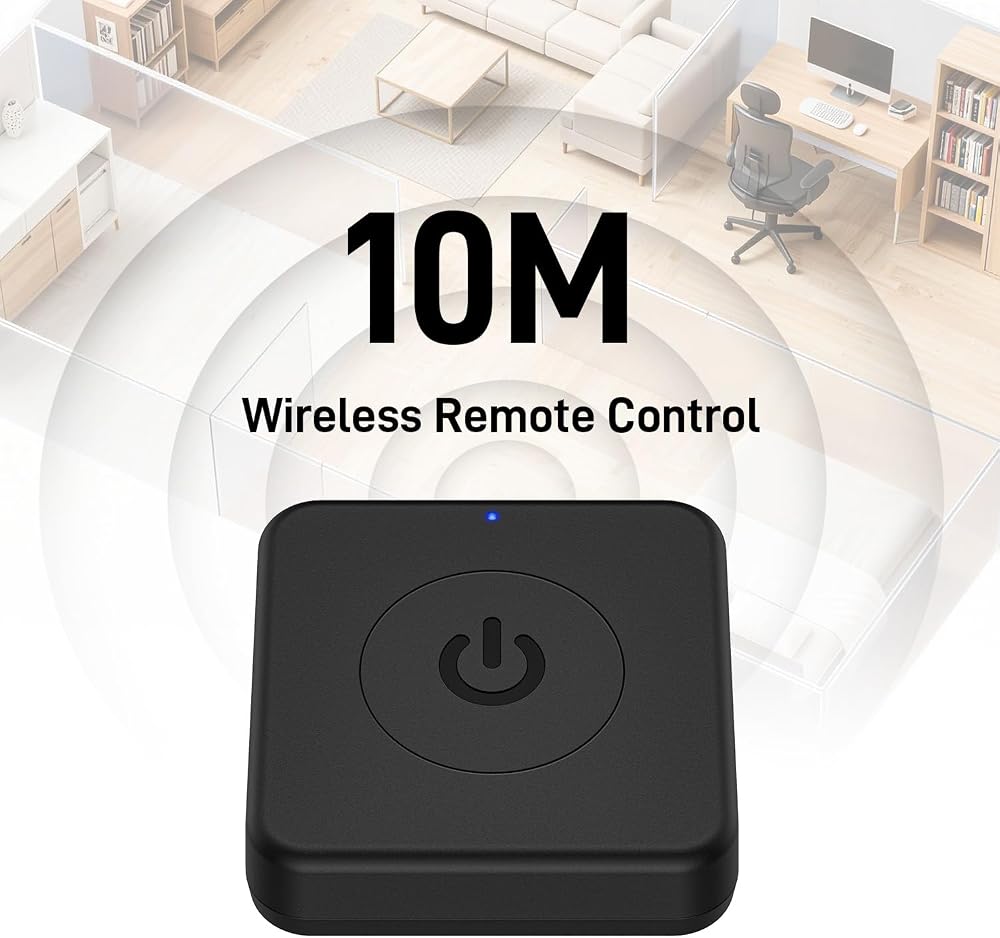
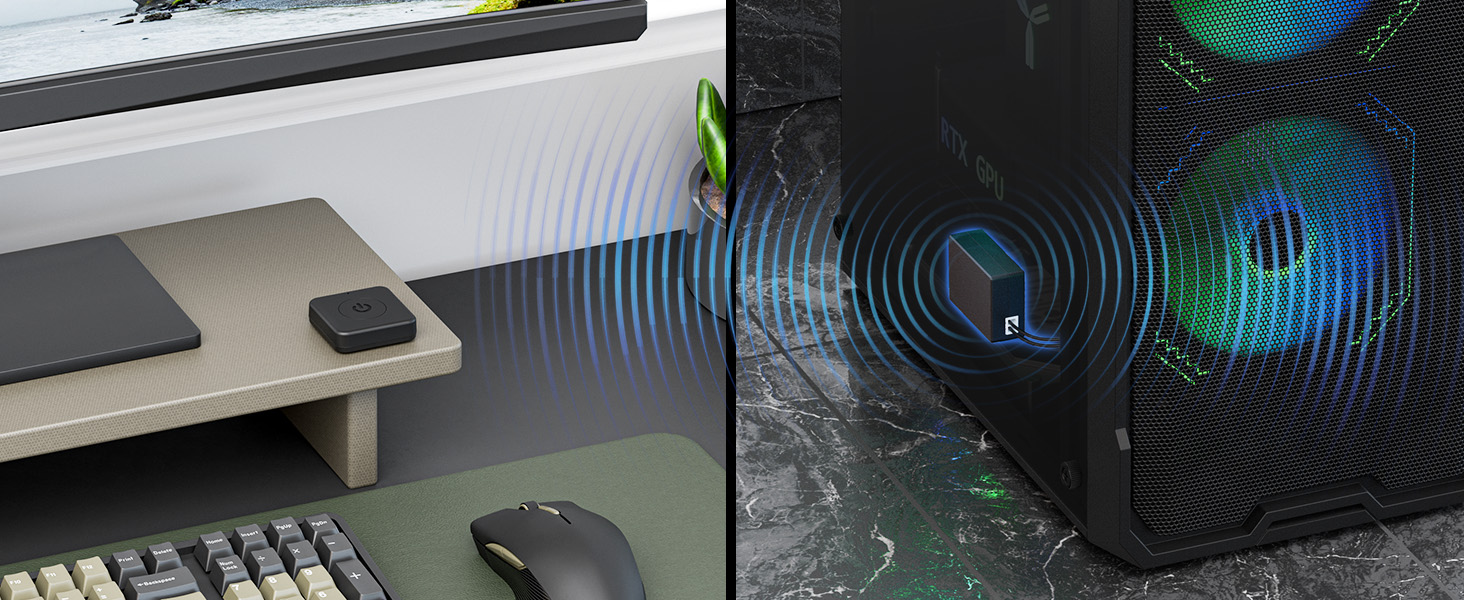
Wireless Remote Control – Turn your desktop on or off from up to 30 feet away. No more reaching under the desk.
Stable USB2.0 Receiver – Dedicated USB receiver ensures a reliable, interference-free signal every time.
Package List – 1x Wireless Square Power Button, 1x Signal Receiver, 1x Power SW Cable, 1x USB 2.0 Cable, 1x Self-adhesive Magnet, 1x adhesive pad, and a user manual.
 OwlTree 3 Pack Thermal Pads, 100x100mm, 0.5mm, 1mm, 1.5mm, Highly Efficient Thermal Conductivity 12.8W/mK, Heat Resistant Silicone Grease for Laptop Heatsink, CPU, GPU, SSD, IC, LED Cooler
KWD 5
OwlTree 3 Pack Thermal Pads, 100x100mm, 0.5mm, 1mm, 1.5mm, Highly Efficient Thermal Conductivity 12.8W/mK, Heat Resistant Silicone Grease for Laptop Heatsink, CPU, GPU, SSD, IC, LED Cooler
KWD 5
 Desktop Computer PC Mechanical Power Switch: LED Power On/Off Button Extension for Motherboard Boot
KWD 4
Desktop Computer PC Mechanical Power Switch: LED Power On/Off Button Extension for Motherboard Boot
KWD 4
 OwlTree Braided ATX CPU Power Cable 8 Pin Male to CPU 8 Pin 4 Pin Male (4+4 Detachable) Motherboard Power Adapter Cable EPS 12V 8-pin EPS12V for Corsair Modular RM1000 RM850 RM750 RM650 RM550 RM450
KWD 5
OwlTree Braided ATX CPU Power Cable 8 Pin Male to CPU 8 Pin 4 Pin Male (4+4 Detachable) Motherboard Power Adapter Cable EPS 12V 8-pin EPS12V for Corsair Modular RM1000 RM850 RM750 RM650 RM550 RM450
KWD 5
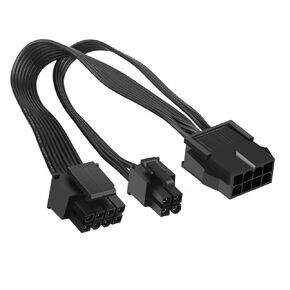 OwlTree 2 Pack EPS12V CPU 8 Pin Female to CPU ATX 8 Pin and ATX 4 Pin Male Power Supply Extension Cable EPS 12V for Motherboard 10.6 inch
KWD 4
OwlTree 2 Pack EPS12V CPU 8 Pin Female to CPU ATX 8 Pin and ATX 4 Pin Male Power Supply Extension Cable EPS 12V for Motherboard 10.6 inch
KWD 4

 Kuwait