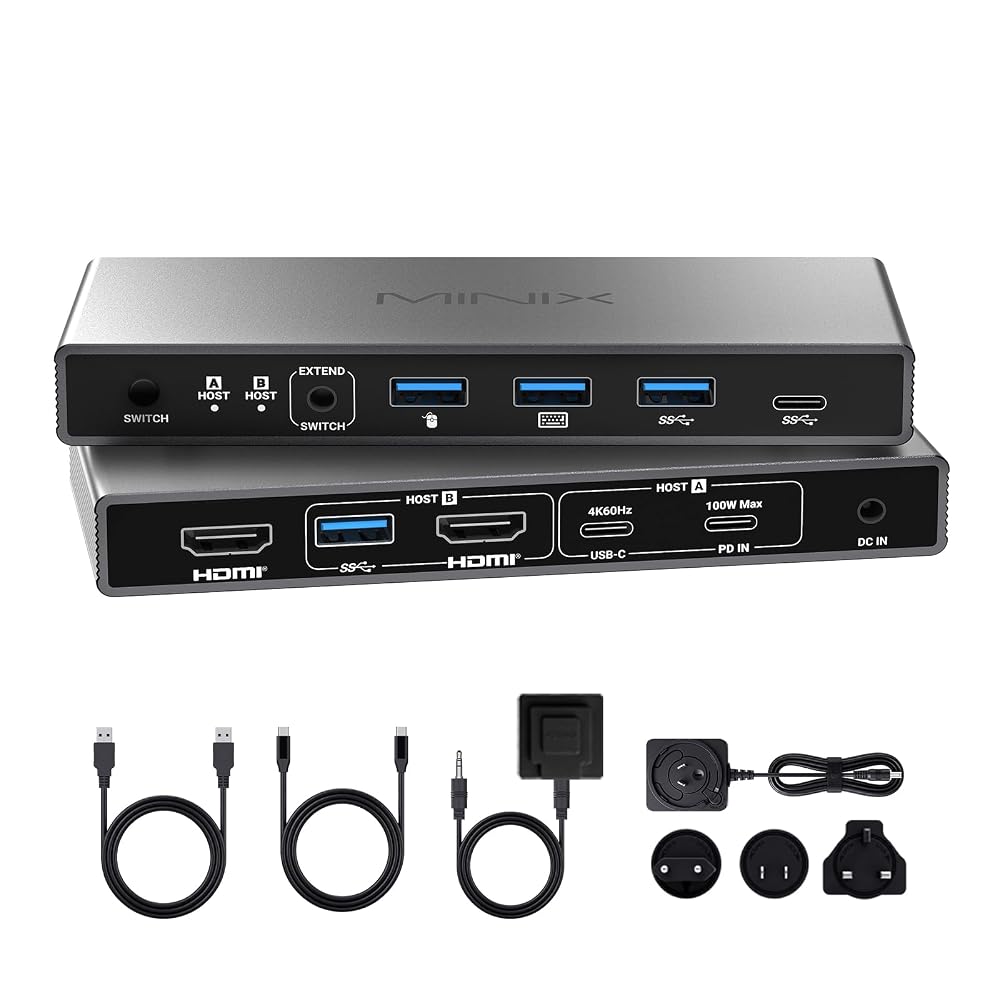
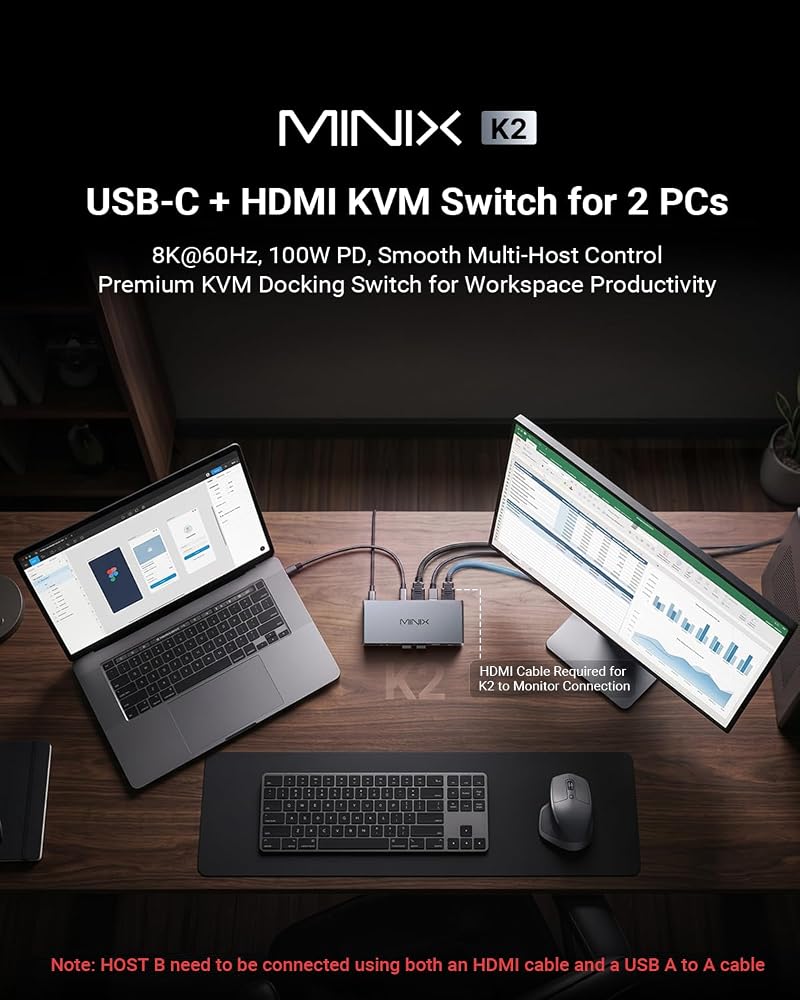
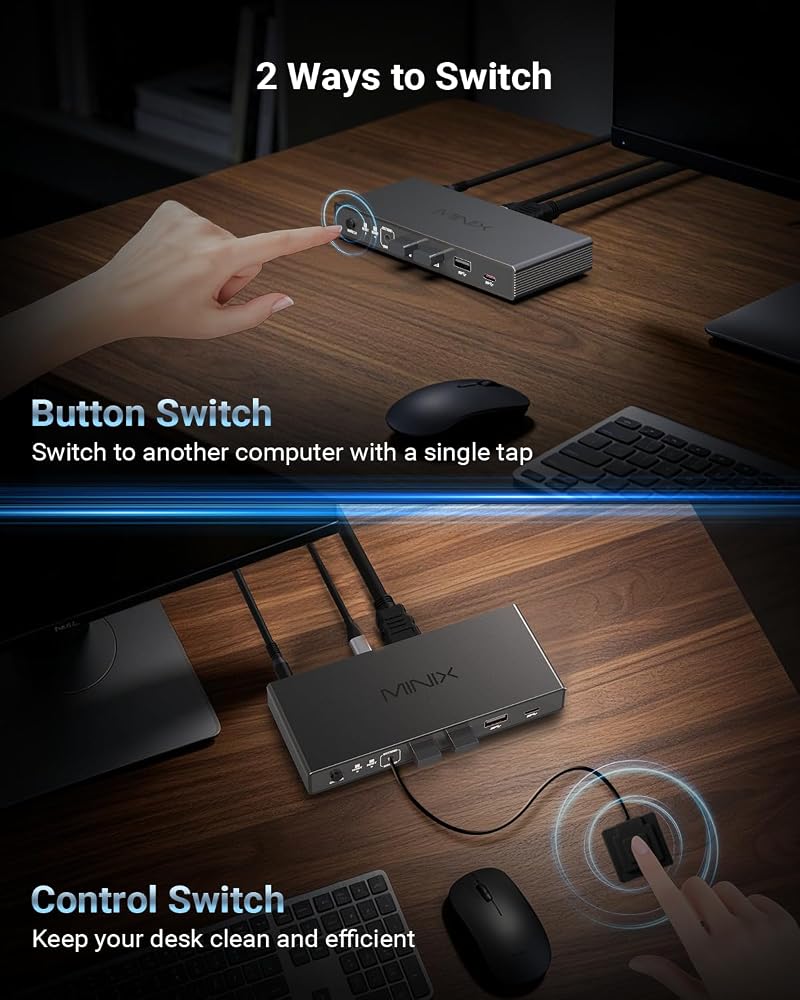
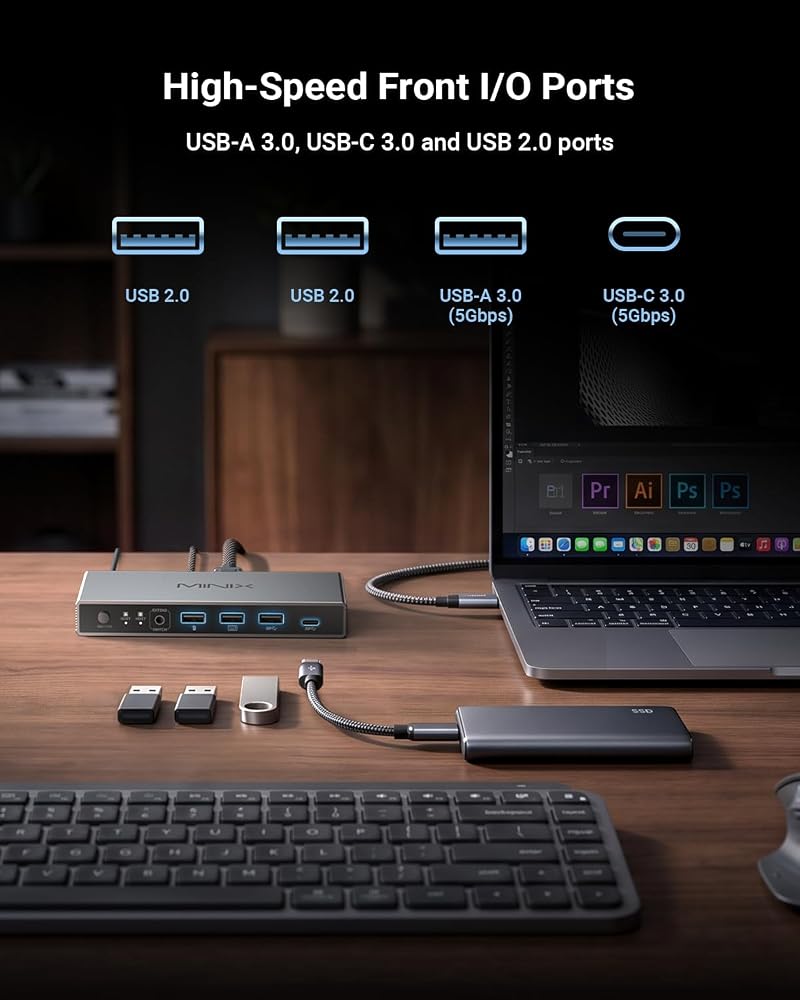
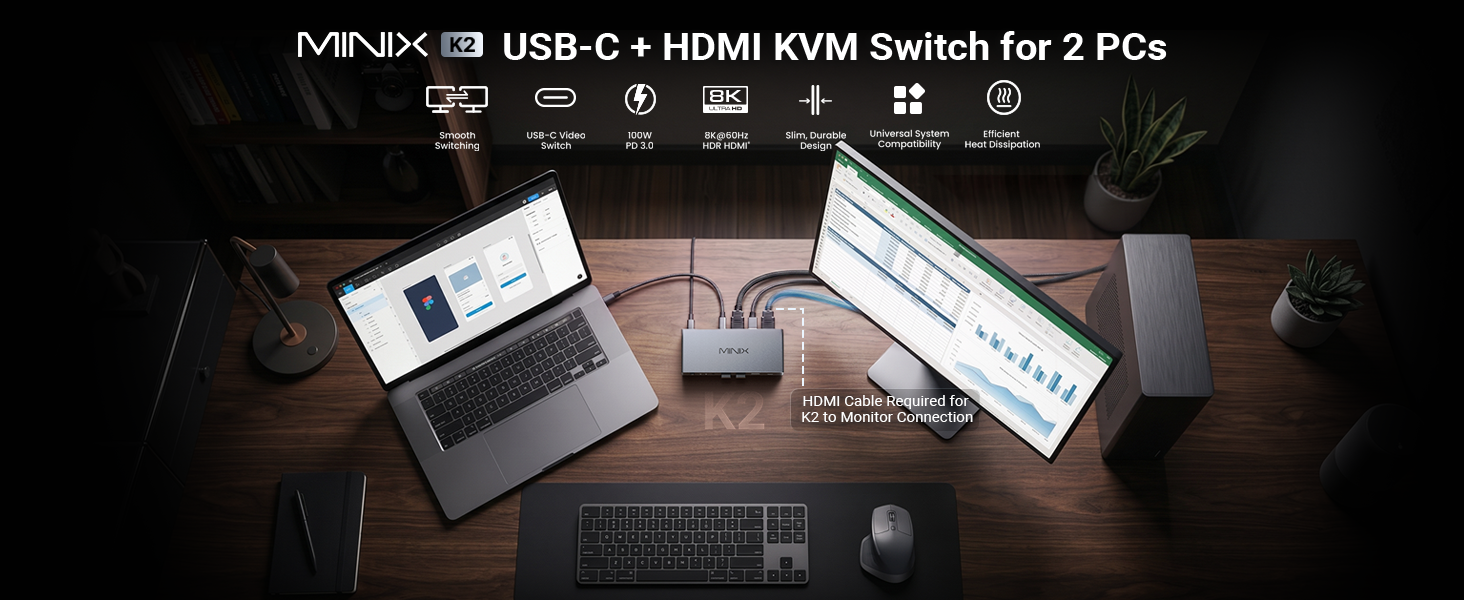
【جهاز كمبيوتر 1 محور شاشة مع وحدة تحكم سطح المكتب 】يتحكم مفتاح MINIX K2 KVM في كمبيوتر محمول USB-C وكمبيوتر HDMI بسلاسة مع شاشة واحدة ولوحة مفاتيح وماوس وطابعة. لا يوجد مفتاح تشغيل سريع/مفتاح تلقائي لضمان أقصى قدر من الاستقرار - يمكن التبديل بسهولة عبر الزر الفعلي أو وحدة التحكم المكتبية المضمنة بنقرة واحدة
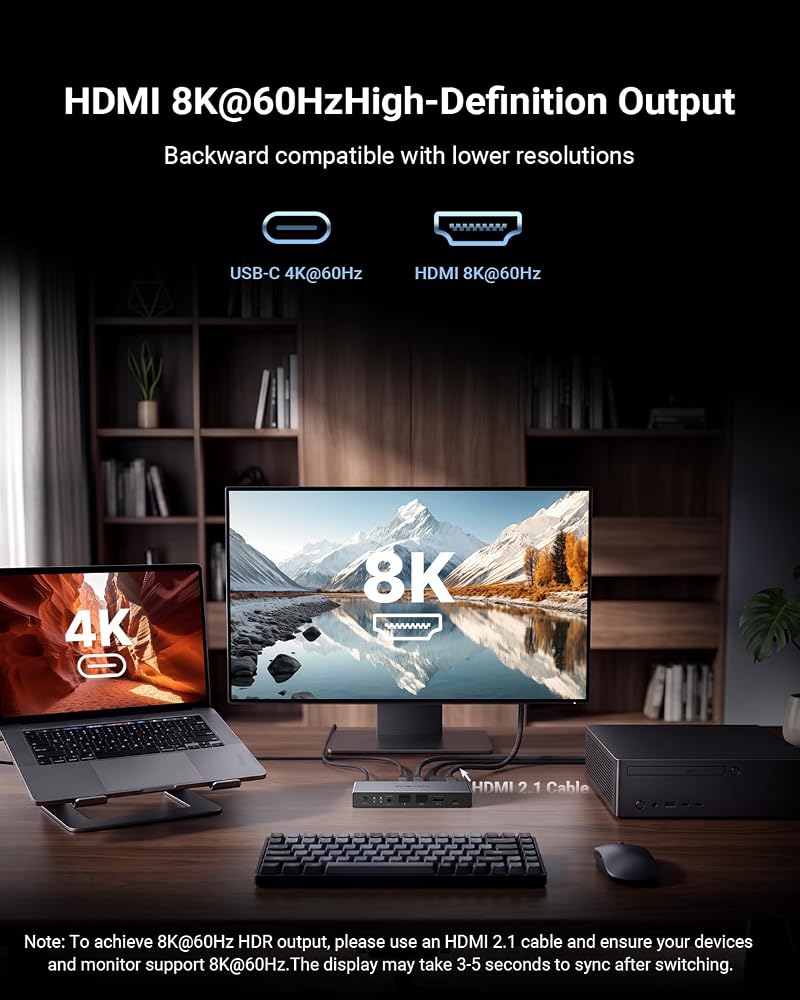
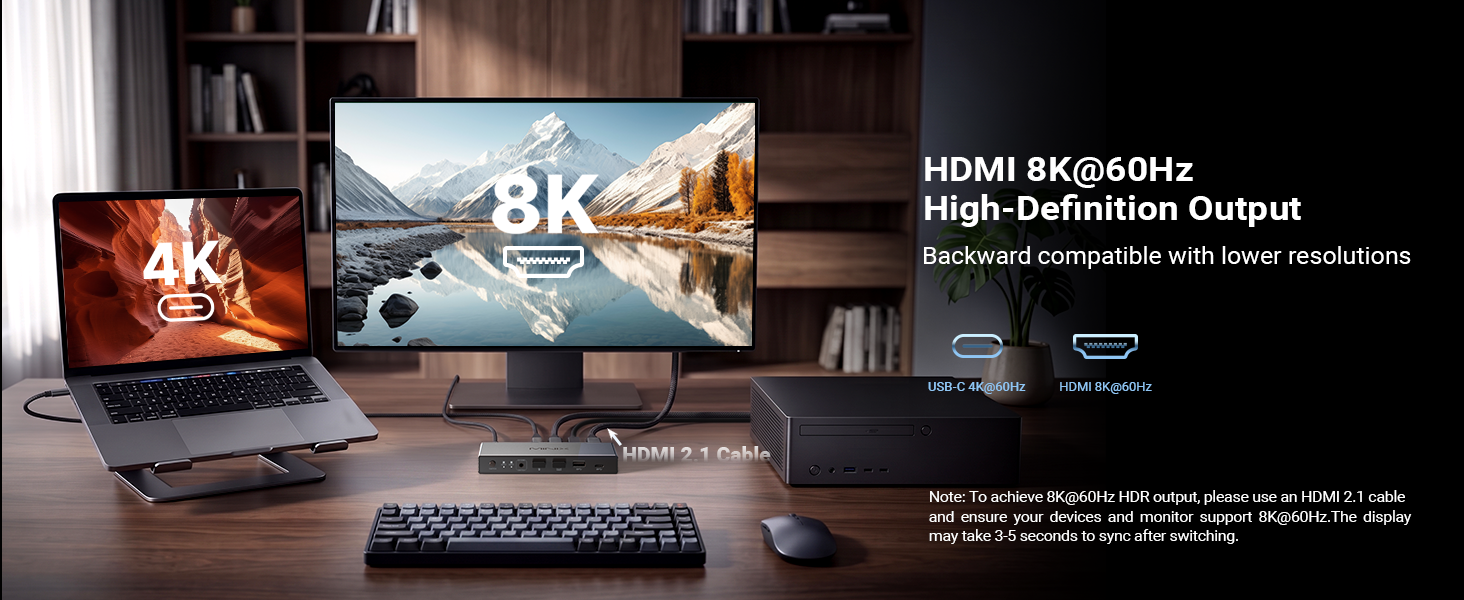
【عيد مرئي فائق الدقة بدقة 8K عند 60 هرتز 】 استمتع بالوضوح المذهل 8K عند 60 هرتز وHDR مع MINIX K2، المتوافق مع الإصدارات السابقة مع 4K. مثالية للمصممين واللاعبين الذين يبحثون عن زمن وصول منخفض. [متطلبات إعداد 8K]: يتطلب جهاز كمبيوتر مضيف HDMI 2.1 (متصل بكابل USB A-to-A)، وشاشة HDMI 2.1، وكابلات HDMI 2.1 المعتمدة
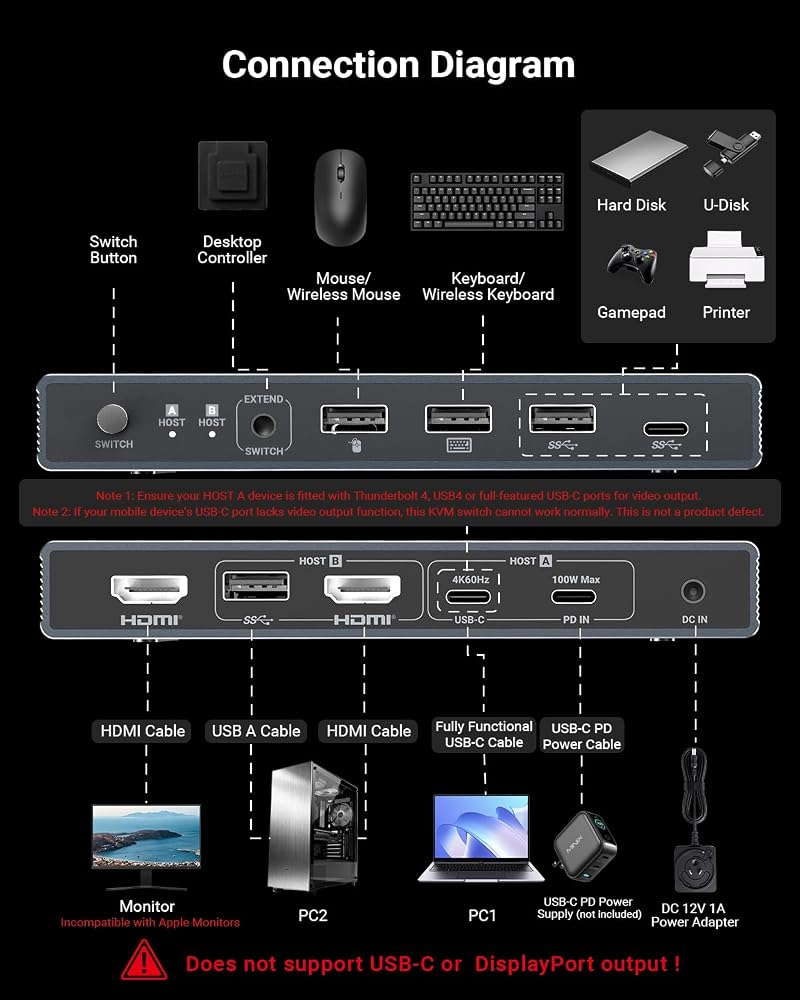
【شحن PD بقدرة 100 واط】تتميز اللوحة الخلفية بمنفذ PD IN مخصص بقدرة 100 واط مصمم بدقة لإدخال شاحن الحائط (لا يوجد نقل بيانات، الشاحن غير متضمن). عند توصيله، فإنه يوفر طاقة مرور عالية السرعة لجهاز الكمبيوتر المحمول الخاص بك عبر منفذ USB-C المضيف، مما يحافظ على محطة العمل المحمولة الخاصة بك مشحونة دائمًا
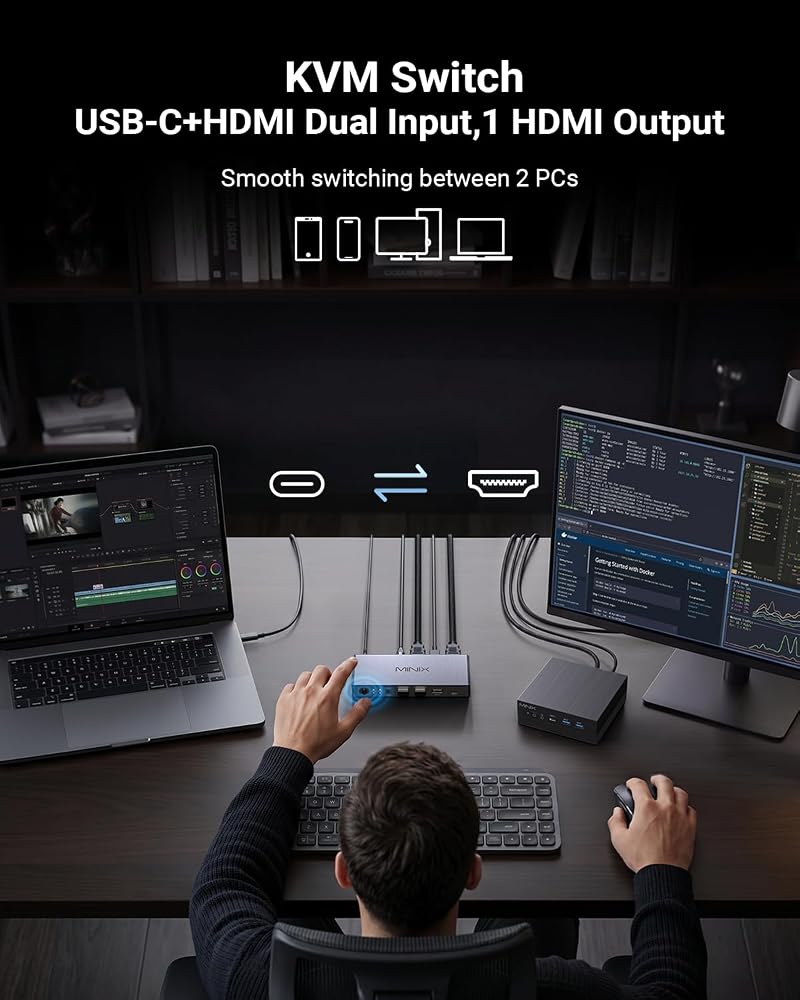
【مدخلات USB-C وHDMI إلى شاشة واحدة】 مثالية للعاملين عن بعد واللاعبين للتبديل بين كمبيوتر محمول مكتبي وكمبيوتر شخصي دون تبديل الكابل يدويًا بشكل فوضوي. [كيف يعمل: 1. قم بتوصيل الكمبيوتر المحمول عبر 1x USB-C. 2. قم بتوصيل الكمبيوتر عبر كابل بيانات 1x HDMI + 1x USB. 3. قم بتوصيل شاشتك فائقة الدقة بمنفذ إخراج HDMI.
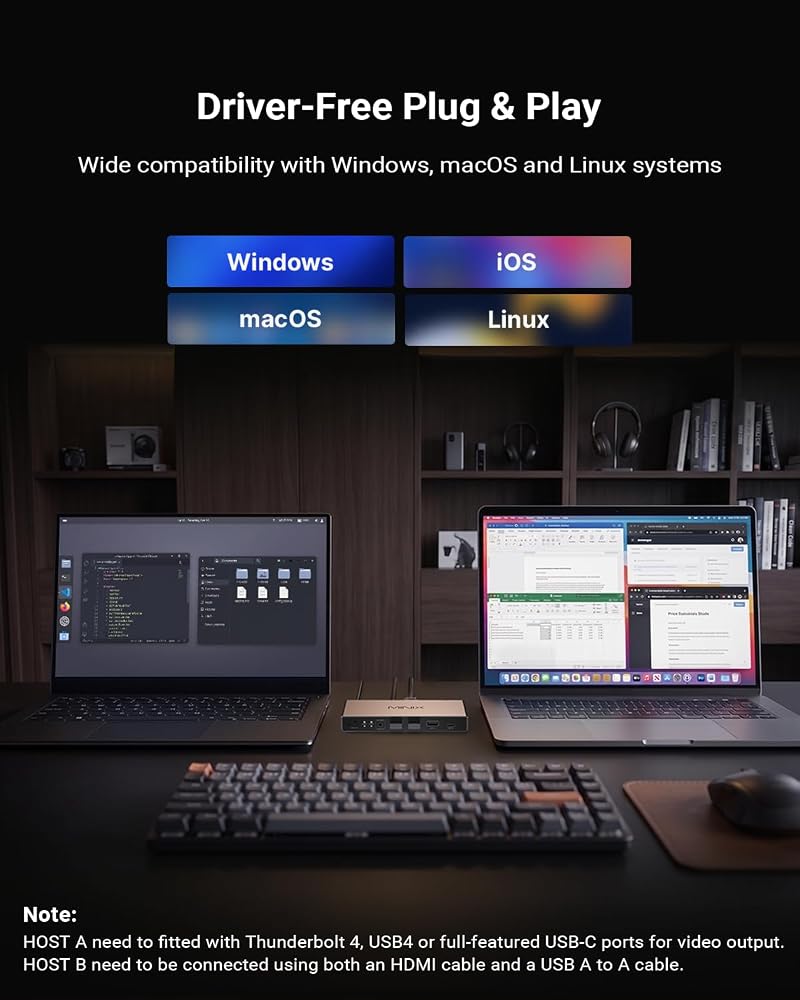
【نظام تشغيل عالمي وتوافق واسع】 مع سهولة التوصيل والتشغيل، يتكامل محول HDMI وUSB C KVM هذا مع أنظمة التشغيل Windows وmacOS وLinux وAndroid بدون برامج تشغيل إضافية. وهو متوافق على نطاق واسع مع أجهزة MacBook Pro وMacBook Air وأجهزة الكمبيوتر المحمولة وأجهزة الكمبيوتر الشخصية وNintendo Switch/Switch 2 وPS5/4 وXbox وأجهزة العرض، مما يجعل من السهل مشاركة المعدات
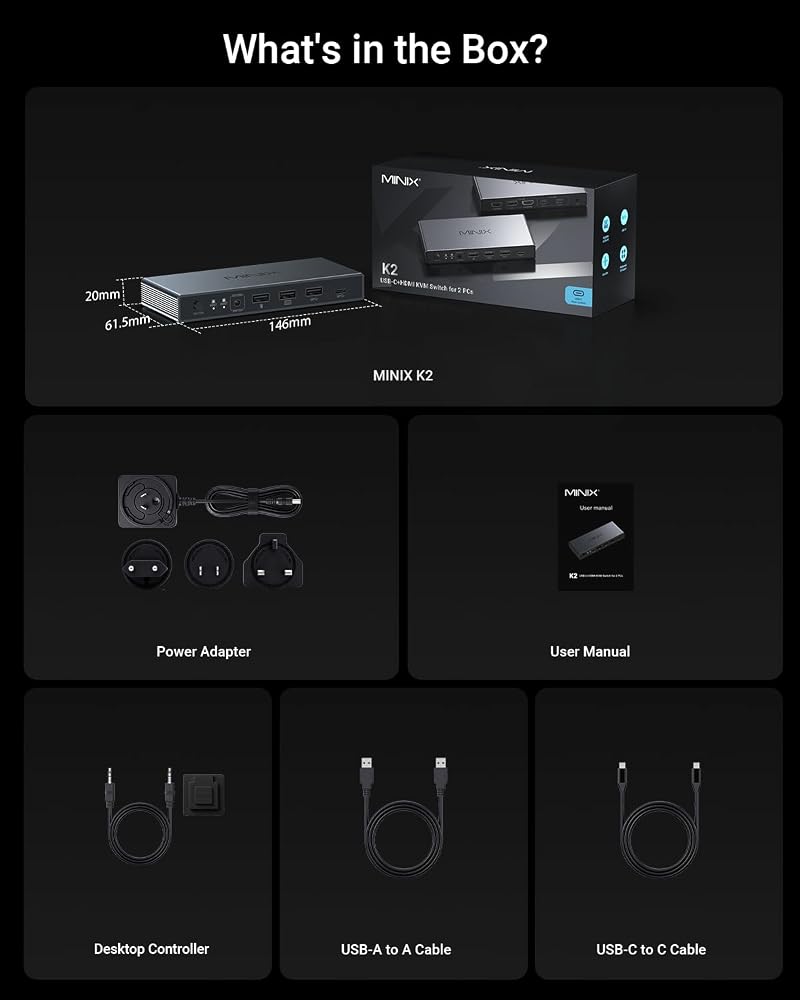
【مجموعة كاملة وملاحظات】في الصندوق: 1x K2 KVM، 1x كابل USB C-to-C، 1x كابل بيانات USB-A، 1x محول 12 فولت، 1x وحدة تحكم سطح المكتب (كابلات HDMI غير متضمنة). ملاحظات: 1. غير متوافق مع شاشة Apple Studio. 2. يدعم شاشة HDMI واحدة فقط. 3. يجب أن يدعم الجهاز المتصل بالمضيف A USB-C/TB4 كامل المواصفات. 4. قم بتوصيل طاقة 12 فولت لأجهزة USB عالية الطاقة. 5. قم بتنشيط الكمبيوتر المحمول قبل التبديل
 MINIX P1 66W Turbo 3-Port GaN شاحن حائط للسفر USB C محول طاقة سريع
KWD 12.500
MINIX P1 66W Turbo 3-Port GaN شاحن حائط للسفر USB C محول طاقة سريع
KWD 12.500
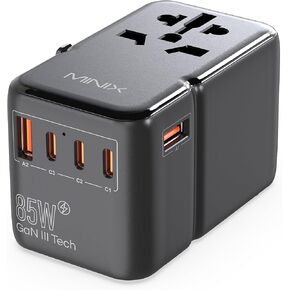 محول السفر العالمي MINIX 85 وات، محول الطاقة الدولي GaN III، 3 منافذ USB-C 2 USB-A، مخرج تيار متردد، شاحن سفر عالمي للولايات المتحدة/المملكة المتحدة/الاتحاد الأوروبي/الاتحاد الأفريقي لأجهزة الكمبيوتر المحمولة والأجهزة اللوحية والهواتف والمزيد
KWD 12
محول السفر العالمي MINIX 85 وات، محول الطاقة الدولي GaN III، 3 منافذ USB-C 2 USB-A، مخرج تيار متردد، شاحن سفر عالمي للولايات المتحدة/المملكة المتحدة/الاتحاد الأوروبي/الاتحاد الأفريقي لأجهزة الكمبيوتر المحمولة والأجهزة اللوحية والهواتف والمزيد
KWD 12
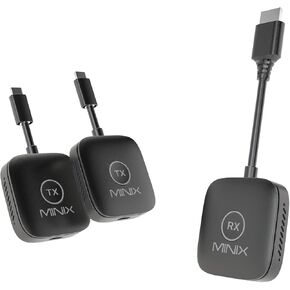 MINIX Wireless HDMI - جهاز إرسال HDMI لاسلكي مزدوج 1 جهاز استقبال، محول USB-C HDMI، امتداد متعدد الشاشات 1080P 60 هرتز، 164FT/50m، 2.4G/5G WiFi، التوصيل والتشغيل، للتلفزيون/الشاشة/الكمبيوتر المحمول
KWD 38.500
MINIX Wireless HDMI - جهاز إرسال HDMI لاسلكي مزدوج 1 جهاز استقبال، محول USB-C HDMI، امتداد متعدد الشاشات 1080P 60 هرتز، 164FT/50m، 2.4G/5G WiFi، التوصيل والتشغيل، للتلفزيون/الشاشة/الكمبيوتر المحمول
KWD 38.500
 Minix Z97 Mini PC ، Intel Alder Lake N97 (حتى 3.60 جيجا هرتز) 12GB LPDDR5X 512GB NVME SSD DUAL LAN MINI COMPUTERS ، 4K Display/2x HDMI/DP ، سطح مكتب صغير للكمبيوتر الشخصي لمكتب منزل العمل
KWD 114
Minix Z97 Mini PC ، Intel Alder Lake N97 (حتى 3.60 جيجا هرتز) 12GB LPDDR5X 512GB NVME SSD DUAL LAN MINI COMPUTERS ، 4K Display/2x HDMI/DP ، سطح مكتب صغير للكمبيوتر الشخصي لمكتب منزل العمل
KWD 114

 الكويت