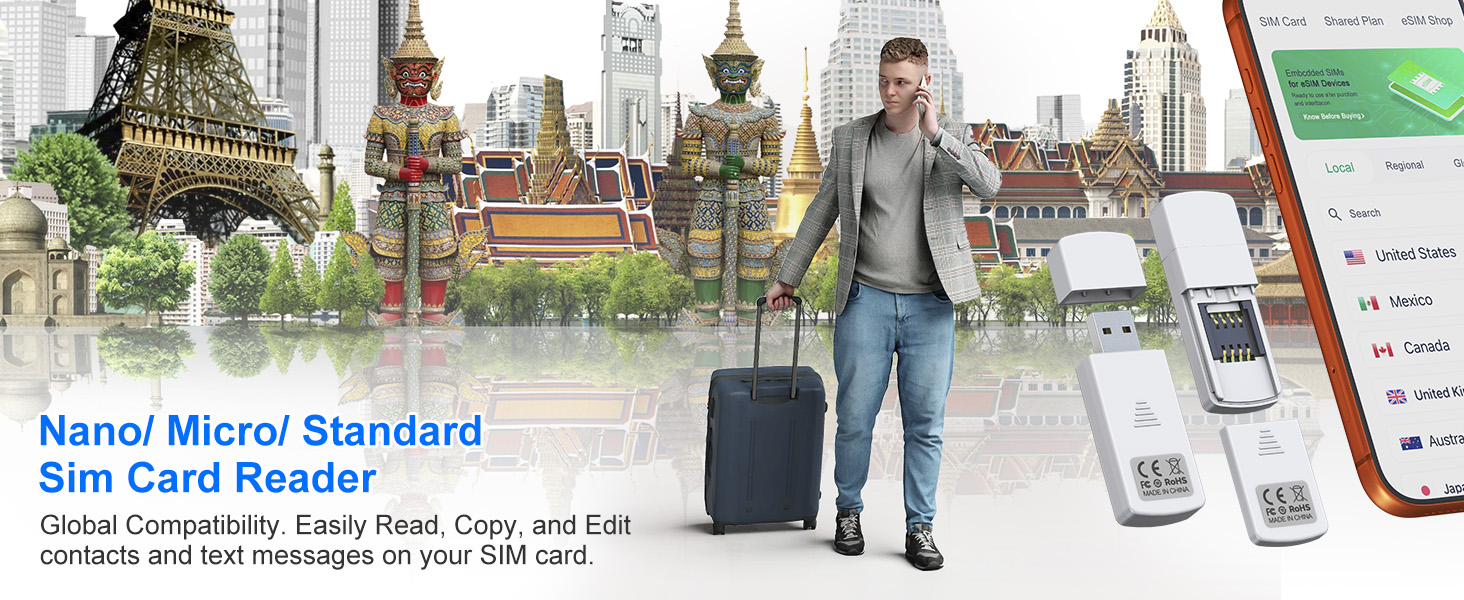
SIM Card Reader - Nano Micro Standard USB SIM Card Adapter with Eject Pin for Windows PC Laptop, Read Edit Copy Contacts SMS Messages Nano SIM Adapter Reader for SIM Memory Card Backup Management
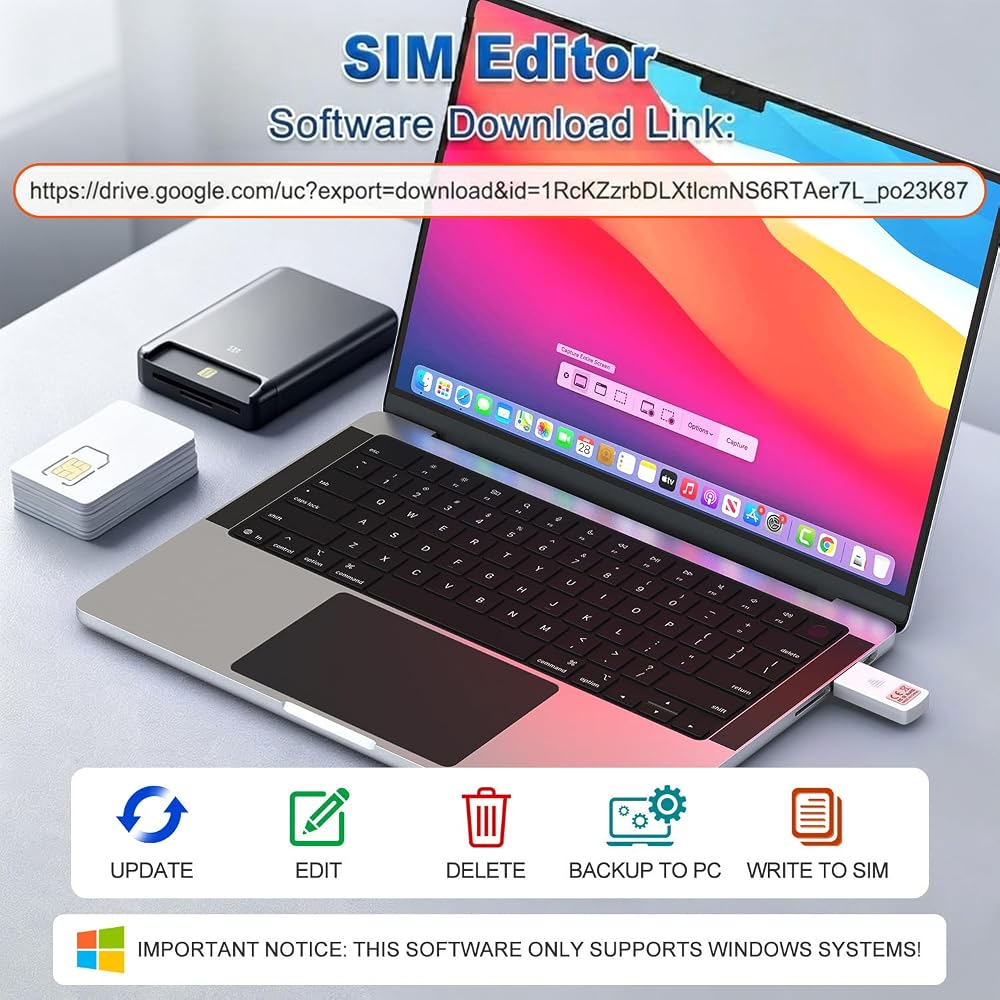
Usage Instructions: To read and edit SIM card data, you will need to download a SIM card editor on your computer. You can obtain the software link from our product manual or search online. It is compatible with most types of SIM card editors. If you encounter any problems obtaining the software, you can contact the seller's customer service to obtain the installation package
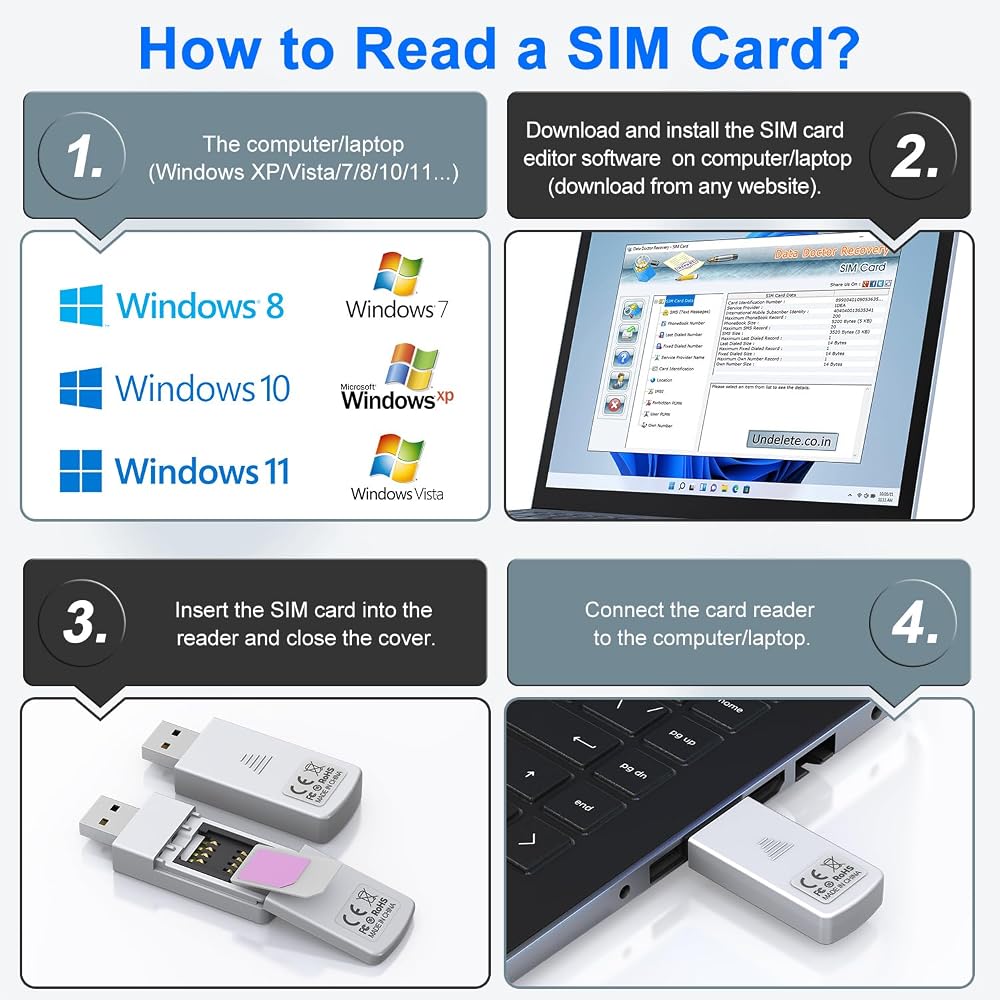
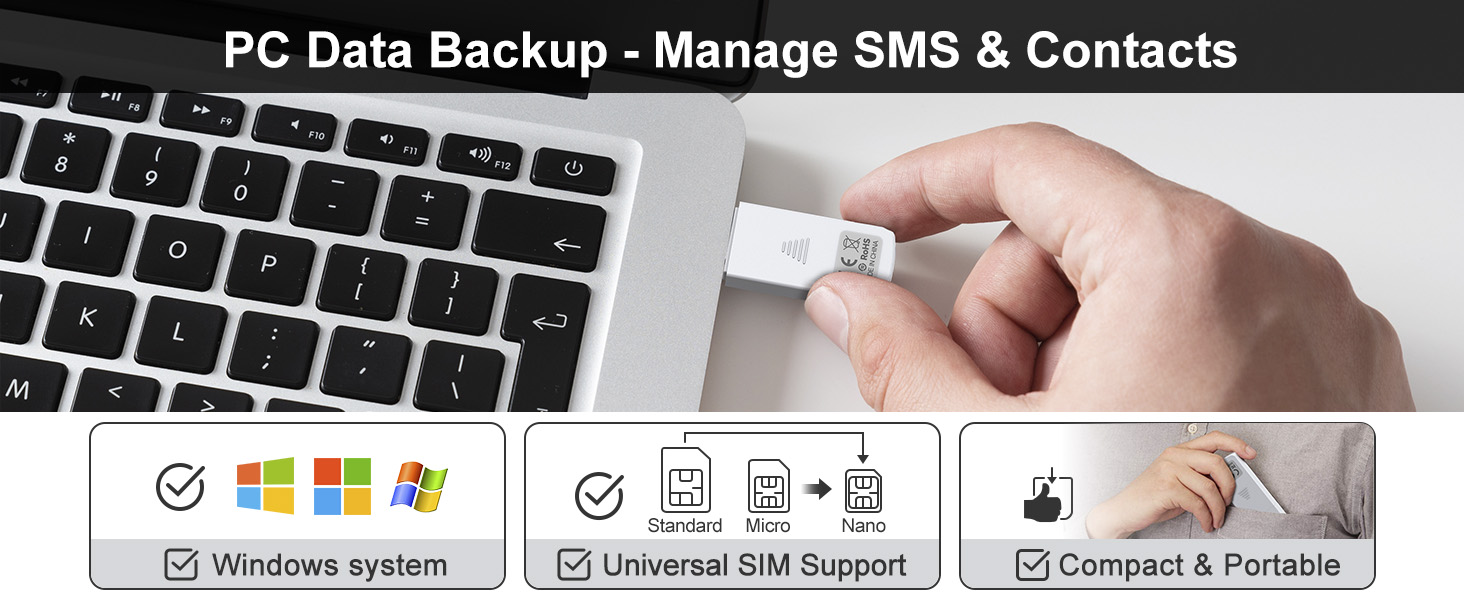
Step-by-Step Usage: First, prepare a Windows computer; then install your preferred SIM editing software; insert the SIM card into the reader, and plug the sim card reader into the USB port. Now you can start viewing and managing SIM card data, including reading, viewing, modifying, and writing SIM card content via computer
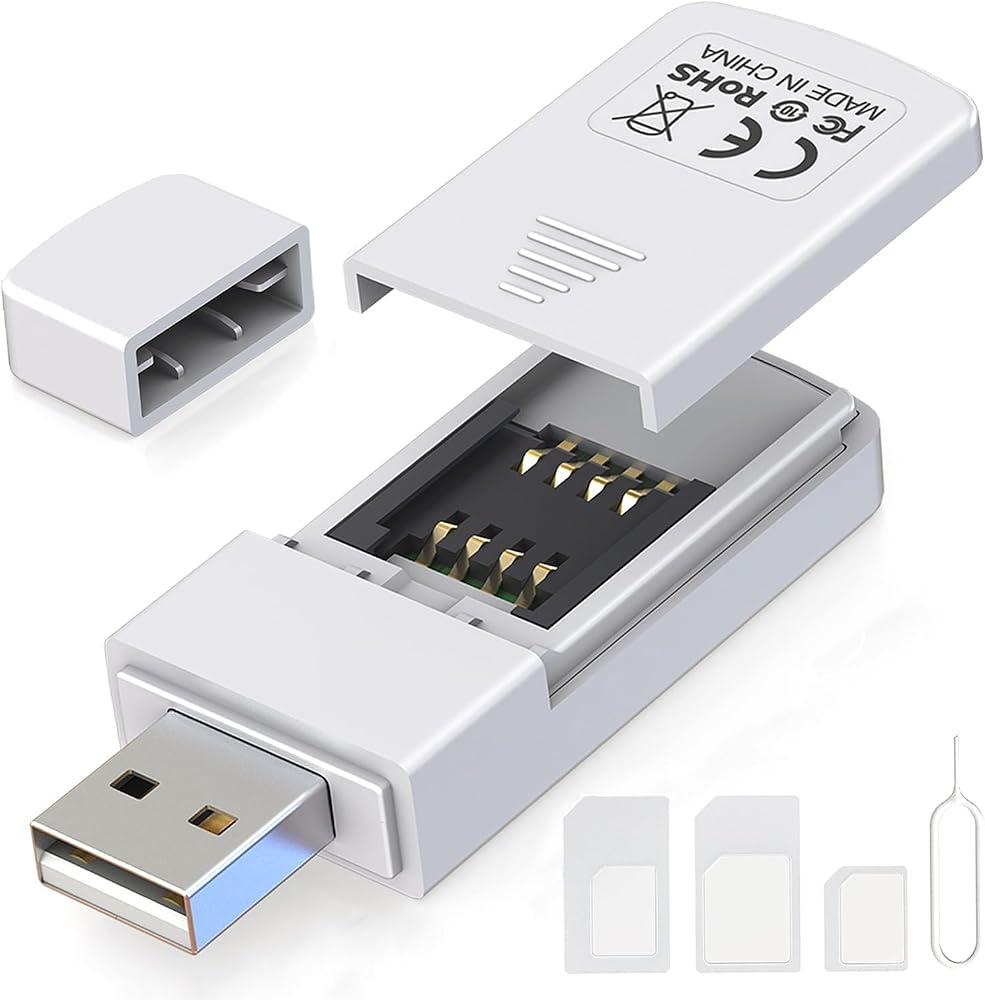
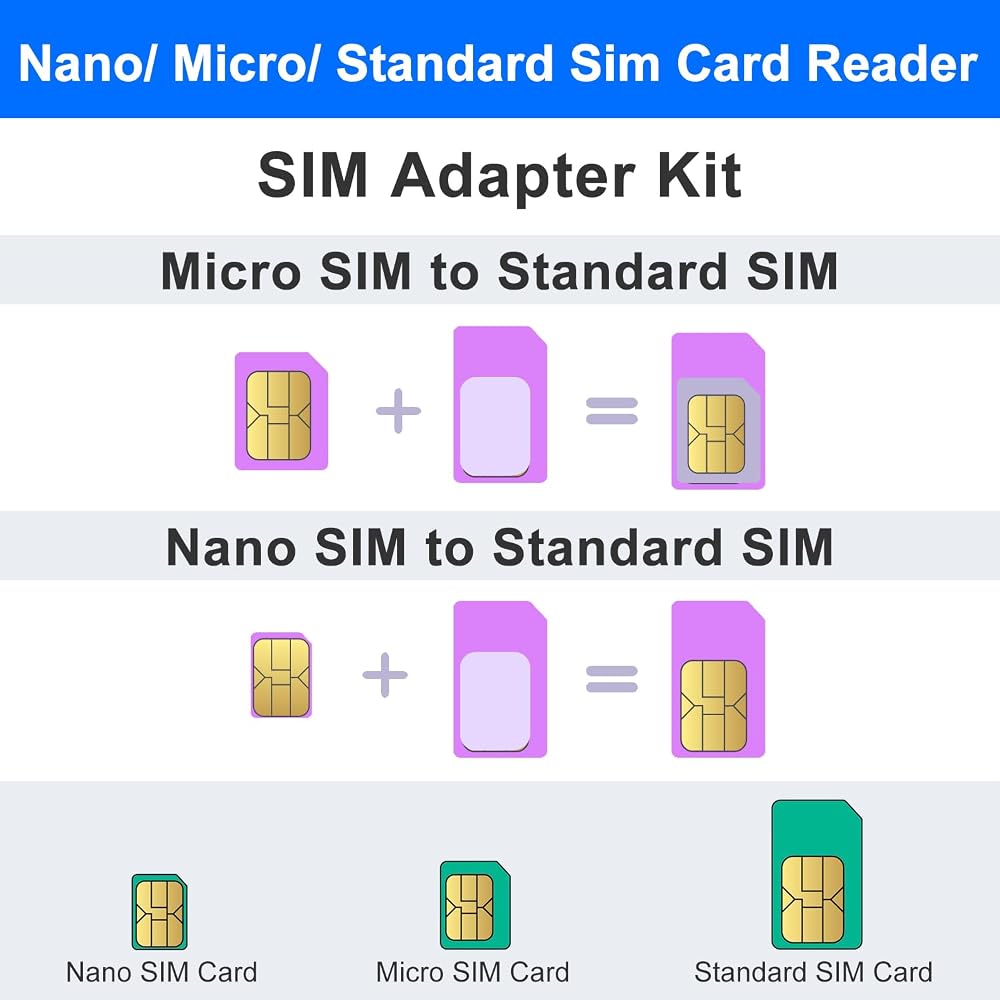
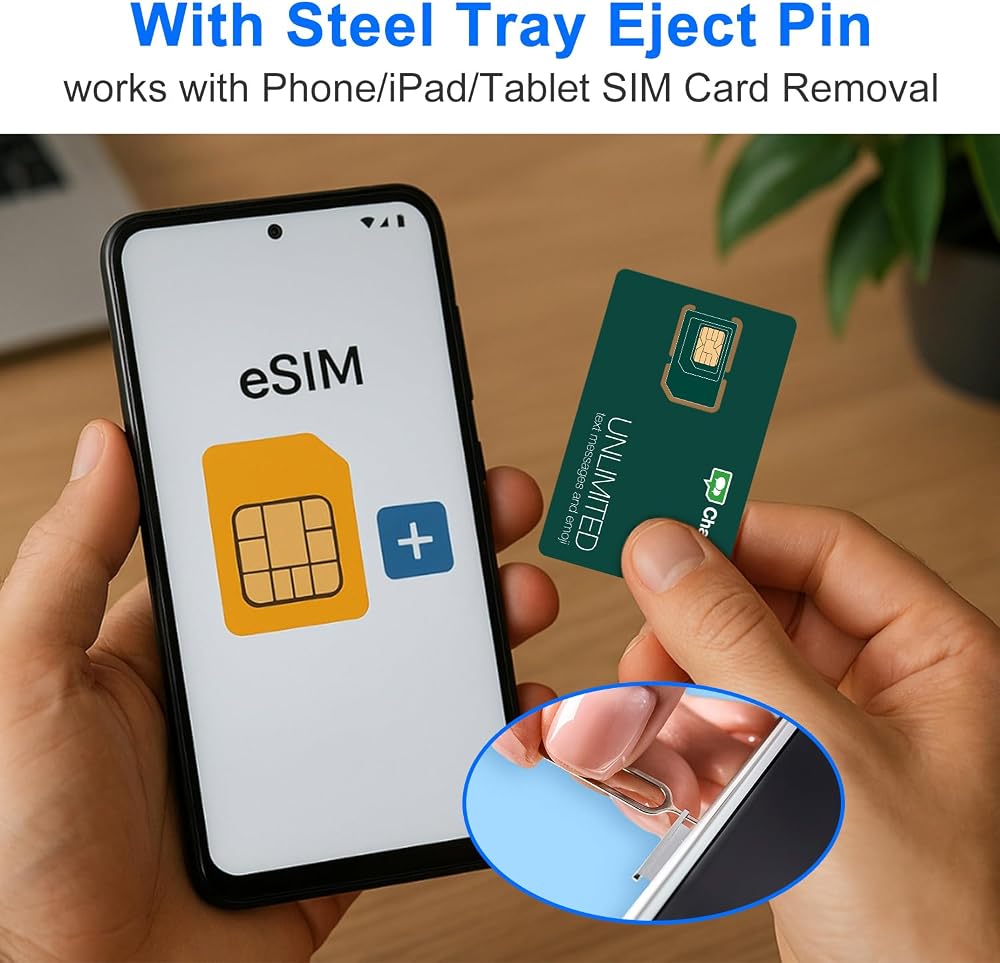
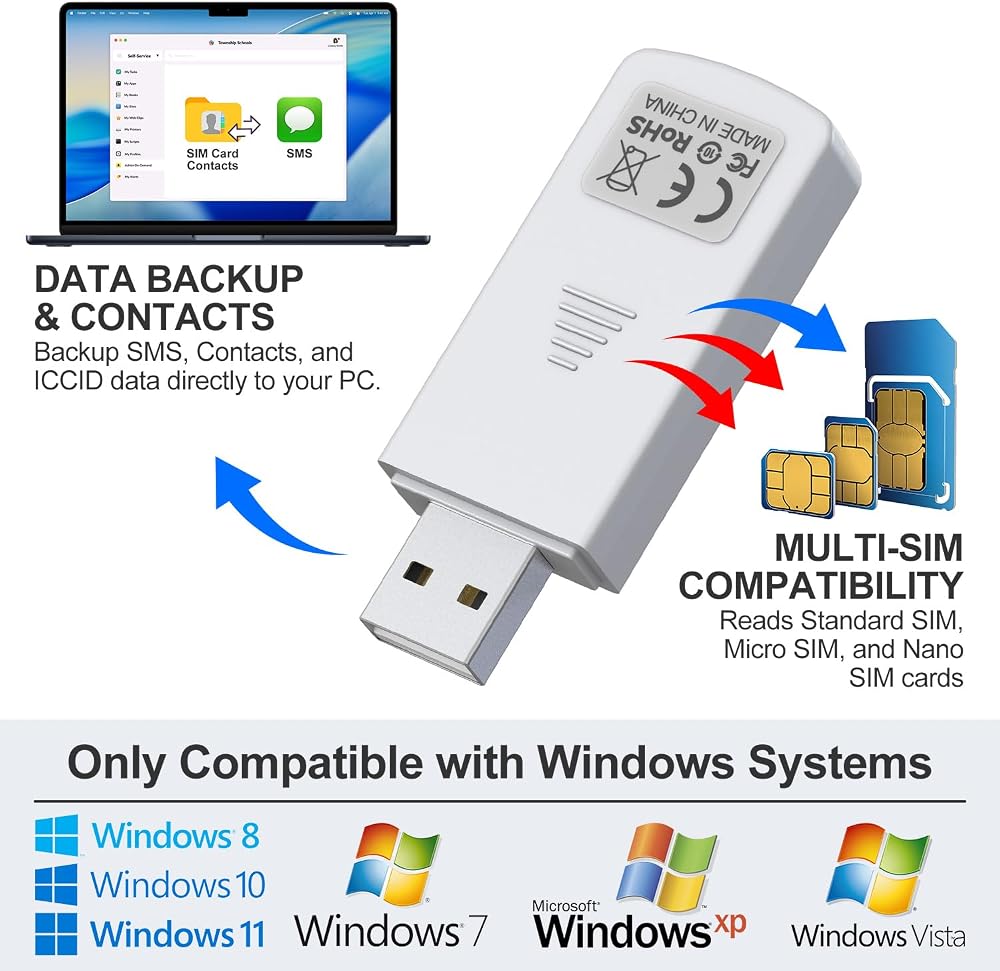
SIM Adapter Converter Kit: Say goodbye to size issues. Our package includes a steel tray eject pin for easy SIM card removal from phones, iPads, and tablets, plus three SIM card adapters (Nano to Standard, Micro to Standard), easily read and manage SIM cards of all sizes without additional accessories. Supports Nano SIM, Micro SIM, and Standard SIM cards
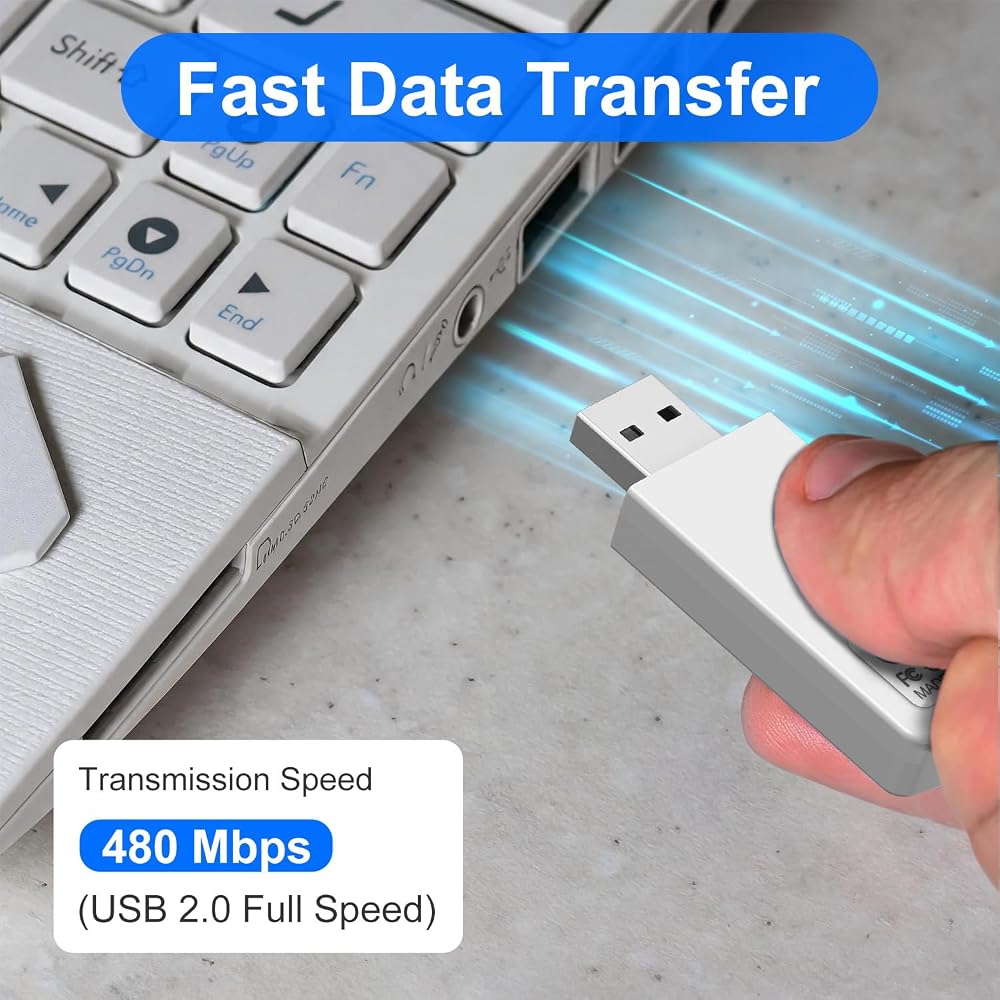
Windows System Exclusive: Equipped with USB 2.0 full-speed interface delivering transmission speeds up to 480 Mbps. Quickly back up your SIM card contacts, text messages, and other data directly to your Windows PC with stable, efficient performance. Note: it is exclusively compatible with Windows XP, Vista, 7, 8, 10, and 11 system
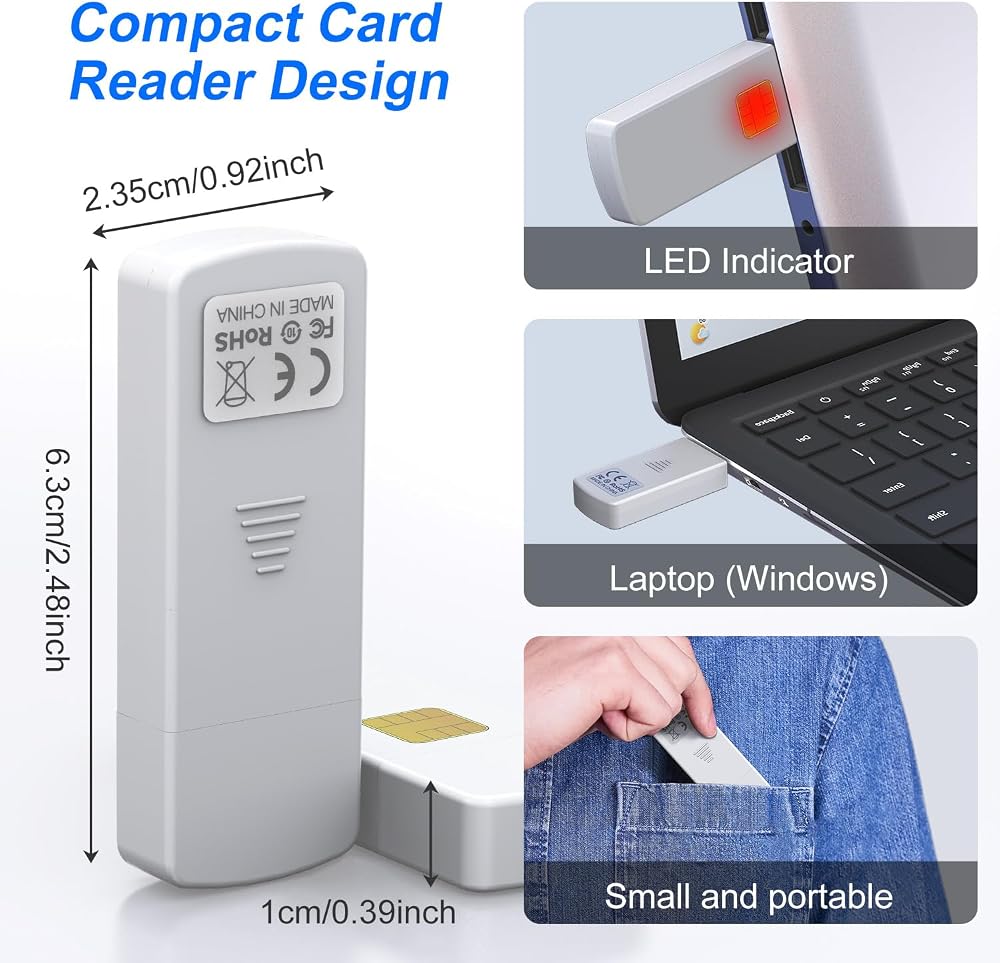
Pocket-Sized & Visual LED Indicator: Measuring just 2.48 x 0.92 x 0.39 inches, this mini SIM card reader features an ultra-compact, lightweight design that fits easily into your pocket or laptop bag. The built-in smart LED indicator provides immediate visual feedback, allowing you to monitor the connection and data reading status at a glance
 بطاقة ذاكرة CF أصلية عالية السرعة بسعة 16 جيجابايت بطاقة كاميرا DSLR بطاقة CF صناعية مصممة للمصورين
KWD 9.500
بطاقة ذاكرة CF أصلية عالية السرعة بسعة 16 جيجابايت بطاقة كاميرا DSLR بطاقة CF صناعية مصممة للمصورين
KWD 9.500
 256M PS 2 Memory Card, 256M Memory Card High Speed for Console Games Accessories(256 M)
KWD 6
256M PS 2 Memory Card, 256M Memory Card High Speed for Console Games Accessories(256 M)
KWD 6
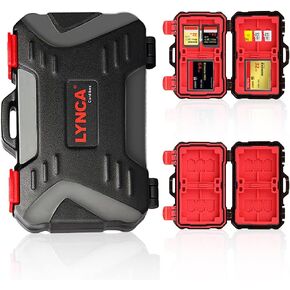 لينكا حافظة حماية صلبة لبطاقة الذاكرة، حافظة حماية لصندوق تخزين TF/SD/Micro SD/XQD/CF مقاومة للماء، مقاس M
KWD 3.500
لينكا حافظة حماية صلبة لبطاقة الذاكرة، حافظة حماية لصندوق تخزين TF/SD/Micro SD/XQD/CF مقاومة للماء، مقاس M
KWD 3.500
 USB SD Card Reader, atolla USB Hub with SD/Micro SD Card Reader, USB Splitter with 3 USB Ports, 2 Card Slots and Individual LED Power Switches
KWD 6
USB SD Card Reader, atolla USB Hub with SD/Micro SD Card Reader, USB Splitter with 3 USB Ports, 2 Card Slots and Individual LED Power Switches
KWD 6