- التسوق ، اصبح سهلا.
- /
- احصل على التطبيق!
Upgrade Your Desktop with USB-C & Fast Charging – No Hassle
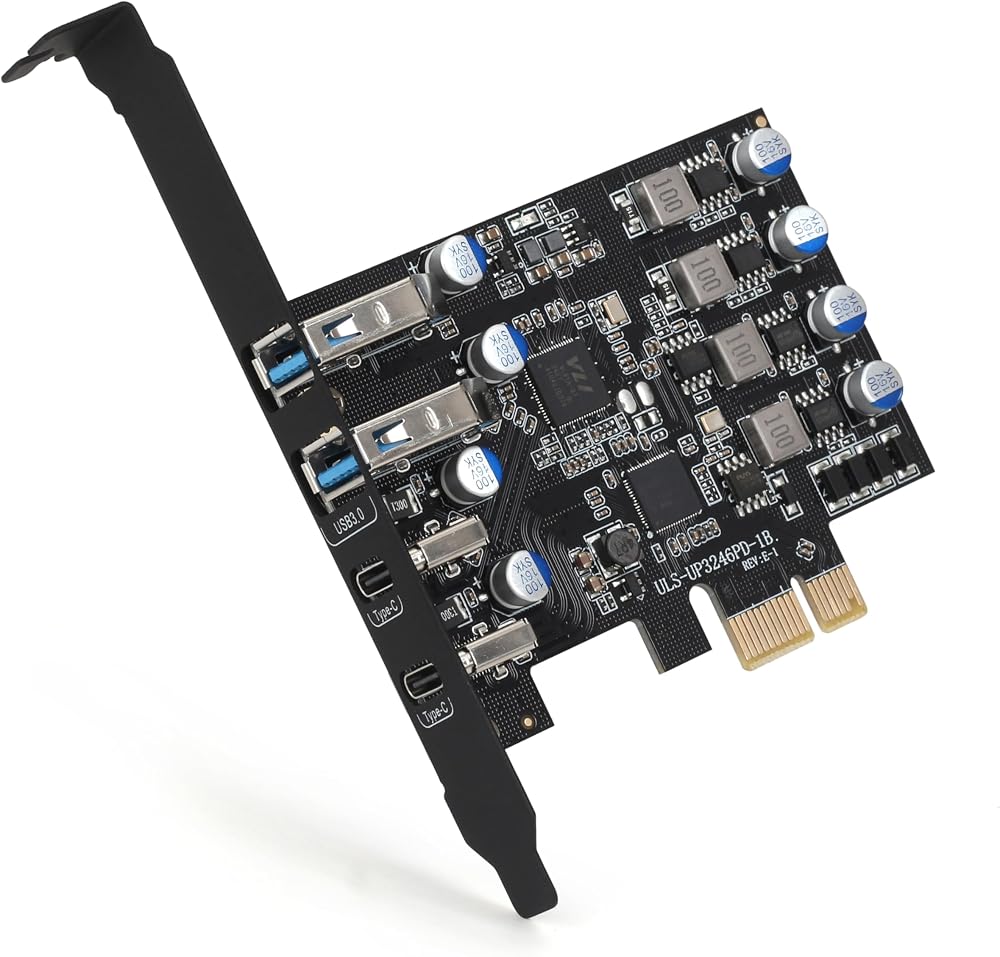
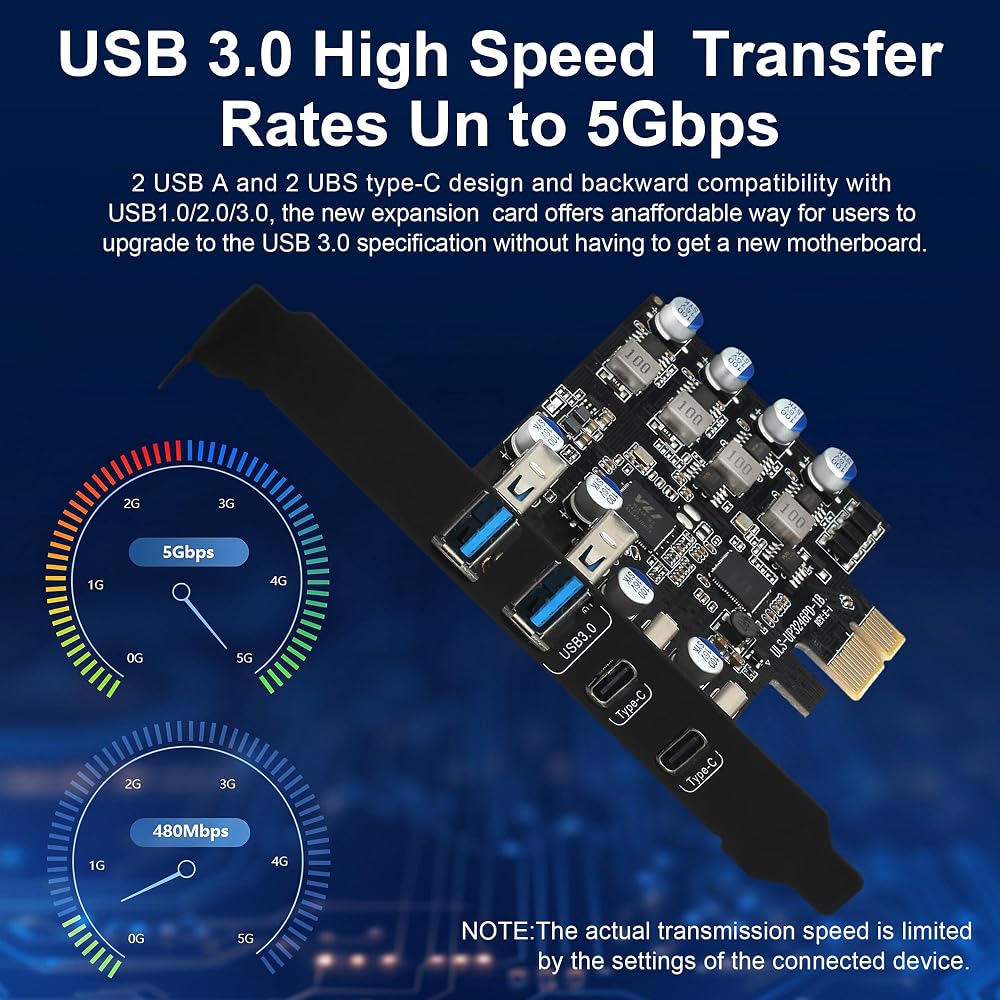
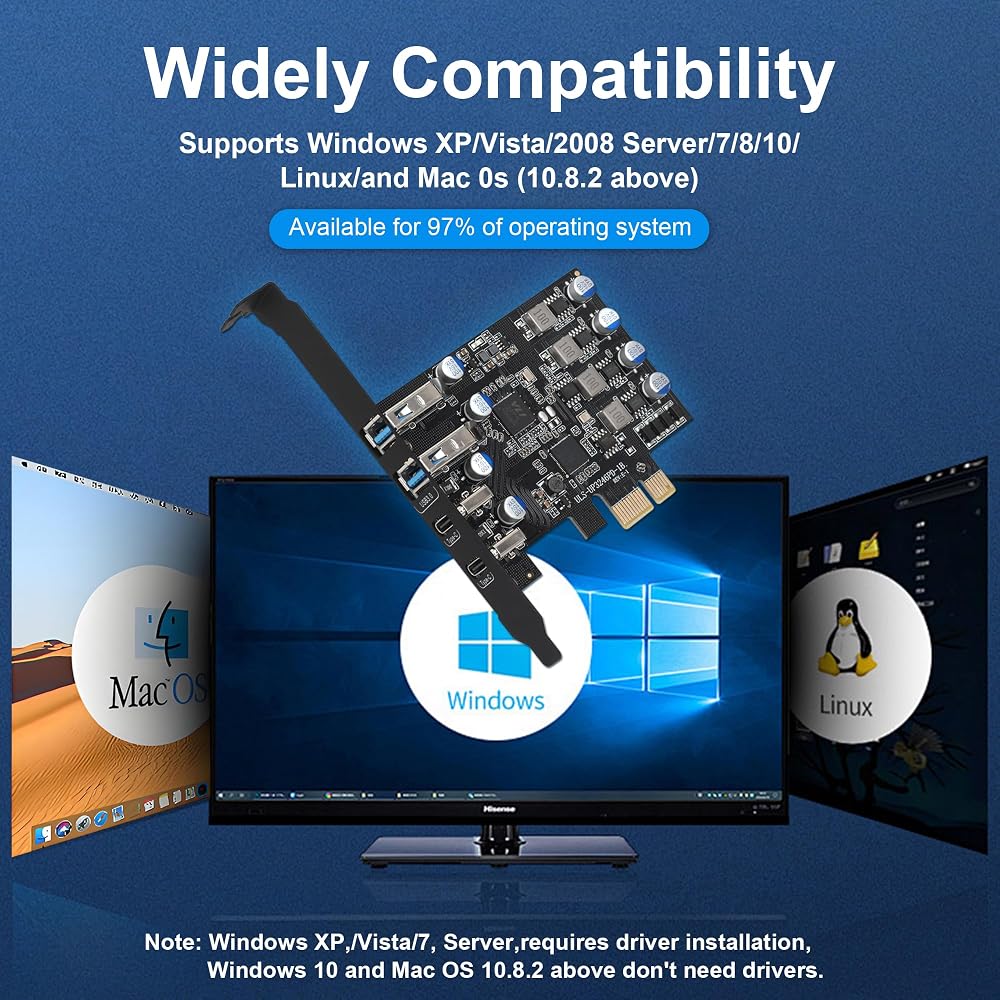
Do you have an older desktop PC without USB-C ports? Or need more high-speed USB ports for daily work? This PCIe to USB 3.0 + USB-C expansion card is the simplest solution. Just plug it into any available PCIe slot, and instantly gain two USB-C (5Gbps) and two USB-A (5Gbps) ports.
Key Advantages
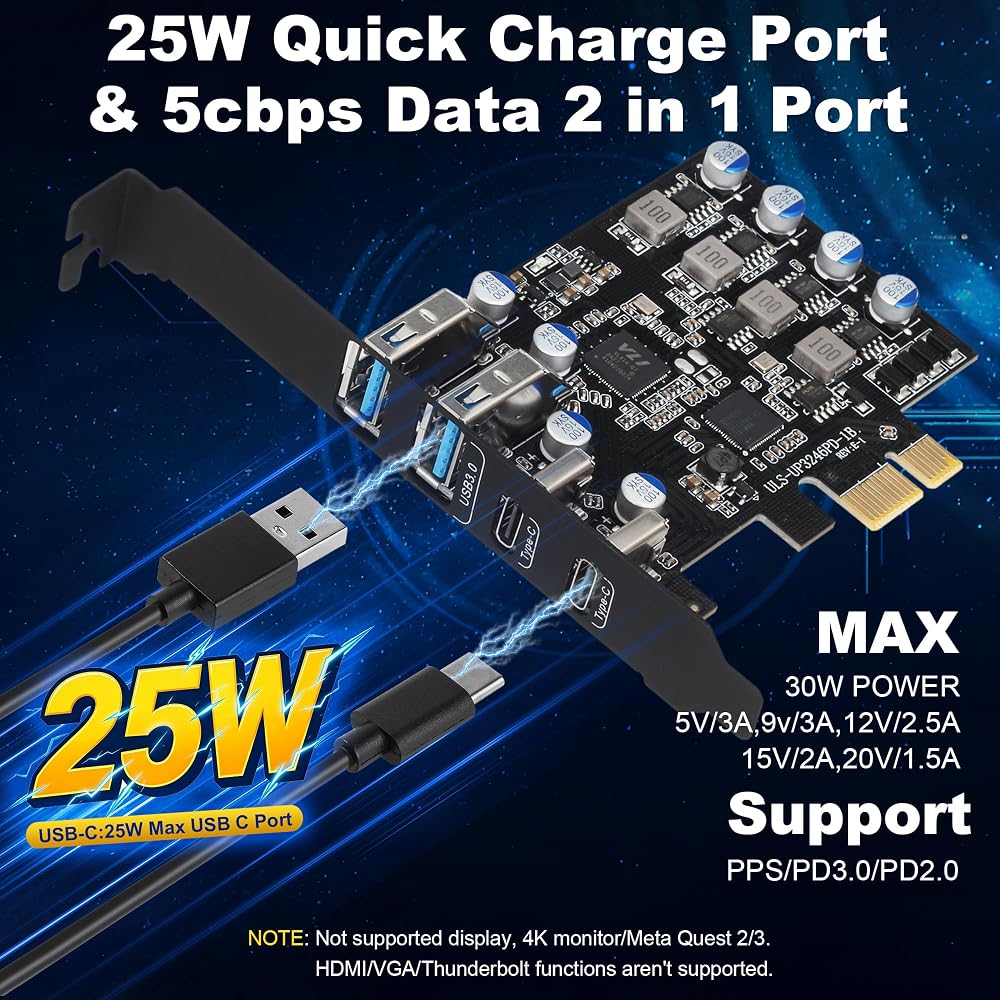
25W Fast Charging – The Type-C ports provide up to 25W output, enough to quickly charge phones, tablets, wireless earbuds, and even some small laptops (e.g., MacBook Air, but data only, no video).
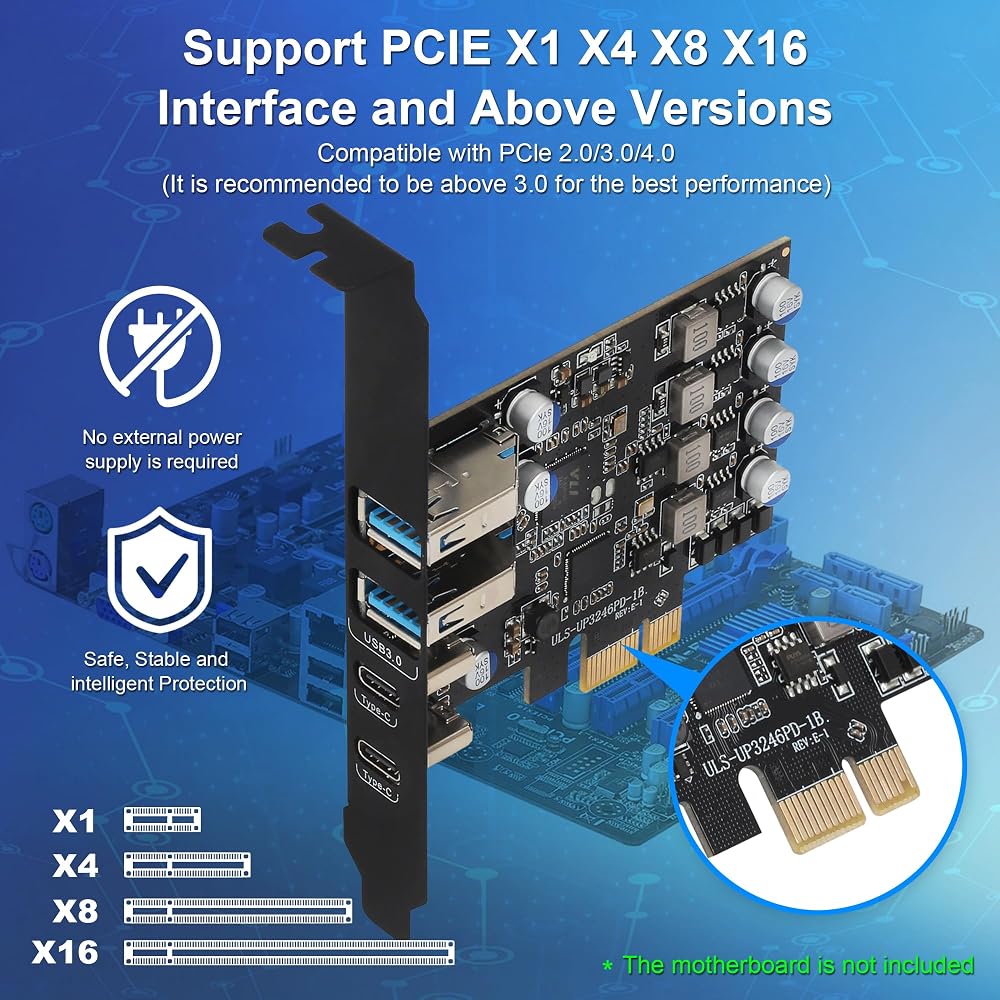
No External Power Supply – Many USB-C PCIe cards require a SATA or 4-pin power cable. Ours is optimized to draw sufficient power (up to 25W total) directly from the PCIe slot.
True Plug & Play – Windows 10/11 will automatically install the necessary driver (generic USB host controller). For Win7/8, manual driver available upon request (via Amazon message).
Low-Profile Bracket Included – Works with both standard and slim cases.
What This Card Does NOT Do (Please Read)
To avoid any disappointment, please understand that this card is purely for data transfer and charging. It does NOT contain a display controller or Thunderbolt chip. Therefore:
❌ No HDMI / VGA / DVI / DisplayPort output
❌ No 4K monitor or any external display connection
❌ No Thunderbolt 3/4 compatibility (different protocol)
❌ Cannot be used for Meta Quest 2/3 PC VR gaming (requires video signal over USB-C)
❌ Not for eGPU (external graphics card)
If you need to connect a monitor or VR headset, please choose a different product. For adding USB ports and fast charging – this card is perfect for you.
Recommended Uses
✅ Connecting USB flash drives / external SSDs (up to 5Gbps, ~400MB/s real speed)
✅ Charging smartphones, tablets, power banks (25W max per C port)
✅ Using wired keyboard, mouse, game controller, printer, scanner
✅ Connecting a USB-C hub (data only) or USB-C audio adapter
Package Contents1 x PCIe USB 3.0 + USB-C Expansion Card
1 x Low-profile bracket
1 x Driver CD (optional – download link also provided)
1 x Quick installation guide
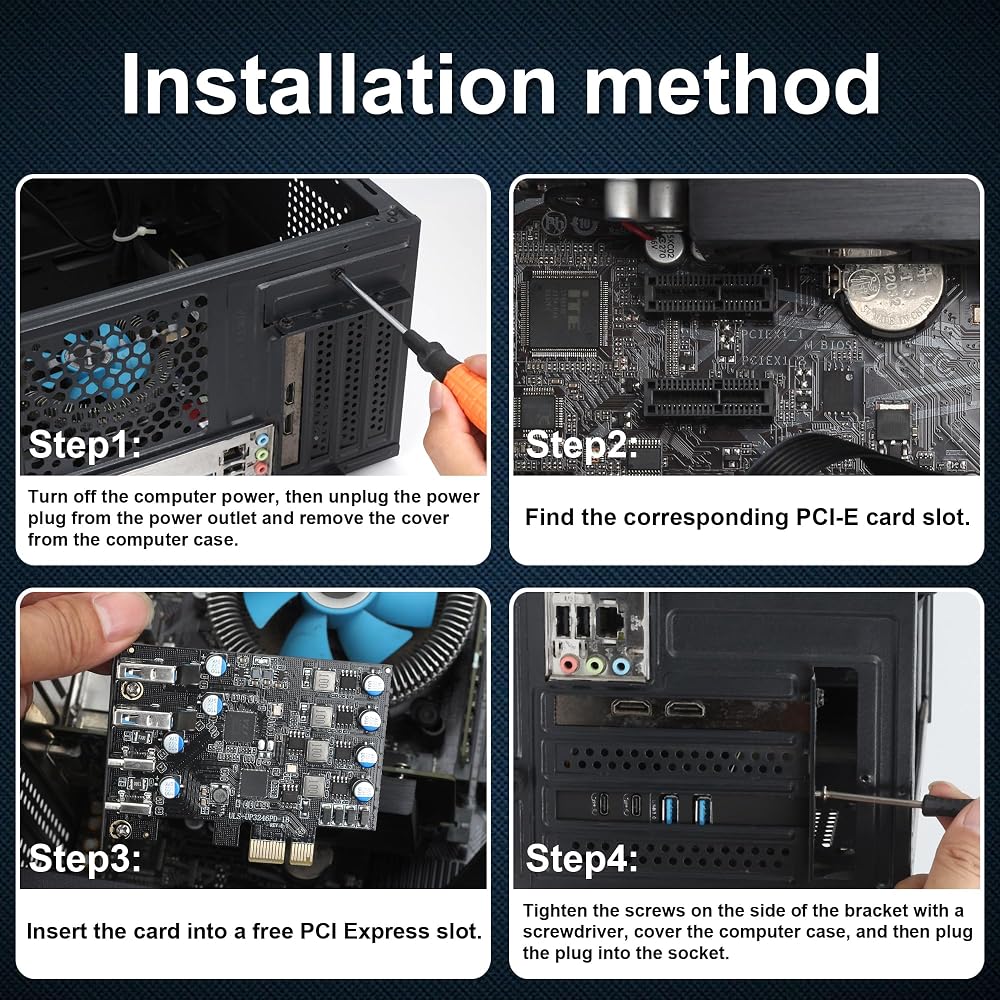
Installation TipsTurn off your PC and unplug power.
Insert the card into any available PCIe x1, x4, x8 or x16 slot.
Secure the bracket with screw. (Replace with low-profile bracket if needed.)
Boot up Windows – drivers install automatically within 30 seconds.
Enjoy your new USB ports!
 بطاقة توسيع PCE8SAT-M01 PCI-E إلى SATA 3.0، 8 منافذ، متوافقة مع واجهة SATA 6G/3G/1.5G، PCI-E 1X 2X 4X 8X 16X
KWD 16
بطاقة توسيع PCE8SAT-M01 PCI-E إلى SATA 3.0، 8 منافذ، متوافقة مع واجهة SATA 6G/3G/1.5G، PCI-E 1X 2X 4X 8X 16X
KWD 16
 ميجاريد ساس 9341-8i SGL
KWD 31
ميجاريد ساس 9341-8i SGL
KWD 31
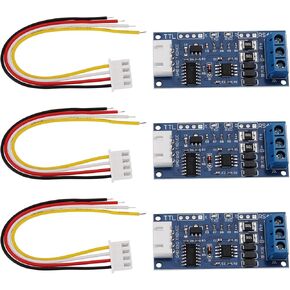 3pcs TTL إلى RS485 وحدة محول 52x22.7mm 3.3V 5V محول إمدادات الطاقة المسلسل الإشارة مع التدفق التلقائي لأجهزة الأسلاك للتحكم
KWD 5
3pcs TTL إلى RS485 وحدة محول 52x22.7mm 3.3V 5V محول إمدادات الطاقة المسلسل الإشارة مع التدفق التلقائي لأجهزة الأسلاك للتحكم
KWD 5
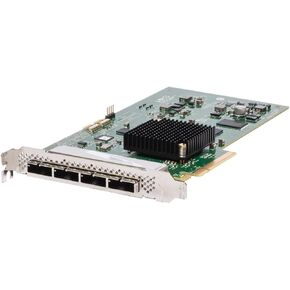 SAS9200-16E 16-PORT 6GB/S PCI Express SATA+SAS HBA Controller H3-25140-02B
KWD 44.500
SAS9200-16E 16-PORT 6GB/S PCI Express SATA+SAS HBA Controller H3-25140-02B
KWD 44.500