- التسوق ، اصبح سهلا.
- /
- احصل على التطبيق!
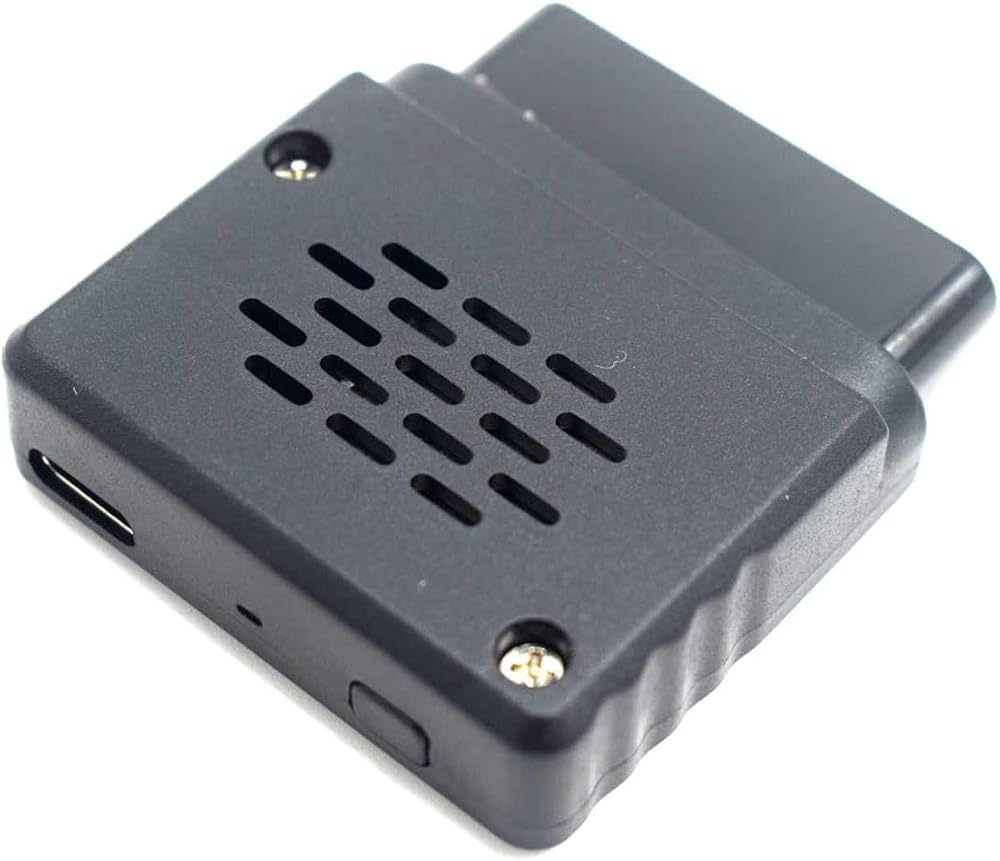
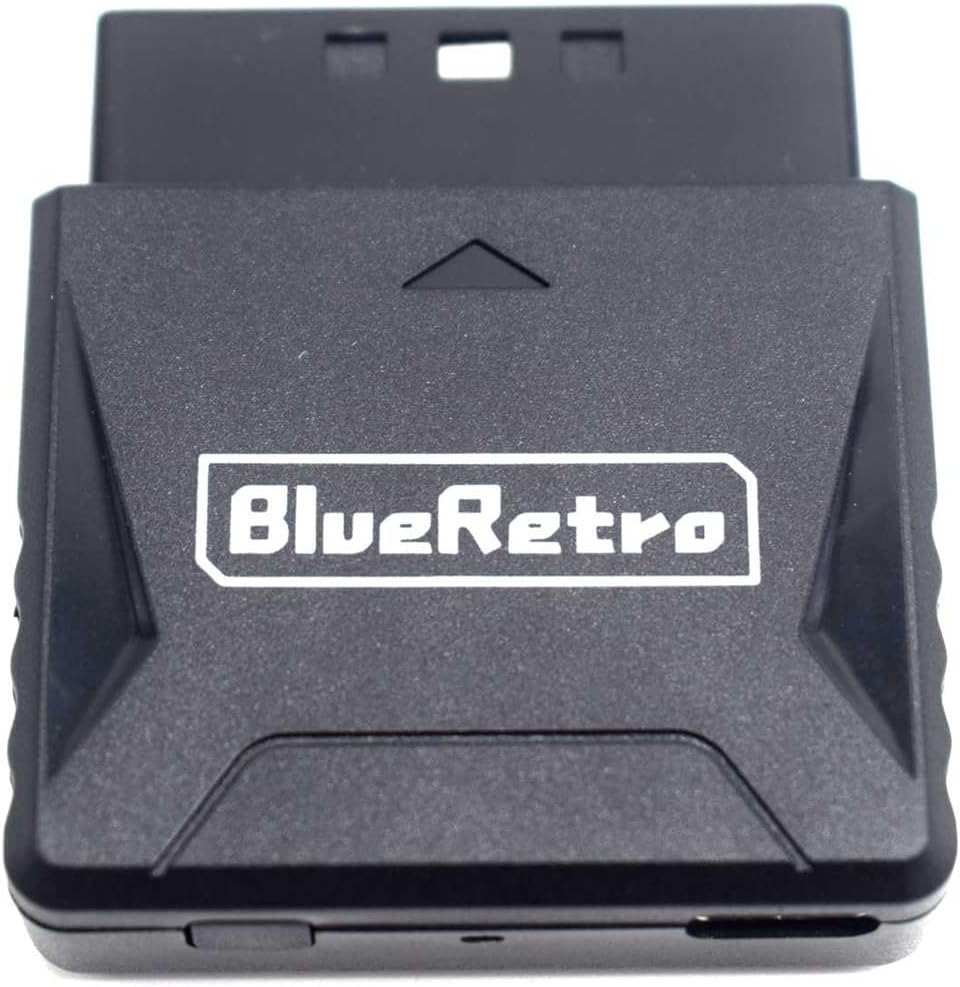
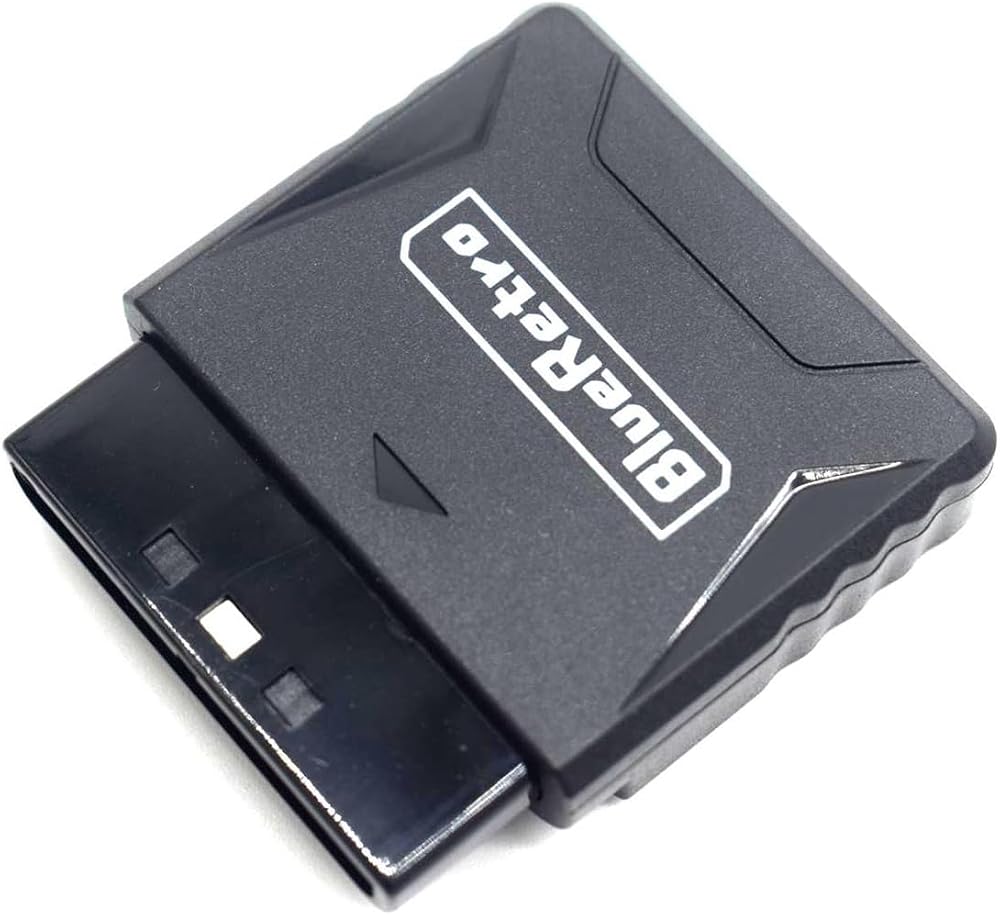
Specifications:
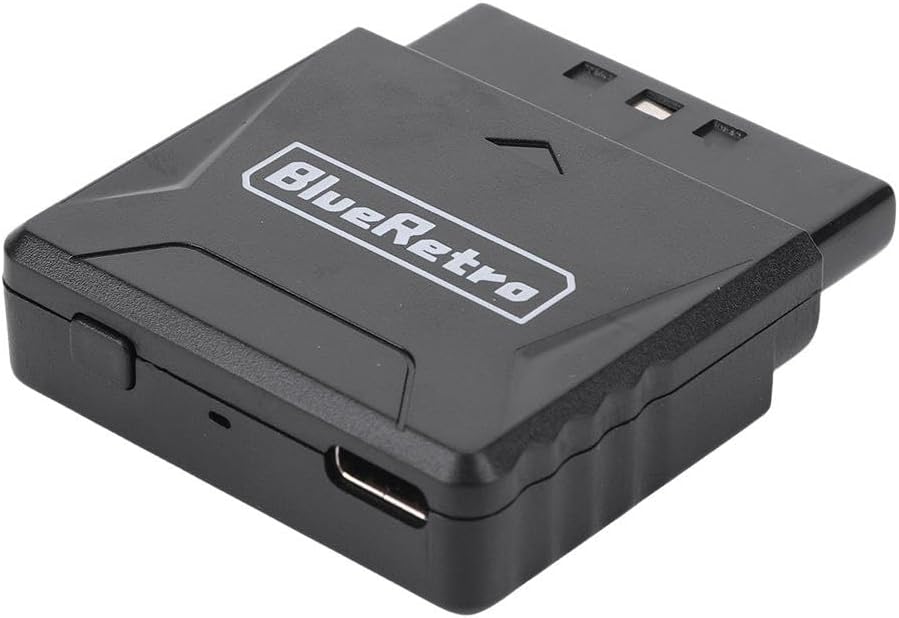
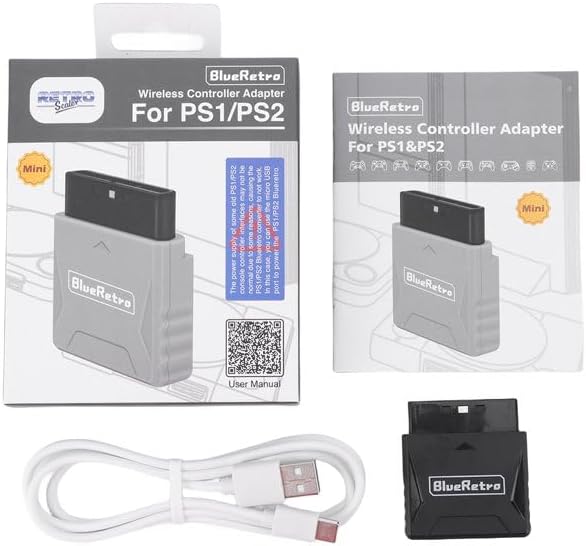
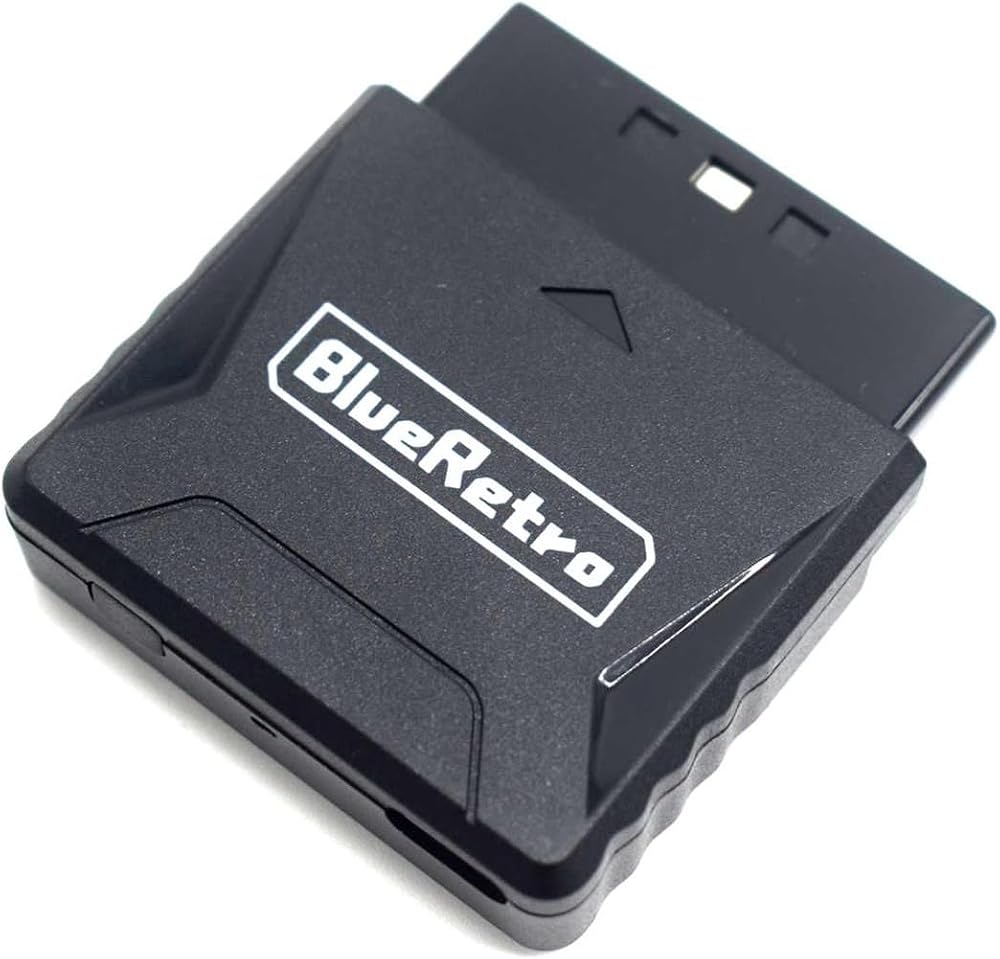
Accessory Type: Controller Adapter
Compatible Consoles: PS1 / PS2
Compatible Controllers: Wii, Switch, PS3, PS4, PS5, Xbox One, Xbox Series X/S, 8BitDo, etc.
Color: Black
Material: ABS
Weight: 40g
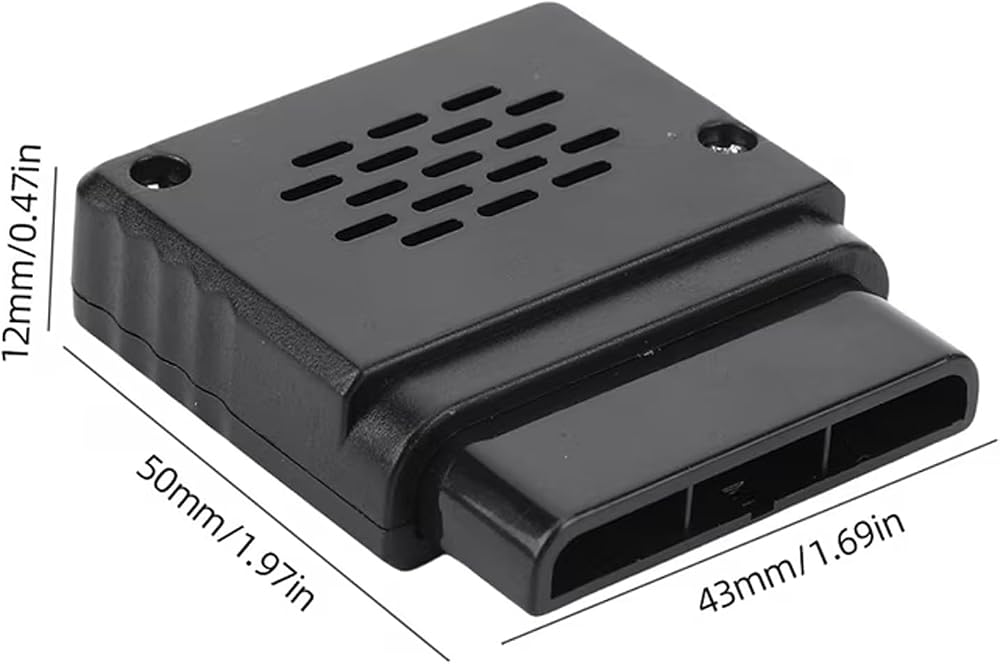
Dimensions: 5 x 4.3 x 1.2 cm
Firmware Update Instructions:
1. Press and hold the "Pairing" button, then connect the adapter to your computer using a USB cable.
2. If your computer fails to recognize the adapter, please try installing the CH340 driver.
Important Notes:
1. Each Mini PS1/PS2 Adapter supports connecting only one wireless controller at a time.
2. Some older PS1/PS2 consoles may experience power-related issues for various reasons, which can prevent the Mini PS1/PS2 Adapter from functioning correctly. In such cases, please use the Micro USB port to provide external power to the PS1/PS2 Adapter.
3. The PS1/PS2 Adapter is not compatible with *Call of Duty 2* or *Call of Duty 3*.
4. The PS1/PS2 Adapter is not compatible with 2.4 GHz wireless controllers.
5. The 8BitDo M30 controller defaults to "Analog Stick Mode." If you encounter issues with unresponsive buttons, please simultaneously press and hold the "Up" button and the "Select" button on the controller for approximately 5 seconds to switch it to "D-Pad Mode."
 YOVDA لاقط جيتار صوتي قابل لإعادة الشحن، فتحة صوت نشطة، لاقط جيتار قابل للتعديل للجيتار، ملف مغناطيسي، ميكروفون مدمج للجيتار مزدوج X0 أسود
KWD 18.500
YOVDA لاقط جيتار صوتي قابل لإعادة الشحن، فتحة صوت نشطة، لاقط جيتار قابل للتعديل للجيتار، ملف مغناطيسي، ميكروفون مدمج للجيتار مزدوج X0 أسود
KWD 18.500
 -14%
مروحة تبريد جوال مغناطيسية يوفدا مع رقاقة تبريد شبه موصلة، مبرد شبه موصل عالمي للجوال لاجهزة اندرويد/التابلت/ايباد للالعاب (X1 اسود)
KWD 9
-14%
مروحة تبريد جوال مغناطيسية يوفدا مع رقاقة تبريد شبه موصلة، مبرد شبه موصل عالمي للجوال لاجهزة اندرويد/التابلت/ايباد للالعاب (X1 اسود)
KWD 9
 مضخم صوت جيتار، مضخم جيتار صغير من YOVDA، مضخم جيتار جيب قابل لإعادة الشحن مع مكبر صوت كبير وتأثير نظيف وتشويه، إعداد تشويه جوقة نظيفة وواه (JA-01)
KWD 7
مضخم صوت جيتار، مضخم جيتار صغير من YOVDA، مضخم جيتار جيب قابل لإعادة الشحن مع مكبر صوت كبير وتأثير نظيف وتشويه، إعداد تشويه جوقة نظيفة وواه (JA-01)
KWD 7
 -14%
مبرد الهاتف 27 وات، مبرد للهاتف الخلوي، مبرد الهاتف المحمول مع عرض درجة الحرارة/عناصر تحكم ذكية/3 سرعات مروحة لمبرد الهاتف 2.83-3.66 بوصة
KWD 9
-14%
مبرد الهاتف 27 وات، مبرد للهاتف الخلوي، مبرد الهاتف المحمول مع عرض درجة الحرارة/عناصر تحكم ذكية/3 سرعات مروحة لمبرد الهاتف 2.83-3.66 بوصة
KWD 9

 الكويت