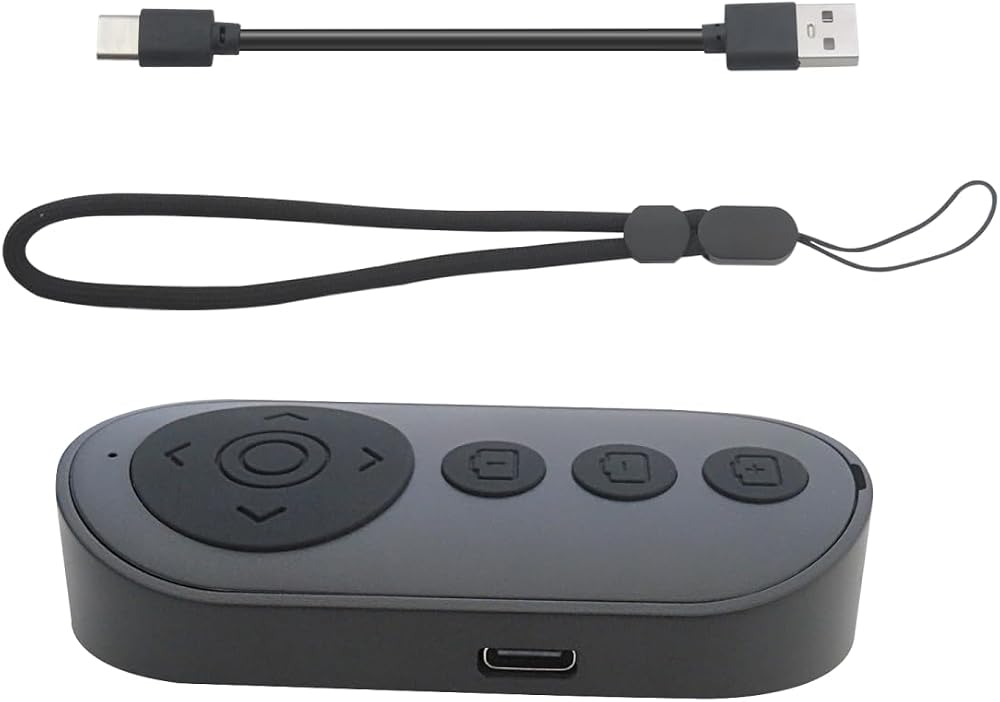
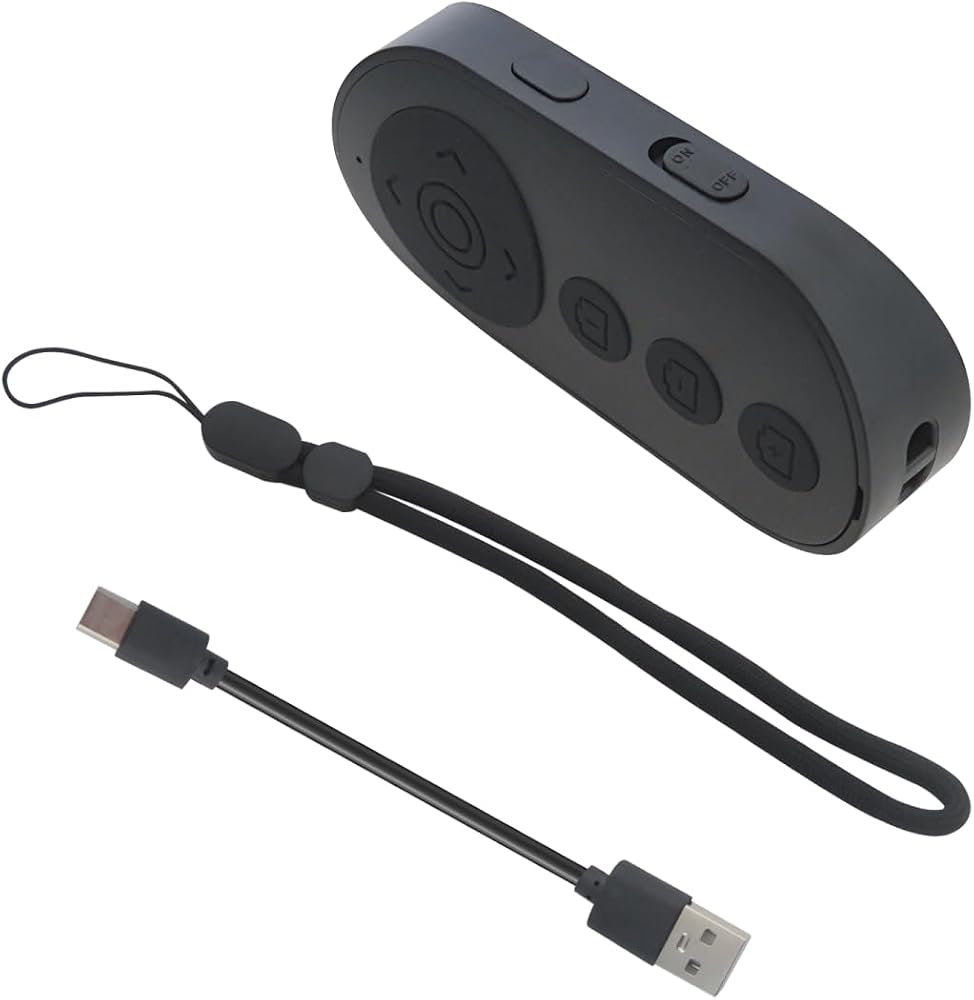
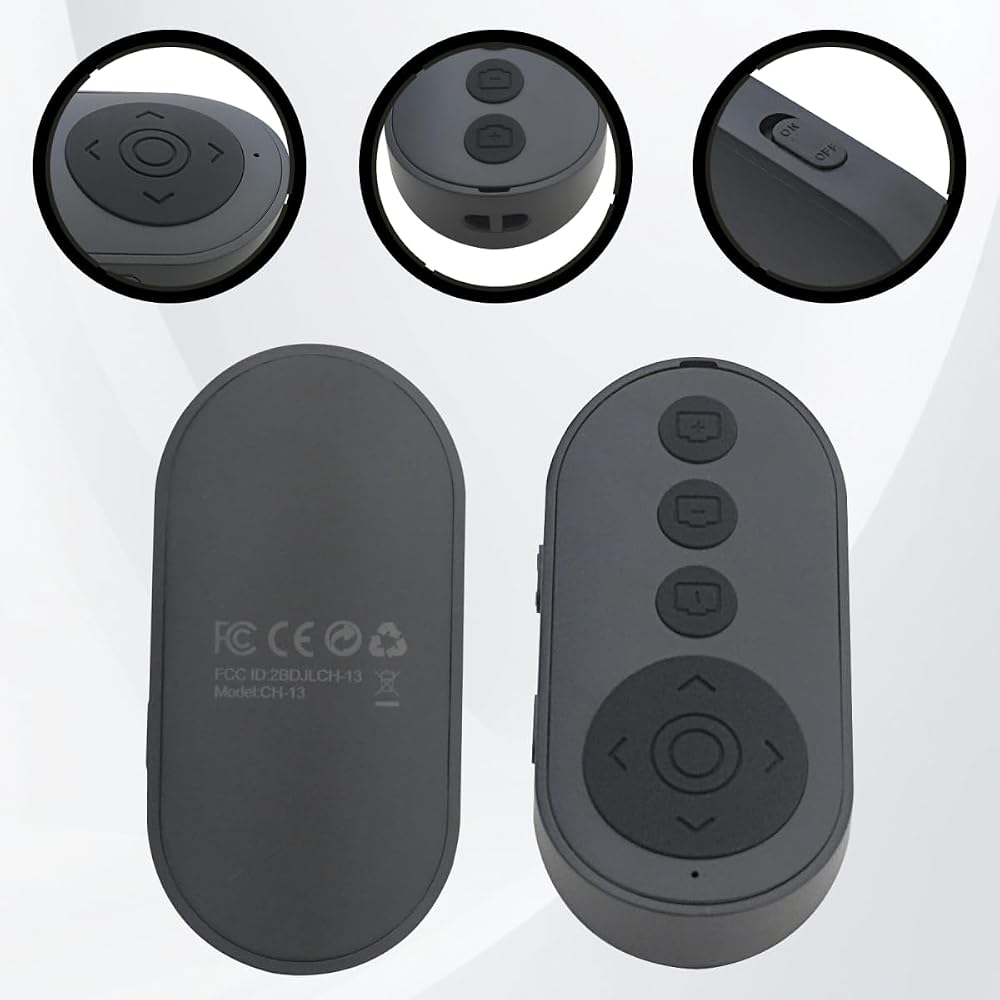
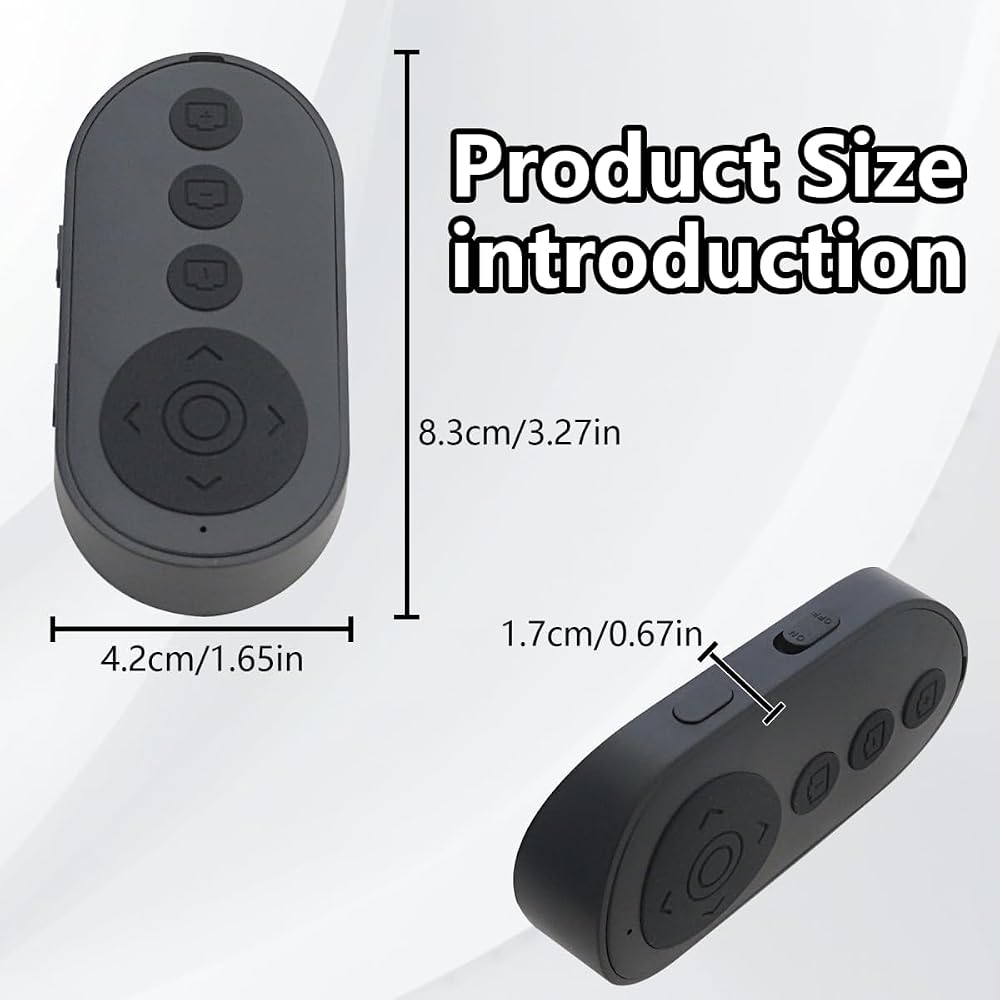
Upgraded Wireless Camera Remote Control with Zoom for iPhone & Android, Versatile Shutter with Front/Rear Camera Switch for Photo & Video, Smartphone Remote Clicker for Ti*kTok (Black) Black
Item Type: Wireless Camera Remote Control with Zoom for iPhone & Android, Versatile Shutter with Front/Rear Camera Switch for Photo & Video, Smartphone Remote Clicker for Ti*kTok (Black)
Zoom in & out: This remote shutter with zoom feature (Must open zoom in accessibility setting for iPhone/iPad) can help you easily zoom in and out from a distance when taking photos and videos, bringing great convenience and making your shooting more professional
Unique camera Flip Design: There is a button on the side of the wireless remote control that can switch the camera. Click once to switch the system camera, and double-click to switch the camera within the application. This unique feature can help you easily and quickly switch between front and rear cameras
for E-Book App Page Turner: This wireless remote can help you control the page-turning for the E-book APP, and enjoy a comfortable reading experience. Note: ONLY available for e-book APP on Smartphone, not work for Kindle devices or any E-reader device
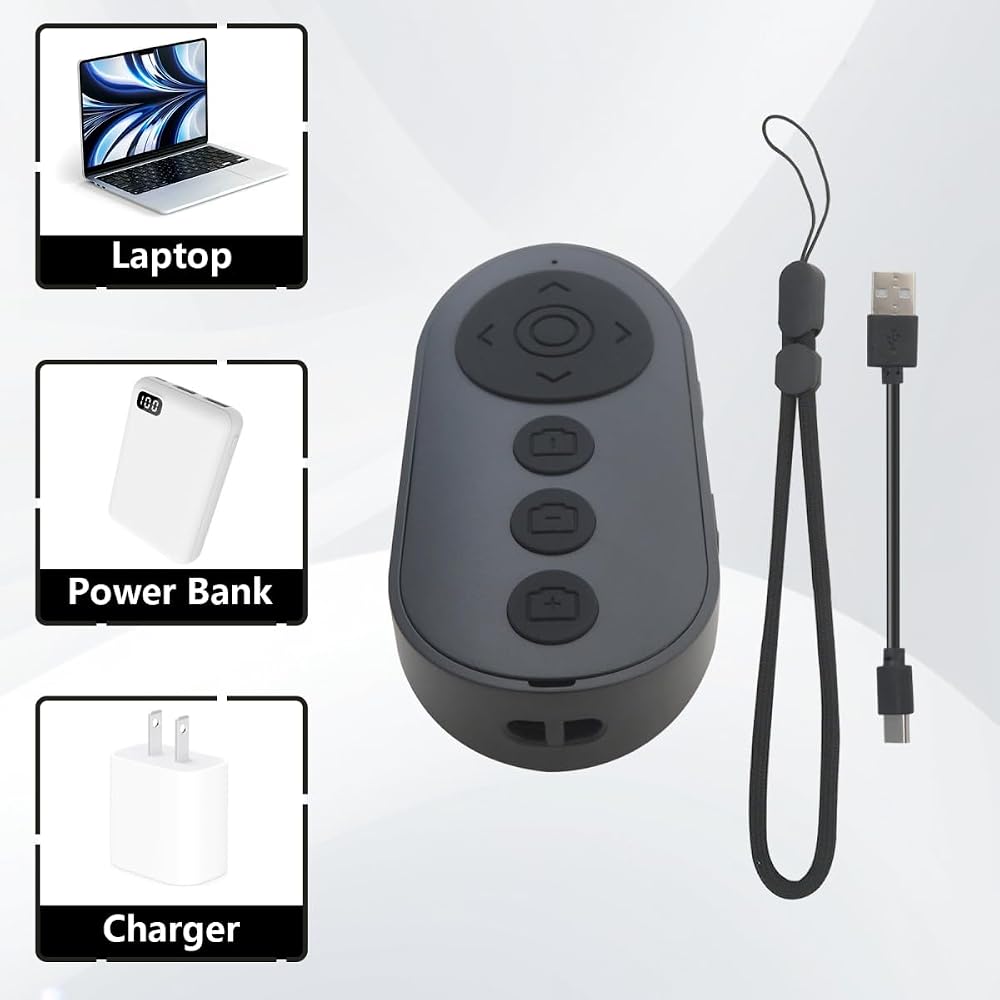
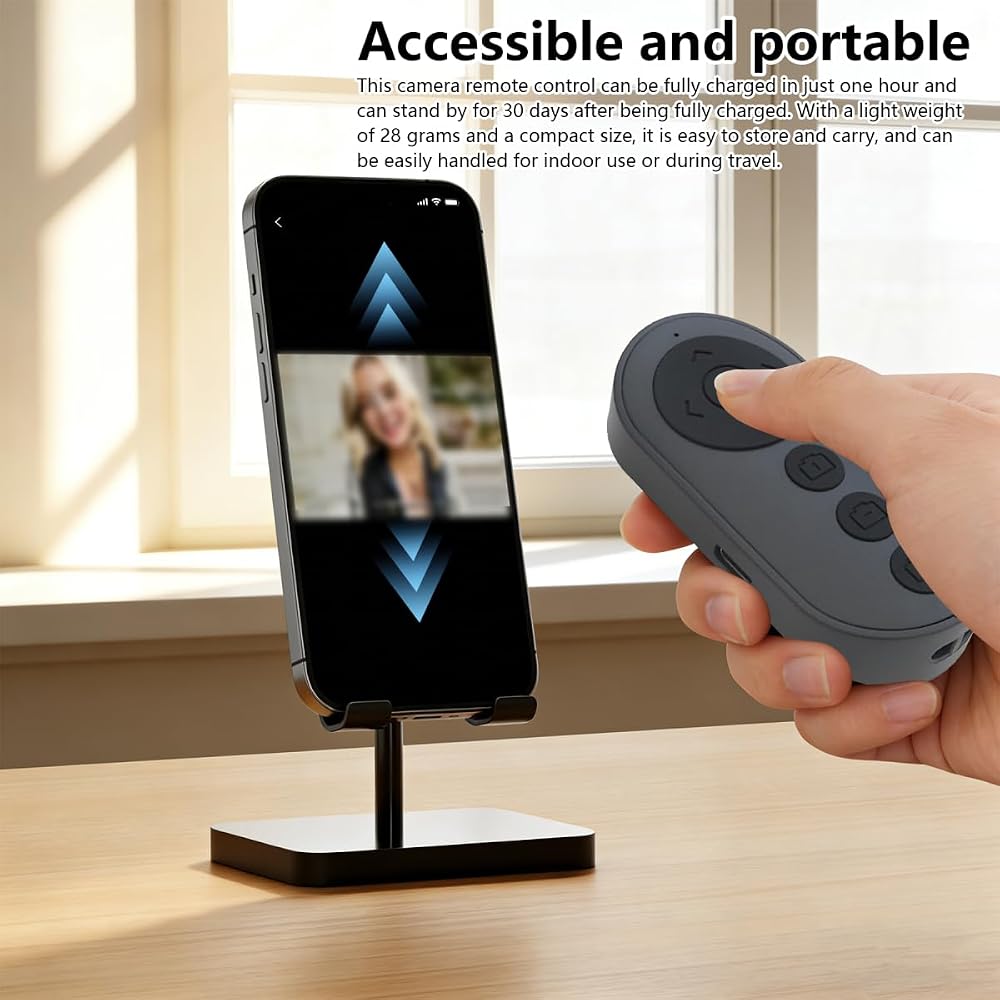
Reachageable & Portable: This camera remote control only takes 1 hour to charge and can last for 30 days of standby after being fully charged. The weight of 28 grams and compact size make it easy to store and carry, making it convenient to use both indoors and when traveling
وصف
➤Wireless Camera Remote Control with Zoom for iPhone & Android, Versatile Shutter with Front/Rear Camera Switch for Photo & Video, Smartphone Remote Clicker for Ti*kTok (Black)
➤Widely Compatible:
The Multi-functional wirless shutter is fit for all iPhone, for iPad, iPod and most smartphones and tablets with for Android systems, compatible for most camera applications.
➤Wireless Remote Control for Short Video
You can use the Bluetooth Scrolling Remote Control to Swipe the next/previous video, give a like, Volume +/-, left and right Swipe. Hands-free Operation with this Bluetooth remote control. iOS devices Settings: Open setting>Accessibility>Zoom>Turn on Zoom>Using three finger twice click the screen to restore, then you can connect the remote via Bluetooth Note:Only for Ti*ktok, not work well with other short video APPS.
 استبدال شاشة LCD 5.5 "لـ NS Switch Lite ، شاشة LCD شاشة العرض الزجاجية للملحق
KWD 12.500
استبدال شاشة LCD 5.5 "لـ NS Switch Lite ، شاشة LCD شاشة العرض الزجاجية للملحق
KWD 12.500
 2pcs استبدال عصا التحكم التناظرية ثلاثية الأبعاد لأجهزة Xbox One S/X Controller Thumbstick إصلاح قطع غيار
KWD 5.500
2pcs استبدال عصا التحكم التناظرية ثلاثية الأبعاد لأجهزة Xbox One S/X Controller Thumbstick إصلاح قطع غيار
KWD 5.500
 Suifaqi ترقية أعلى شاشة شاشة الشاشة العليا استبدال وحدة العرض Nin Ten Do New 3DS XL/ LL (2015)
KWD 21
Suifaqi ترقية أعلى شاشة شاشة الشاشة العليا استبدال وحدة العرض Nin Ten Do New 3DS XL/ LL (2015)
KWD 21
 شاشة Suifaqi التي تمت ترقيتها باستبدال أعلى شاشة LCD لـ Nin-Tendo 3DS XL 2015
KWD 21
شاشة Suifaqi التي تمت ترقيتها باستبدال أعلى شاشة LCD لـ Nin-Tendo 3DS XL 2015
KWD 21