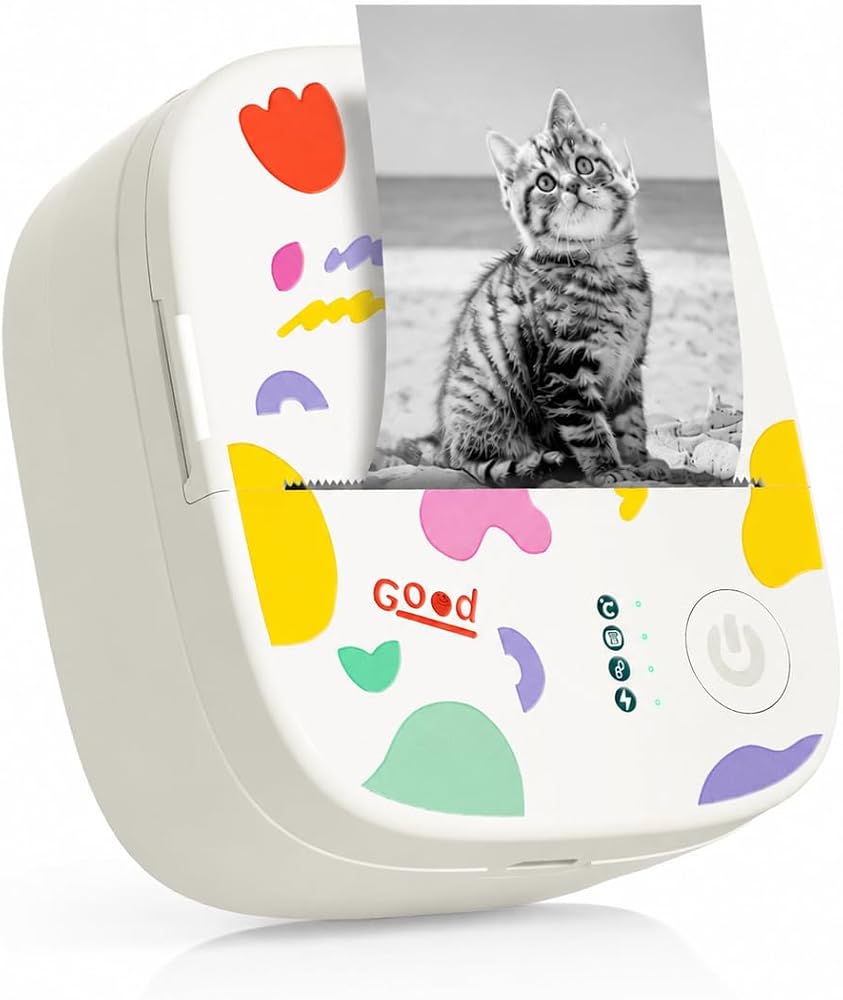
Mini Sticker Printer Print Pod Portable Thermal Inkless Sticker Maker Bluetooth Pocket Mini Photo Printer Instant Print for School Office Home for Study Note, Journal, DIY, Gift
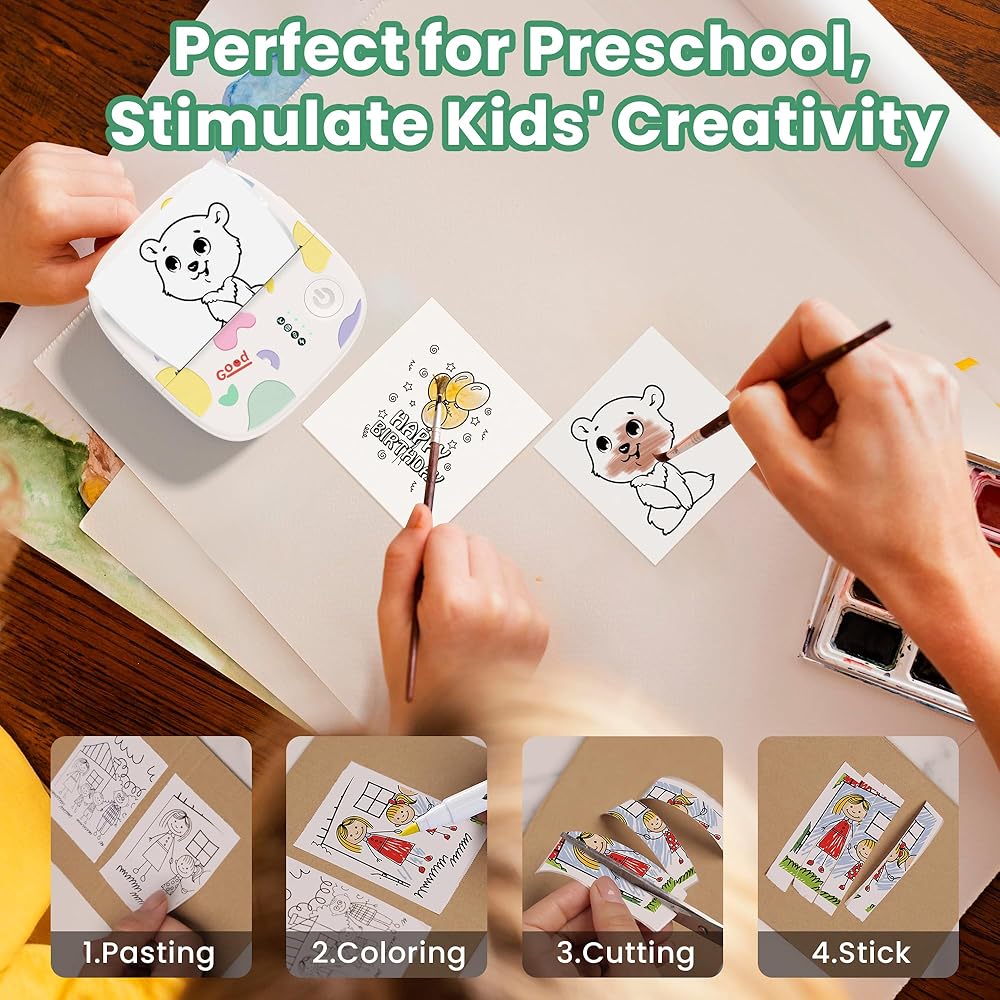
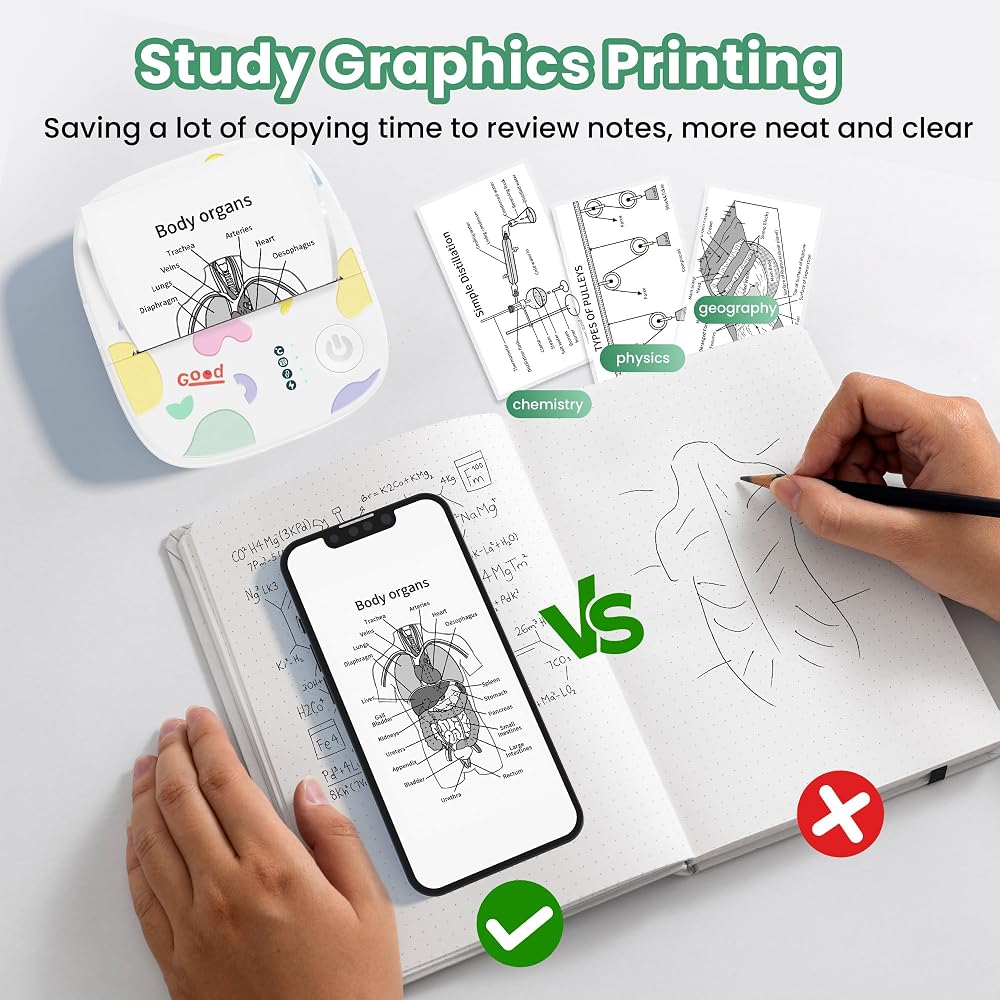
【Multifunctional & Practical Mini Printer】The mini sticker printer is your perfect on-the-go printing companion for both everyday life and office use. Ideal for printing photos, study notes, to-do lists, customized bookmarks, greeting cards, DIY projects, and memos. Equipped with sawtooth for smooth, effortless paper tearing—just be sure to tear perpendicularly for best results
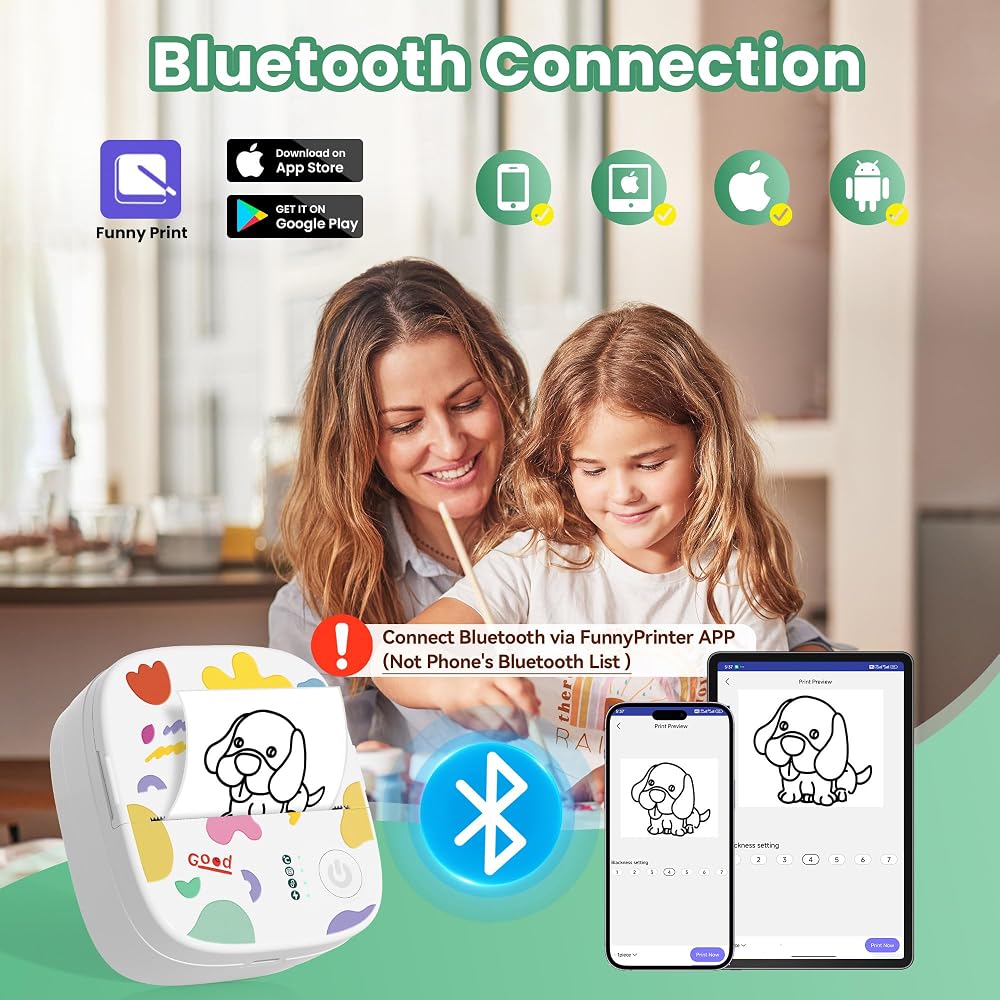
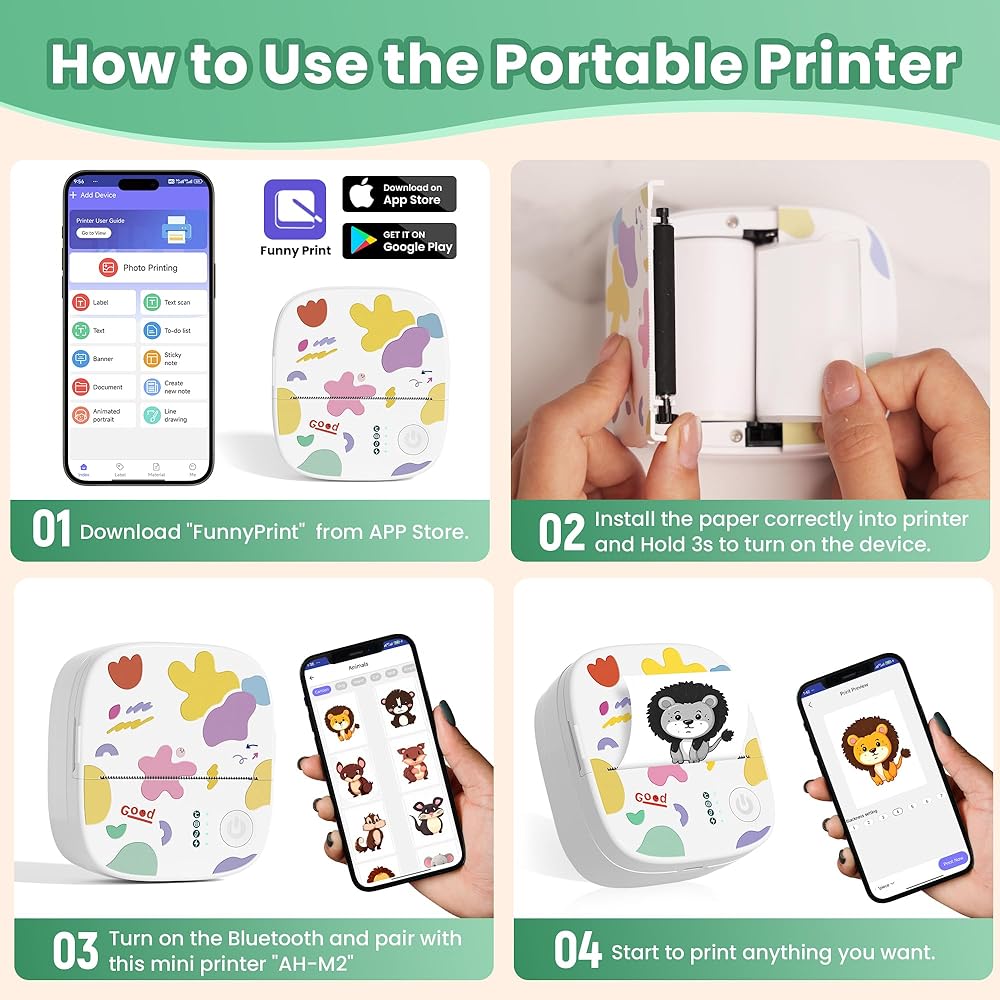
【Bluetooth Connectivity & APP Control】This portable sticker printer is compatible with both iOS and Android phone. Just follow these simple steps: 1.Download "FunnyPrint" from the App Store. 2.Long press the power button until the indicator light flashes. 3.Enable Bluetooth on your phone, open the app and connect to "AH-M2" to start printing. The app offers versatile features including drag & zoom, OCR, a wide variety of templates, text editing tools, and fun stickers
【Compact & Portable】Measuring just 3.3x3.1x1.4in and weighing 0.26lbs, this mini sticker printer fits easily in a backpack or pocket. Perfect for school, office, travel, or workouts, it's your portable printing assistant
【Adorable & Kid-Friendly Design】With its cute, toy-like appearance, this printer is fun for all ages. It's a creative and entertaining tool for both kids and adults, making everyday printing a joyful activity. A great gift idea for Halloween, Thanksgiving, Christmas, or any special occasion
【Inkless & Clear Printing Quality】This mini pocket printer is powered by advanced thermal printing technology, no preheating needed, no ink mess, prints clearly and not easy to fade. High-resolution (203 DPI) black-and-white prints. This printpods support both Self-adhesive and thermal paper, including colorful sticker paper. Comes preloaded with one roll of white self-adhesive paper and includes 3 additional rolls in the box
وصف
About automatically reconnecting to the last used device
Here's a quick tip for Bluetooth reconnection that might make your next use smoother:
Once your phone and printer have been paired successfully, they usually reconnect automatically when you open the app.
Power on the printer first → open the app → it connects the device paired last time automatically.
Open the app first → power on the printer → you may need to connect manually, or a pairing prompt will appear.The app scans for devices for the first 10 seconds after being opened. If no device is found, you can connect manually.
 طفل طفل فتيات طويلة الأكمام بوليرو كارديجان ذي كارثة متبكلة
KWD 0
طفل طفل فتيات طويلة الأكمام بوليرو كارديجان ذي كارثة متبكلة
KWD 0
 عام QBGFT2040-40 AMP GFCI قاطع دائرة الترباس على - 40 أمبير - 2 عمود - 240 فولت
KWD 85.500
عام QBGFT2040-40 AMP GFCI قاطع دائرة الترباس على - 40 أمبير - 2 عمود - 240 فولت
KWD 85.500
 تتضمن طابعة صور Bluetooth Mini Pet مع Book Diary - طابعة ملصق حرارية محمولة للهاتف الذكي - 3 لفات و "قصة حياة الحيوانات الأليفة" من قبل شون دوهرتي محب للحيوانات مدى الحياة (وخاصة الكلاب)
KWD 12.500
تتضمن طابعة صور Bluetooth Mini Pet مع Book Diary - طابعة ملصق حرارية محمولة للهاتف الذكي - 3 لفات و "قصة حياة الحيوانات الأليفة" من قبل شون دوهرتي محب للحيوانات مدى الحياة (وخاصة الكلاب)
KWD 12.500
 DIY Punch Needle Kits Cute Cartoon Cute Beagles Dog with Sunset Embroidery Punch Enger Starter Craft with Hoop Easy for Beginners for Festival T and Decoration 20x20cm-1
KWD 6
DIY Punch Needle Kits Cute Cartoon Cute Beagles Dog with Sunset Embroidery Punch Enger Starter Craft with Hoop Easy for Beginners for Festival T and Decoration 20x20cm-1
KWD 6