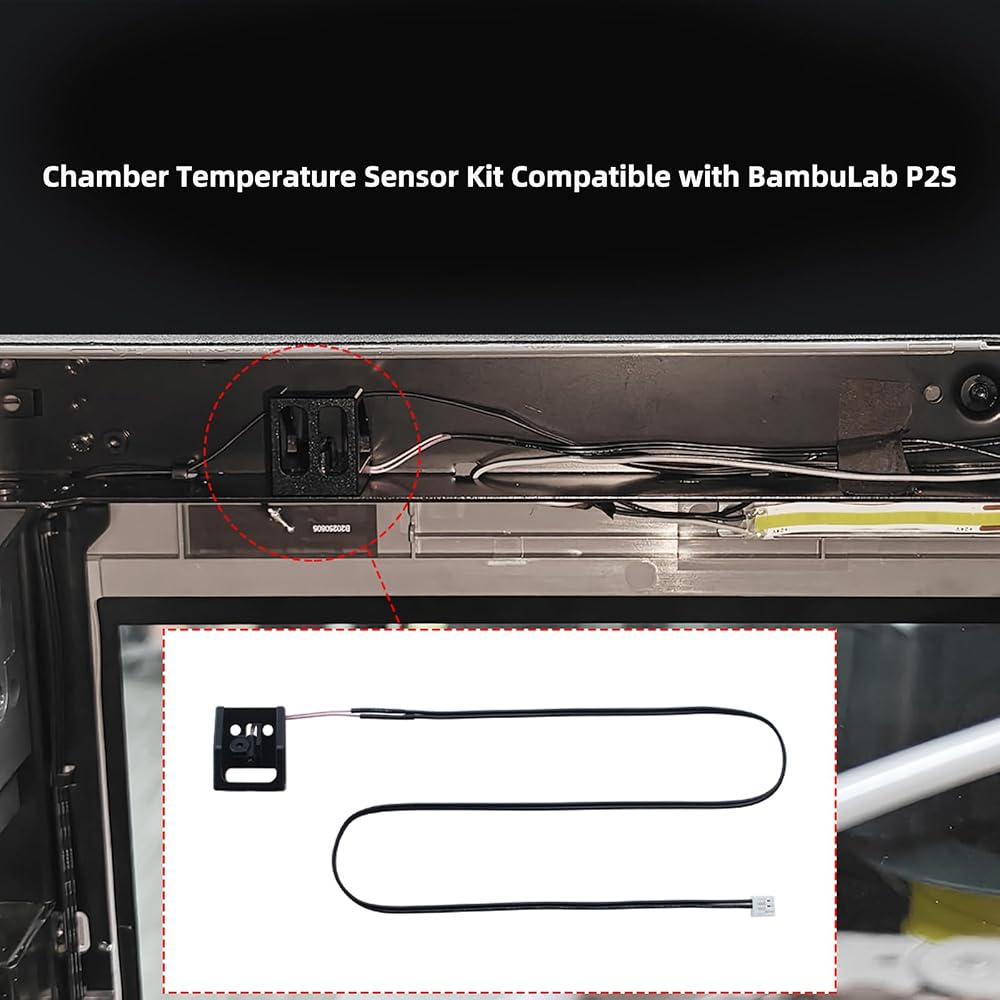
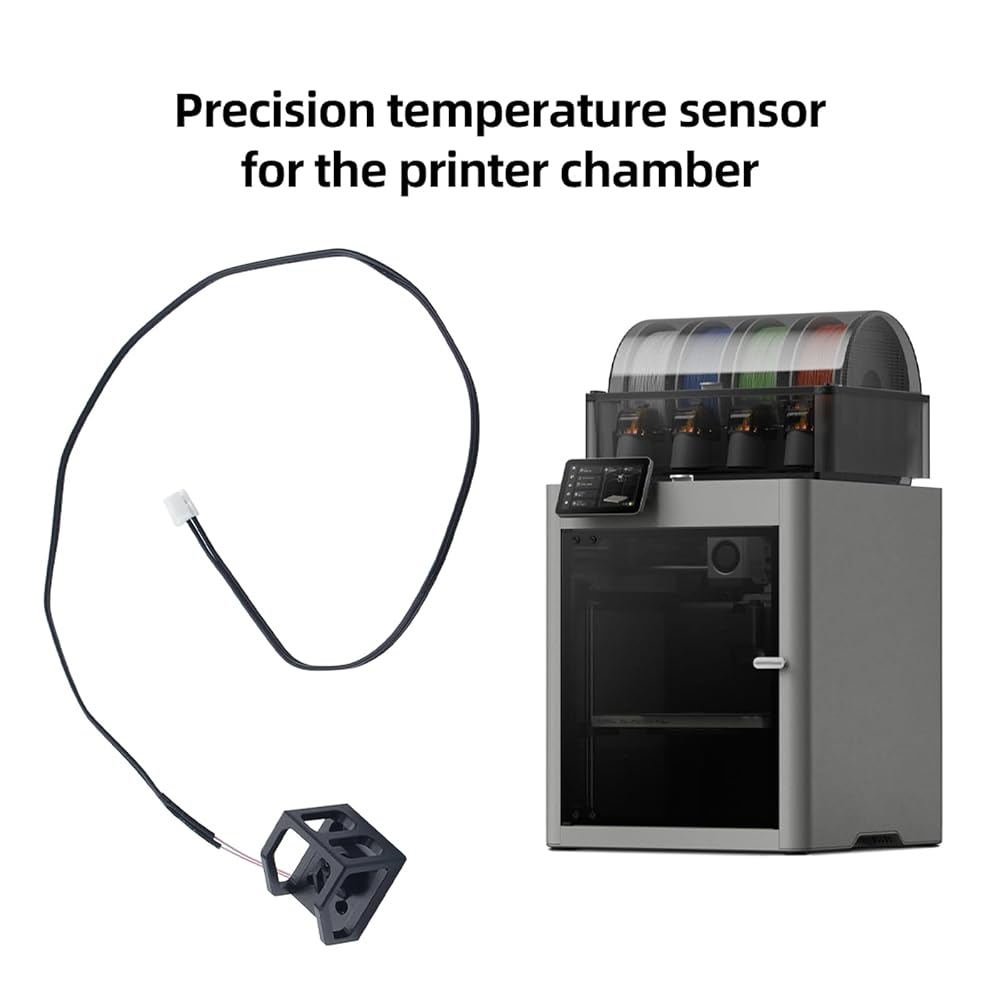
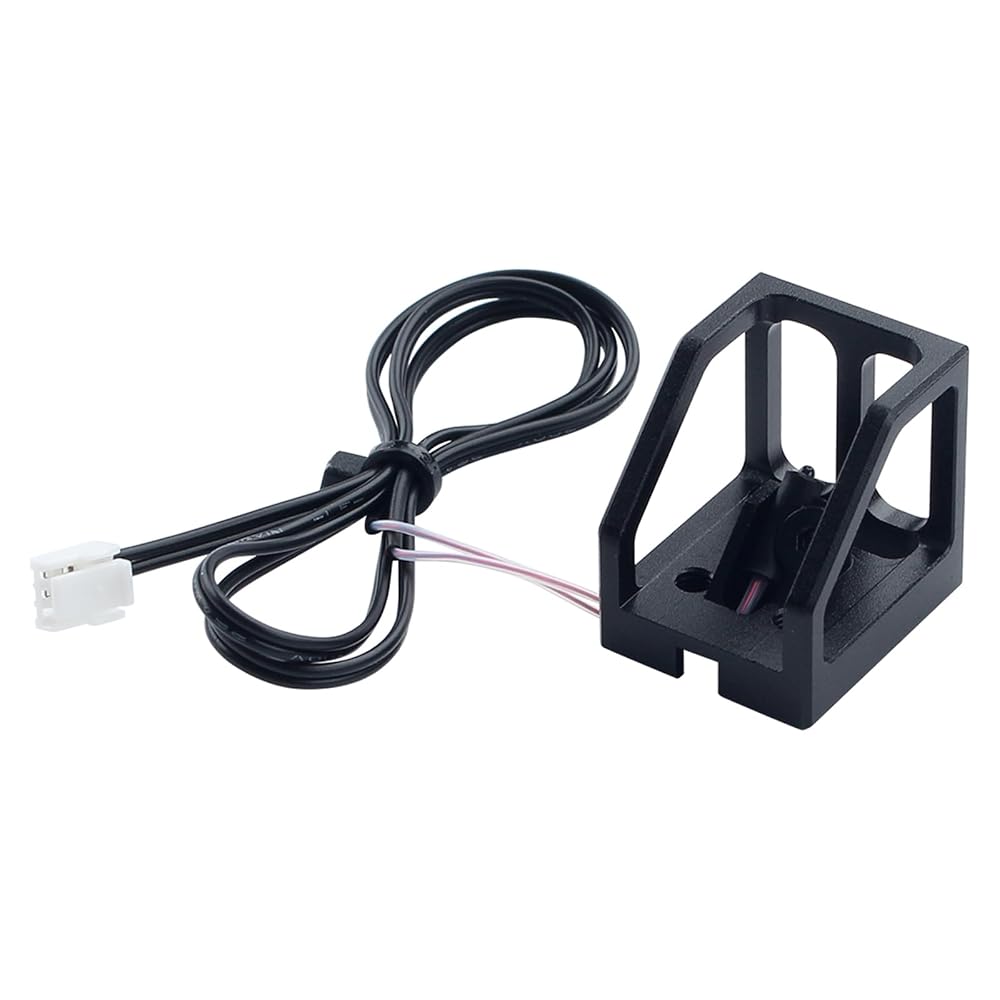
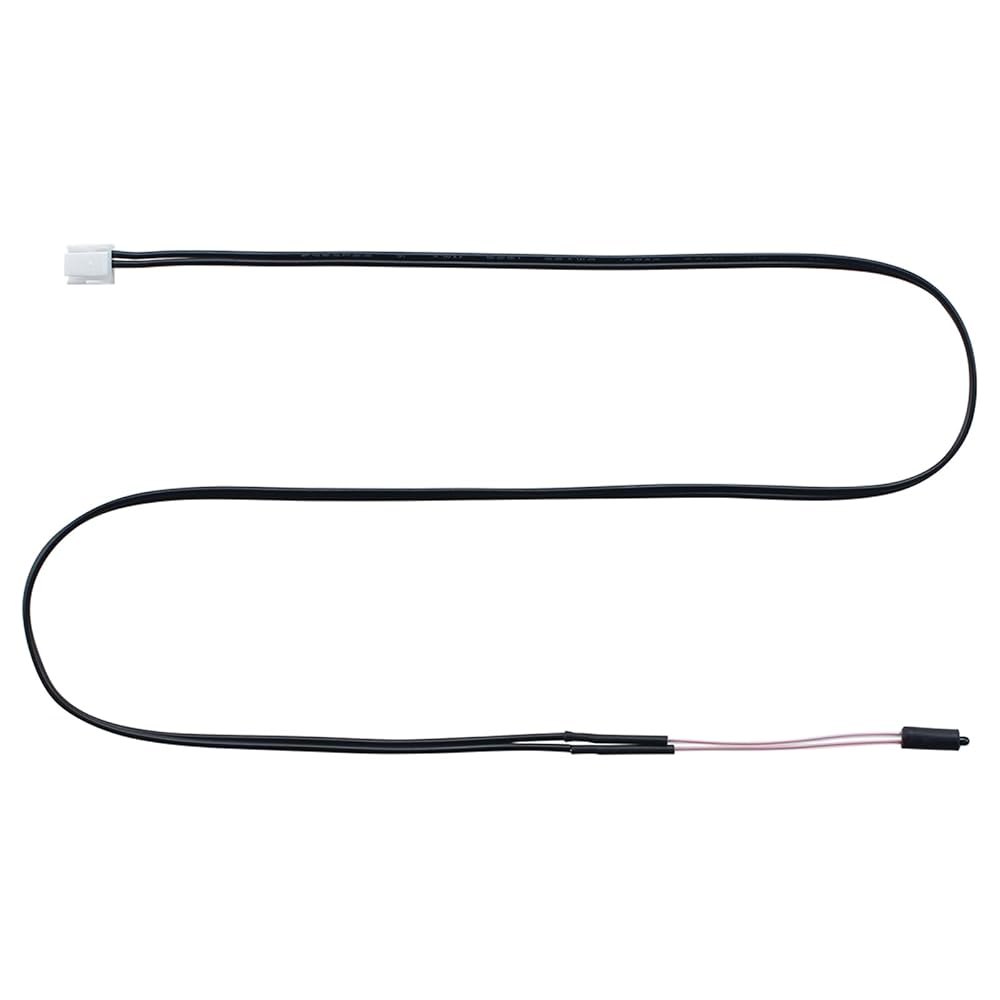
The sensor set is specially designed for Bamboo P2S 3d printing project, ensure seamless integration. Not compatible with X1/X1-carbon/X1C/X1E/P1P/P1S/A1 Mini/H2D/H2C/H2S
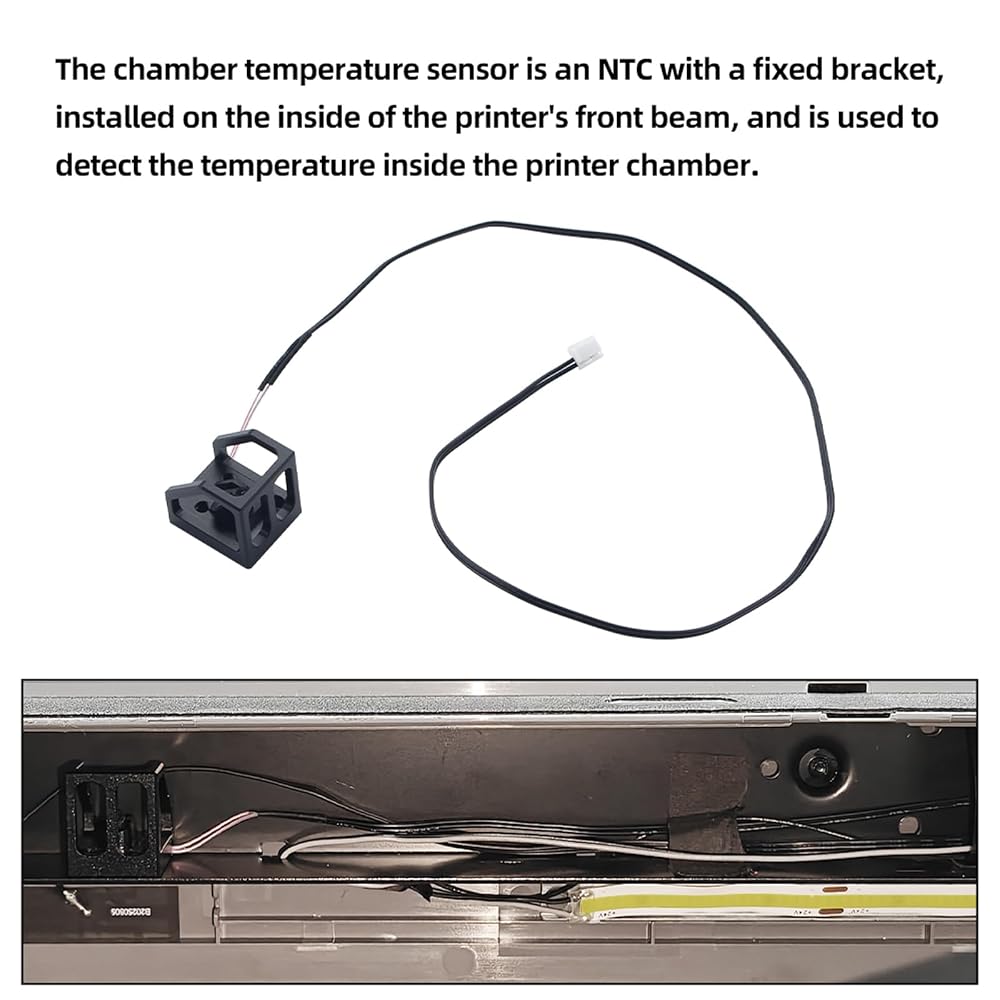
The chamber temperature sensor is an NTC with a fixed bracket, installed on the inside of the printer's front beam, and is used to detect the temperature inside the printer chamber
Easy to install, you firstly open access end of the AP board cover, then disconnect chamber temperature sensor cable from AP board, Locate chamber temperature sensor inside the front cross beam, then remove ensor, directly replace broken original cable
Always power off and disconnect power on the printer before performing maintenance work. Not doing so means there is a risk of electric shock, short circuit, and damage to the printer or surrounding area
When to Use: The chamber temperature sensor cable is damaged or chamber temperature error. Please learn about the installation on Wikii
وصف
Package Include:
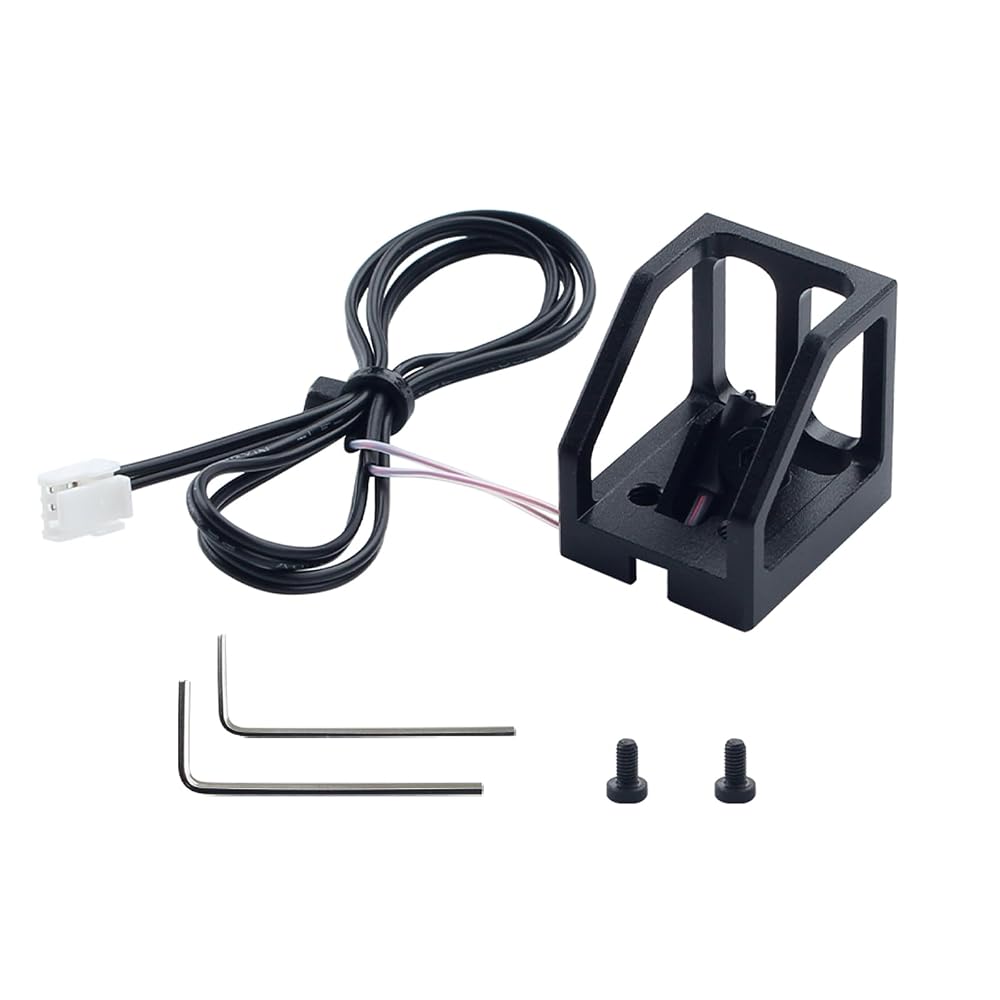
For P2S chamber temperature sensor with base*1
BT3x6 screws*2
spanner
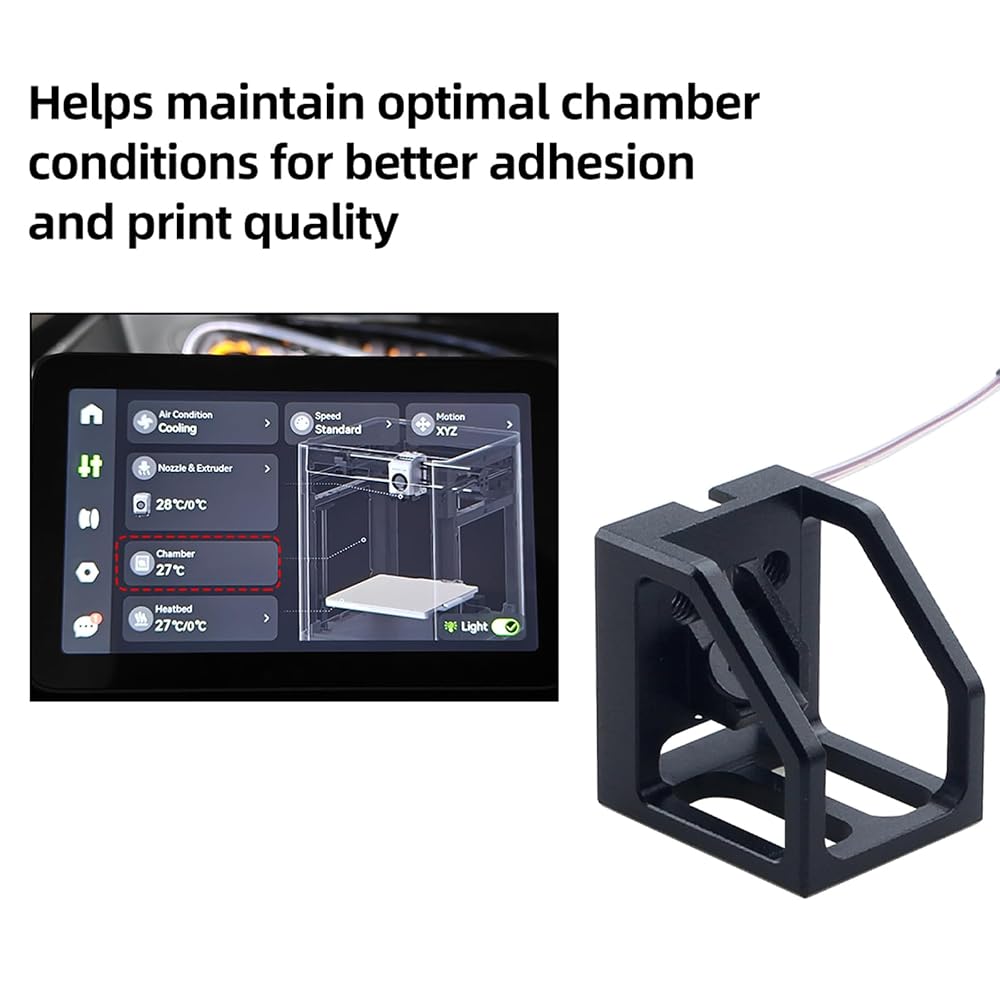
After installation: Connect the power supply and turn on the printer, then check whether the chamber temperature is normal
 3D الطابعة ملحقات LED Single Magntic Control Switch Light: 3V White Lights 1PCS LAMP BEAD NO POWER
KWD 4
3D الطابعة ملحقات LED Single Magntic Control Switch Light: 3V White Lights 1PCS LAMP BEAD NO POWER
KWD 4
 إكسسوارات الطابعة ثلاثية الأبعاد لوحة تبديل القاعة متوافقة مع Bambulab x1C x1E: استبدال مستشعر خيوط مع كابل اتصال للكشف
KWD 5.500
إكسسوارات الطابعة ثلاثية الأبعاد لوحة تبديل القاعة متوافقة مع Bambulab x1C x1E: استبدال مستشعر خيوط مع كابل اتصال للكشف
KWD 5.500
 إكسسوارات طابعة ثلاثية الأبعاد AMS AMS Feeding Feeding Assembly PCB Board: مستشعر الكشف عن الشعيرة - ضمان الطباعة الدقيقة
KWD 4.500
إكسسوارات طابعة ثلاثية الأبعاد AMS AMS Feeding Feeding Assembly PCB Board: مستشعر الكشف عن الشعيرة - ضمان الطباعة الدقيقة
KWD 4.500
 منصة الطابعة ثلاثية الأبعاد Cryonix 355x346mm لوحة البناء الباردة لـ Bambulab H2D: قابلة للإزالة مزدوجة القابلة للإزالة والمرنة الرمادية الصلب الرمادي - دعم طباعة مؤقتة منخفضة
KWD 18.500
منصة الطابعة ثلاثية الأبعاد Cryonix 355x346mm لوحة البناء الباردة لـ Bambulab H2D: قابلة للإزالة مزدوجة القابلة للإزالة والمرنة الرمادية الصلب الرمادي - دعم طباعة مؤقتة منخفضة
KWD 18.500