- التسوق ، اصبح سهلا.
- /
- احصل على التطبيق!
Tired of Living in 2015?
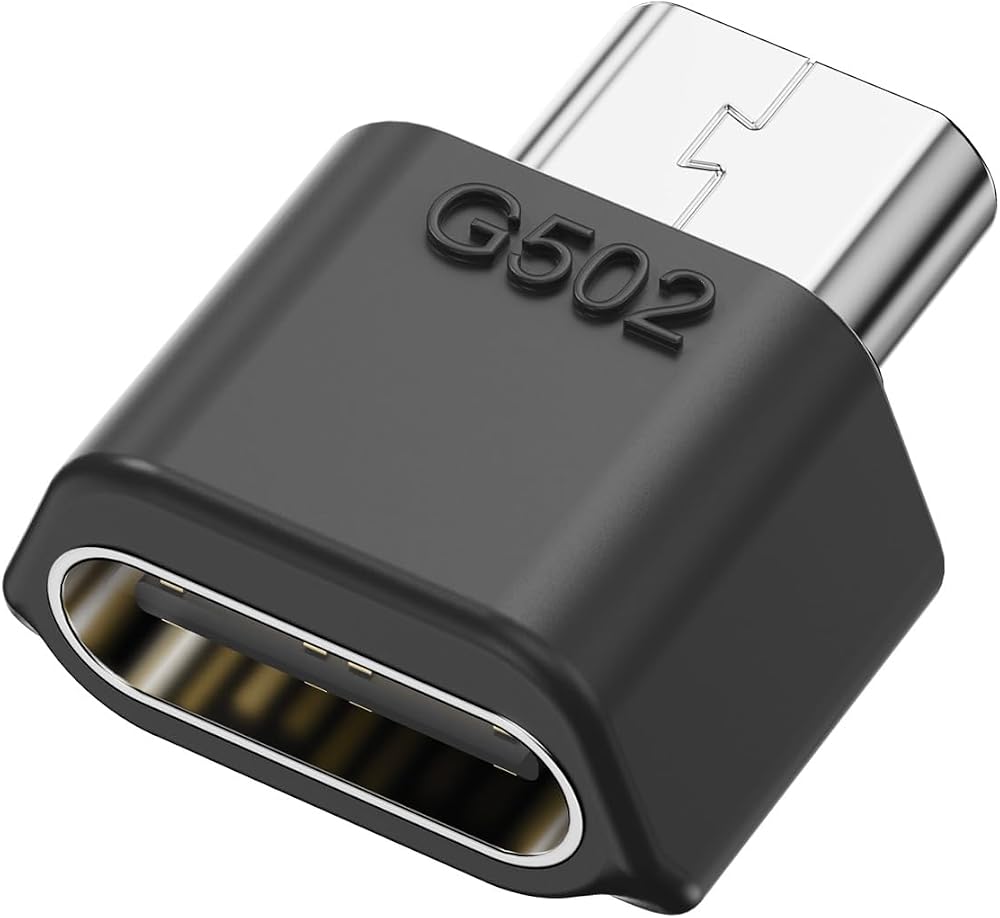
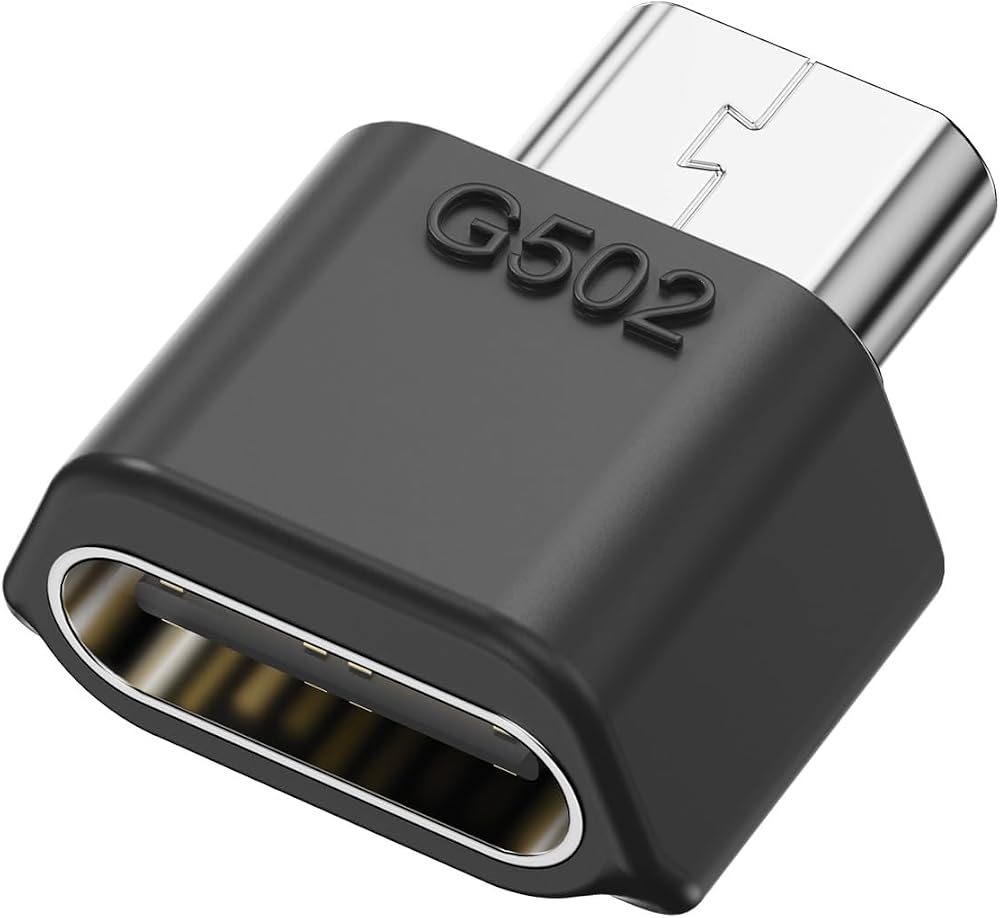
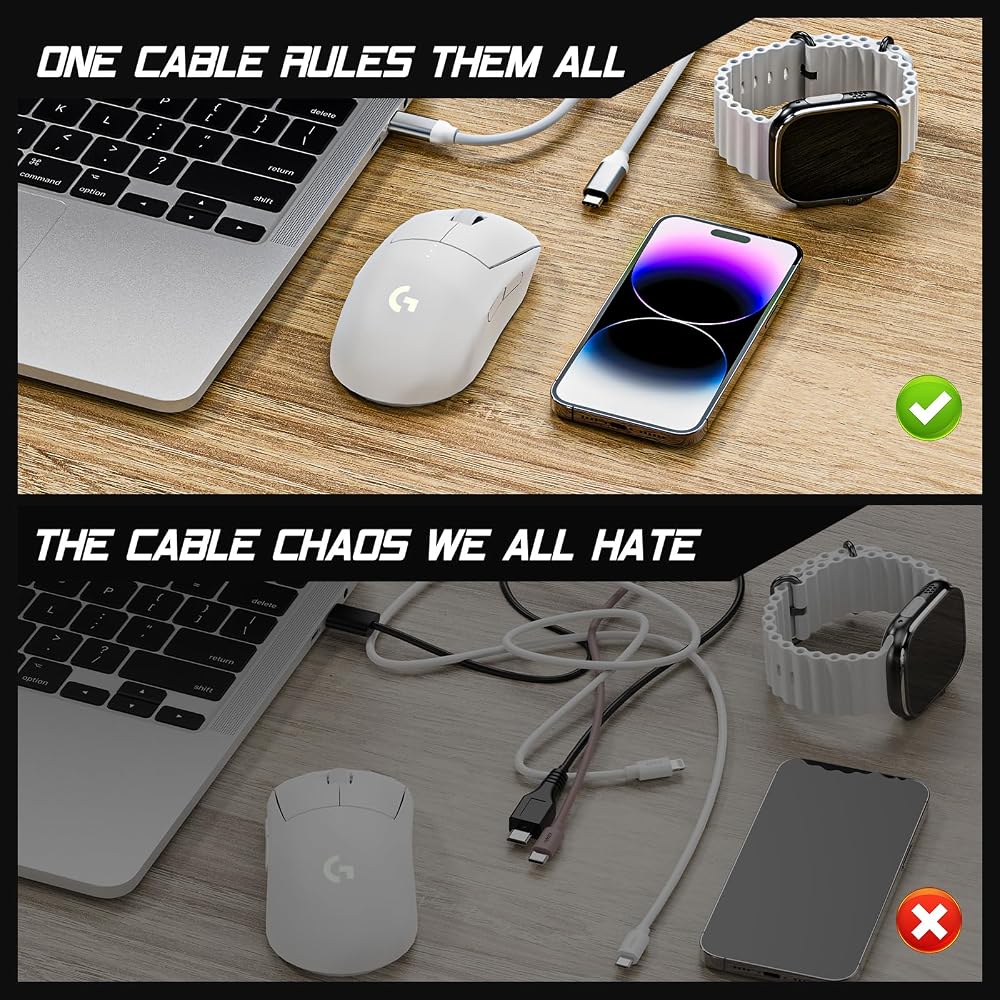
Your phone's USB-C. Your laptop's USB-C. Why is your mouse still stuck with micro-USB? Time to upgrade!
Why You'll Love This:
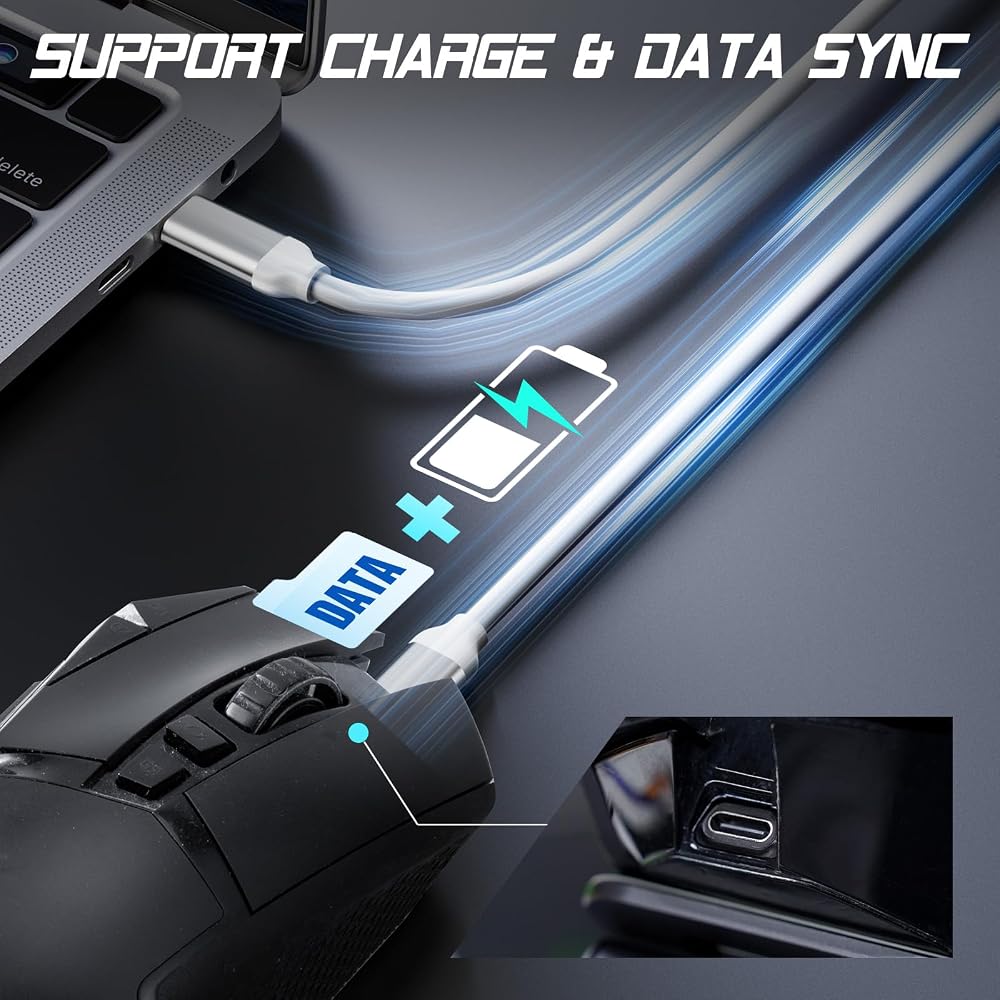
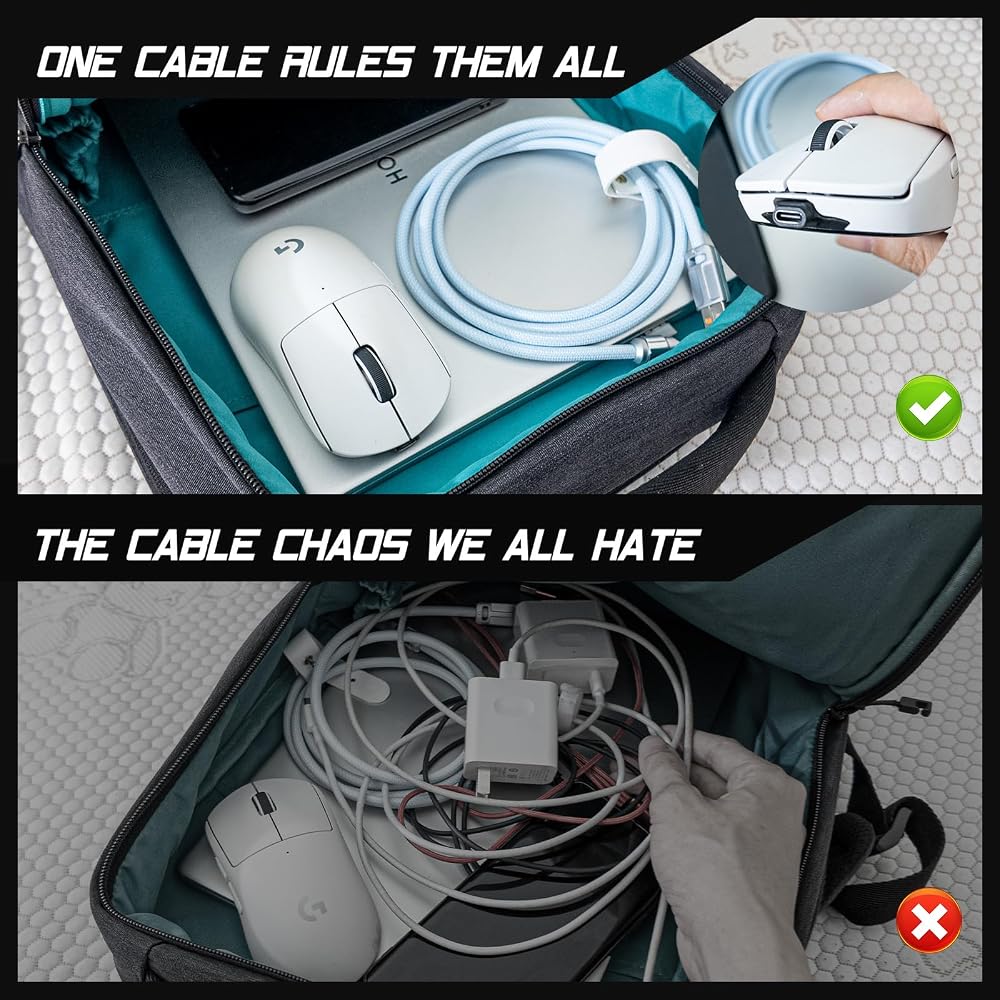
1 Cable Freedom – Charge mouse with the same USB-C cable as your phone/laptop. Travel lighter, game smarter.
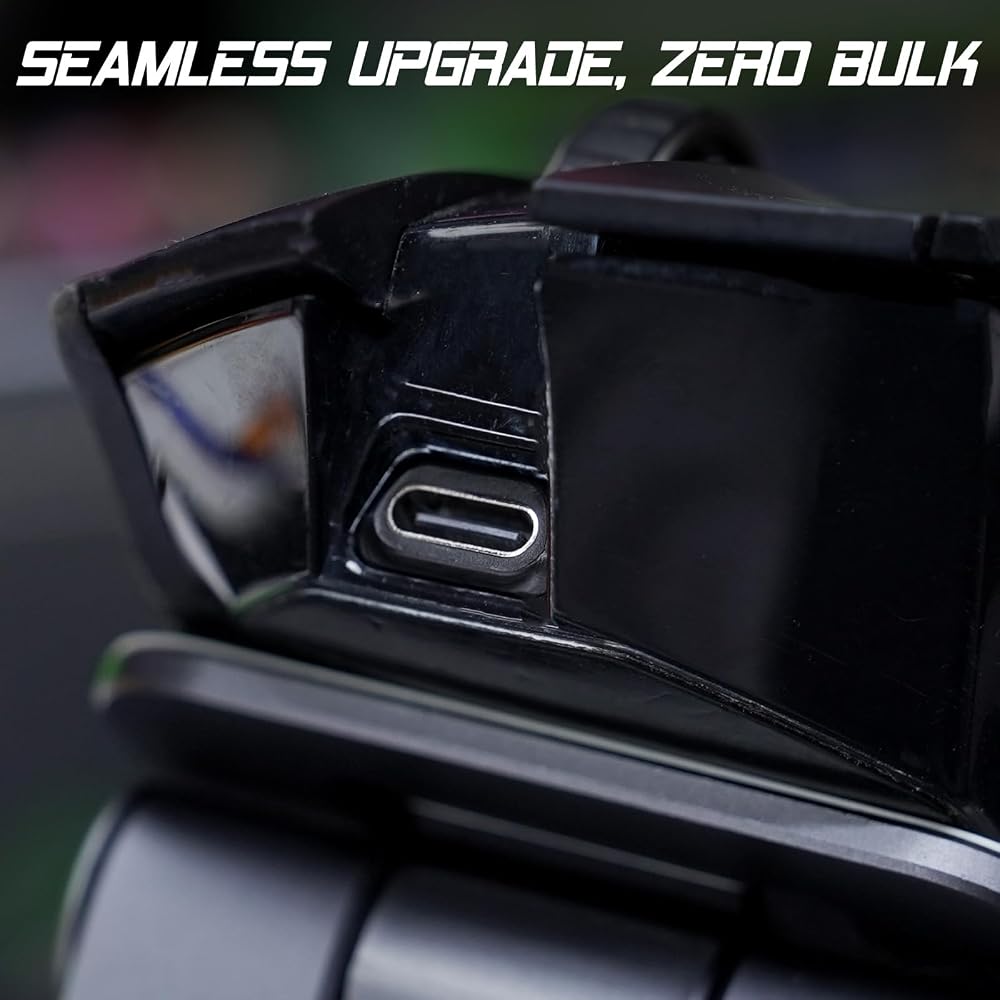
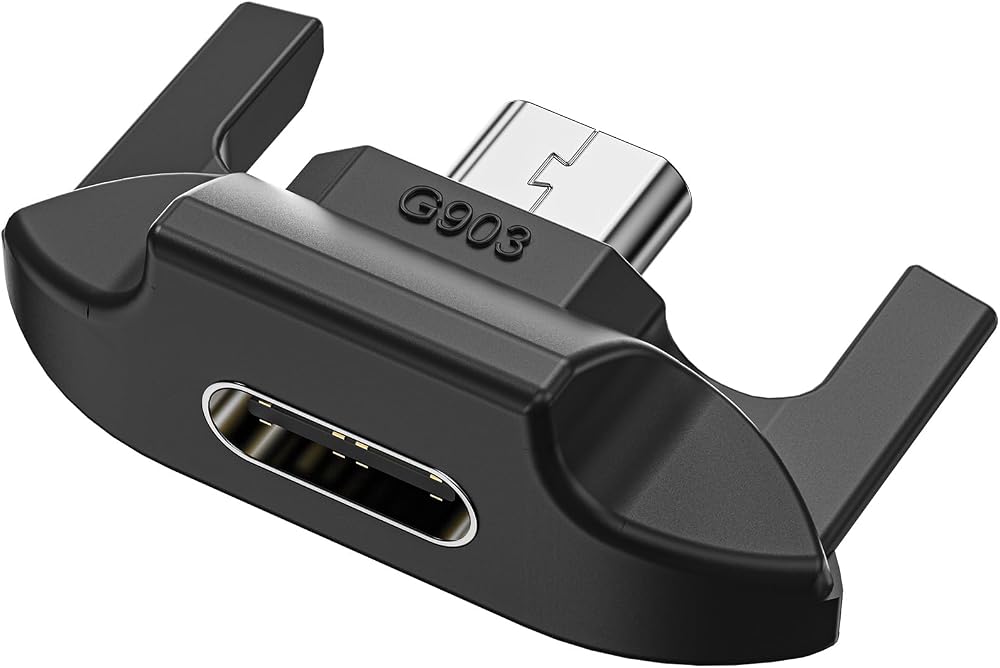
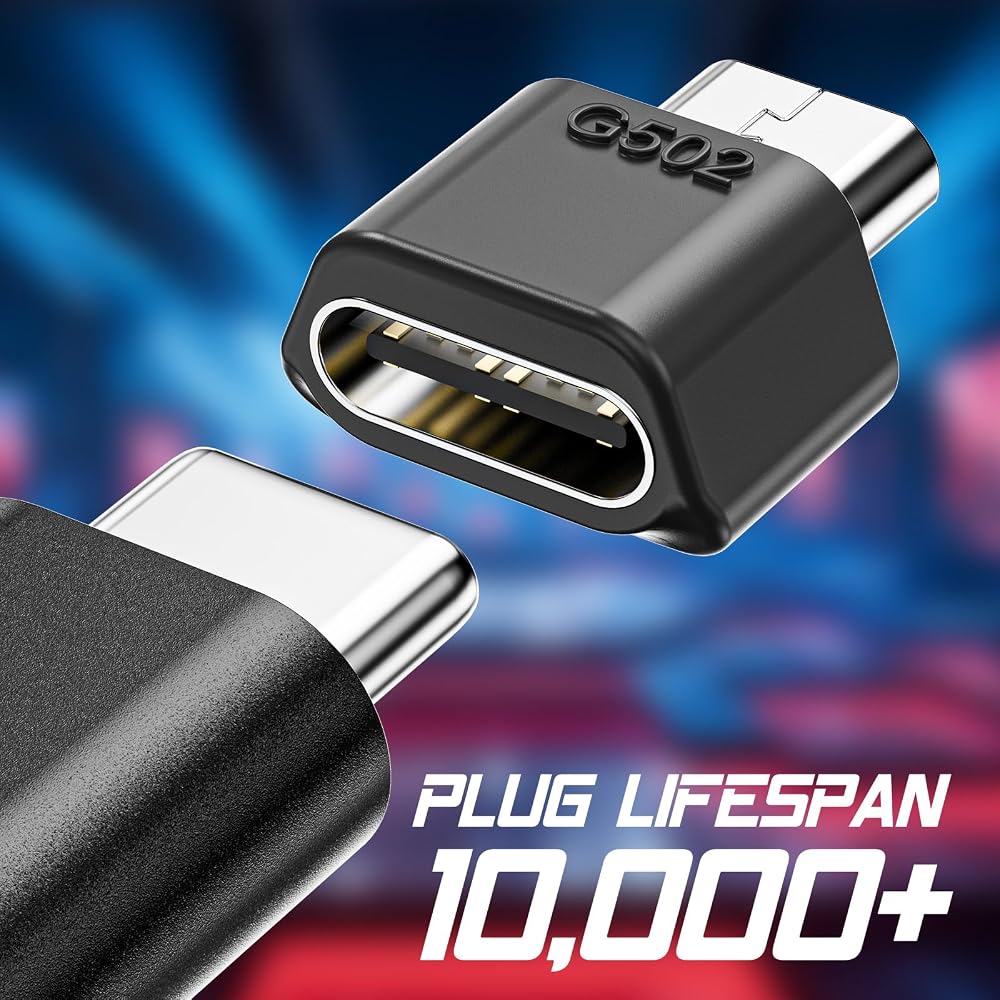
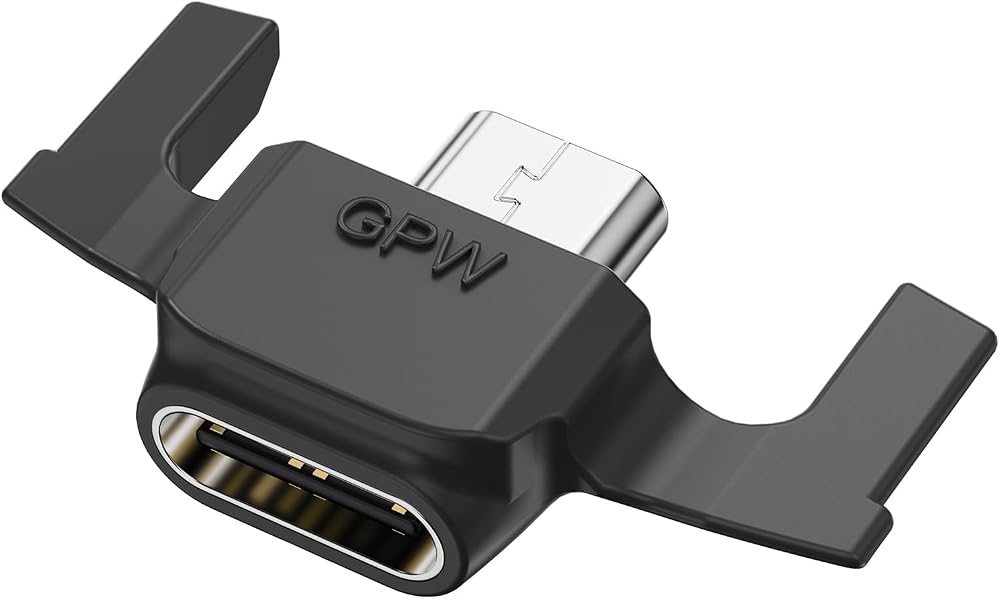
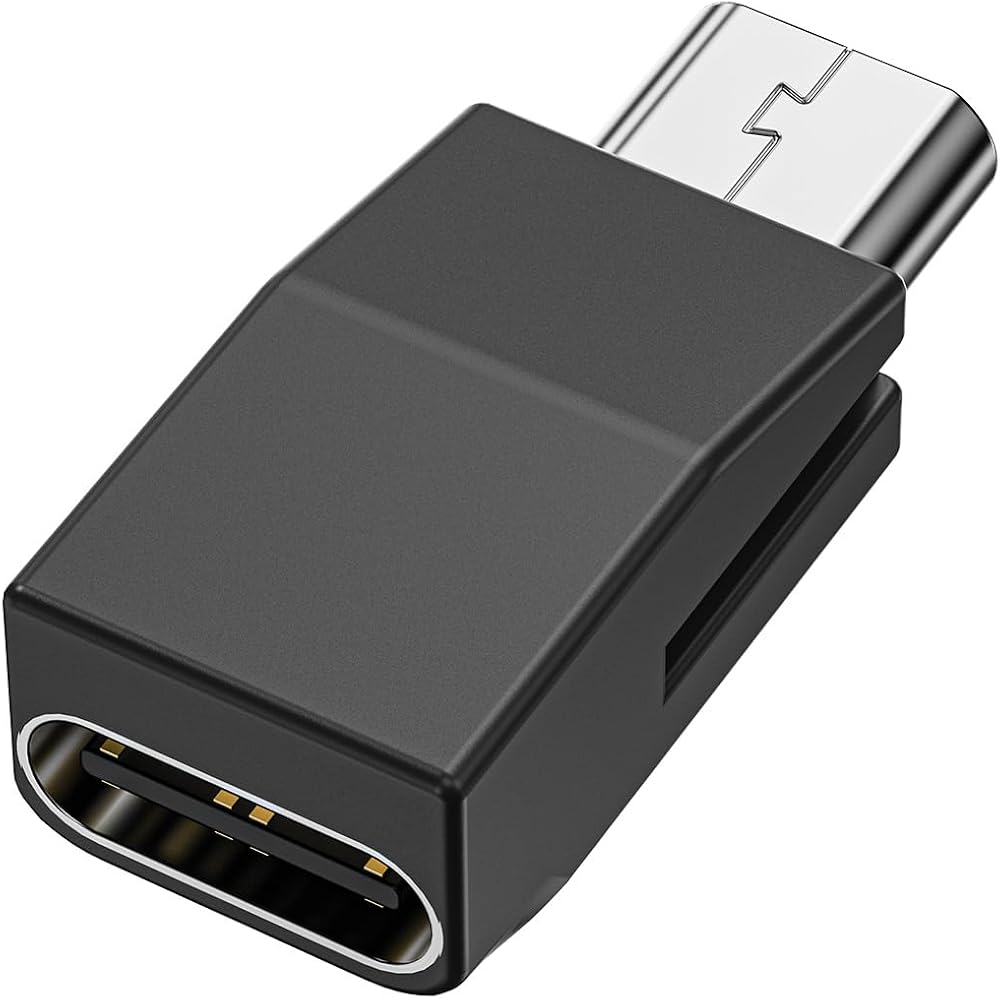
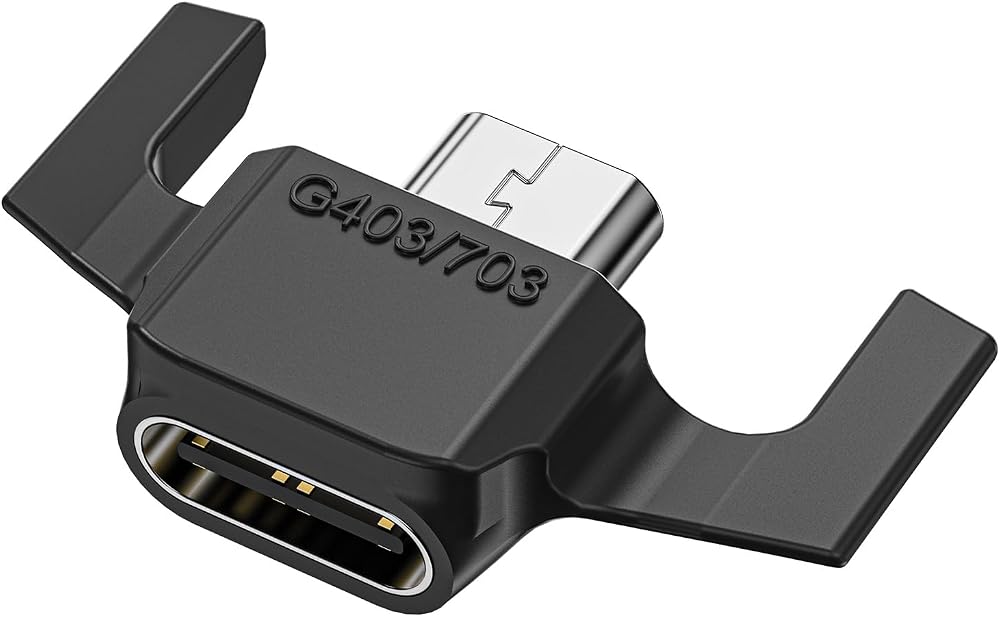
Like It Was Born This Way – Precision-engineered for your exact mouse model – no gaps, no wobble.
Gamer-Proof Durability – Tested by 1,200+ users (see reviews) – survives coffee spills and rage quits.
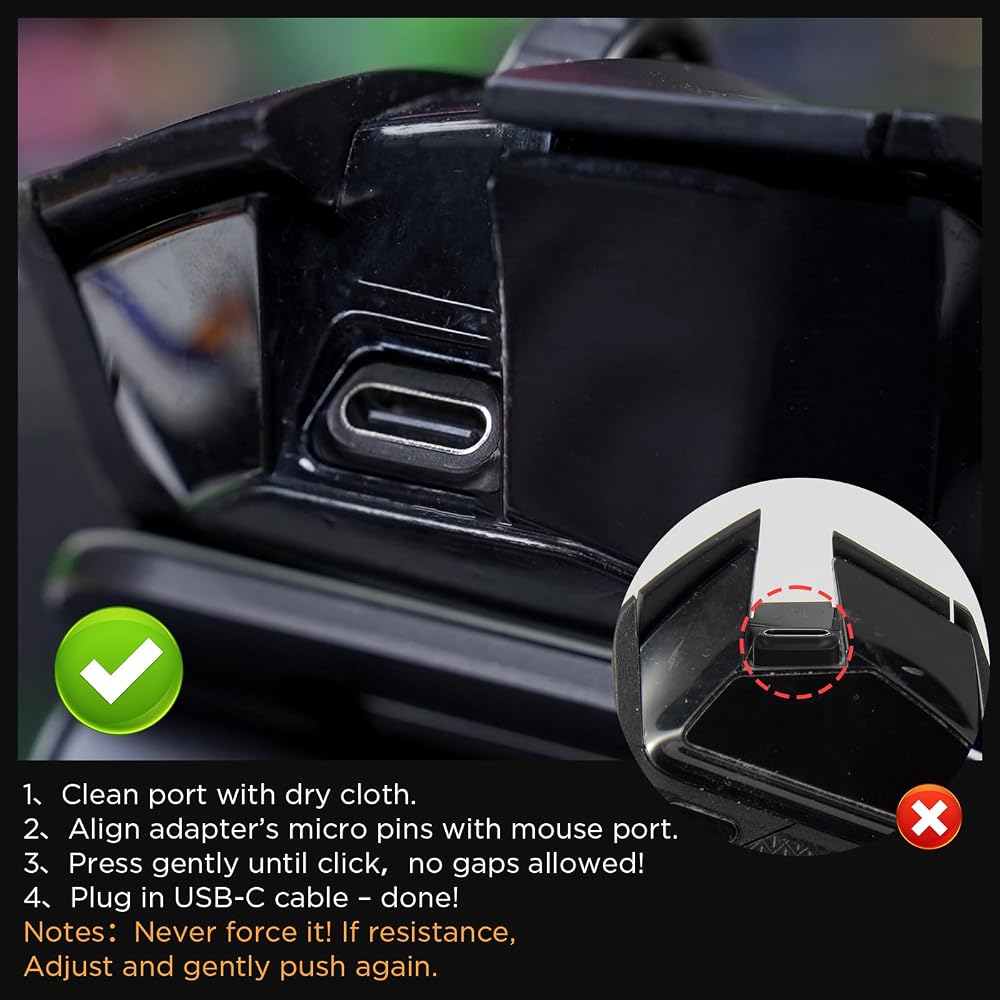
How to Install (Watch Video):
Clean port with dry cloth.
Align adapter's micro pins with mouse port.
Press gently until click (check with fingernail – no gaps allowed!).
Plug in USB-C cable – done!
Important Notes:
✋ Never force it! If resistance, Adjust and gently push again.
🔄 Rare Fit Issue? Email mouse photos – we'll apologize & refund immediately (keep the adapter!).
🔌 Cable Not Working? Try other cables – we'll help you find the right one.
In the Box:
1x USB-C Adapter (Select your model)
 StarTech.com كابل إيثرنت CAT6 رمادي نحيف 9 بوصة، Snagless RJ45، LSZH، 28AWG نحاس عاري نقي، كابل/سلك تصحيح الشبكة النحيف
KWD 2.500
StarTech.com كابل إيثرنت CAT6 رمادي نحيف 9 بوصة، Snagless RJ45، LSZH، 28AWG نحاس عاري نقي، كابل/سلك تصحيح الشبكة النحيف
KWD 2.500
 كابل إيثرنت Cat6، 10 عبوات بطول 6 أقدام باللون الأسود، كابل Cat 6 RJ45، LAN، 24AWG UTP، شبكة، رقعة، كابل إنترنت (6 أقدام، 10 حزم)
KWD 9.500
كابل إيثرنت Cat6، 10 عبوات بطول 6 أقدام باللون الأسود، كابل Cat 6 RJ45، LAN، 24AWG UTP، شبكة، رقعة، كابل إنترنت (6 أقدام، 10 حزم)
KWD 9.500
 كابل الطاقة SATA15Pin إلى 6Pin لبطاقة الفيديو سلك محول الطاقة مصدر طاقة ثابت طلاء PVC مقاوم للهب
KWD 2.500
كابل الطاقة SATA15Pin إلى 6Pin لبطاقة الفيديو سلك محول الطاقة مصدر طاقة ثابت طلاء PVC مقاوم للهب
KWD 2.500
 كابل إنترنت Amazon Basics RJ45 Cat-6 Ethernet Patch، 3 أقدام (0.9 م)، 200 قطعة (20 حزمة من 10)، أسود
KWD 21.500
كابل إنترنت Amazon Basics RJ45 Cat-6 Ethernet Patch، 3 أقدام (0.9 م)، 200 قطعة (20 حزمة من 10)، أسود
KWD 21.500