- Shopping, made easy.
- /
- Get the app!
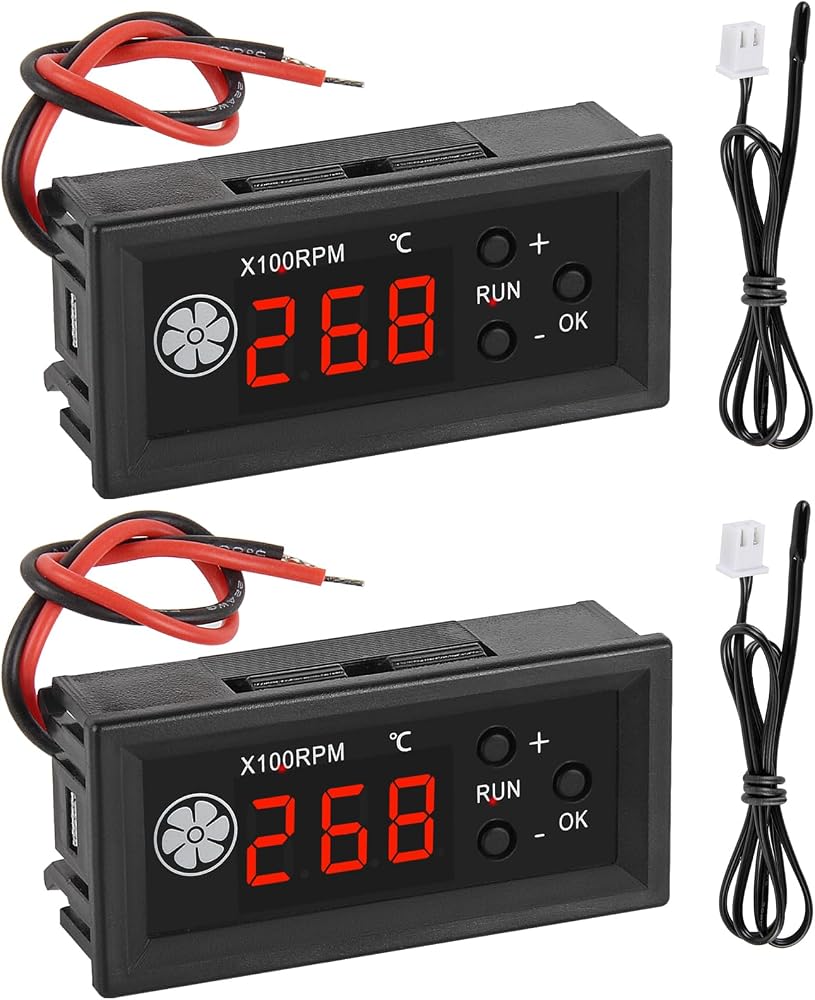
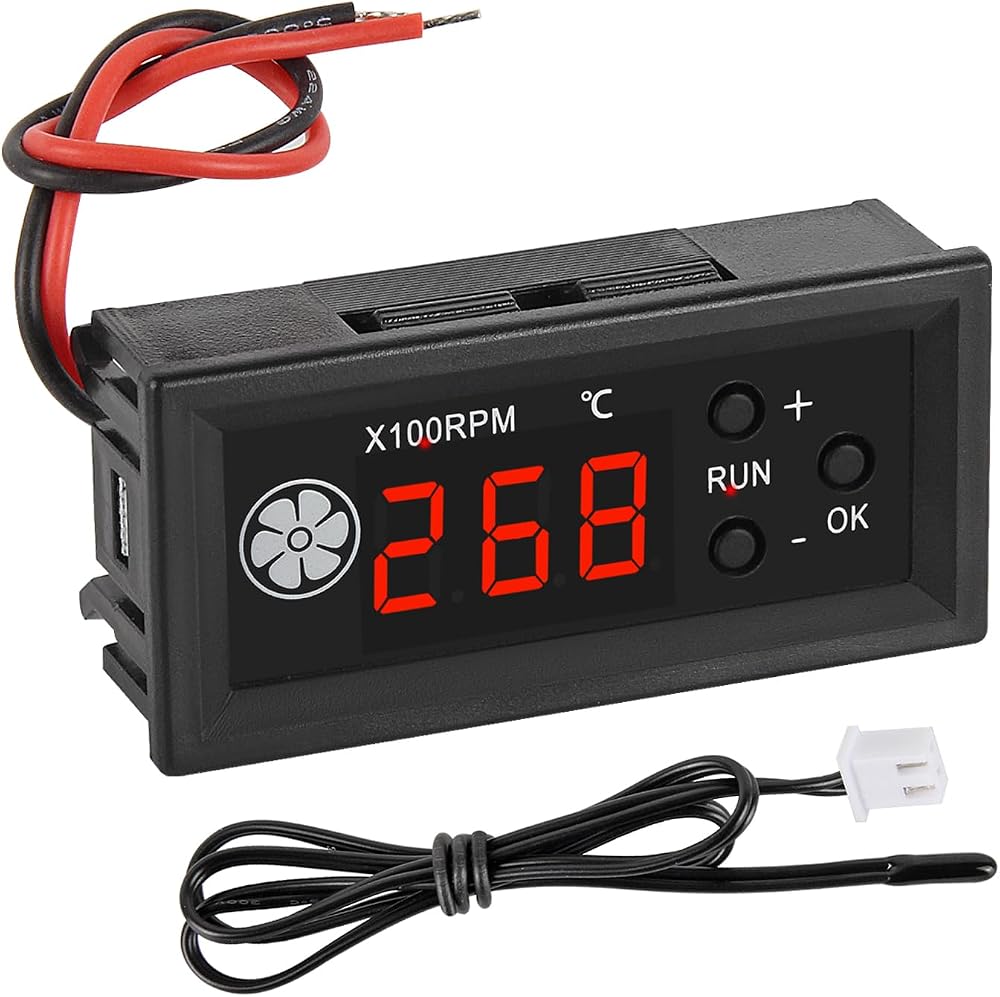
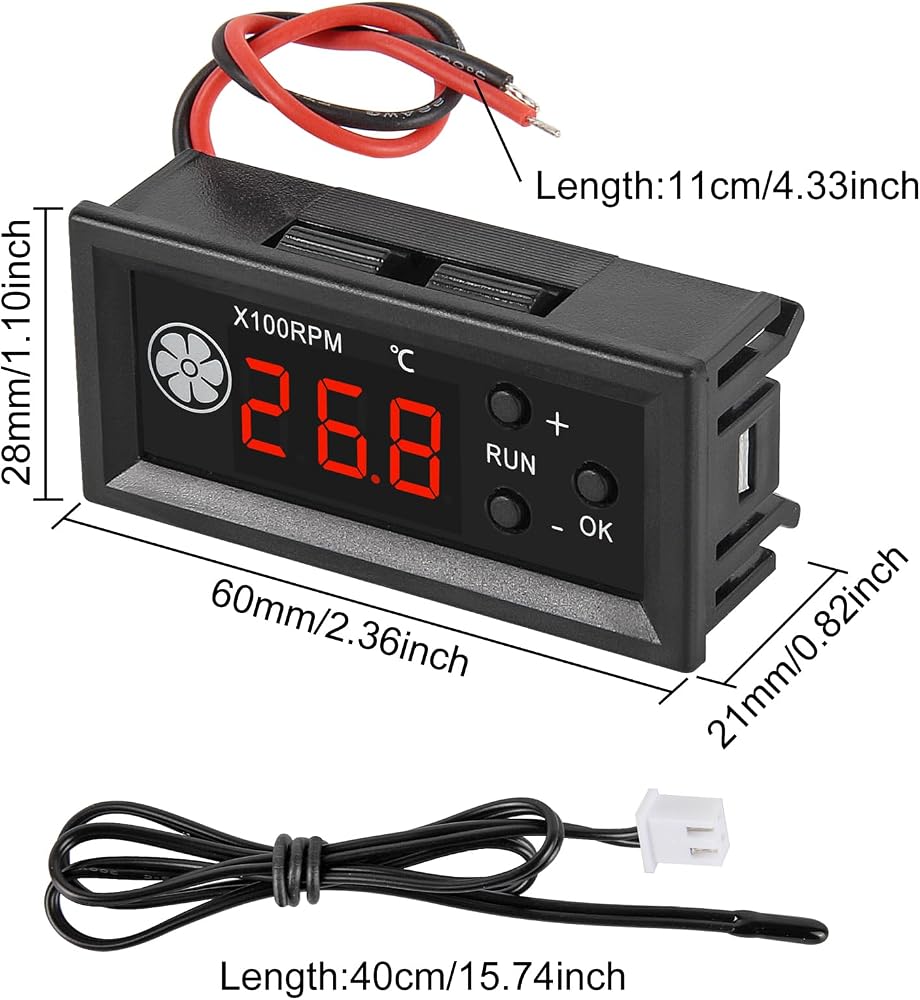
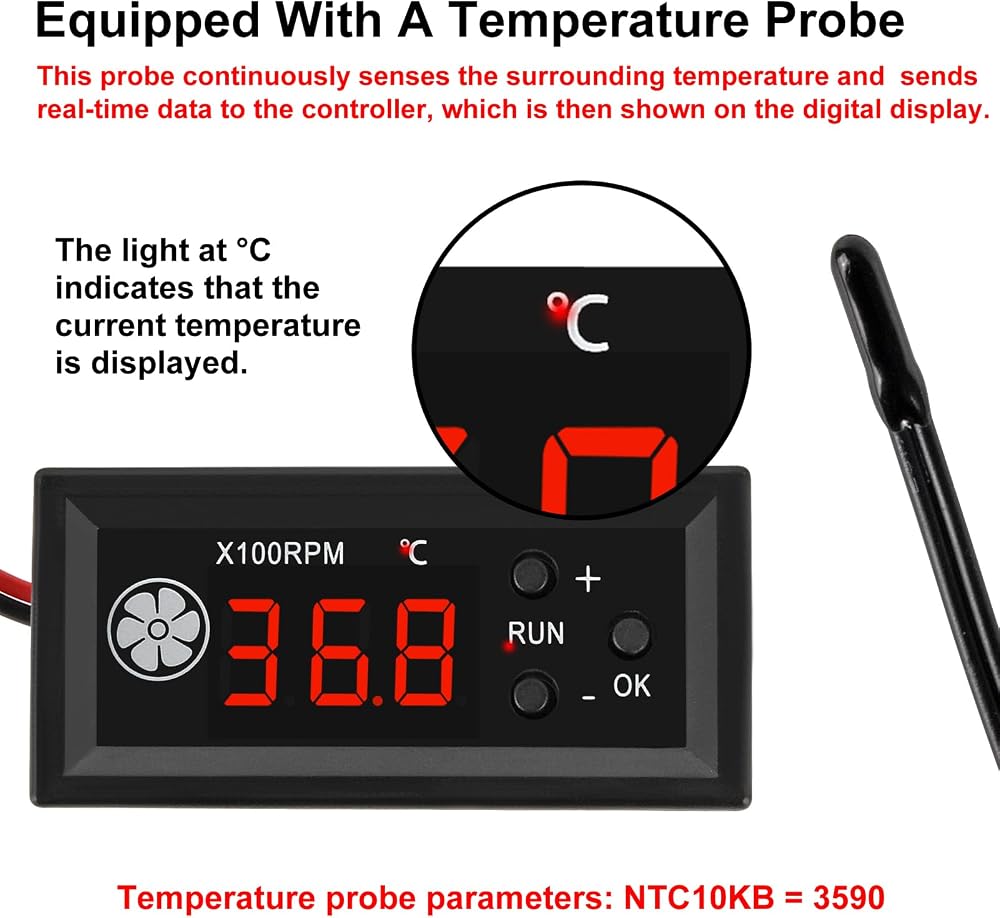
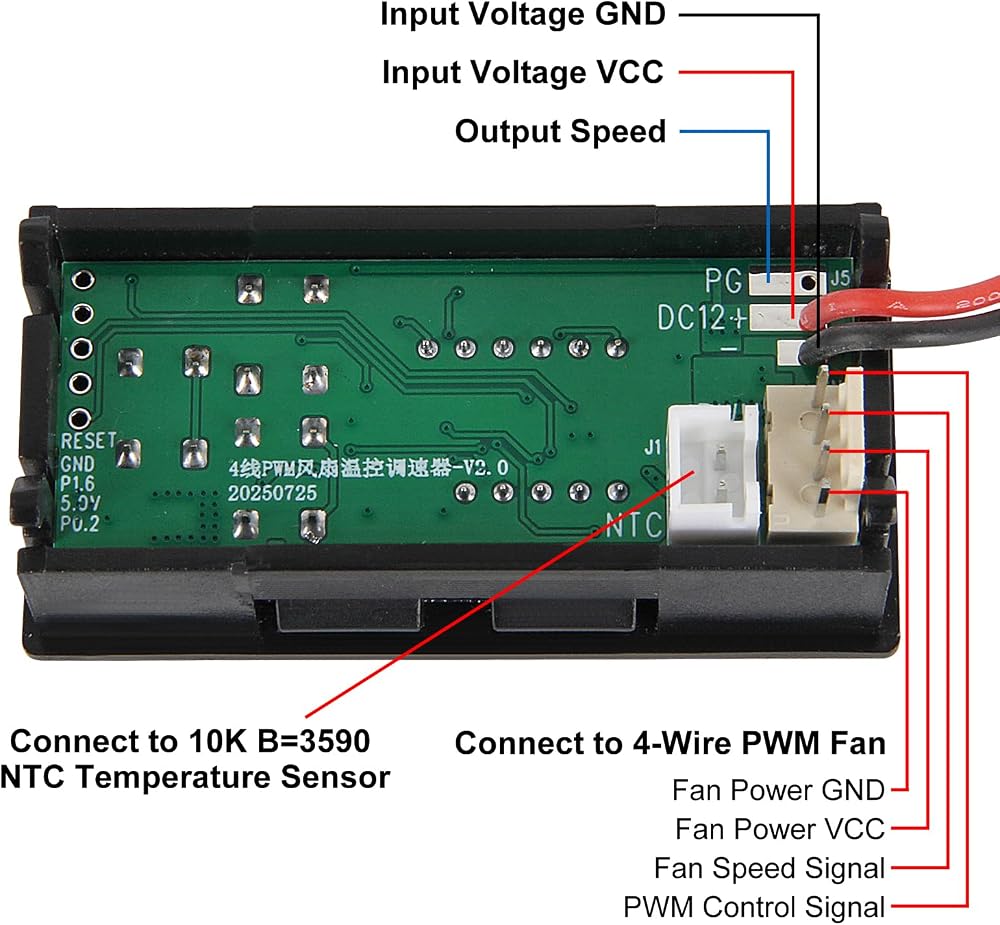
4-Wire PWM Fan Temperature Controller
Power supply voltage: DC12V
Voltage range: DC8-16V (circuit operating voltage, please configure the power supply according to the fan voltage range!)! )
Circuit self consumption: less than 40mA (test value at 12V, for reference only)
Fan current: not exceeding 3.5A
PWM range: 1-100, ± 0.5% (signal percentage not actual speed)
PWM frequency: 25KHZ (± 1KHZ)
PWM signal amplitude: 5V (no-load)
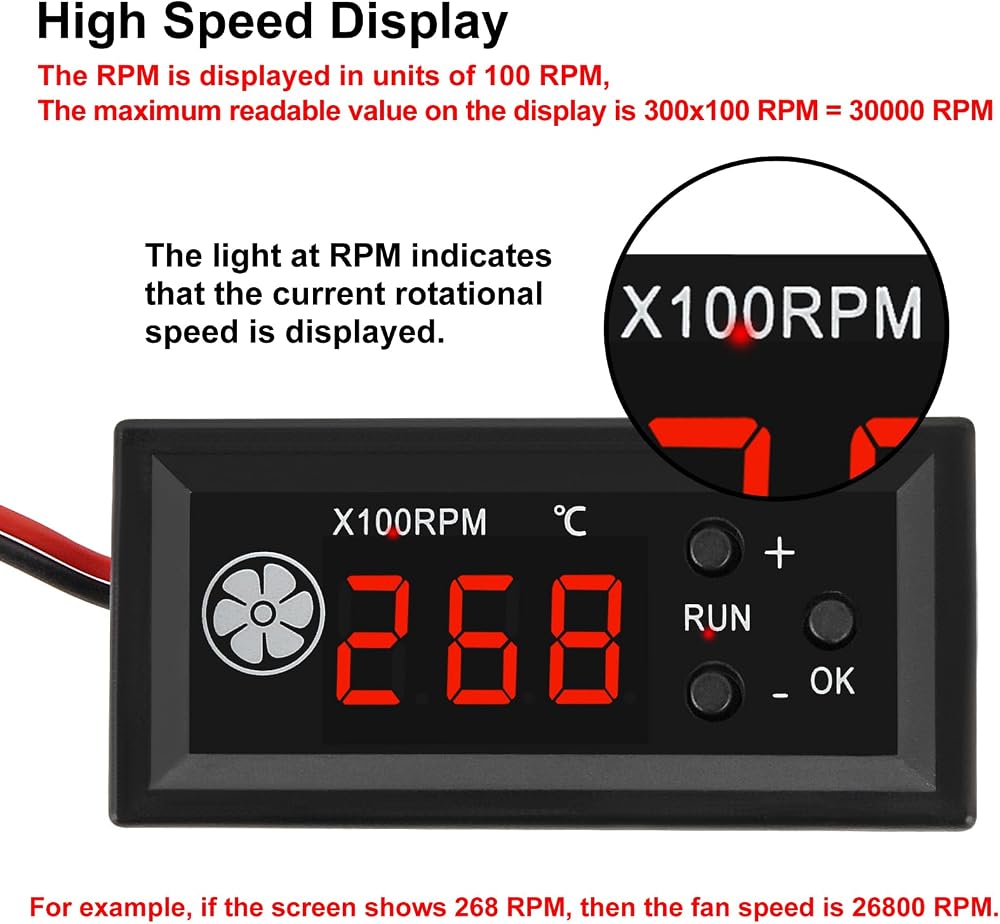
The maximum readable value on the monitor is 300 × 100 RPM=30000 RPM
Temperature measurement range: -9.9-99.9 ℃
Temperature measurement error: The error within the range of 0-50℃ is less than 1.2℃, and the error in other ranges is less than 2℃
Button Description:
+"" - "buttons: Switch display while running, increase or decrease values when setting parameters (long press continuously)
The "OK" button has three functions:
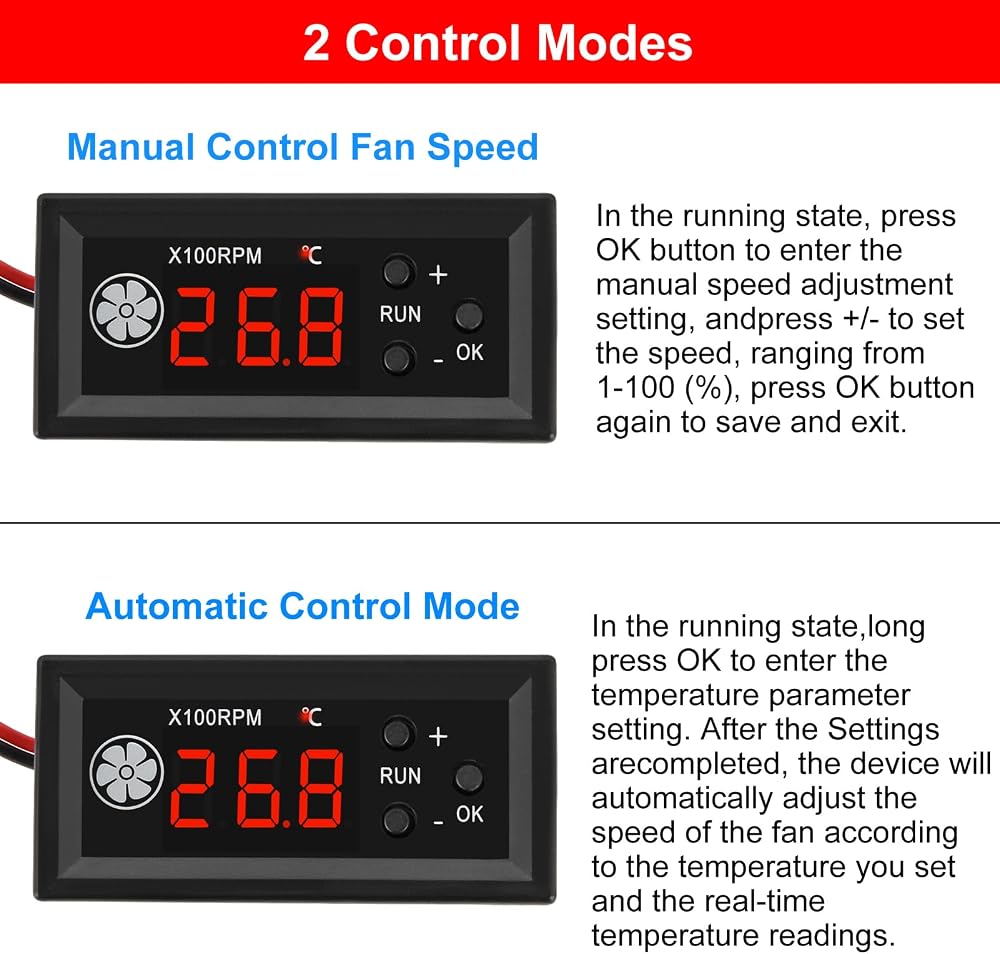
1. In the running state, short press to enter the inherent output setting, which is the manual speed regulation setting, with a range of 1-100 (%). Short press again to save and exit.
2. In the running state, long press to enter the temperature parameter setting. After entering, use the "+" and "-" buttons to modify the parameters. Short press the "OK" button to switch the setting items.
Set the acceleration temperature "L**" and full speed temperature "'H**" in sequence (*represents the number), turn off the temperature "C**", and then short press the "OK" button again to save and exit the settings.
3. After power off, long press the "OK" button and then turn on the power to enter the function settings. Use the "+" and "-" buttons to modify. Short press the "OK" button to confirm and save to exit.
This setting is used to modify the PWM output direction to forward/reverse "P1/P-1". Short press the "OK" button again to save and exit.
 2PCS AHT20+BMP280 2 in 1 Temperature Humidity Air Pressure Module High-Precision Digital Temperature and Air Pressure Sensor
KWD 3.500
2PCS AHT20+BMP280 2 in 1 Temperature Humidity Air Pressure Module High-Precision Digital Temperature and Air Pressure Sensor
KWD 3.500
 5PCS Temperature Humidity Sensor Module Atmospheric Pressure Module AHT20 + BMP280 High-Precision 3 in 1 Sensor Replace BME280
KWD 6
5PCS Temperature Humidity Sensor Module Atmospheric Pressure Module AHT20 + BMP280 High-Precision 3 in 1 Sensor Replace BME280
KWD 6
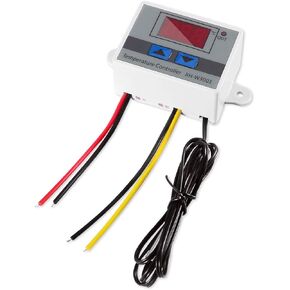 Digital LED Temperature Controller Module, XH-W3001 Thermostat Switch with Waterproof Probe, Programmable Heating Cooling Thermostat (12V 10A 120W)
KWD 4
Digital LED Temperature Controller Module, XH-W3001 Thermostat Switch with Waterproof Probe, Programmable Heating Cooling Thermostat (12V 10A 120W)
KWD 4
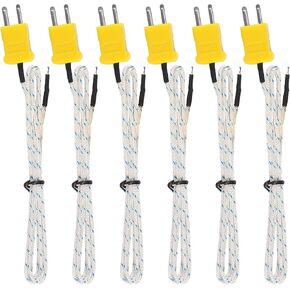 1M K Type Mini-Connector Thermocouple Temperature Probe Sensor Measure Range -50~700°C,Compatible with TM902C/ TES1310 (6 Pieces)
KWD 0
1M K Type Mini-Connector Thermocouple Temperature Probe Sensor Measure Range -50~700°C,Compatible with TM902C/ TES1310 (6 Pieces)
KWD 0