- التسوق ، اصبح سهلا.
- /
- احصل على التطبيق!
Features:
1. Test to confirm that the board under test is turned off and the electrolytic capacitors on the motherboard are fully discharged. It is strictly forbidden to test when the motherboard is powered on.
2. Confirm the optocoupler PIN1 (the pin with a small dot on the test board also has a corresponding mark 1 pin)
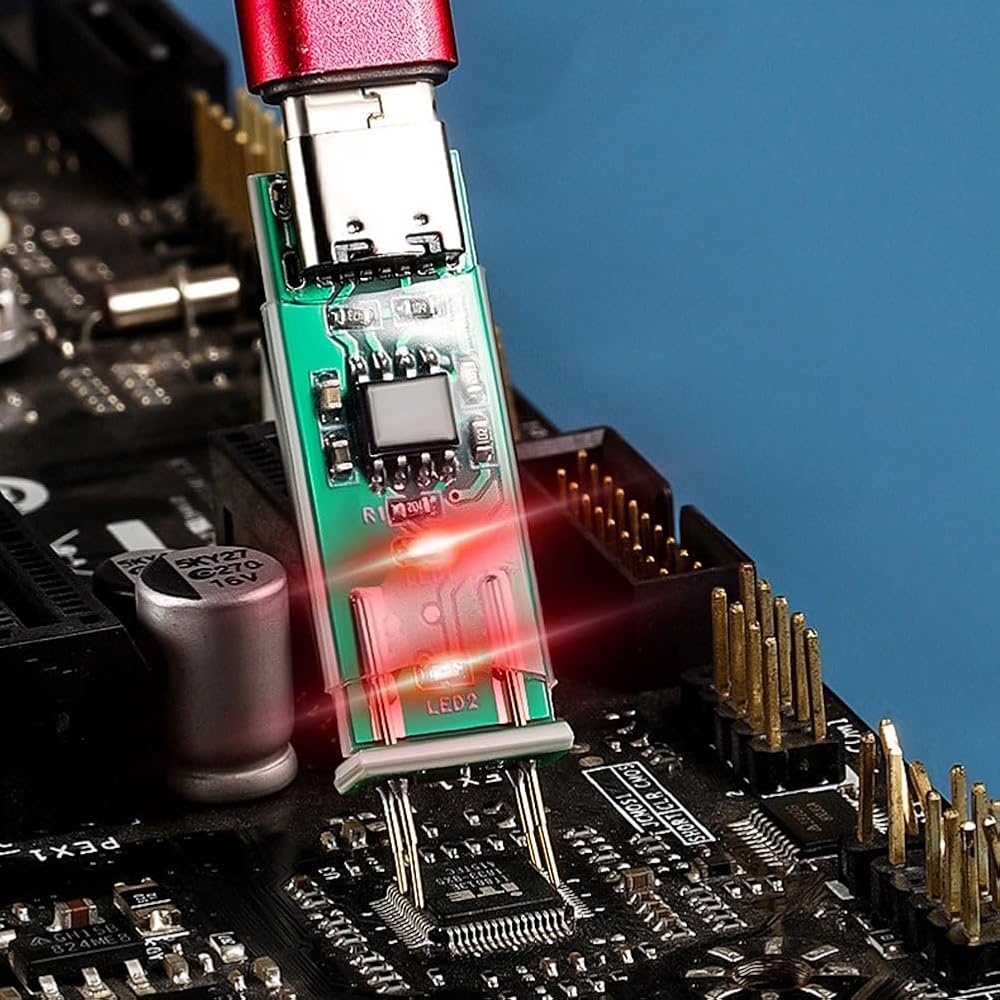
3. Connect the optocoupler test board to the USB power cord, and test the optocoupler with the test board probe point. If the light in the optocoupler test board keeps flashing, it means that the optocoupler is good (the light brightness may be different from the optocoupler). As long as it flashes, it means that the optocoupler is good)
4. Measure to for ensure that the optocoupler test board has good with the tested optocoupler
5. If the indicator light is always on or off, remove the optocoupler from the circuit board and insert it into the optocoupler seat of the breadboard to reconfirm the test results
6. Applicable to 4-pin optocouplers, other types of optocouplers are temporarily not applicable
Specifications:
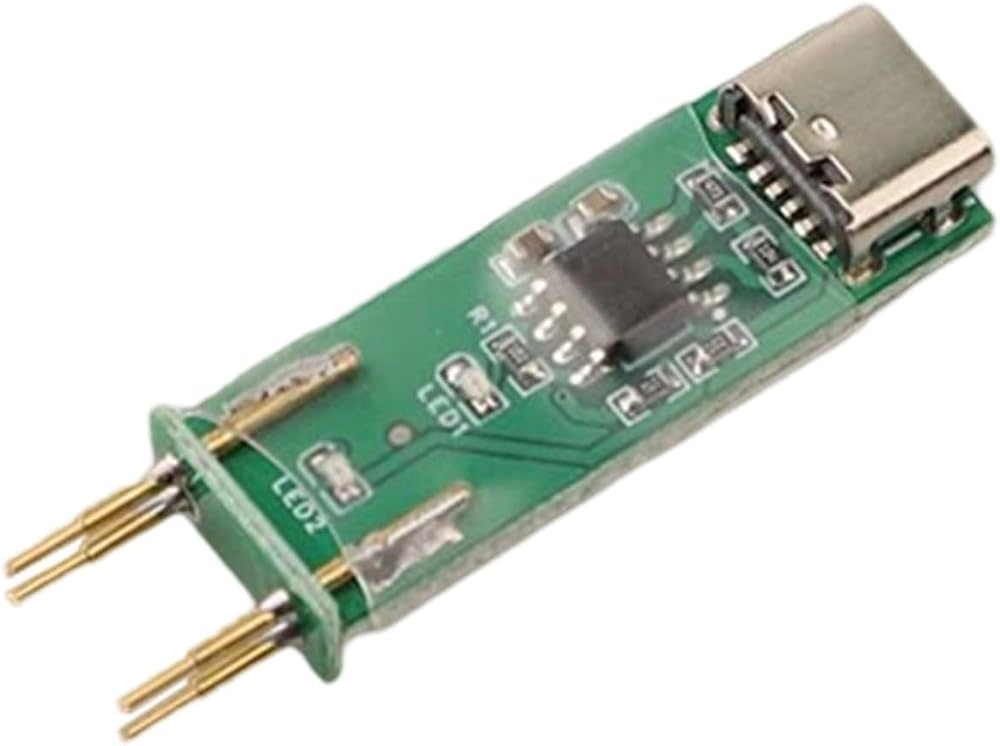
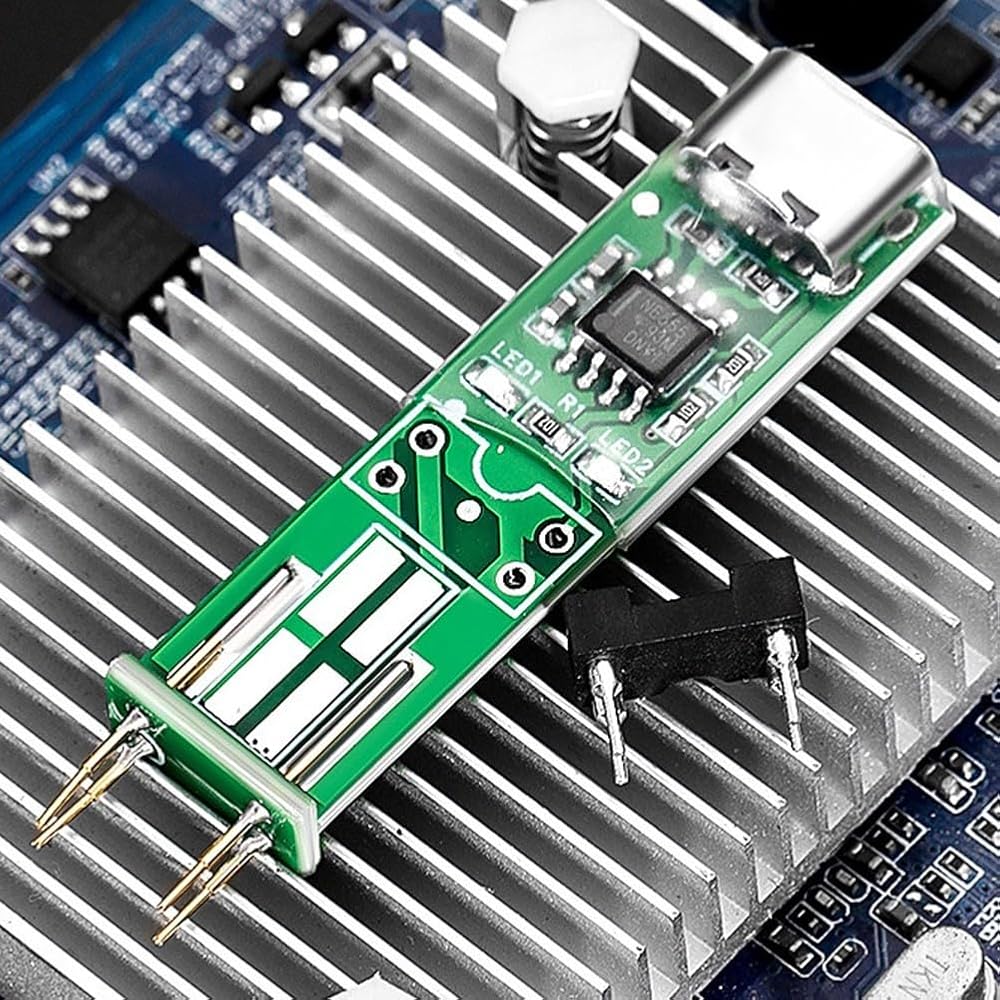
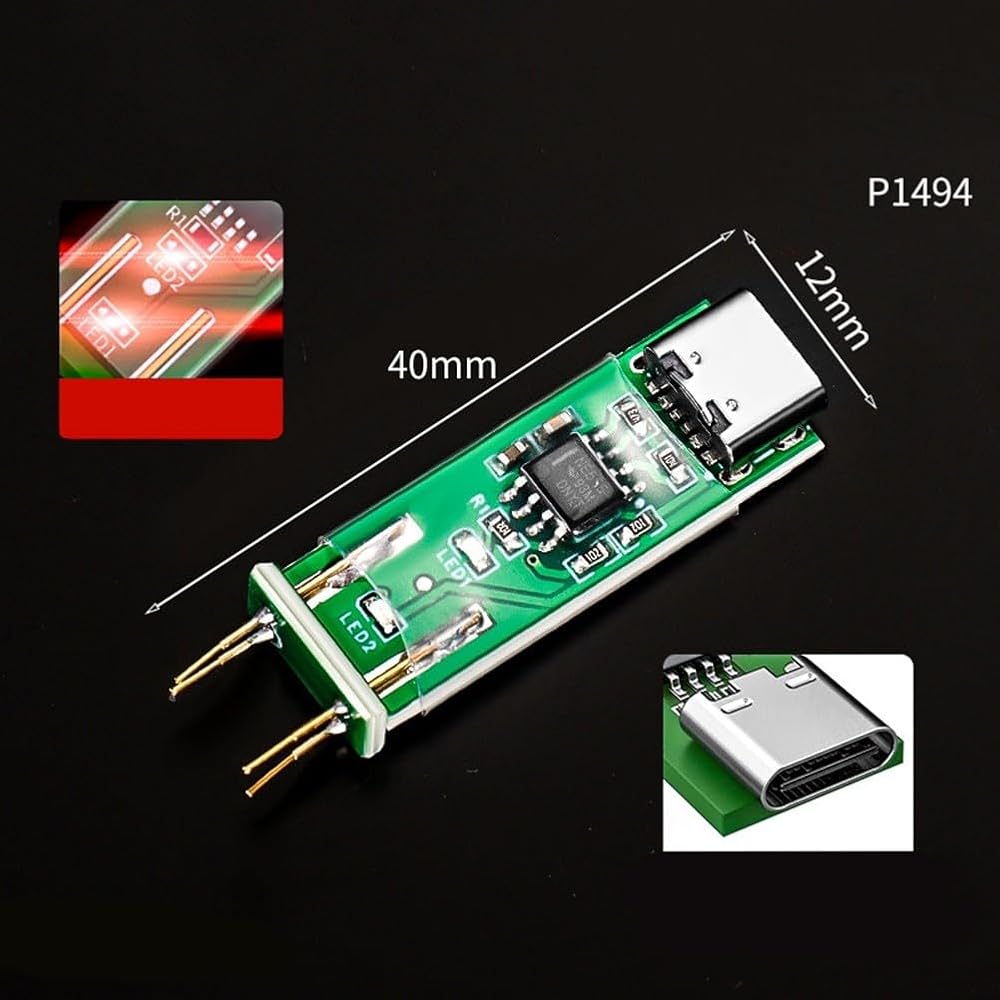
Part name:Optocoupler Tester
Color: green
Material: PCB + electronic components
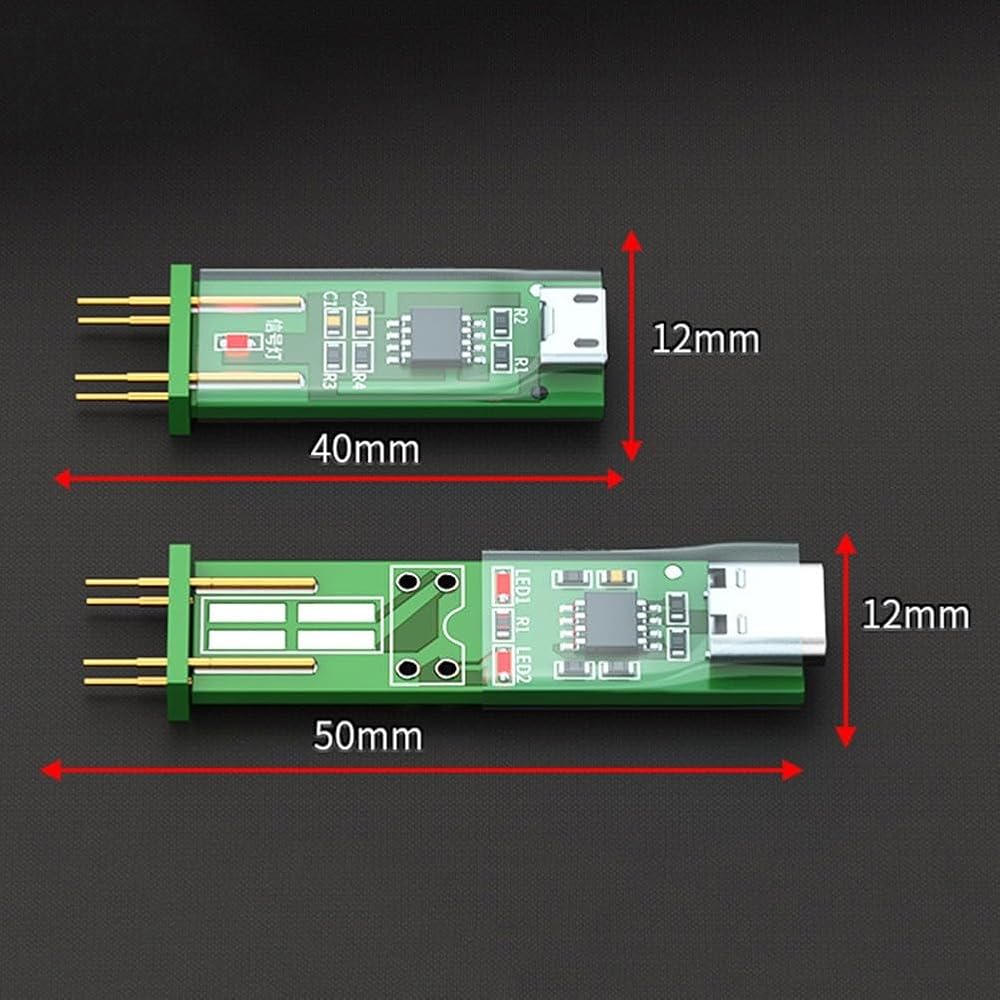
Size: as shown in the figure
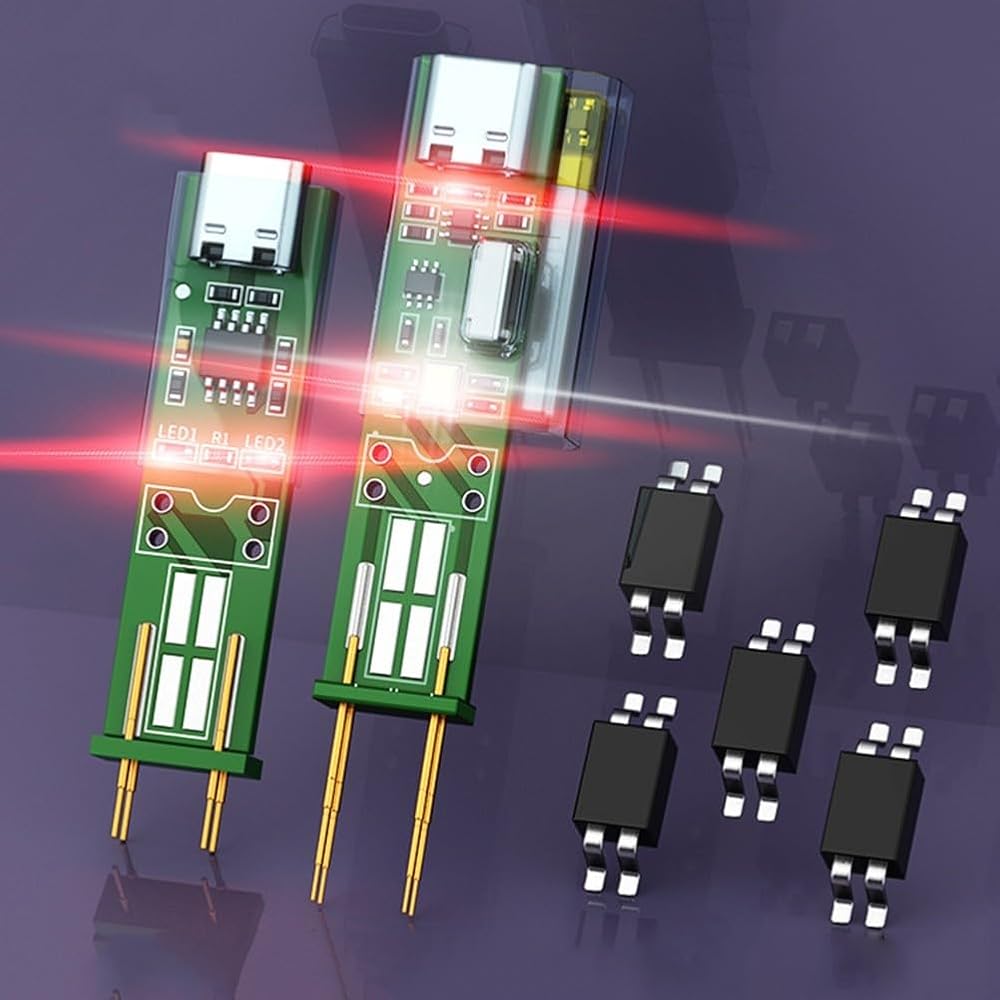
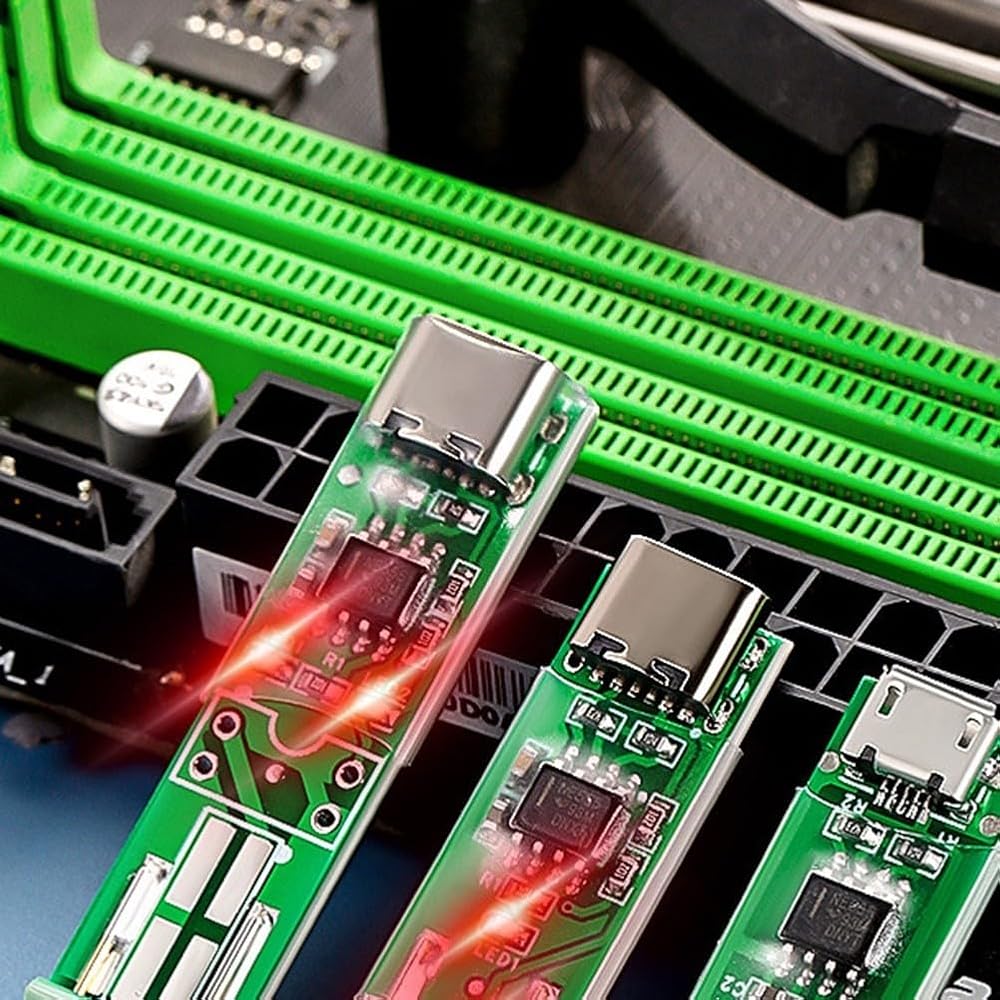
Differentiation: 3rd generation, 4th generation, 5th generation, 6th generation
Difference:
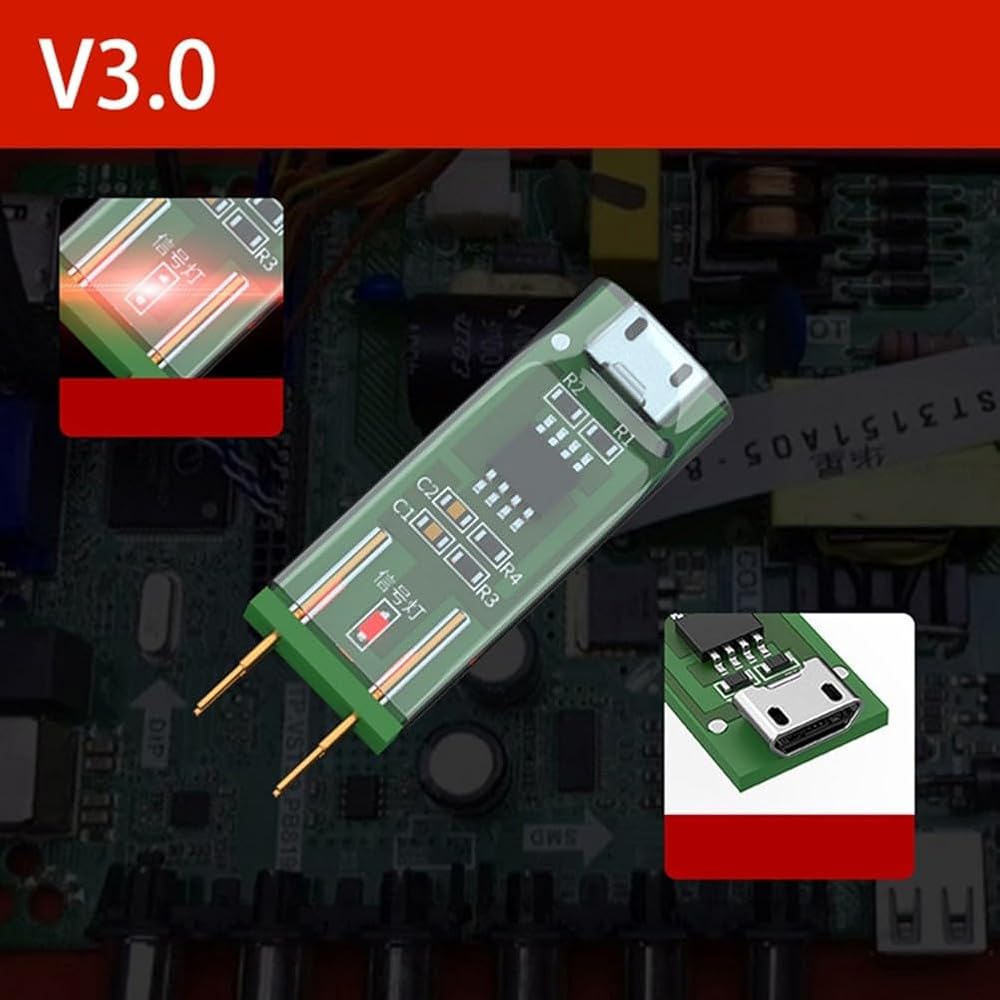
1: The interface of the 3rd generation is USB interface, no indicator light when connected to power, indicator light when testing, need to be plugged in to use
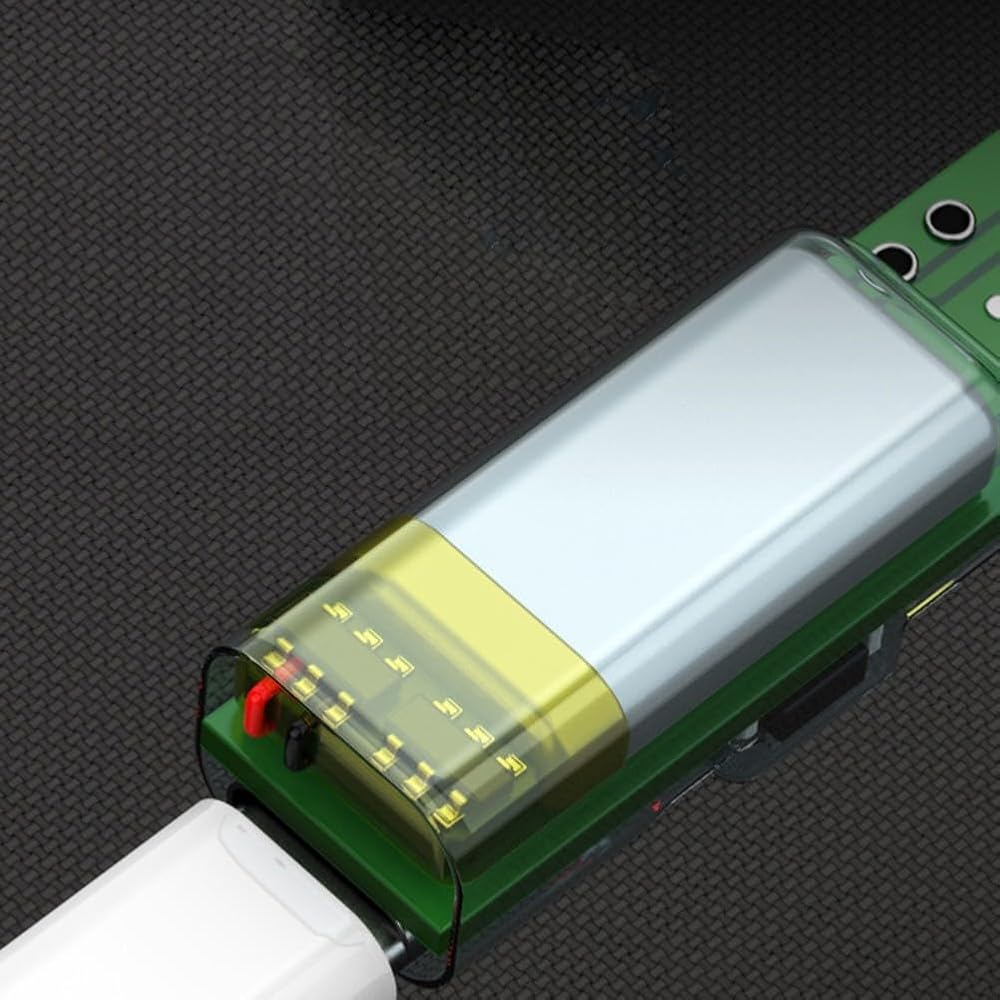
2: 4th generation is type-c interface, there is an indicator light when plugged in, need to be plugged in to use:3: 5th generation is type-c interface, there is an indicator light when plugged in, upgraded on the basis of 4th generation, four-pin plug-in optocoupler test and patch test, need to be plugged in to use
4: 6th generation is type-c interface, there is an indicator light when plugged in, four-pin plug-in optocoupler test and patch test, with flashlight lighting, with battery for charging
Package Contents:
1 x Optocoupler Tester
Only the above package contents, not including other products.
 مشبك متوافق مدمج لتعزيز استقرار التركيب الاستوائي للتلسكوب الفلكي (أحمر)
KWD 8.500
مشبك متوافق مدمج لتعزيز استقرار التركيب الاستوائي للتلسكوب الفلكي (أحمر)
KWD 8.500
 رف عرض صور أكريليك مثبت على الحائط مقاس 4 × 6 بوصة مع إطار، مناسب لحمل الصور والنشرات الإعلانية والقوائم ومواد الطباعة الأخرى (قطعة واحدة)
KWD 3
رف عرض صور أكريليك مثبت على الحائط مقاس 4 × 6 بوصة مع إطار، مناسب لحمل الصور والنشرات الإعلانية والقوائم ومواد الطباعة الأخرى (قطعة واحدة)
KWD 3
 مجموعة Brazing Solutions الشاملة التي تحتوي على عشرين قطعة من الأسلاك النحاسية (الأبعاد 2 مم × مائتان وخمسون مم)
KWD 4.500
مجموعة Brazing Solutions الشاملة التي تحتوي على عشرين قطعة من الأسلاك النحاسية (الأبعاد 2 مم × مائتان وخمسون مم)
KWD 4.500
 غطاء مسند رأس من الجلد الصناعي غير قابل للانزلاق لحماية الأثاث الخاص بك من الانسكابات والبقع والارتداء اليومي (رمادي داكن)
KWD 5
غطاء مسند رأس من الجلد الصناعي غير قابل للانزلاق لحماية الأثاث الخاص بك من الانسكابات والبقع والارتداء اليومي (رمادي داكن)
KWD 5

 الكويت