- Shopping, made easy.
- /
- Get the app!
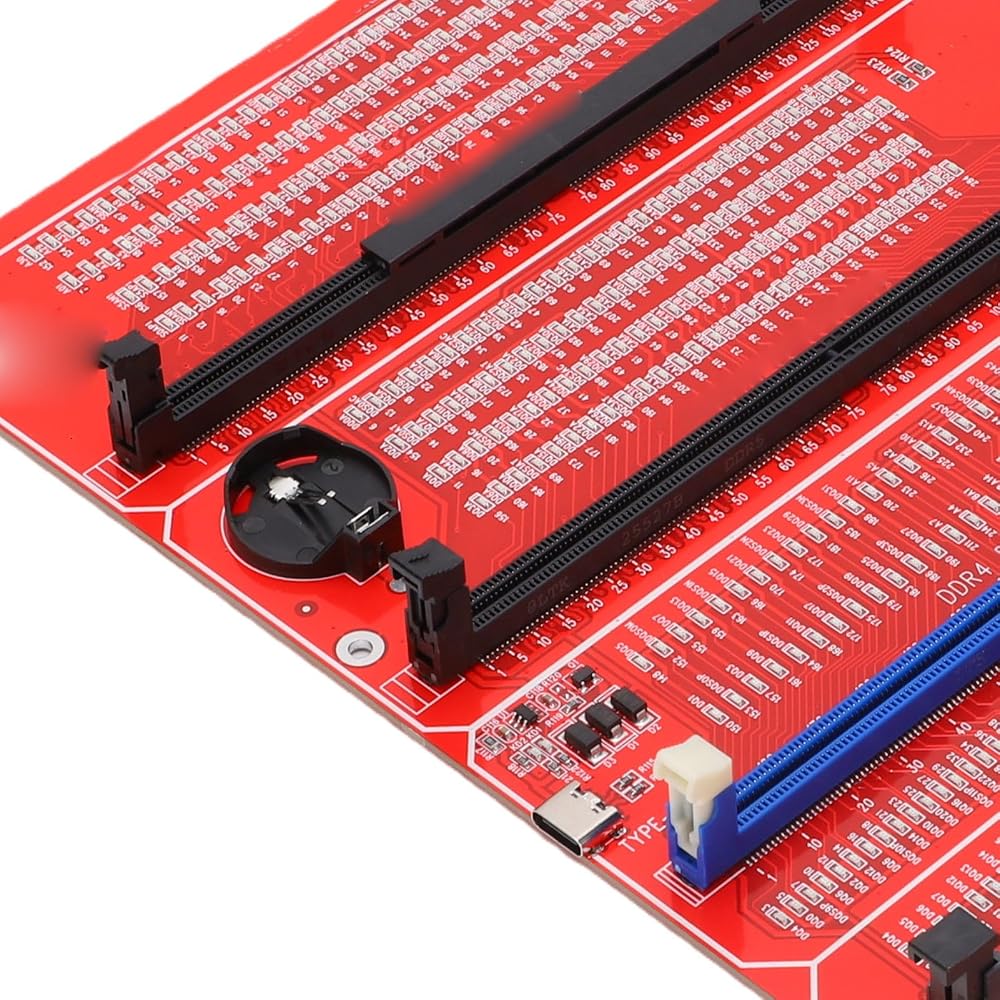
Spec:
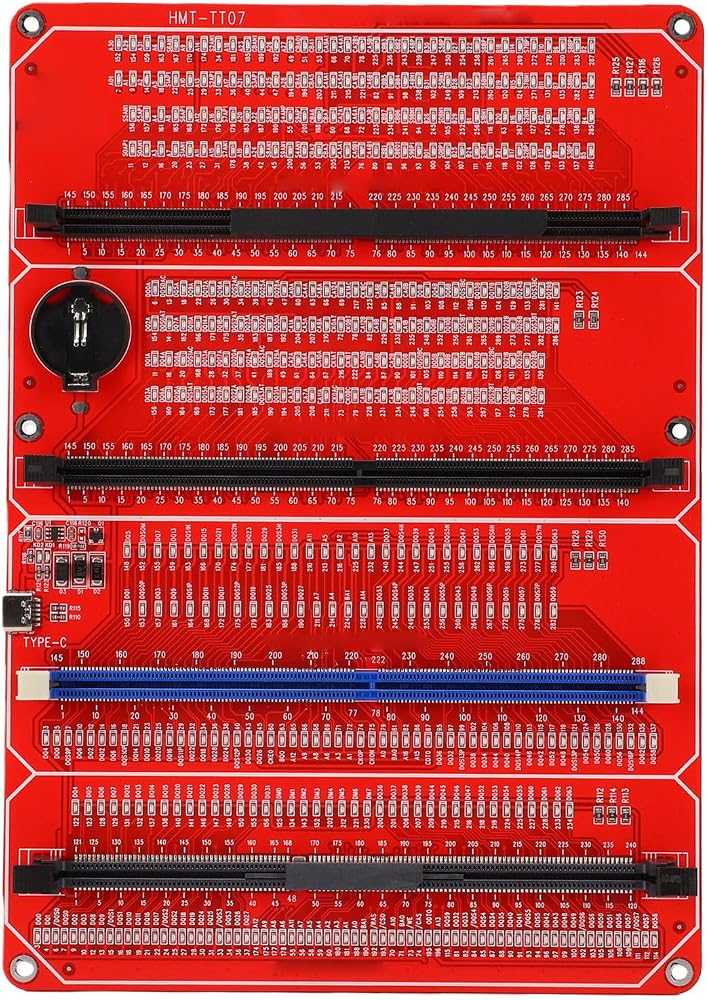
Item Type: Memory Tester
Product Material: PCB
Battery: 1 x Button Cell Battery (not included)
Features:
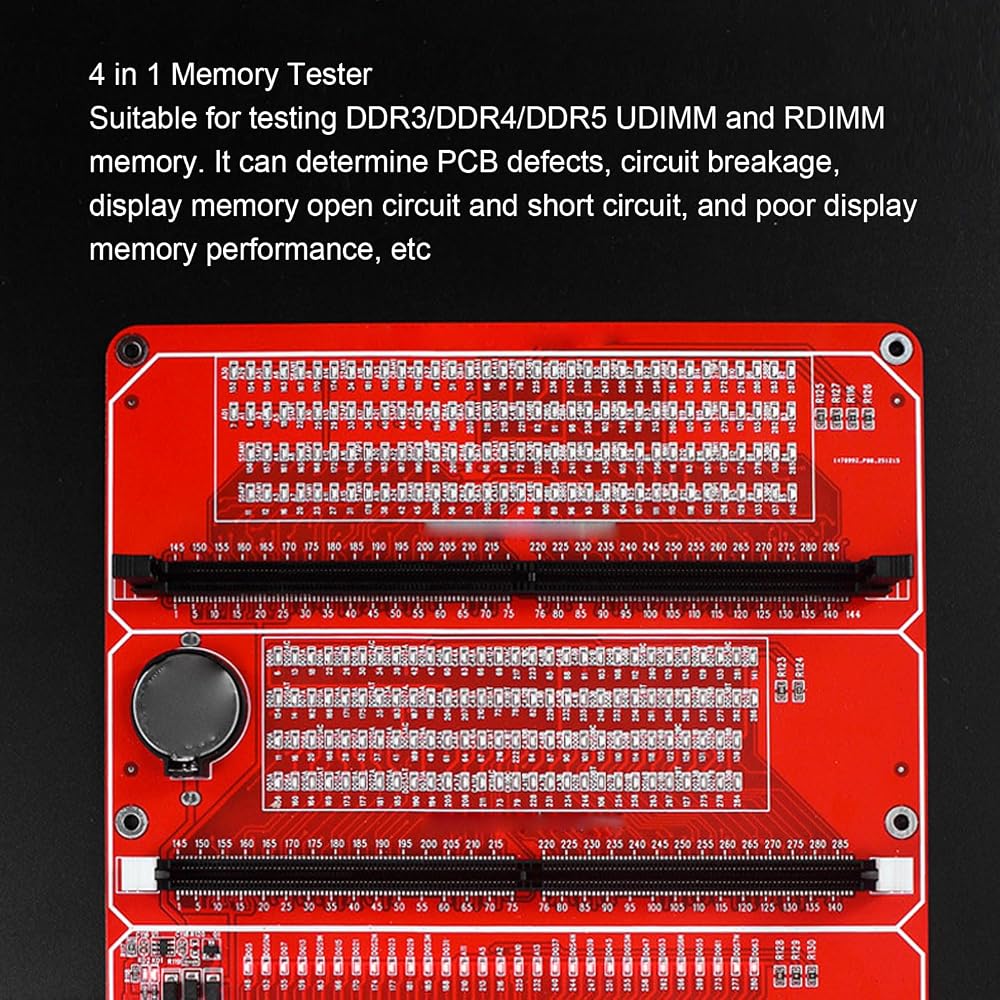
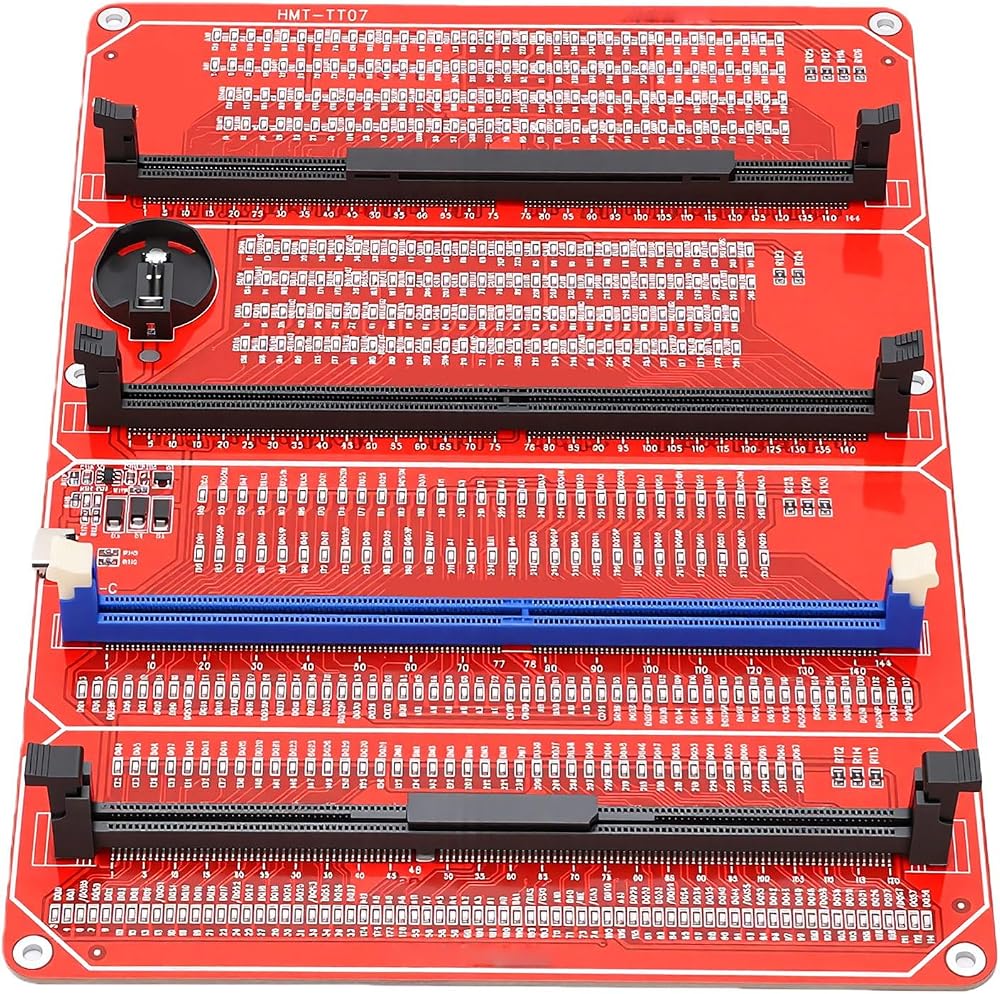
1. Suitable for DDR3, DDR4, DDR5 UDIMM, and DR5 RDIMM types.
2. Use SMT components, gentle on the hands.
3. Suitable for repairing Desktop and Server computers.
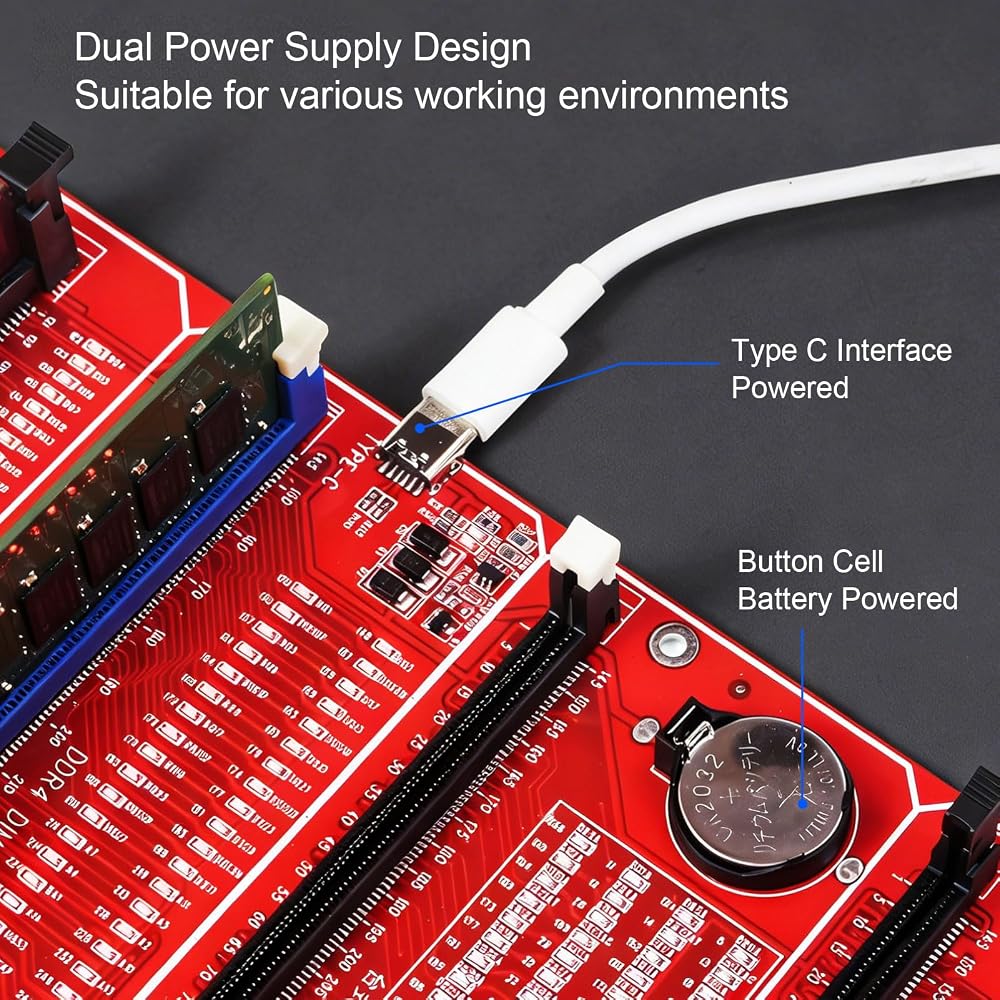
2 Power Input Modes:
Type C Slot Power Input
Button Cell Battery (Not Included)
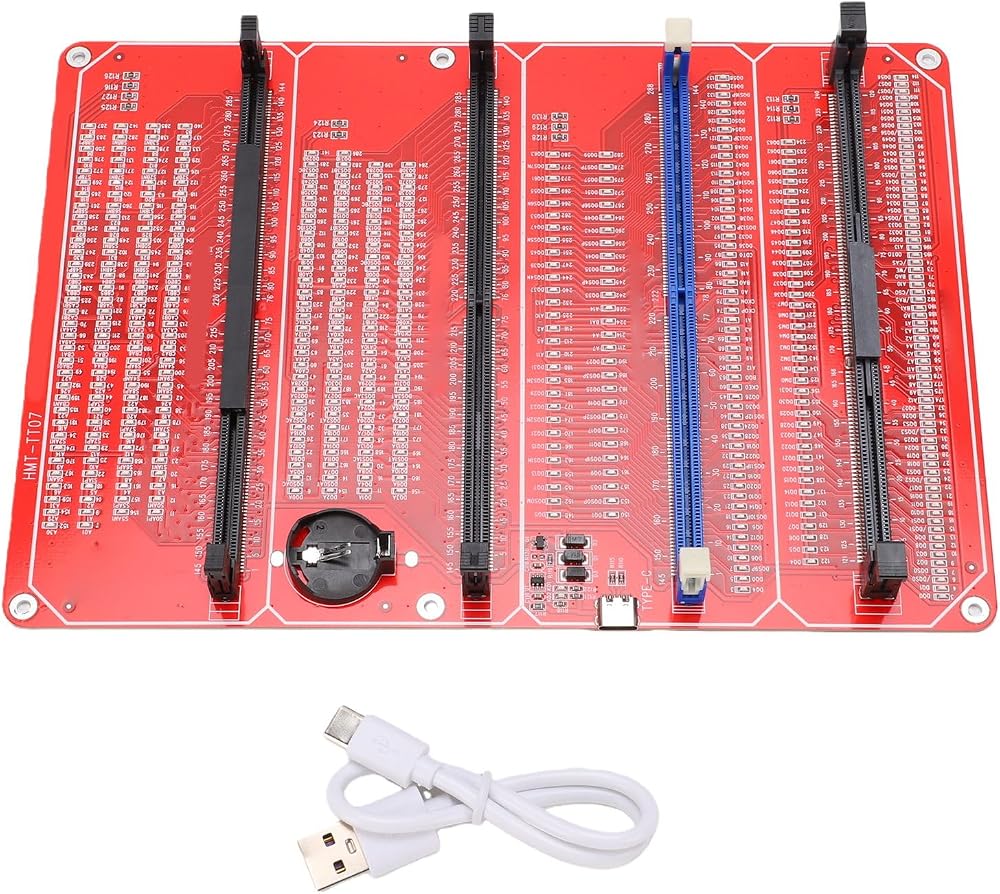
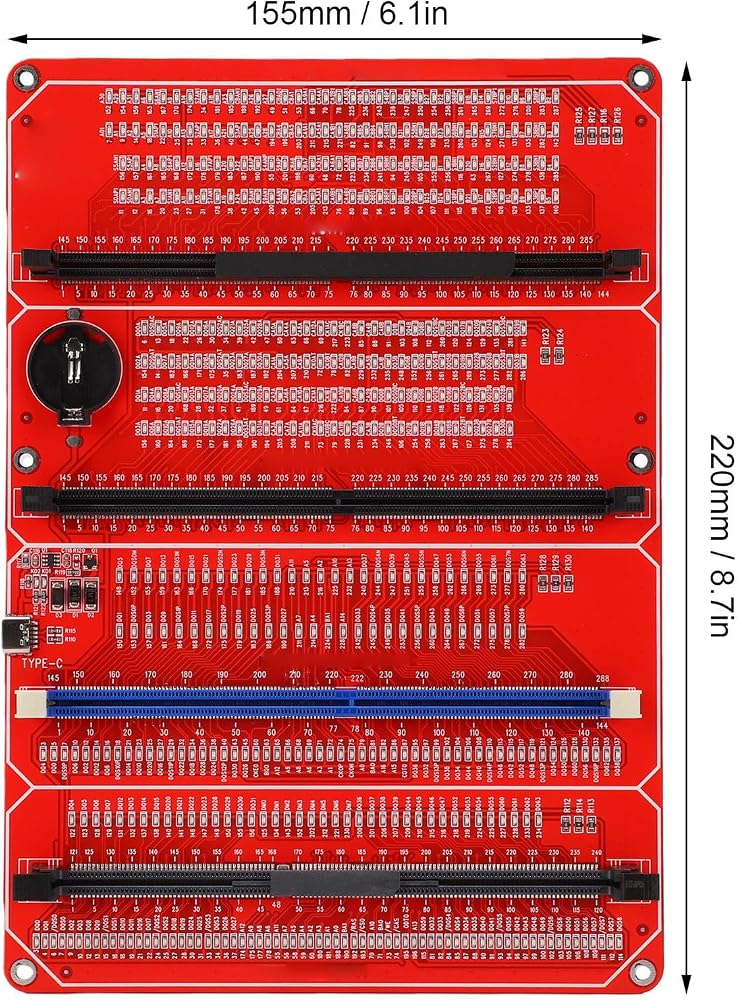
Product Size: Approx. 220 x 155mm / 8.7 x 6.1in
Package List:
1 x Memory Tester
1 x USB Cable
1 x User Manual
How to Use
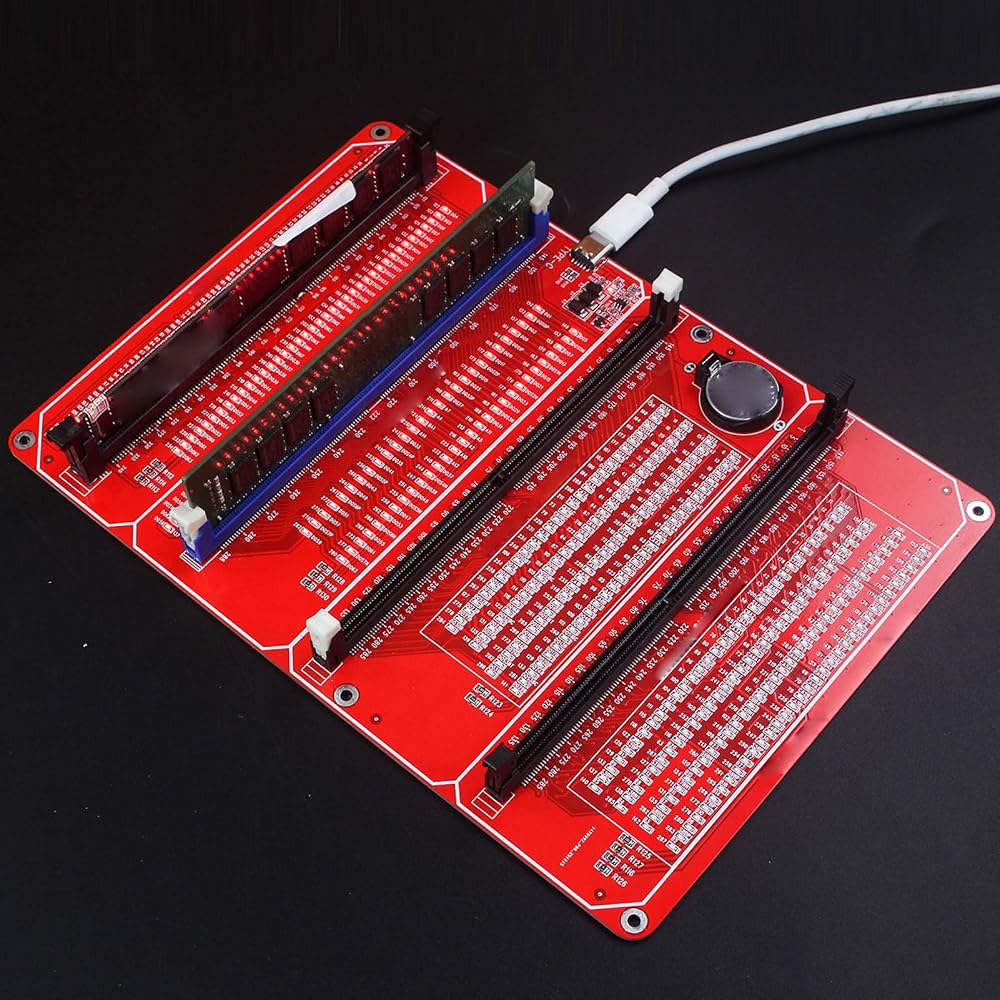
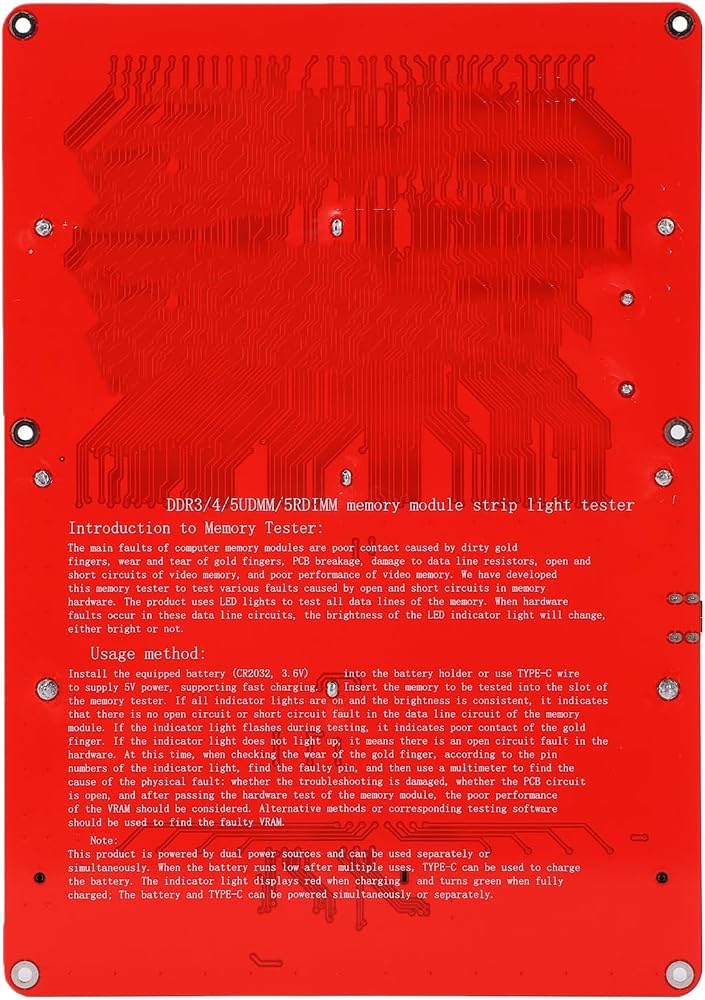
Insert the battery (not included), or use a TYPE C cable for 5V power supply, support fast charging. Insert the memory module to be tested into the slot of the memory tester. If all indicator lights are on and at the same brightness, it indicates that the memory module data line circuit is not open or short circuited. If the indicator lights are flashing during testing, it indicates poor contact with the golden finger. If any indicator light is not on, it suggests a hardware open circuit fault. In this Box/Cover, check the wear condition of the golden finger, identify the faulty pin according to the pin number indicated by the lights, and use a multimeter to determine the specific cause of the fault: whether the resistor is damaged, whether the PCB circuit is open, etc. After passing the hardware test of the memory module, consider the possibility of poor video memory performance. Use alternative methods or appropriate testing software to identify the faulty video memory.
 Hilitand DDR5 Memory Tester, LED Indicator for Fault Detection with Type C Power Supply, for DDR5 UDIMM RDIMM Modules
KWD 12
Hilitand DDR5 Memory Tester, LED Indicator for Fault Detection with Type C Power Supply, for DDR5 UDIMM RDIMM Modules
KWD 12
 True 4 Wire 1Khz AC Sine Lithium Battery Internal Meter Test Range
KWD 51.500
True 4 Wire 1Khz AC Sine Lithium Battery Internal Meter Test Range
KWD 51.500
 Hilitand Pro Digital Transistor Tester SMD Chip Component Inductance Meter
KWD 14
Hilitand Pro Digital Transistor Tester SMD Chip Component Inductance Meter
KWD 14
 Digital Clamp Multimeter, AC DC Voltage Current Tester with LCD Display, Data Hold, Backlight for Electrician Repair Tool, AC Current Measurement (HT206B)
KWD 13
Digital Clamp Multimeter, AC DC Voltage Current Tester with LCD Display, Data Hold, Backlight for Electrician Repair Tool, AC Current Measurement (HT206B)
KWD 13