- التسوق ، اصبح سهلا.
- /
- احصل على التطبيق!
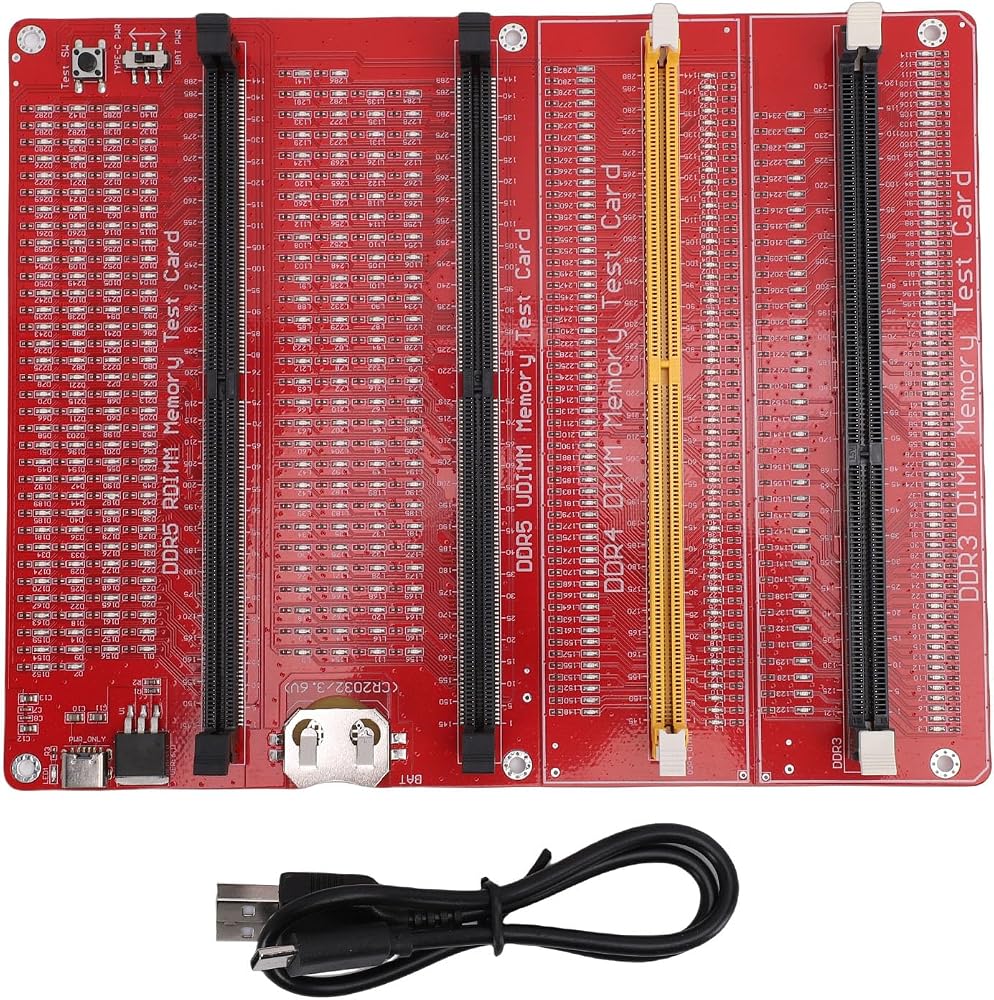
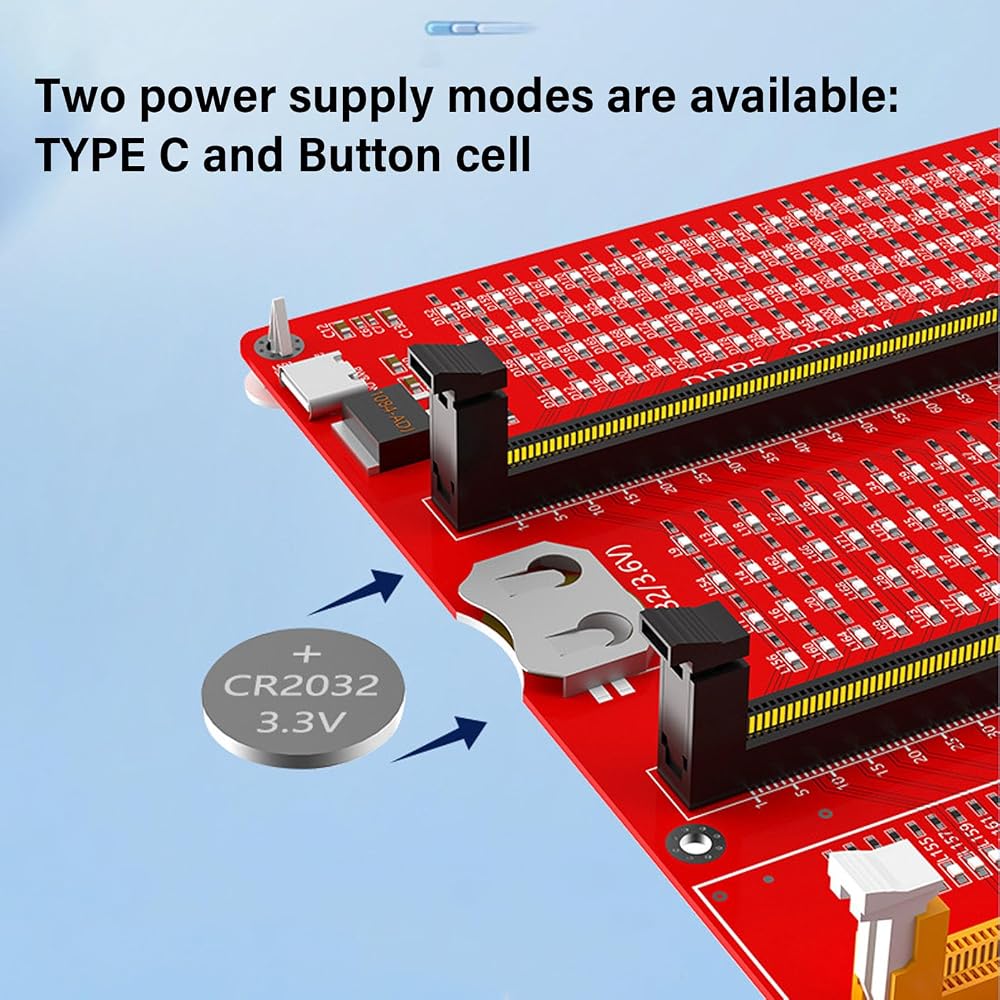
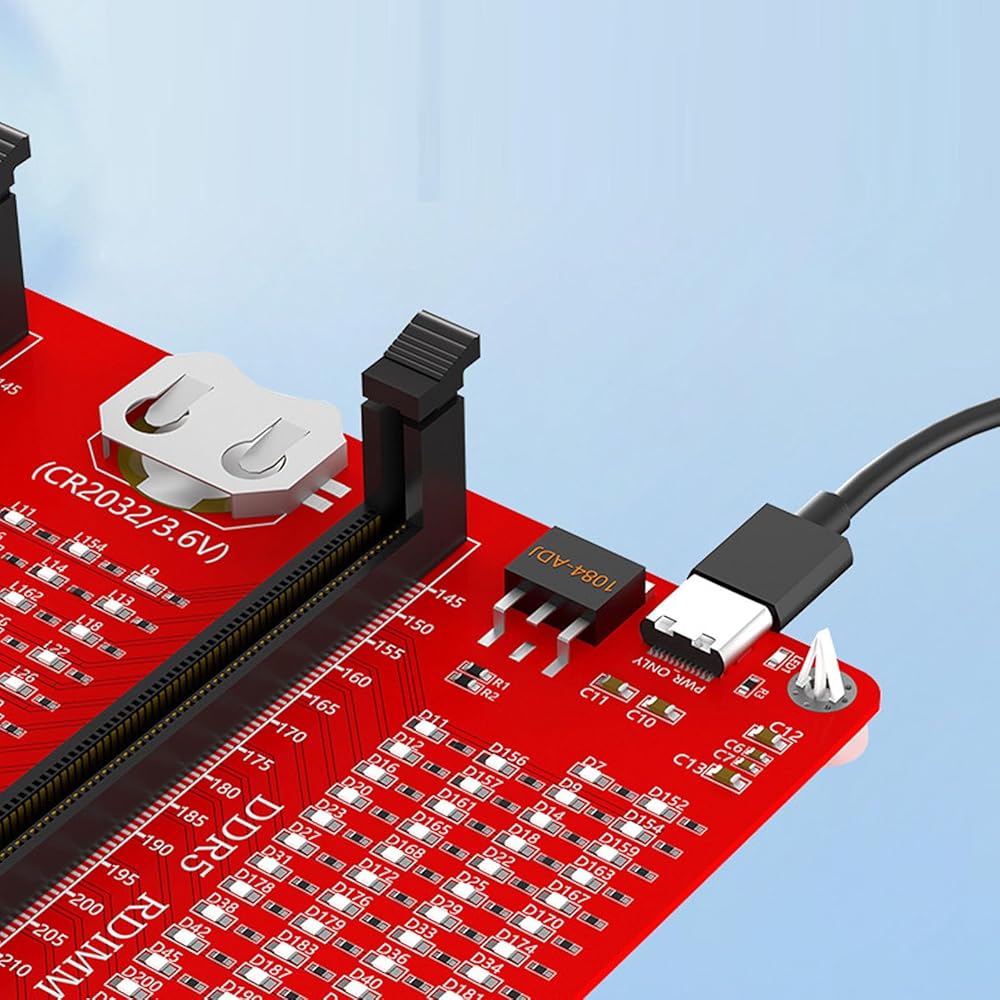
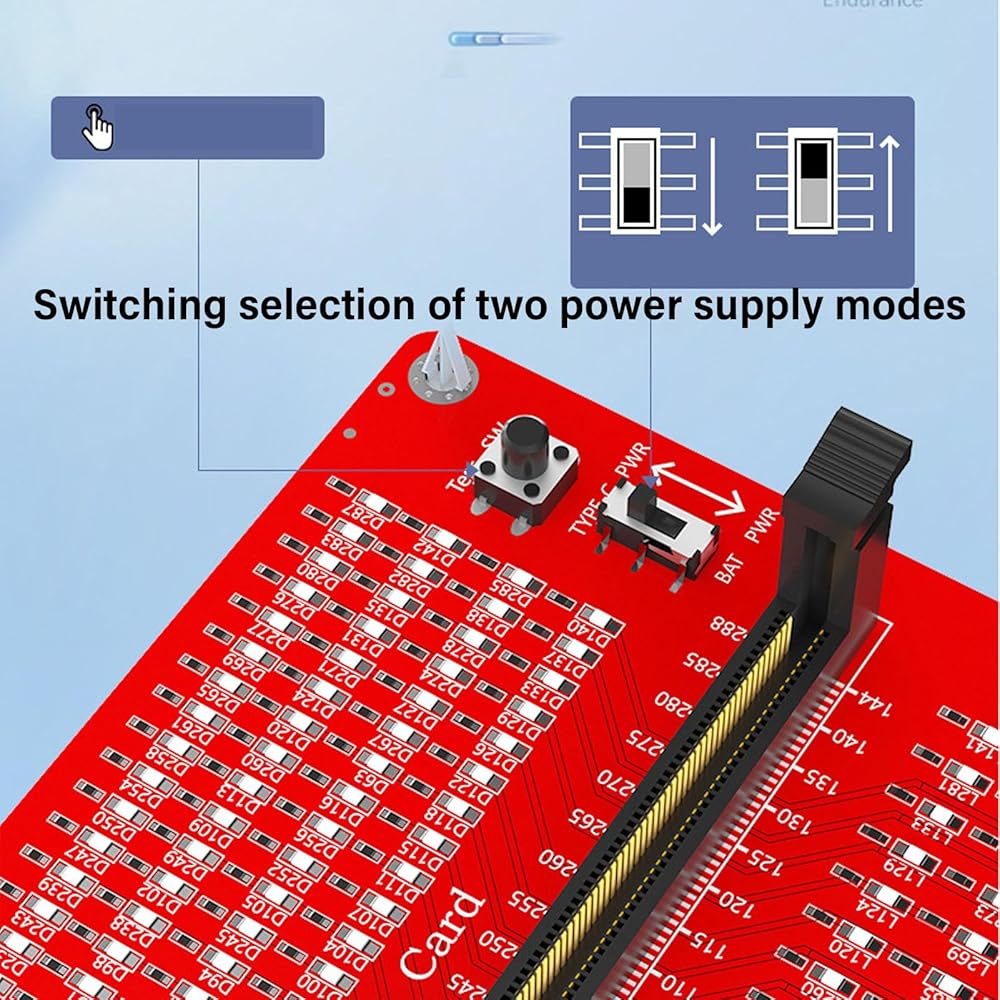
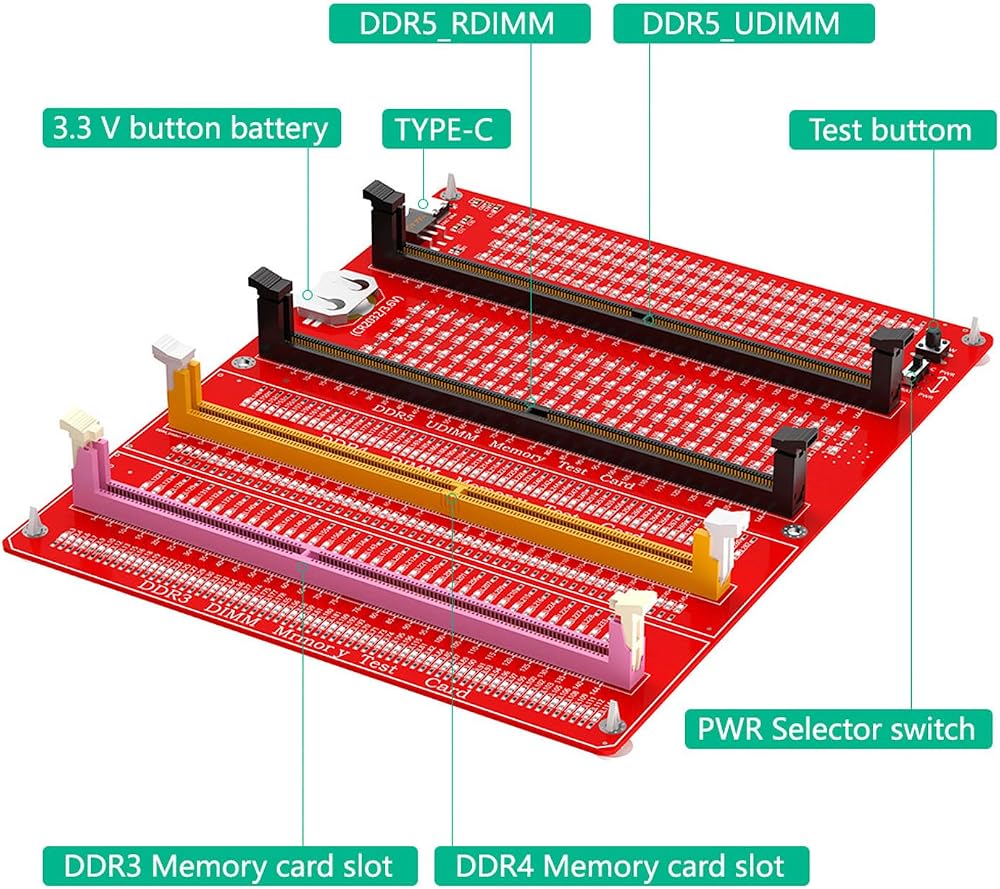
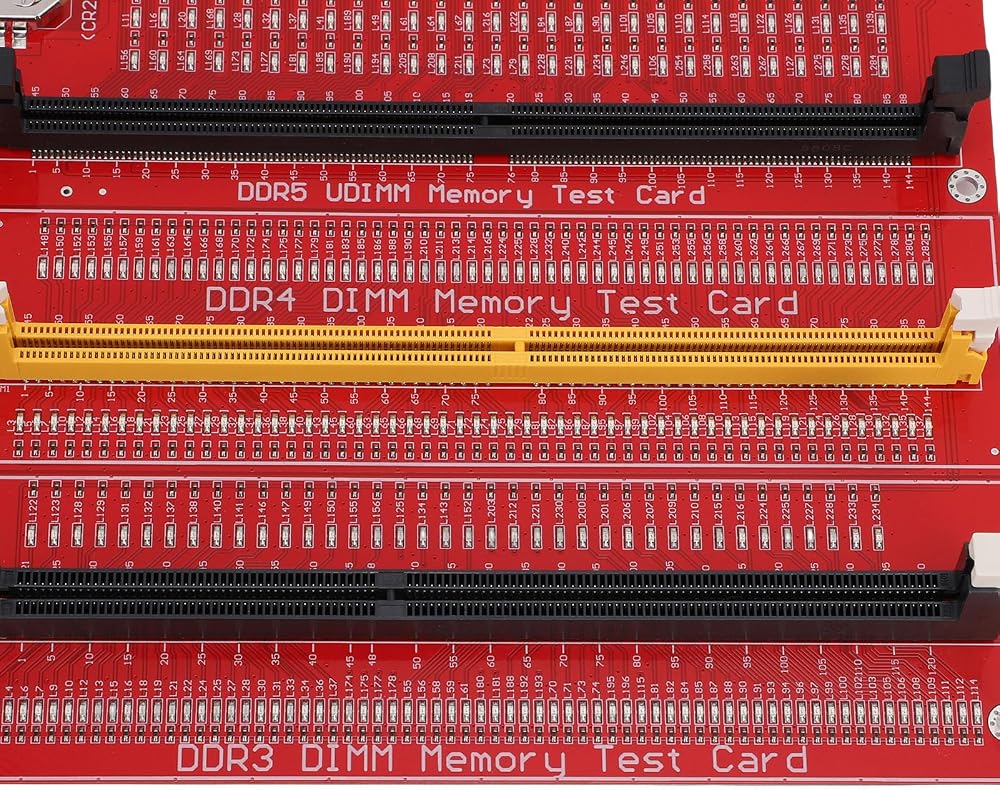
1. POWER SUPPLY AND CHARGING: The RAM memory tester card offers dual power supply modes, can be powered by the battery or by inserting a standard TYPE C cable into the charging head or power bank. The second is that can be powered by batteries, can be charged and discharged simultaneously. When charging, the indicator light shows red. Once fully charged, the indicator light turns green
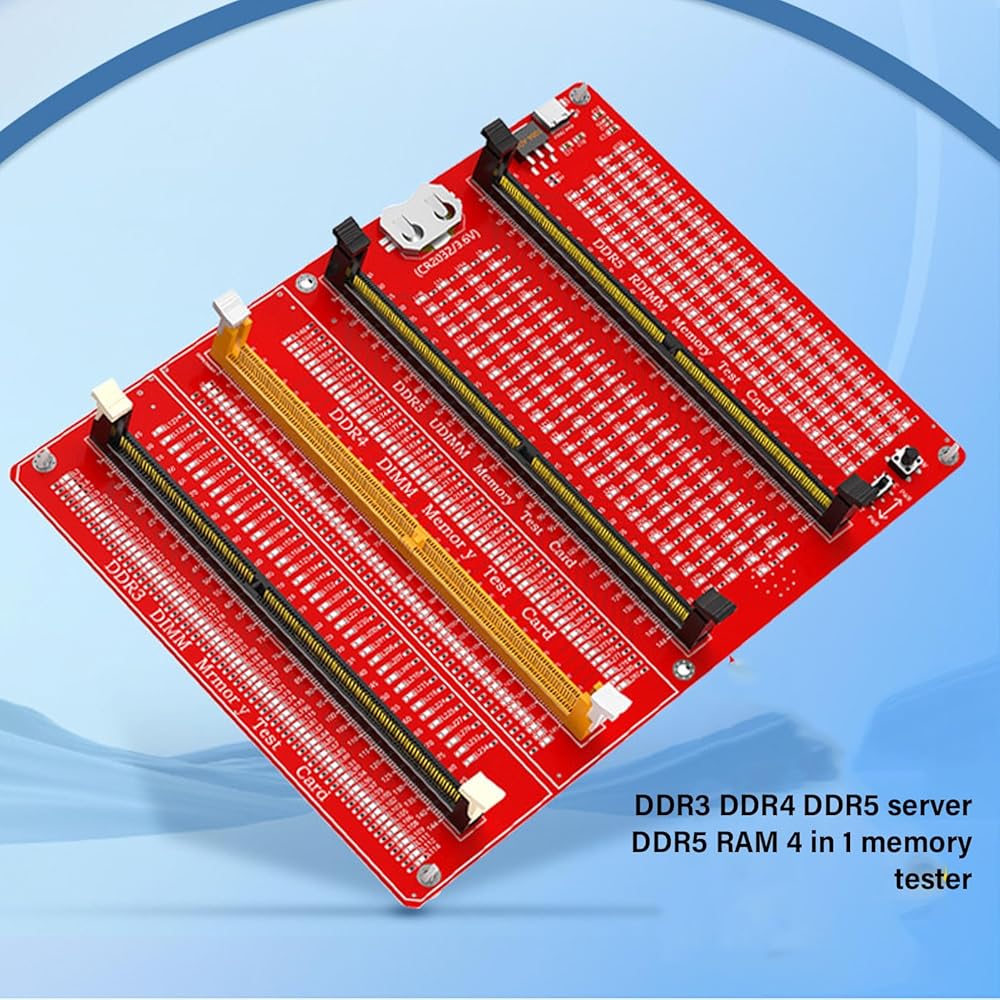
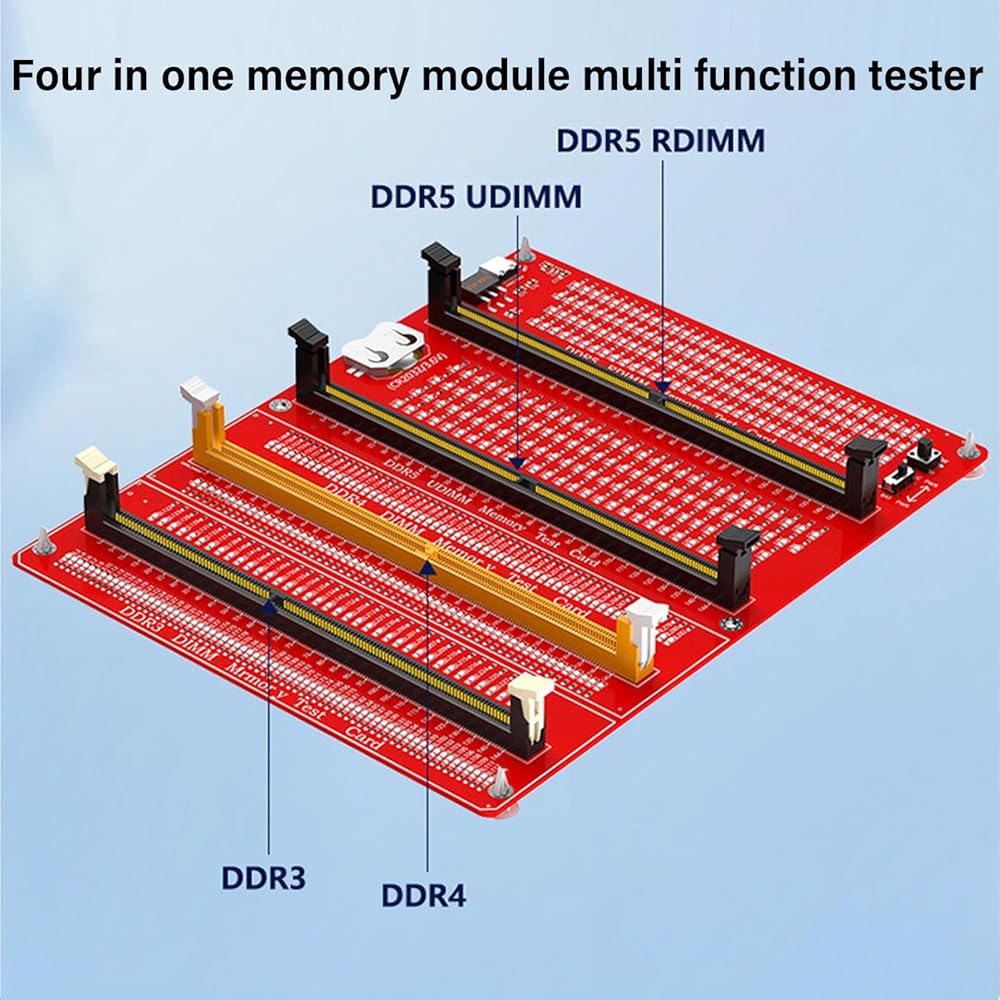
2. FUNCTIONS AND EFFECTS: The 4 in 1 memory tester is used to test various faults caused by hardware open circuits and short circuits in memory, and to solve problems such as poor performance of graphics memory
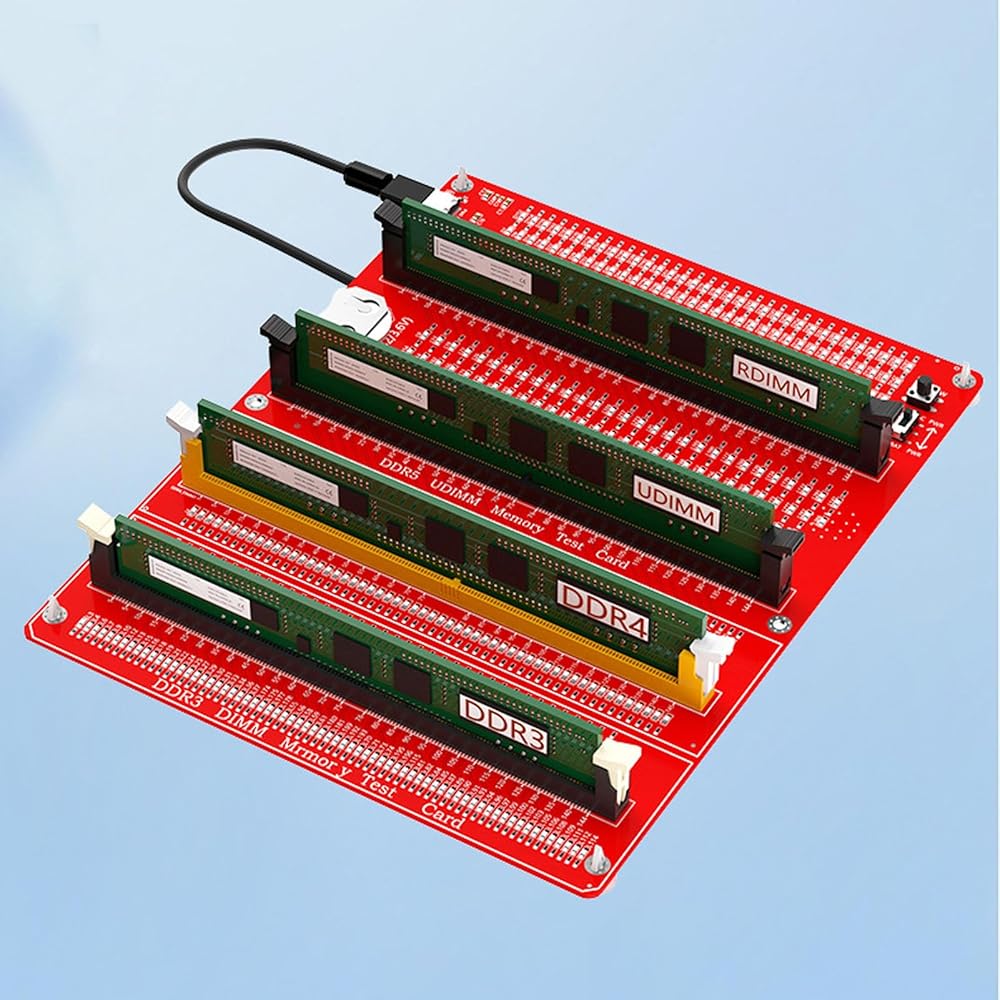
3. LED INDICATOR LIGHT: Use LED lights to test all data cables in the memory. When hardware faults occur in these data cable circuits, the brightness of the LED indicator lights will change, regardless of whether they are particularly bright or not. Install the battery into the battery holder or use a TYPE C cable to support fast charging. Insert the memory stick to be tested into the slot of the memory tester. If all the indicator lights are on and have the same brightness, it indicates that there is no open circuit or short circuit fault in the data line circuit of the memory module
4. USING TIPS: If the indicator light flashes during the test, it indicates poor touch with the gold finger. If the indicator light does not light up, it indicates that there is an open circuit fault in the hardware. Check the wear of the gold fingers, whether the resistor is damaged, and whether the PCB circuit is open. Identify the faulty pin according to the digital indication of the indicator light, and then use a multimeter to determine the specific cause of the fault. After passing the hardware test of the memory module, the issue of poor performance of the graphics memory should be considered, and alternative methods or corresponding test software should be used to locate the faulty graphics memory
5. APPLICABLE SCENARIO: Desktop computer RAM memory tester card is
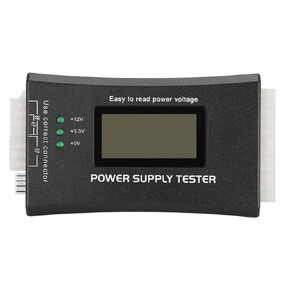 جهاز اختبار إمداد الطاقة للكمبيوتر الشخصي، جهاز اختبار الترانزستور بشاشة الكريستال السائل LCD، مكثف ترانزستور التنبيه تلقائيًا، لواجهات 20Pin 24Pin P4 P6 P8 PCI E
KWD 5.500
جهاز اختبار إمداد الطاقة للكمبيوتر الشخصي، جهاز اختبار الترانزستور بشاشة الكريستال السائل LCD، مكثف ترانزستور التنبيه تلقائيًا، لواجهات 20Pin 24Pin P4 P6 P8 PCI E
KWD 5.500
 HDM66 HD Modulator hdmi to rf Converter عملية بسيطة احترافية متعددة الوظائف HDM66 HD Modulato، مغير فيديو موثوق، مغير rf لاستبدال التلفزيون المنزلي nan
KWD 11.500
HDM66 HD Modulator hdmi to rf Converter عملية بسيطة احترافية متعددة الوظائف HDM66 HD Modulato، مغير فيديو موثوق، مغير rf لاستبدال التلفزيون المنزلي nan
KWD 11.500
 مضخة تمعجية 12 فولت، مضخة تمعجية صغيرة، مضخة تمعجية عالية التدفق لمختبر الهندسة الحيوية G528 DC12V (3 * 5 (خرطوم))
KWD 7
مضخة تمعجية 12 فولت، مضخة تمعجية صغيرة، مضخة تمعجية عالية التدفق لمختبر الهندسة الحيوية G528 DC12V (3 * 5 (خرطوم))
KWD 7
 مجموعة طبول إلكترونية محمولة مع دعم MIDI لآلة الإيقاع الرقمية الافتراضية للمبتدئين والكبار، تتضمن دروسًا
KWD 55.500
مجموعة طبول إلكترونية محمولة مع دعم MIDI لآلة الإيقاع الرقمية الافتراضية للمبتدئين والكبار، تتضمن دروسًا
KWD 55.500