- التسوق ، اصبح سهلا.
- /
- احصل على التطبيق!
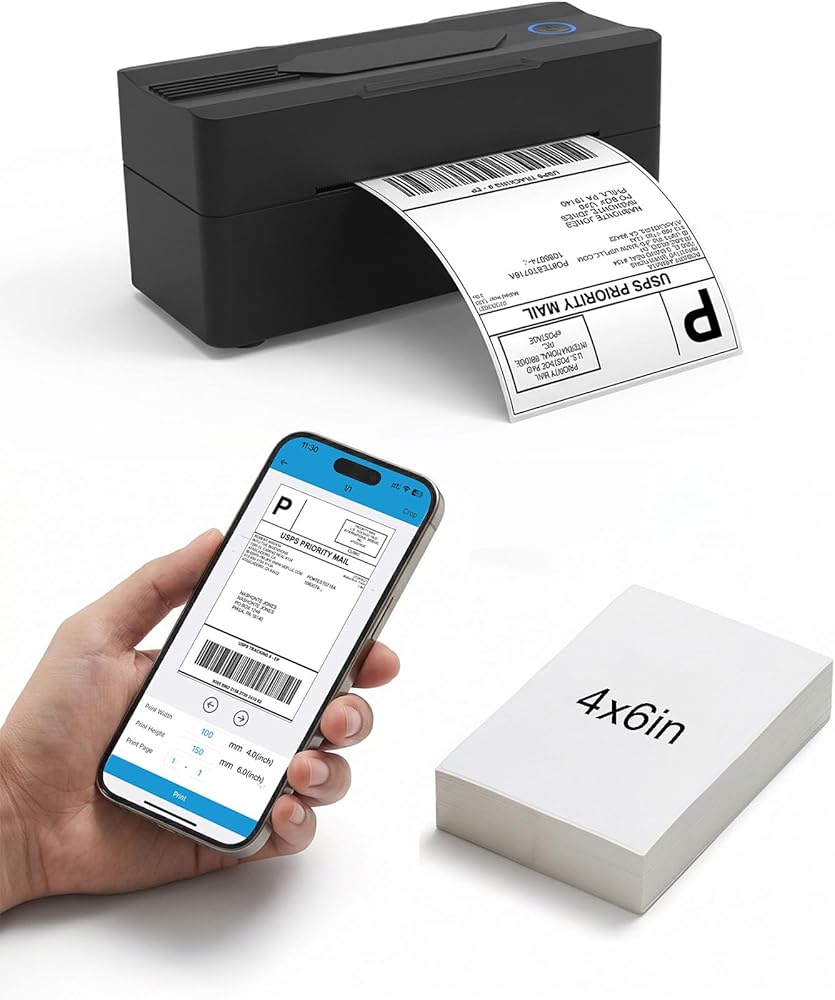
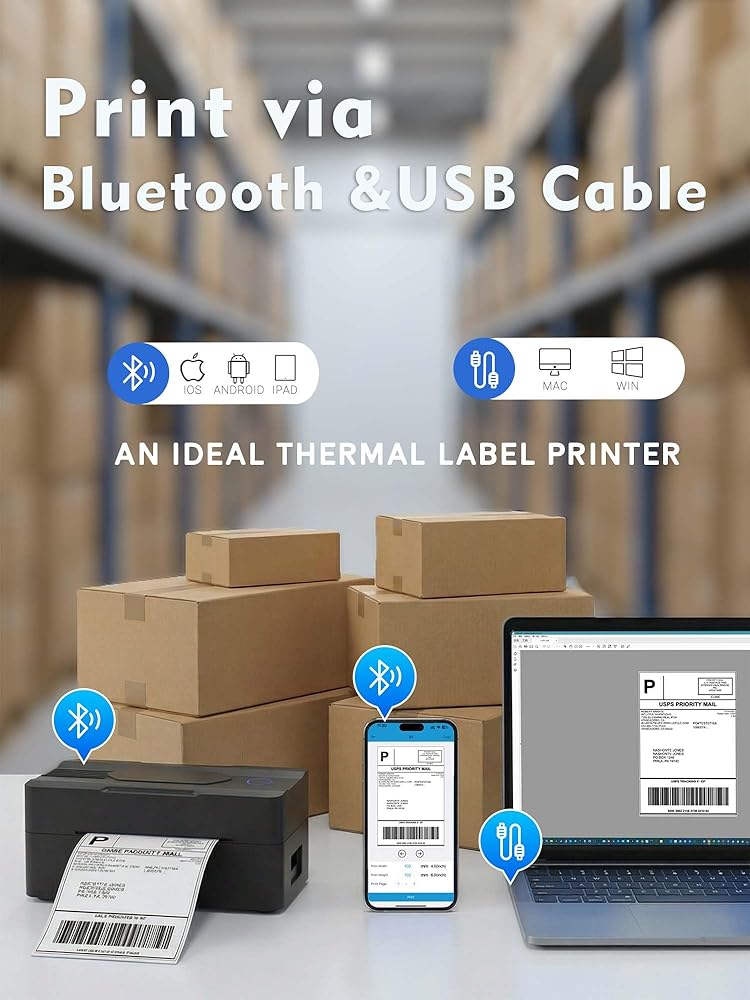
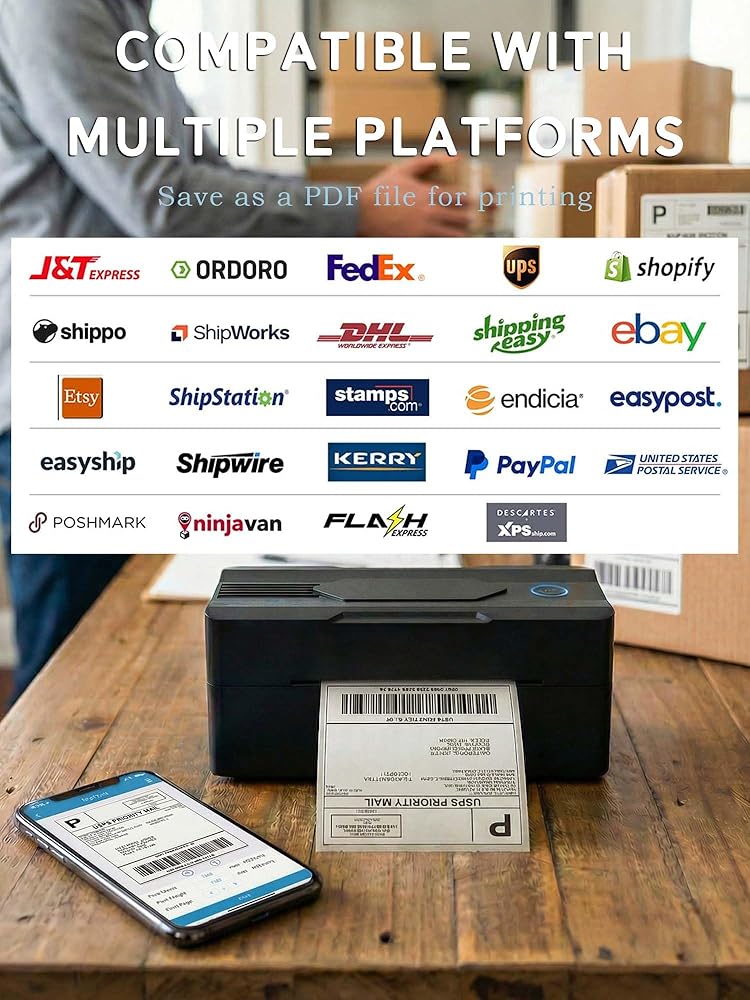
1.Phone and Tablet Start Print:
Step 1: Scan QR code download the App (Android App: Printed Label, iOS App: Zlabel).
Step 2: Turn on the blutooth label printer and your phone's or tablet's Bluetooth.
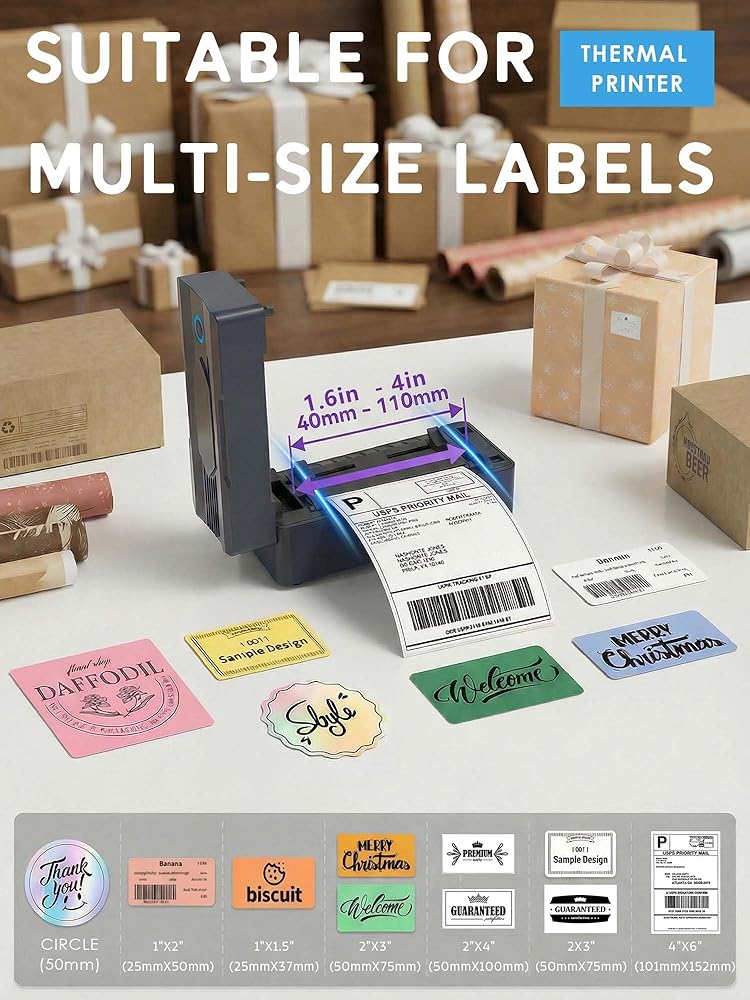
Step 3: Click the App to search for the bluetooth signal, connect it via Bluetooth in the App, and select the paper size and file type to start printing.
2.Laptop/PC Starts Printing :
Step 1: Turn on the thermal label printer and connect it to the computer using a USB cable.
Step 2: Go to "This PC",open the Disk ,double click"Download driver and view User Manual"web page to download the driver and watch the installation tutorial videos,Select your print model to download 9270 driver.
Step 3: Please check your laptop/PC's operating system (OS) download and install the correct 9270 driver from the website . Select and open your shipping label and print.
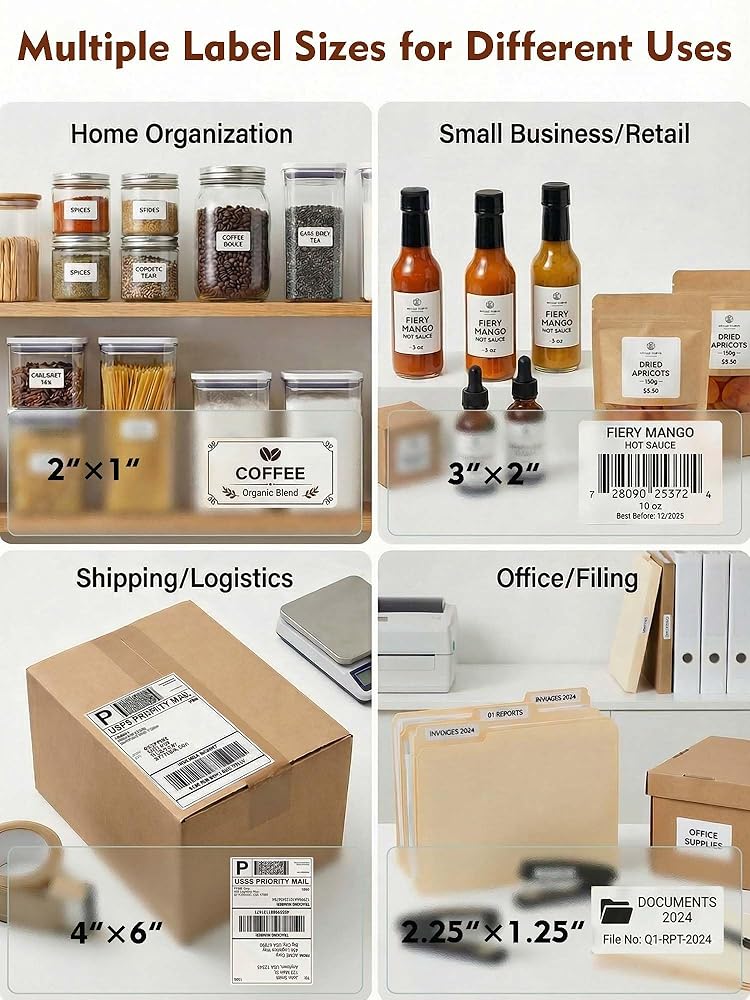
3.Package includes:
1xThermal printer
1xUser Manual
1xPower Adapter
1x Type-C Cable
30x Test labels
4.More Cost Effective:
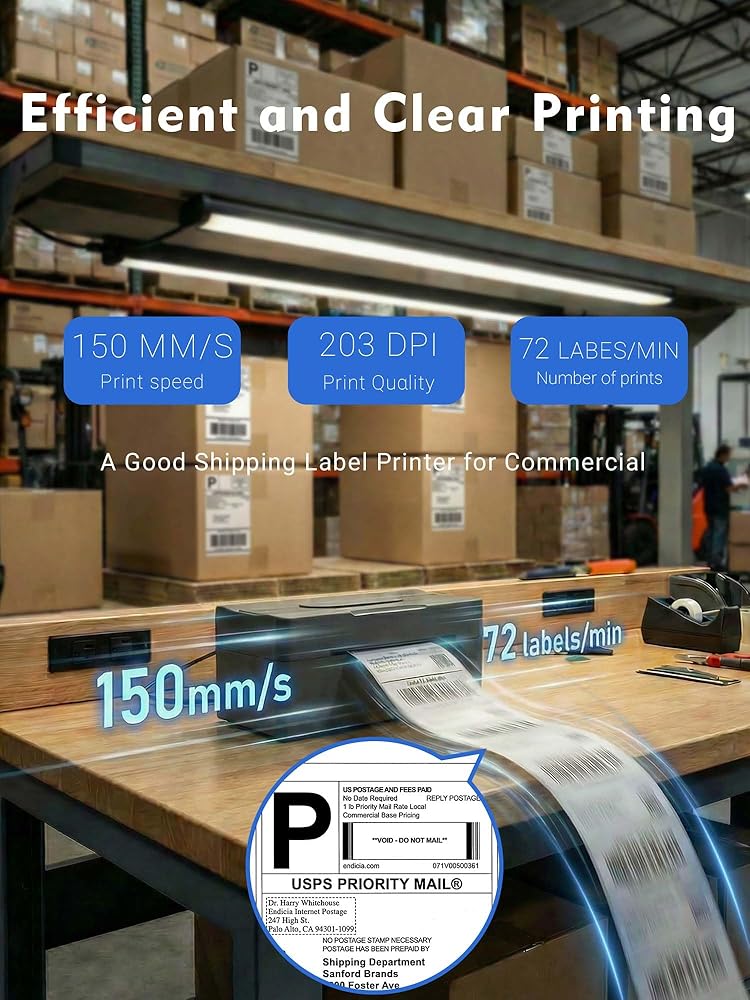
The upgraded thermal printing technology allows the 4x6 thermal label printer no need for ink or toner, making your work more cost-effective. 203DPI high-definition printing, easy to scan and read. Automatic adjustment of label position functionto prevent paper waste.
 ورق حراري Phomemo أبيض/ذهبي لامع/شبه شفاف، لطابعة الإيصالات الحرارية Phomemo M02/M02 Pro/M02S/M03/M03AS/M04S Mini Bluetooth الحرارية، عرض 50 مم - 53 مم
KWD 8
ورق حراري Phomemo أبيض/ذهبي لامع/شبه شفاف، لطابعة الإيصالات الحرارية Phomemo M02/M02 Pro/M02S/M03/M03AS/M04S Mini Bluetooth الحرارية، عرض 50 مم - 53 مم
KWD 8
 إطار صور رقمي واي فاي 10.1 بوصة، إطار صور رقمي، إطار صور إلكتروني، تخزين 16 جيجابايت، تدوير تلقائي، شاشة لمس IPS، إعداد سهل ومشاركة الصور ومقاطع الفيديو عبر تطبيق مجاني من أي مكان
KWD 25
إطار صور رقمي واي فاي 10.1 بوصة، إطار صور رقمي، إطار صور إلكتروني، تخزين 16 جيجابايت، تدوير تلقائي، شاشة لمس IPS، إعداد سهل ومشاركة الصور ومقاطع الفيديو عبر تطبيق مجاني من أي مكان
KWD 25
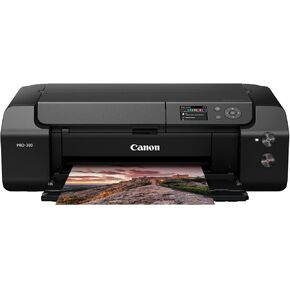 Canon ImagePrograf Professional 13 "Pro-310 Photo Inkjet Photo Printer مع شاشة LCD ملونة 3.0 بوصة ، نظام الحبر القائم على الصباغ 9 ، أسود
KWD 329
Canon ImagePrograf Professional 13 "Pro-310 Photo Inkjet Photo Printer مع شاشة LCD ملونة 3.0 بوصة ، نظام الحبر القائم على الصباغ 9 ، أسود
KWD 329
 -5%
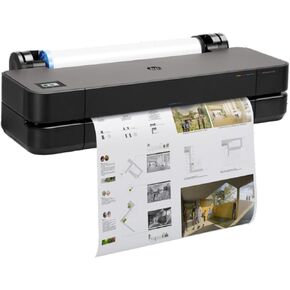
HP DesignJet T230 Large Format SPERTER 24 بوصة ، يتضمن دعم ضمان في الموقع لمدة عامين (5HB07T)-نموذج جديد
KWD 347
-5%
HP DesignJet T230 Large Format SPERTER 24 بوصة ، يتضمن دعم ضمان في الموقع لمدة عامين (5HB07T)-نموذج جديد
KWD 347

 الكويت