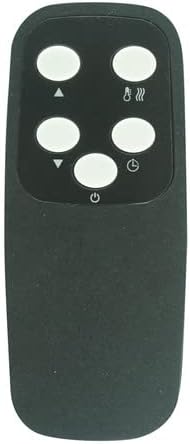
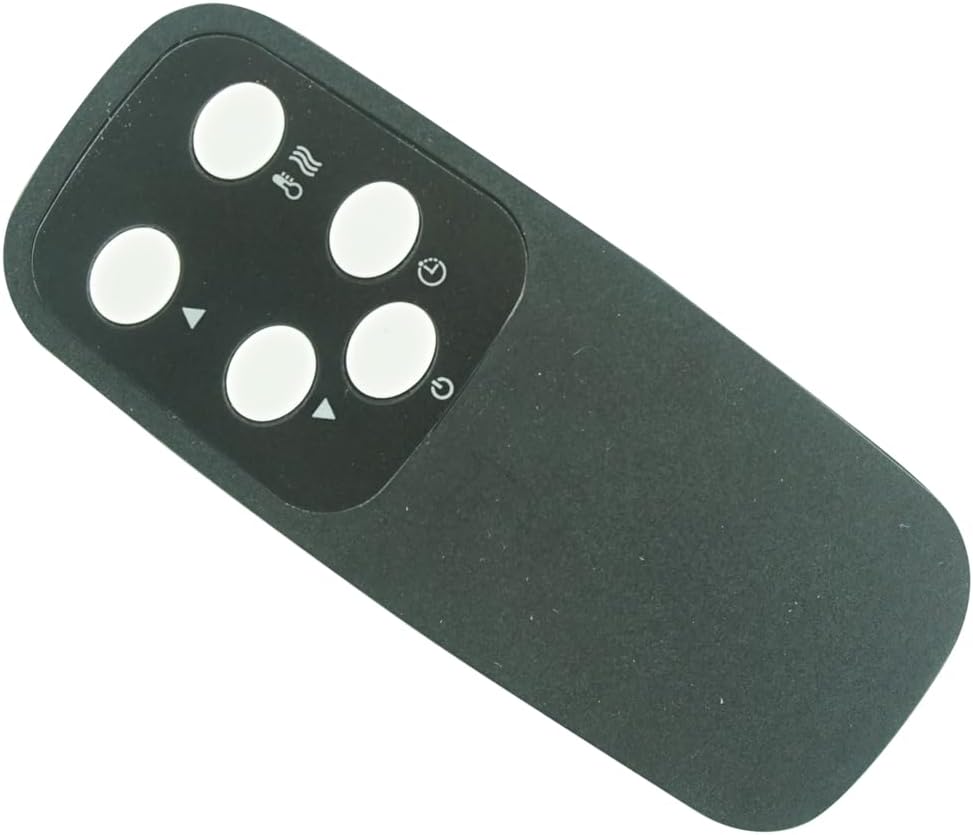
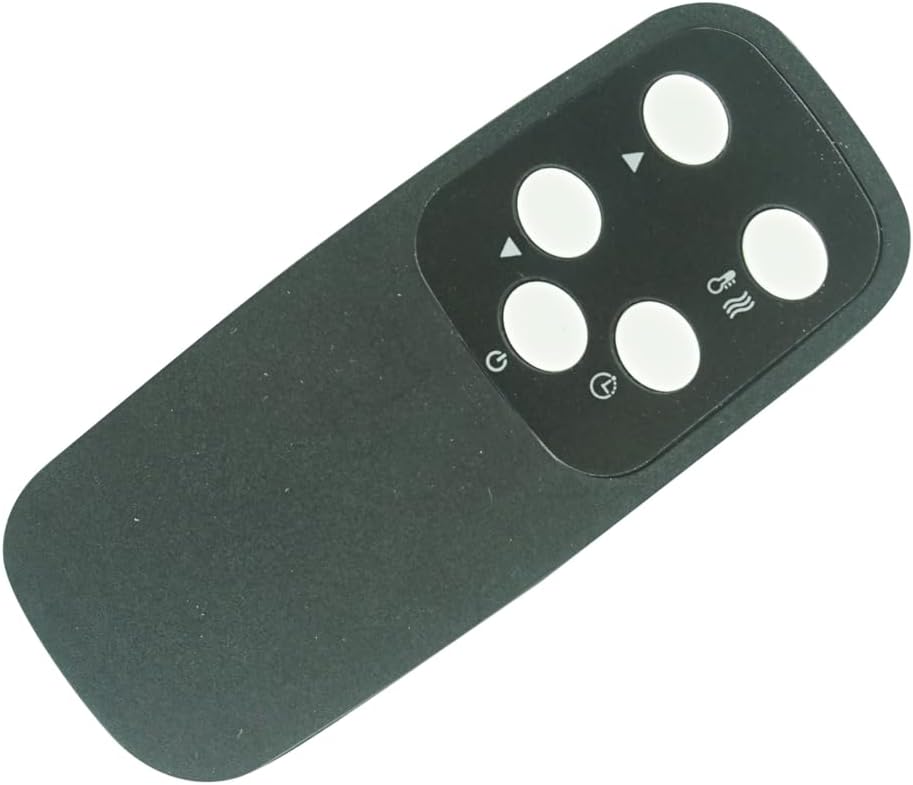
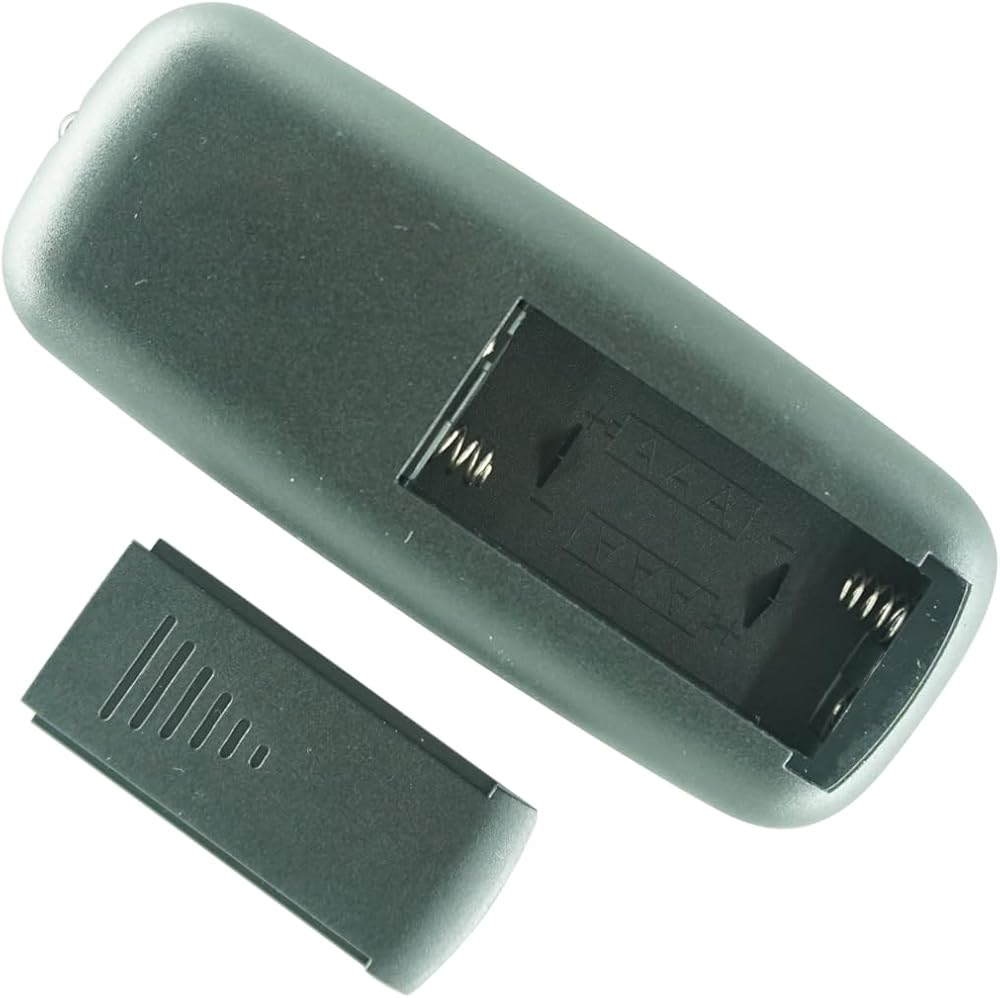
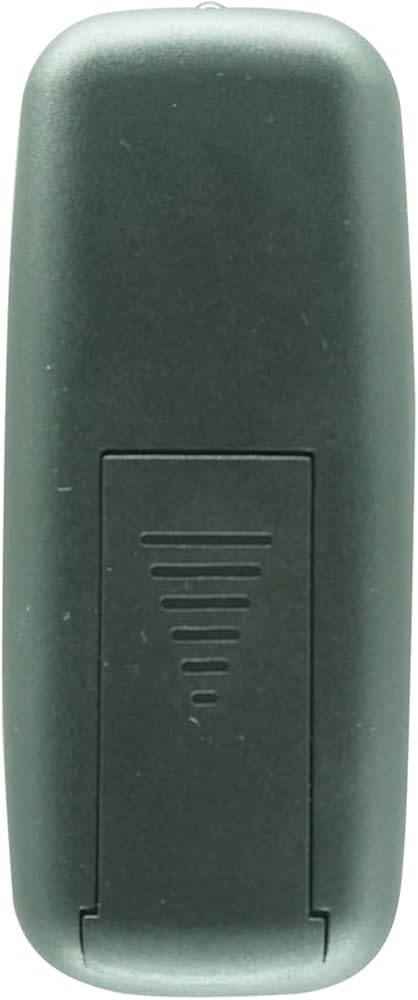
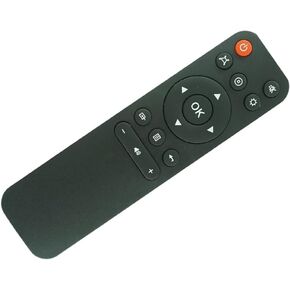
【Perfect Fit & Ready to Use】 Designed exclusively for Dr Infrared Heater (Models: DR968 DR-968 ). This remote is pre-paired and requires no programming or setup. It is ready to control your speaker's functions immediately.
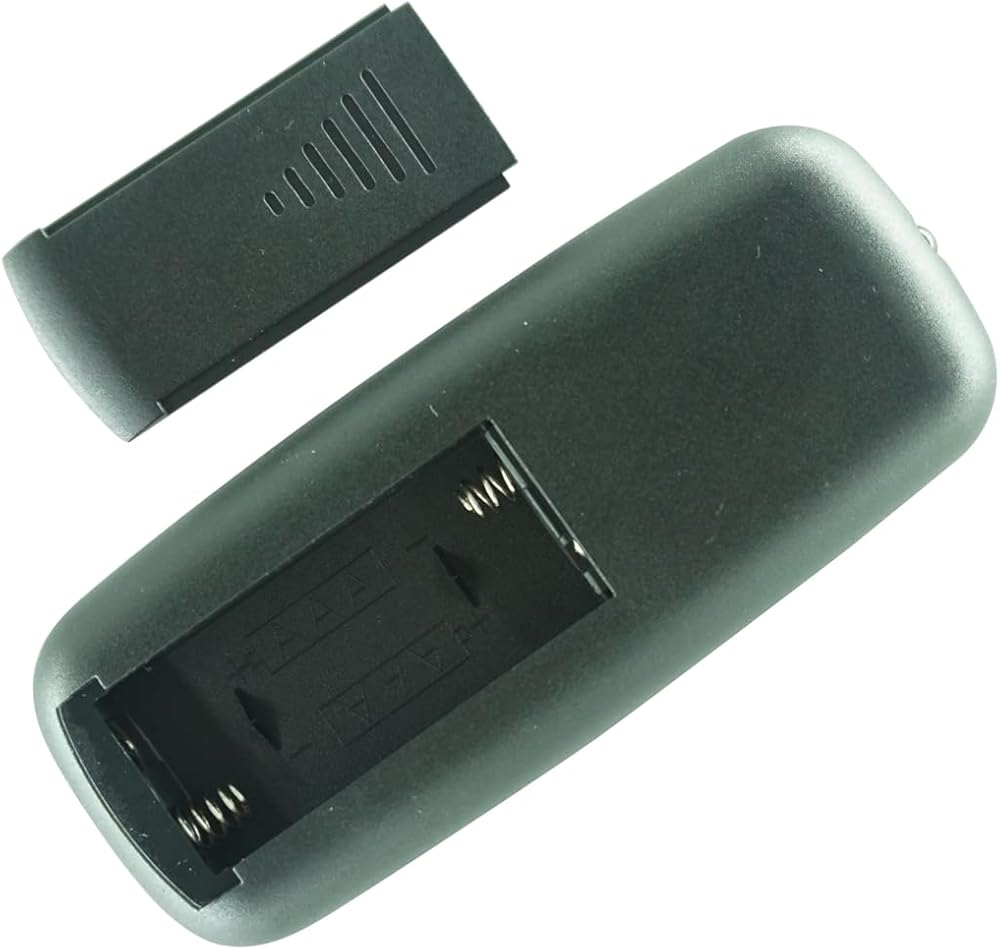
【Important: Battery Installation Guide】 To ensure proper function, please use fresh, high-quality AAA batteries (2x, NOT INCLUDED). Ensure the battery polarities (+/-) are correctly aligned with the diagrams inside the battery compartment. Incorrect installation is the most common cause of issues.
【Step-by-Step Usage & Troubleshooting】 If the remote doesn't work: 1) Re-seat the batteries. 2) Point the remote directly at the speaker's infrared (IR) sensor from within 5-8 feet. 3) Ensure no obstacles are blocking the signal path.
【Comprehensive Digital Support】 For your convenience and to provide the most up-to-date information, a physical paper manual is not included. A complete digital user guide and troubleshooting manual is available in the "Images and Videos" section of this listing.
【Durable Design for Reliable Performance】 Built with a robust casing and responsive buttons, this infrared remote offers reliable, long-range operation to manage your Dr Infrared Heater effortlessly during any event.
【Operation and Compatibility Check】 1) Direct Line of Sight: You must point the remote directly at the infrared (IR) sensor on your fireplace(usually a dark red window on the front or bottom bezel of the fireplace). 2) Reduce Distance: Stand within 10-15 feet of the fireplace and ensure nothing is blocking the signal path. 3) Confirm Model Number: Verify that your fireplace's model number (found on the back sticker) is listed in the compatibility section of this listing.
وصف
What's in the package: 1 X remote control , no battery and instructions included
it will work straight away when new batteries inserted
●Do not leave the remote in an extremely hot or humid place.
●Do not use a new battery with an old one.
●Do not expose the remote sensor to direct sunlight or lighting apparatuses. Doing so may cause a malfunction.
●If you don't use the remote for an extended period of time, remove the batteries to avoid possible damage from battery leakage and corrosion.
Troubleshooting: Remote control malfunctions
Replace remote control batteries
Check battery terminals
Remote is out of range, move closer to the device
Remove any obstructions between remote and IR sensor of the device
Make sure the power cord to your device is plugged in and turned on
 كابل توصيل واحد بديل HCDZ لهاتف Samsung BN91-18201A UN60KS8000FXZA UN60KS8000FXZC UN60KS800DFXZA UN65KS7000FXZX UN65KS7500FXZX UN65KS8000FXZA 4K Ultra HD Smart LED HDTV TV Box
KWD 19.500
كابل توصيل واحد بديل HCDZ لهاتف Samsung BN91-18201A UN60KS8000FXZA UN60KS8000FXZC UN60KS800DFXZA UN65KS7000FXZX UN65KS7500FXZX UN65KS8000FXZA 4K Ultra HD Smart LED HDTV TV Box
KWD 19.500
 HCDZ استبدال جهاز التحكم عن بعد ل NewLine TT-6521Q TT-7521Q TT-8621Q 4K شاشة تعمل باللمس UHD العرض التفاعلي
KWD 11.500
HCDZ استبدال جهاز التحكم عن بعد ل NewLine TT-6521Q TT-7521Q TT-8621Q 4K شاشة تعمل باللمس UHD العرض التفاعلي
KWD 11.500
 كابل توصيل واحد بديل HCDZ لجهاز Samsung QN75Q7FNAP QN75Q7FNAK QN75Q7FNAG QN75Q7FNAF QN75Q7FNAPXPA QN75Q75FNF QN75Q7FNAFXZA 4K Ultra HD Smart LED HDTV TV Box
KWD 62.500
كابل توصيل واحد بديل HCDZ لجهاز Samsung QN75Q7FNAP QN75Q7FNAK QN75Q7FNAG QN75Q7FNAF QN75Q7FNAPXPA QN75Q75FNF QN75Q7FNAFXZA 4K Ultra HD Smart LED HDTV TV Box
KWD 62.500
 HCDZ استبدال التحكم عن بعد متوافق مع Ussunny C50
KWD 5.500
HCDZ استبدال التحكم عن بعد متوافق مع Ussunny C50
KWD 5.500