- التسوق ، اصبح سهلا.
- /
- احصل على التطبيق!
Package
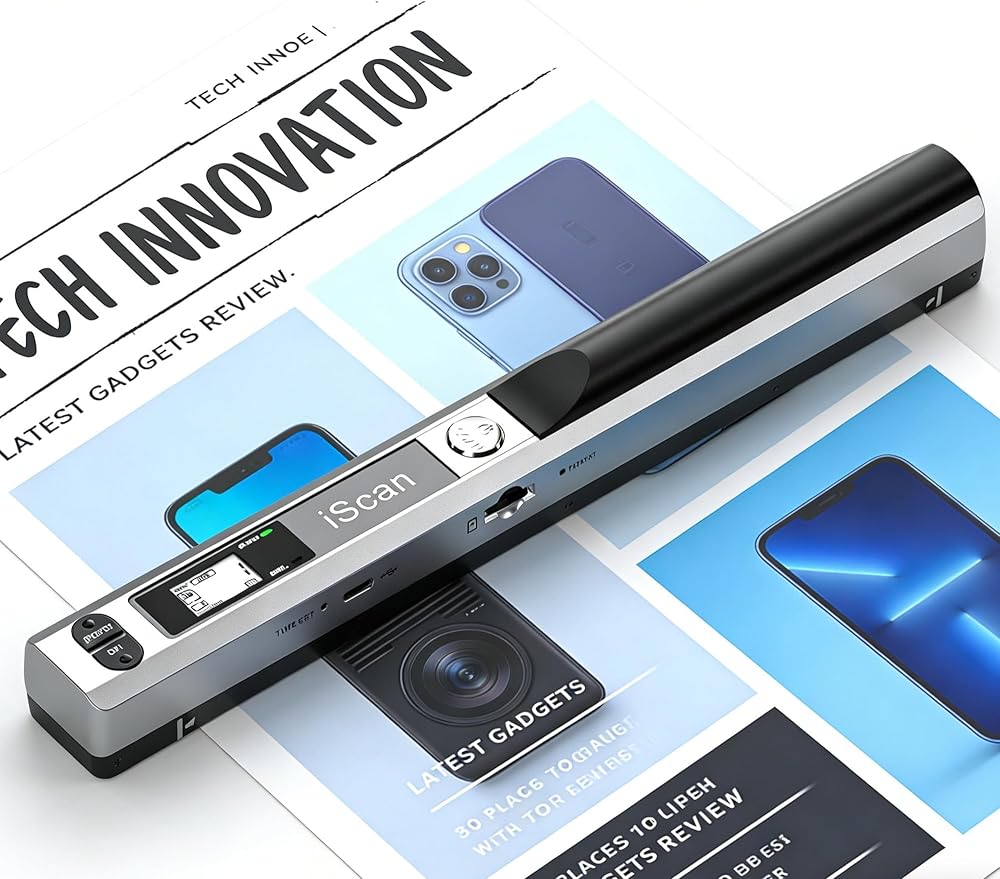
1* Document Scanner
1* 16GB Memory Card
1* Manual
1* Cleaning Cloth
1* Storage Bag
Specification
- Image Sensor: A4 Color CMOS Sensor
- White Balance: Automatic
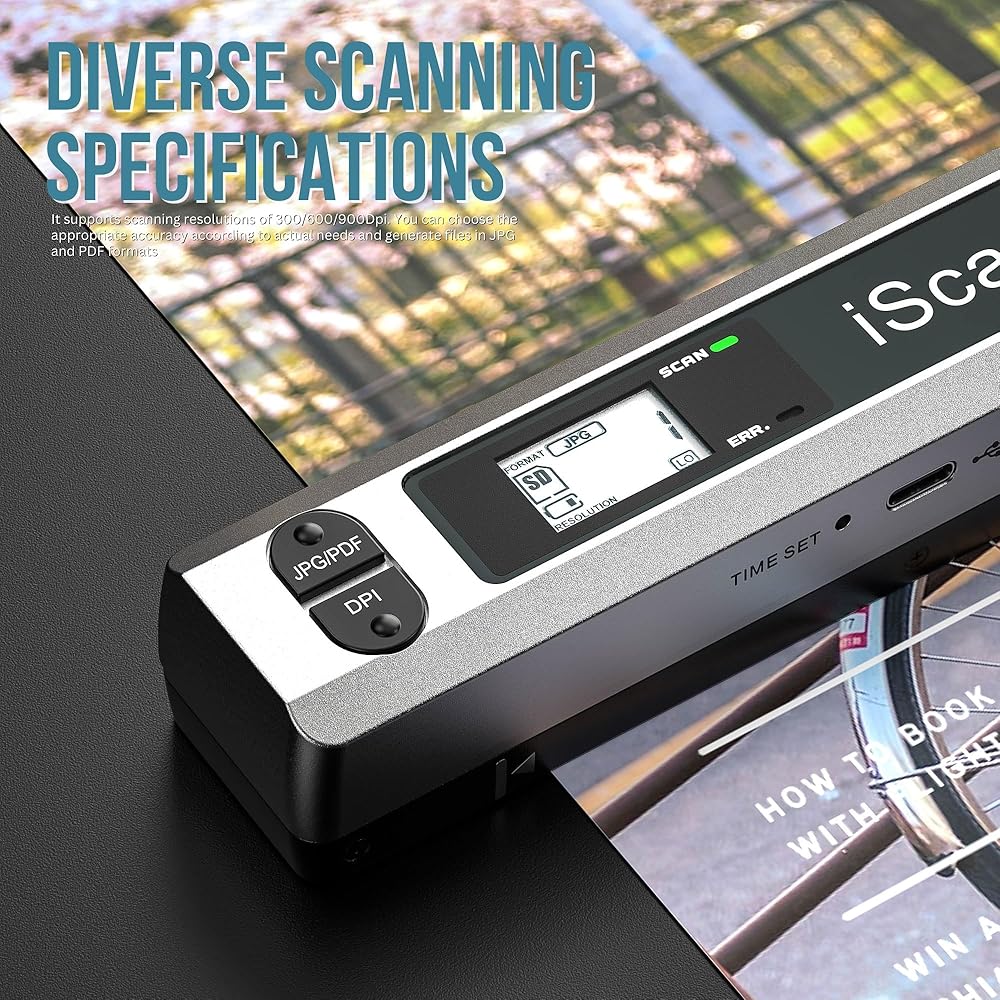
- Scan Resolution: 300DPI, 600DPI, 900DPI
- Storage Format: JPEG/PDF Selectable
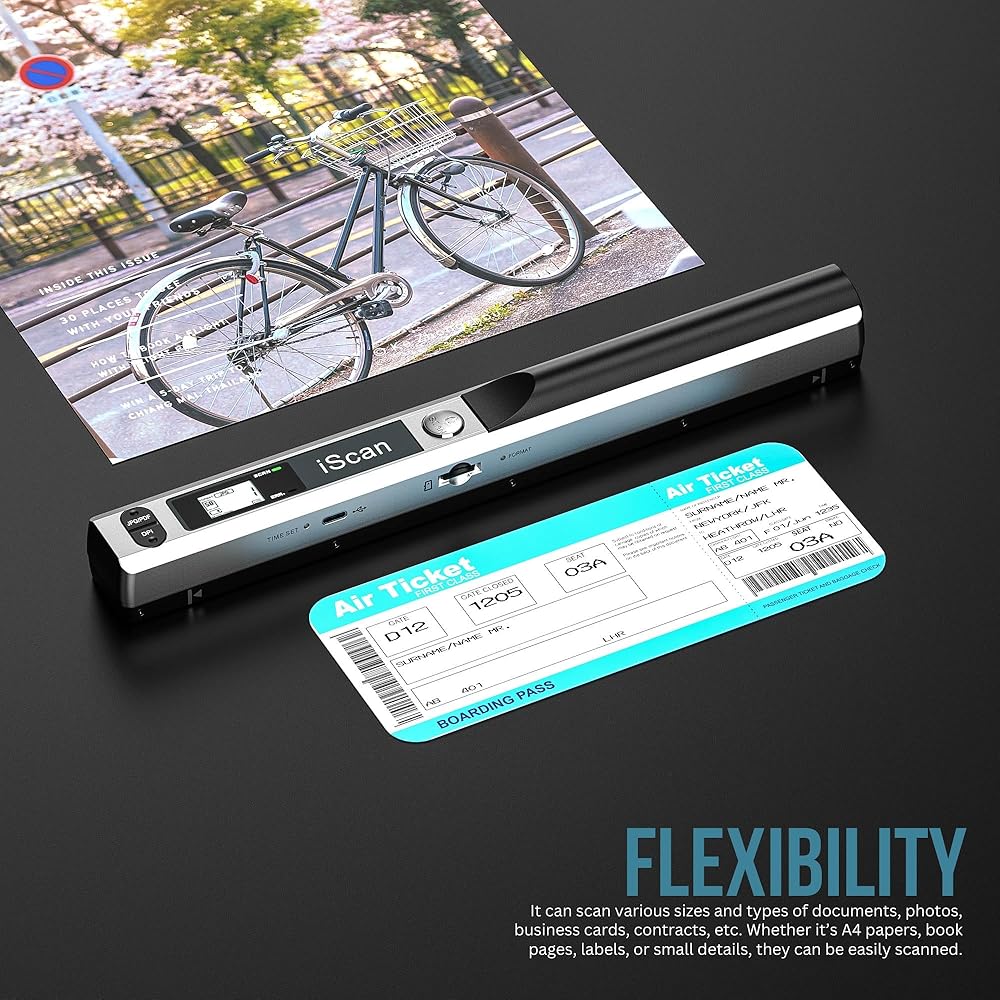
- Scan Width: A4 (216mm)
- Scan Speed:
Color 900DPI: 10 seconds/page
Color 600DPI: 8 seconds/page
Color 300DPI: 3 seconds/page
- Storage Capacity:
900DPI: Approx. 300 pages
600DPI: Approx. 400 pages
300DPI: Approx. 1,500 pages
(Using 2GB memory card)
- Storage Method: MicroSD/TF Card (No built-in memory; external card required)
- Expandable Memory: MicroSD/TF (1GB–32GB)
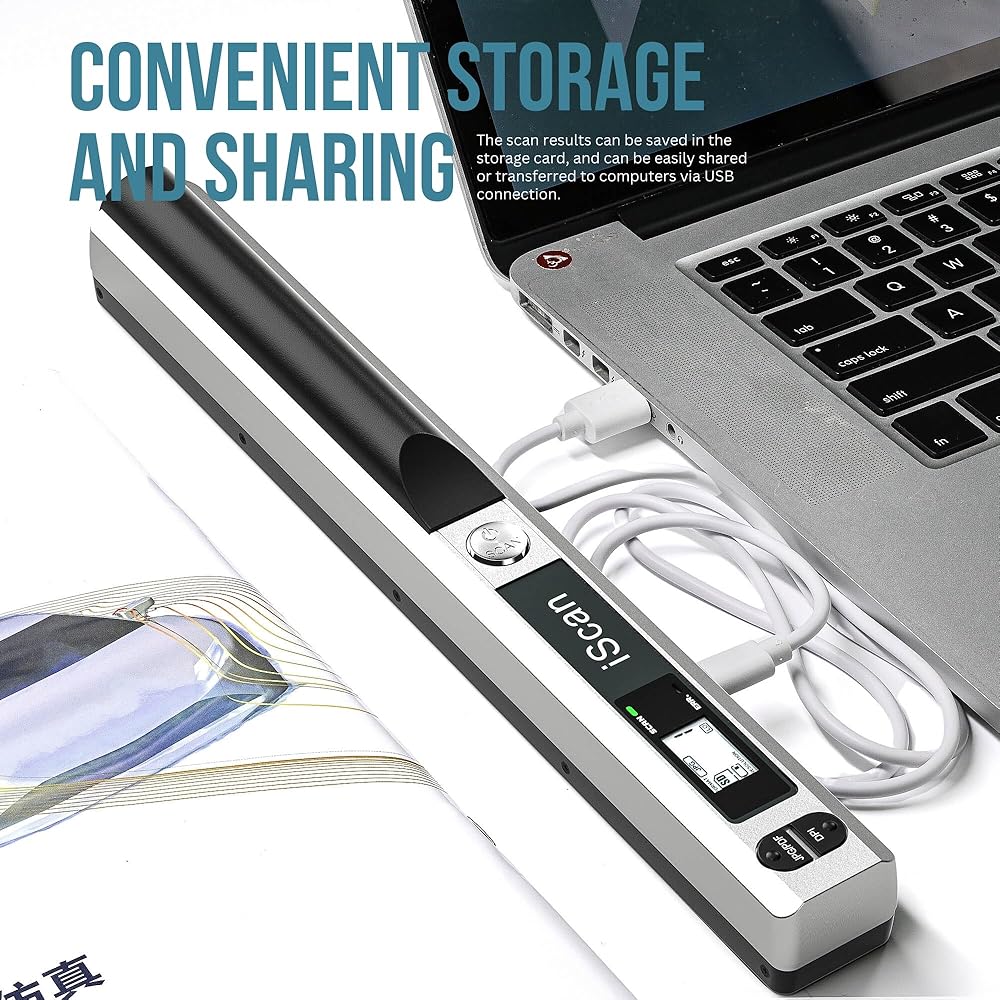
- Transfer Interface: USB 2.0
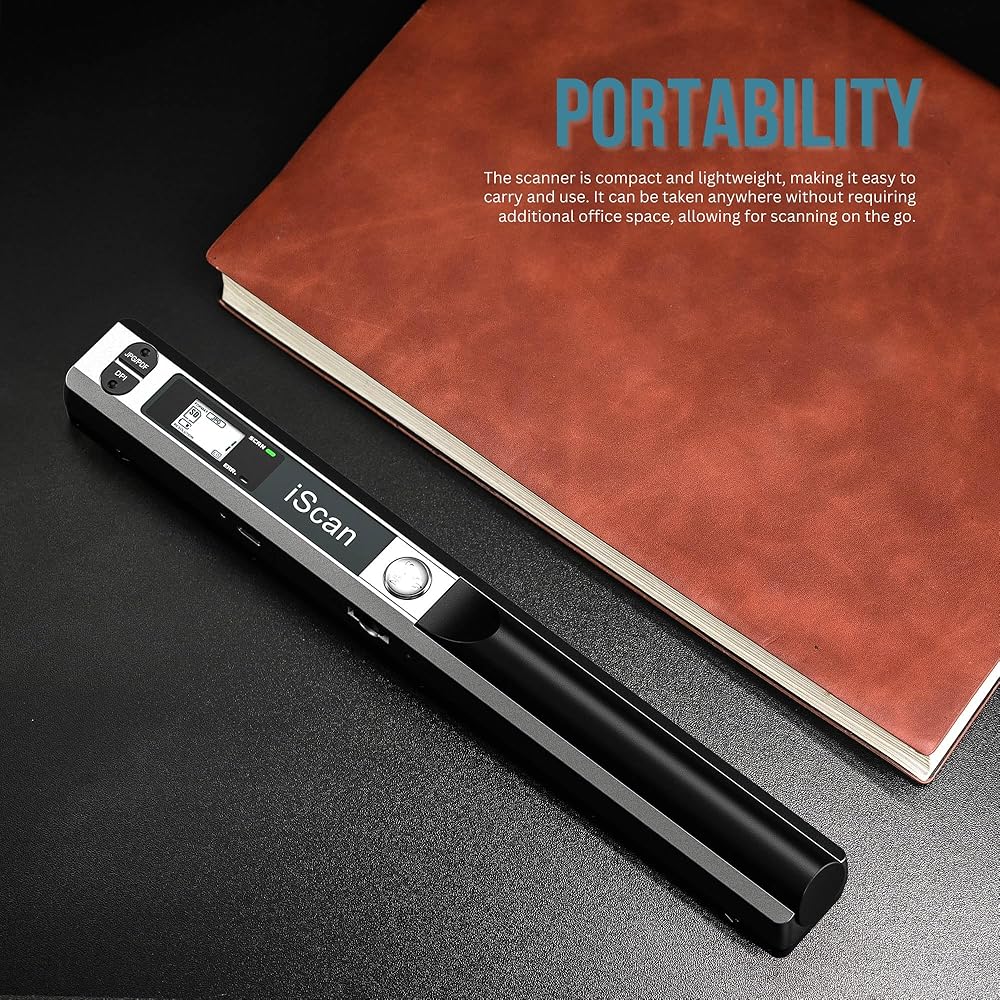
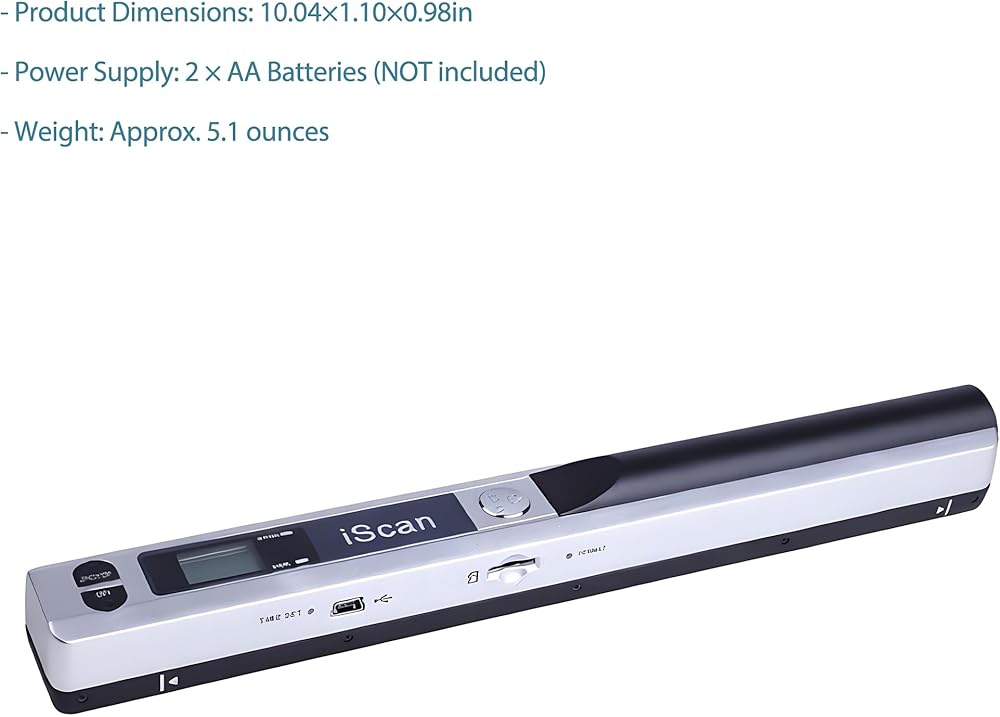
- Product Dimensions: 255×28×25mm/10.04×1.10×0.98in
- Power Supply: 2 × AA Batteries (NOT included)
- Weight: Approx. 145g/5.1 ounces
- Color: Standard Silver-Black
- Operation Mode: Standalone scanning (no PC required)
- Auto Power Off: Automatic shutoff after 3 minutes of inactivity
- Compatible Software: Windows Imaging, Adobe Photoshop, and other image processing / OCR software
- System Requirements: Windows 2000/ME/XP, Mac OS X, 128MB RAM, 1000MB HDD
- Output Formats: Selectable PDF and JPG output formats
*Note: Actual image storage quantity depends on color complexity—more complex images result in larger compressed file sizes.
Maintain clarity by wiping the lens with a soft, dry cloth as needed.
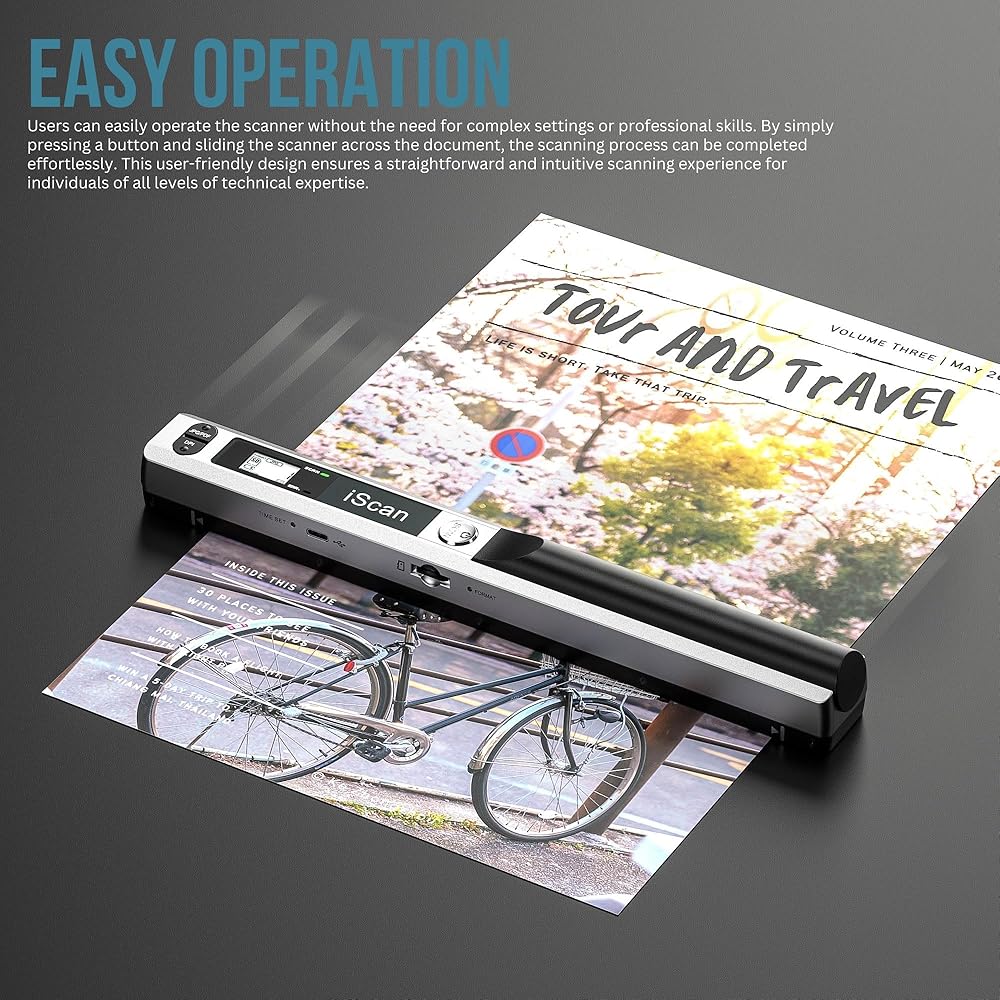
How to Scan
-1. Position scanner flat on document (avoid curved surfaces or book gaps)
-2. Press and hold "iScan" until green light flashes
-3. Move slowly and steadily (secure document top to prevent shifting)
-4. Press "iScan" again to finish
Tips:
- Move to new area within 3 seconds, or scan auto-completes
- Green "scan" light = ready; red "error" light = issue detected
Improving Scan Quality
- Clean the scan head with the included cloth
- Perform White Balance Calibration (see manual for details)
- Adjust resolution from 300dpi to 900dpi
To fix white lines on scans:
- Clean the scanner and run White Balance Calibration
- Restart and reset resolution settings
White Balance Calibration
*Note: Remove SD card before starting*
-1. Place scanner on white paper; press "Scan" to power on
-2. Hold "Scan" + "JPEG/PDF" buttons together for 2 seconds
-3. Wait for red light to turn off (keep still)
-4. Once red light is off, slide scanner smoothly until green light turns off
-5. Press "Scan" to power off — calibration complete
 شاحن لـ Zebra MC9300 MC9400 MC93 MC930B MC930P SCANNER ، مهد واحد USB شحن مع شاحن بطارية احتياطي ، CRD-MC93-2SUCHG-01 ، محول الطاقة
KWD 41
شاحن لـ Zebra MC9300 MC9400 MC93 MC930B MC930P SCANNER ، مهد واحد USB شحن مع شاحن بطارية احتياطي ، CRD-MC93-2SUCHG-01 ، محول الطاقة
KWD 41
 Screen Protector for Zebra TC73 TC78 Scanner, 9H Tempered Glass, Clear (6)
KWD 5
Screen Protector for Zebra TC73 TC78 Scanner, 9H Tempered Glass, Clear (6)
KWD 5
 Trigger Handle for Zebra Tcanners TC51 و TC52 و TC56 و TC57 - أي لون تحتاجه! (أبيض)
KWD 10.500
Trigger Handle for Zebra Tcanners TC51 و TC52 و TC56 و TC57 - أي لون تحتاجه! (أبيض)
KWD 10.500
 ADF Hinge Fl3-1430-000 لـ Canon D1120 D1150 D1170 D1180 D1320 D1350 D1370 C1225 1133 1435 MF419 C250 C350 5980 6680
KWD 6.500
ADF Hinge Fl3-1430-000 لـ Canon D1120 D1150 D1170 D1180 D1320 D1350 D1370 C1225 1133 1435 MF419 C250 C350 5980 6680
KWD 6.500