- التسوق ، اصبح سهلا.
- /
- احصل على التطبيق!
Note:
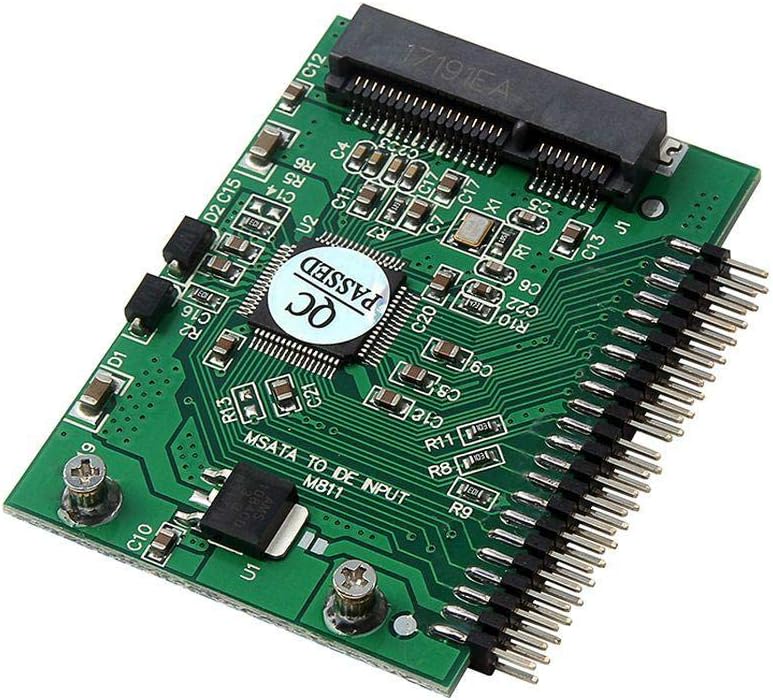
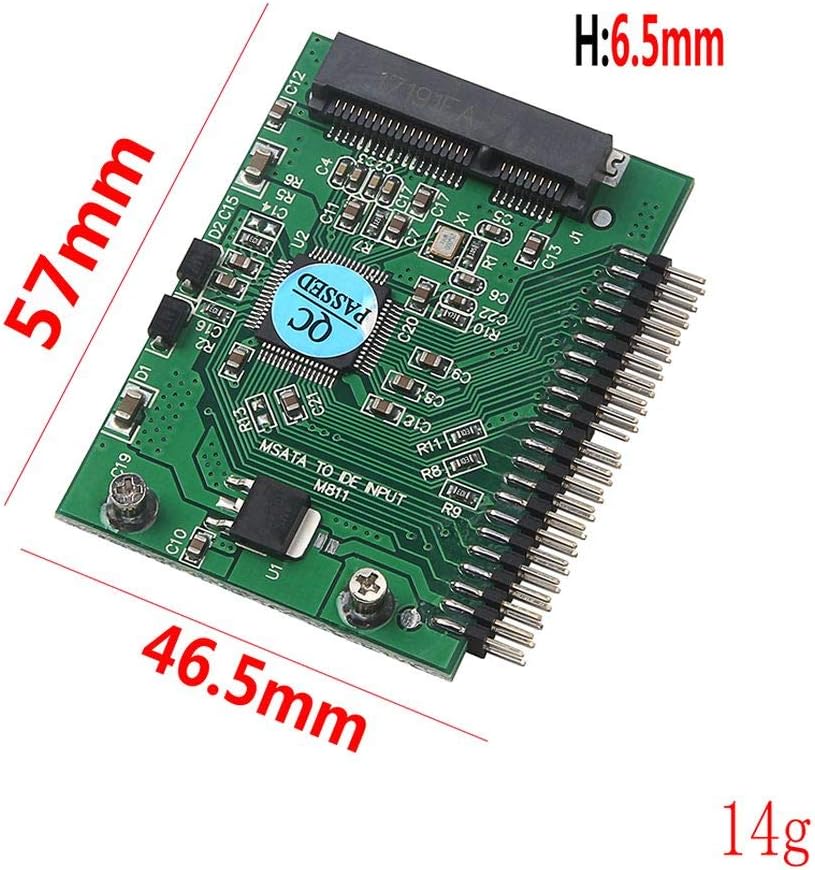
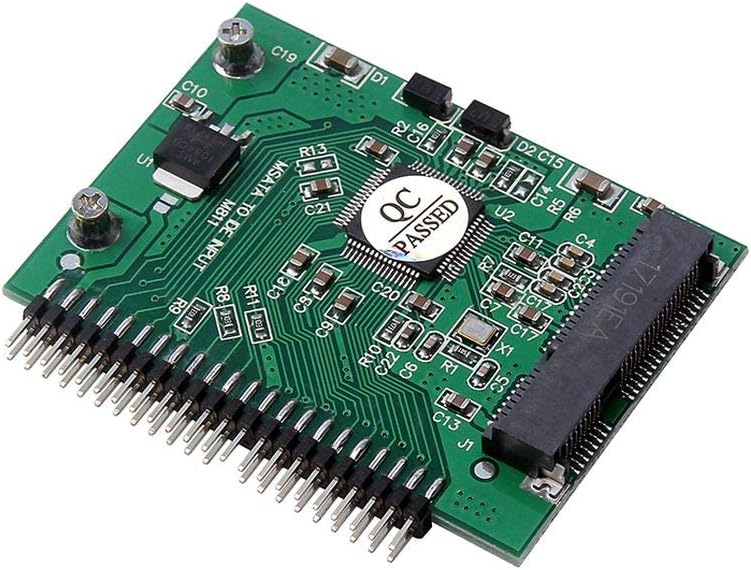
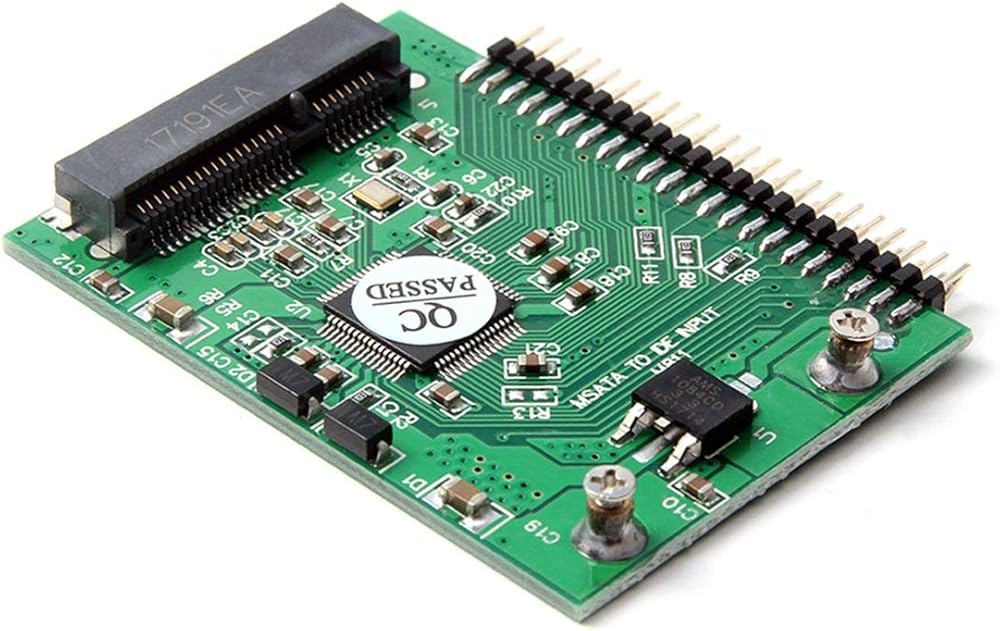
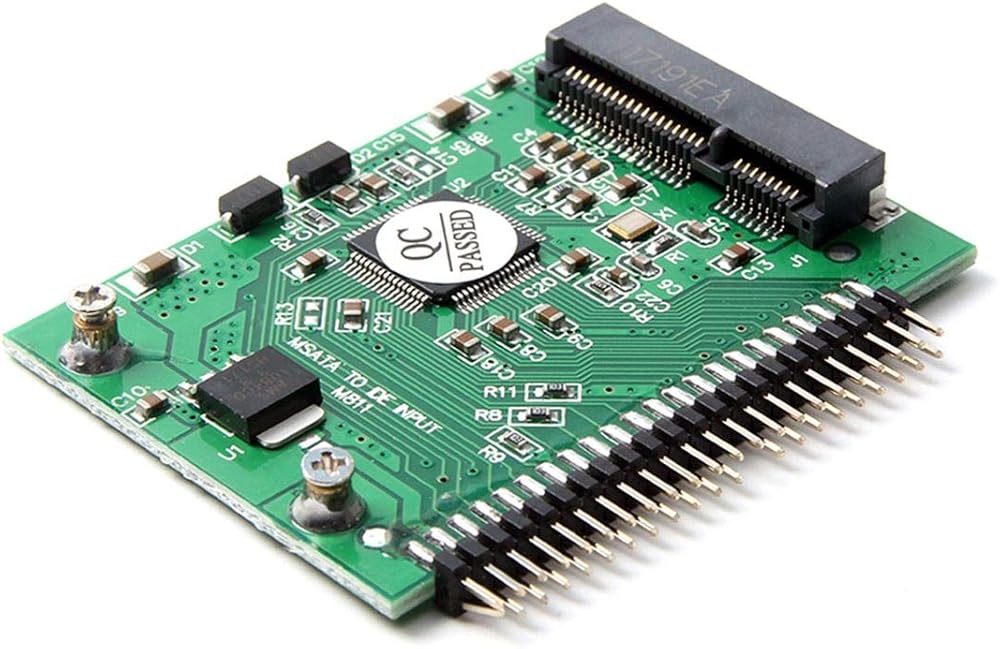
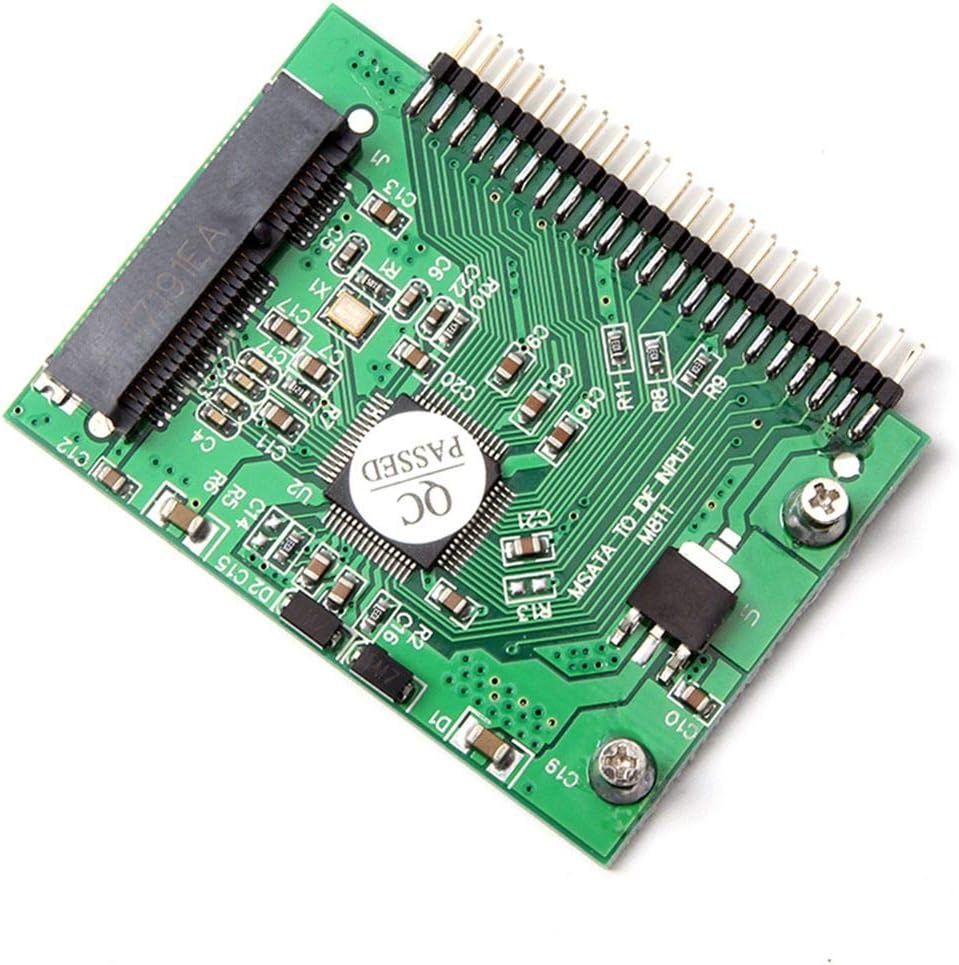
1.Pay attention to the direction of insertion,the side where the solid-state hard drive is installed is equal to the side where your original mechanical hard drive has a label. Do not insert it recerve!
2.Please pay attention to the power consumption problem of the MSATA interface SSD when the adapter card is equipped with a solid state drive, because the IDE interface itself is the speed bottleneck, no matter how fast your original SSD speed is, the speed is the same after transfer out, so we suggest you choose the power SSDs that consume less than 1000 mA are compatible with the adapter card.
3.It is not recommended to do WIN7 system after the transfer, because most of the machines using this interface hard drive are very old and difficult to install. There may be many strange problems after installation.
Support Storage Device :
for Intel mSATA series SSD and compatible Storage Device
for Samsung PM800 series SSD and compatible Storage Device
for Toshiba mSATA SSD and compatible Storage Device
Compatible for: Intel , MEMORIGHT, SanSung, MyDigital SSD, Toshiba, Virtium,AMP INC.,Renice, Yuanyi, InnoDisk,Active, Transcend, PHISON SSD
OCZ,Pretec, ADATA,APRO, Runcore, Lite-On, Kingfast,Apacer, Kingspec,Sunword, Super Talent,Mach Xtreme, Kingston,BIWIN
 بطاقة محول تمديد JMT M.2 NVME M-Key B+M 2230 إلى 2242 SATA-Bus SSD متوافقة مع سلسلة ThinkPad X270 X280 T470 T480 L480 T580 (2230 إلى 2242)
KWD 4.500
بطاقة محول تمديد JMT M.2 NVME M-Key B+M 2230 إلى 2242 SATA-Bus SSD متوافقة مع سلسلة ThinkPad X270 X280 T470 T480 L480 T580 (2230 إلى 2242)
KWD 4.500
 JMT Dual TF Card Adapter Memory Board Dual System Switcher 2 in 1 TF Micro SD Card Adapter 3B+/3B/2B/B+ متوافق مع Raspberry PI (1Piece)
KWD 7
JMT Dual TF Card Adapter Memory Board Dual System Switcher 2 in 1 TF Micro SD Card Adapter 3B+/3B/2B/B+ متوافق مع Raspberry PI (1Piece)
KWD 7
 JMT PCI-E 4.0 x1 x4 إلى X16 تمديد كابل Gen4 16G/BPS 64G/BPS لبطاقة شبكة USB CARD SOLID STOL CARD SSD (25 سم ، K32SL)
KWD 0
JMT PCI-E 4.0 x1 x4 إلى X16 تمديد كابل Gen4 16G/BPS 64G/BPS لبطاقة شبكة USB CARD SOLID STOL CARD SSD (25 سم ، K32SL)
KWD 0
 بطاقة الذاكرة JMT SD إلى SATA 2.5 بوصة محول المنفذ التسلسلي 15PIN+7PIN SSD محول التخزين المدمج دعم 128GB للكمبيوتر الشخصي MCA277
KWD 6.500
بطاقة الذاكرة JMT SD إلى SATA 2.5 بوصة محول المنفذ التسلسلي 15PIN+7PIN SSD محول التخزين المدمج دعم 128GB للكمبيوتر الشخصي MCA277
KWD 6.500