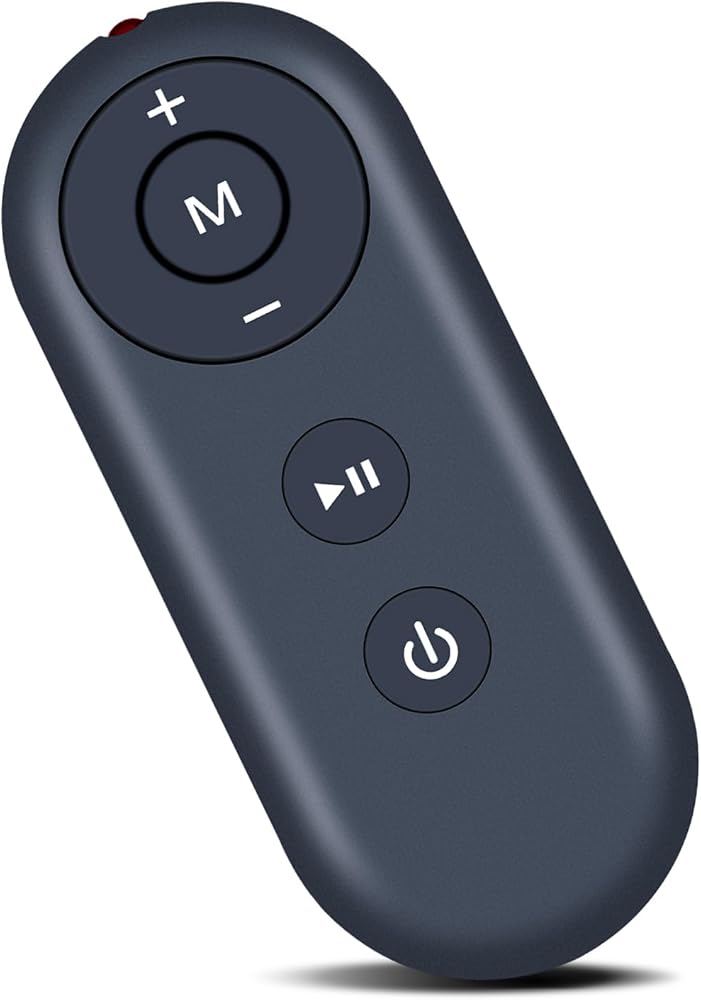
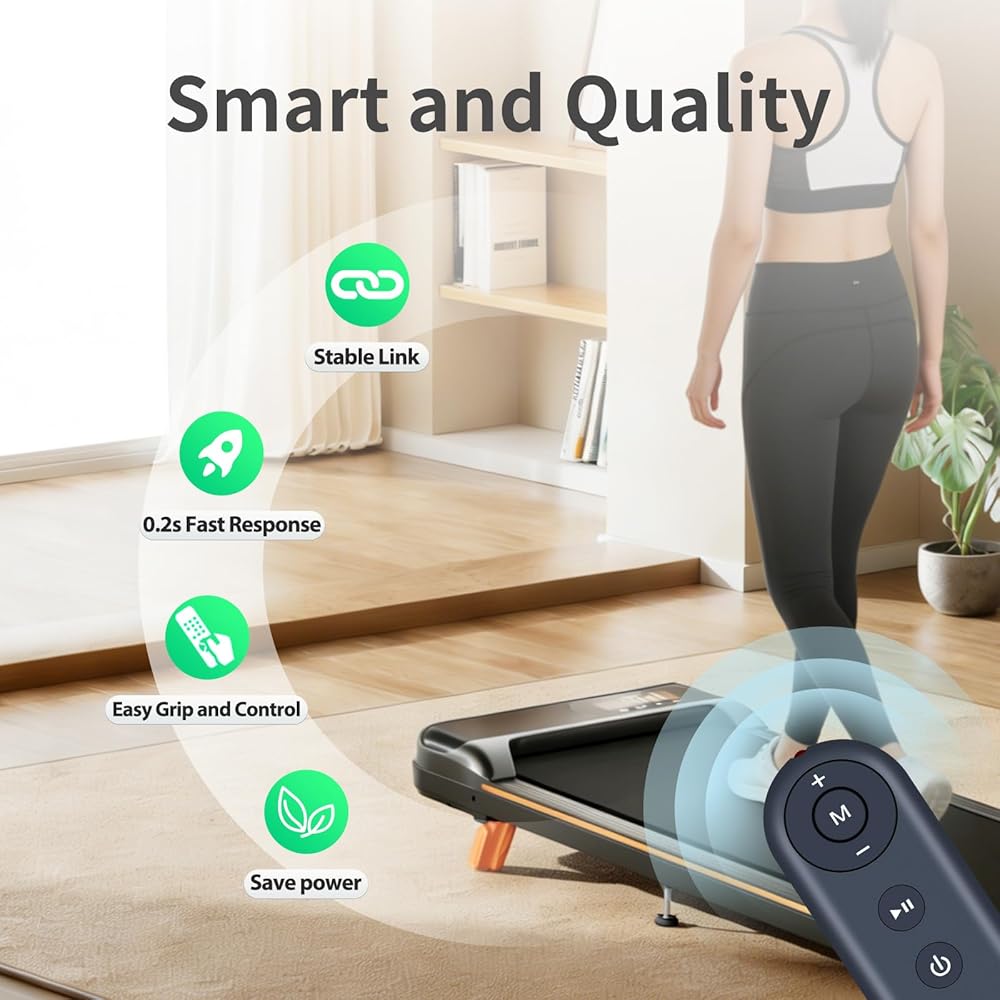
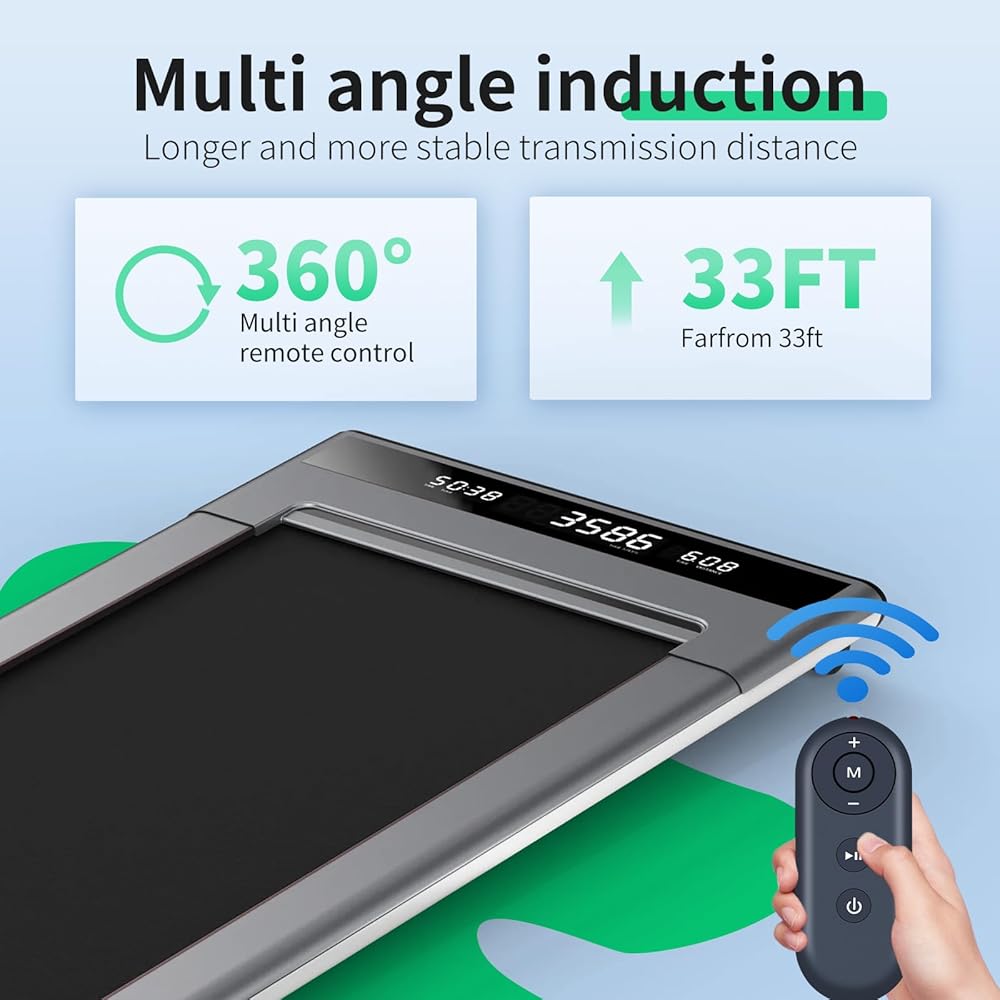
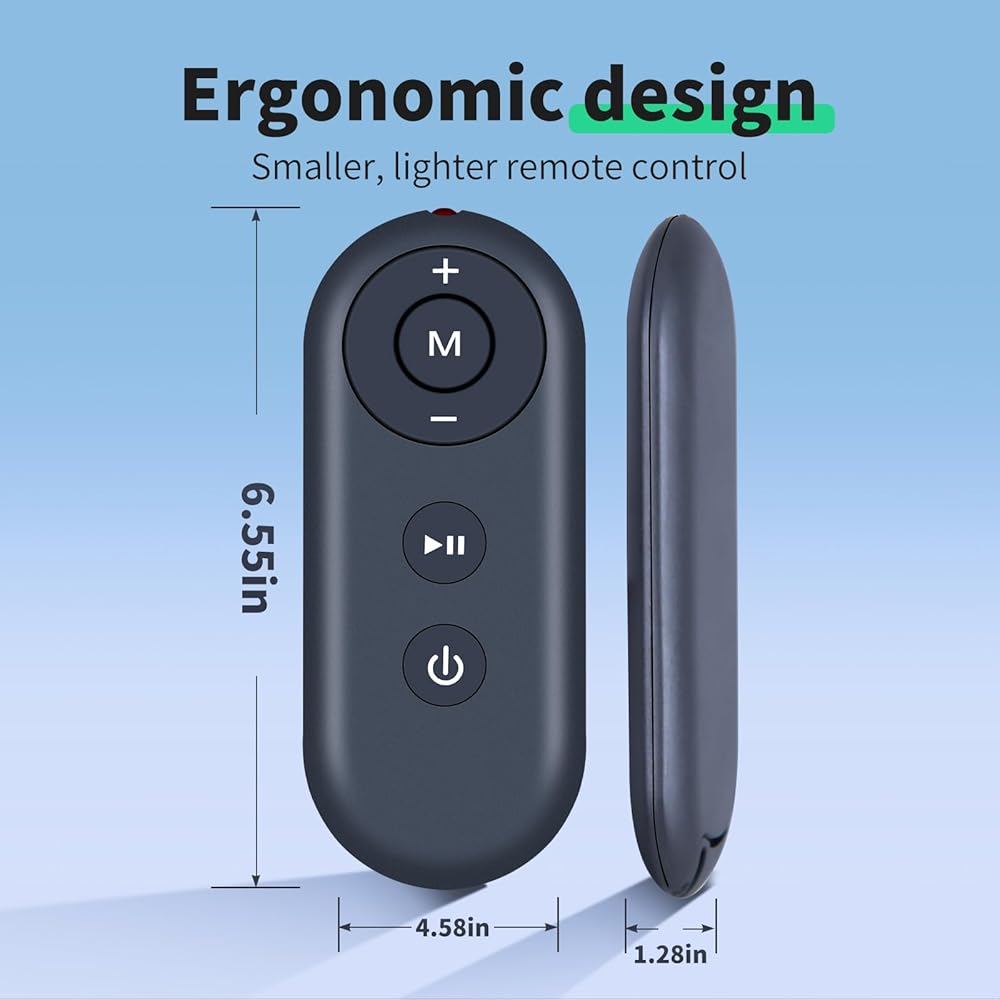
Compatible with AlRHOT ACTFLAME Walking Pad Treadmill
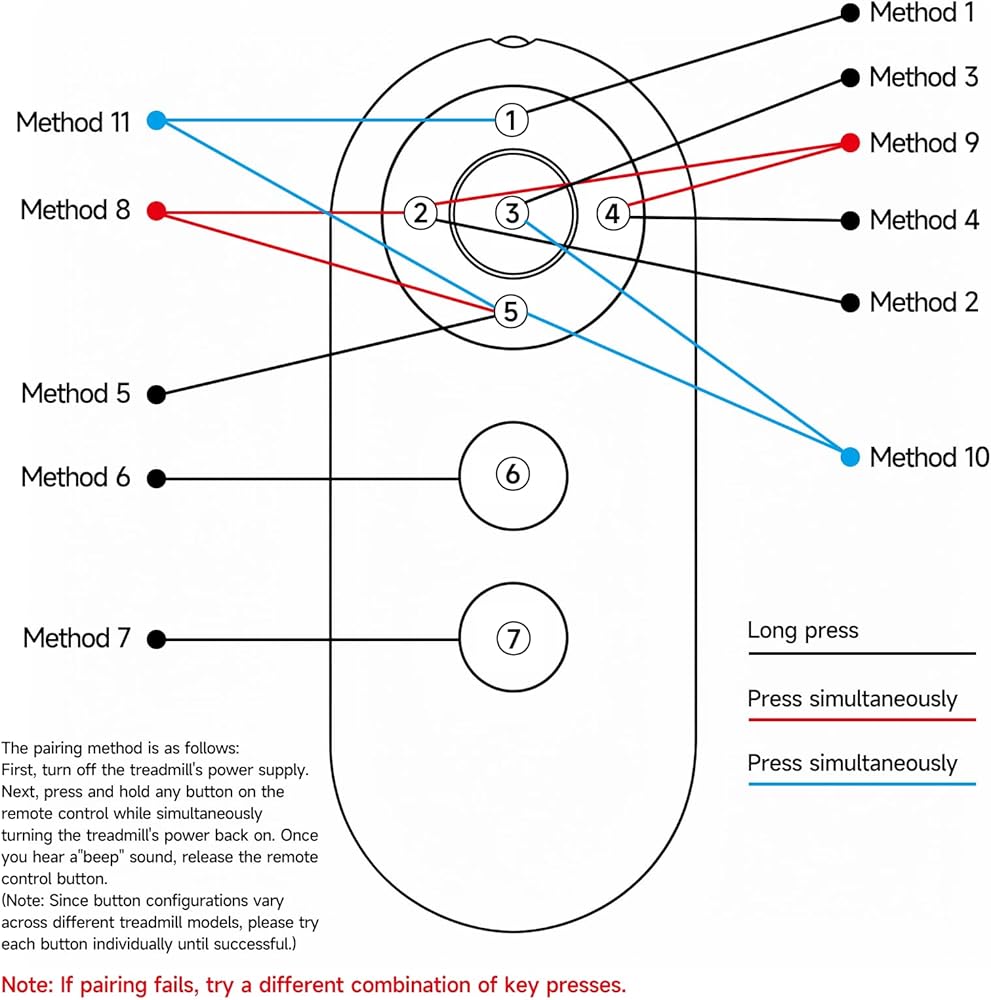
When there are 2 or more walking pads of our brand, or a new remote control to be set, you may need to rematch the remote control to the machine by following steps: 1. Hold the remote controller and alming it towards thee screen 2. Push the Power button and hold it. 3. Turn on the power switch of welking machine. 4. After 5 Seconds, the machine makes a quick beep sound and showes "0000".
5. Press Start button, then screen showes current controller code 6, Shut down the machine, then restart 7.Now the remote controller is rematched to the machine, you can control the machine with it now
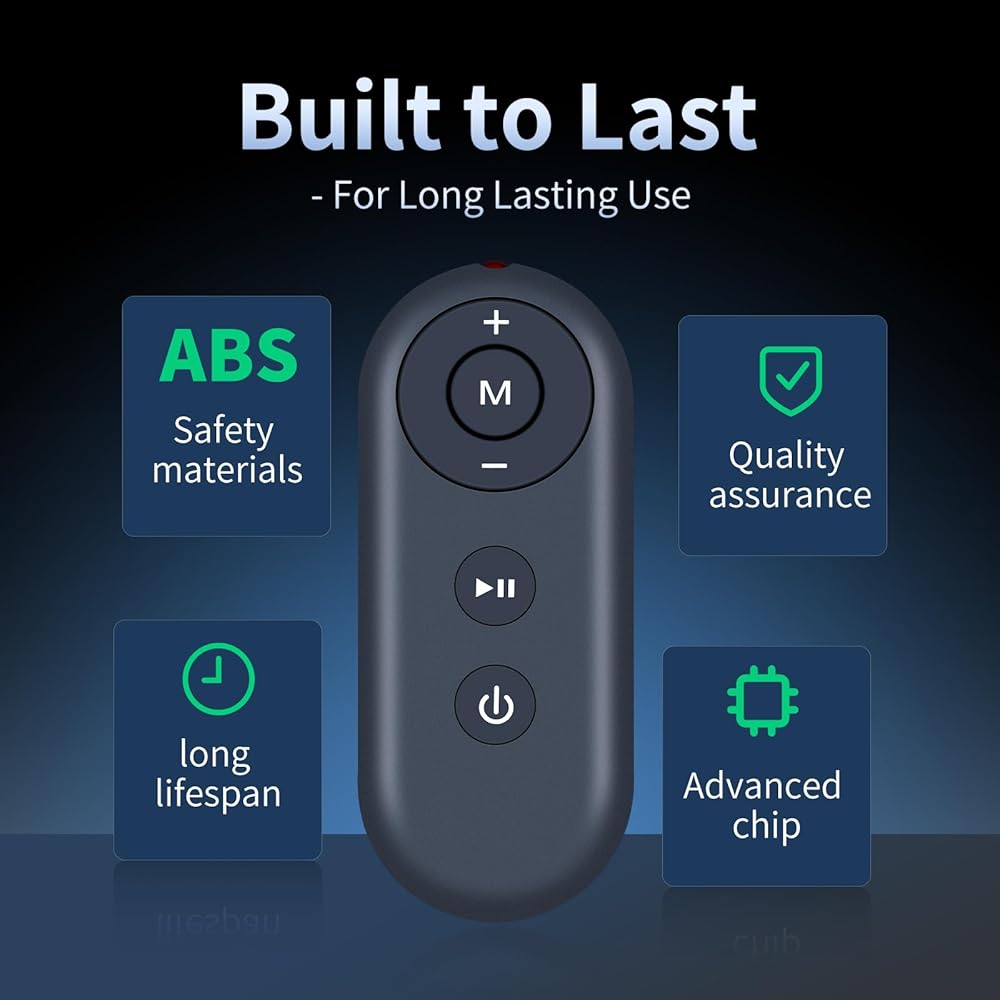
【High Quality】:Made of High Quality ABS material, which is resistant to falling and has no peculiar smell, Built to Last for Long Lasting Use, and also keeps you and your children away from harm.
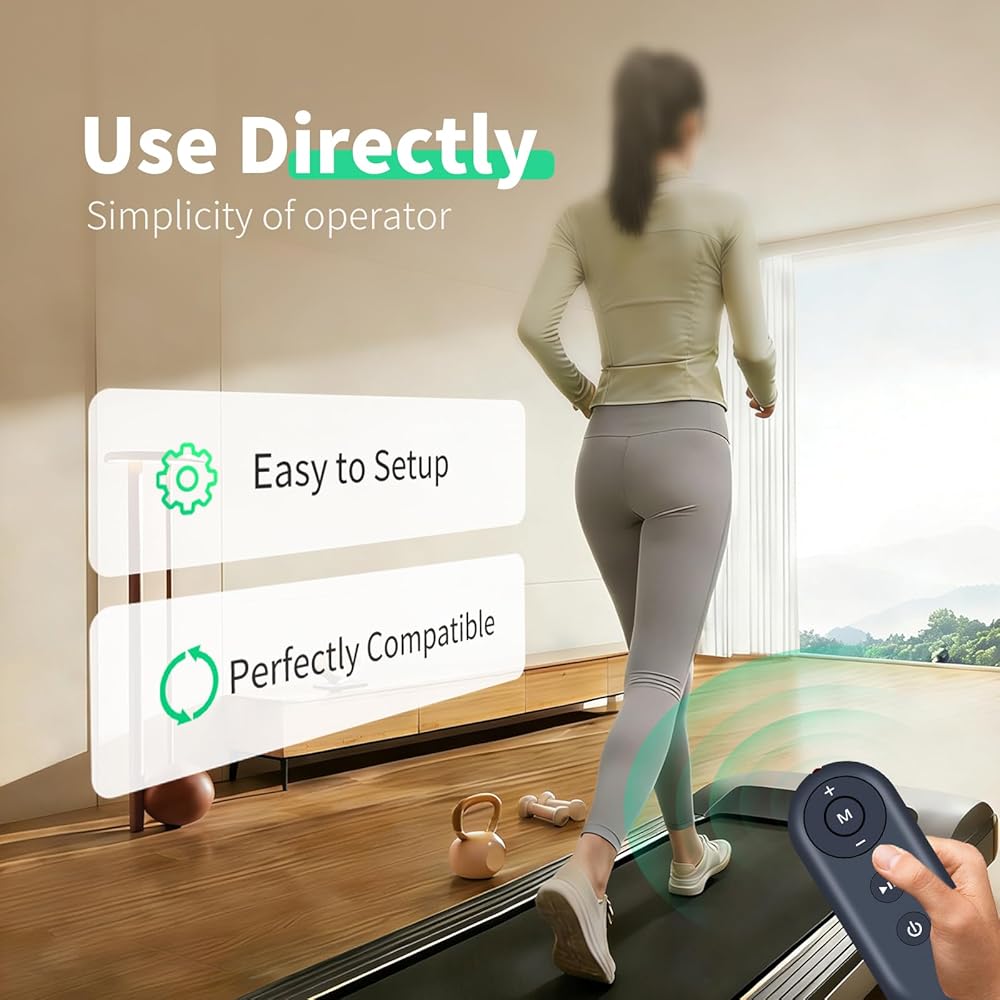
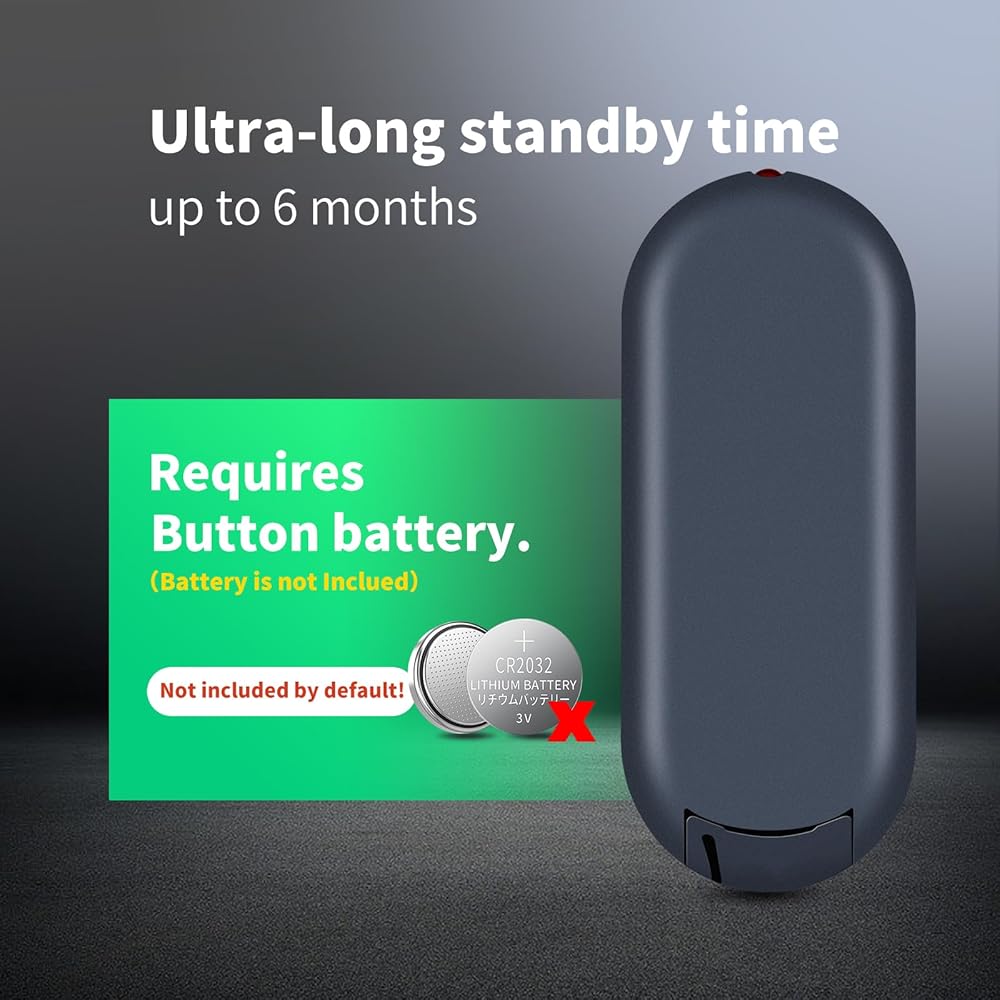
【Easy to use】:Easy to Pairing or setup, After inserting the battery(Not included), Simply follow the pairing steps until successful, and it will perfectly replace your original remote
【Premium After-sale】:We provide a 1 year warranty return service. If you have any questions about your order, please feel free to contact us directly and we will get back to you within 12 hours.
 H69A73 Replacement Voice Remote Control fit for AMZ TV Stick Lite 1st-Gen (2020) S3L46N
KWD 8
H69A73 Replacement Voice Remote Control fit for AMZ TV Stick Lite 1st-Gen (2020) S3L46N
KWD 8
 Replacement Remote Control Compatible for TODO Under Desk Treadmill TD-1CR,for DAEYEGIM Under Desk Treadmill - Model #TD-YB2
KWD 10.500
Replacement Remote Control Compatible for TODO Under Desk Treadmill TD-1CR,for DAEYEGIM Under Desk Treadmill - Model #TD-YB2
KWD 10.500
 Pendant Hand Remote Control Replacement for Drive Medical Delta Ultra-Light 1000 Semi-Electric Hospital Beds (15033 & 15235) 15030HC-G, 6-Button 5-Pin
KWD 17
Pendant Hand Remote Control Replacement for Drive Medical Delta Ultra-Light 1000 Semi-Electric Hospital Beds (15033 & 15235) 15030HC-G, 6-Button 5-Pin
KWD 17
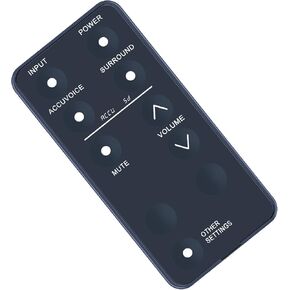 Replacement Remote Control for ZVOX AccuVoice SB380 SB500 SB700 Soundbar TV Speaker
KWD 6
Replacement Remote Control for ZVOX AccuVoice SB380 SB500 SB700 Soundbar TV Speaker
KWD 6