- التسوق ، اصبح سهلا.
- /
- احصل على التطبيق!
Specification:
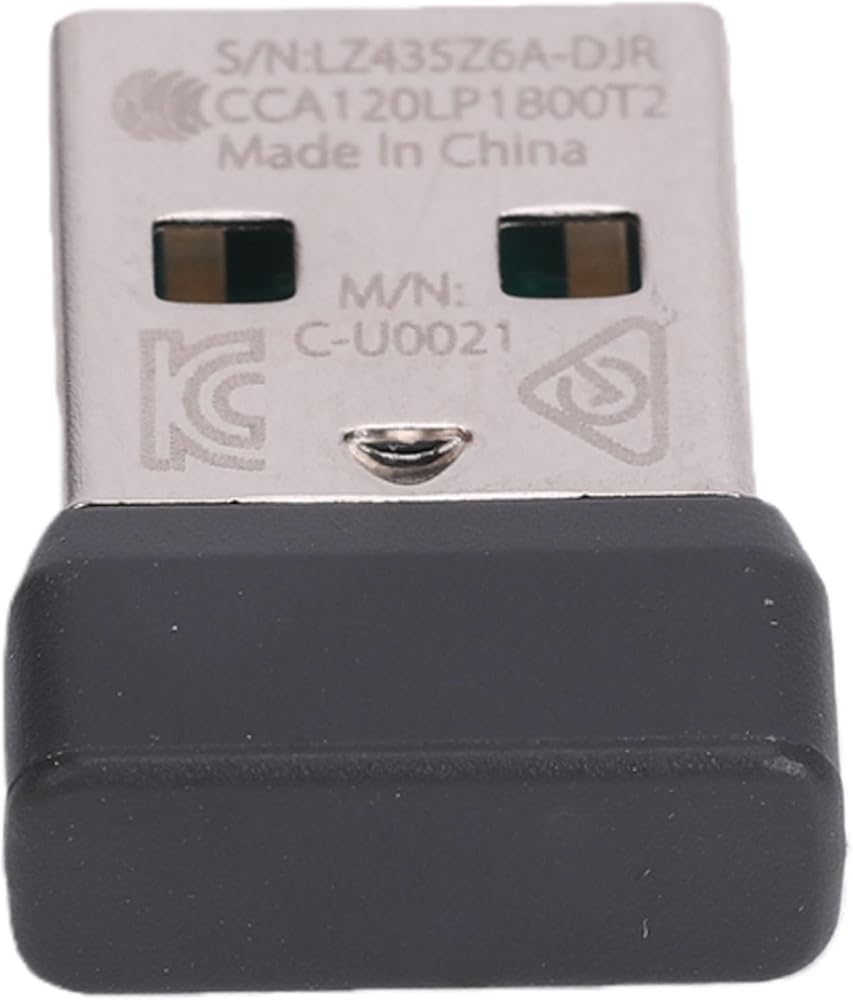
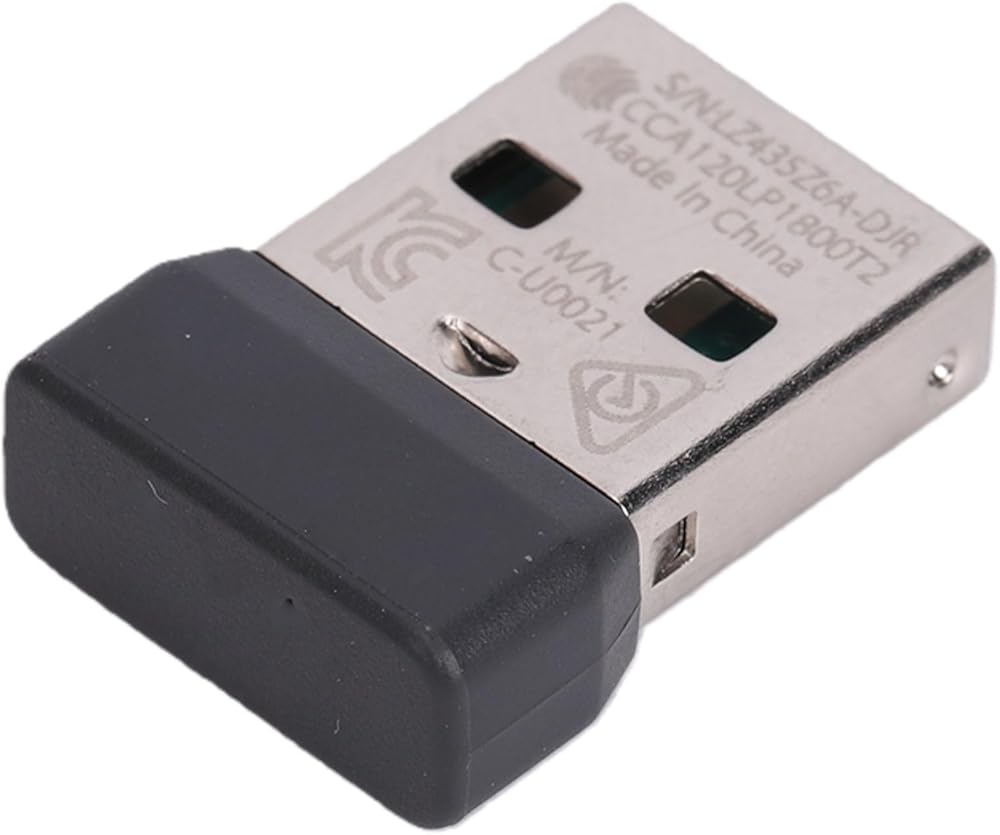
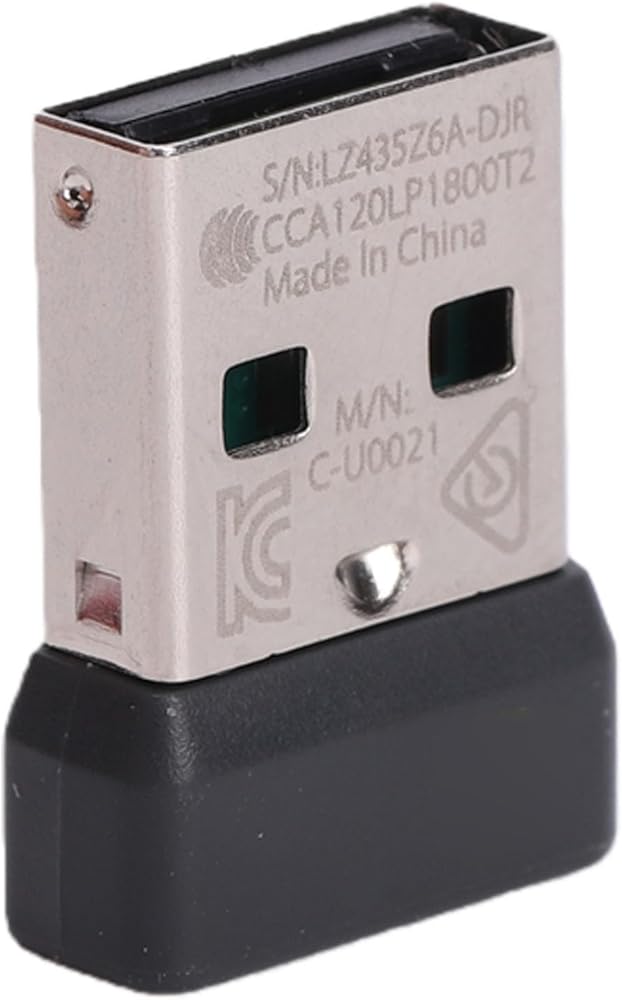
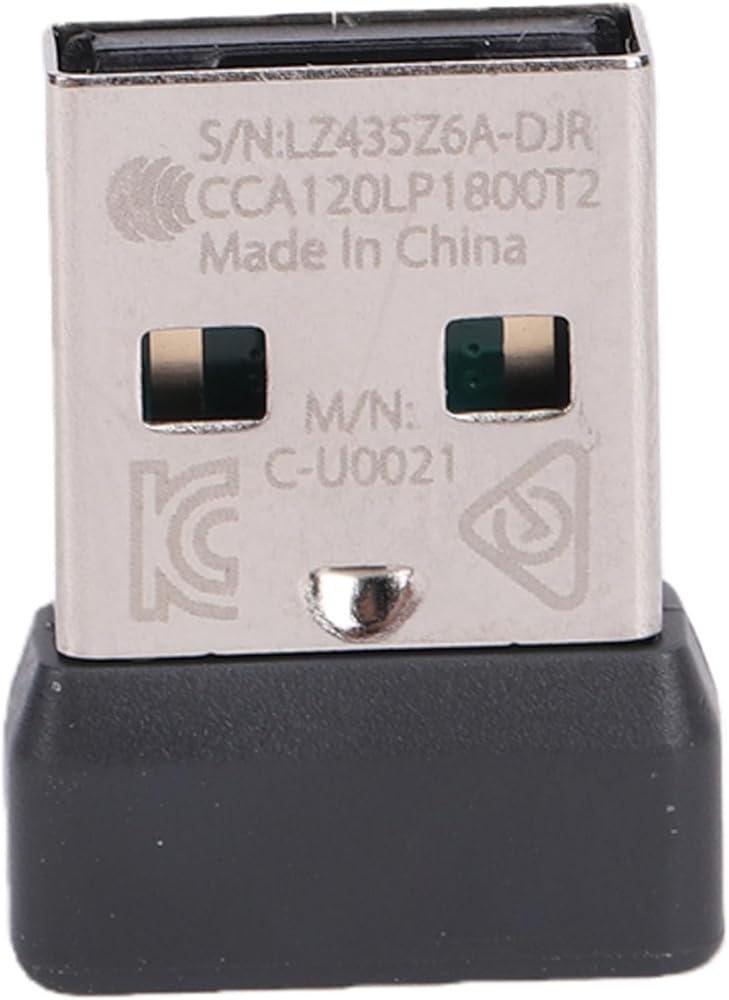
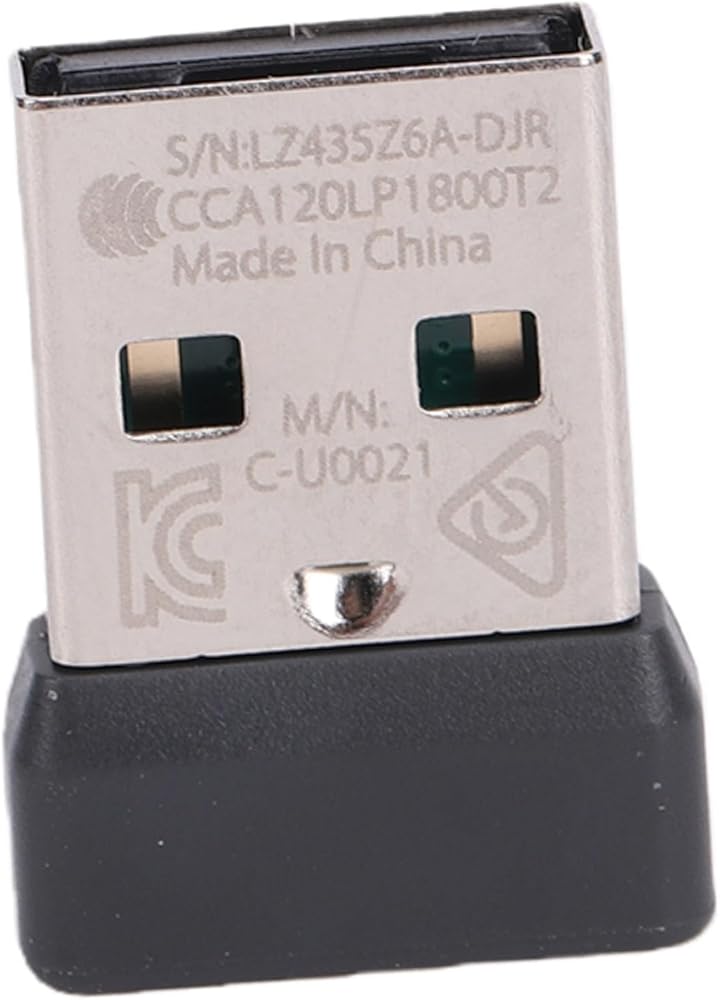
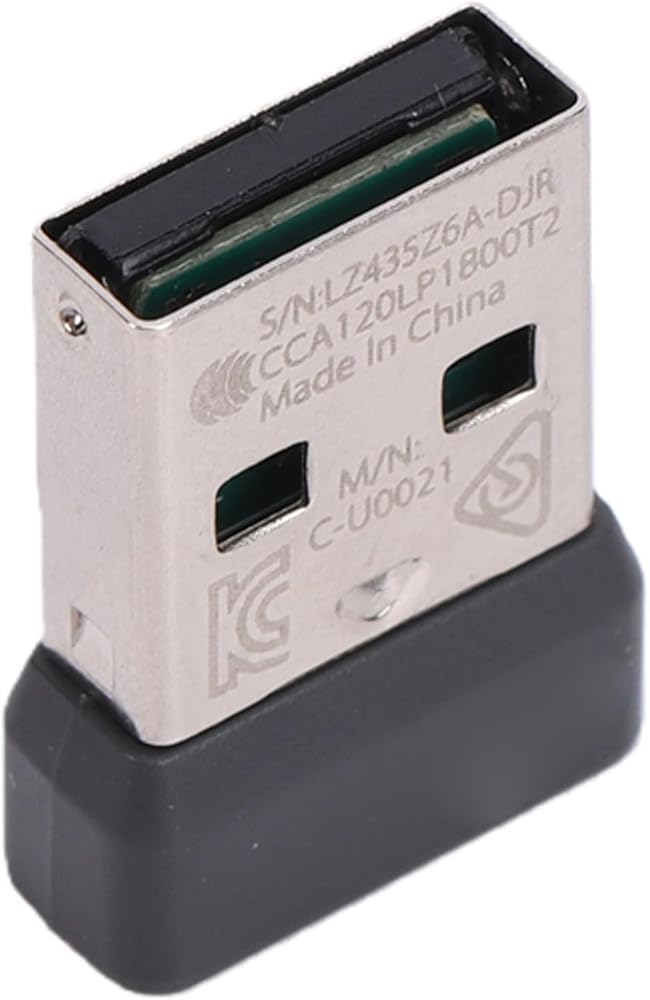
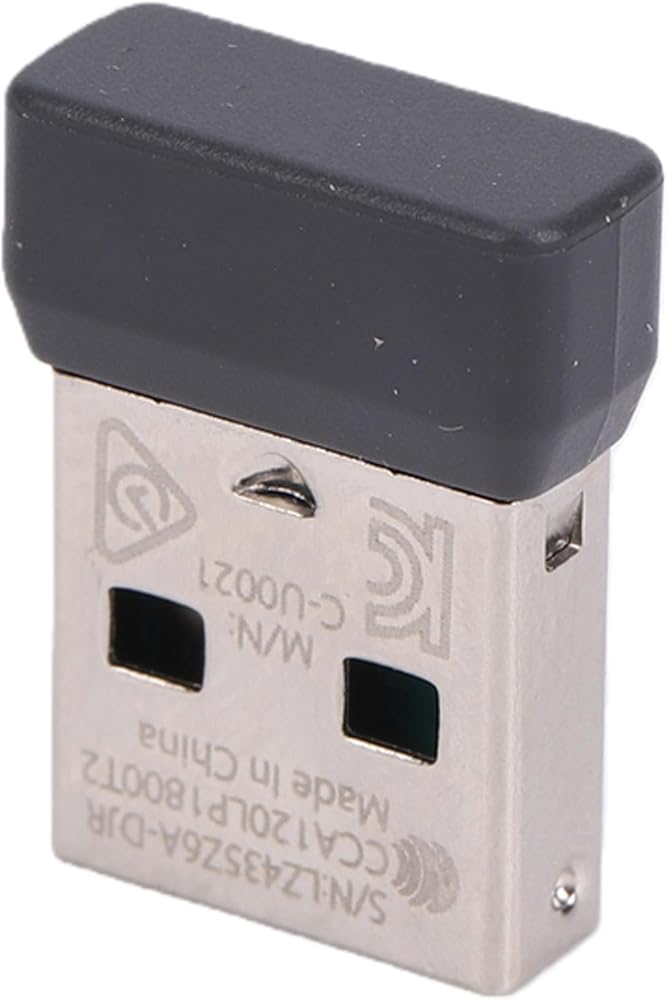
Item Type: USB Receiver
Material: ABS
Application:
Fit for Mx Keys K860 POP Keys Keyboard
Fit for POP Mouse
Fit for MX MX Anywhere3 New LIFT VERTICAL M650
How to Use:
1. Download support for + from official website. Plug in the receiver after downloading. Click on your receiver model and follow the instructions.
2. Pairing Method: Open the pairing software, click , turn off and then turn on the mouse!
3. Keyboard Pairing Method: Open the pairing software, click , turn off and then turn on the keyboard! (If the keyboard doesn't have a switch, remove and reinstall the battery as a switch.) It's very simple, only need to do it once, and enjoy for a !
Package List:
1 x Adapter
Note:
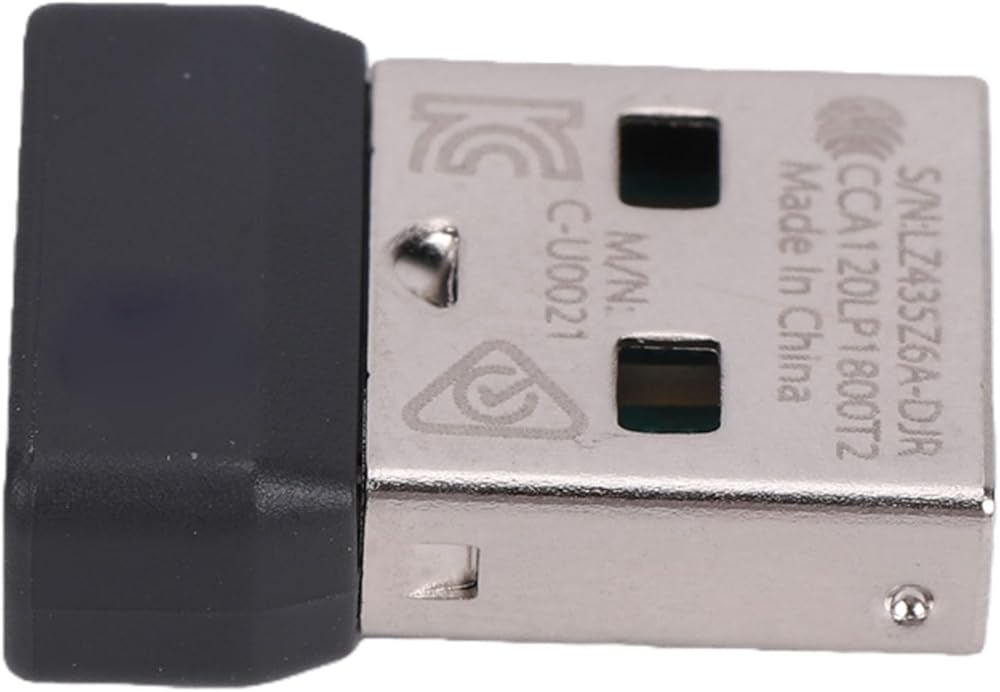
Not all wireless devices are support for Screw/Fastener receiver. You need to check if the device support for Screw/Fastener link functionality, which is usually indicated by the presence of the on the device. It can be used as a spare part or for connecting multiple devices. The USB receiver offers robust and secure wireless connectivity. When connecting two computers simultaneously, the support for Flow feature can be used, and support for Screw/Fastener technology can easily transfer files between screens. It is normal for the s/n and m/n codes to vary due to batch differences.
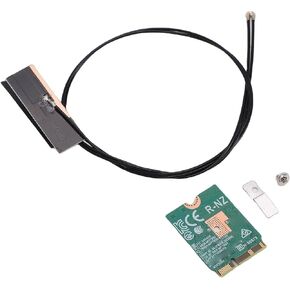 محول PUSOKEI WiFi 6E، شريحة MT7920 ثنائي النطاق 2.4 جيجا هرتز 5 جيجا هرتز 1800 ميجا بت في الثانية NGFF M.2 بطاقة شبكة الكمبيوتر المحمول مع BT5. دعم MU MIMO، لواجهة Win 10 11 لأجهزة الكمبيوتر المحمولة M2 2230 A E
KWD 7
محول PUSOKEI WiFi 6E، شريحة MT7920 ثنائي النطاق 2.4 جيجا هرتز 5 جيجا هرتز 1800 ميجا بت في الثانية NGFF M.2 بطاقة شبكة الكمبيوتر المحمول مع BT5. دعم MU MIMO، لواجهة Win 10 11 لأجهزة الكمبيوتر المحمولة M2 2230 A E
KWD 7
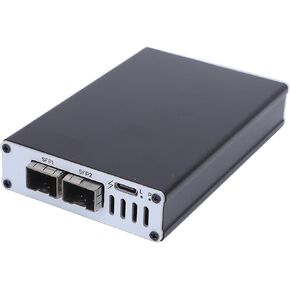 بطاقة شبكة Thunderbolt 3/4 USB4 10G، بطاقة شبكة بمنفذ ألياف SFP بسرعة 10 جيجابت في الثانية، التوصيل والتشغيل لجهاز Mac/لـ Win/Ubuntu، سبائك الألومنيوم لا تتطلب طاقة خارجية (منفذ واحد) (منفذ مزدوج)
KWD 121.500
بطاقة شبكة Thunderbolt 3/4 USB4 10G، بطاقة شبكة بمنفذ ألياف SFP بسرعة 10 جيجابت في الثانية، التوصيل والتشغيل لجهاز Mac/لـ Win/Ubuntu، سبائك الألومنيوم لا تتطلب طاقة خارجية (منفذ واحد) (منفذ مزدوج)
KWD 121.500
 محول وحدة التحكم PUSOKEI، محول وحدة التحكم بالتوصيل والتشغيل، مؤشر LED، برنامج ثابت قابل للتحديث، احترافي مستقر منخفض الكمون لوحدة التحكم في الألعاب (أبيض شفاف)
KWD 11
محول وحدة التحكم PUSOKEI، محول وحدة التحكم بالتوصيل والتشغيل، مؤشر LED، برنامج ثابت قابل للتحديث، احترافي مستقر منخفض الكمون لوحدة التحكم في الألعاب (أبيض شفاف)
KWD 11
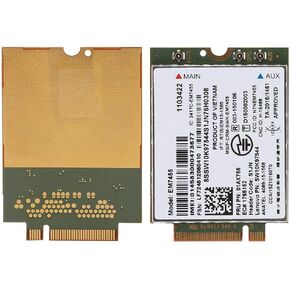 وحدة بطاقة الشبكة PUSOKEI EM7455 4G لـ ThinkPad ، محول بطاقة الشبكة 4G LTE NGFF/M2 لـ ThinkPad T460 T460p T460s UMTS/HSDPA/HSPA+
KWD 11
وحدة بطاقة الشبكة PUSOKEI EM7455 4G لـ ThinkPad ، محول بطاقة الشبكة 4G LTE NGFF/M2 لـ ThinkPad T460 T460p T460s UMTS/HSDPA/HSPA+
KWD 11