- التسوق ، اصبح سهلا.
- /
- احصل على التطبيق!
Connection way:
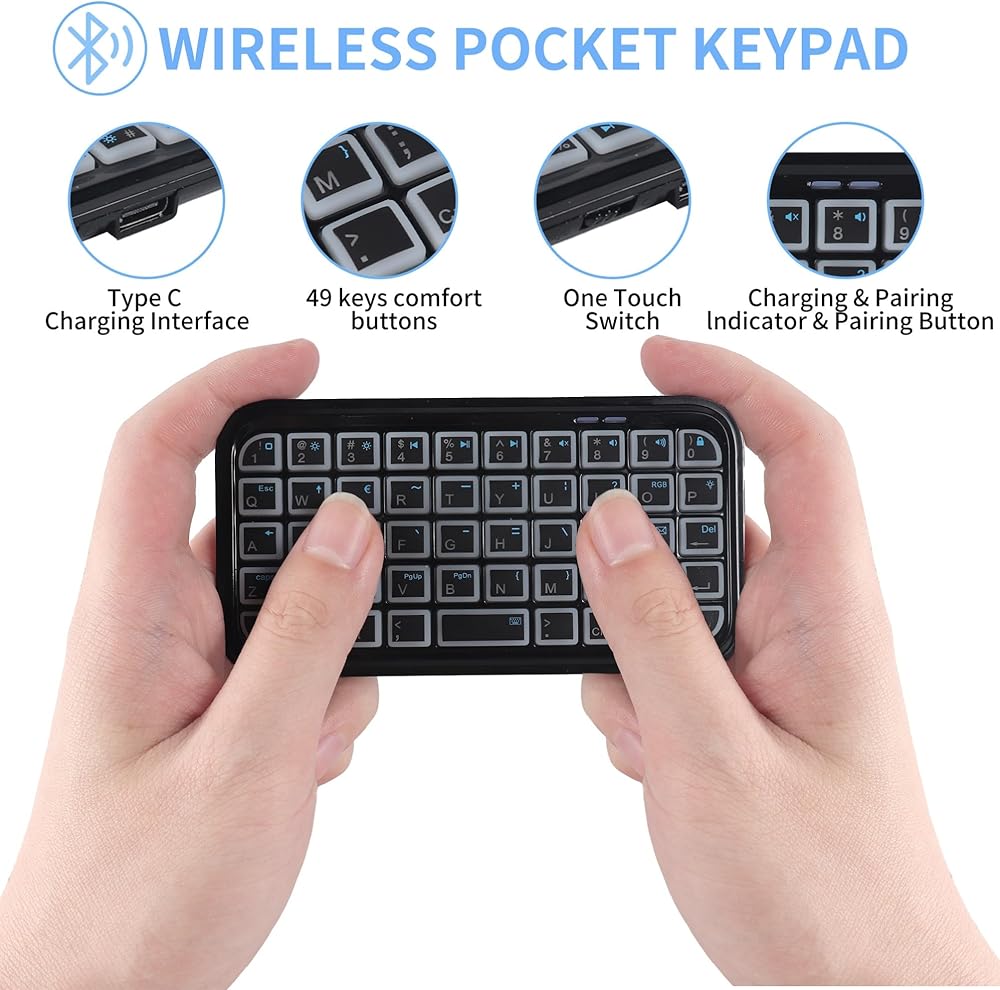
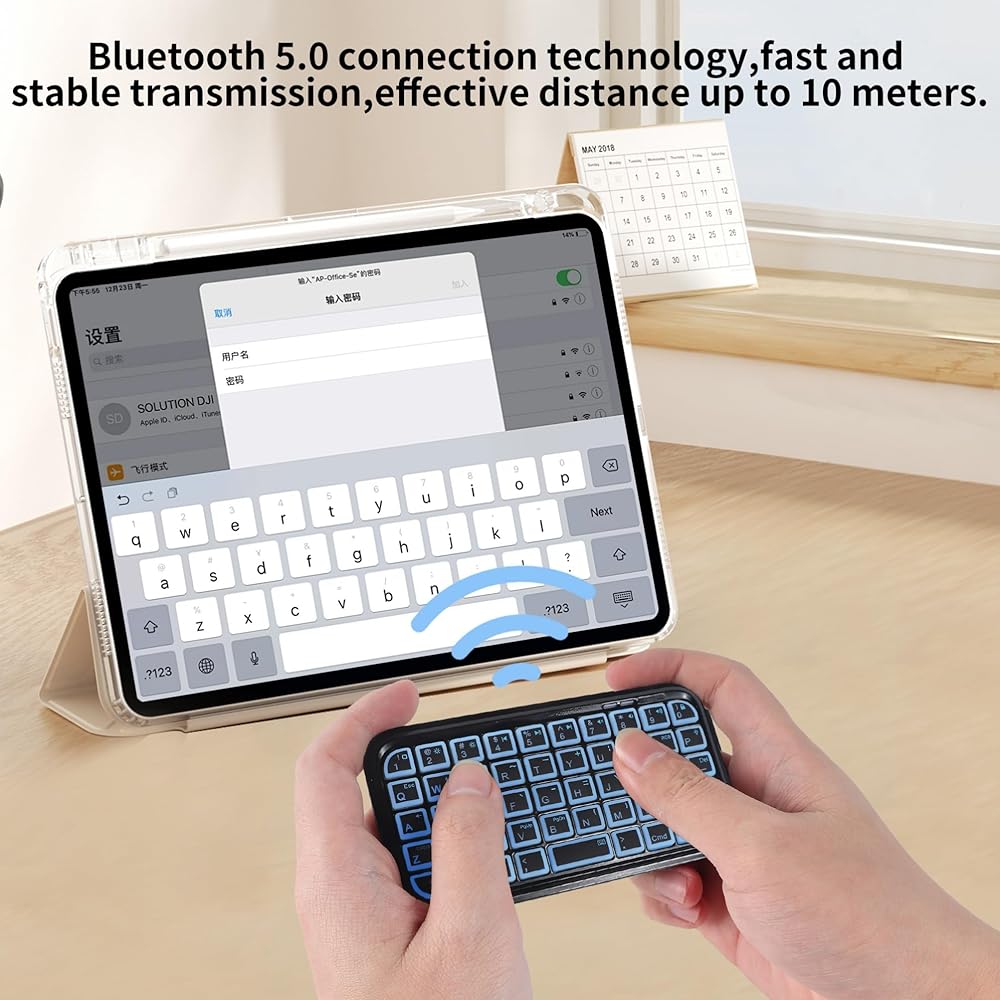
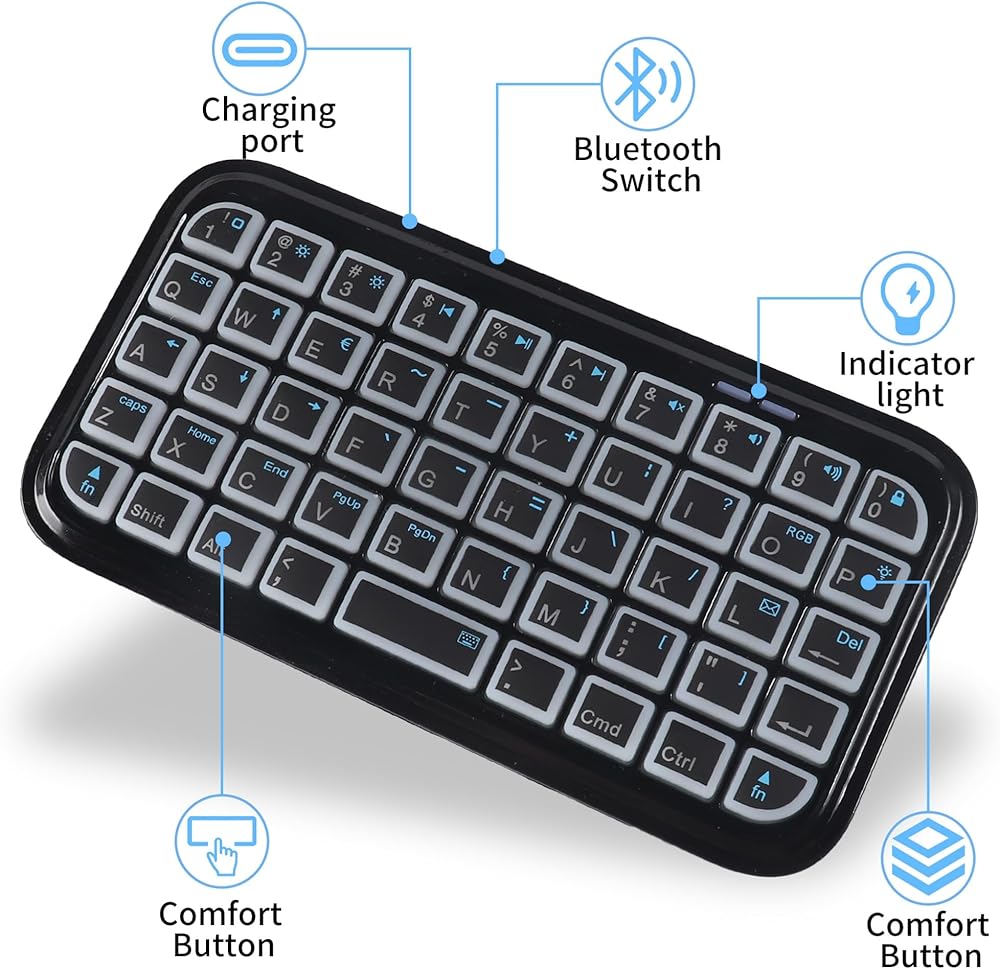
1. Turn on the keyboard and press the PAIR button on the keyboard, the LED light will blink blue. (The pairing button is to the right of the indicator, above the numeric button 9)
2. Turn on your iPad or iPhone, and tap "Settings". Select “General"
3. Enable the Bluetooth function, if its Off, tap on it to turn it On
4. After finding "Bluetooth Keyboard" then you should tap "Bluetooth Keyboard", it will start connecting.
Trouble Shooting
If you are unable to connect the keyboard, please try the following:
--Check if the battery is low. please charge the keyboard.
--Check the power switch, make sure it is on.
--Restart the Bluetooth switch "pair", make sure your device can search this device.
--Ensure the password for pairing is correct.
Mobile system requirement:
The device must built in Bluetooth function.
The mobile operating system support:
-Google Android OS
-Windows Mobile(6.0 & later)OS
-Nokia Symbian S60(V3.0 & later)OS
-iPhone 4.0 & later etc.
Specification:
Bluetooth system: Bluetooth V3.0
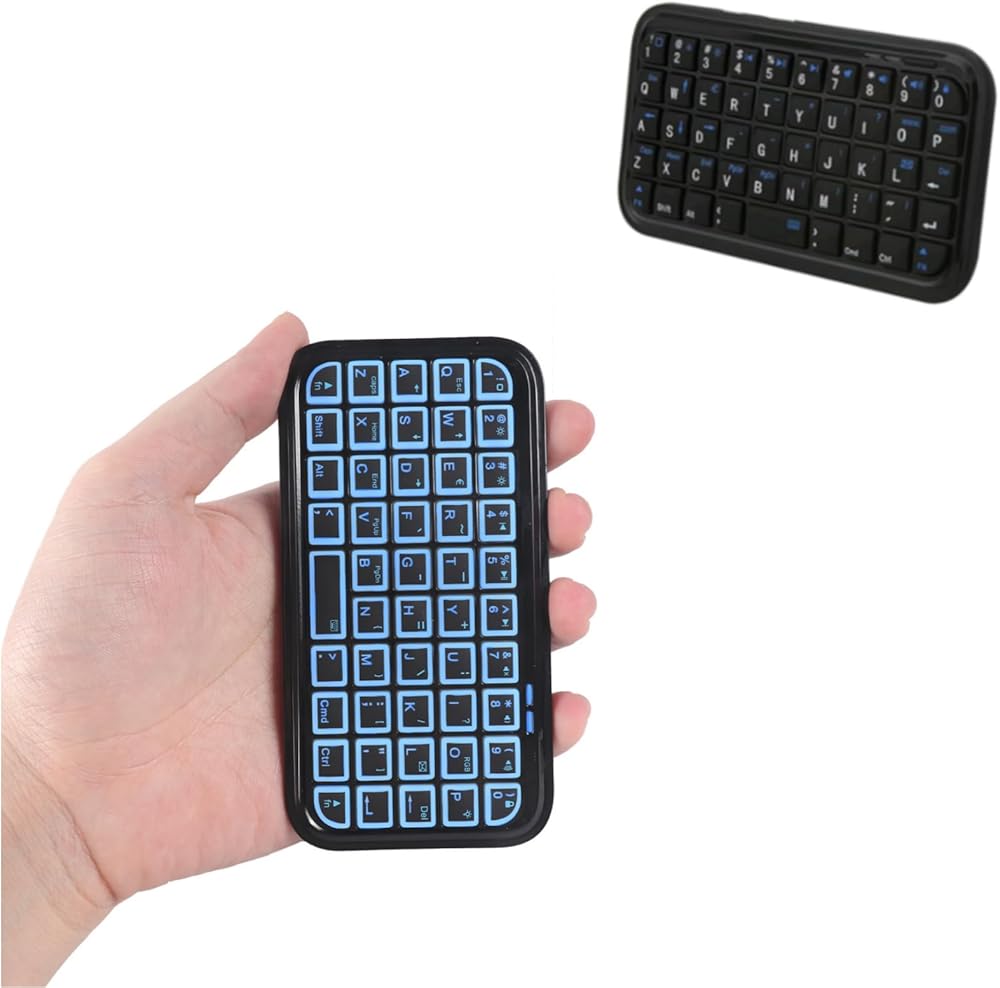
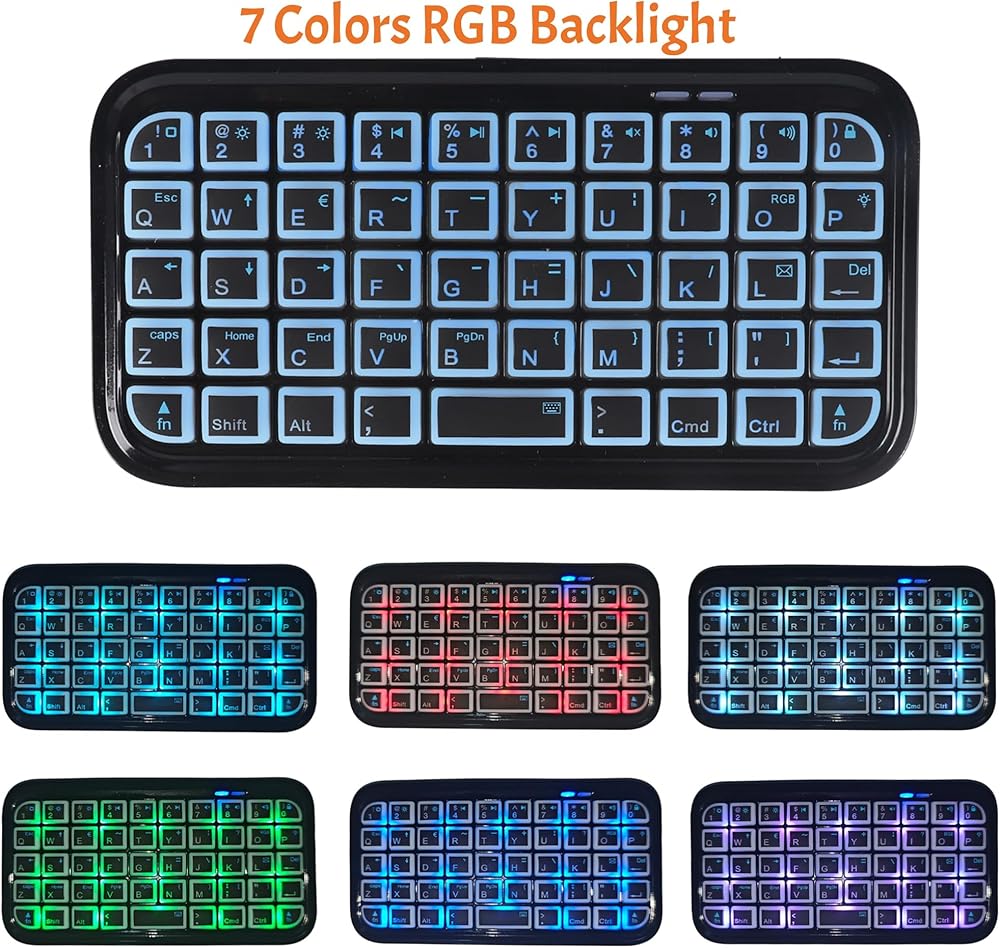
Key: 49 keys
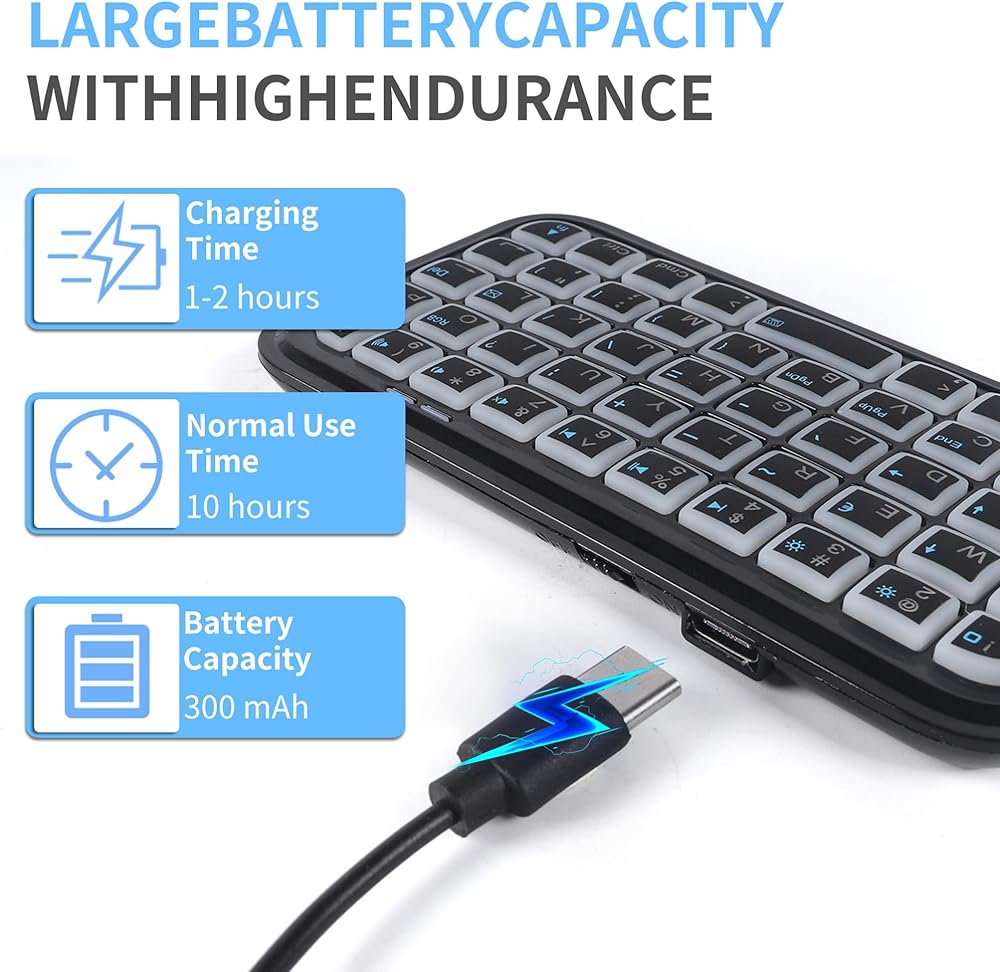
Power supply: Built-in rechargeable battery
Charging port:micro-USB
Working range: 10m
Charging time: 3-4 hours
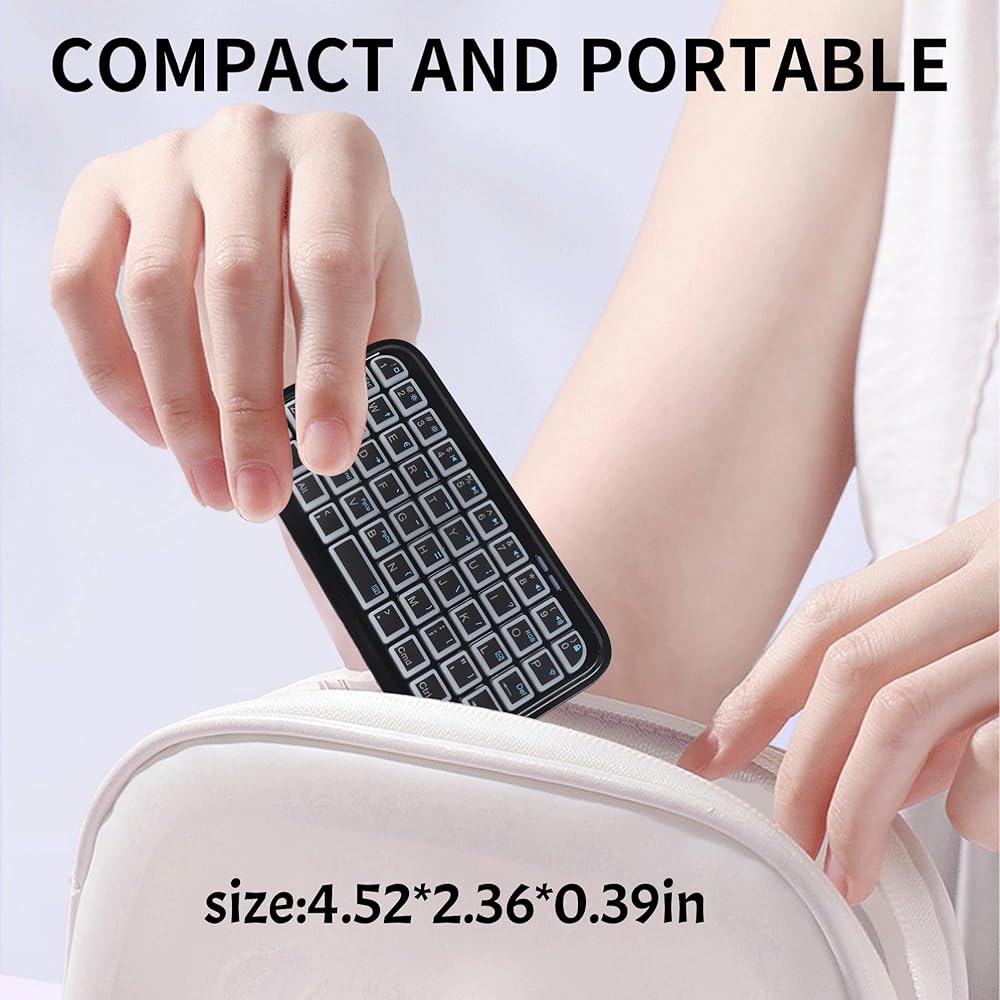
Size: 4.5 x 2.4 x 0.4 inches (114 x 60 x 9 mm)
Net weight: 2.2 ounces (64g)
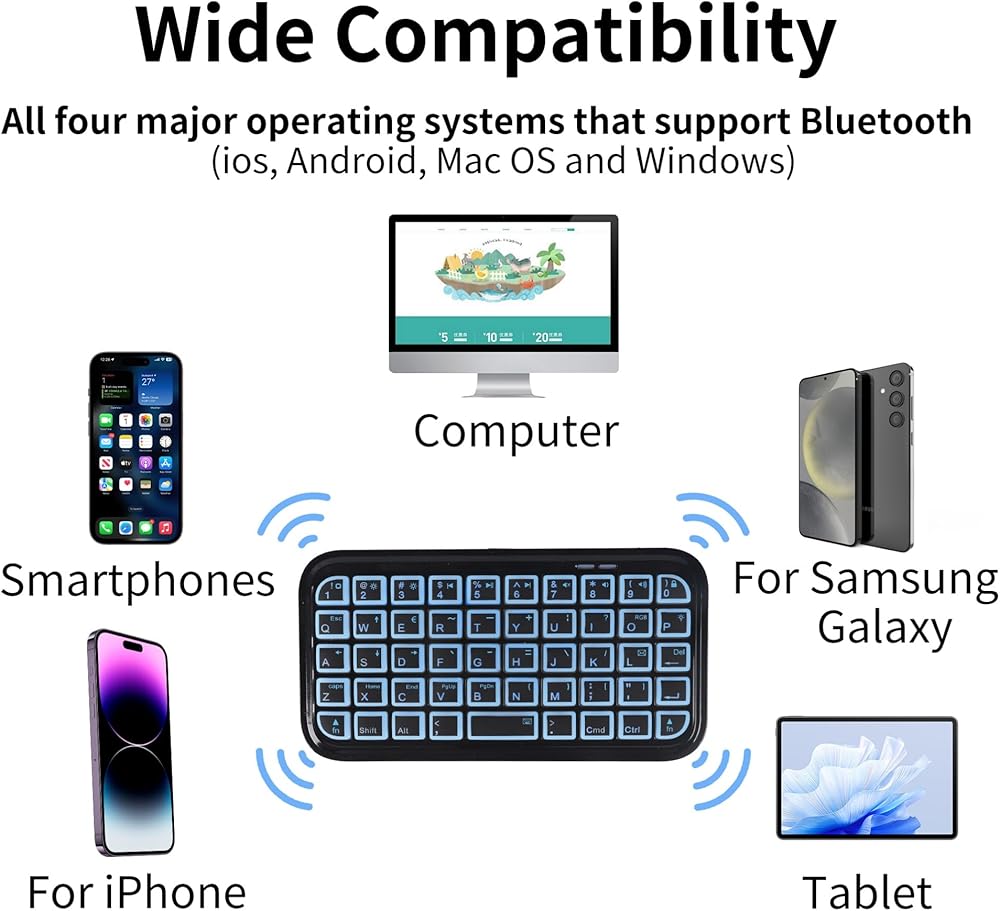
Suitable for: iPhone, Android, ipad, PC, desktops, laptops, tablets, etc.
Compatible System: IOS, Android and Window systems
Package include
1 * Mini keyboard
1 * Charging cable
1 * Use manual
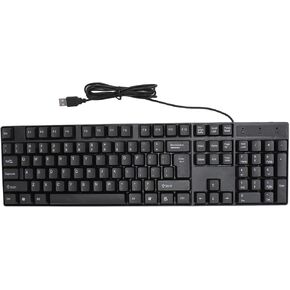 لوحة مفاتيح لغة الأقليات السلكية ، Universal 104 Keys Ergonomic USB Gaming Keyboard ، 4.2 FT Cable Computer Keyboard for Office (Russian)
KWD 8
لوحة مفاتيح لغة الأقليات السلكية ، Universal 104 Keys Ergonomic USB Gaming Keyboard ، 4.2 FT Cable Computer Keyboard for Office (Russian)
KWD 8
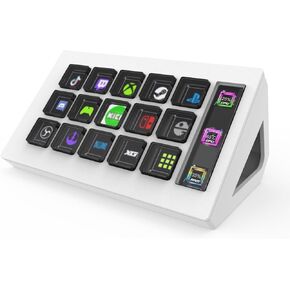 15 مفتاح مفاتيح مفاتيح قابلة للبرمجة ، تخصيص تجربة ألعاب لوحة المفاتيح المرئية ، LCD مخصصات لوحة مفاتيح لوحة المفاتيح مع OBS Twitch ، genericnhyxv8z9dk
KWD 31.500
15 مفتاح مفاتيح مفاتيح قابلة للبرمجة ، تخصيص تجربة ألعاب لوحة المفاتيح المرئية ، LCD مخصصات لوحة مفاتيح لوحة المفاتيح مع OBS Twitch ، genericnhyxv8z9dk
KWD 31.500
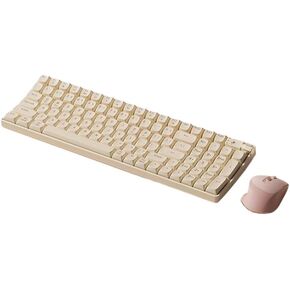 التحرير والسرد اللوحة اللوحة اللوحة اللوحة ، هدوء ، جمالية مريحة ، 100 مفتاح لنظام التشغيل Windows/Mac OS/Android/iOS (لوحة مفاتيح سوداء)
KWD 45.500
التحرير والسرد اللوحة اللوحة اللوحة اللوحة ، هدوء ، جمالية مريحة ، 100 مفتاح لنظام التشغيل Windows/Mac OS/Android/iOS (لوحة مفاتيح سوداء)
KWD 45.500
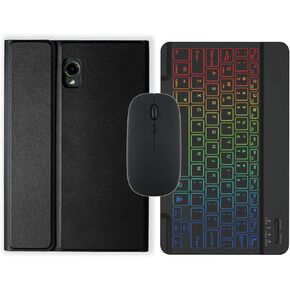 حالة لوحة المفاتيح لعلامة تبويب Samsung Galaxy نشطة 2/3/5 (SM-T390/SM-T395/SM-X300/X306B/T570/T575) حامل لوحة مفاتيح بلوتوث اللاسلكية القابلة للإزالة (أسود ، حالة واحدة)
KWD 13
حالة لوحة المفاتيح لعلامة تبويب Samsung Galaxy نشطة 2/3/5 (SM-T390/SM-T395/SM-X300/X306B/T570/T575) حامل لوحة مفاتيح بلوتوث اللاسلكية القابلة للإزالة (أسود ، حالة واحدة)
KWD 13