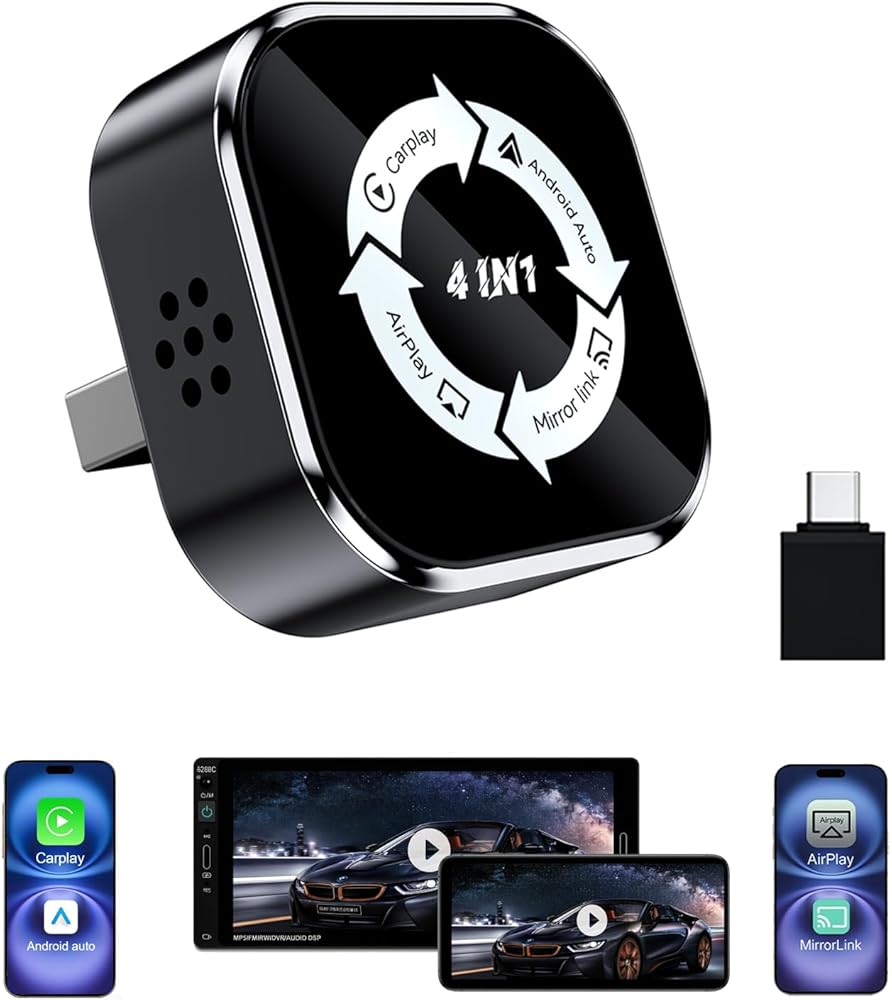
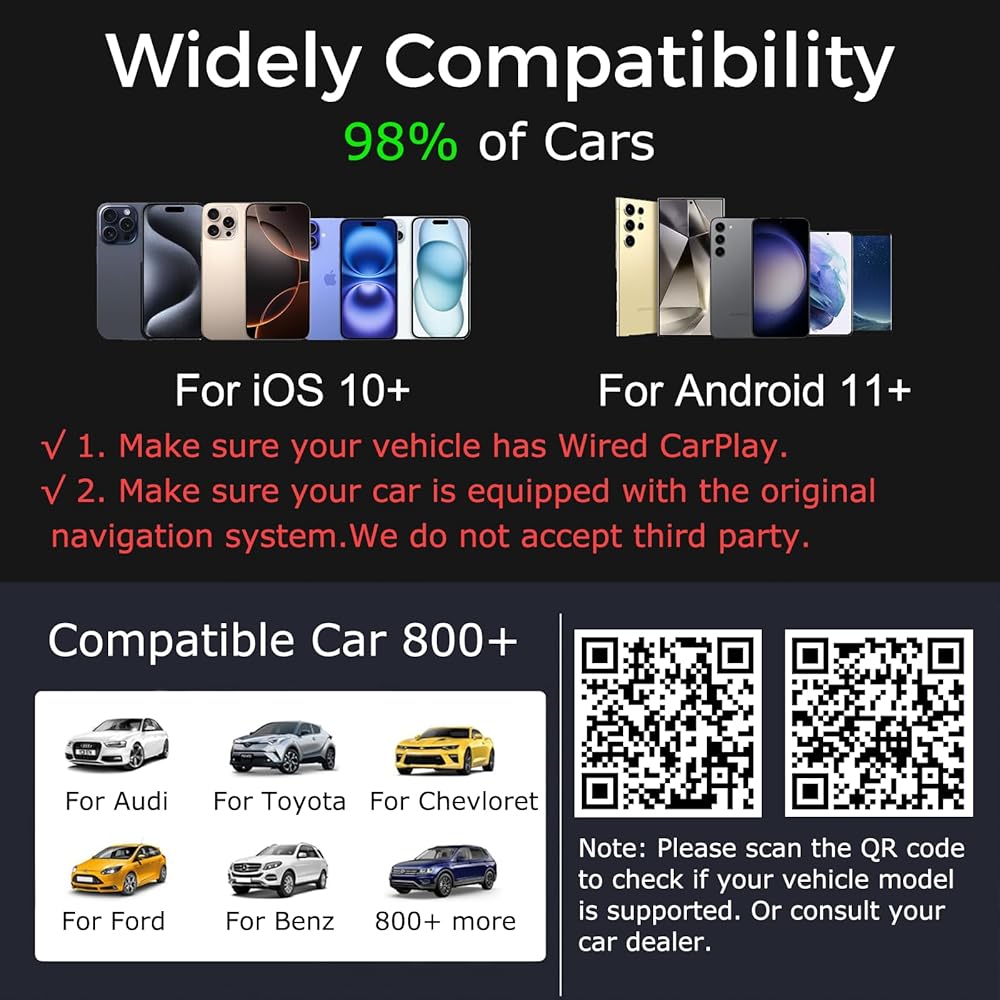
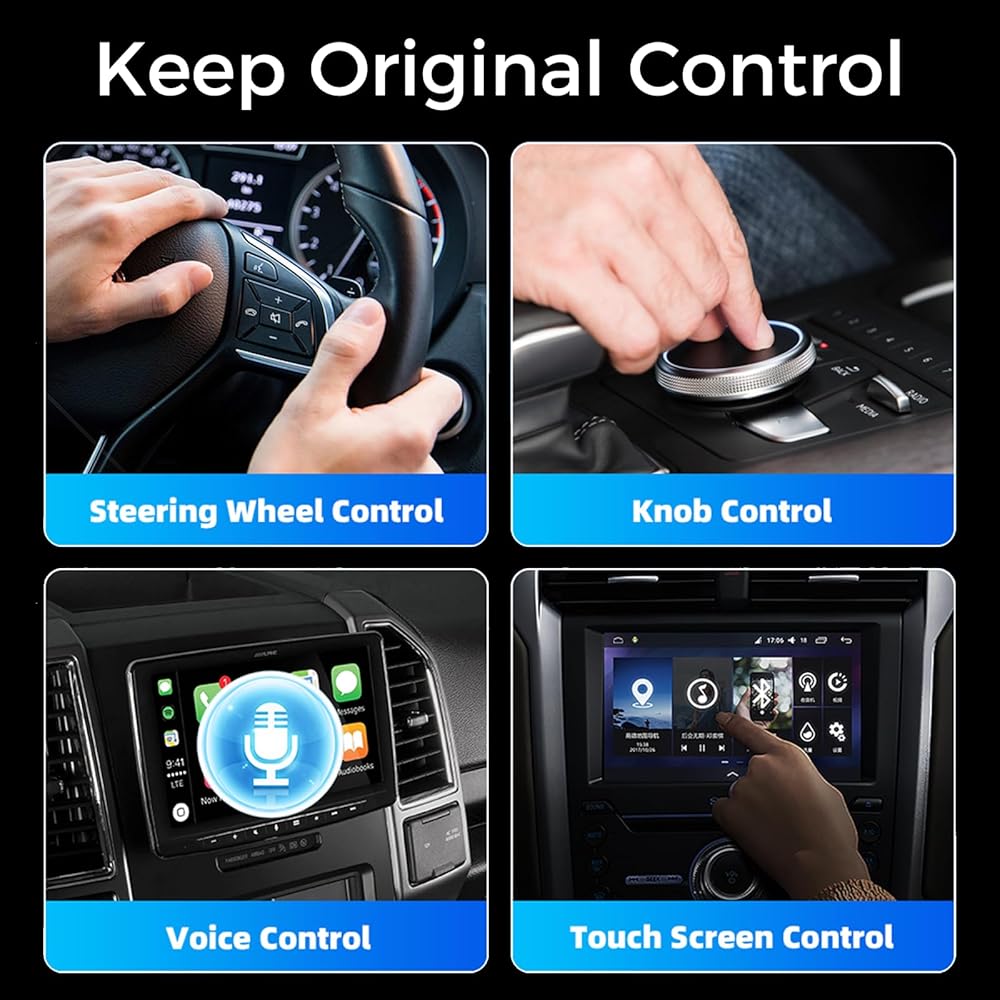
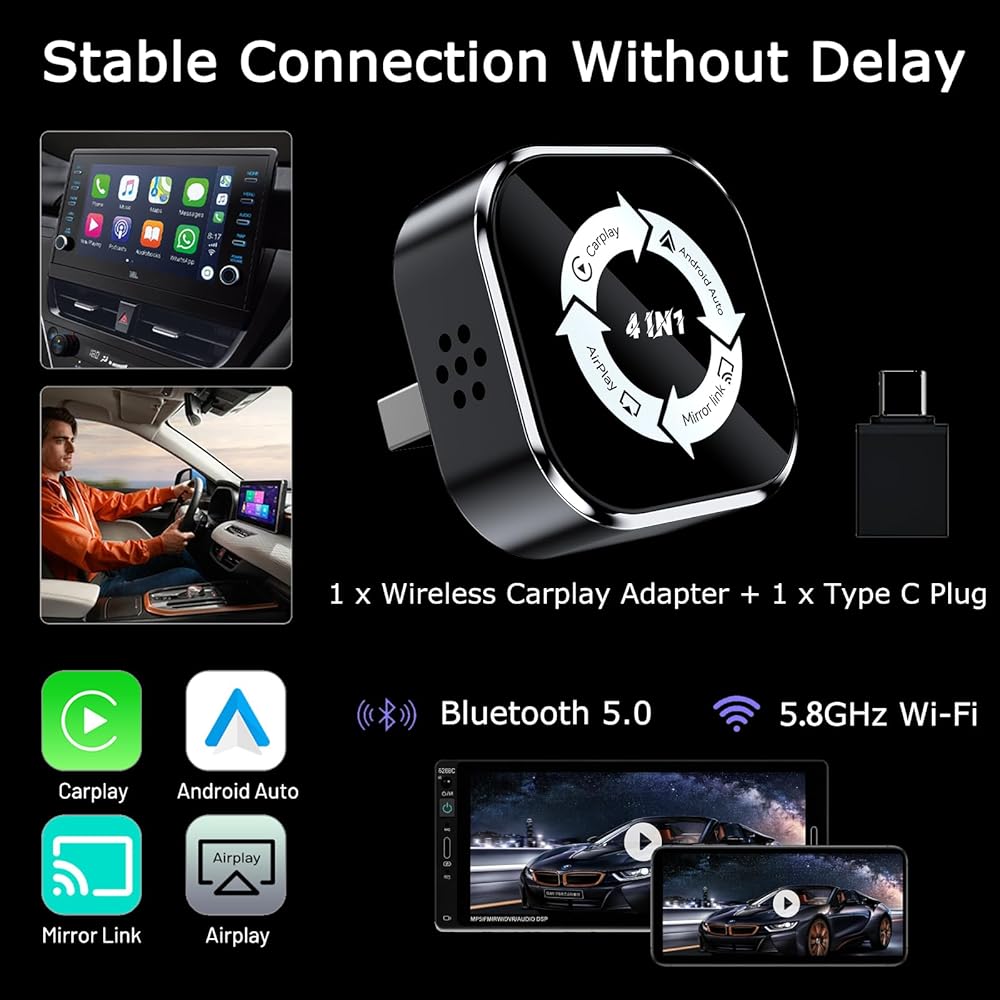
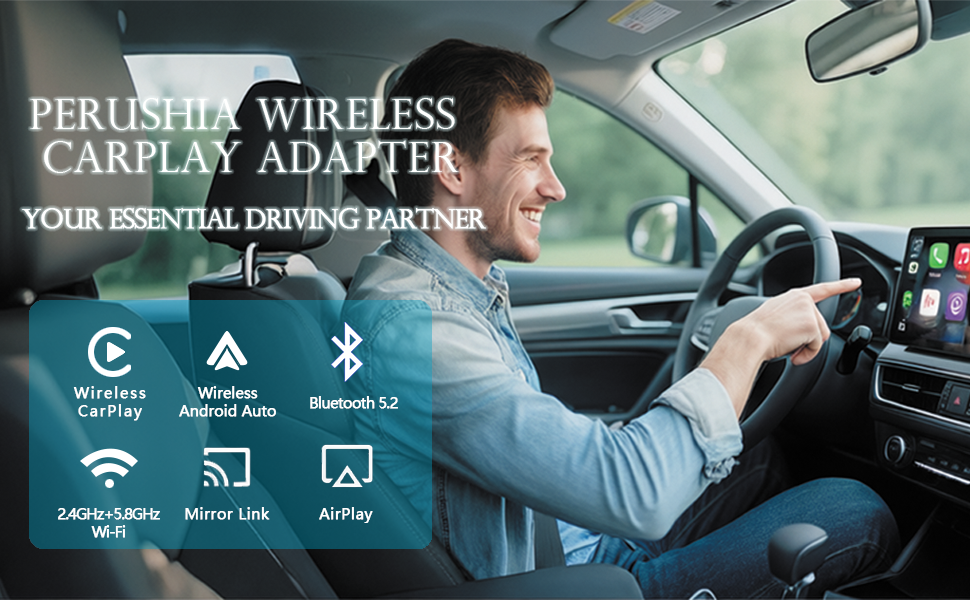
ملاحظة مهمة قبل الشراء: هذا المحول متوافق فقط مع المركبات التي تأتي مثبتة مسبقًا مع CarPlay/Android Auto (غير مدعوم من Tesla أو BMW) - يرجى التأكد من أن سيارتك تلبي هذا المطلب! وهو يدعم نظام التشغيل iOS 10 والإصدارات الأحدث، وiPhone 6 والإصدارات الأحدث، والهواتف الذكية التي تعمل بنظام Android والتي تدعم أحدث وظائف Android Auto. يجب أن يكون إصدار النظام Android 11 أو أعلى. يشتمل المنتج على محول من النوع C لضمان التوافق مع منافذ USB وUSB-C لمختلف المركبات والأجهزة. يدعم أكثر من 800 طراز مركبة (لا تقم بالشراء إذا لم تكن سيارتك مثبتة مسبقًا على CarPlay/Android Auto).
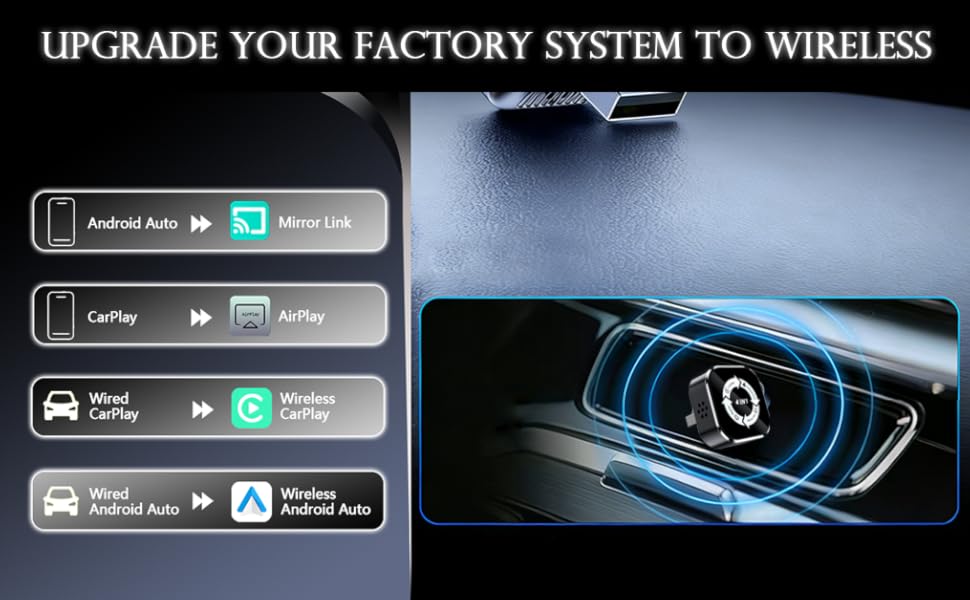
【تجربة CarPlay اللاسلكية ونسخ الشاشة بسهولة】 لا يقوم محول النسخ المتطابق لشاشة CarPlay اللاسلكي 4 في 1 بتحويل CarPlay/Android Auto السلكي إلى اتصال لاسلكي فحسب، بل يدعم أيضًا AirPlay وMirrorLink (يرجى استخدام منفذ البيانات، وليس منفذ الشحن). يسمح لك ببث مقاطع الفيديو والأفلام ومحتوى التطبيقات على الفور (مثل YouTube أو TikTok) إلى شاشة نظام المعلومات والترفيه في سيارتك (يرجى ملاحظة: لا تعكس مقاطع الفيديو المحمية بحقوق الطبع والنشر).
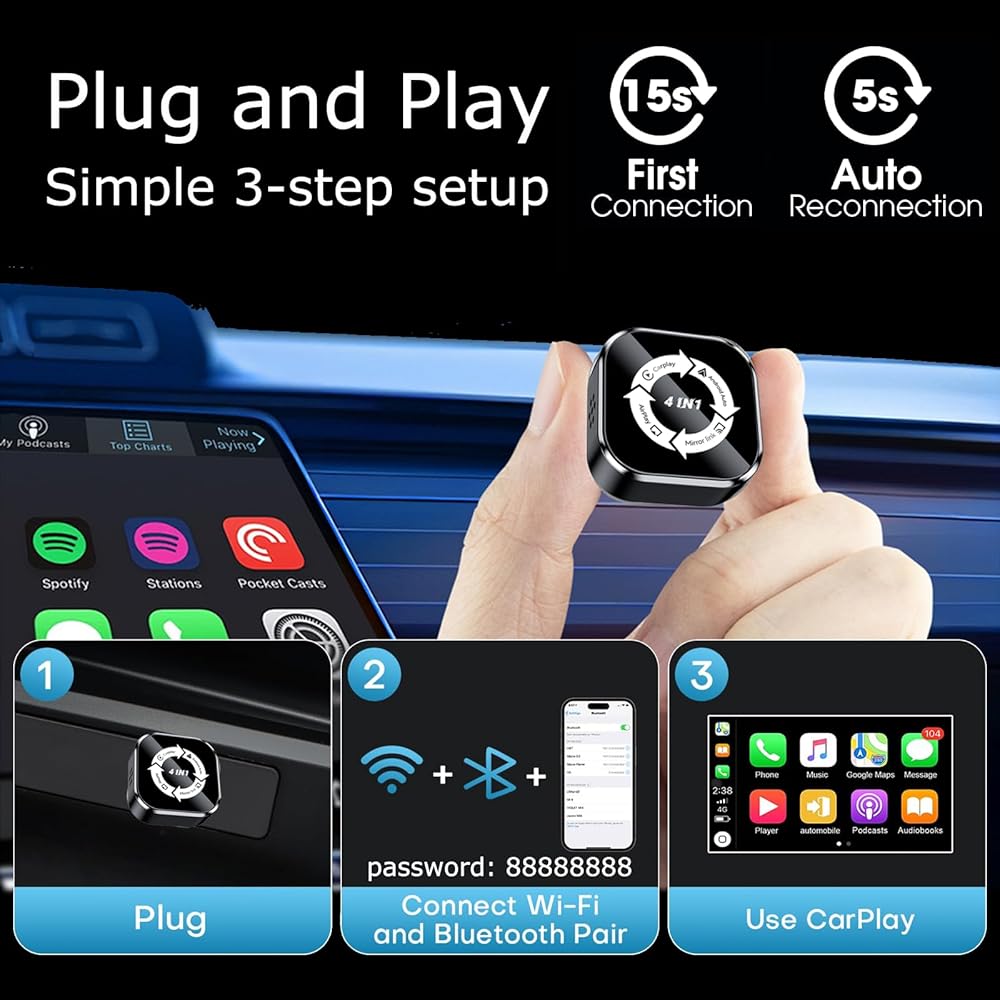
【سهولة التوصيل والتشغيل】يتطلب محول Apple CarPlay اللاسلكي هذا 3 خطوات بسيطة فقط للإعداد (رمز الاتصال: 88888888)، دون أي برامج تشغيل أو تطبيقات إضافية أو ترقيات نظام مرهقة. بعد الاتصال الأولي، سيتم إعادة الاتصال تلقائيًا بهاتفك حتى لو كان في جيبك أو حقيبتك أو خارج سيارتك. وهذا يجعل التجربة بأكملها أكثر سلاسة وهدوءًا وبدون أي تأخير. جعل قيادتك أسهل وأكثر راحة!
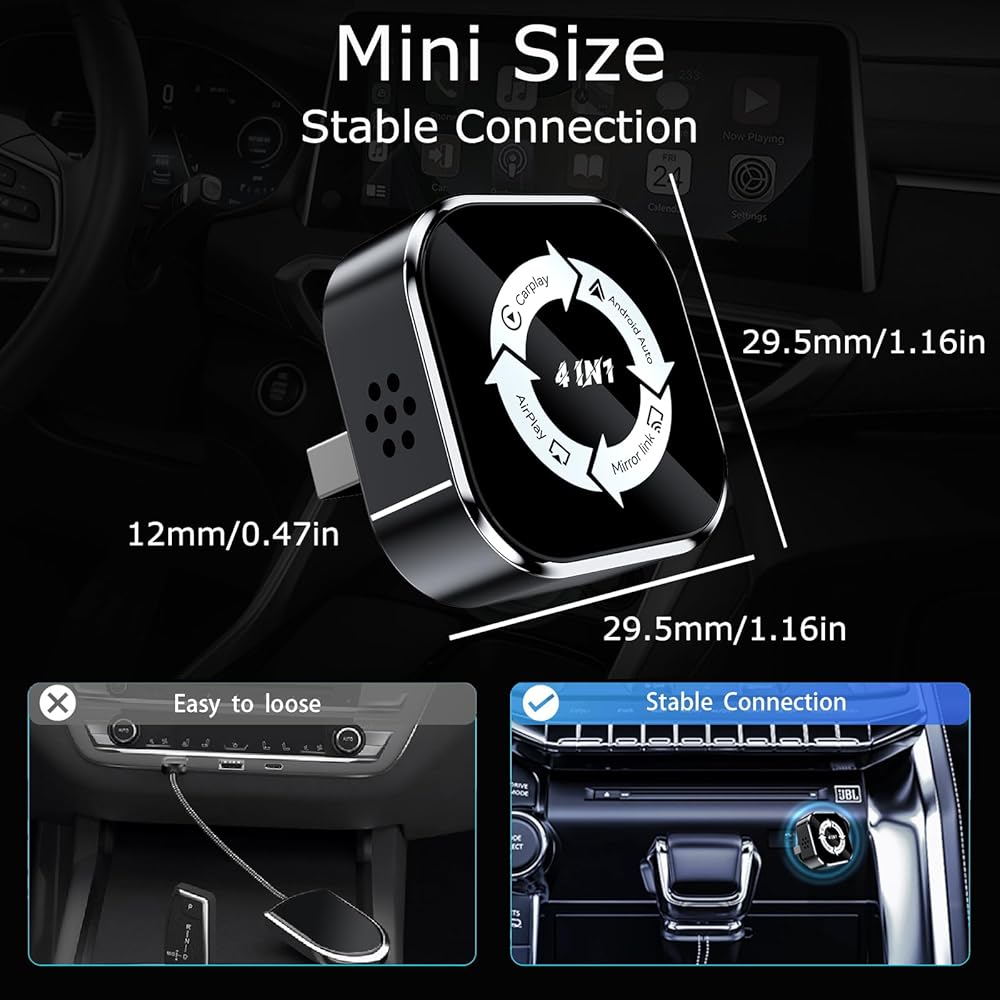
【صغير الحجم ومستقر】يتميز محول CarPlay اللاسلكي الصغير هذا بشريحة عالية الأداء، مما يوفر اتصالاً لاسلكيًا سريعًا ومستقرًا، مما يقلل من الانقطاعات والكمون أثناء الاستخدام. فهو يوفر نفس الموثوقية التي يوفرها الاتصال السلكي، ولكنه يحررك من قيود الكابلات.
【تذكير ودود 1】إذا واجهت اتصالات غير مستقرة أو منفصلة أثناء الاستخدام، فيرجى اتباع الخطوات التالية: ① تأكد من توصيل منفذ USB بشكل آمن. ② قم بتحديث نظام iOS/Android الخاص بك إلى أحدث إصدار وأعد تشغيل هاتفك بشكل دوري للحفاظ على اتصال مستقر. ③ تأكد من أن هاتفك يحتوي على ذاكرة وصول عشوائي كافية. ④ فكر في استخدام بيانات الهاتف المحمول للاتصال بـ CarPlay لاسلكيًا. ⑤ تأكد من تمكين جميع الأذونات ذات الصلة في إعدادات هاتفك.
【تذكير ودود 2】يدعم محول CarPlay اللاسلكي هذا الاقتران مع العديد من أجهزة iPhone، ولكن يمكن توصيل جهاز واحد فقط في كل مرة. يرجى تشغيل Wi-Fi وBluetooth عند استخدامه، والتأكد من عدم اتصال أي أجهزة أخرى. لإقران هاتف جديد، يرجى فصل الهاتف المتصل حاليًا أولاً. ملاحظة: سيتم إعادة توصيل محول CarPlay اللاسلكي هذا تلقائيًا بآخر هاتف تم استخدامه فقط.
【تذكير ودود 3】لضمان الاستخدام السليم، يمكن للمحول اللاسلكي أن يعمل فقط في وضع واحد في كل مرة. على سبيل المثال، إذا كنت قد قمت بالفعل بتوصيل CarPlay/Android Auto وترغب في استخدام AirPlay/Mirror Link، فيرجى فصل CarPlay/Android Auto من هاتفك قبل تمكين انعكاس الشاشة.
【تذكير ودود 4 】 قبل الشراء، يرجى التأكد مما إذا كانت سيارتك مجهزة بنظام CarPlay السلكي الأصلي/Android Auto/AirPlay/MirrorLink وشاشة لمس أصلية. كيف تتحقق مما إذا كان الطراز الخاص بك يدعم CarPlay/Android Auto؟ يرجى الرجوع إلى الصورة الثانية ومسح رمز الاستجابة السريعة ضوئيًا للتحقق مما إذا كان الطراز الخاص بك مدعومًا.
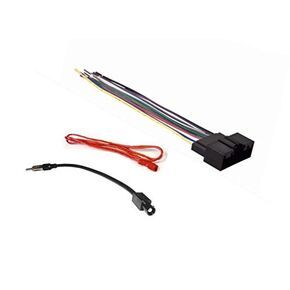 تسخير الأسلاك ستيريو للسيارة ومحول هوائي راديو AM/FM المصنوع لـ Ford: 2013-2019 Escape W/Factory 4.2 "Screen ، 2017-2019
KWD 6.500
تسخير الأسلاك ستيريو للسيارة ومحول هوائي راديو AM/FM المصنوع لـ Ford: 2013-2019 Escape W/Factory 4.2 "Screen ، 2017-2019
KWD 6.500
 Double Din Din Apearmarket Radio Stereo Kit Trim Trim Trim متوافق مع Chrysler Dodge و Jeep - حدد نماذج
KWD 5
Double Din Din Apearmarket Radio Stereo Kit Trim Trim Trim متوافق مع Chrysler Dodge و Jeep - حدد نماذج
KWD 5
 يتوافق 6 3/4 بوصة الأصلي مع Camper Winnebago Camper (جميع الطرز)- هوائي مطاط قصير AM/FM
KWD 10.500
يتوافق 6 3/4 بوصة الأصلي مع Camper Winnebago Camper (جميع الطرز)- هوائي مطاط قصير AM/FM
KWD 10.500
 -4%
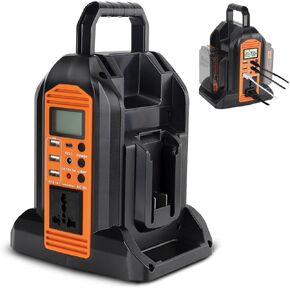
DC 20V إلى AC 120V الطاقة العاكس لبطارية Black و Decker 20V ، و 350 واط محول عاكس طاقة موجة الجيب النقي مع 6 شاشة LCD الإخراج وضوء LED ، منفذ بطارية (بدون بطارية)
KWD 33
-4%
DC 20V إلى AC 120V الطاقة العاكس لبطارية Black و Decker 20V ، و 350 واط محول عاكس طاقة موجة الجيب النقي مع 6 شاشة LCD الإخراج وضوء LED ، منفذ بطارية (بدون بطارية)
KWD 33