- التسوق ، اصبح سهلا.
- /
- احصل على التطبيق!
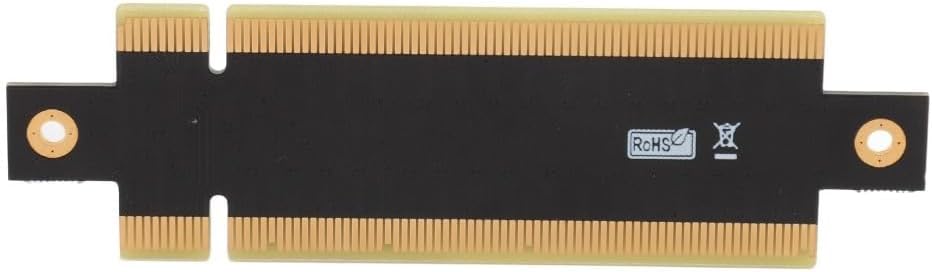
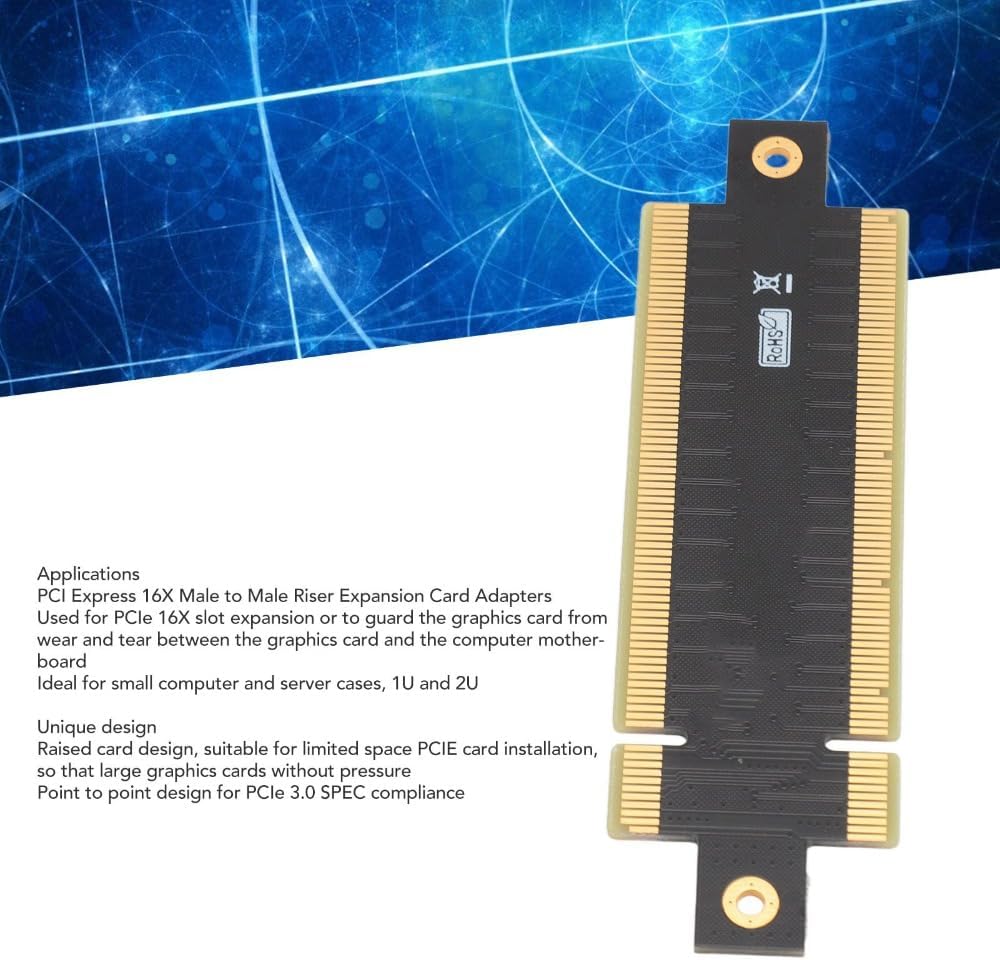
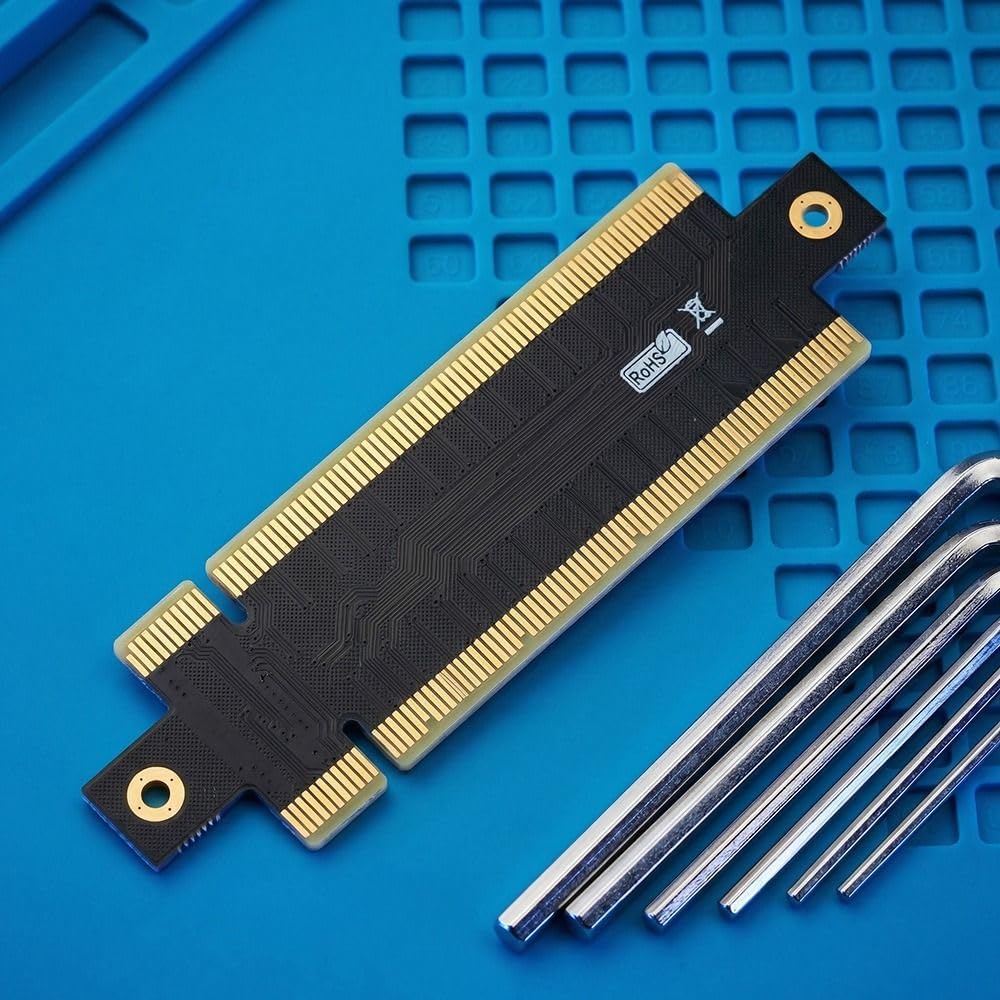
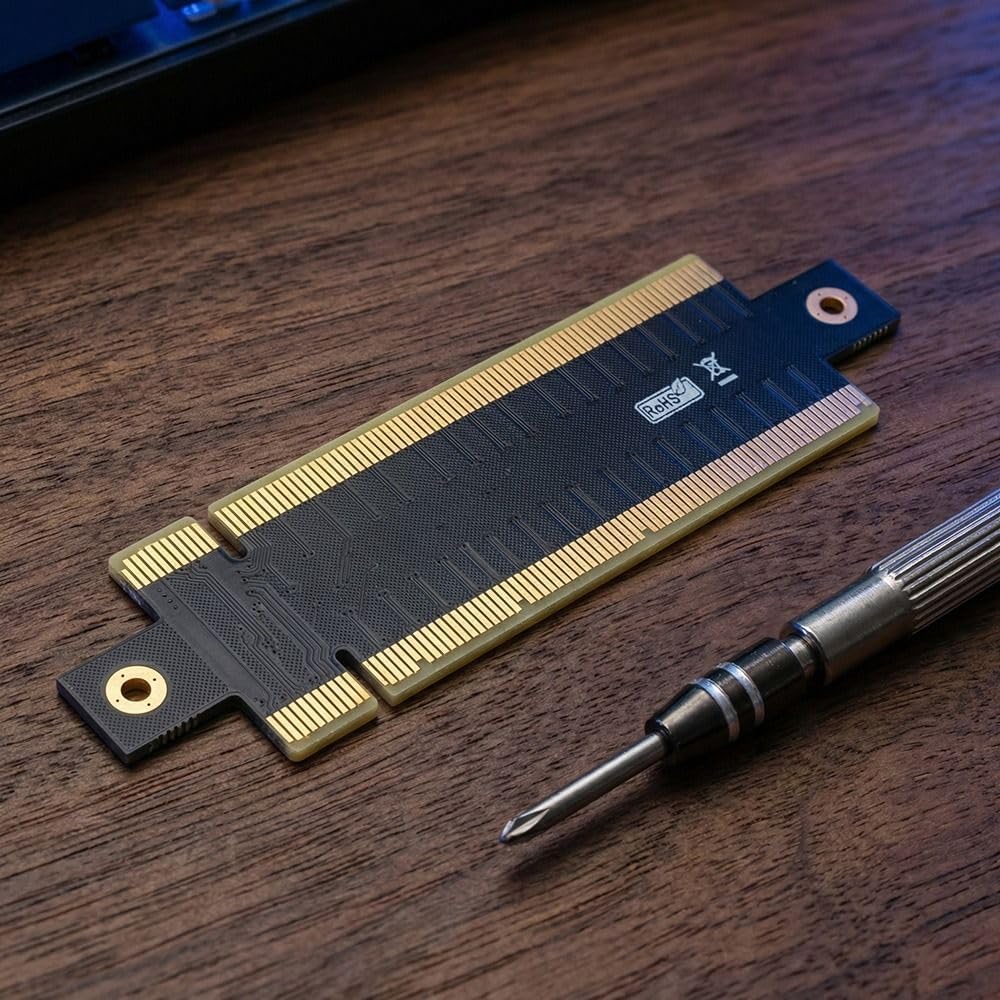
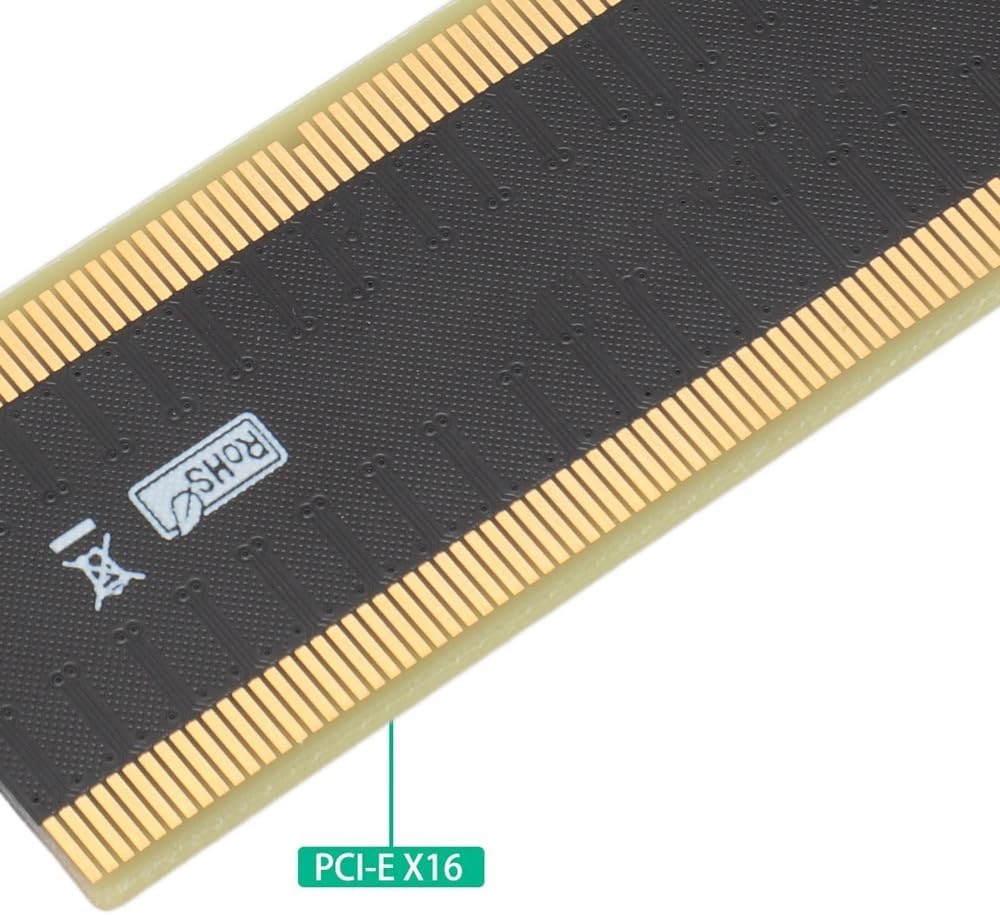
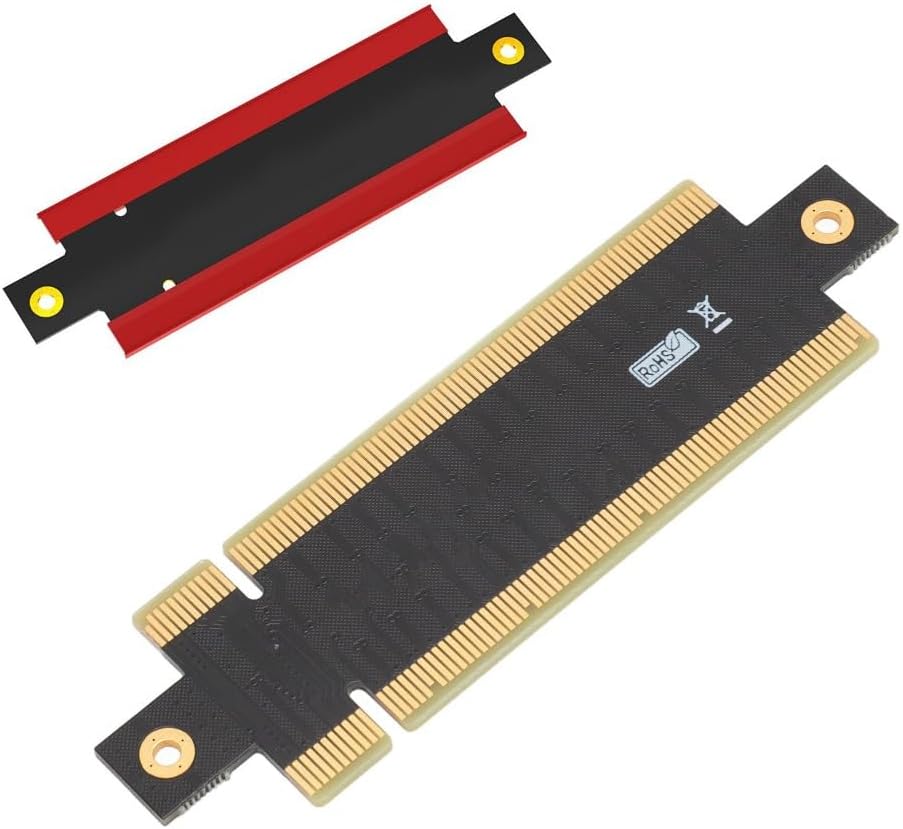
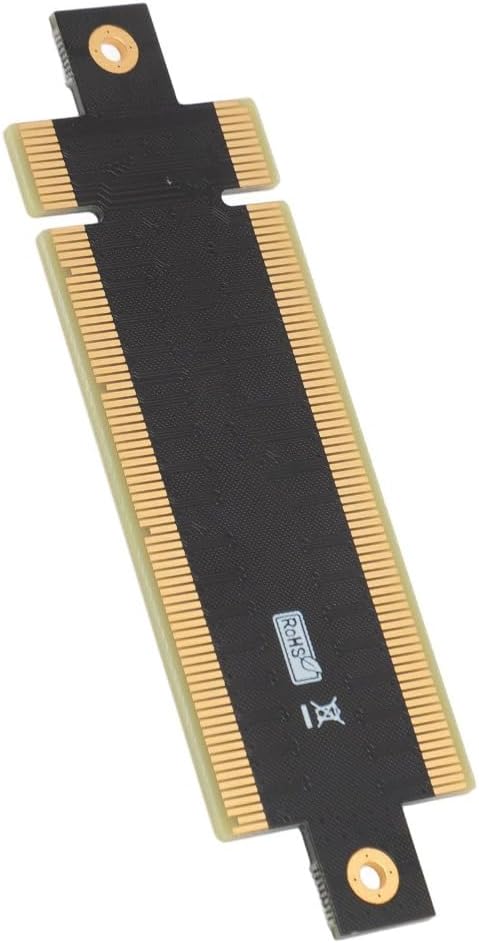
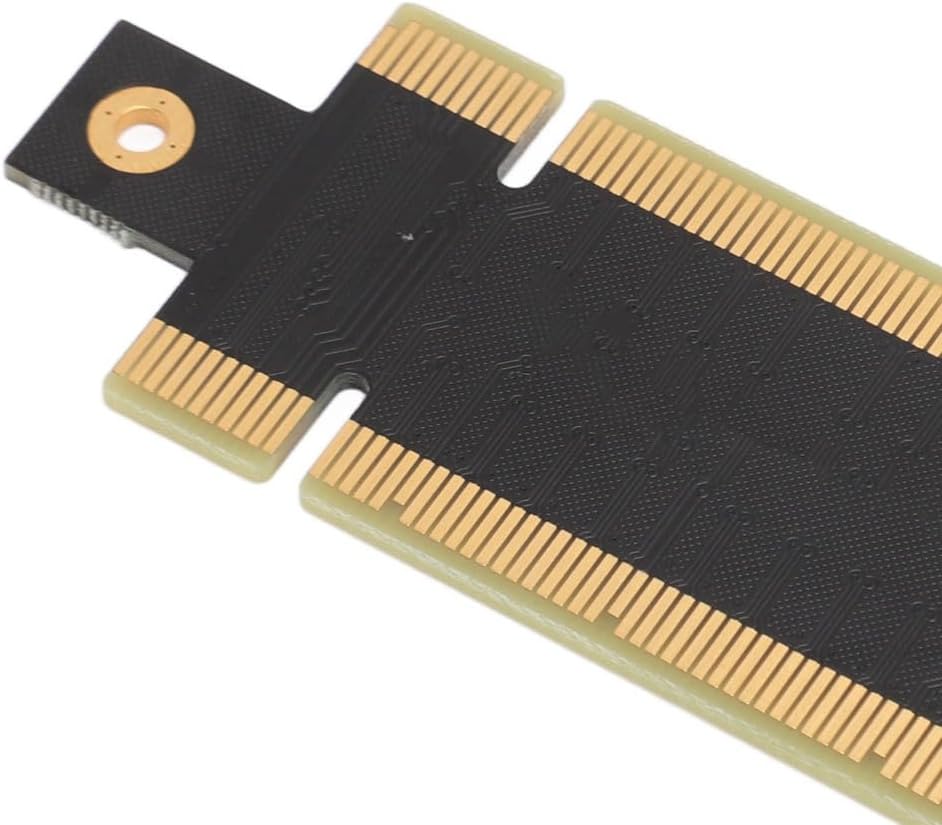
This PCI Express 16x male-to-male adapter card is designed for expanding the capabilities of your computer system. It provides a reliable solution for installing a standard PCIe graphics card or other expansion cards in compact or space-constrained chassis, such as 1U and 2U server racks or small form-factor PCs. This expansion card effectively keeps your motherboard's PCIe slot and your graphics card from potential wear and tear caused by direct, heavy mounting
Specification:
Item Type: PCIe 16X Male to Male Adapter Card
Material: PCB
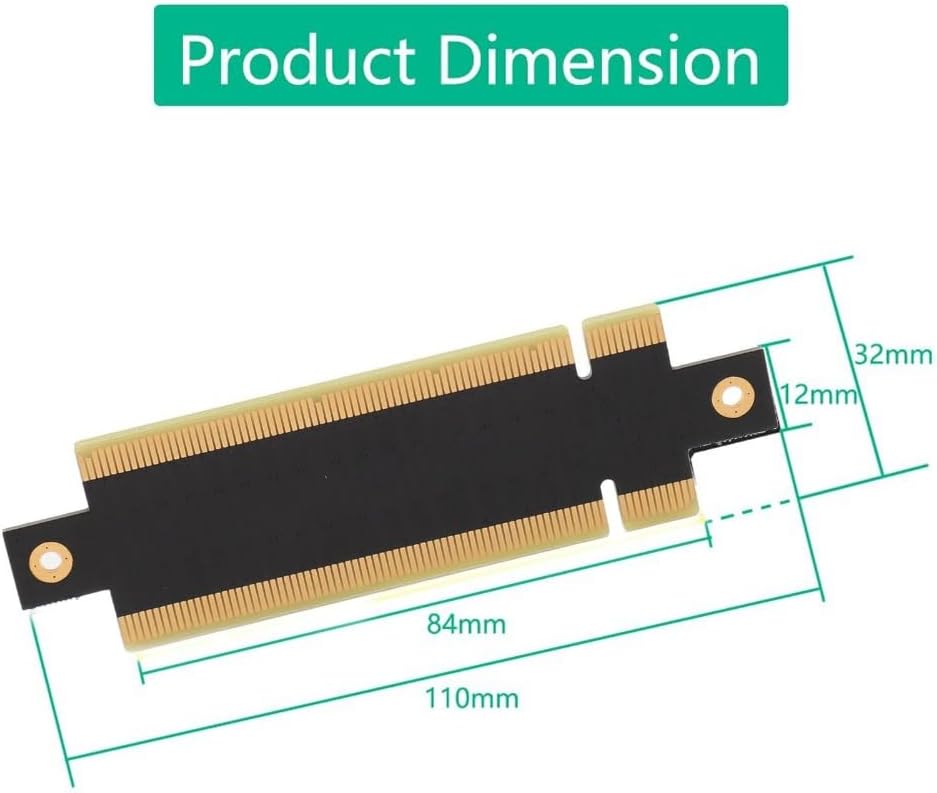
Size: Approx. 110x32mm / 4.33x1.26in
Interface: PCIe 16X Male to Male
Color: Balck
Package List:
1 x PCIe 16X Male to Male Adapter Card
Follow these simple steps to integrate this adapter into your system for optimal performance
1. Power down your computer and disconnect all cables
2. Open the computer case and locate an available PCI Express x16 slot on your motherboard
3. Align the gold-plated edge connector of the adapter card with the motherboard's PCIe x16 slot. Press down firmly and evenly until it is fully seated
4. Now, install your standard graphics card or other PCIe card into the adapter's own PCIe x16 slot, securing it with the appropriate bracket screw
5. This riser card acts as a passive bridge, requiring no additional drivers. Your system will recognize the hardware installed into the adapter
Note:
1. This adapter is just a pass through adapter card and does not require a driver, the driver depends on the driver of the hardware device you plug in
2. Manual measurement please allow some error
 50 قطعة 12 بوصة سجلات شفافة ذاتية اللصق غطاء لمنع الخدش سهل المشاهدة من الفينيل سجل غلاف خارجي لتخزين السجلات
KWD 8
50 قطعة 12 بوصة سجلات شفافة ذاتية اللصق غطاء لمنع الخدش سهل المشاهدة من الفينيل سجل غلاف خارجي لتخزين السجلات
KWD 8
 بطاقة توسيع PCIe إلى USB 3.0 7 منافذ - بطاقة نقل بيانات بسرعة 5 جيجابت في الثانية لنظام التشغيل Windows، شريحة VIA مع أجهزة USB 2.0 و1.1 متوافقة مع الإصدارات السابقة
KWD 10.500
بطاقة توسيع PCIe إلى USB 3.0 7 منافذ - بطاقة نقل بيانات بسرعة 5 جيجابت في الثانية لنظام التشغيل Windows، شريحة VIA مع أجهزة USB 2.0 و1.1 متوافقة مع الإصدارات السابقة
KWD 10.500
 بطاقة محول mSATA إلى USB 2.0 - بطاقة توسيع محول PCI-E صغير إلى USB لجهاز استقبال ماوس USB للكمبيوتر المحمول، ومحول WiFi، ومحرك أقراص فلاش
KWD 3
بطاقة محول mSATA إلى USB 2.0 - بطاقة توسيع محول PCI-E صغير إلى USB لجهاز استقبال ماوس USB للكمبيوتر المحمول، ومحول WiFi، ومحرك أقراص فلاش
KWD 3
 بطاقة توسيع Mini PCIe إلى USB 3.2 Gen1 ذات 19 سنًا - محول اللوحة الأمامية بسرعة 5 جيجابت في الثانية مع USB Hot-Swap ورقاقة التحكم الرئيسية لأنظمة Windows
KWD 8.500
بطاقة توسيع Mini PCIe إلى USB 3.2 Gen1 ذات 19 سنًا - محول اللوحة الأمامية بسرعة 5 جيجابت في الثانية مع USB Hot-Swap ورقاقة التحكم الرئيسية لأنظمة Windows
KWD 8.500

 الكويت