- Shopping, made easy.
- /
- Get the app!
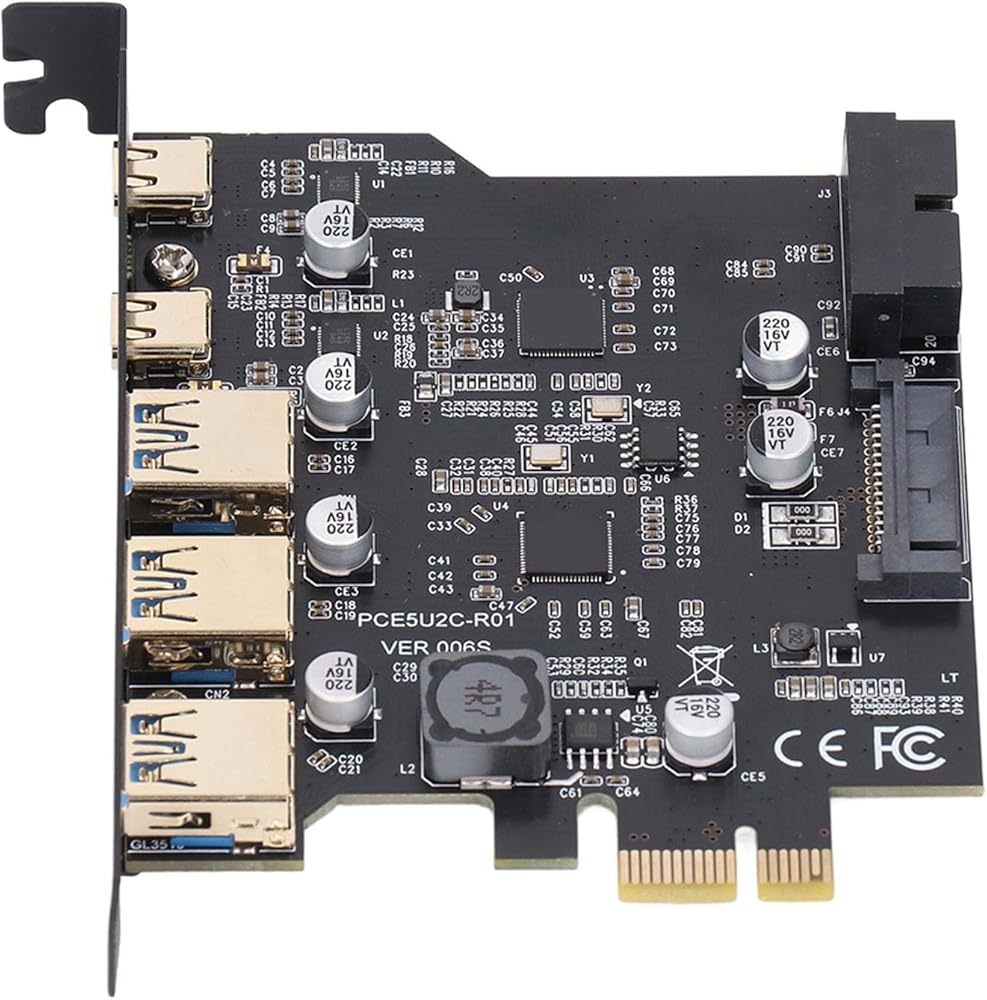
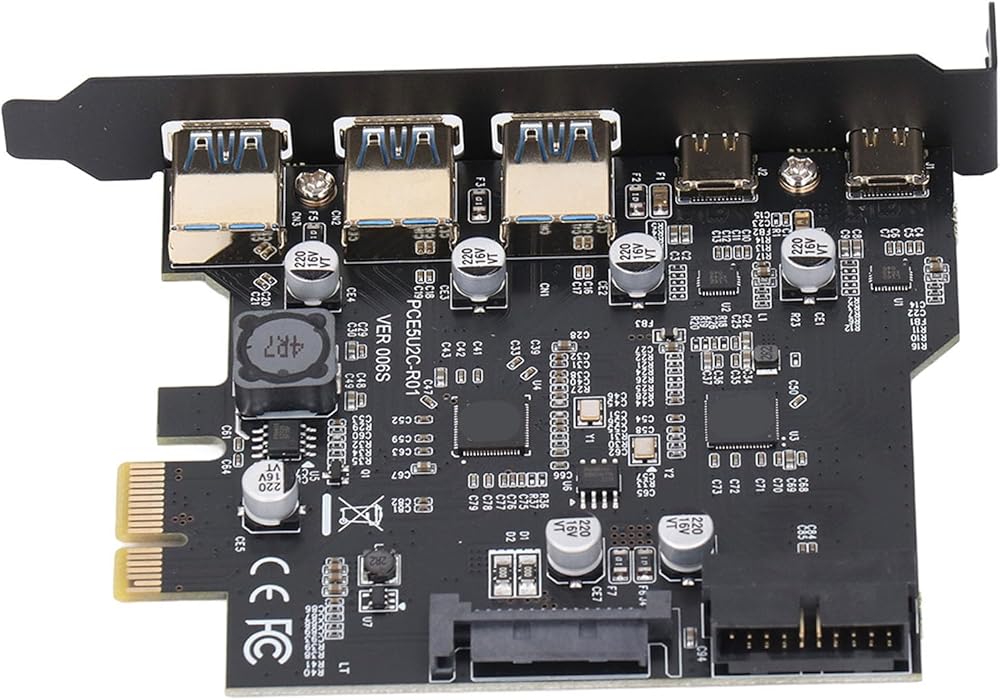
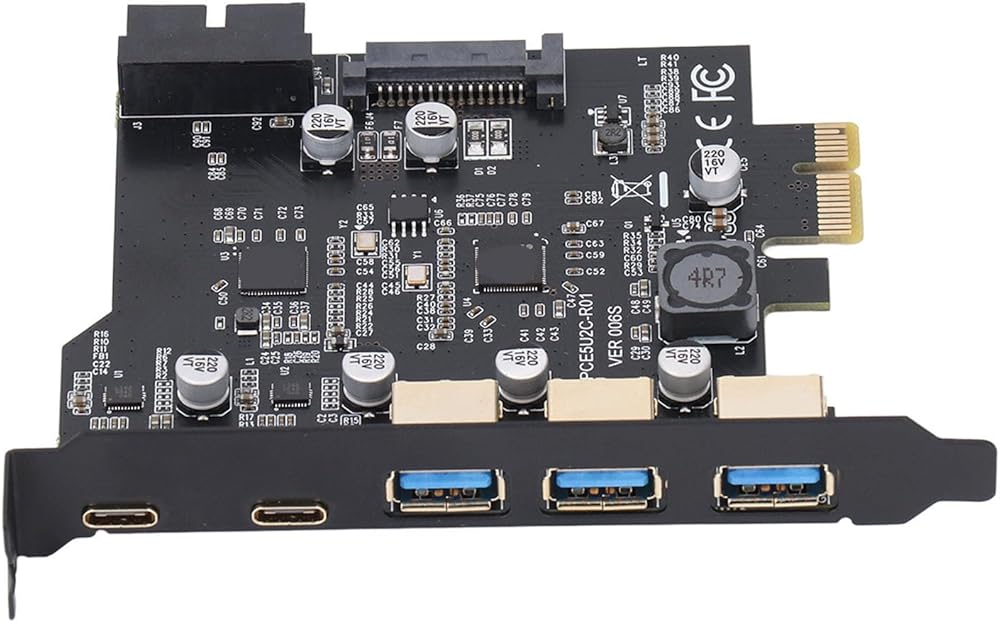
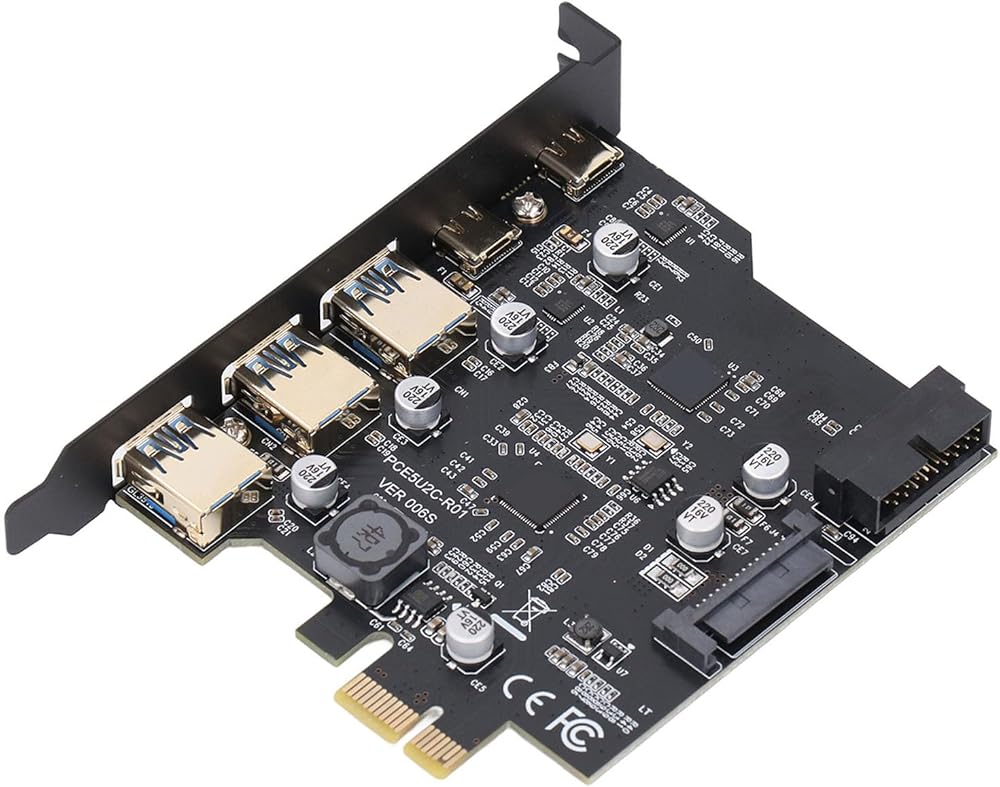
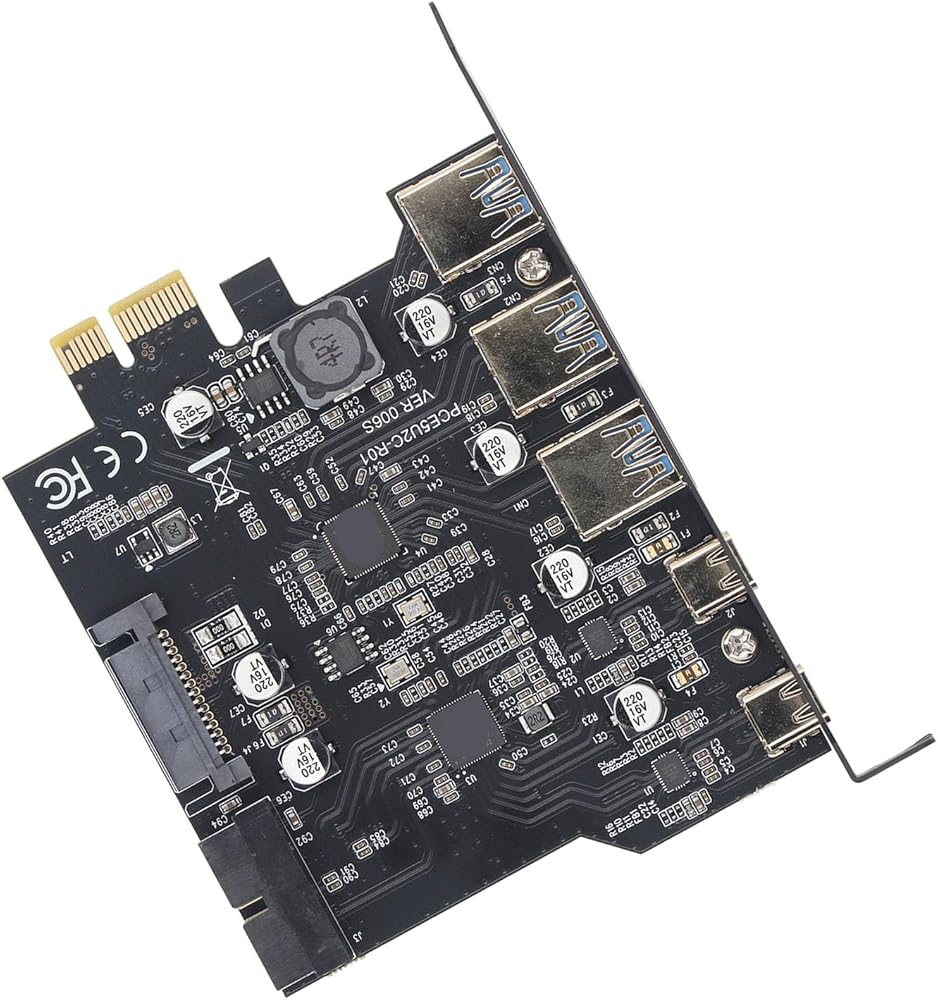
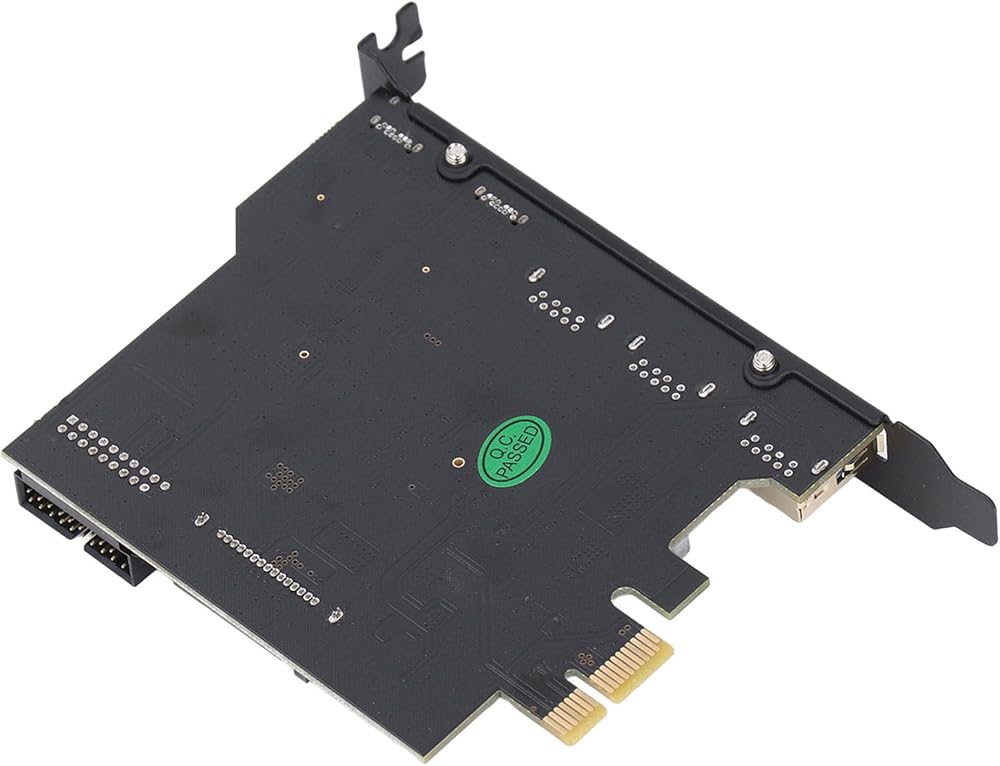
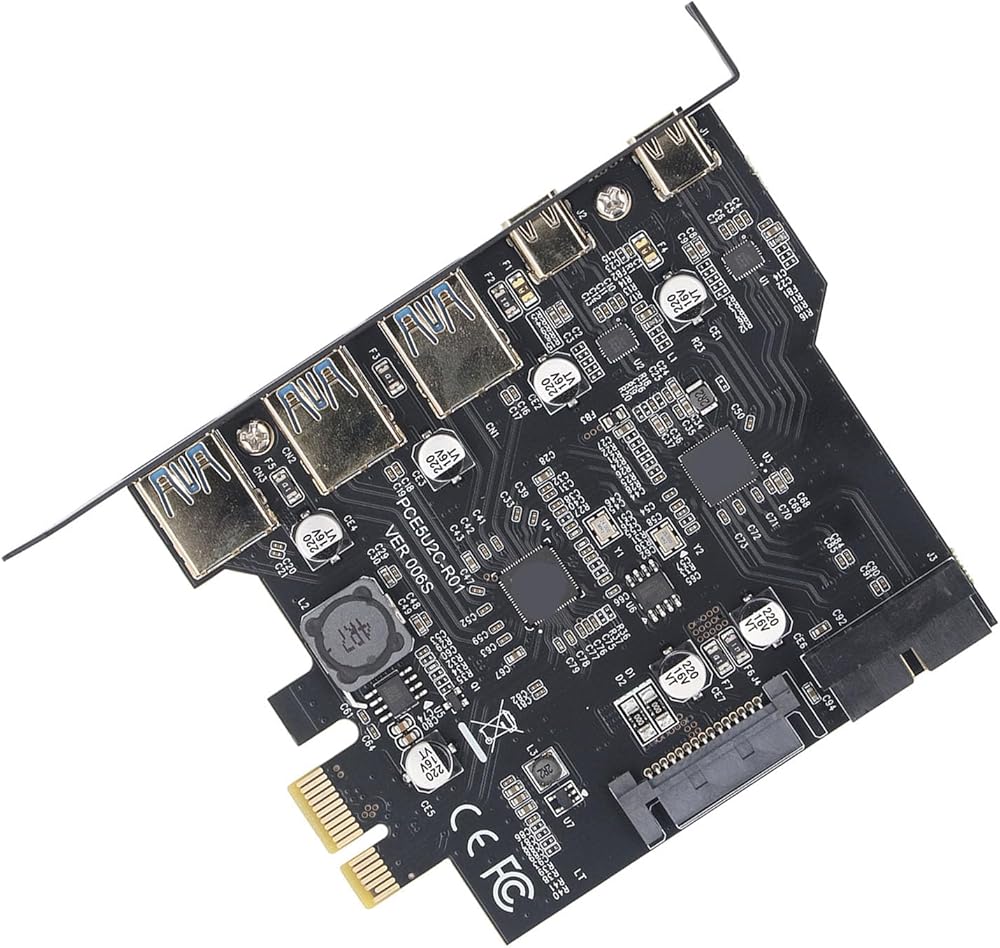
1. Multiple Ports: The PCIe expansion card provides 5 external USB 3.2 Gen 1 ports (3 USB Type A and 2 USB Type C ports) for your computer. You can connect a keyboard, mouse, external hard disk drive, CD, DVD drive, webcam, USB printer, scanner, game controller, USB VR, digital camera and more.
2. High Speed Transfer: This adapter card belongs to USB 3.2 GEN1 5Gbps standard, the 2 USB Type C ports and 2 USB Type A ports on the card are 5Gbps bandwidth, and using them at the same time will reduce the speed.
3. Wide Compatibility: The PCIe to USB 3.2 card is compatible with for 7 8 10 11 (32, 64 bit). Ideal for 11 desktops, for 8950, etc. Drivers are required for 7, for Server, not required for 10 11 and for
4. Stable And Easy To Use: The motherboard provides an internal USB card through a PCI Express slot to ensure a stable connection and increase data transfer speeds. There is no problem of losing connection like external USB Hub. Quick and easy to install, it is a simple solution for connecting and using USB 3.2 devices on a standard desktop.
5. Installation: Turn off the PC and unplug it from the outlet, remove the PC case, insert the card into the PCIE slot, tighten the screws, close the PC case cover, turn on the PC and install the driver. For cases where the slot area at the rear of the PC mainframe is narrow, simply cut the crossbar between the two slots with small sheet metal hand pliers.
Spec:
Item Type: PCIe to USB 3.2 Card
Material: PCB
Color: Black
Bus Type: PCIE
Interface: 2 x USB Type C, 3 x USB Type A, 19pin
System Compatibility: Supports for , for Linux
Bandwidth: 5 Gbps
How to Use:
Take out the product and use it.
PackageList:
1 x PCIe to USB 3.2 Card
Notice:
The USB expansion card only supports data transfer, not PD fast charging and video signal transfer (DisplayPort, HD Multimedia Interface, VGA display conversion) and USB C protocol.
 Jiawu 3 Axis Camera Stabilizer, 360° Rotation Horizontal Base, Handheld Gimbal Tripod Head for DSLR Camera with Quick Release Plate, 15kg Load
KWD 35.500
Jiawu 3 Axis Camera Stabilizer, 360° Rotation Horizontal Base, Handheld Gimbal Tripod Head for DSLR Camera with Quick Release Plate, 15kg Load
KWD 35.500
 -8%
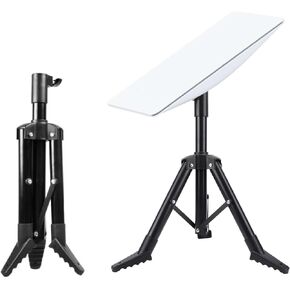
Starlink Gen 2 Tripod Stand, Foldable Tripod Stand for Starlink Gen 2, Starlink Standard Kickstand Dish, 1.47 to 2.06 Feet Adjustable Heavy Duty Portable Tripod Stand Mount
KWD 29
-8%
Starlink Gen 2 Tripod Stand, Foldable Tripod Stand for Starlink Gen 2, Starlink Standard Kickstand Dish, 1.47 to 2.06 Feet Adjustable Heavy Duty Portable Tripod Stand Mount
KWD 29
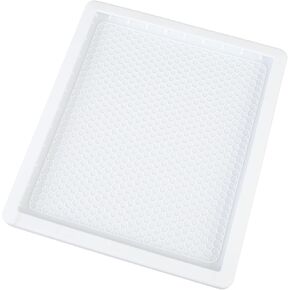 Starlin k Mini Protective Cover, Starlin k Mini Silicone Case, Anti Bump & Anti Drop Protector Cover for Starlin k Mini Dish, Starlin k Mini Accessorie for Outdoor Travel
KWD 9.500
Starlin k Mini Protective Cover, Starlin k Mini Silicone Case, Anti Bump & Anti Drop Protector Cover for Starlin k Mini Dish, Starlin k Mini Accessorie for Outdoor Travel
KWD 9.500
 -10%
Handheld Tubing Straightener, 3/4 Inch Copper Tube Straightening Tool for Brake Fuel System Lines, Pipe Straightener for Copper Tubing
KWD 13.500
-10%
Handheld Tubing Straightener, 3/4 Inch Copper Tube Straightening Tool for Brake Fuel System Lines, Pipe Straightener for Copper Tubing
KWD 13.500