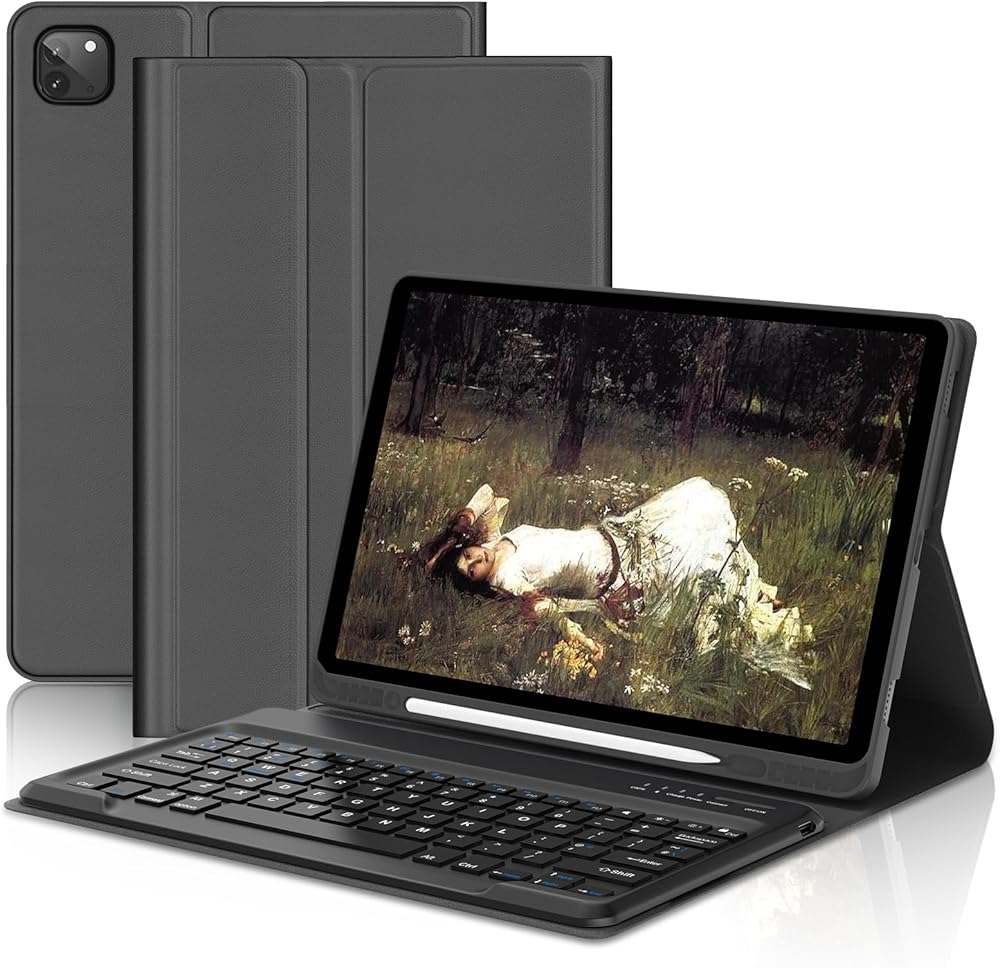
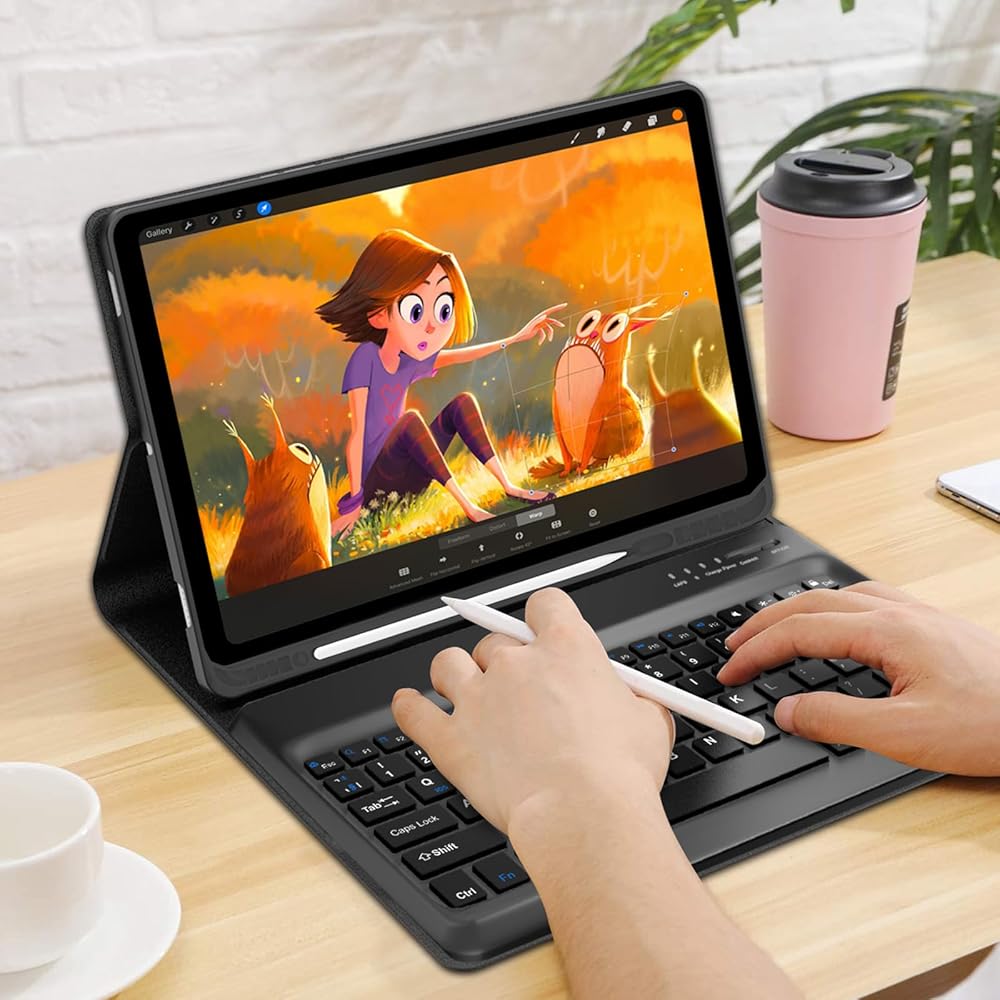
WINCHKING iPad Pro 12.9 بوصة (الجيل الخامس والسادس) وNew Air 13 بوصة M3/M2 (متوافق مع طراز 13 بوصة Air و12.9 بوصة) - لوحة مفاتيح لاسلكية قابلة للفصل - حامل أقلام (أسود)
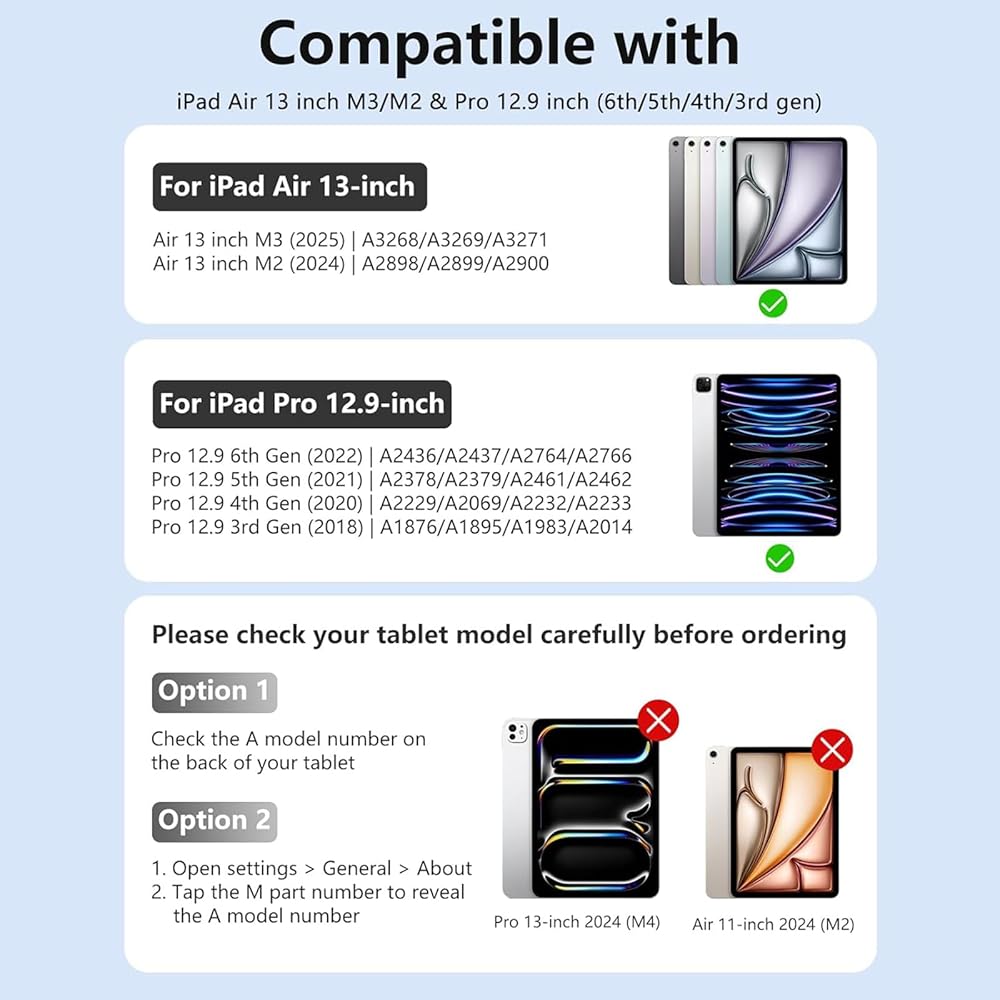
Compatibility Designed for Specific Models: This keyboard case is engineered to fit iPad Pro 12.9 inch 6th Generation (2022, A2436/A2437/A2764/A2766) and 5th Generation (2021, A2378/A2379/A2461/A2462), as well as iPad Air 13 inch M2/M3 (2024, A2900/A2899/A2898). It is NOT compatible with iPad Pro 13 inch M4 2024. Please verify your iPad model before purchase.
Secure All-Round Protection with Heat Dissipation: Featuring a honeycomb grid texture for improved anti-slip grip and heat release, this case shields your iPad from scratches, bumps, and daily wear. Reinforced corners and shock-absorbent materials provide full-body defense without adding bulk.
Slim & Detachable Bluetooth Keyboard for Enhanced Portability: The ultra-thin wireless keyboard easily separates from the case, making it ideal for travel, work, or study. Store both in a backpack, briefcase, or handbag without hassle. Responsive scissor-switch keys offer a comfortable, tactile typing experience.
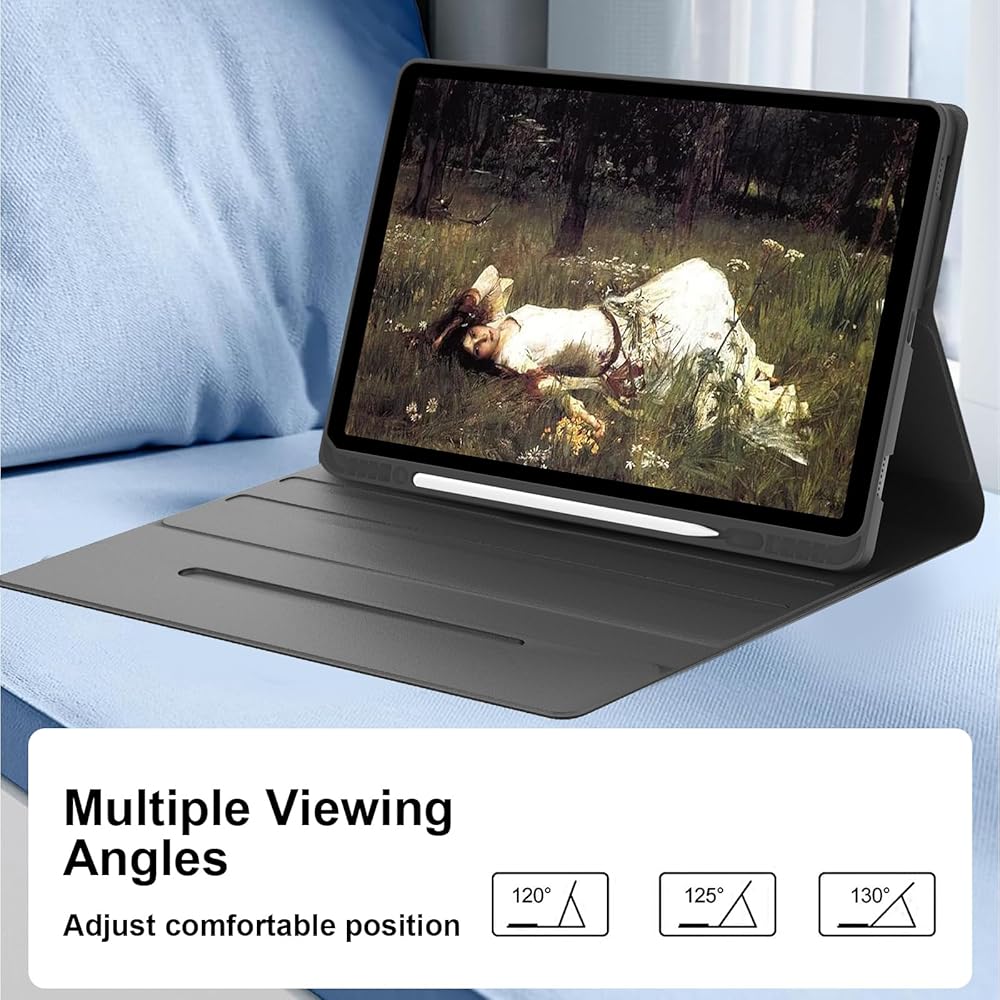
Adjustable Viewing Angles for Every Use: A magnetic flip cover supports three adjustable standing positions—perfect for typing, reading, gaming, or watching videos. Find your ideal angle for comfort in any setting, whether at home, school, or on the go.
Auto Sleep/Wake Function for Battery Efficiency: Built-in magnets activate sleep mode when the case is closed and wake your iPad when opened, helping preserve battery life. For optimal performance, remove the detachable keyboard before closing the case to ensure proper magnetic alignment.
Includes Built-In Apple Pencil Holder & Dedicated Storage: A secure slot keeps your Apple Pencil (sold separately) safely attached and charged. No more worrying about misplacing your stylus while moving between tasks.
What You Receive & Support: Package includes 1x Keyboard Case, 1x Wireless Detachable Keyboard, 1x Charging Cable, 1x User Manual (Apple Pencil NOT included). We offer 30-day returns and responsive customer support for any compatibility or functional inquiries.
وصف
How to connect the keyboard
1. Fully charge the keyboard before first use (usually 4 hours).
2. Turn on the device and press the "CONNECT" button to activate the Bluetooth function of the keyboard.
3. When the indicator light flashes, the Bluetooth function of the keyboard is activated.
4. Turn on the Bluetooth of your tablet.
5. Find the "Bluetooth Keyboard 5.0" and connect it to your tablet.
Keyboard description:
- Keyboard material: ABS
- Bluetooth version: Bluetooth 3.0.
- Lithium battery capacity: 430 mAh.
- Key life: 500 million clicks.
- Operating range: 10 metres.
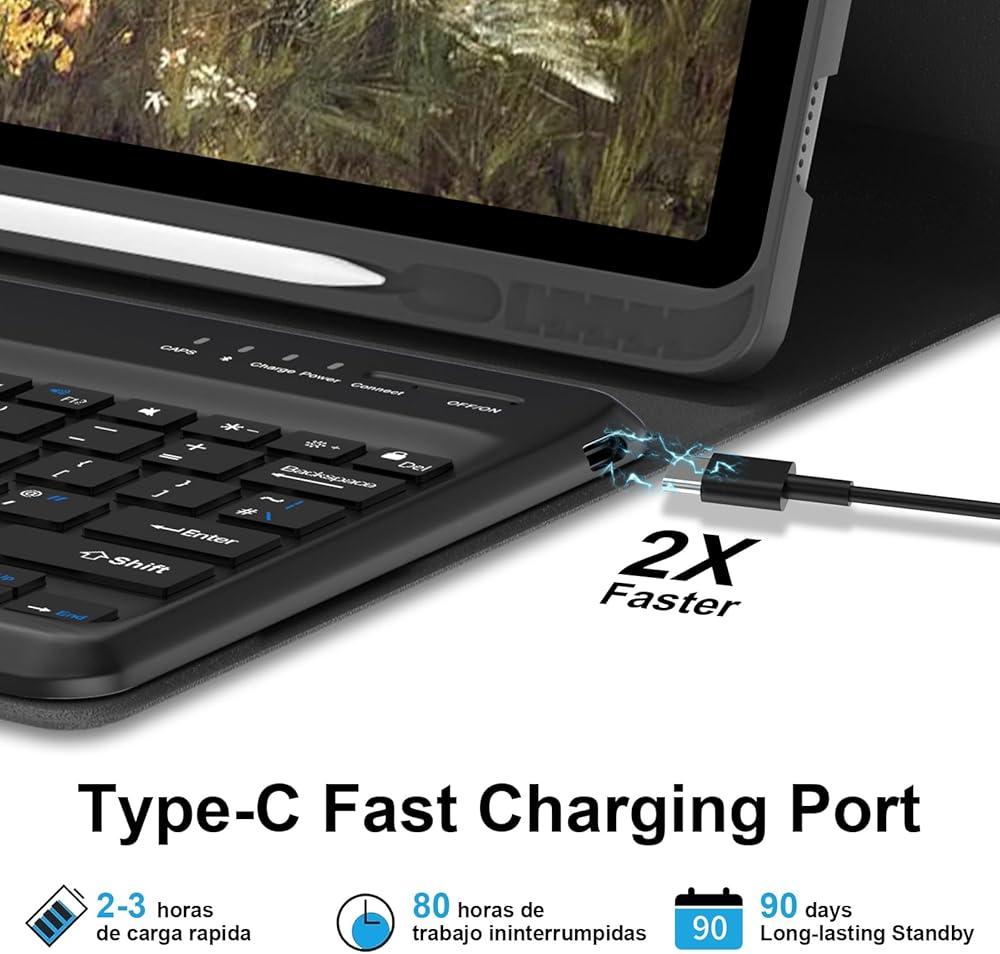
- Standby time: 300 days.
- Working time: 100 hours.
- Continuous time: 10 hours.
- Charging time: 2-3 hours.
 حافظة لوحة المفاتيح لجهاز سامسونج جالاكسي تاب S8 بلس 2022/S7 FE 2021/S7 بلس 2020/12.4 بوصة - 7 ألوان خلفية، لوحة مفاتيح بلوتوث قابلة للفصل، غطاء حماية ذكي مع حامل قلم S، أزرق
KWD 14
حافظة لوحة المفاتيح لجهاز سامسونج جالاكسي تاب S8 بلس 2022/S7 FE 2021/S7 بلس 2020/12.4 بوصة - 7 ألوان خلفية، لوحة مفاتيح بلوتوث قابلة للفصل، غطاء حماية ذكي مع حامل قلم S، أزرق
KWD 14
 لوحة مفاتيح لجهاز iPad الجيل التاسع مع لوحة مفاتيح 10.2 بوصة iPad 8th/7th /iPad Air 3rd/iPad Pro 10.5 بوصة، حافظة غطاء لوحة مفاتيح لاسلكية قابلة للفصل مع حامل أقلام (أرجواني)
KWD 11
لوحة مفاتيح لجهاز iPad الجيل التاسع مع لوحة مفاتيح 10.2 بوصة iPad 8th/7th /iPad Air 3rd/iPad Pro 10.5 بوصة، حافظة غطاء لوحة مفاتيح لاسلكية قابلة للفصل مع حامل أقلام (أرجواني)
KWD 11
 Samsung Galaxy Tab S9 Fe Case 5G 10g 10g/Galaxy Tab S9 11 بوصة 2023 مع لوحة مفاتيح ، 7 لون لوحة مفاتيح اللوحة اللاسلكية القابلة للفصل مع حامل قلم S (أسود)
KWD 40
Samsung Galaxy Tab S9 Fe Case 5G 10g 10g/Galaxy Tab S9 11 بوصة 2023 مع لوحة مفاتيح ، 7 لون لوحة مفاتيح اللوحة اللاسلكية القابلة للفصل مع حامل قلم S (أسود)
KWD 40
 حالة لوحة المفاتيح لـ iPad Pro 13 بوصة (M4) 2024 ، لوحة المفاتيح السحرية لـ iPad Pro 13 مع لوحة تتبع متعددة اللمس ، 7 ألوان الإضاءة الخلفية ، حامل مغناطيسي سهلة-رمادية
KWD 21
حالة لوحة المفاتيح لـ iPad Pro 13 بوصة (M4) 2024 ، لوحة المفاتيح السحرية لـ iPad Pro 13 مع لوحة تتبع متعددة اللمس ، 7 ألوان الإضاءة الخلفية ، حامل مغناطيسي سهلة-رمادية
KWD 21

 الكويت