Search

Home / Erchineko / Laptop Docking Stations
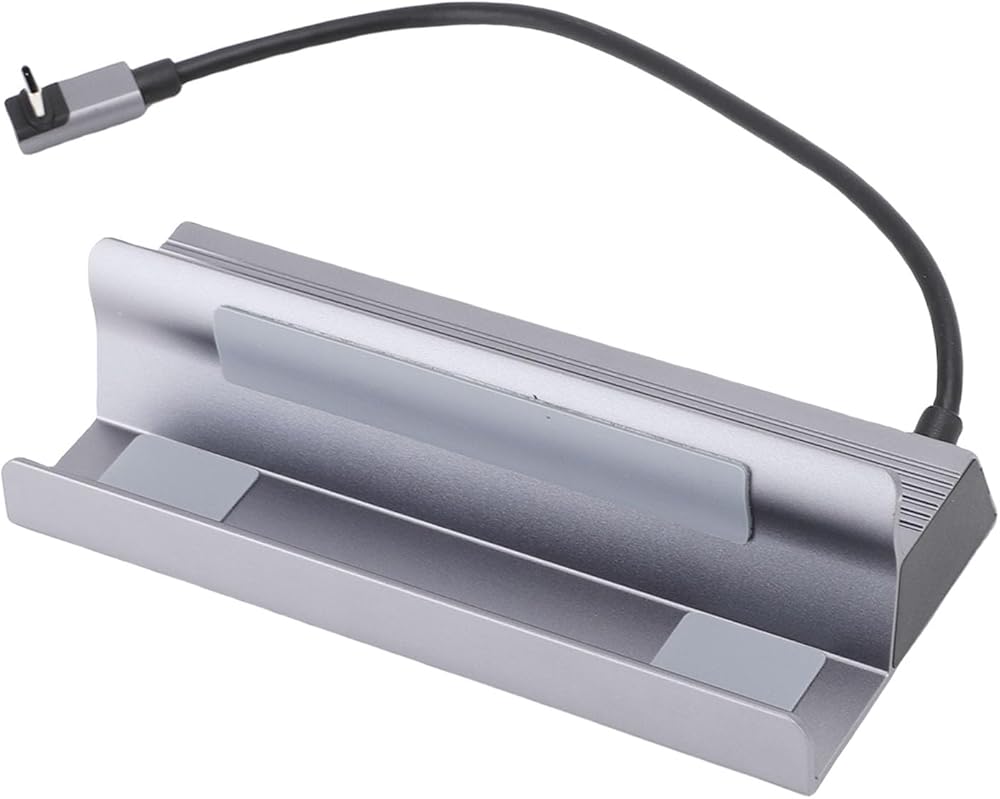
6 in 1 USB C Docking Station USB C Hub Dock 4K120Hz HD Multimedia Interface 100W PD Charging 1000Mbps RJ45 Ethernet Port 5Gbps 3.0 for Laptop Computer in Kuwait 6 in 1 USB C Docking Station USB C Hub Dock 4K120Hz HD Multimedia Interface 100W PD Charging 1000Mbps RJ45 Ethernet Port 5Gbps 3.0 for Laptop Computer in Kuwait 6 in 1 USB C Docking Station USB C Hub Dock 4K120Hz HD Multimedia Interface 100W PD Charging 1000Mbps RJ45 Ethernet Port 5Gbps 3.0 for Laptop Computer in Kuwait 6 in 1 USB C Docking Station USB C Hub Dock 4K120Hz HD Multimedia Interface 100W PD Charging 1000Mbps RJ45 Ethernet Port 5Gbps 3.0 for Laptop Computer in Kuwait 6 in 1 USB C Docking Station USB C Hub Dock 4K120Hz HD Multimedia Interface 100W PD Charging 1000Mbps RJ45 Ethernet Port 5Gbps 3.0 for Laptop Computer in Kuwait 6 in 1 USB C Docking Station USB C Hub Dock 4K120Hz HD Multimedia Interface 100W PD Charging 1000Mbps RJ45 Ethernet Port 5Gbps 3.0 for Laptop Computer in Kuwait 6 in 1 USB C Docking Station USB C Hub Dock 4K120Hz HD Multimedia Interface 100W PD Charging 1000Mbps RJ45 Ethernet Port 5Gbps 3.0 for Laptop Computer in Kuwait 6 in 1 USB C Docking Station USB C Hub Dock 4K120Hz HD Multimedia Interface 100W PD Charging 1000Mbps RJ45 Ethernet Port 5Gbps 3.0 for Laptop Computer in Kuwait 6 in 1 USB C Docking Station USB C Hub Dock 4K120Hz HD Multimedia Interface 100W PD Charging 1000Mbps RJ45 Ethernet Port 5Gbps 3.0 for Laptop Computer in Kuwait

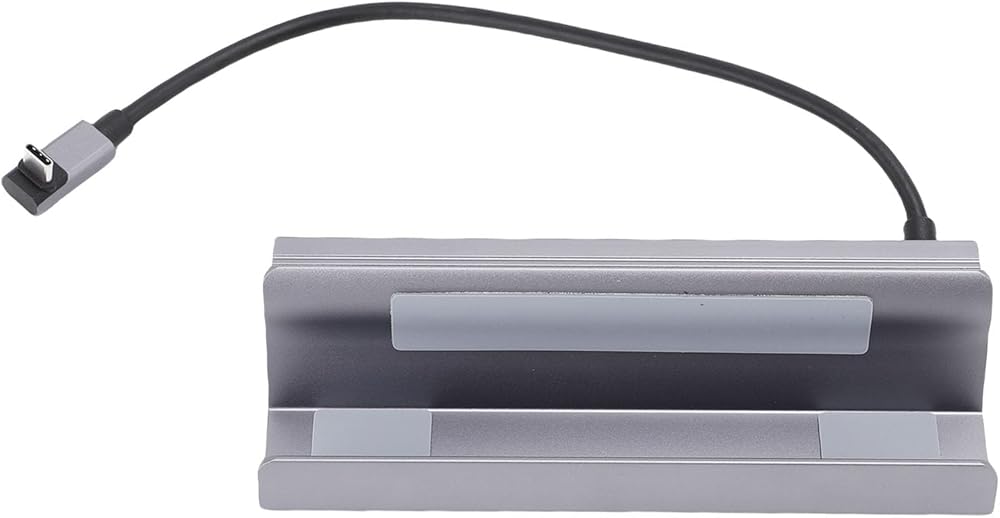
6 in 1 USB C Docking Station USB C Hub Dock 4K120Hz HD Multimedia Interface 100W PD Charging 1000Mbps RJ45 Ethernet Port 5Gbps 3.0 for Laptop Computer

KWD 17

All electronics ship with US style plugs. You may need a voltage converter or a plug adapter.
1 +

Special Features

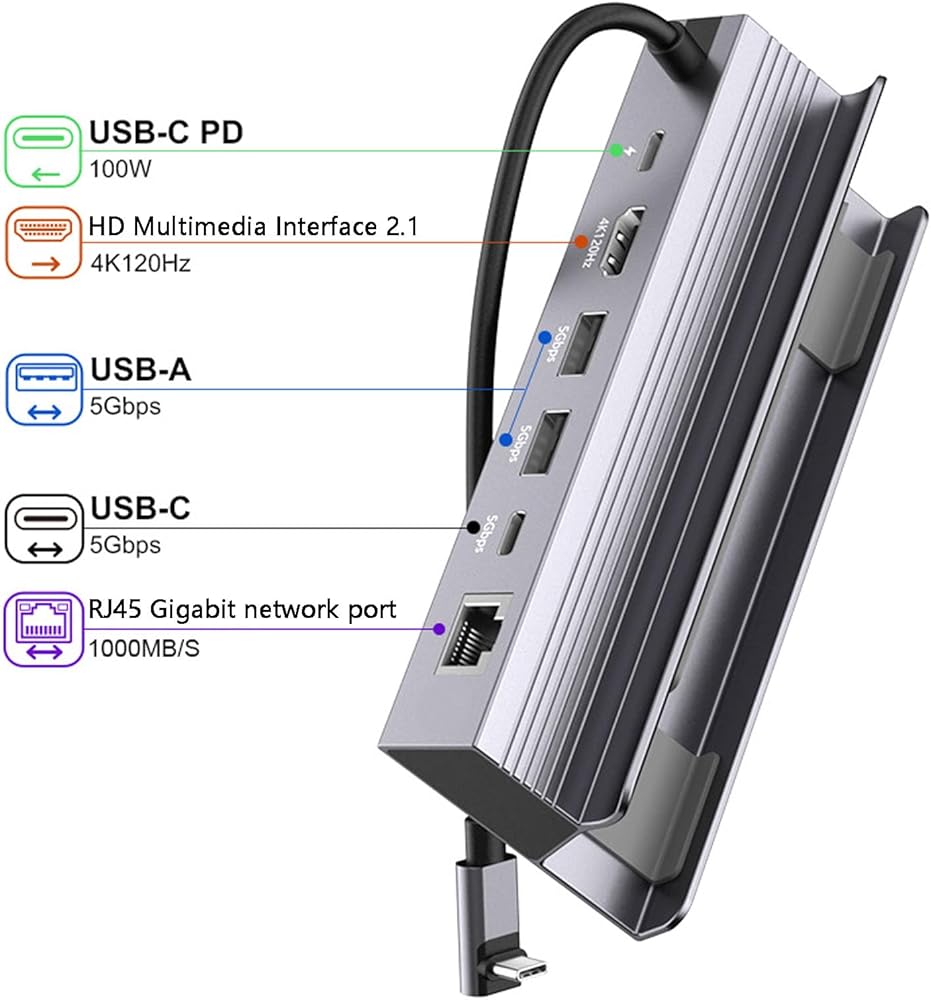
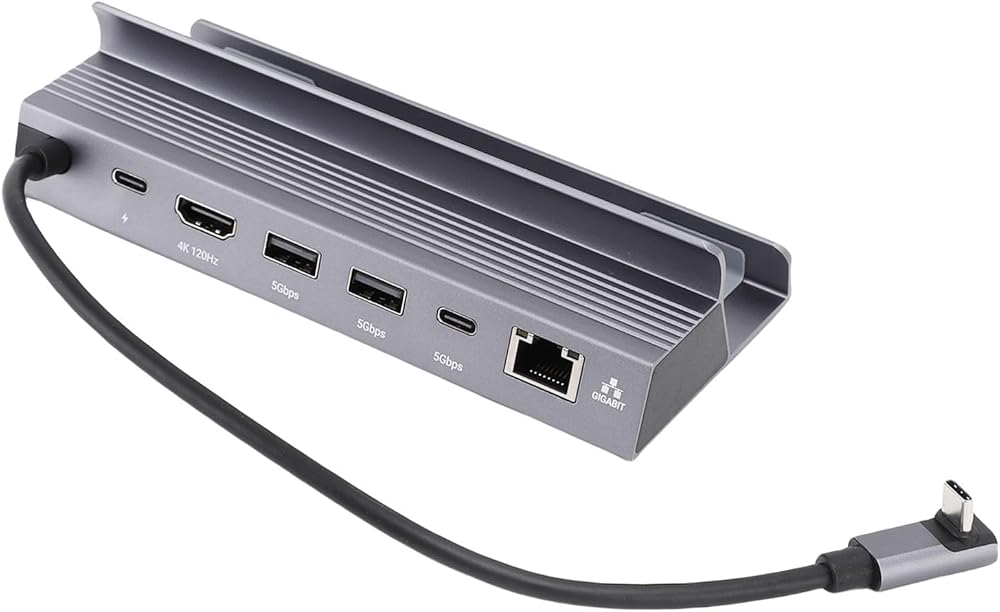
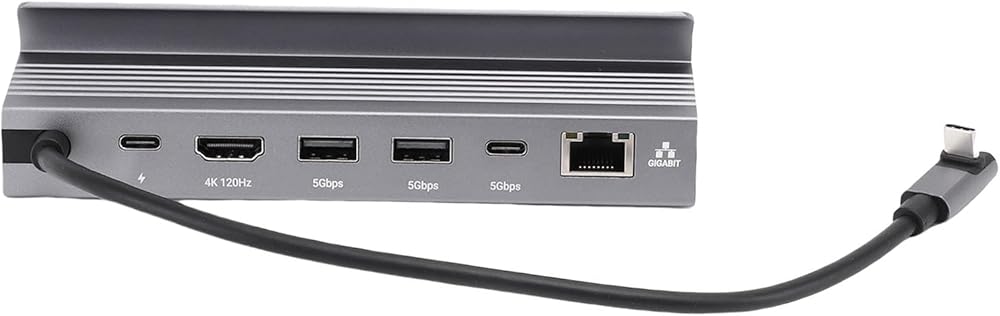
  • [ALL IN ONE CONNECTIVITY SOLUTION] This premium 6 in 1 USB C docking station eliminates desktop clutter and port switching hassles by integrating multiple essential ports into a single compact device. It provides seamless connectivity for your laptop to monitors, wired networks, power adapters, and USB peripherals simultaneously, creating a streamlined and efficient workstation , , and students alike.
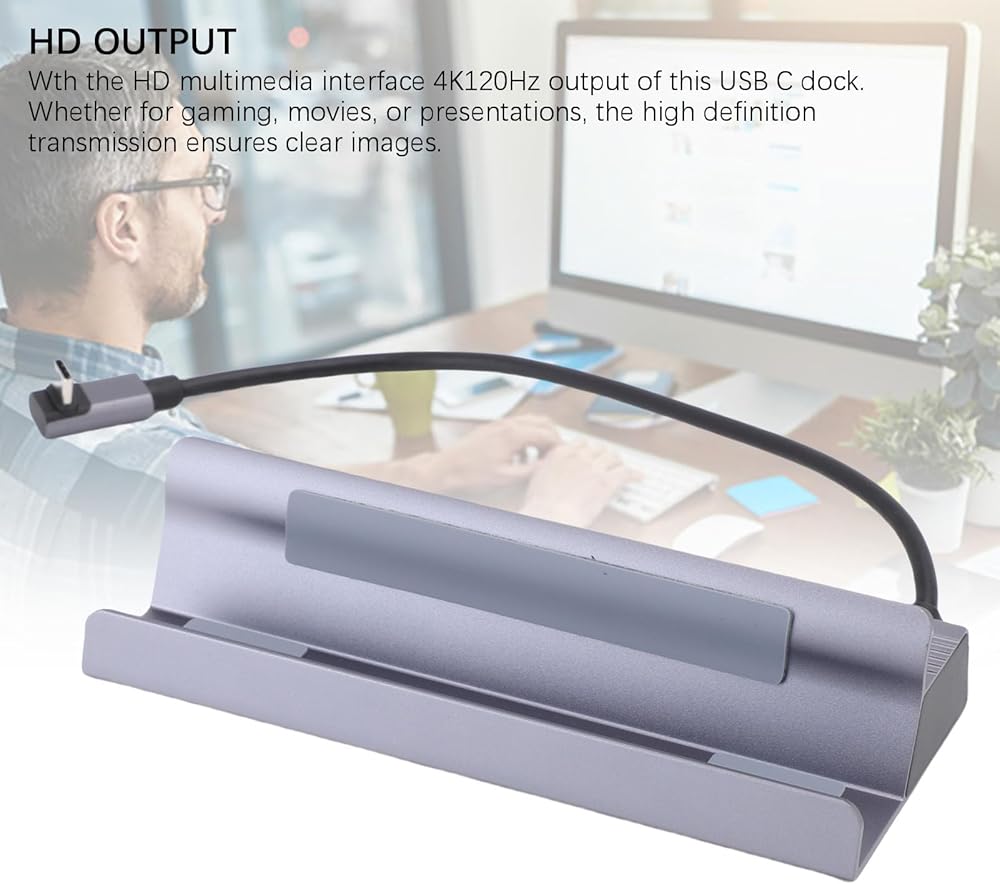
  • [STUNNING 4K ULTRA HD VISUALS AT 120HZ] Experience breathtaking clarity and ultra smooth motion with the port supporting 4K resolution at a blazing 120Hz refresh rate. This feature is perfect for competitive gaming where every frame counts, enjoying high definition movies, or delivering professional presentations with crystal clear image quality and lag.
  • [ULTRA FAST 100W POWER DELIVERY CHARGING] Power your laptop and other devices rapidly with up to 100W Power Delivery pass through charging via the dedicated USB C PD port. This allows you to charge your primary device at full speed while using all other hub functions, ensuring you stay powered up and productive without any compromise on data transfer or performance.
  • [GIGABIT ETHERNET & HIGH SPEED DATA PORTS] Achieve rock solid and fast internet connectivity with the integrated 1000Mbps RJ45 Gigabit Ethernet port, ideal for online gaming, 4K streaming, and large file transfers. Combined with USB 3.0 and USB C data ports offering 5Gbps transfer speeds, you can move files and connect accessories with exceptional efficiency.
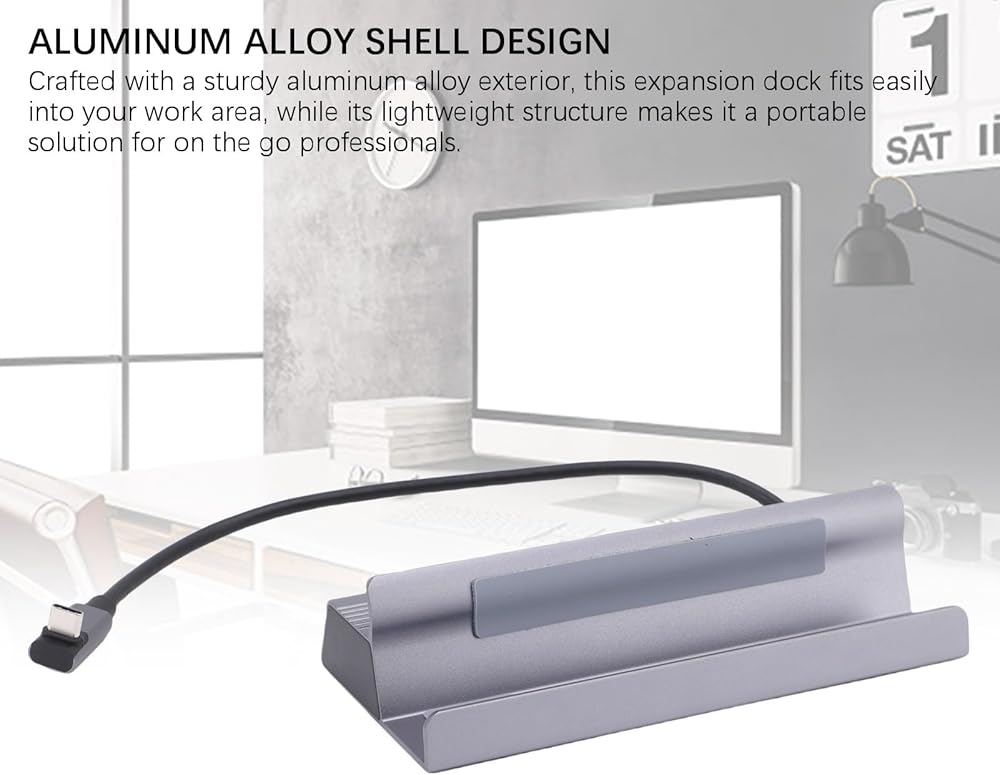
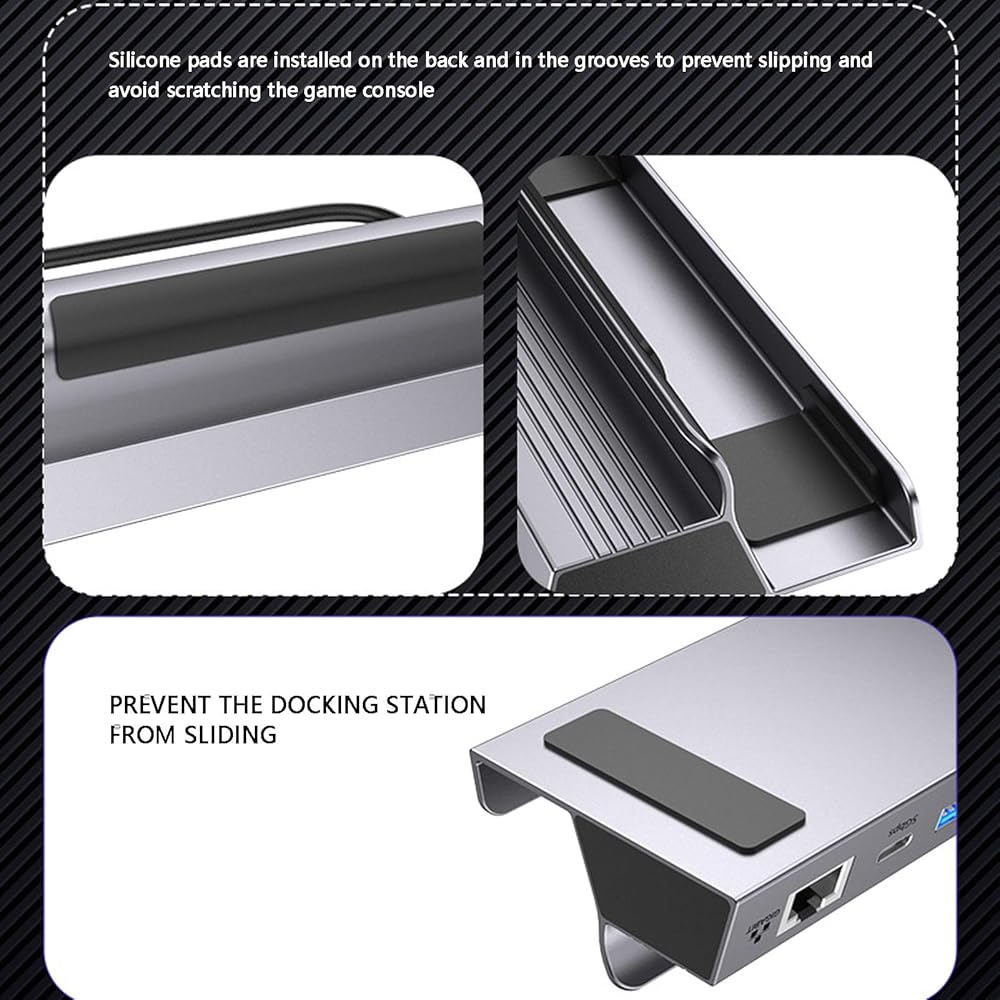
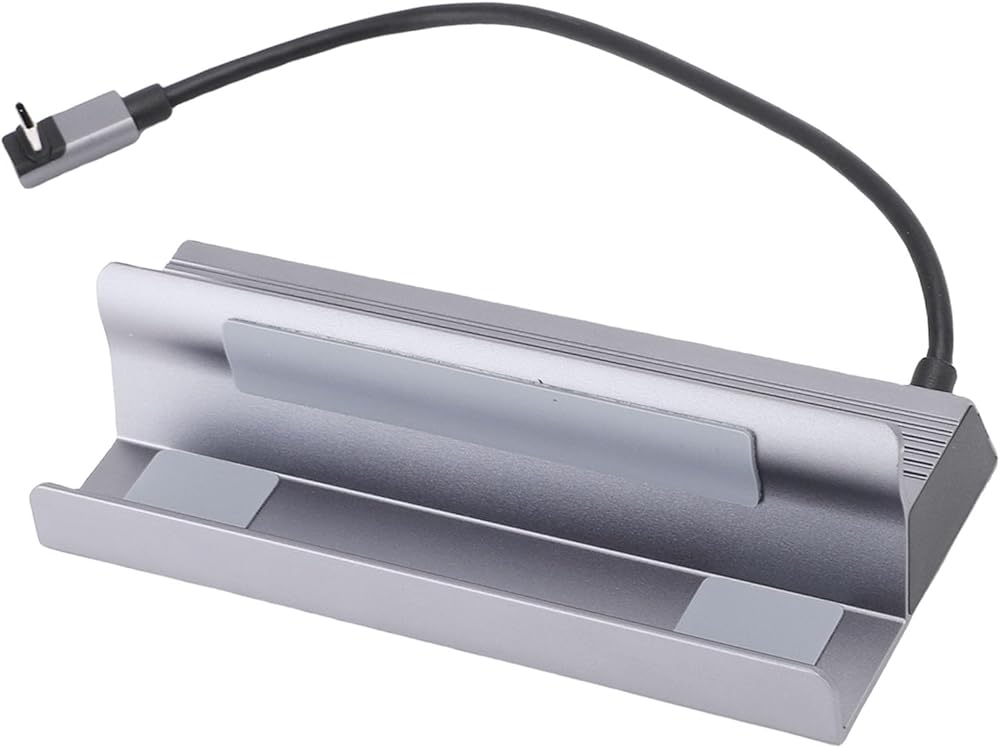
  • [DURABLE ALUMINUM DESIGN & BROAD COMPATIBILITY] Crafted from a robust aluminum alloy shell, this dock is built to last while effectively dissipating heat. Its , lightweight design is both portable for travel and stylish for any desk setup. Universally compatible with , macOS, and systems, it is the perfect expansion solution for modern laptops with USB C ports.

Description

Spec:
Item Type: USB C Docking Station
Material: Metal, Aluminum Alloy Shell
Input Interface: Type C
USB3.0: 5Gbps
Type C: 5Gbps
HD Multimedia Interface: 4K120Hz
PD: 100W (Maximum)
RJ45: 1000Mbps
Compatible systems: for , for OS X, for Linux

Package List:
1 x USB C Docking Station

How To Use:
Basic connection, plug and play

Note:
1. Regularly clean the interface of the docking station to avoid poor contacting caused by dust.
2. Avoid frequent plugging and unplugging to reduce interface wear.
3. When not in use for a long time, disconnect the power supply and connecting wires.

Related Items


{"error":"Error","cart_limit":"You have too many items in your cart.","prod_limit":"You cannot add any more of this item"}