الاجهزه الالكترونيات الامريكية قد تحتاج الى محمول فولت من ١١٠ الى ٢٢٠.قد تحتاج إلى محول كهرباء
مميزات خاصة
IMPORTANT 1 - You must select a receiver that is fully compatible with your presentation clicker to ensure proper pairing between the two devices. Therefore, to avoid incorrect purchases and prevent wasting your time, please provide your previous presentation clicker order details and contact us for selection recommendations.
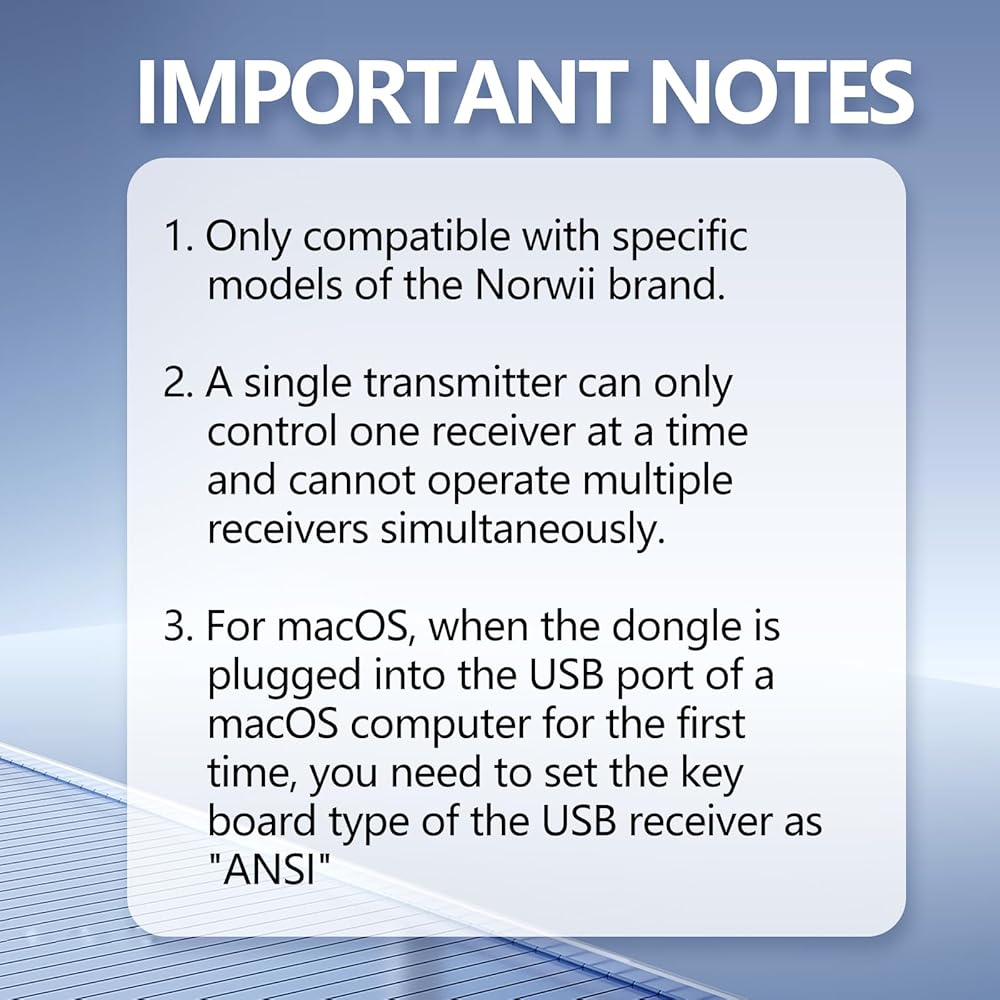
IMPORTANT 2 - This receiver cannot pair with presentation clickers from other brands. It is only compatible with specific models of the Norwii brand. Please contact customer service to confirm the correct purchase.
IMPORTANT 3 - A single transmitter can only control one receiver at a time and cannot operate multiple receivers simultaneously.
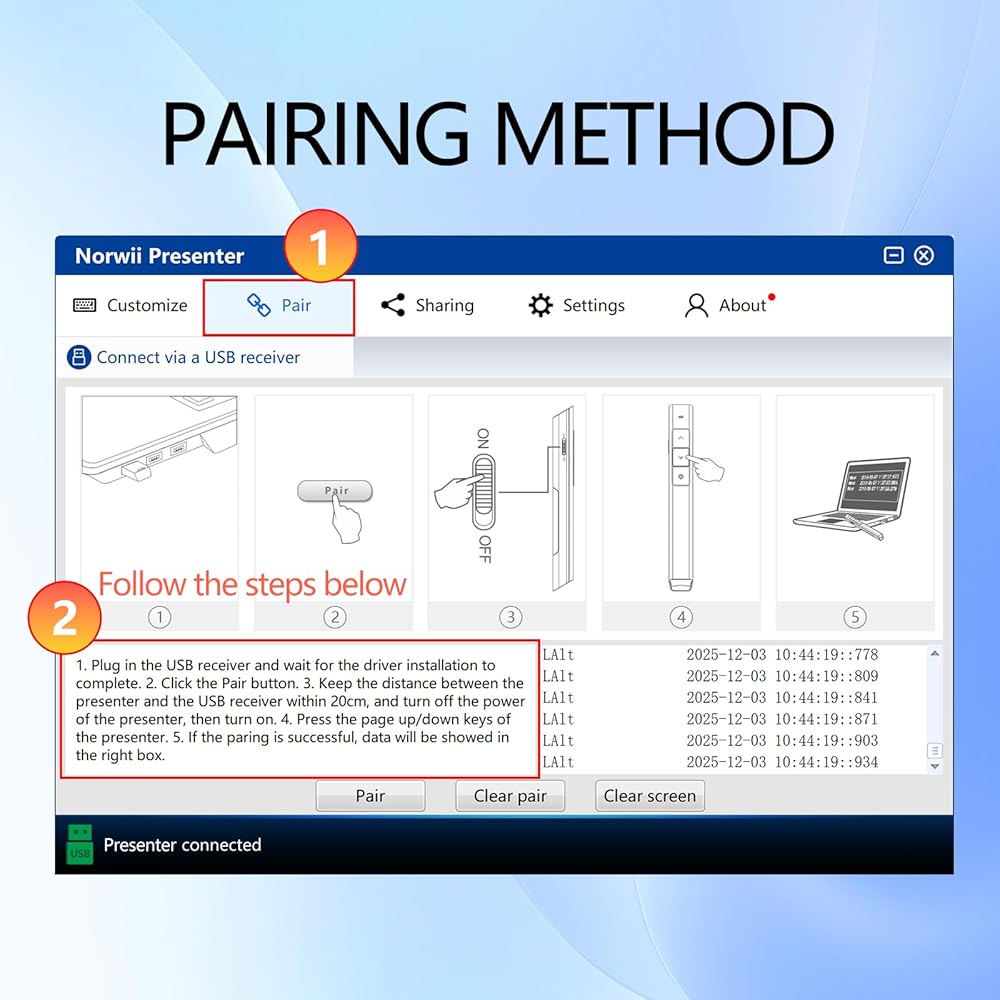
How to Pair - ① Download and run the Norwii Presenter app, enter "Pair" menu. ② Plug in the USB dongle. ③ Click the "Pair" button at the bottom of the "Pair" window. ④ Keep the Presenter and the dongle within 20cm, Continuously click forward/back buttons on your Presenter. ⑤ When you see the message in the lower right corner of the software window, it indicates successful pairing. This process can be repeated as needed.
For Mac OS - When the USB receiver is plugged into the USB port of a macOS computer for the first time, you need to set the keyboard type of the USB receiver as ‘ANSI'. For N95s BLE, please enable the following three permissions: input listening, screen recording, and auxiliary functions .
وصف
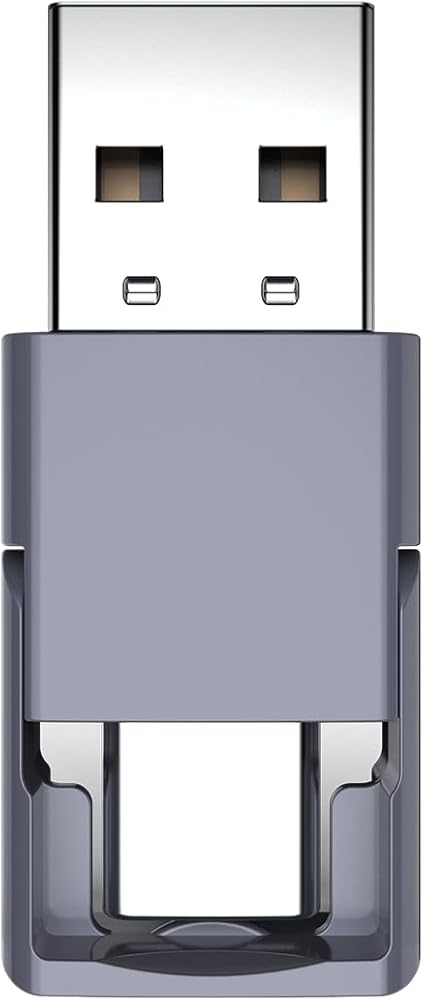
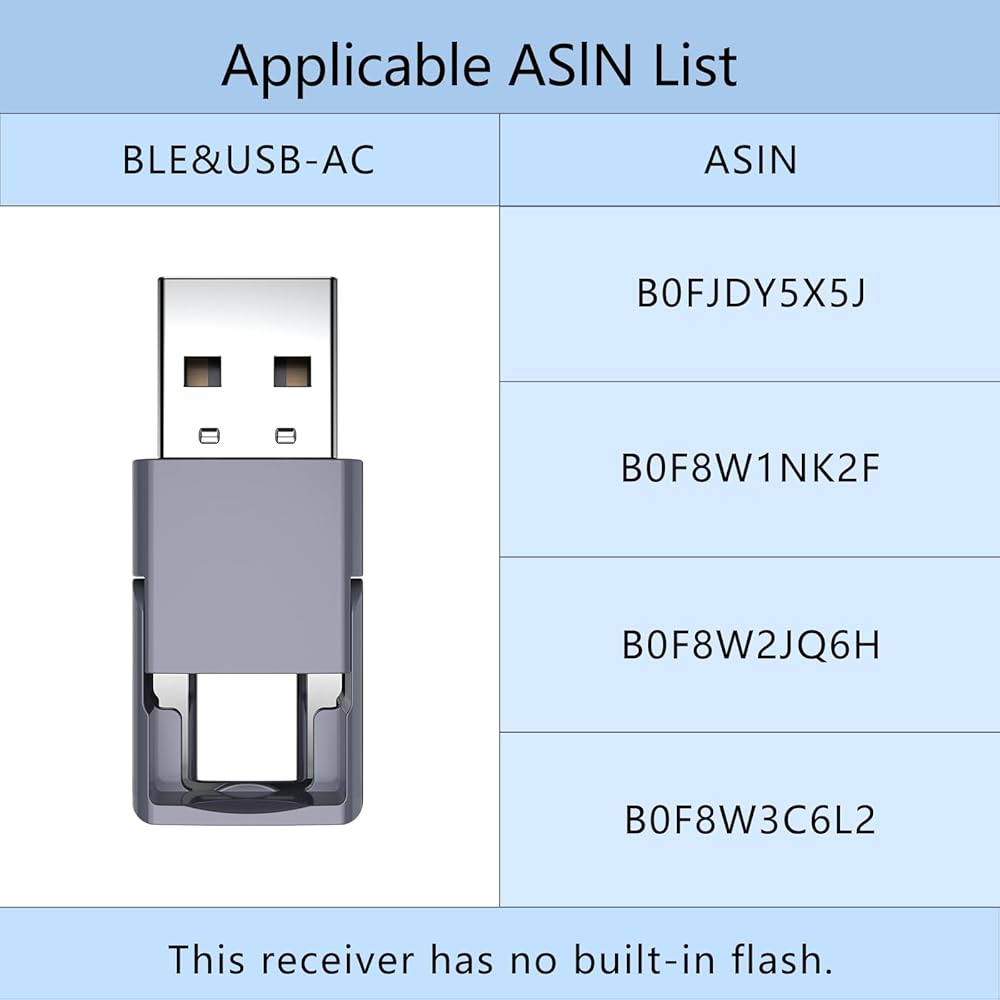
This receiver is only compatible with specific models of Norwii brand presentation clickers. Please confirm the correct option with the seller's customer service before placing your order to avoid wasting your valuable time.
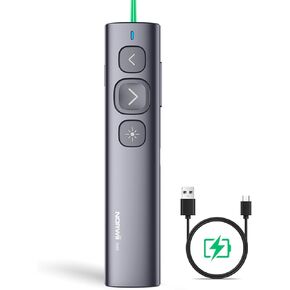 NORWII N95 مؤشر ضوئي أخضر، 330 قدم نطاق تحكم طويل مصمم للمناسبات الكبيرة، جهاز عرض لاسلكي قابل لإعادة الشحن عن بعد USB PowerPoint PPT Clicker لأجهزة Mac، الكمبيوتر المحمول، الكمبيوتر المحمول
KWD 5.500
NORWII N95 مؤشر ضوئي أخضر، 330 قدم نطاق تحكم طويل مصمم للمناسبات الكبيرة، جهاز عرض لاسلكي قابل لإعادة الشحن عن بعد USB PowerPoint PPT Clicker لأجهزة Mac، الكمبيوتر المحمول، الكمبيوتر المحمول
KWD 5.500
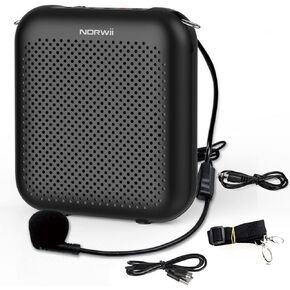 مضخم صوت S358 10 واط قابل لاعادة الشحن 2000mAH من نوروي، حزام خصر محمول وميكروفون سماعة راس سلكي، مضخم ميكروفون شخصي للمعلمين والعروض التقديمية والتدريب والمرشدين السياحيين وما الى ذلك
KWD 8.500
مضخم صوت S358 10 واط قابل لاعادة الشحن 2000mAH من نوروي، حزام خصر محمول وميكروفون سماعة راس سلكي، مضخم ميكروفون شخصي للمعلمين والعروض التقديمية والتدريب والمرشدين السياحيين وما الى ذلك
KWD 8.500
 مضخم صوت صغير NORWII مكبر صوت بلوتوث محمول قابل لإعادة الشحن بقدرة 4000 مللي أمبير في الساعة مع سماعة ميكروفون سلكية وحزام خصر، مضخم صوت شخصي لنظام PA للمعلمين والمرشدين السياحيين والاجتماعات والمدربين
KWD 10.500
مضخم صوت صغير NORWII مكبر صوت بلوتوث محمول قابل لإعادة الشحن بقدرة 4000 مللي أمبير في الساعة مع سماعة ميكروفون سلكية وحزام خصر، مضخم صوت شخصي لنظام PA للمعلمين والمرشدين السياحيين والاجتماعات والمدربين
KWD 10.500
 مضخم صوت لاسلكي NORWII مع سماعة ميكروفون لاسلكية UHF، 10 وات 4000 مللي أمبير في الساعة محمول قابل لإعادة الشحن بنظام PA مضخم صوت لاسلكي للمعلمين والاجتماعات والترقيات وفي الهواء الطلق (أسود)
KWD 13.500
مضخم صوت لاسلكي NORWII مع سماعة ميكروفون لاسلكية UHF، 10 وات 4000 مللي أمبير في الساعة محمول قابل لإعادة الشحن بنظام PA مضخم صوت لاسلكي للمعلمين والاجتماعات والترقيات وفي الهواء الطلق (أسود)
KWD 13.500

 الكويت