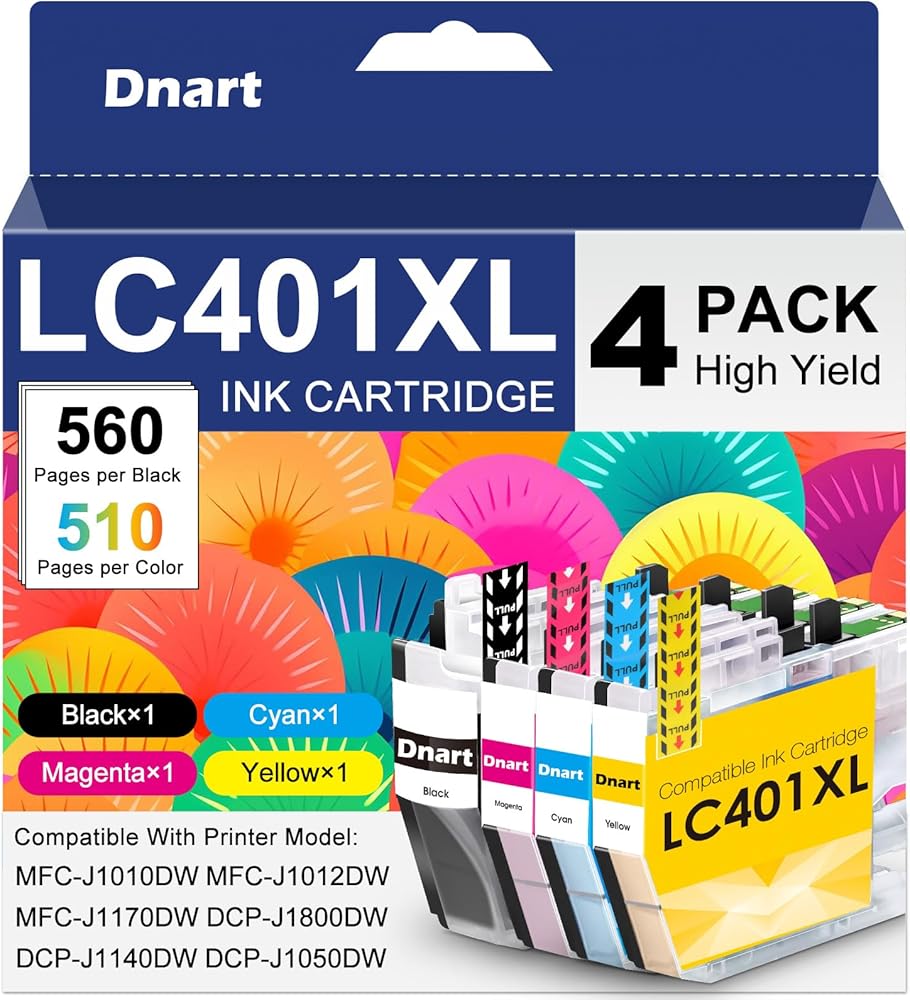
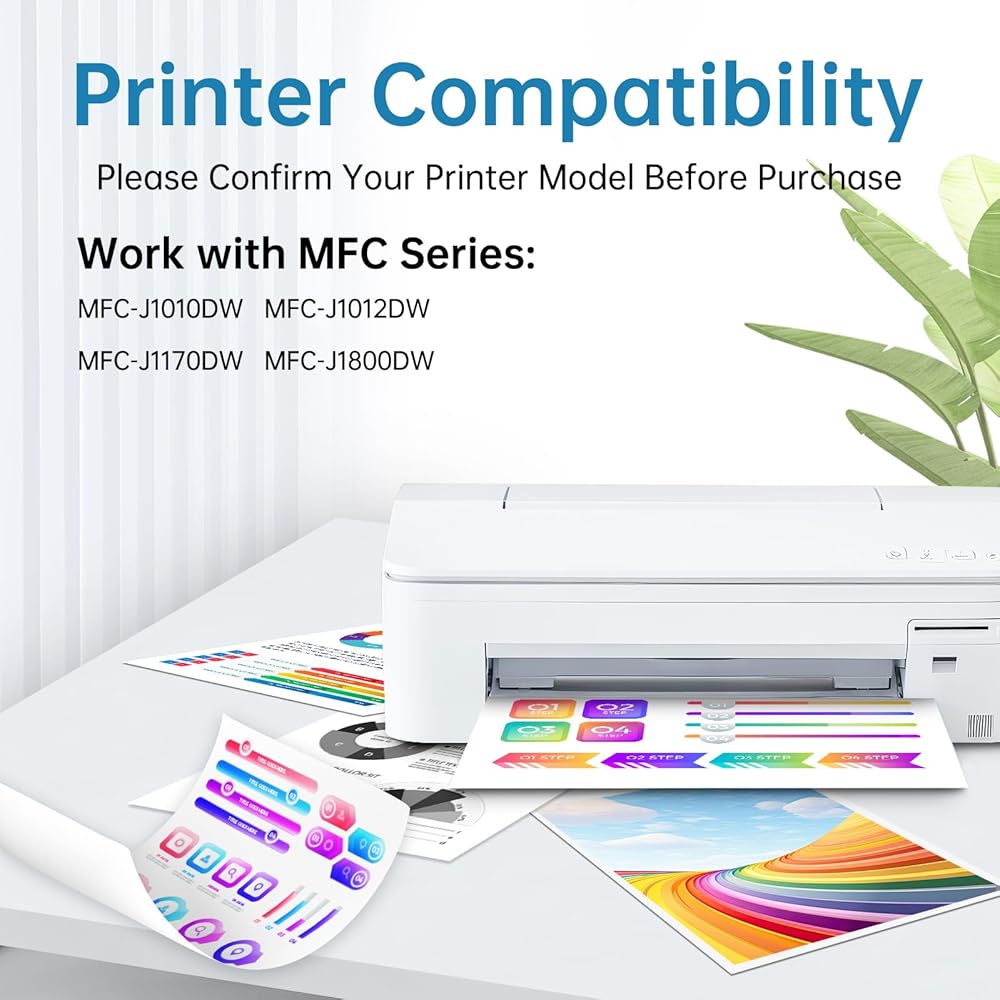
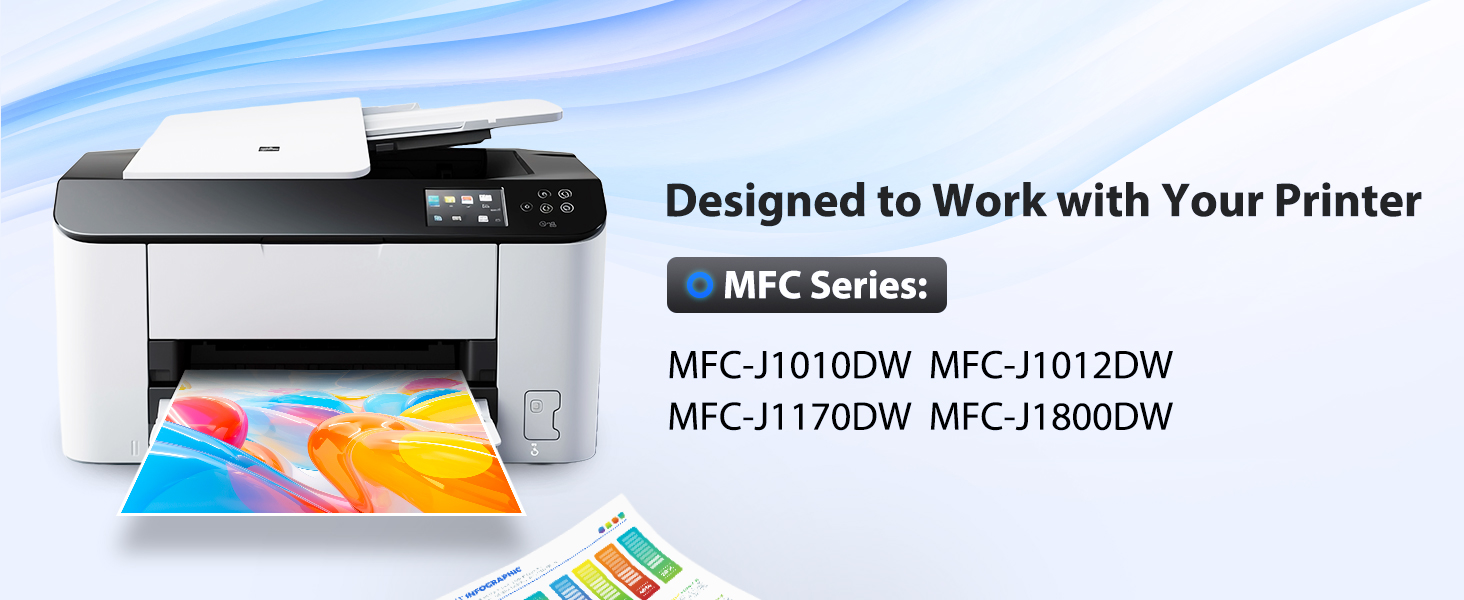
متوافق مع طراز طابعة Brother الخاص بك: مصمم خصيصًا لطابعات خراطيش الحبر Brother LC401XL. متوافق تمامًا مع نماذج الطابعة Brother MFC-J1010DW / MFC-J1010، MFC-J1012DW / MFC-J1012، MFC-J1170DW / MFC-J1170، MFC-J1800DW / MFC-J1800، DCP-J1140DW.
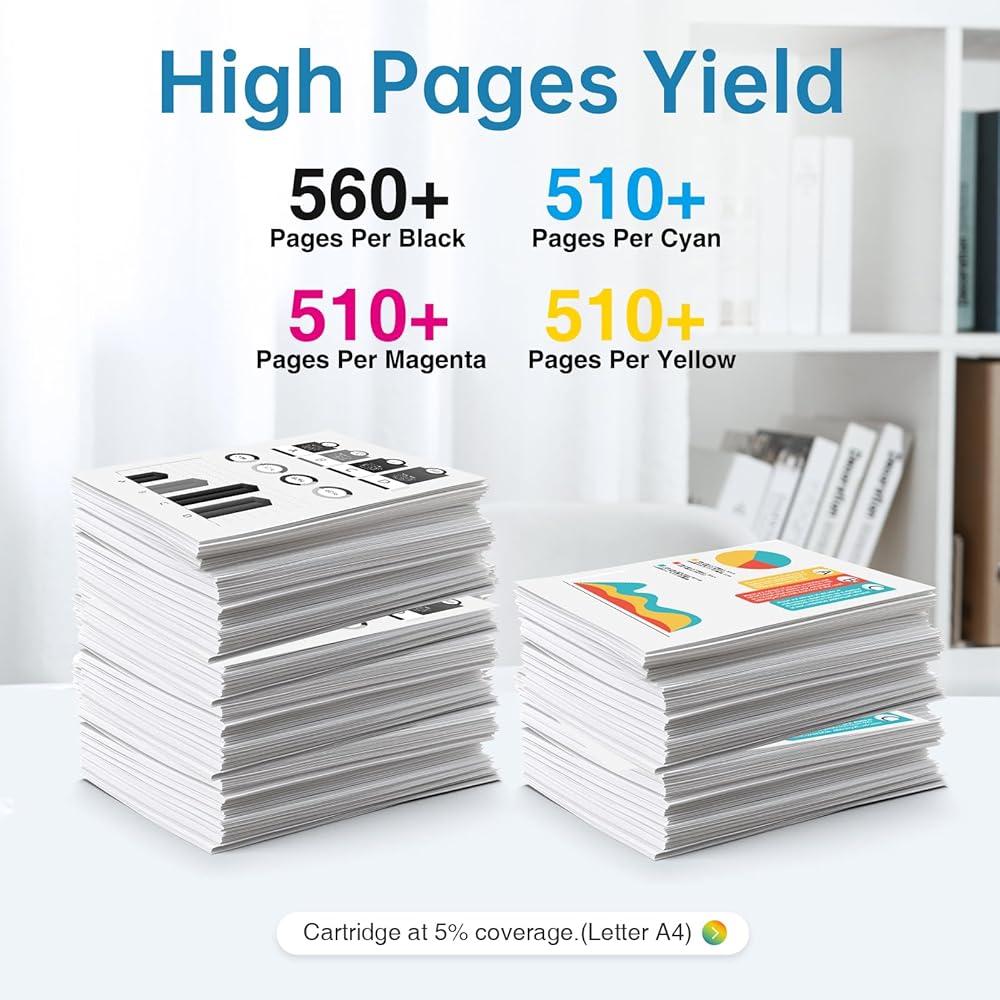
كم عدد الصفحات التي سيتم طباعتها؟: توفر مجموعة خراطيش الحبر LC401XL المكونة من 4 عبوات إنتاجًا إجماليًا تقريبيًا يبلغ 2000 صفحة. تنتج كل خرطوشة حبر LC401XL سوداء ما يصل إلى 560 صفحة، كما تنتج كل خرطوشة ألوان (سماوي وأرجواني وأصفر) ما يصل إلى 510 صفحة تحت نفس معيار التغطية A4 بنسبة 5%. تم تصميمه للحصول على نصوص واضحة واستنساخ ألوان نابضة بالحياة، وهو يتعامل بشكل موثوق مع مهام الطباعة اليومية في المنزل والمكتب والمدرسة والأعمال. تعكس إنتاجية الصفحات الطباعة النموذجية المختلطة باللونين الأسود واللون؛ قد يختلف الإخراج الفعلي حسب إعدادات الطباعة وتعقيد المستندات ومستويات تغطية الحبر.
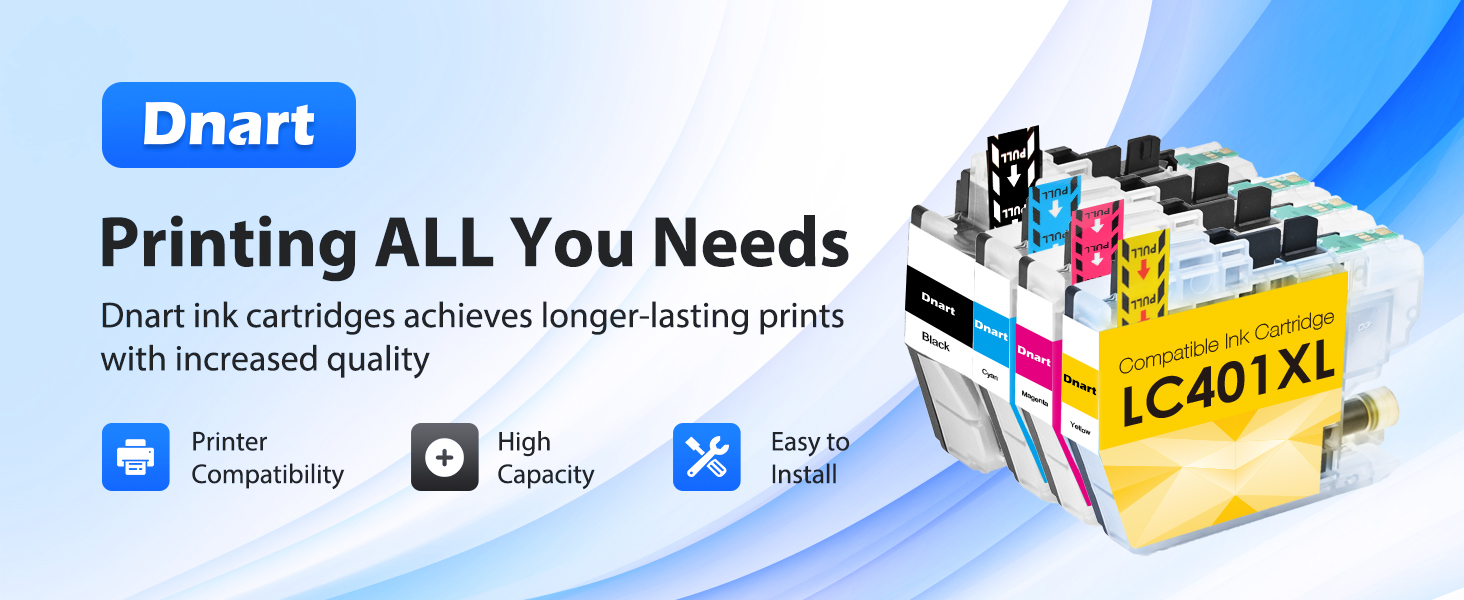
ما هي الألوان المضمنة في العبوة؟: تتضمن العبوة المكونة من 4 خراطيش حبر LC401XL 1 × خرطوشة حبر LC401XL سوداء، وخرطوشة حبر سماوي 1 × LC401XL، وخرطوشة حبر أرجوانية 1 × LC401XL، وخراطيش حبر صفراء 1 × LC401XL لطابعات Brother (إجمالي 4 عبوات كومبو). تمنحك حزمة التحرير والسرد CMYK هذه جميع الألوان اللازمة للطباعة بالألوان الكاملة على طابعة Brother الخاصة بك.
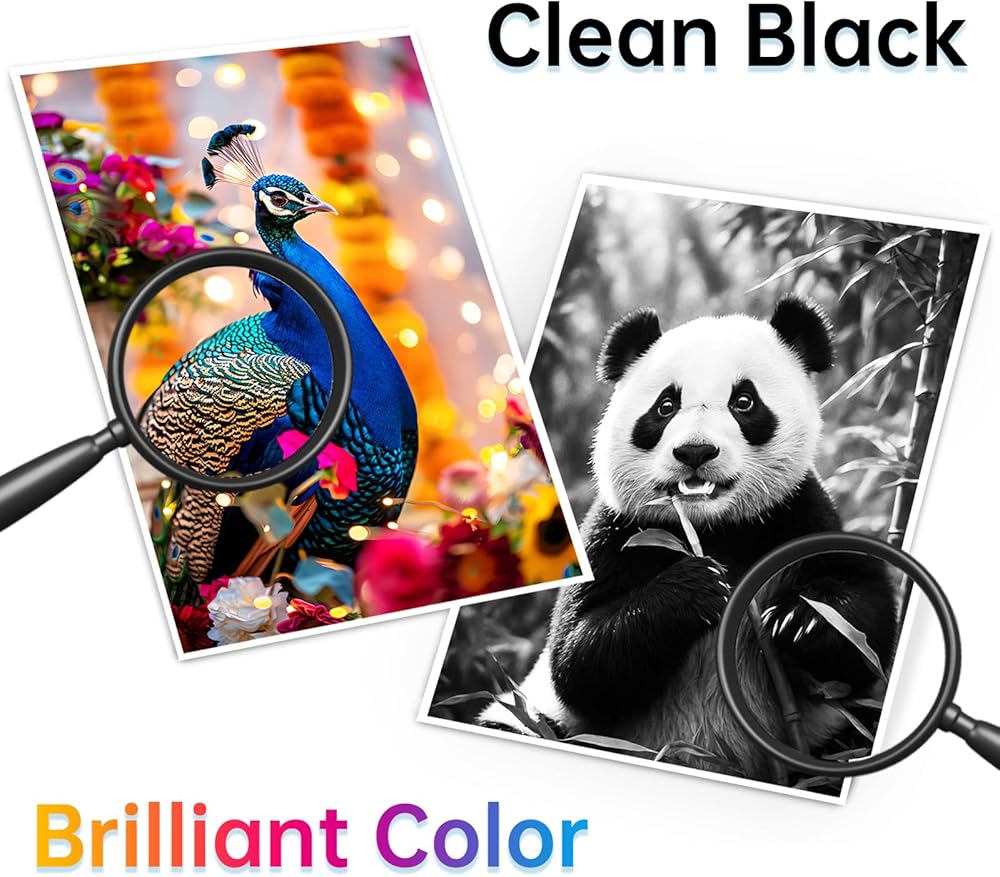
جودة طباعة فائقة: تضمن خراطيش الحبر LC401XL لدينا التعرف السريع والمستقر على الطابعة للحصول على أداء سلس وخالي من الانقطاع. تتميز بتركيبة حبر ممتازة، فهي تقدم نصًا واضحًا وواضحًا للمستندات والتقارير والرسائل، بالإضافة إلى صور مشرقة وحيوية وواقعية للصور والرسومات. تُظهر كل مطبوعة وضوحًا متسقًا وحوافًا نظيفة وتشبعًا غنيًا للألوان يلبي معايير الجودة الاحترافية. مثالية للطباعة اليومية في المنزل والمكتب والمدرسة والأعمال، فهي توفر صفحة إخراج موثوقة وعالية الدقة بعد الصفحة مع أداء طباعة إجمالي استثنائي.
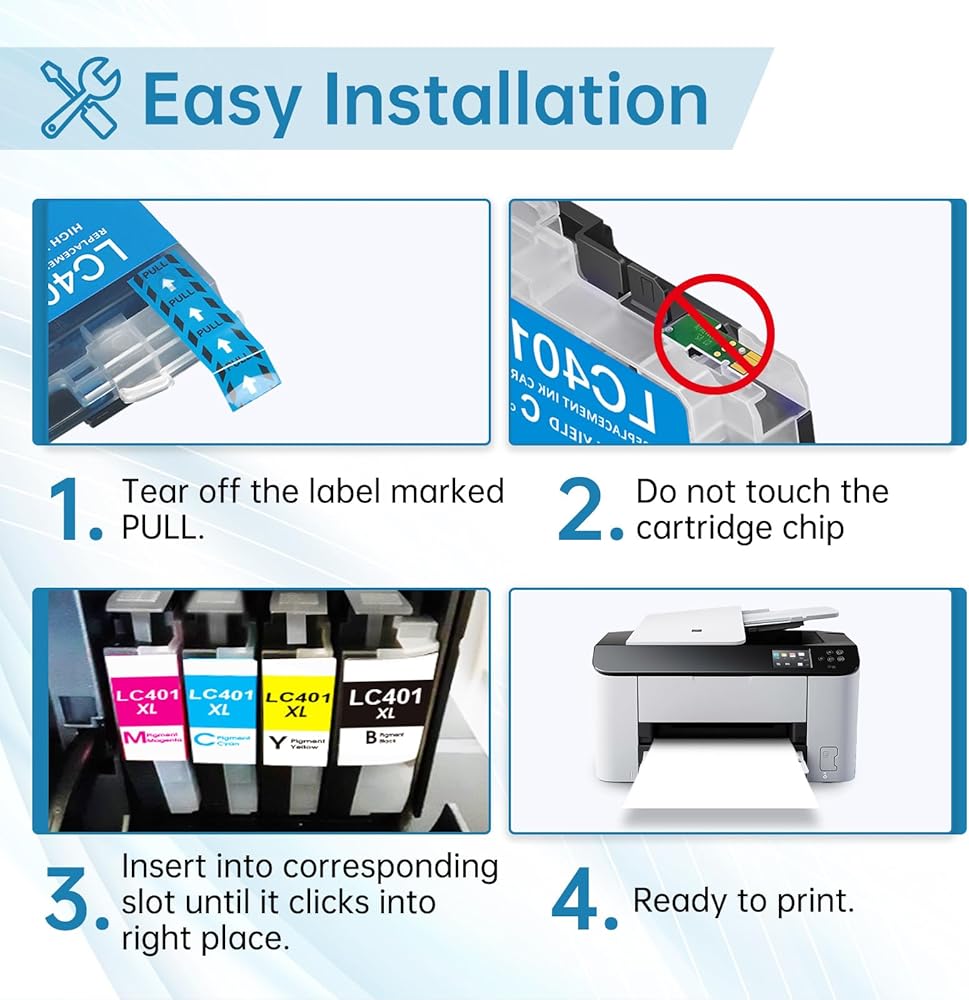
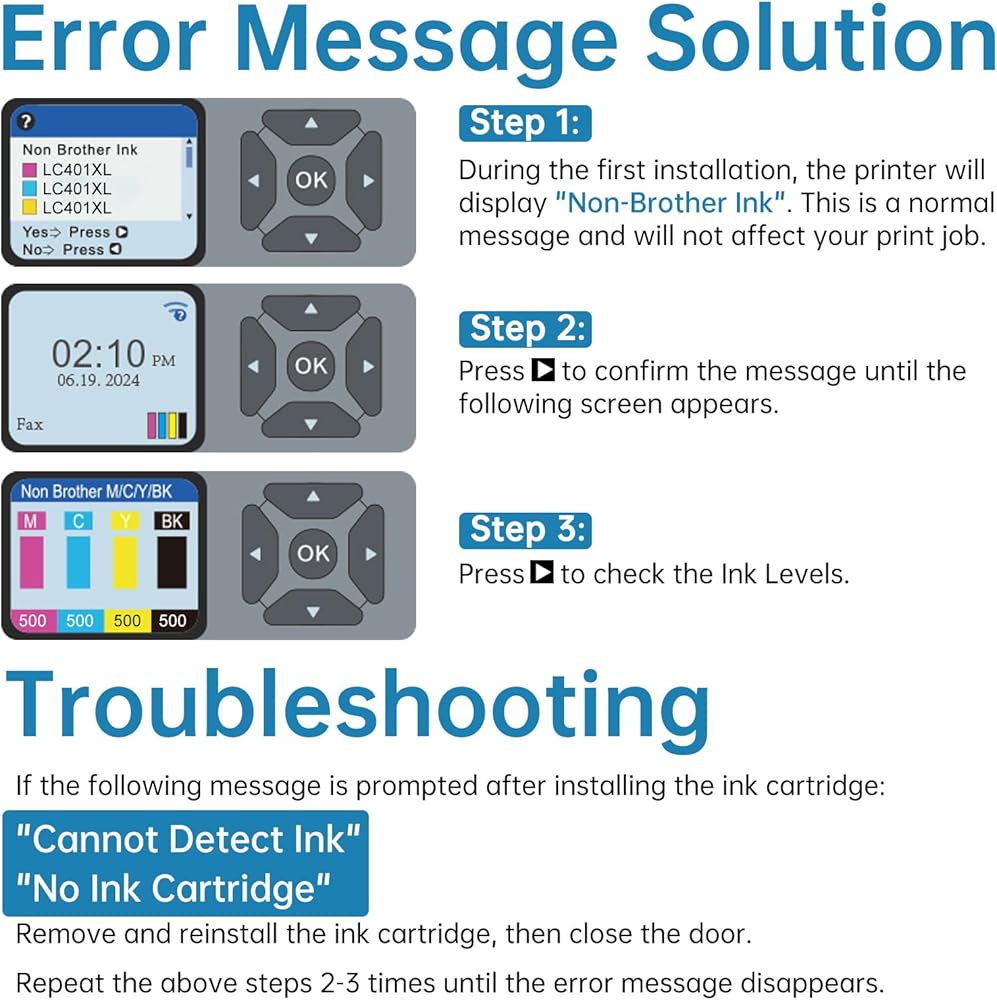
نصائح التثبيت: ① يرجى التأكد من طراز الطابعة الخاصة بك قبل الشراء لتجنب الطلبات الخاطئة. ② لا تقم بإزالة الشريحة أو لمسها. ③ إذا أظهرت الطابعة تحذير "غير أصلي"، فيرجى النقر فوق "موافق" أو "التالي" للمتابعة. ④ عندما تظهر الطابعة "حبر منخفض" و"فارغة" و"استبدال خرطوشة الحبر" وغيرها من المطالبات، يرجى إزالة خرطوشة الحبر وإعادة تثبيتها عدة مرات
 استبدال خرطوشة الحبر المعاد تصنيعها لخراطيش الحبر HP 901، حزمة كومبو سوداء/ملونة للحبر 901XL تستخدم لطابعات HP OfficeJet 4500، J4524، J4540، J4550، J4580، J4624، J4680 (عبوتان)
KWD 15.500
استبدال خرطوشة الحبر المعاد تصنيعها لخراطيش الحبر HP 901، حزمة كومبو سوداء/ملونة للحبر 901XL تستخدم لطابعات HP OfficeJet 4500، J4524، J4540، J4550، J4580، J4624، J4680 (عبوتان)
KWD 15.500
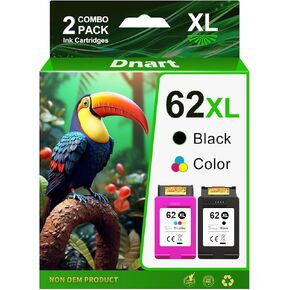 خراطيش حبر 62XL أسود وللون لـ HP Ink 62 62xl يعمل مع HP Envy 7640 5660 7645 5540 OfficeJet Mobile 250 200 OfficeJet 5740 5741 8040 Printer Ink 62 (1 Black ، 1 Tri-Color)
KWD 20
خراطيش حبر 62XL أسود وللون لـ HP Ink 62 62xl يعمل مع HP Envy 7640 5660 7645 5540 OfficeJet Mobile 250 200 OfficeJet 5740 5741 8040 Printer Ink 62 (1 Black ، 1 Tri-Color)
KWD 20
 -28%
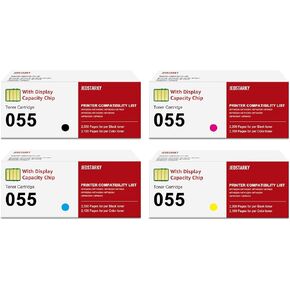
تم إعادة تصنيعها لـ Canon 055 055H مع استبدال شريحة سعة العرض لـ Canon 055 Toner Cartridge LIMECECLASS MF743CDW MF741CDW MF745CDW MF746CDW PRINTER (4 PCAK)
KWD 49.500
-28%
تم إعادة تصنيعها لـ Canon 055 055H مع استبدال شريحة سعة العرض لـ Canon 055 Toner Cartridge LIMECECLASS MF743CDW MF741CDW MF745CDW MF746CDW PRINTER (4 PCAK)
KWD 49.500
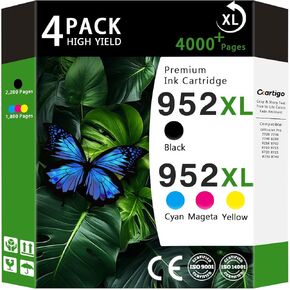 952XL خراطيش حبر عالية العائد (أسود/سايان/أرجواني/أصفر 4 حزمة) متوافقة مع HP 952XL HP952 HP952XL استبدال OfficeJet Pro 8710 7740 8720 8702 8210 7720 8740 8216 8725 8200 8200
KWD 49
952XL خراطيش حبر عالية العائد (أسود/سايان/أرجواني/أصفر 4 حزمة) متوافقة مع HP 952XL HP952 HP952XL استبدال OfficeJet Pro 8710 7740 8720 8702 8210 7720 8740 8216 8725 8200 8200
KWD 49