- Shopping, made easy.
- /
- Get the app!
Spec:
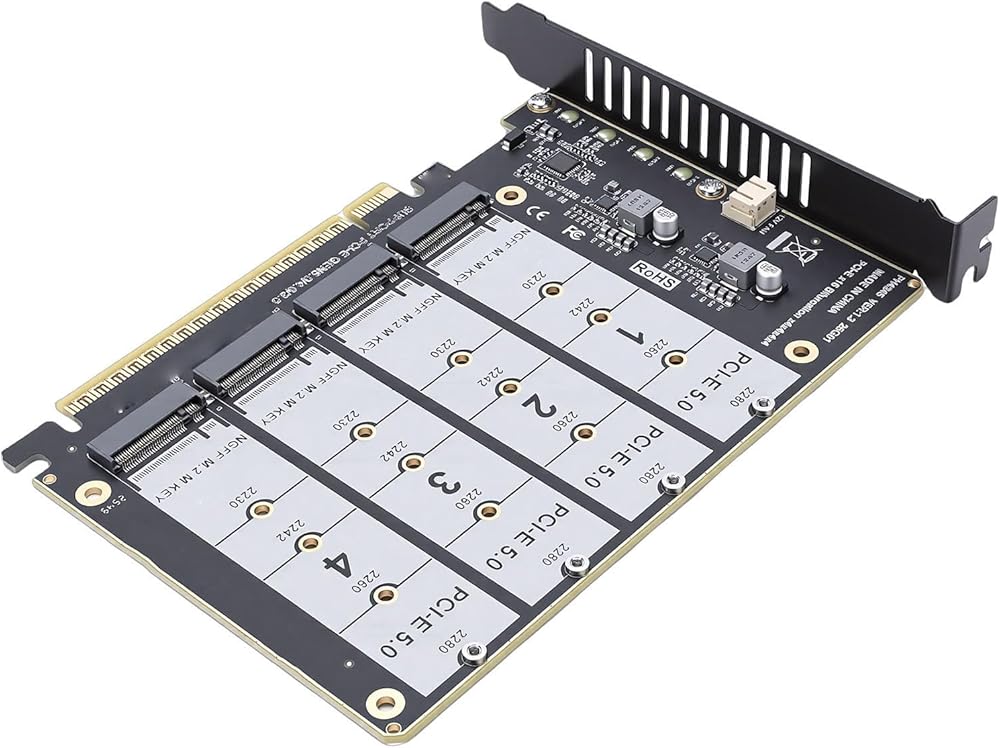
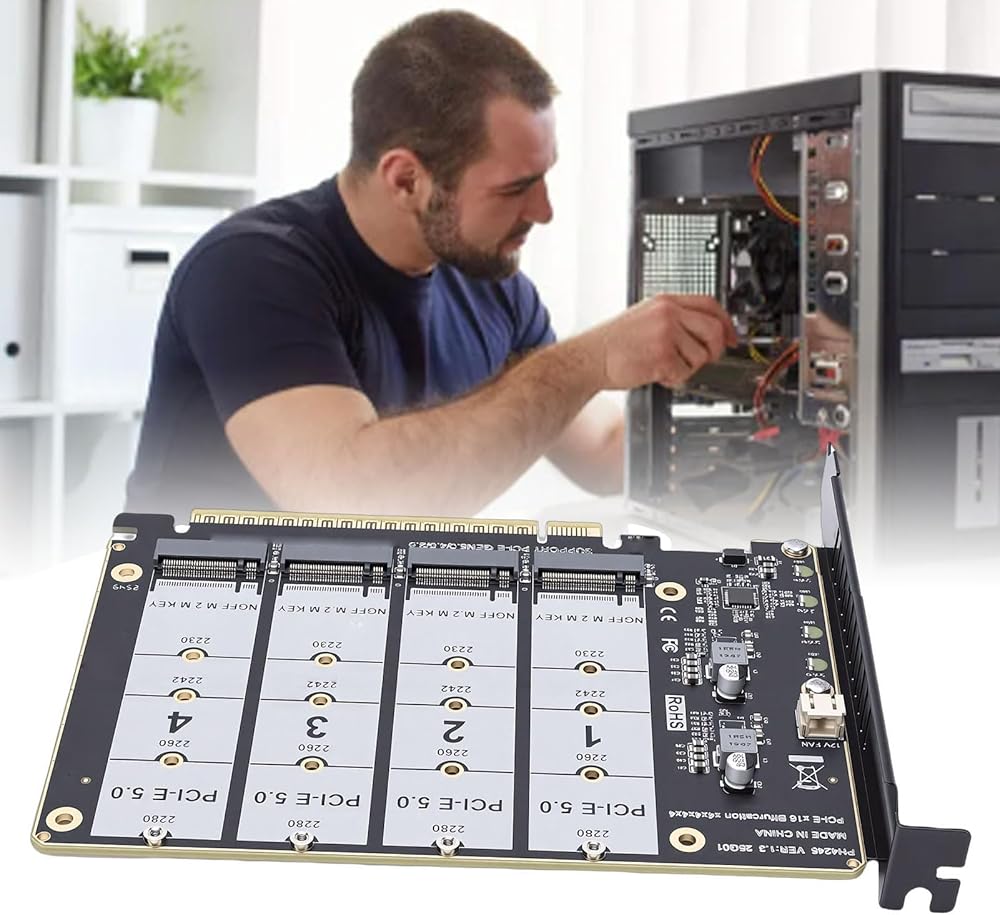
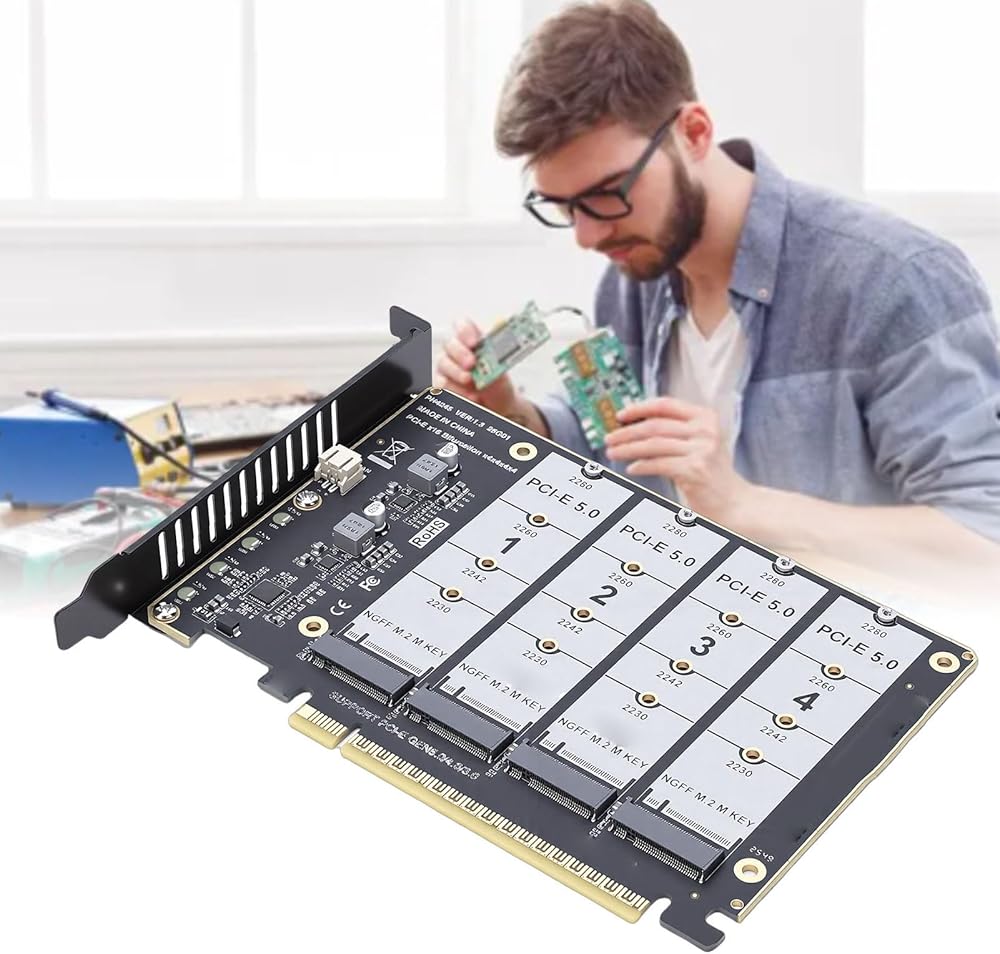
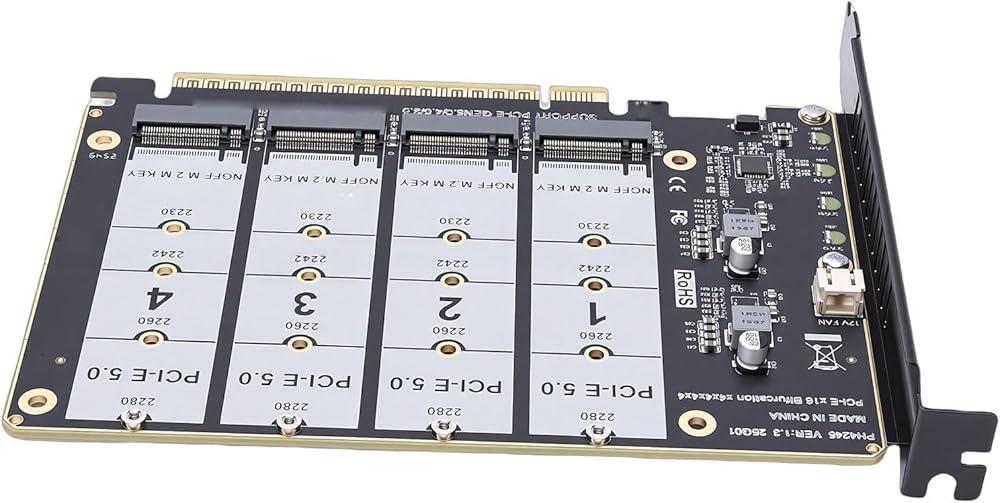
Item Type: M.2 PCIE Adapter Card
Material: PCB
Support Hard Drive: M.2 NVME Protocol SSD/M.2 PCIE Devices
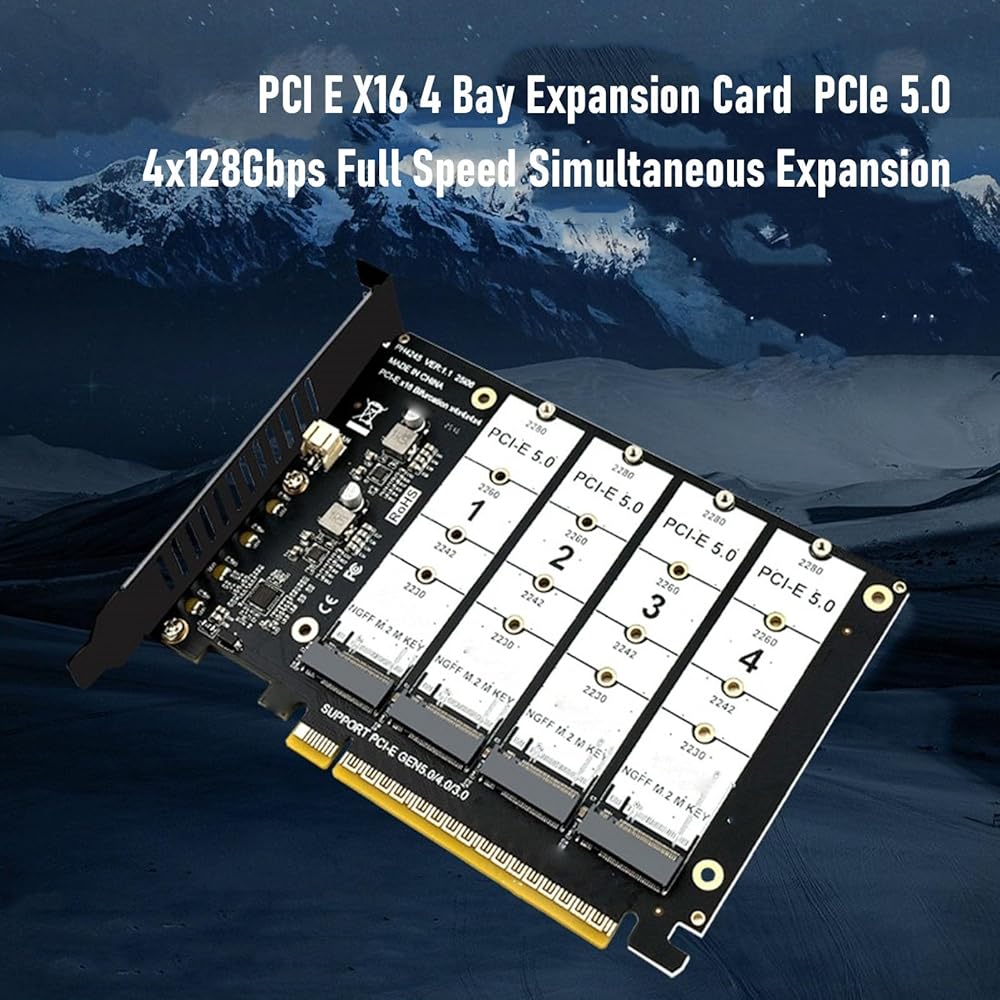
Transmission Speed: 4x128Gbps
Package List:
1 x M.2 PCIE Adapter Card
1 x Screw Pack
1 x
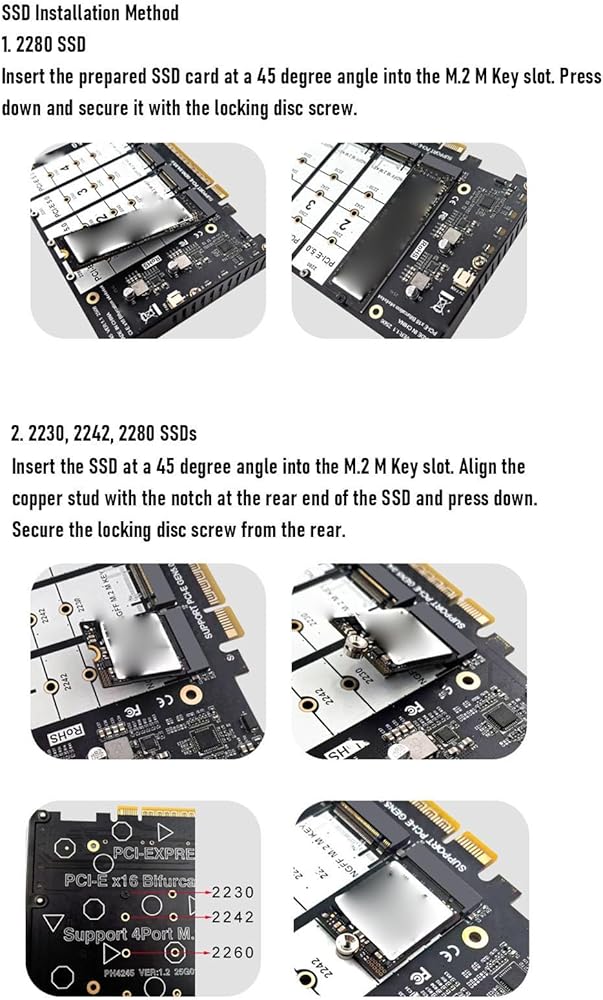
How To Use:
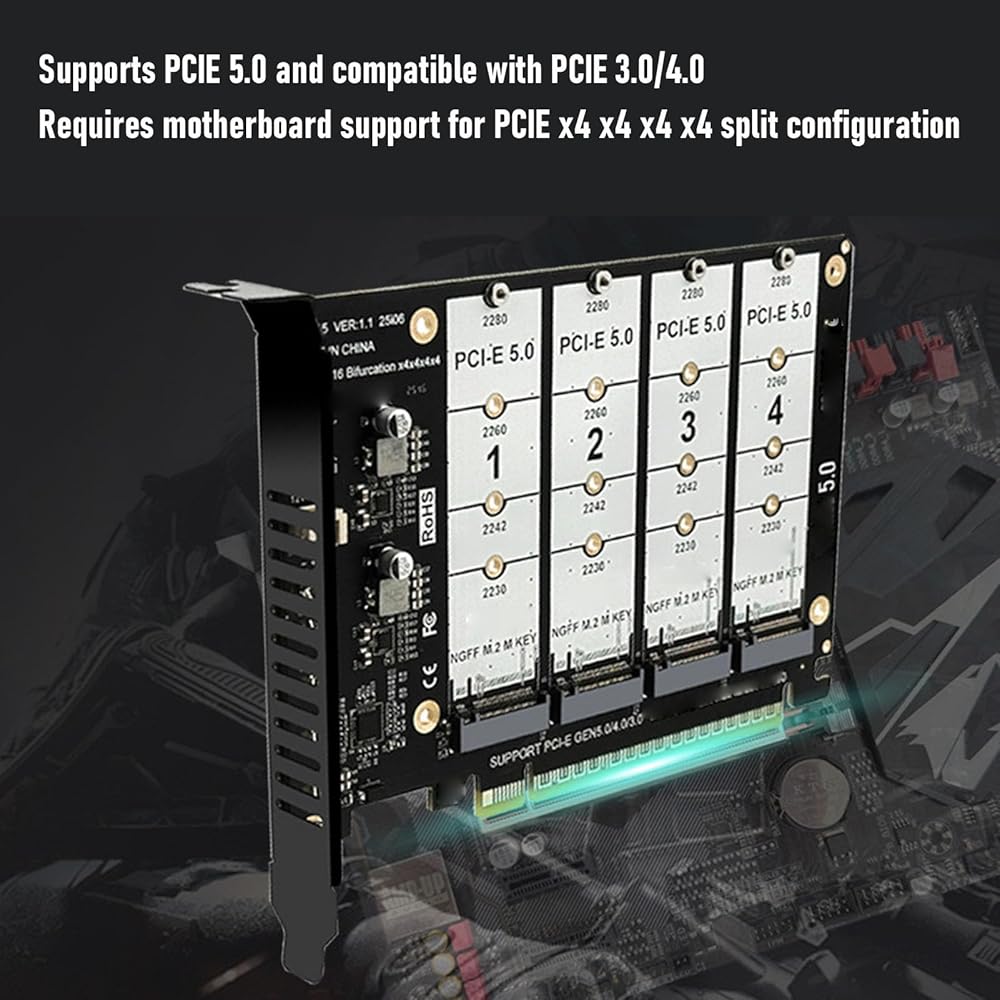
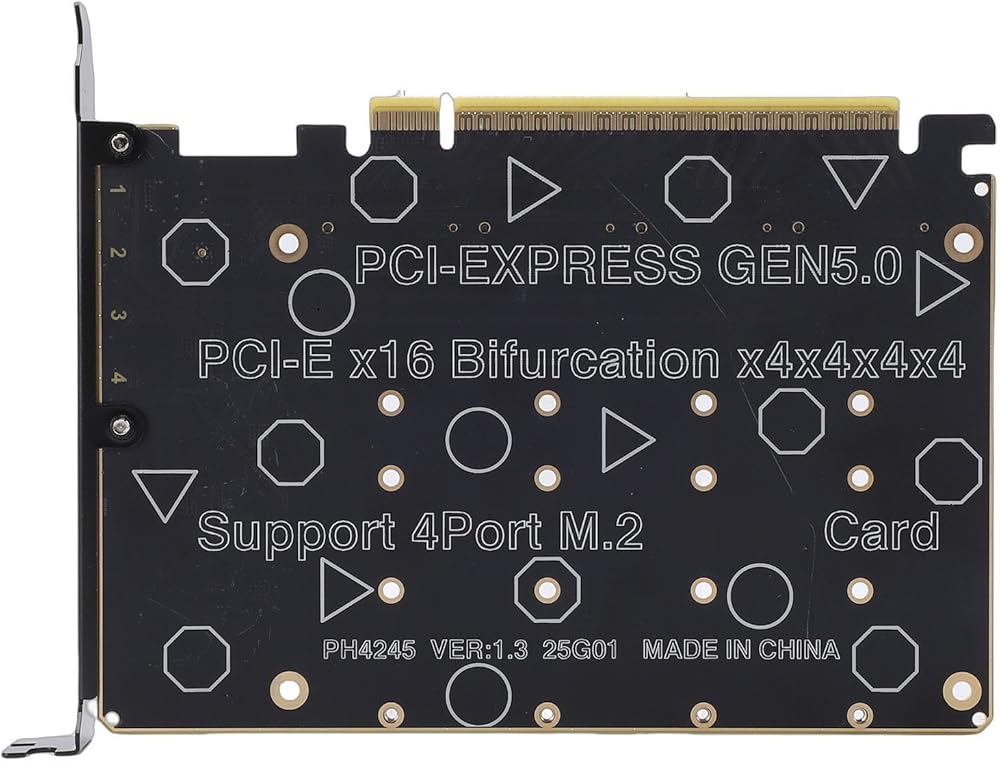
1. The motherboard must support PCI E split function, be able to set PCI E X4X4X4 or 4X4 mode; Different motherboards have different PCI E split channels, some motherboards with PCI E are X8+X4+X4, these motherboards can only support 3x M.2 SSDs or devices with 4 M.2 cards, and 1 M.2 SSD or device with 2 M.2 cards. If you need to use this product correctly, please choose the motherboard correctly; Many motherboards share PCI E channels. Make sure the motherboard supports PCI E split function, but cannot recognize so many M.2 SSDs or devices. Please remove or replace other PCI E devices, such as graphics cards, expansion cards, onboard NVME SSDs, etc. 2. CPU support is required, CPU must have enough channels, generally low end CPUs do not have enough PCI E channels so may not support, When selecting CPU, you can refer to the motherboard introduction for correct selection.
 Cuifati M.2 SSD to PCIe Adapter Card, Thin M2 Mkey to PCIe 5.0 X16 Adapter Supports NVMe 2230 2242 2260 2280 SSD, with Soft LED Indicator, for 1U Server and Compact Systems
KWD 3.500
Cuifati M.2 SSD to PCIe Adapter Card, Thin M2 Mkey to PCIe 5.0 X16 Adapter Supports NVMe 2230 2242 2260 2280 SSD, with Soft LED Indicator, for 1U Server and Compact Systems
KWD 3.500
 Cuifati M.2 to CFE A Adapter, NVMe SSD to CFE A Storage Card Adapter with Gold Plated Contact Points, for 2230 2242 2260 2280 M.2 SSDs on 10 11 and OS X
KWD 3.500
Cuifati M.2 to CFE A Adapter, NVMe SSD to CFE A Storage Card Adapter with Gold Plated Contact Points, for 2230 2242 2260 2280 M.2 SSDs on 10 11 and OS X
KWD 3.500
 CUIFATI 5Gbps USB 3 Adapter, 20 to 19 Pin Expansion Card, for Computer Motherboard, The Lightweight Adapter Ensures Immediate Connectivity with Your USB C Devices Without Any Hassle
KWD 5.500
CUIFATI 5Gbps USB 3 Adapter, 20 to 19 Pin Expansion Card, for Computer Motherboard, The Lightweight Adapter Ensures Immediate Connectivity with Your USB C Devices Without Any Hassle
KWD 5.500
 Cuifati M.2 NVMe SSD to PCIe X16/X8/X4 Adapter, SSD to PCIe Expansion Card with Aluminum Heatsink Multicolored Lights, for 2230 2242 2260 2280 M.2 NVMe Hard Disk
KWD 6
Cuifati M.2 NVMe SSD to PCIe X16/X8/X4 Adapter, SSD to PCIe Expansion Card with Aluminum Heatsink Multicolored Lights, for 2230 2242 2260 2280 M.2 NVMe Hard Disk
KWD 6