- Shopping, made easy.
- /
- Get the app!
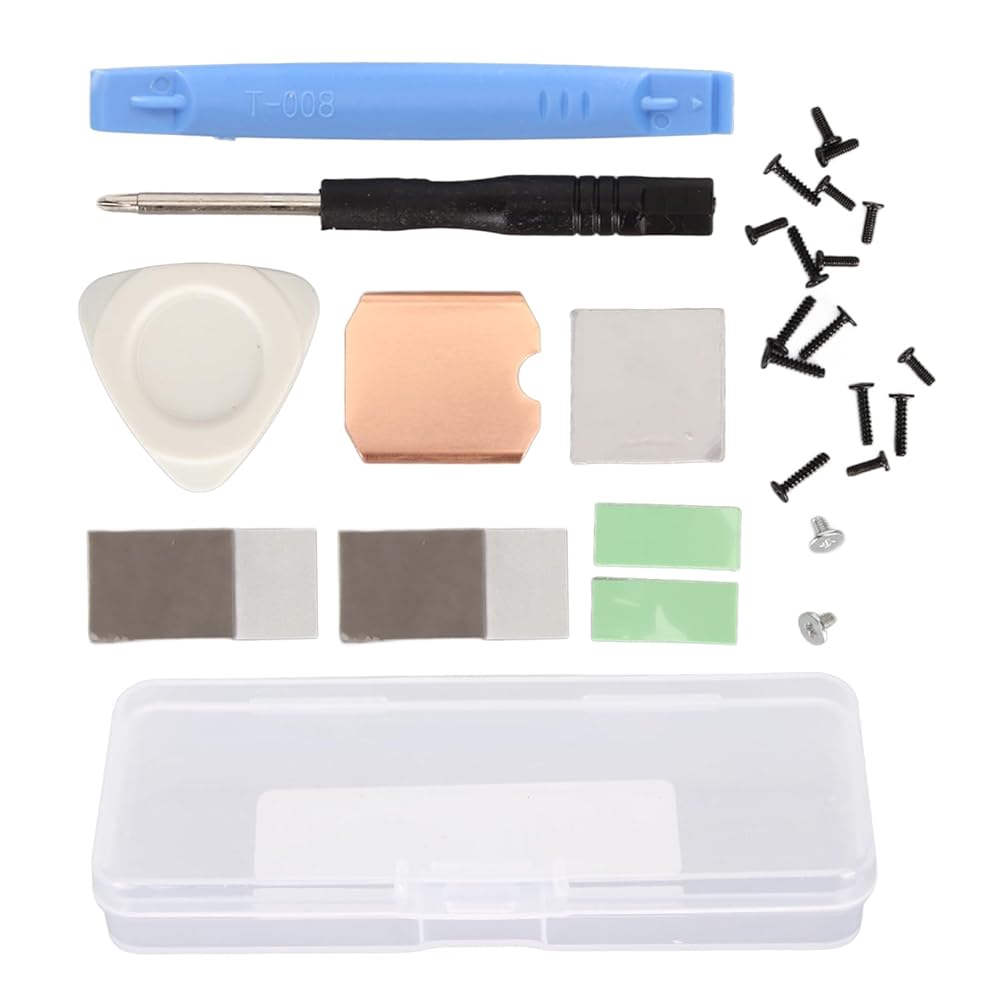
1. SCOPE OF APPLICATION: SSD copper heat sink for and for ROG ALL , the installation is more convenient and easy, easy to meet your usage needs.
2. HEAT DISSIPATION: SSD heatsink thermal pad is made of pure copper material, which is not only very durable, but also has good heat dissipation performance to improve gaming experience.
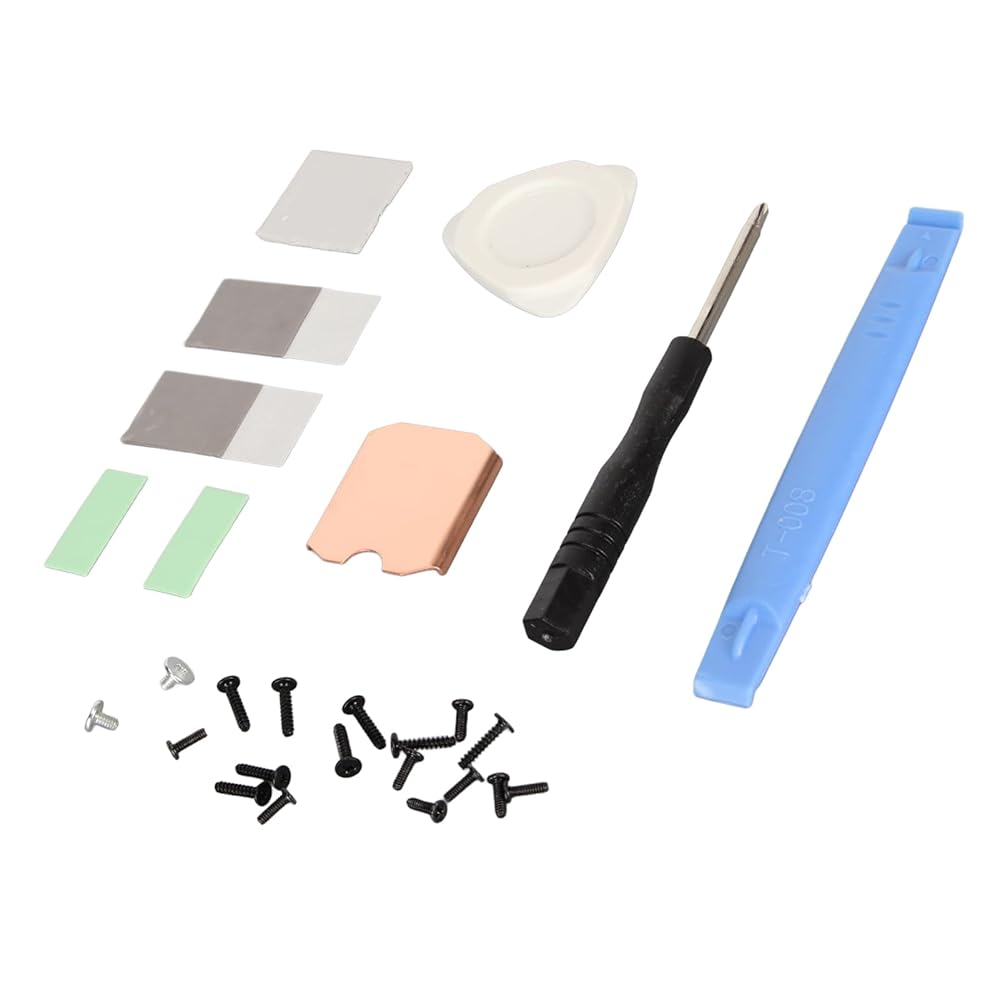
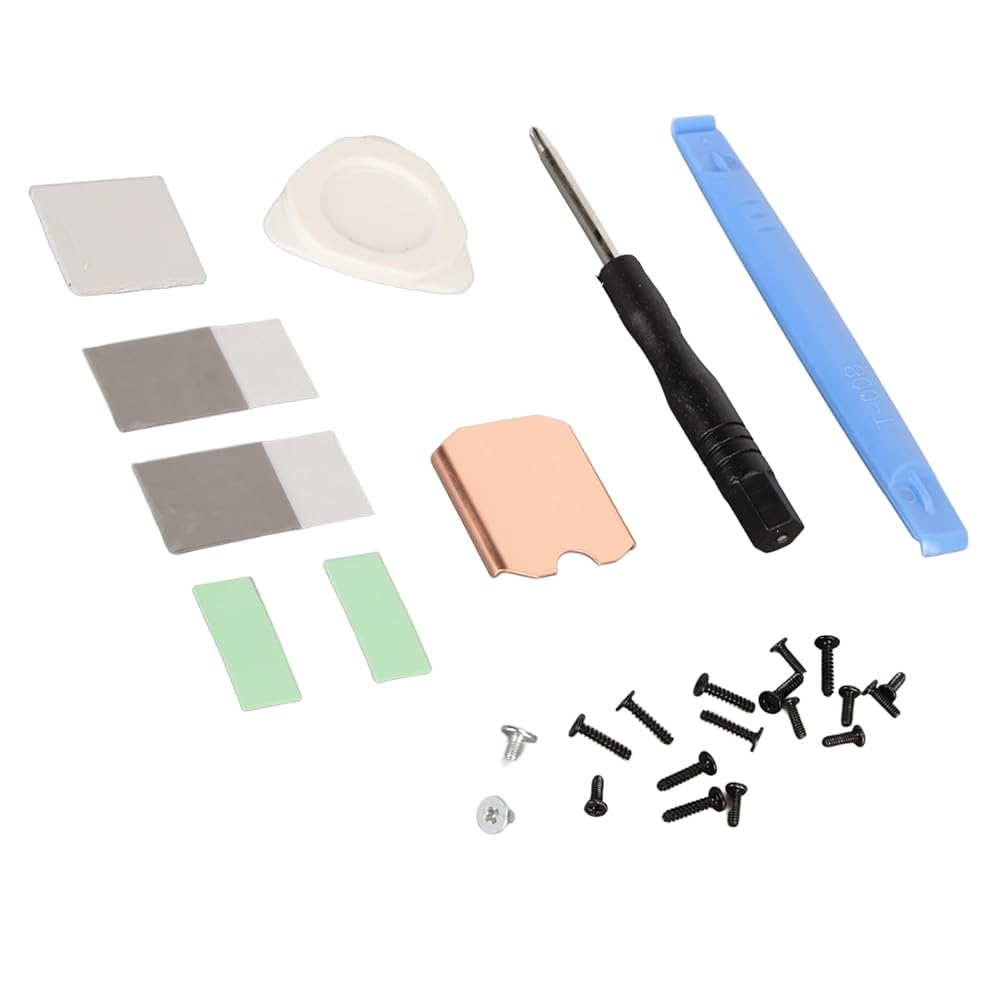
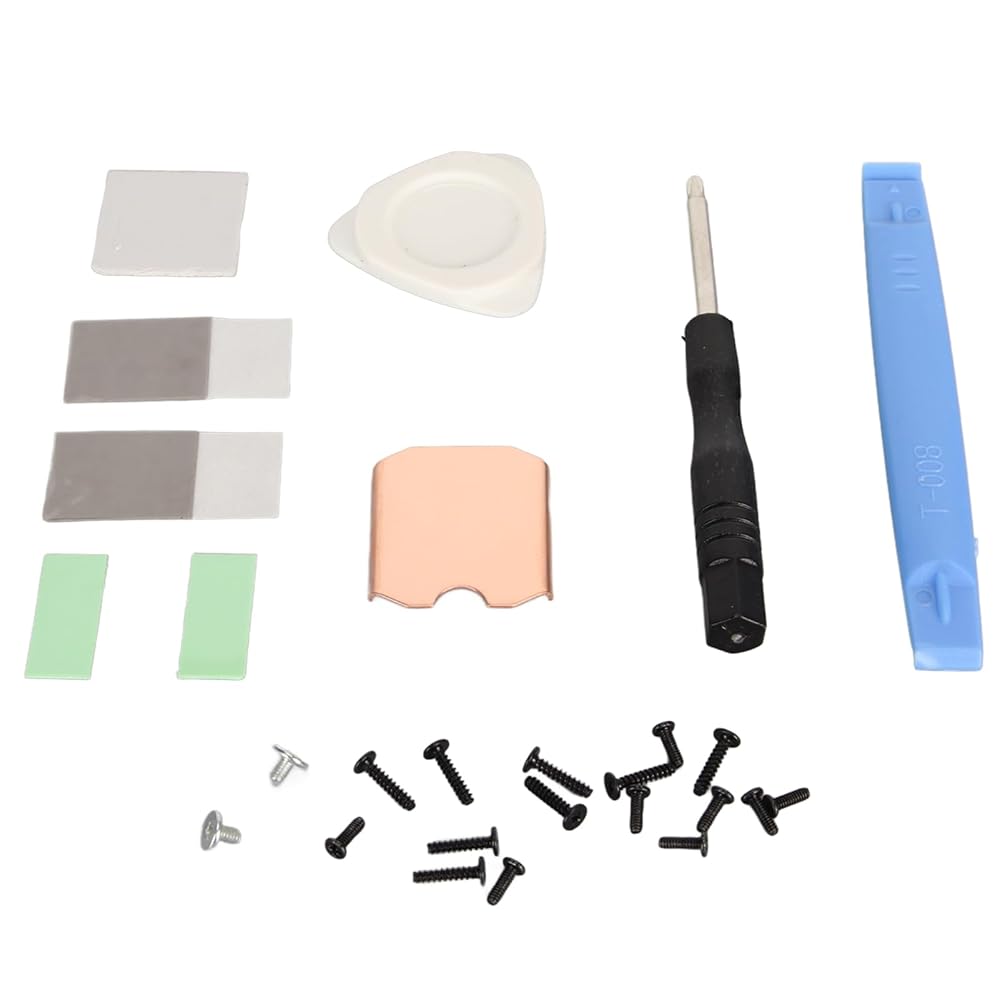
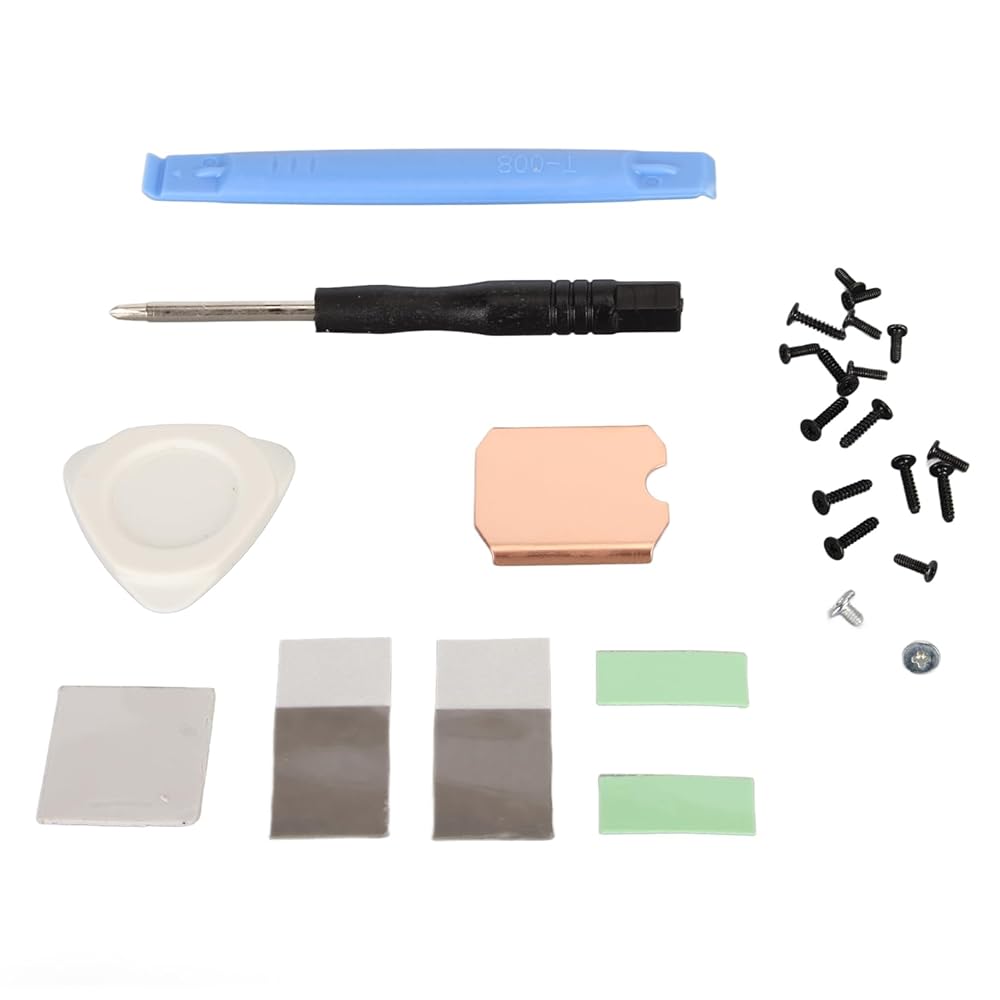
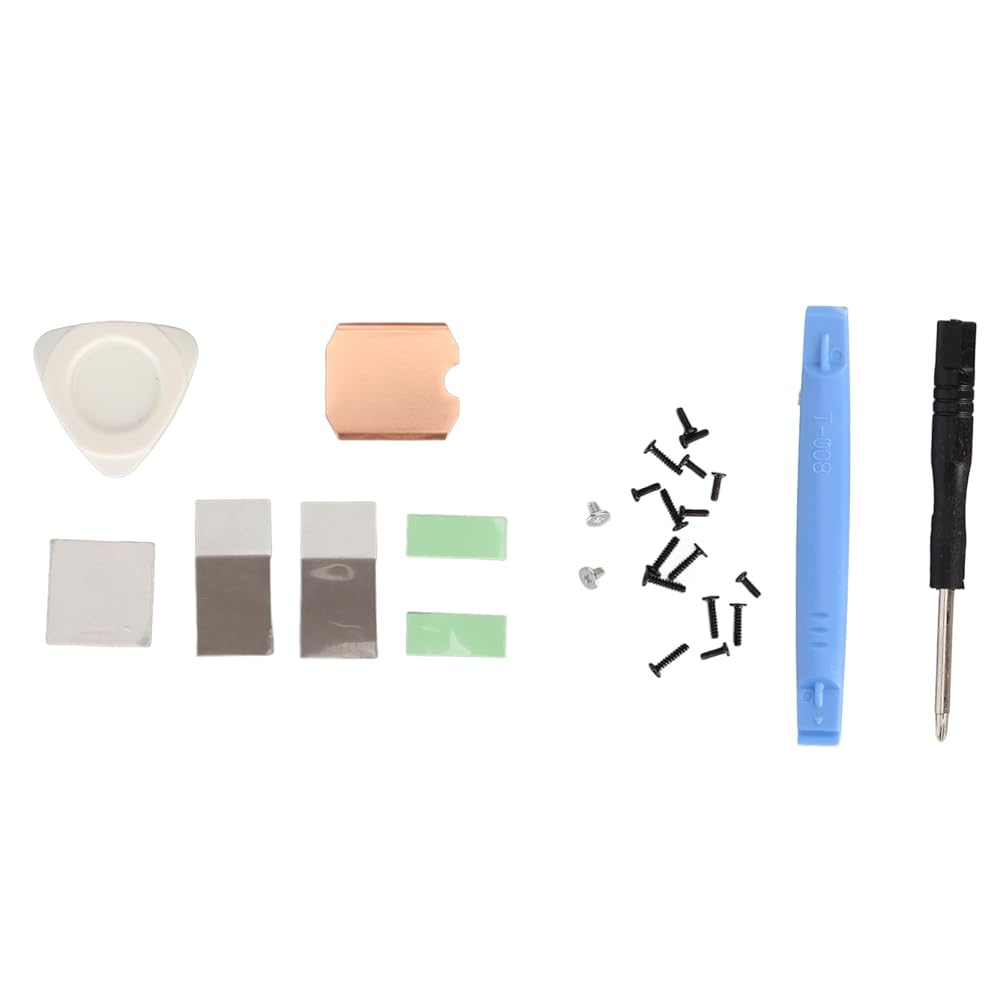
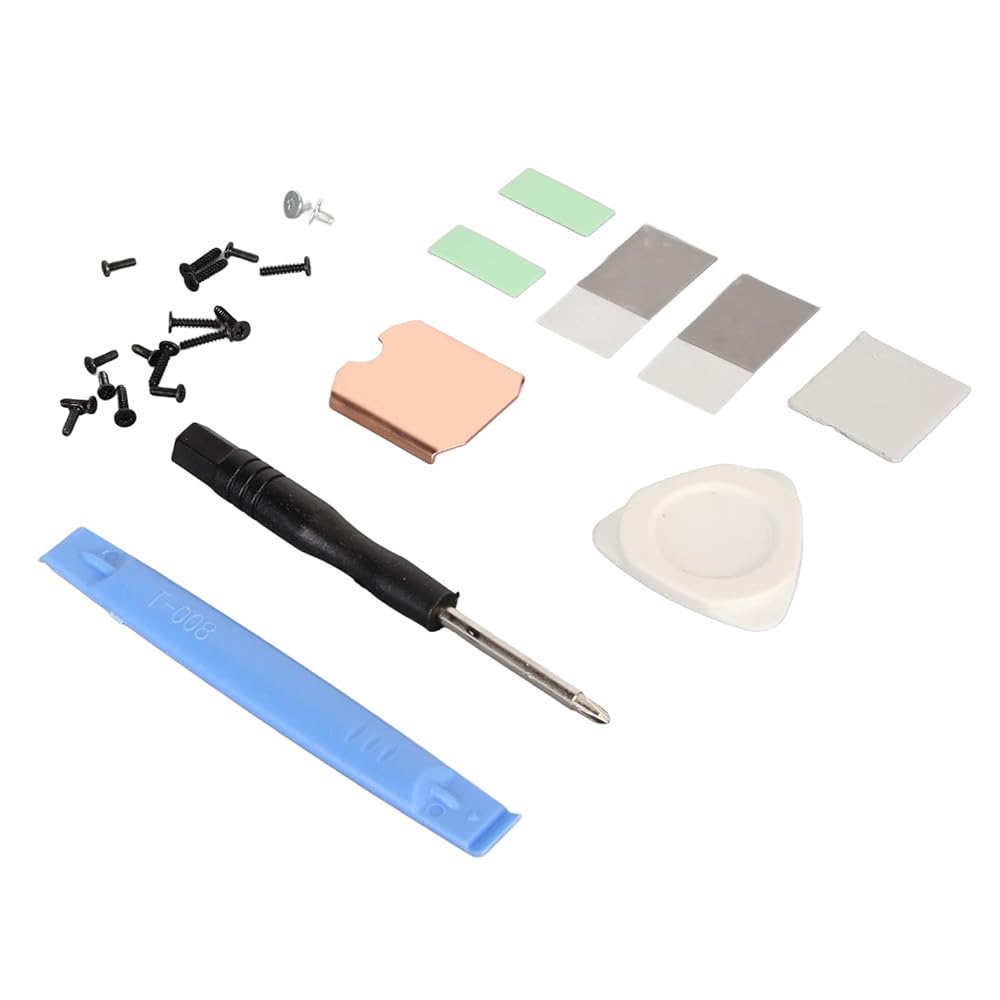
3. INCLUDED: Includes 1 x 0.5mm / 0.02in Copper Heatsink, 2 x 0.13mm / 0.01in Phase Change Thermal Pads, 3 x 0.5mm / 0.02in Silicone Thermal Pads, 1 x , 1 x Split Pry Bar, 1 x Triangular Pry Tool, 18 x Screws.
4. PHASE CHANGE THERMAL PAD: Phase change silicone thermal pad not only improves heat dissipation, but also flattens the SSD to avoid bumping the cover.
5. STABLE OPERATION: Thermal copper sheet aids in passive heat dissipation, plus the high performance thermally conductive silicone sheet absorbs solid heat onto the top of the copper sheet, which quickly removes heat through the laptop's internal fan.
Spec:
Item Type: For SSD Heatsink Thermal Pad
Material: Copper, Silicone
Heat Dissipation Copper Sheet Size: Approx. 26 x 23 x 0.5mm / 1.02 x 0.91 x 0.02in
Compatible Brands: For , For ROG ALL
Applicable Hard Disk: M.2 2230 NVME SSD
How to Use:
Hard Disk Cooling Installation Tutorial:
1. Turn off the for . Before replacing the hard disk, turn off the for and unplug all cables.
2. Remove the eight screws on the back of the for . (1) Use a to unscrew the eight screws securing the back cover. Four 9.5mm / 0.37in screws and four 5.8mm / 0.23in screws. (2) Keep the screws during replacement to prevent loss.
3. Pry off the rear cover. (1) Insert a tab along the edge of the right‑hand handle into the between the back cover and the front housing. (2) Use the tab to pry up the rear cover and release the tab.
4. Remove the protective plate. (1) Use a to unscrew the three screws securing the , one 3.4mm / 0.13in screw and two 3.7mm / 0.15in screws. (2) Remove the screws and detach the .
5. Remove the SSD. (1) Use a to unscrew the screws securing the SSD. (2) Remove the fixing screws and pull out the hard disk.
6. Install the heat sink (1) Peel off the heat sink protective film. (2) Tear off the protective film of the thermal paste and stick the thermal paste on the of the hard disk particles as shown in the picture. (3) Align the heat sink with the hard disk and press it into the thermal slot.
7. Install the SSD. Reinsert the SSD with the heat sink installed into the slot and tighten the screws
PackageList:
1 x Copper Heat Sink
2 x Phase Change Thermal Pad
3 x Silicon Thermal Pad
1 x
1 x Open Pry Bar
1 x Triangle Pry Tool
18 x Screw
1 x Storage Box
Note:
Please allow some error due to manual measurement.
 OrangePi 5 Pro Case with Cooling Fan, Aluminum Alloy Protective Case, Fast Heat Dissipation, Precise Fit, Compatible with Orange Pi 5 Pro
KWD 8.500
OrangePi 5 Pro Case with Cooling Fan, Aluminum Alloy Protective Case, Fast Heat Dissipation, Precise Fit, Compatible with Orange Pi 5 Pro
KWD 8.500
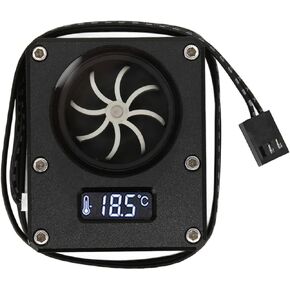 Meter Indicator, 12v 3pin Interface G1 4 Threaded Revolving Speed 8 Impeller Pc Water Cooling Meter Acrylic Small Computer Meter with LCD Display for Pc Computer Water Cooling
KWD 10
Meter Indicator, 12v 3pin Interface G1 4 Threaded Revolving Speed 8 Impeller Pc Water Cooling Meter Acrylic Small Computer Meter with LCD Display for Pc Computer Water Cooling
KWD 10
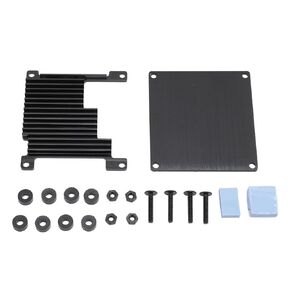 Orange Pi Zero 3 Case, Aluminum Alloy Heatsink Box Cover Protecion Shell, Strong and Cooling Case for Orange Pi Zero 3, Fast Conduction, Stable
KWD 4
Orange Pi Zero 3 Case, Aluminum Alloy Heatsink Box Cover Protecion Shell, Strong and Cooling Case for Orange Pi Zero 3, Fast Conduction, Stable
KWD 4
 CNC Expansion Board, CNC Expansion Board, Asixx CNC Shield Expansion Board+4Pcs A4988 Stepper Motor Driver for Engraver 3D Printer
KWD 5
CNC Expansion Board, CNC Expansion Board, Asixx CNC Shield Expansion Board+4Pcs A4988 Stepper Motor Driver for Engraver 3D Printer
KWD 5