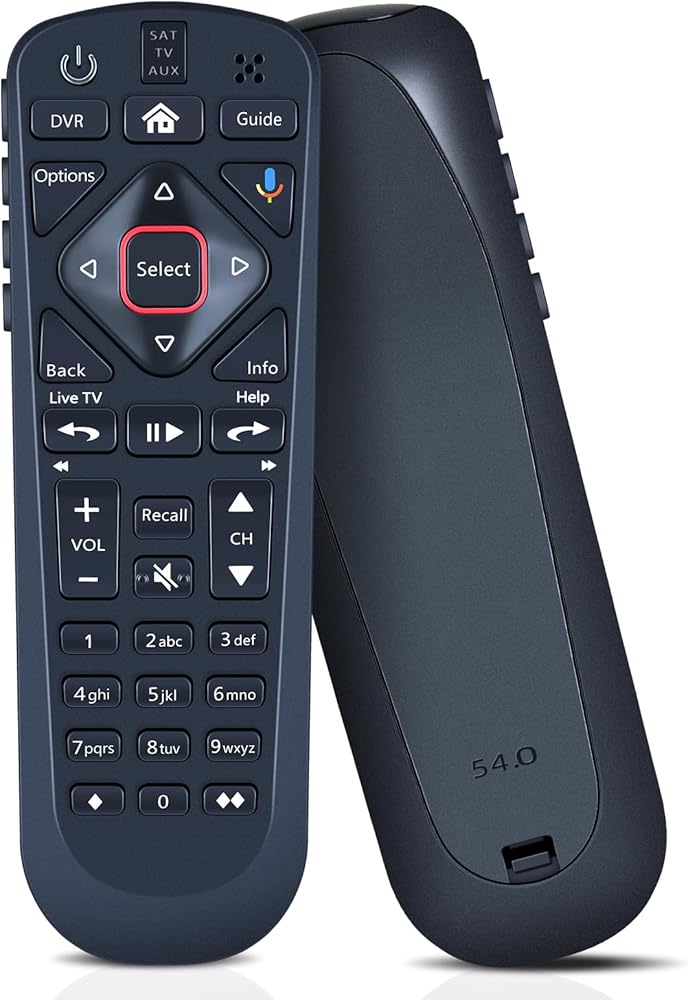
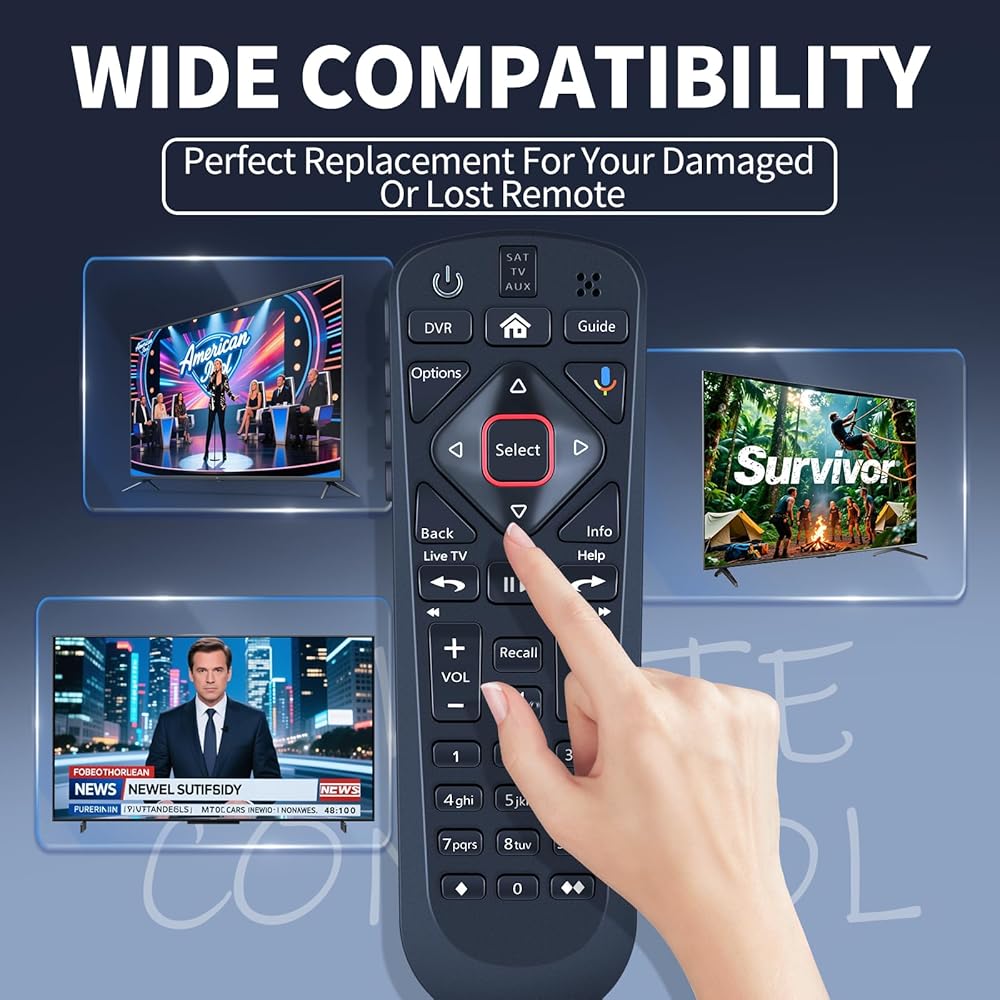
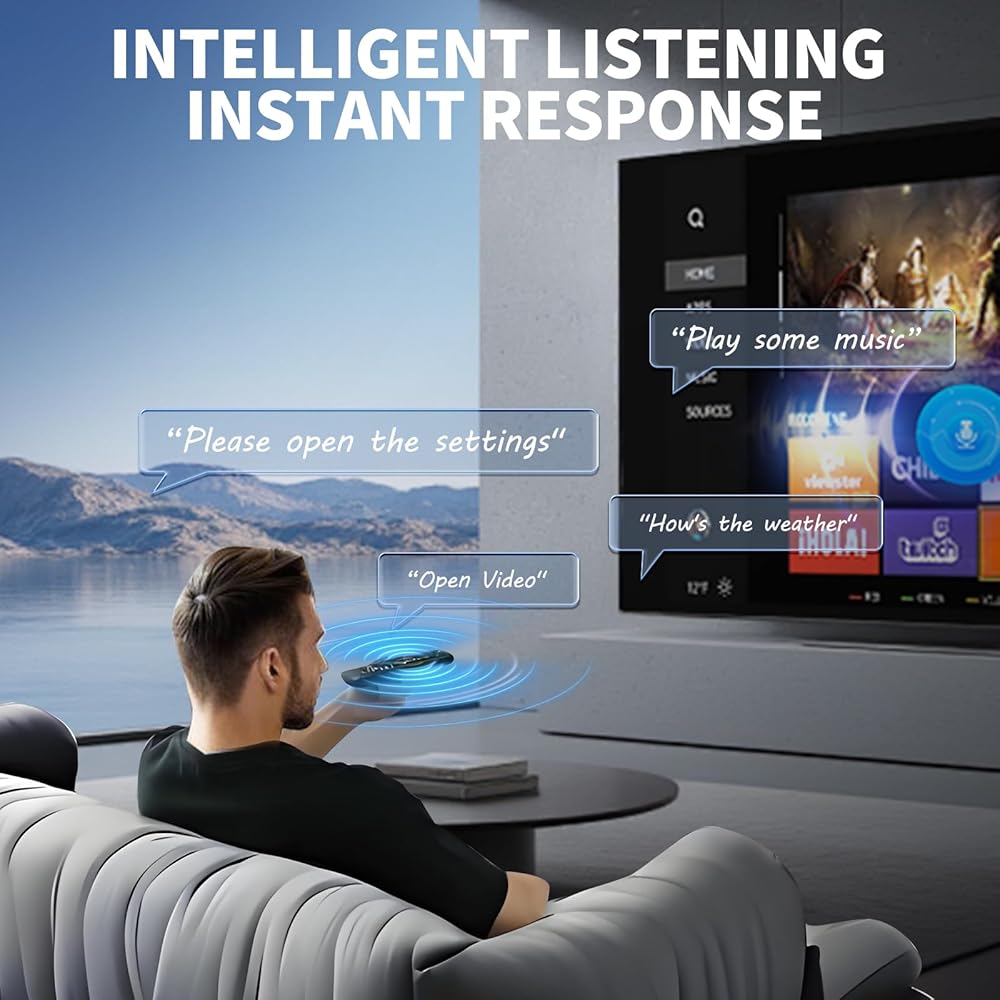
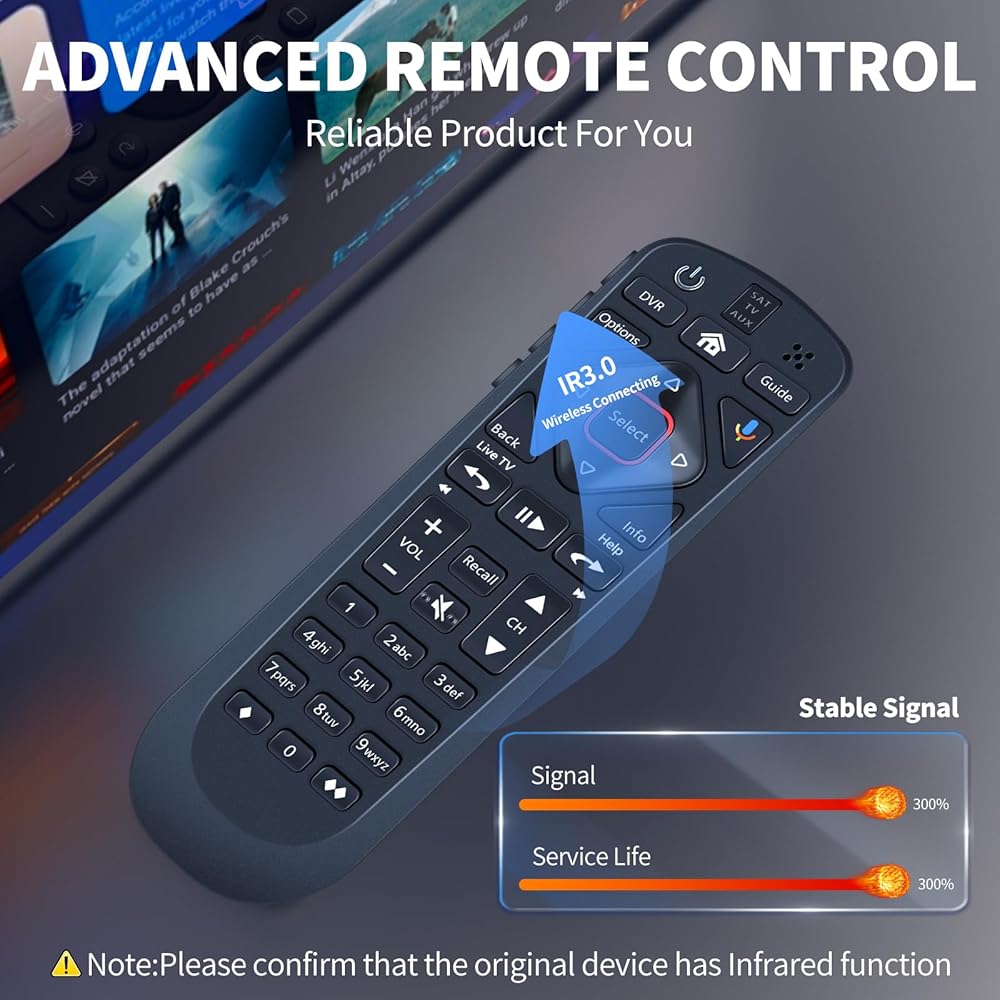
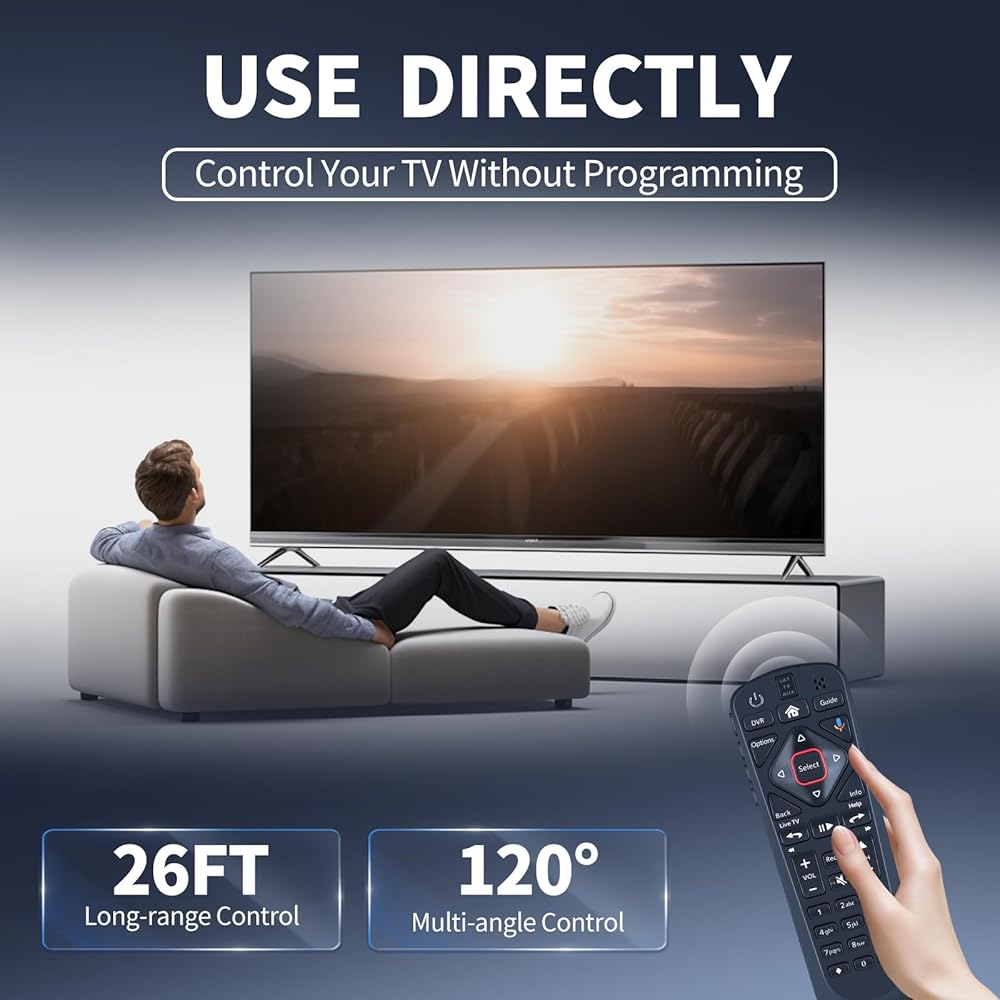
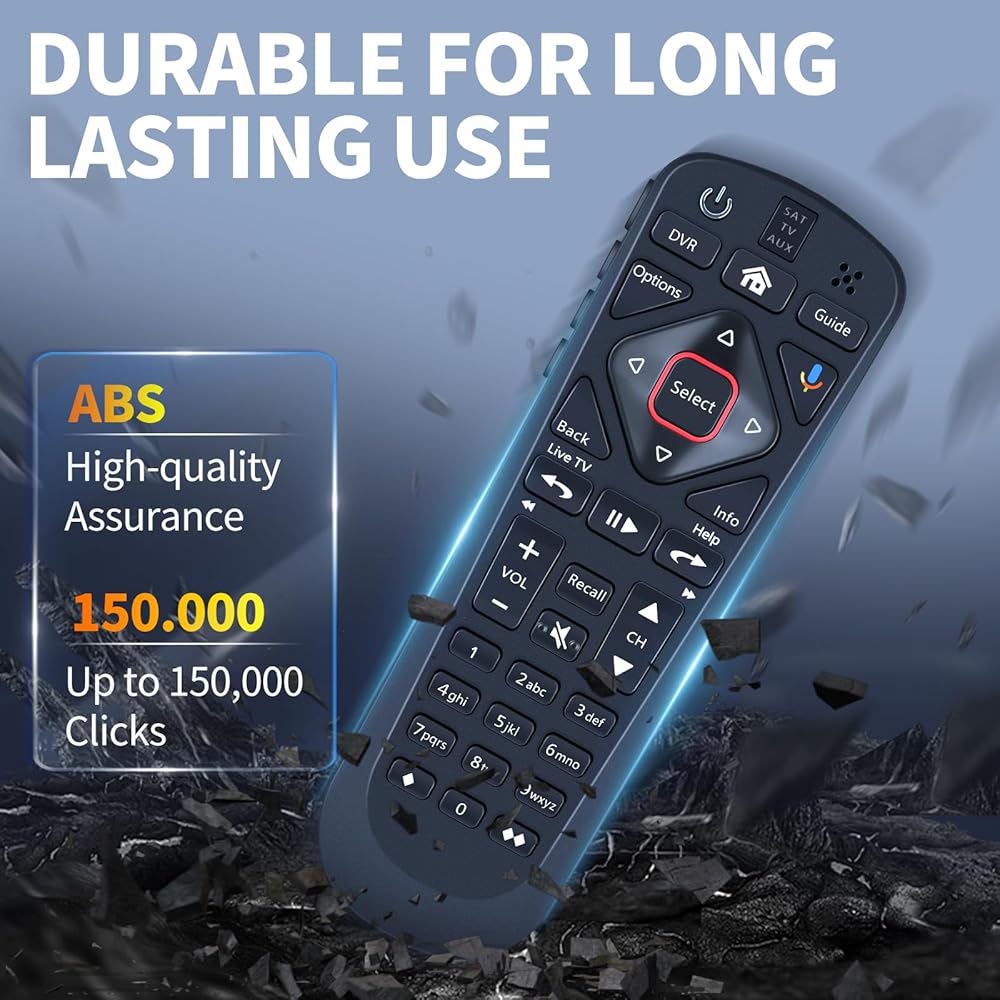
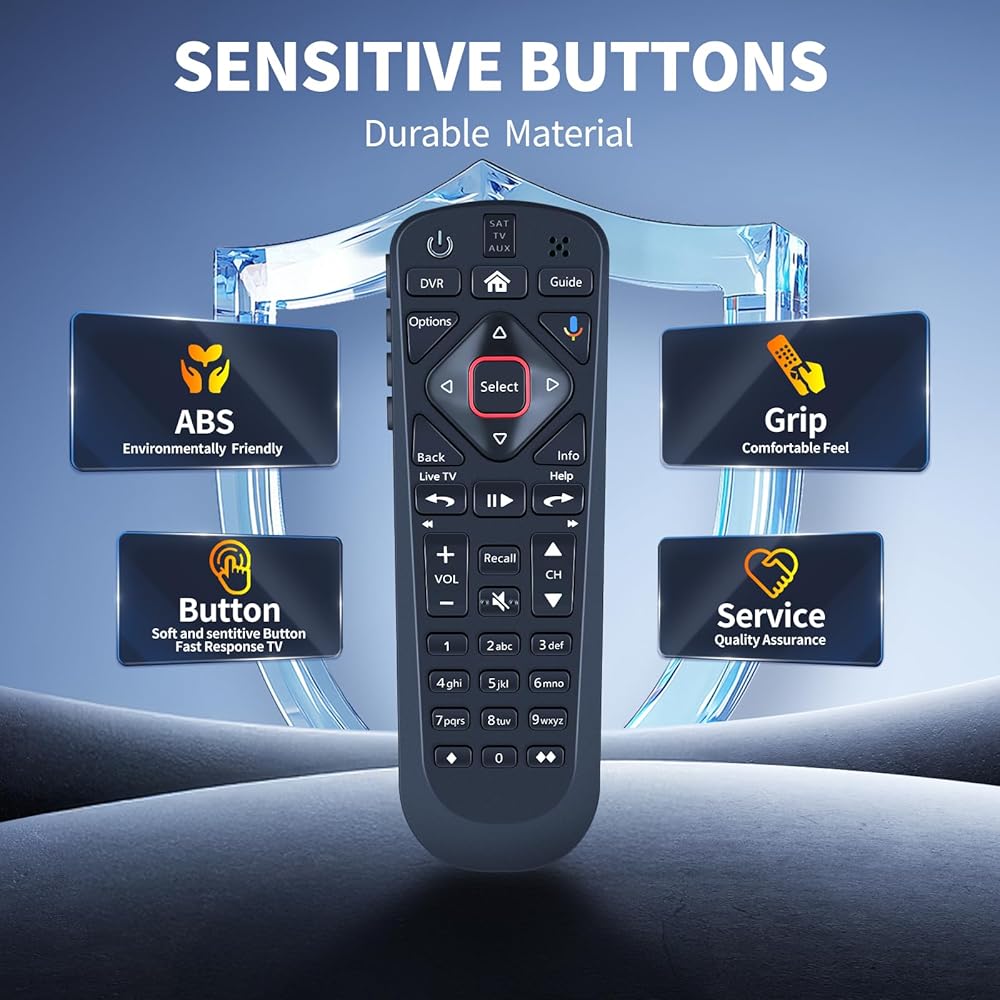
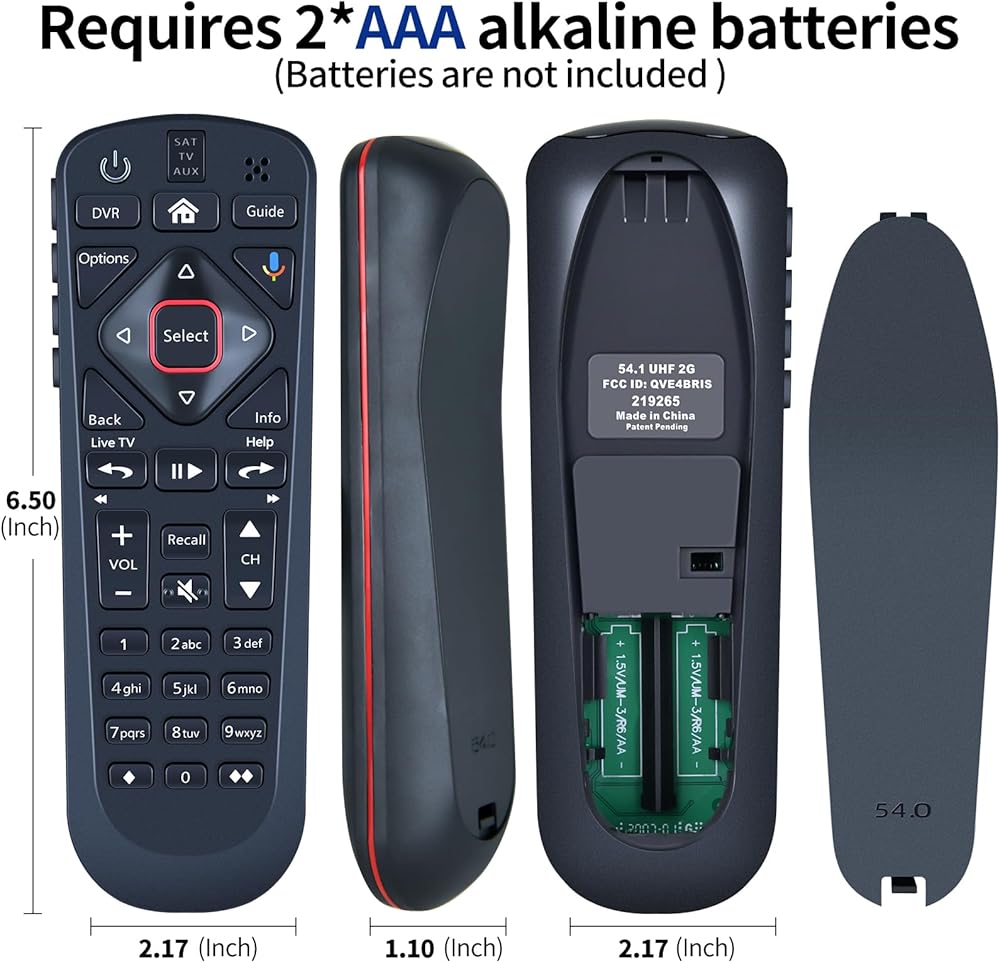
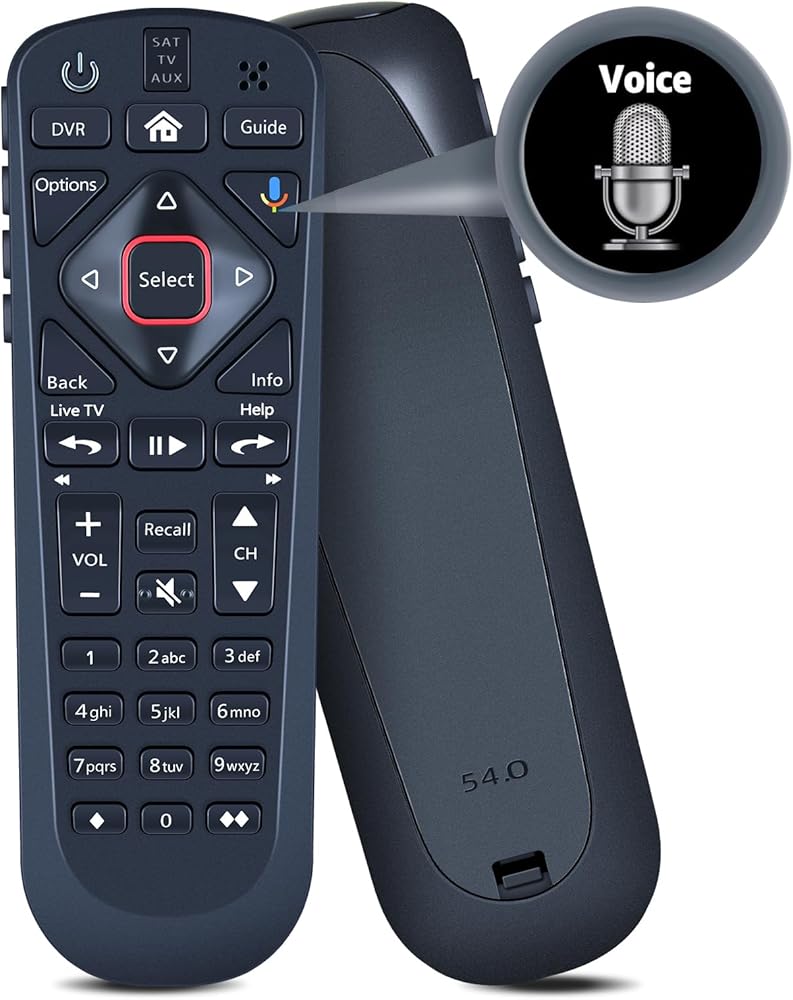
【Perfect Compatibility & Replacement】FQOUG replacement remote control with voice search compatible with Dish Upgraded Network 54.1 54.2 54.3 54 Series UHF.
【Turn On Your Remote】Open the front panel of your receiver, and press the "SYS INFO" button. Press the "SAT" button on the side of the remote control, You will hear three beeps from the remote control, indicating it has paired with your receiver.
【Pair Your Remote】①Press the "Home" button twice, ②Select Settings and then Remote Control, ③Select TV and then TV Pairing Wizard, ④Follow the prompts, ⑤You can also pair your remote with an Auxiliary Device such as a Blu-ray player or stereo.
【Unpairing method】①Press and hold the “SAT” button on the side of the remote control. After 3 seconds, the indicator light flashes. Release the keys. ②Press and hold the "Home" button and "Guide" at the same time, after 3 seconds, the buzzer will beep three times. Release the keys. If the remote cannot be connected, please unpair first. Then try to pair it with your device.
【Reliable Service Guarantee】If you have any questions about the remote control during purchase or use, feel free to contact us anytime. Our team will respond promptly and resolve your problems to ensure a worry-free shopping experience.
وصف
FQOUG Replacement Remote Control for Dish Upgraded Network 54.1 54.2 54.3 54 Series UHF, Support Voice Search.
 8K HDMI Splitter 1x4 8K60Hz ، 4K120HZ ، HDMI 2.1 Flitter 1 في 4 OUT , وضع EDID Downscaler , Hue Light Sync , متوافق مع Series Xbox Series X ، PS4 Pro ، PS5 ، PS5 ، Blu-Ray Player
KWD 16.500
8K HDMI Splitter 1x4 8K60Hz ، 4K120HZ ، HDMI 2.1 Flitter 1 في 4 OUT , وضع EDID Downscaler , Hue Light Sync , متوافق مع Series Xbox Series X ، PS4 Pro ، PS5 ، PS5 ، Blu-Ray Player
KWD 16.500
 مصابيح IET - مصباح/مصباح أصلي أصلي مع إسكان OEM لجهاز العرض Runco CL -610 (Osram Inside)
KWD 62
مصابيح IET - مصباح/مصباح أصلي أصلي مع إسكان OEM لجهاز العرض Runco CL -610 (Osram Inside)
KWD 62
 Lamps Advanced Lamps ™ SP LAMP028 مصباح وإسكان لأجهزة عرض Infocus - يناسب 24+EP ، IN26+EP ، W240+، W260+، SP LAMP028 والمزيد - وحدة واحدة لكل حزمة - 90 يومًا ضمانًا
KWD 25
Lamps Advanced Lamps ™ SP LAMP028 مصباح وإسكان لأجهزة عرض Infocus - يناسب 24+EP ، IN26+EP ، W240+، W260+، SP LAMP028 والمزيد - وحدة واحدة لكل حزمة - 90 يومًا ضمانًا
KWD 25
 غطاء سيليكون لجهاز TCL RC813A Remote 2025 QM6K Series غطاء حماية من السيليكون عن بعد غطاء مضاد للانزلاق مع حبل (أحمر)
KWD 3.500
غطاء سيليكون لجهاز TCL RC813A Remote 2025 QM6K Series غطاء حماية من السيليكون عن بعد غطاء مضاد للانزلاق مع حبل (أحمر)
KWD 3.500

 الكويت