- التسوق ، اصبح سهلا.
- /
- احصل على التطبيق!
Product Specifications:
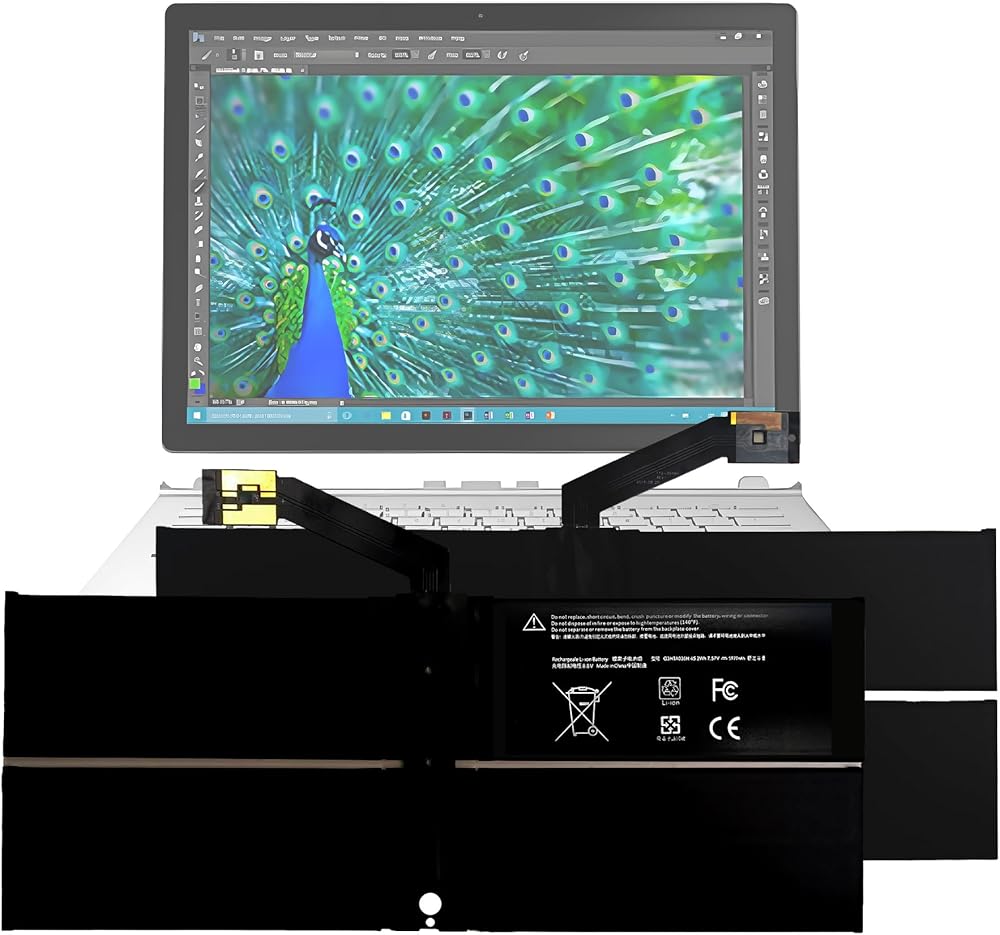
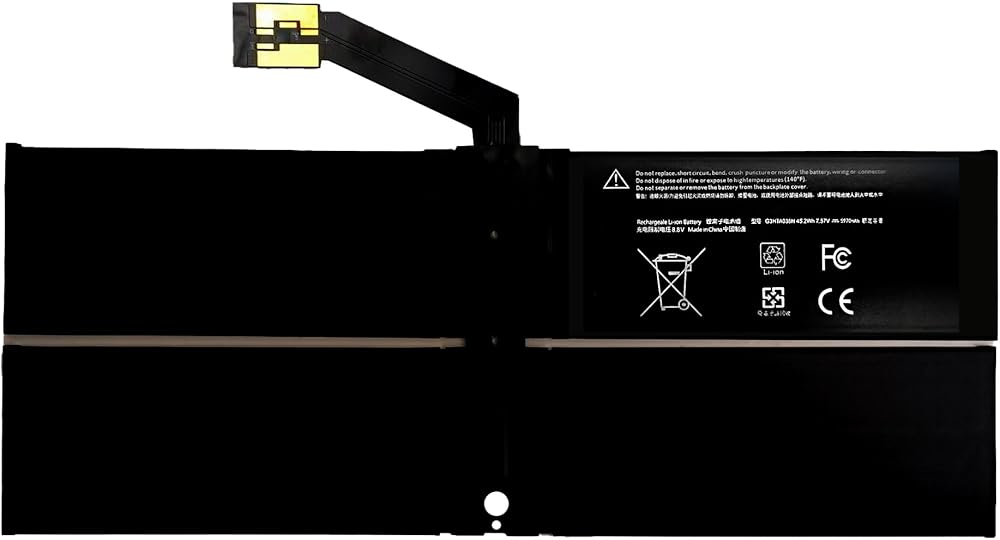
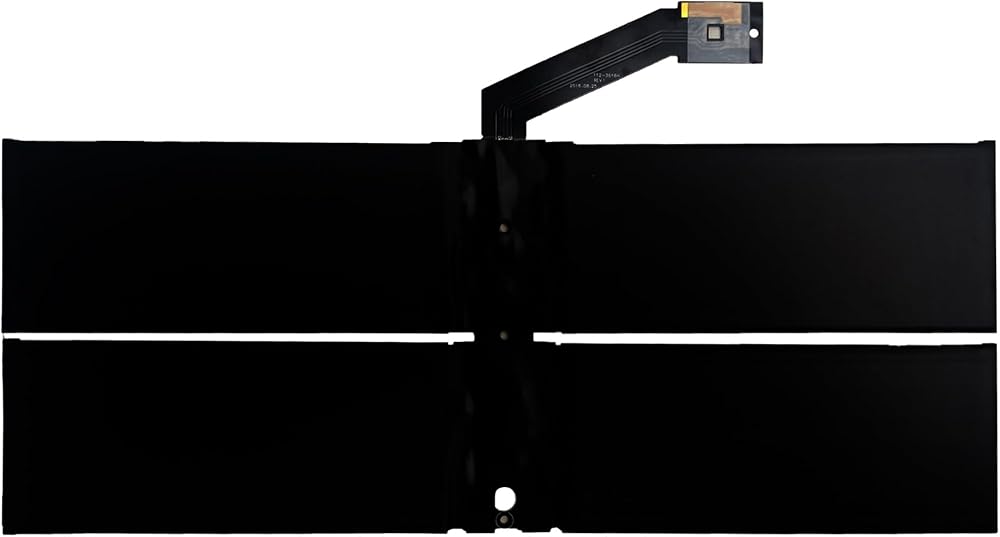
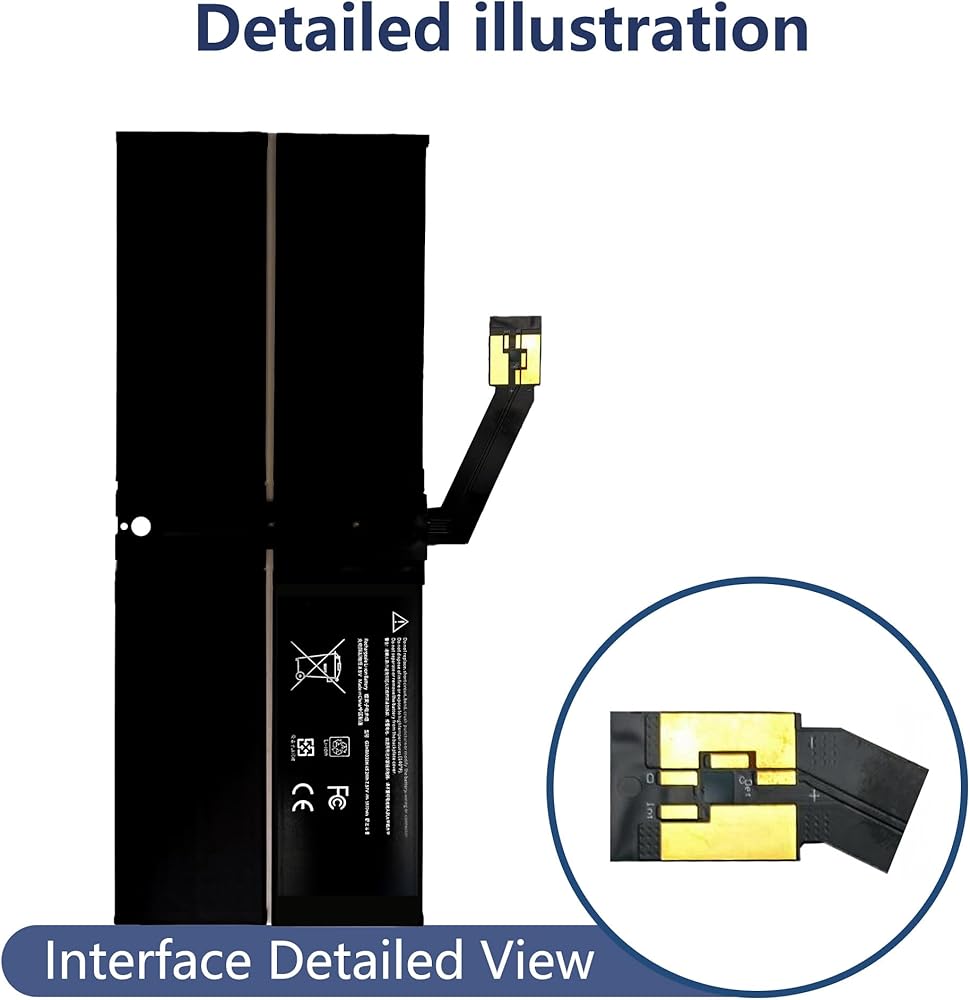
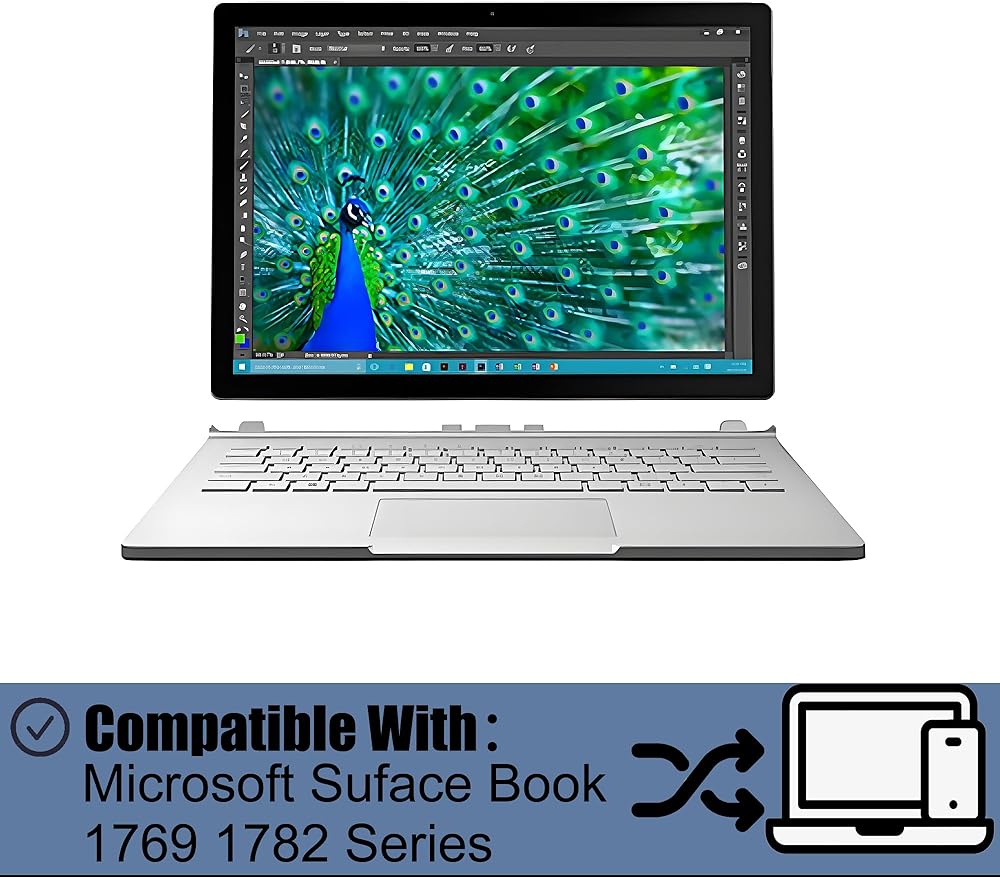
1. Compatible Models: Compatible with Microsoft Suface Book 1769 1782 Series(Long Cable)
2. Battery Specifications: 5970 mAh / 45.2 Wh,8.8 V
3. Product List: Battery
Purchase Notes:
1. Please carefully check your product model to avoid purchasing an incompatible product that cannot be used
2. Please use a charger that is compatible with the battery or the original charger provided with the phone to extend the battery's lifespan
3. When using the battery for the first time, please fully discharge it. Charge it to 100%, then continue charging for at least 2 hours. Use the device until it automatically shuts down due to low battery. Finally, charge it to 100% again. A new lithium-polymer battery will achieve optimal performance and lifespan after completing 2 to 3 full charge-discharge cycles
Battery Q&A:
1. If the new battery cannot power the phone, clean the battery connector with sandpaper or a stiff brush to remove any oxidation; Check if other flexible cables on the motherboard are properly connected
2. Charge the battery using the original adapter charger for 30 minutes. If the phone shows no charging signs, try using another Android adapter charger
3. If the battery level remains low after installation, it is because some phones require a system reinstallation after battery replacement to allow the system to recognize the new battery cell and display the correct battery level
After-sales service:
1. If you have any questions upon receiving the product, please contact us immediately. We will provide you with a solution, which will help resolve your issue more efficiently. Thank you for reaching out
2. The product has a 3-month warranty period. During this time, you may contact us at any time for any warranty-related issues
3. You may watch installation tutorials on YouTube to familiarize yourself with the process and avoid damaging the product during installation
 شاشة اللمس الزجاجية للمسح لـ Samsung Galaxy Tab 3 7.0 SM-T210 T210R T210L T217S 217A (WiFi Ver.No Seeper Hole)
KWD 4.500
شاشة اللمس الزجاجية للمسح لـ Samsung Galaxy Tab 3 7.0 SM-T210 T210R T210L T217S 217A (WiFi Ver.No Seeper Hole)
KWD 4.500
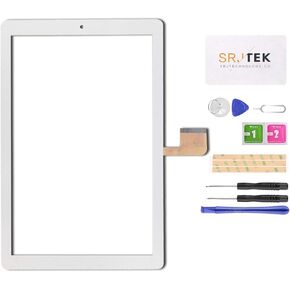 جديد 10.1 بوصة لمس لوحة الشاشة الرقمية الزجاج ل yestel x2 x2-2 منتصف الأطفال
KWD 5.500
جديد 10.1 بوصة لمس لوحة الشاشة الرقمية الزجاج ل yestel x2 x2-2 منتصف الأطفال
KWD 5.500
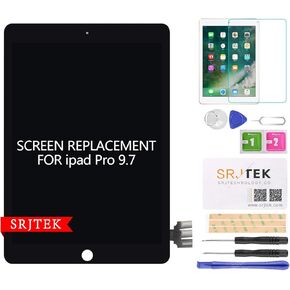 استبدال الشاشة لـ Apple iPad Pro 9.7 "LCD Display Touch Digitizer Assembly (Black)
KWD 37
استبدال الشاشة لـ Apple iPad Pro 9.7 "LCD Display Touch Digitizer Assembly (Black)
KWD 37
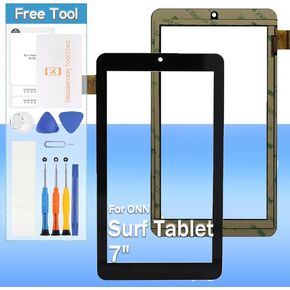 مُخّط أرقام شاشة اللمس لأجهزة توصيل Onn Surf 7 "100005206 لوحة اللمسات الزجاجية الأمامية بديلة بالأدوات (لا تشمل شاشة LCD)
KWD 6.500
مُخّط أرقام شاشة اللمس لأجهزة توصيل Onn Surf 7 "100005206 لوحة اللمسات الزجاجية الأمامية بديلة بالأدوات (لا تشمل شاشة LCD)
KWD 6.500