- التسوق ، اصبح سهلا.
- /
- احصل على التطبيق!
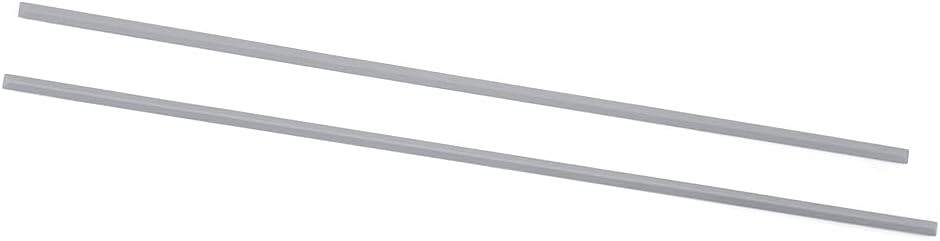
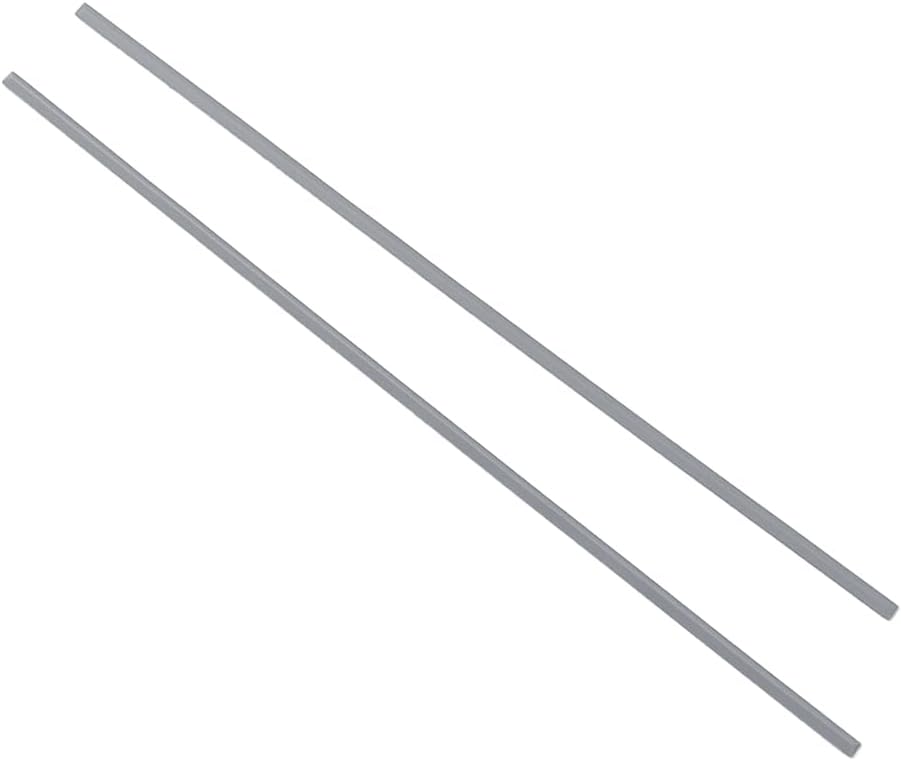
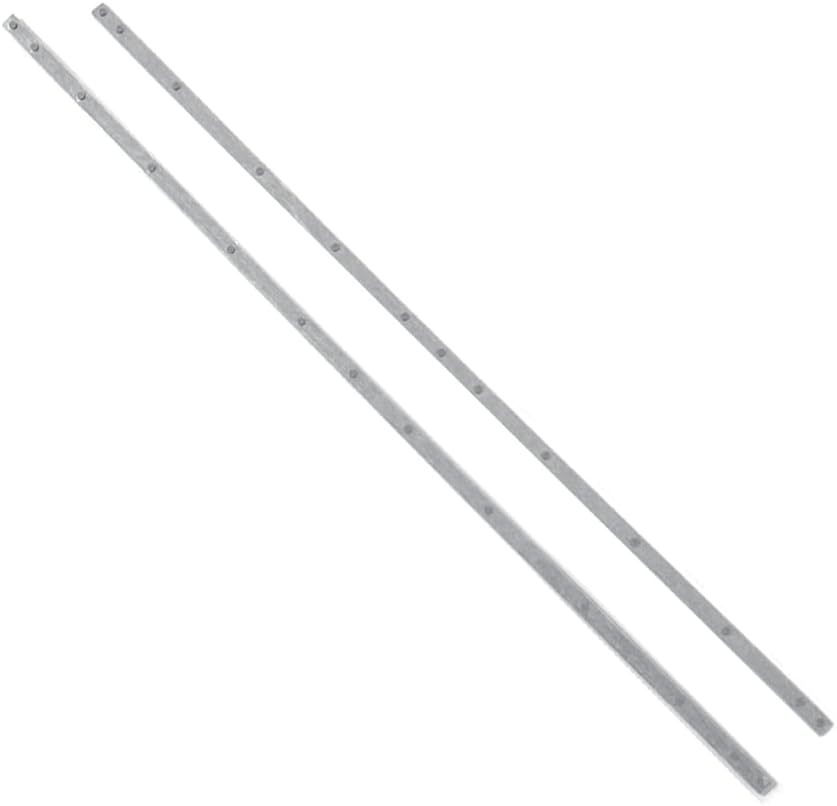
【 Package Includes】2PCS Laptop Rubber Feet Replacement(As shown in the figure)
Laptop Bottom Case Nonskid Silicone Bumper Rubber for HP EliteBook 840 845 G7 G8
Bumper Pads on the Bottom for HP Zbook 14 G7 G8
Product Dimensions:
Length: 28.90 cm
Width: 0.47 cm
Please refer to the following steps for installation:
1:Before installation, if the old feet are still adhered to the laptop but have become loose or are no longer flat, you may need to gently pry them up using a sharp knife or thin pliers. Please be careful not to use too hard an object to forcefully pry them off, as this may damage the fuselage .
2:After disassembly, clean the bottom of the laptop with a cleaning cloth to ensure there is no dust or residue
3: Paste it in place: Peel off the adhesive backing of the foot mats and use them. Make sure you apply enough pressure when pressing down so that the foot pad backing is firmly attached to the bottom of the laptop.
Multi-purpose use : not only prevent your laptop from sliding, but also improve the stability of the device, suitable for a variety of desktops and environments, giving you more peace of mind.
Questions you have about rubber foot pad
Question 1: Do I need to clean or prepare before pasting?
Answer 1:Before pasting, you must clean the location where you need to paste and clean the old foot pads completely to make them dry before installing them, so that the new rubber foot pad can be firmly adhered and not easy to fall off.
Question 2: Do they adhere well to the surface of the laptop?
Answer 2: They can stick well to the surface of the laptop, when installing press hard for a period of time, so that the rubber foot pad and the computer surface are completely bonded, the adhesion is very strong, can also be used to increase the firmness of the solid adhesive.
Question 3: How durable are they?
Answer 3: The durability of the rubber foot pad is very good, they are not easy to be damaged, and they are wear-resistant.
Question 4: Are they easy to apply and do not produce air bubbles?
Answer 4: It's easy to install, you can install it directly by tearing off the sticky side, and press hard to make the foot pads fit perfectly with the computer surface, no air bubbles will be generated.
Question 5: Are they easy to clean and maintain?
Answer 5: The rubber foot pads are easy to clean and maintain, wipe with a clean paper towel for cleanliness
Question 6: Is their installation process complicated?
Answer 6: The installation process is very simple, tear the side of the rubber foot pad and paste them to install successfully.
Question 7: Do they provide enough surface grip?
Answer 7: It is very non-slip and has a good surface grip.
Question 8: Will the adhesive strength weaken over time?
Answer 8: I would recommend that you clean the area with alcohol to remove all residue and adhesive from the previous footbed, leaving clean metal. Install the new foot pads and it will be very strong and less likely to come off. This way the adhesive strength will not weaken over time. Of course you can clean it without alcohol.

 30Pin FHD EDP LVDS LCD شاشة الكبل عرض الكبل الكابل فيديو بديل غير ملمس ل Dell Latitude 5520 5521 Precision 3520 3521 5520 3560 3561 01DVTD 1DVTD 450.0M602.0031 450.0M602.0002
KWD 8
30Pin FHD EDP LVDS LCD شاشة الكبل عرض الكبل الكابل فيديو بديل غير ملمس ل Dell Latitude 5520 5521 Precision 3520 3521 5520 3560 3561 01DVTD 1DVTD 450.0M602.0031 450.0M602.0002
KWD 8
 استبدال HP 15-DY2078NR 15-DY2085NR 15-DY2086NR 15-DY2702DX 15T-DY100 15T-DY200 15T-DY500 DC CORPLAY CABLE 799749-S17 931613-001 806746-001
KWD 5
استبدال HP 15-DY2078NR 15-DY2085NR 15-DY2086NR 15-DY2702DX 15T-DY100 15T-DY200 15T-DY500 DC CORPLAY CABLE 799749-S17 931613-001 806746-001
KWD 5
 غطاء أقدام المطاط السفلية استبدال شرائط HP Pavilion 15-EH 15-EG 15T-EG Foot Foot 15-Eg0000 15-EH0000 M08894-001 M39994-001 M08896-001 GAG7H001010101010101010101010101010
KWD 4.500
غطاء أقدام المطاط السفلية استبدال شرائط HP Pavilion 15-EH 15-EG 15T-EG Foot Foot 15-Eg0000 15-EH0000 M08894-001 M39994-001 M08896-001 GAG7H001010101010101010101010101010
KWD 4.500
 استبدال ASUS TUF Gaming F15 FX507 FX507ZC FX507ZE FX507ZM FX507VU FX507ZI FX507ZU مسامير غطاء القاعدة السفلية السفلية السود
KWD 6
استبدال ASUS TUF Gaming F15 FX507 FX507ZC FX507ZE FX507ZM FX507VU FX507ZI FX507ZU مسامير غطاء القاعدة السفلية السفلية السود
KWD 6