- Shopping, made easy.
- /
- Get the app!
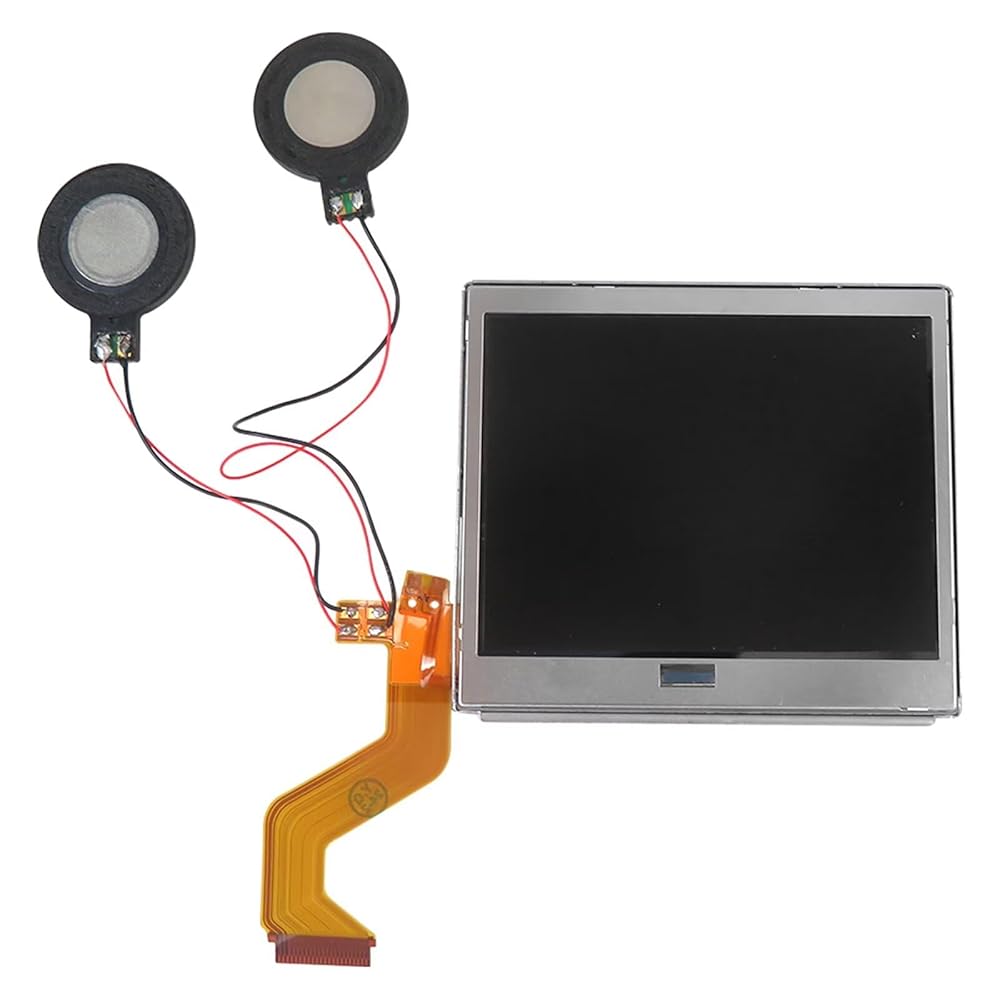
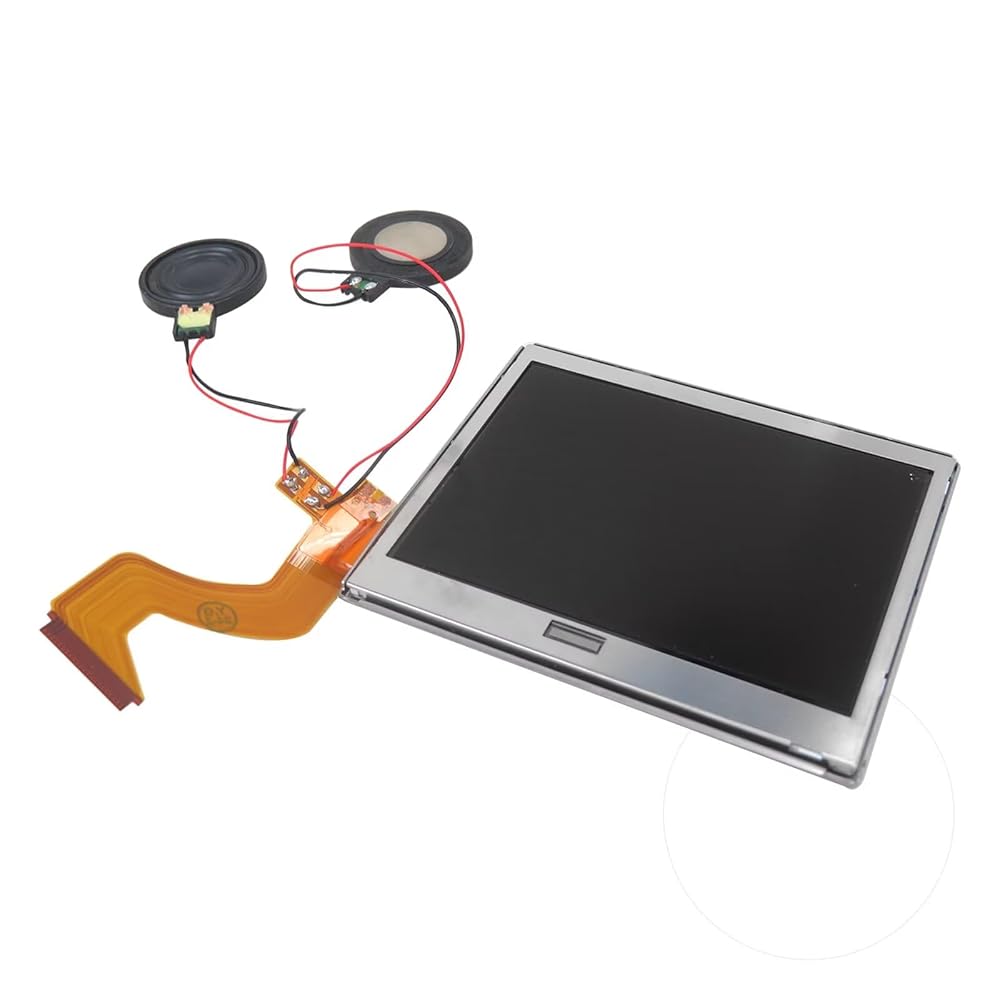
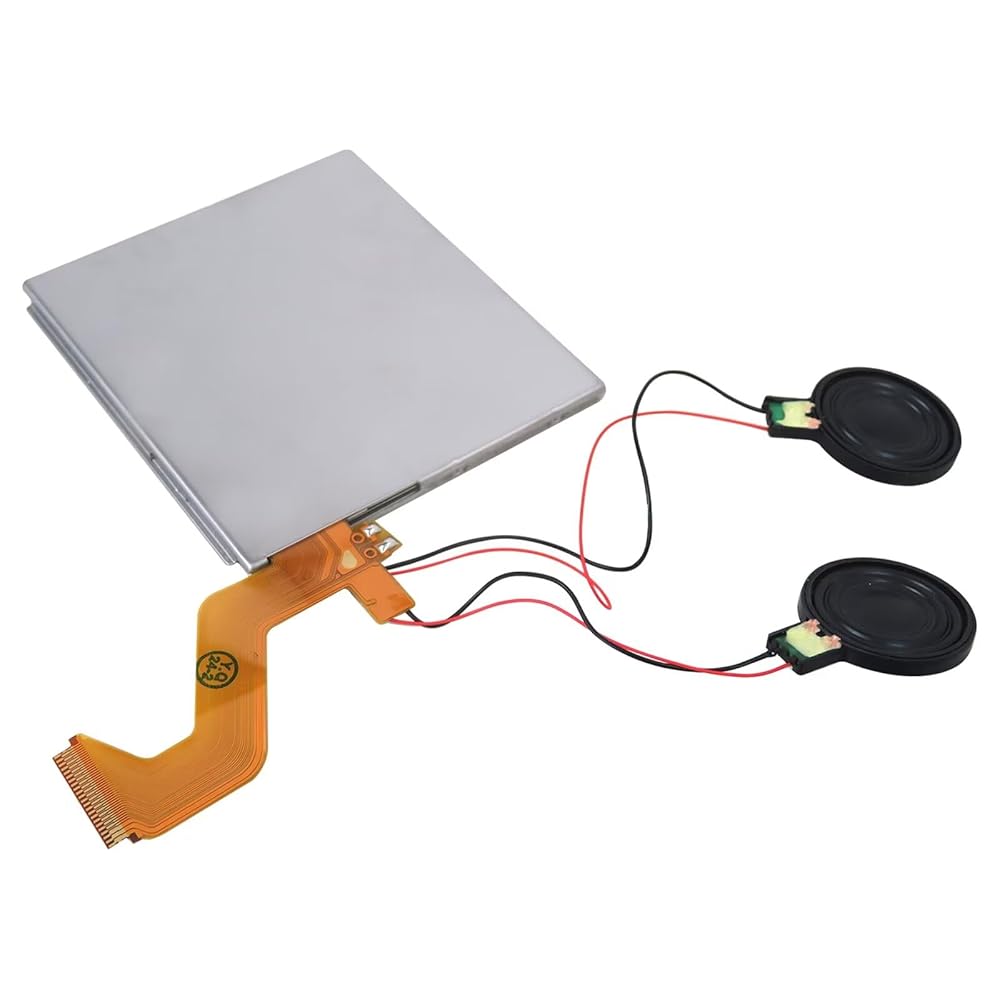
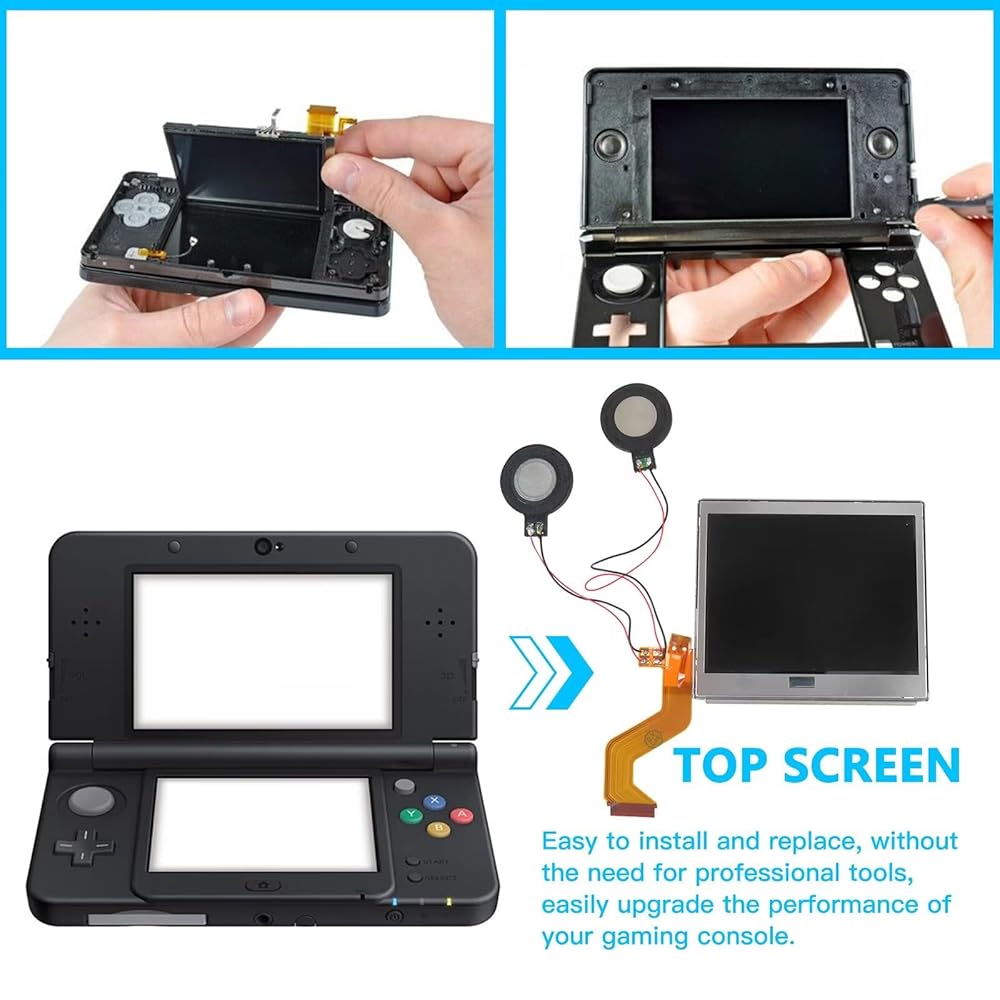
Complete Top Screen Assembly for Nintendo DS Lite - 2026 Version with Speakers Pre-Soldered, Direct Replacement Repair Kit
Compatibility:
for Nintendo DS Lite
Fix the problem:
1.Display problems
2.Dead pixels
3.Wrong color issues
4.Screen malfunction
How to Install:
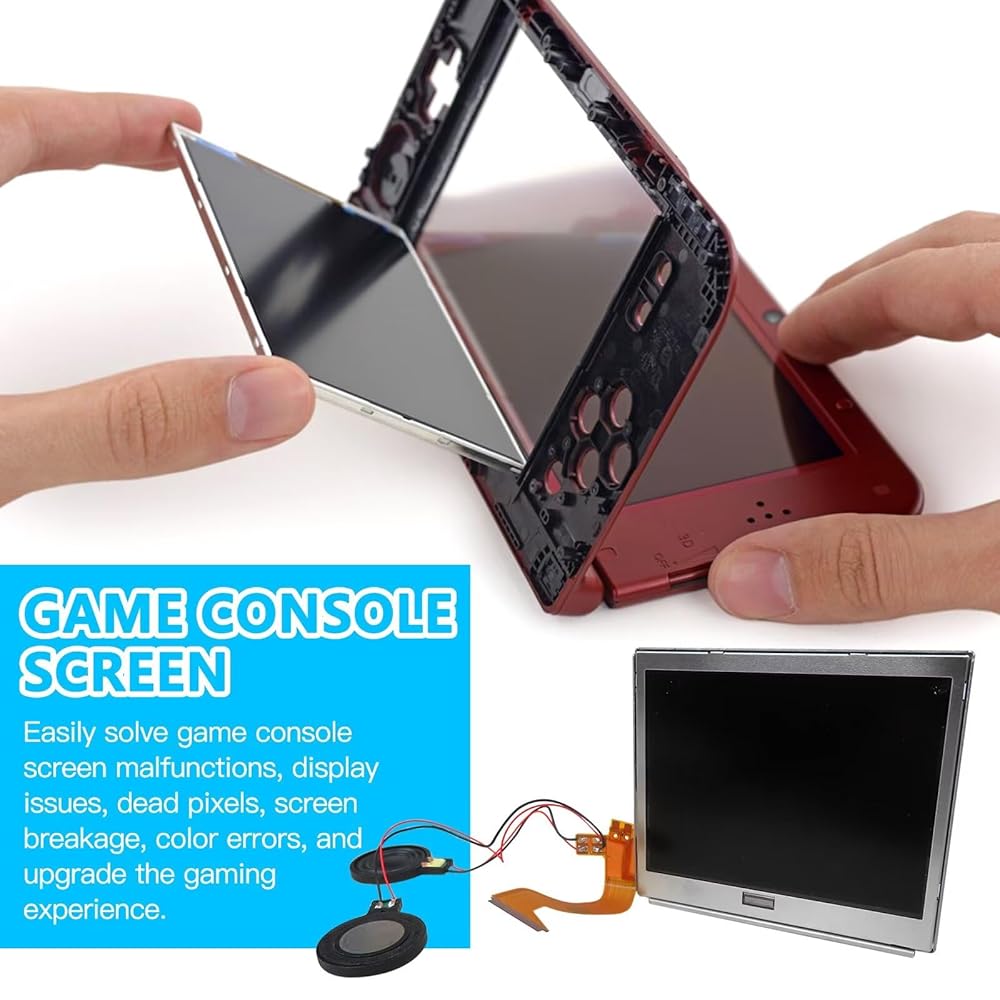
You'll need to transfer the colored bezel over from your old screen. Do this by pinching the adhesive on the bottom right corner of the screen and carefully pulling up; the bezel should come up with the adhesive in a single piece. Use the top shell piece as a guide for reassembly.
Please be aware the speaker wire connections are fragile, and if not handled gently, the speakers can rip off.
Note:
If there is no audio at all, there may be debris stuck in the headphone jack, which can be easily fixed. Before you try replacing the screen, try cleaning out the headphone jack by inserting a pair of headphones about 10-20 times. This can sometimes clear debris.
Package Includes:
1x Top Screen Replacement
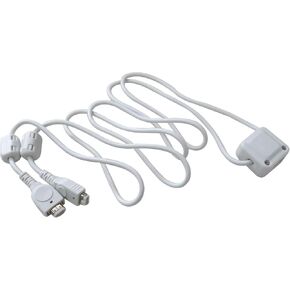 1Pcs Multi Player (2-Players) White Connection Cable Compatible for Nintendo Game Boy Advance SP Systems
KWD 5
1Pcs Multi Player (2-Players) White Connection Cable Compatible for Nintendo Game Boy Advance SP Systems
KWD 5
 2025 New Replacement LCD Screen Display Top + Bottom + Touch Digitizer Compatible for N-intendo 2DS
KWD 23
2025 New Replacement LCD Screen Display Top + Bottom + Touch Digitizer Compatible for N-intendo 2DS
KWD 23
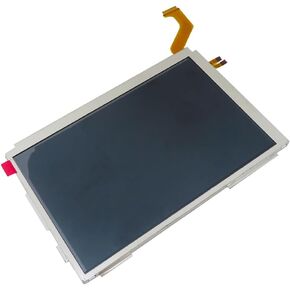 New Upper LCD Screen for 3DS XL LCD Screen Display, Replacement Parts Accessories Top Upper LCD Screen Display for 3DS XL System Games
KWD 11.500
New Upper LCD Screen for 3DS XL LCD Screen Display, Replacement Parts Accessories Top Upper LCD Screen Display for 3DS XL System Games
KWD 11.500
 New Top Screen Display Replacement for Nintendo 3DS, Upper LCD Screen Display for Nintendo 3DS XL
KWD 11.500
New Top Screen Display Replacement for Nintendo 3DS, Upper LCD Screen Display for Nintendo 3DS XL
KWD 11.500