- التسوق ، اصبح سهلا.
- /
- احصل على التطبيق!
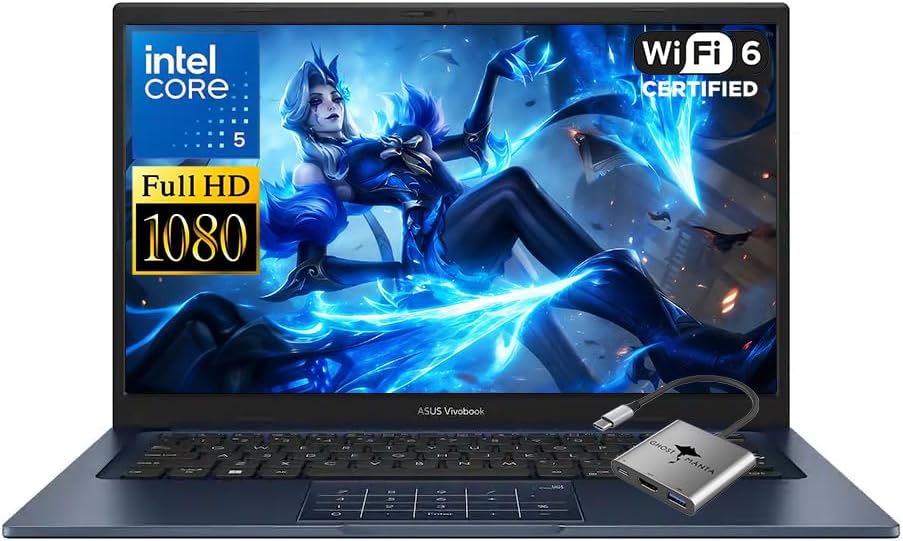
We sells laptop-computer with upgraded configurations. If the computer has modifications (listed above), then the manufacturer box is opened for it to be tested and inspected and to install the upgrades to achieve the specifications as advertised. If no modifications are listed, the item is unopened and untested. Defects & blemishes are significantly reduced by our in depth inspection & testing.
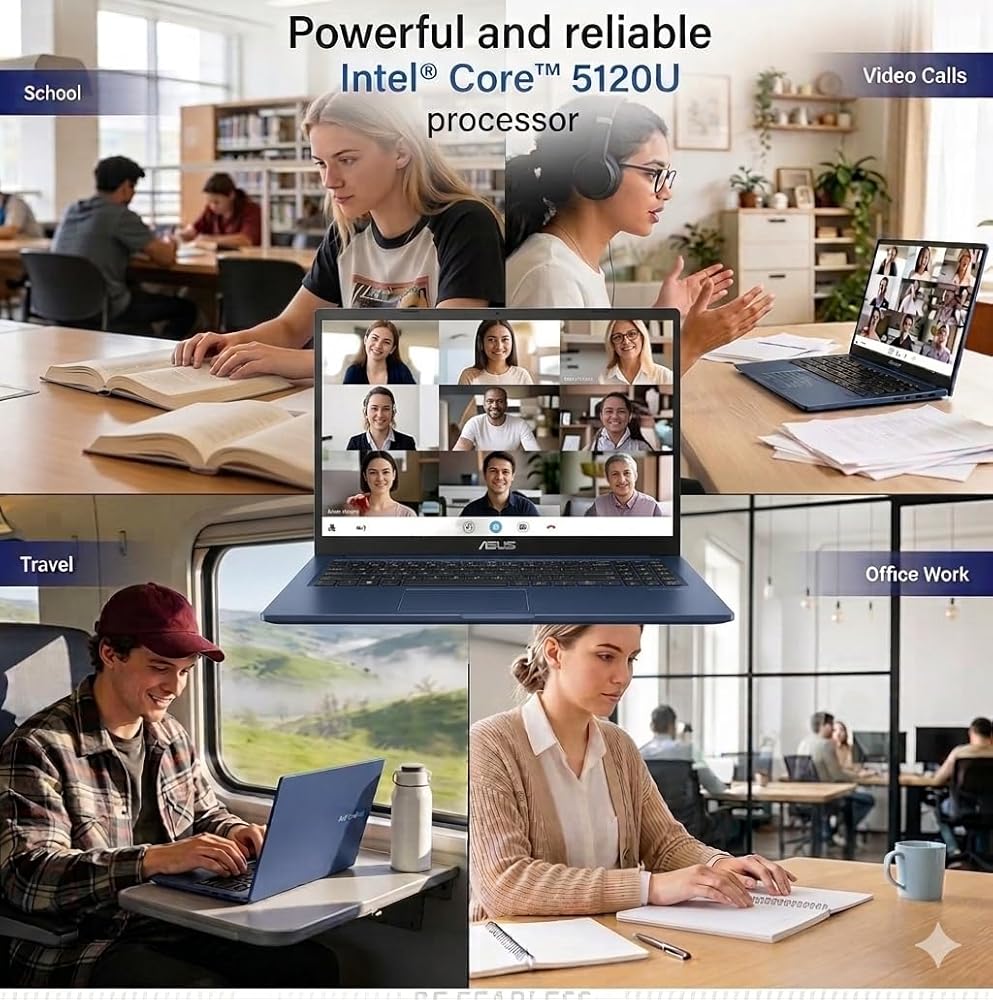
Microprocessor: Intel Core 5 120U(10 Cores, up to 5 GHz)
Memory: Upgraded to 16GB DDR4 RAM
Solid state drive capacity: Upgraded to 512GB SSD(expandable up to 2TB)
Video graphics: Intel Graphics
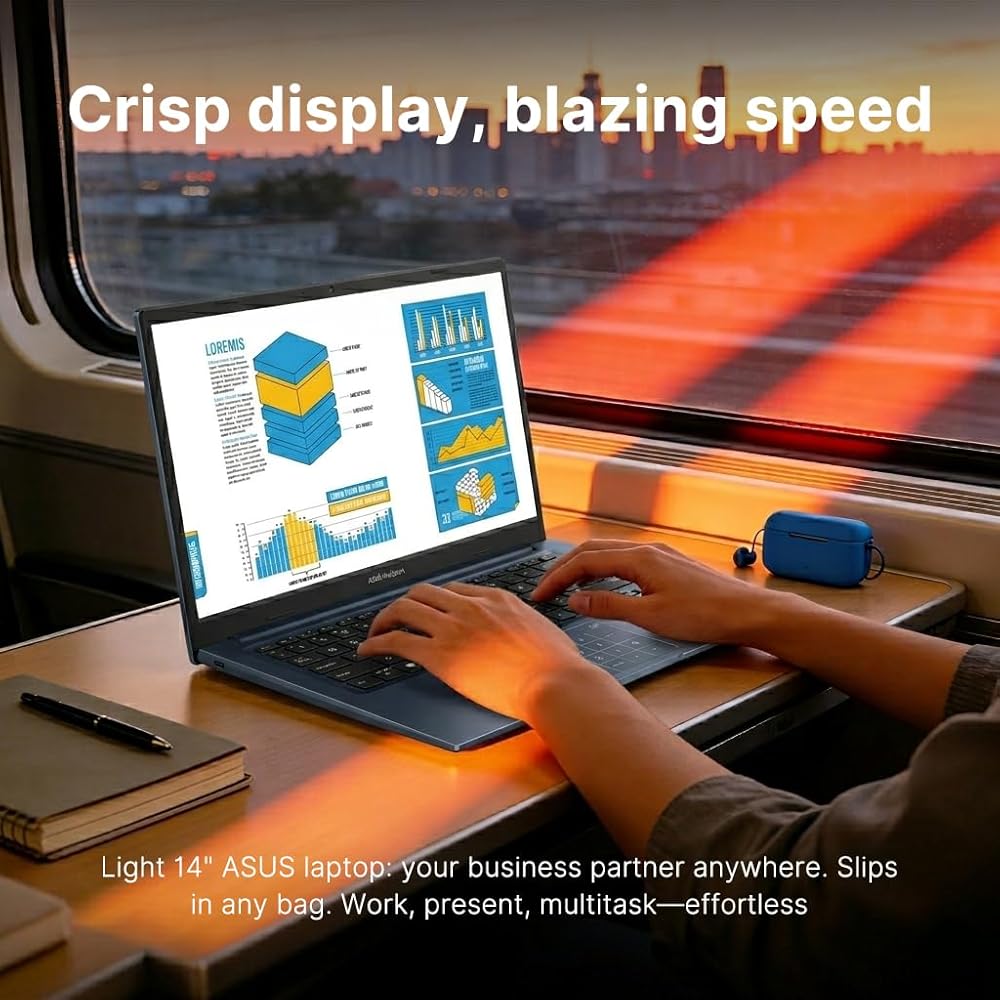
Display: 14" FHD(1920×1080) display
Wireless connectivity: Wi-Fi 6 and Bluetooth
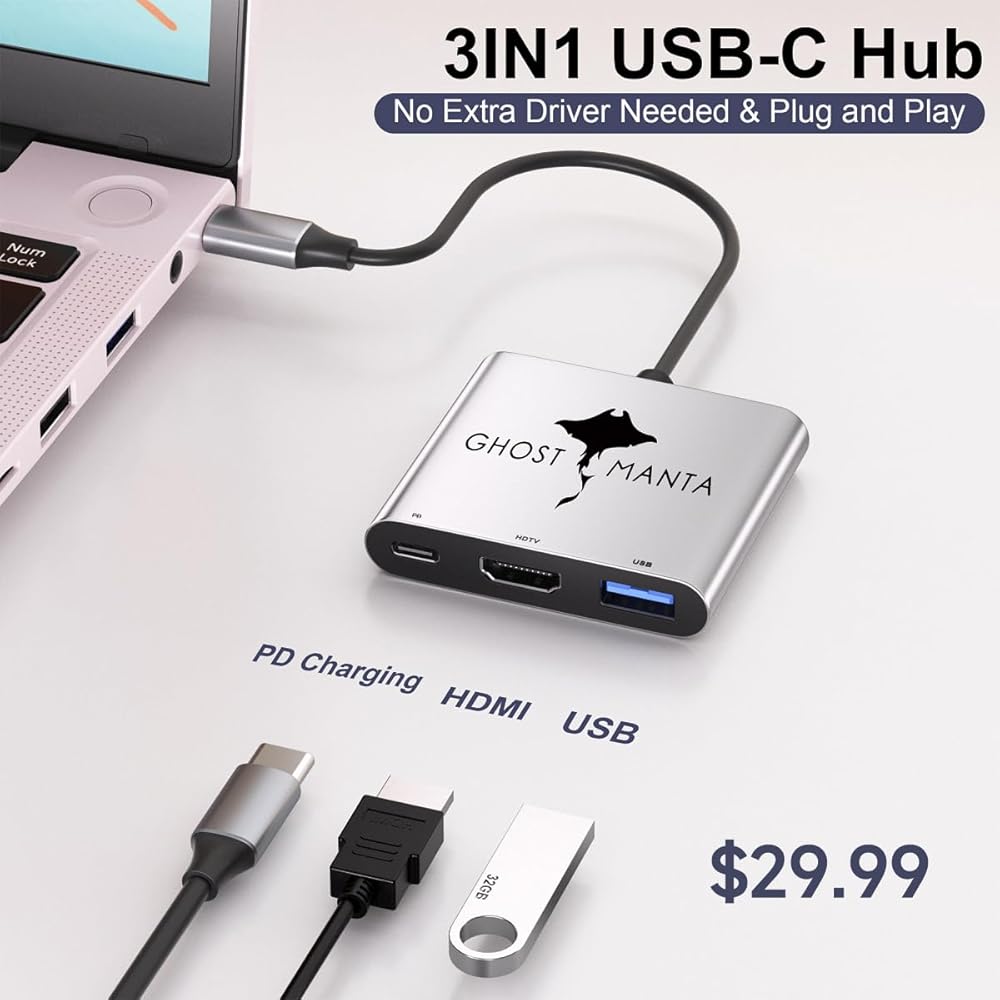
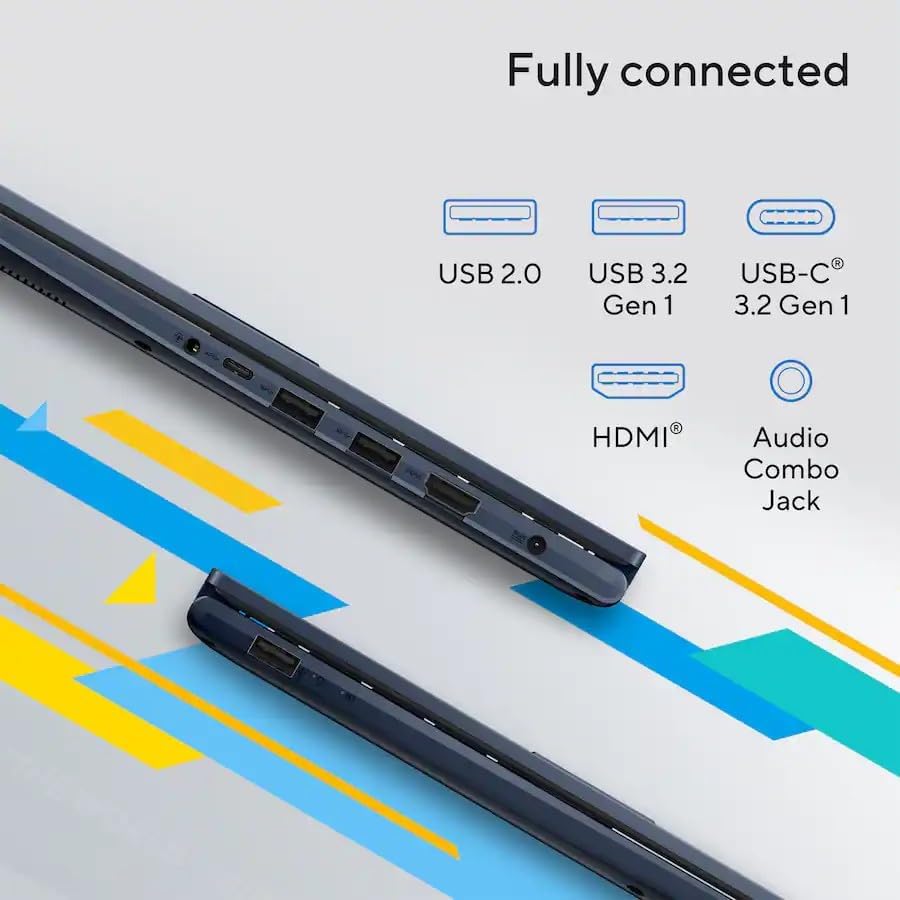
External ports: 1 x USB 3.2 Type-C | 2 x USB 3.2 Type-A | 1 x USB 2.0 Type-A | 1 x HDMI 1.4 | 1 x DC Jack
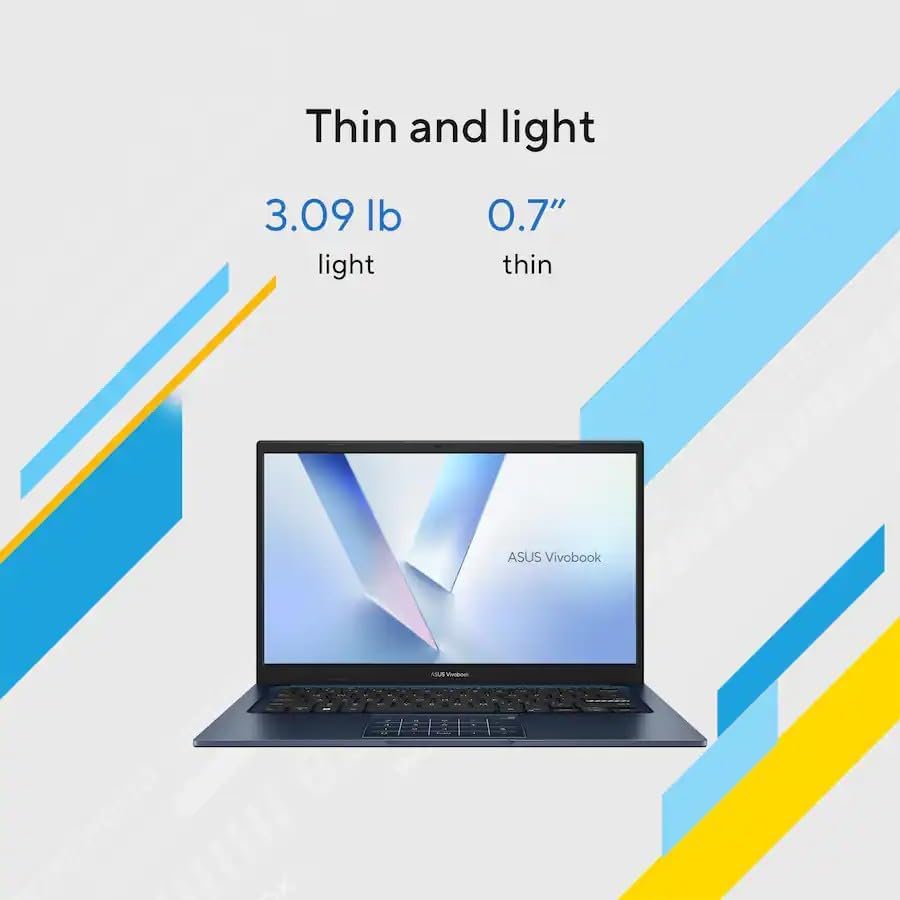
Minimum dimensions (W x D x H): 12.79 x 8.42 x 0.7 in
Weight: 3.09 LB
Battery life mixed usage: Up to 8 hours
Operating system: Windows 11 Home in S Mode
Switching out of S mode in Windows 11
Windows 11 in S mode is designed for security and performance, exclusively running apps from the Microsoft Store. If you want to install an app that isn't available in the Microsoft Store, you'll need to switch out of S mode
1. On your PC running Windows 11 in S mode, open Settings > System > Activation.
2. In the Switch to Windows 11 Pro section, select Go to the Store. (If you also see an "Upgrade your edition of Windows" section, be careful not to click the "Go to the Store" link that appears there.)
3. On the Switch out of S mode (or similar) page that appears in the Microsoft Store, select the Get button. After you see a confirmation message on the page, you'll be able to install apps from outside of the Microsoft Store.
![ASUS BR1102FGA -S14T 11.6 شاشة تعمل باللمس 2 في 1 دفتر ملاحظات - HD - 1366 × 768 - Intel Celeron N100 Quad -Core [4 Core] 800 MHz - 4 GB إجمالي RAM - 4 جيجابايت على متن الطائرة - 128 GB SSD - Mineral Gray Mineral Gray in Kuwait](https://cdn1.tilga.com/md/prod/3/5997/3/154961316.53931.jpg) ASUS BR1102FGA -S14T 11.6 شاشة تعمل باللمس 2 في 1 دفتر ملاحظات - HD - 1366 × 768 - Intel Celeron N100 Quad -Core [4 Core] 800 MHz - 4 GB إجمالي RAM - 4 جيجابايت على متن الطائرة - 128 GB SSD - Mineral Gray Mineral Gray
KWD 104
ASUS BR1102FGA -S14T 11.6 شاشة تعمل باللمس 2 في 1 دفتر ملاحظات - HD - 1366 × 768 - Intel Celeron N100 Quad -Core [4 Core] 800 MHz - 4 GB إجمالي RAM - 4 جيجابايت على متن الطائرة - 128 GB SSD - Mineral Gray Mineral Gray
KWD 104
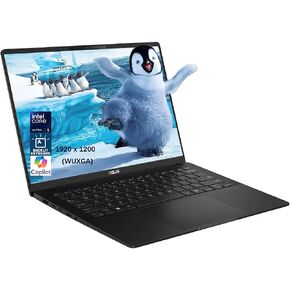 Asus Vivobook S 14 14 "الكمبيوتر المحمول ، AI تعمل على أجهزة الكمبيوتر المحمولة Wuxga OLED ، Intel 8-Core Ultra 5 226V ، 16GB LPDDR5X RAM ، 1TB SSD ، Lacklit KB ، WiFi 7 ، Thunderbolt 4 ، Windows 11 Pro +BWE.
KWD 316.500
Asus Vivobook S 14 14 "الكمبيوتر المحمول ، AI تعمل على أجهزة الكمبيوتر المحمولة Wuxga OLED ، Intel 8-Core Ultra 5 226V ، 16GB LPDDR5X RAM ، 1TB SSD ، Lacklit KB ، WiFi 7 ، Thunderbolt 4 ، Windows 11 Pro +BWE.
KWD 316.500
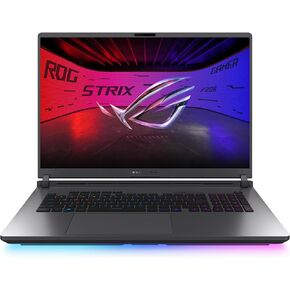 ASUS ROG Strix G18 (2025) Gaming Labtop ، 18 "Rog Nebula 16:10 2.5K 240Hz/3MS ، NVIDIA® GEFORCE RTX ™ 5070 ، Intel® Core ™ Ultra 9 275HX ، 32GB DDR5-5600 ، 2TB PCI Gen 4 SSD ،
KWD 0
ASUS ROG Strix G18 (2025) Gaming Labtop ، 18 "Rog Nebula 16:10 2.5K 240Hz/3MS ، NVIDIA® GEFORCE RTX ™ 5070 ، Intel® Core ™ Ultra 9 275HX ، 32GB DDR5-5600 ، 2TB PCI Gen 4 SSD ،
KWD 0
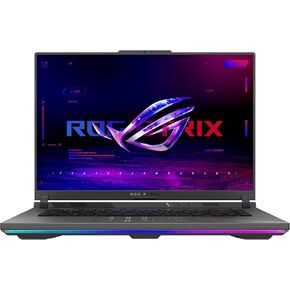 ASUS ROG Strix G16 (2025) Gaming Labtop ، 16 "Rog Nebula 16:10 2.5K 240Hz/3MS ، NVIDIA® GEFORCE RTX ™ 5070 TI ، AMD RYZEN ™ 9 9955HX Processor ، 32GB DDR5-5600 ،
KWD 799
ASUS ROG Strix G16 (2025) Gaming Labtop ، 16 "Rog Nebula 16:10 2.5K 240Hz/3MS ، NVIDIA® GEFORCE RTX ™ 5070 TI ، AMD RYZEN ™ 9 9955HX Processor ، 32GB DDR5-5600 ،
KWD 799